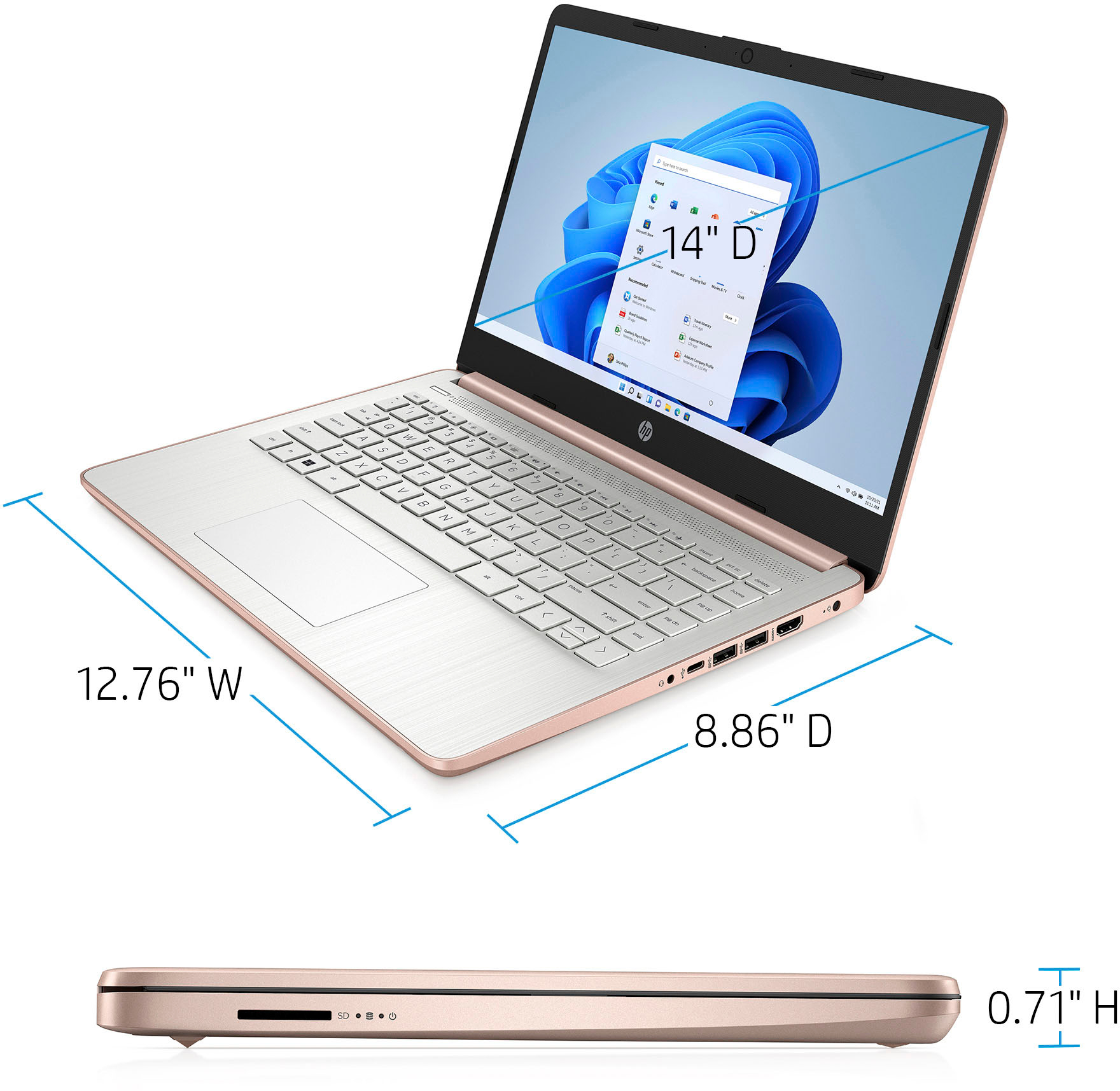
A:AnswerRoblox is a fairly lightweight game that can run on most devices without issue. We recommend reaching out to the developer of any games that would be played to ensure this computer meets the specifications needed.
A:AnswerThis laptop cannot handle Adobe Creative Cloud. You need a computer with at least Intel i5 or Ryzen 5 processor or better with 8 GB or 16 GB of RAM and a discrete graphics card with 2 gigabytes or more of video memory to run the Adobe programs. They are big programs that require a lot of processing power to run.
A:AnswerThis laptop has Windows 10 in S Mode. That means you can only download apps from the Microsoft Store and use the Microsoft Edge browser. Once you switch out of the S mode, you cannot go back to the S Mode.
A:AnswerHi! Yes, you can. . It is very simple to do. You just need to be careful when doing so. Here is a link to switching out of S mode: https://support.microsoft.com/en-us/windows/switching-out-of-s-mode-in-windows-10-4f56d9be-99ec-6983-119f-031bfb28a307
Here are some instructions from microsoft:
On your PC running Windows 10 in S mode, open Settings > Update & Security > Activation.
In the Switch to Windows 10 Home or Switch to Windows 10 Pro section, select Go to the Store. (If you also see an "Upgrade your edition of Windows" section, be careful not to click the "Go to the Store" link that appears there.)
On the Switch out of S mode (or similar) page that appears in the Microsoft Store, select the Get button. After you see a confirmation message on the page, you'll be able to install apps from outside of the Microsoft Store.
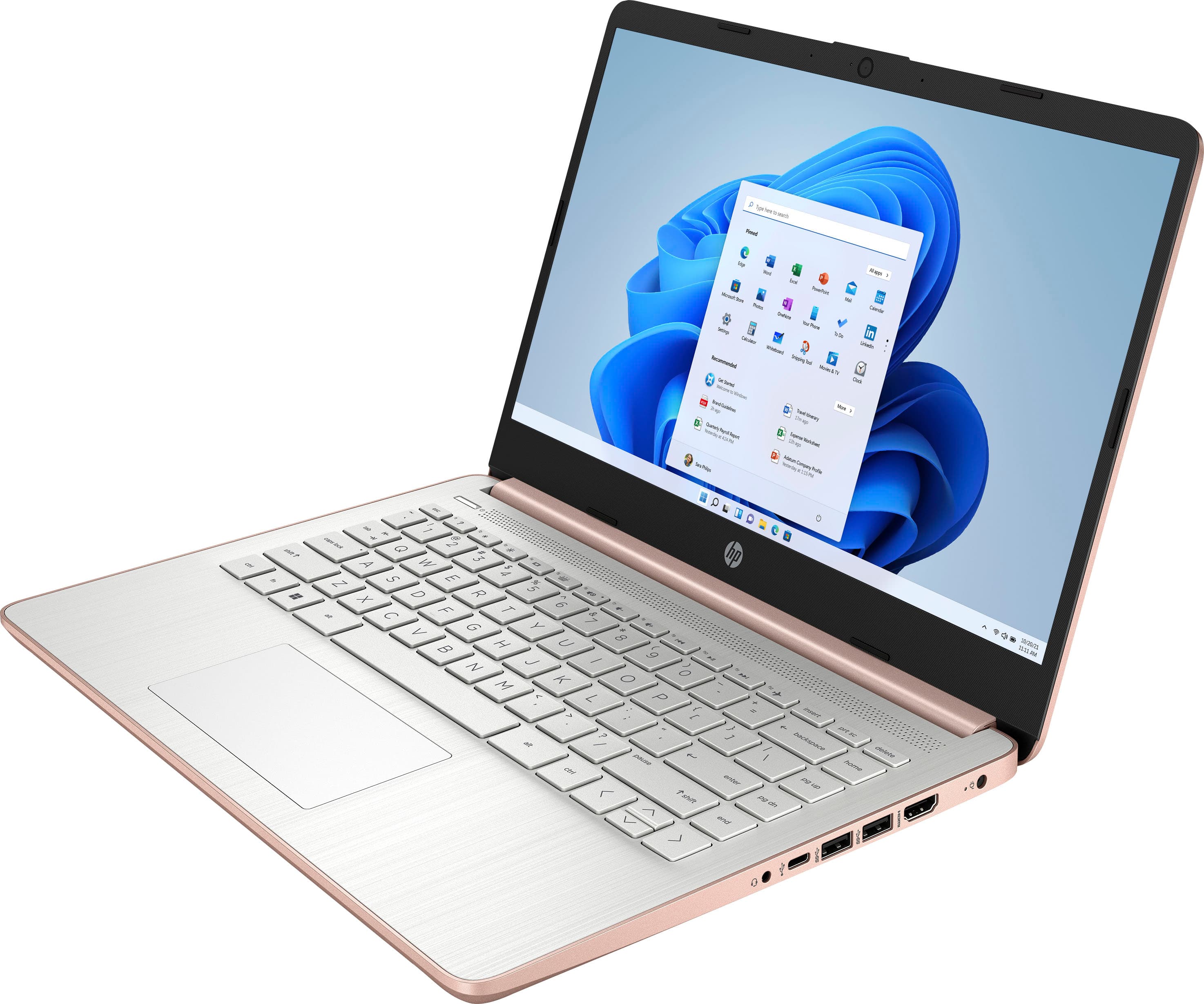
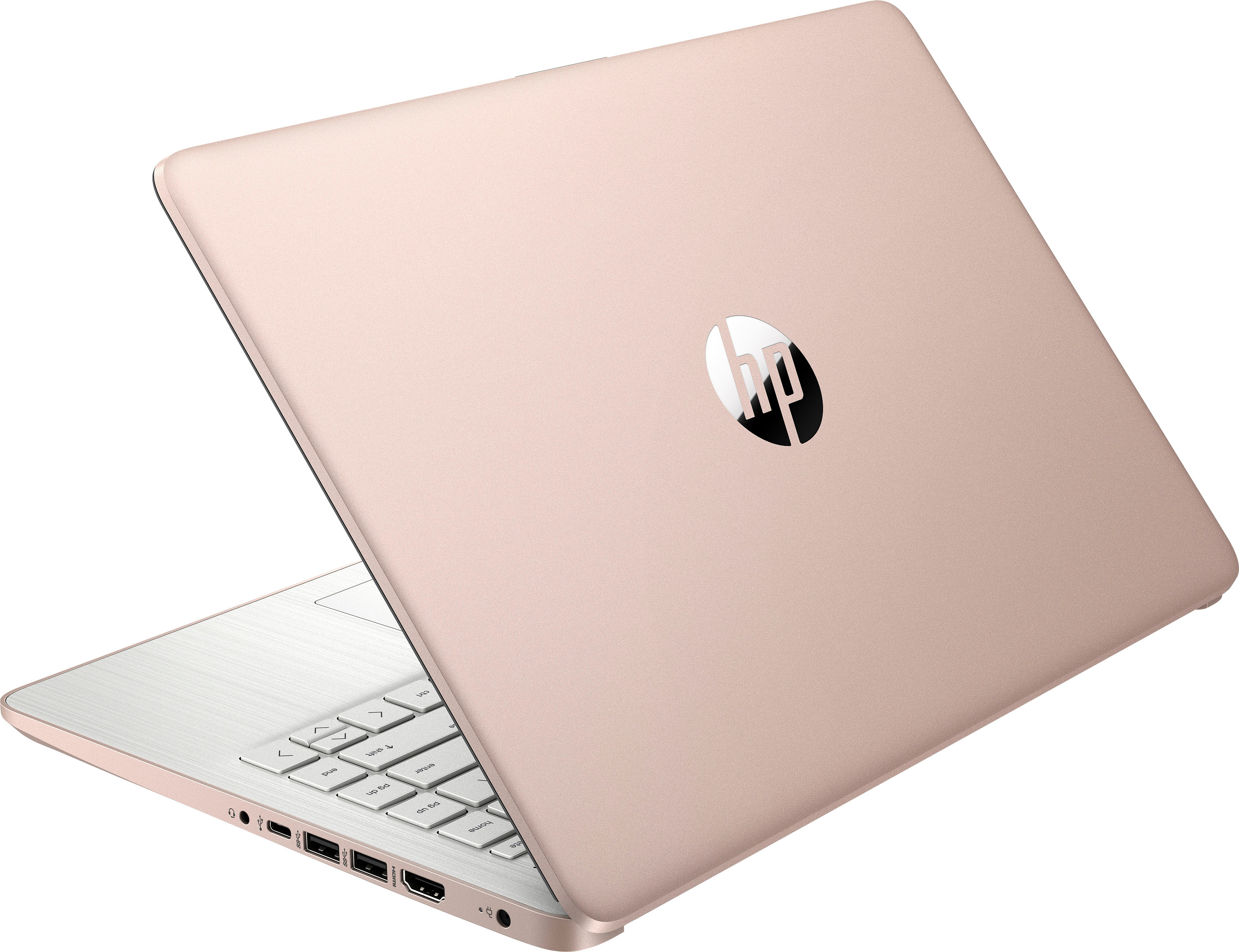
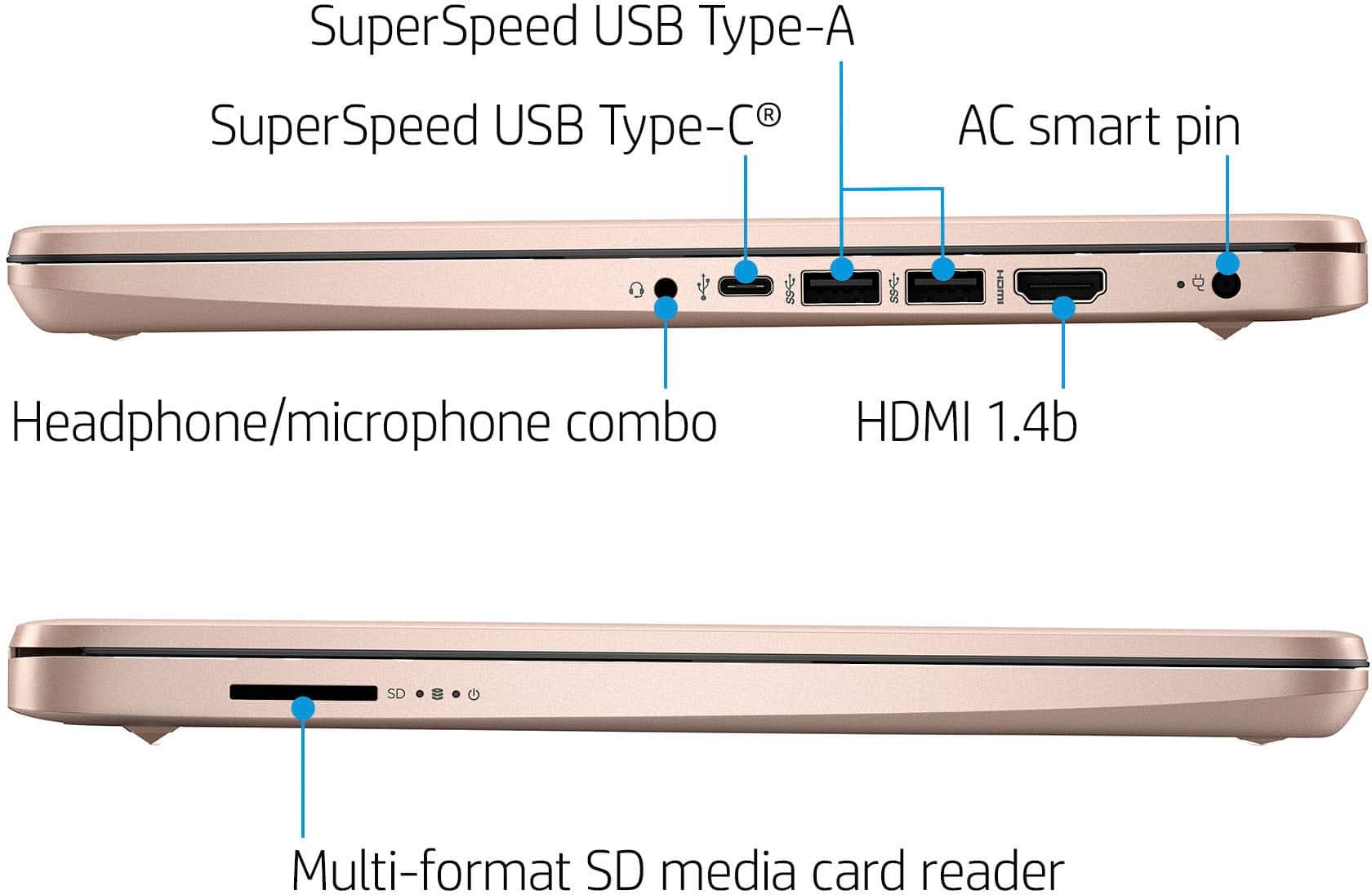
A:AnswerYes, you can use a wireless printer with this laptop. And there is a 3.5 mm jack on this laptop for speakers or headphones. Some computer speakers use USB ports, this laptop does have a USB port.
A:AnswerYou can use Microsoft 365 on this laptop. Just log into your https://www.office.com account. Once signed in, click Install Office and follow the onscreen instructions. Here some more information: https://bit.ly/3nX3BOT
A:AnswerAt the end of the first year, you will be given the chance to renew the Microsoft 365 subscription. If you choose to not renew the subscription, you will not be able to use the applications.
A:AnswerIt is a basic laptop that allows you to access the internet through the Microsoft Edge browser and use the apps from the Microsoft Store with this laptop.