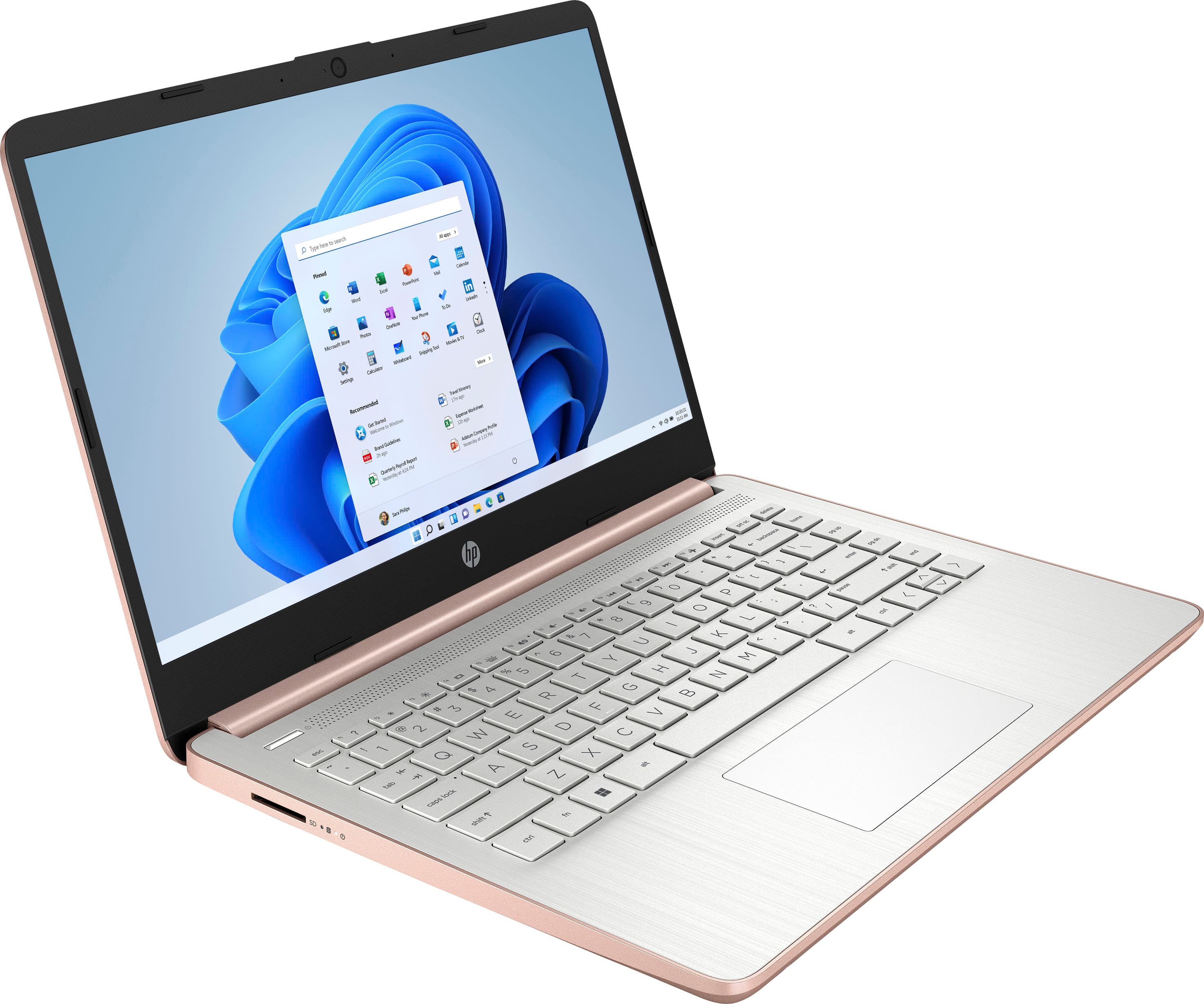
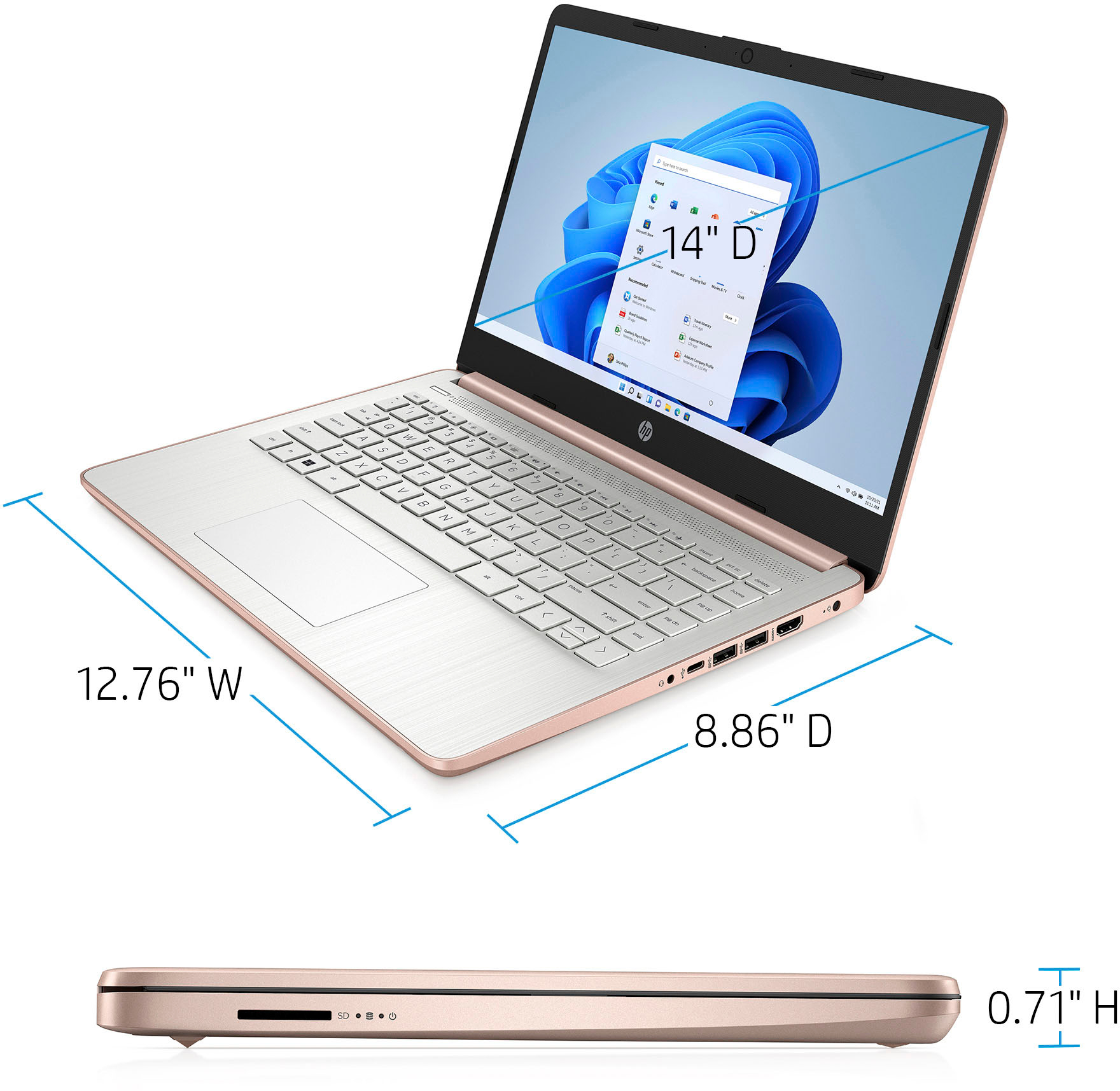
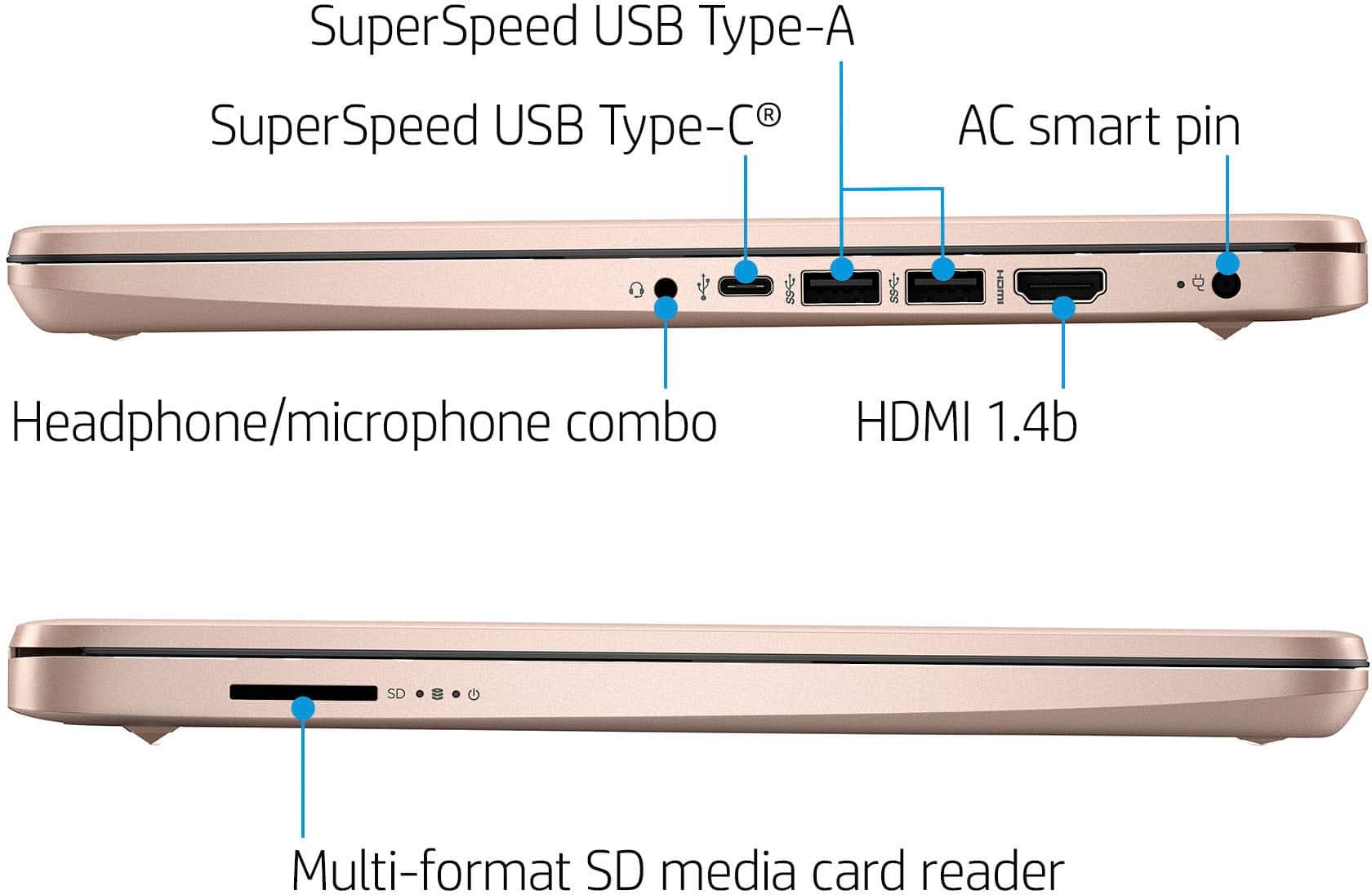
A:AnswerYes it accepts any standard SD cards similar in size to this:
https://www.bestbuy.com/site/sandisk-ultra-plus-32gb-sdhc-uhs-i-memory-card/6346825.p?skuId=6346825
A:AnswerThank you for the question. You can connect your laptop to the TV via an HDMI cable if your TV has an HDMI port. Without knowing the TV model that you have, and if it has Wi-Fi capability, we are unable to offer further solutions. Apologies.
A:AnswerBecause this computer is running Windows in "S Mode" it can only download and run apps that are in the Windows Store. "Adobe" is a company that has a number of different software products, so without knowing which one you're wondering about it's impossible to say if that app is in the Windows store or not.
A:AnswerHello, this laptop is not designed for gaming. It is always recommended to have a dedicated graphics card and a strong processor to game with a device. Thank you for being an HP customer!
A:AnswerThank you for the question. Apologies, no. This model has 4GB of random-access-memory (RAM), and 64GB eMMC (Embedded Multimedia Card) storage (instead of a hard disk drive or a solid state drive). The eMMC is soldered to the motherboard.
A:AnswerMany factors will impact a Zoom conference call and while the mic and camera both are good, the quality of the conference call might not be. It is also affected by the internet setup, the internet speeds between everyone involved in the meeting, clear connection and firewalls. For Zoom you would also have to take this device out of Windows 11 Home in S Mode. The camera also does not offer a wide format for a large group. Best Buy does offer home and business walk ins if you are looking to make sure you have an optimal setup for online meetings on your end.
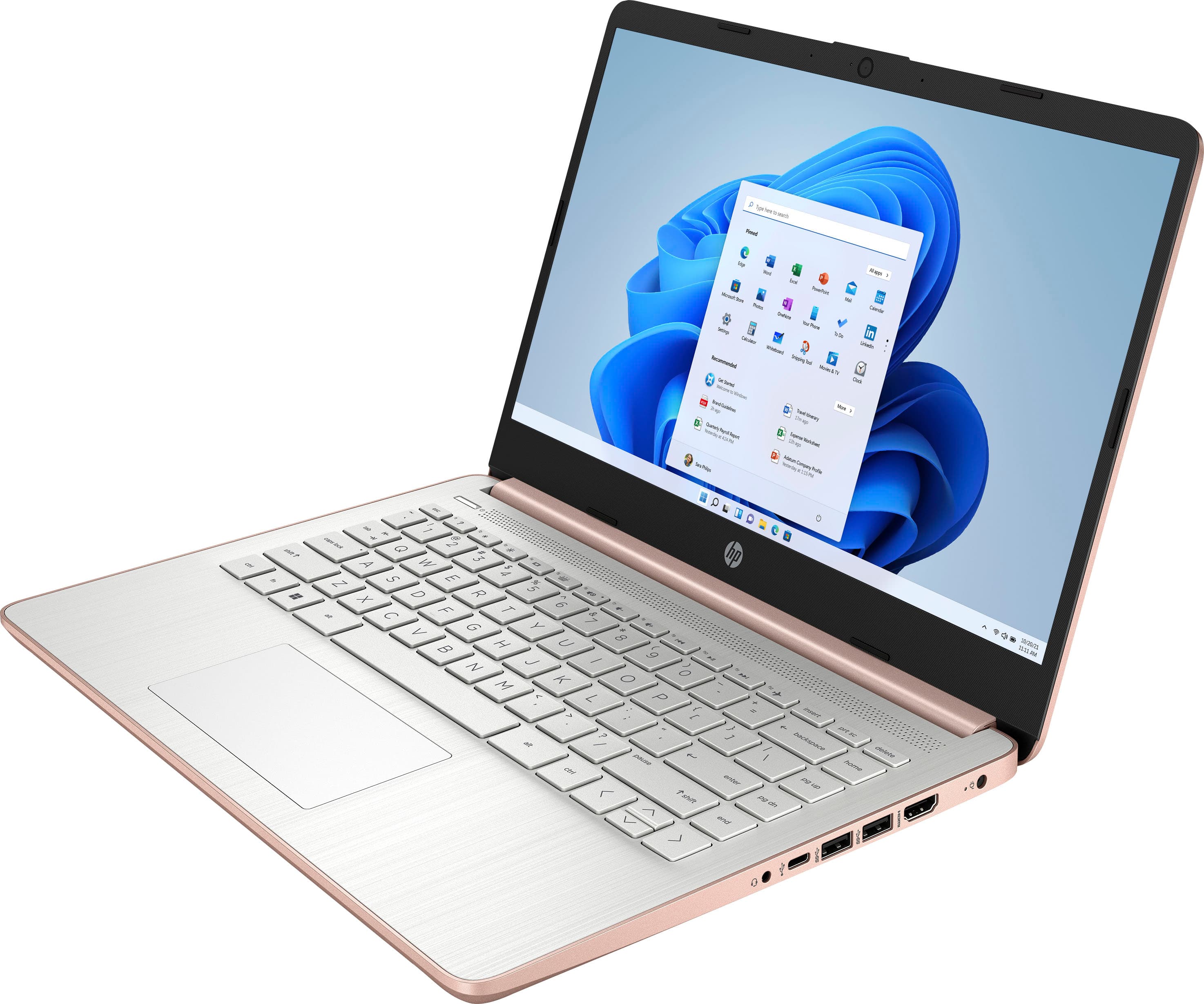
A:AnswerThe computer doesn't have an Ethernet port, however, you can get an Ethernet to USB adapter that takes the cable and connects it to one of the USB ports.
A:AnswerThank you for your question! This laptop does not meet the minimum system requirements for Minecraft Java. Those requirements are listed here: https://bit.ly/3Dlmq6V