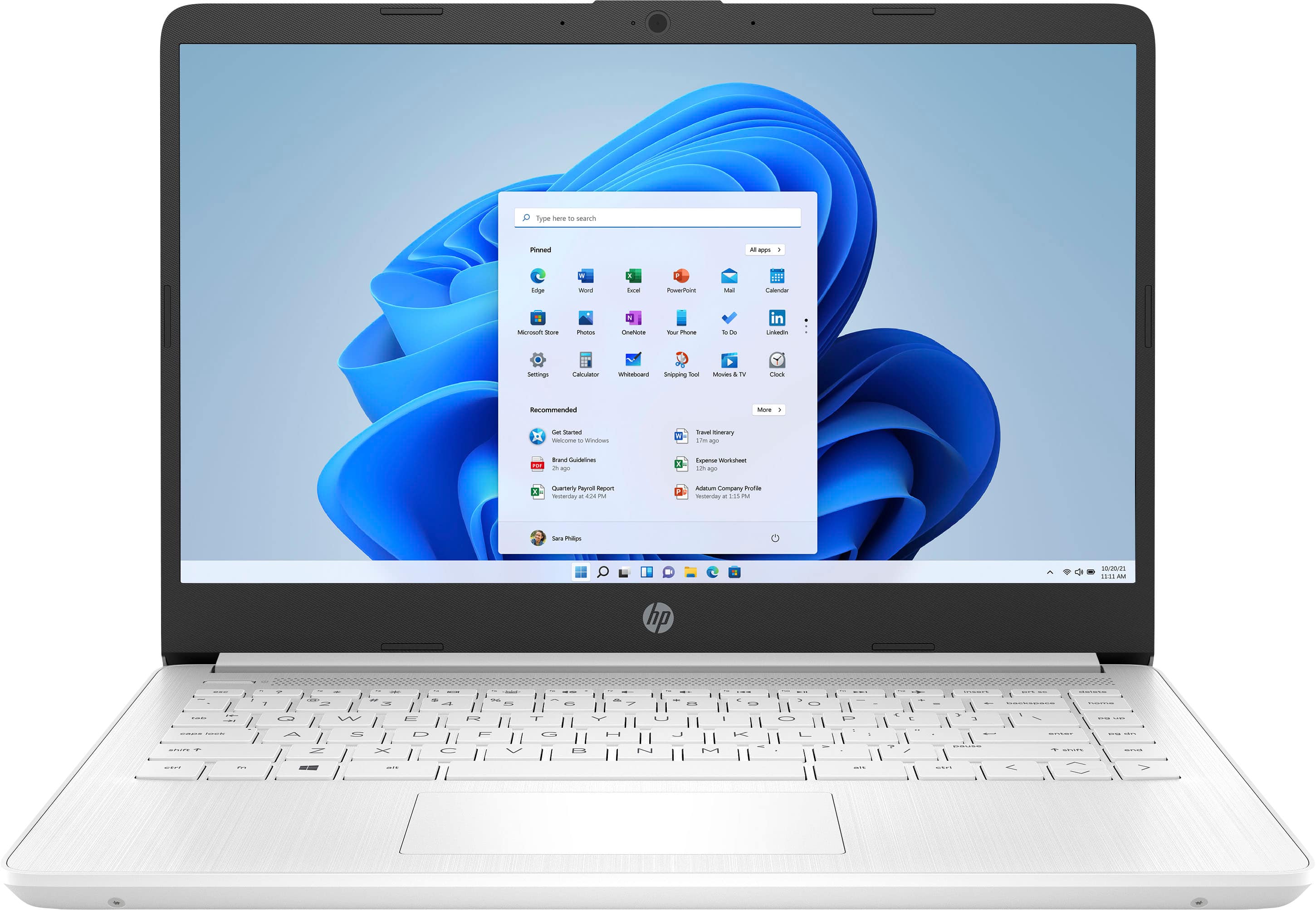
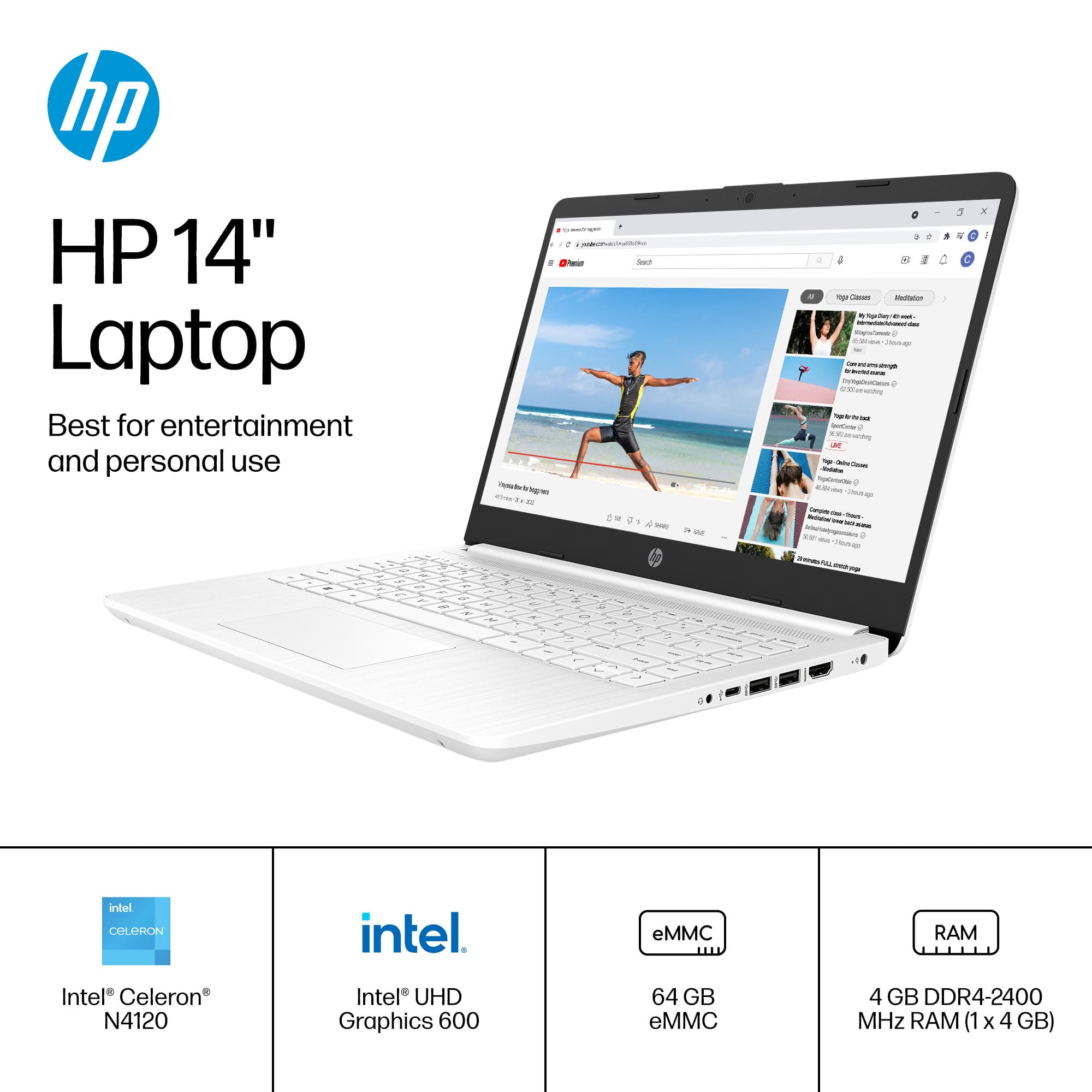
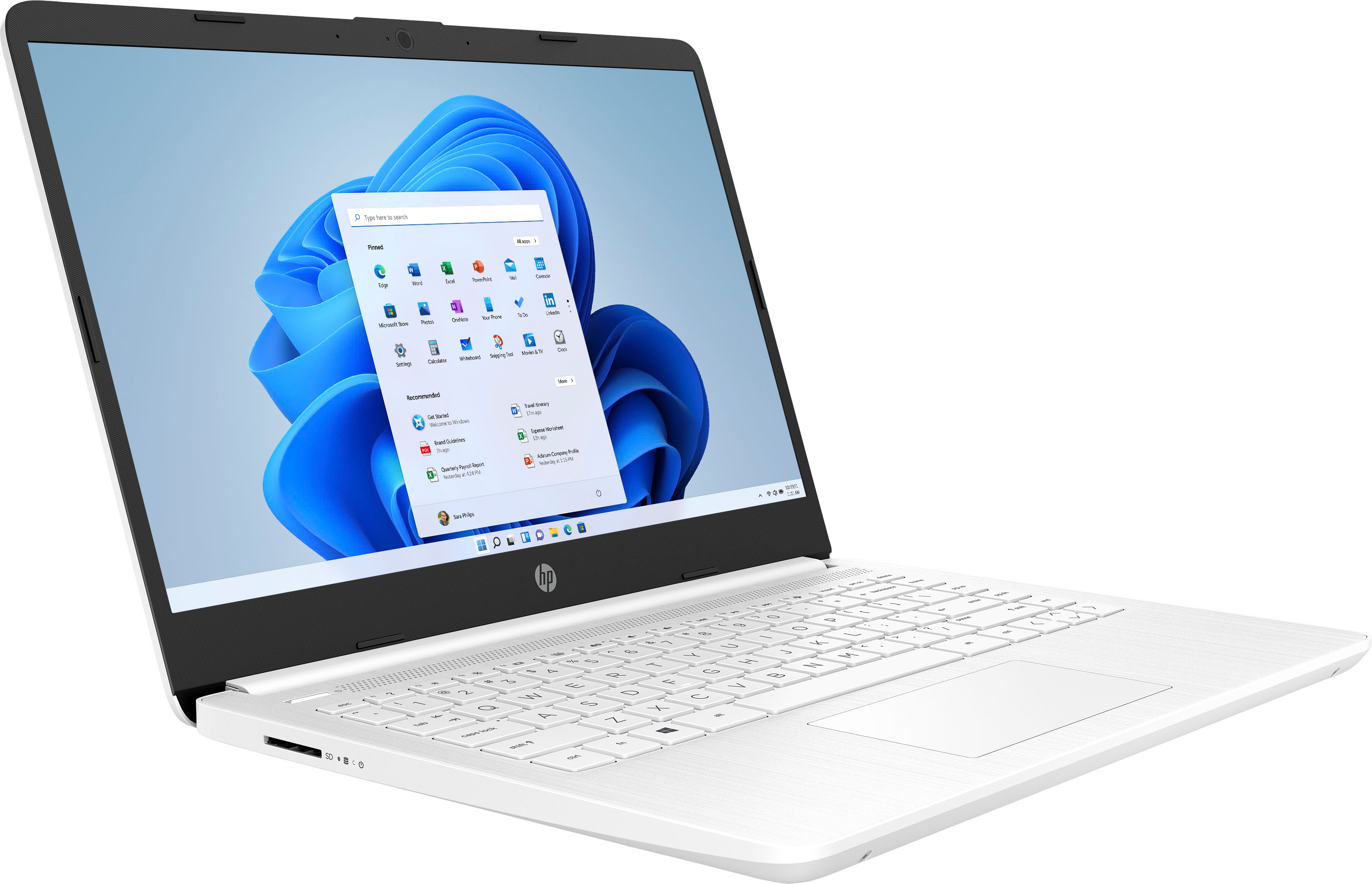
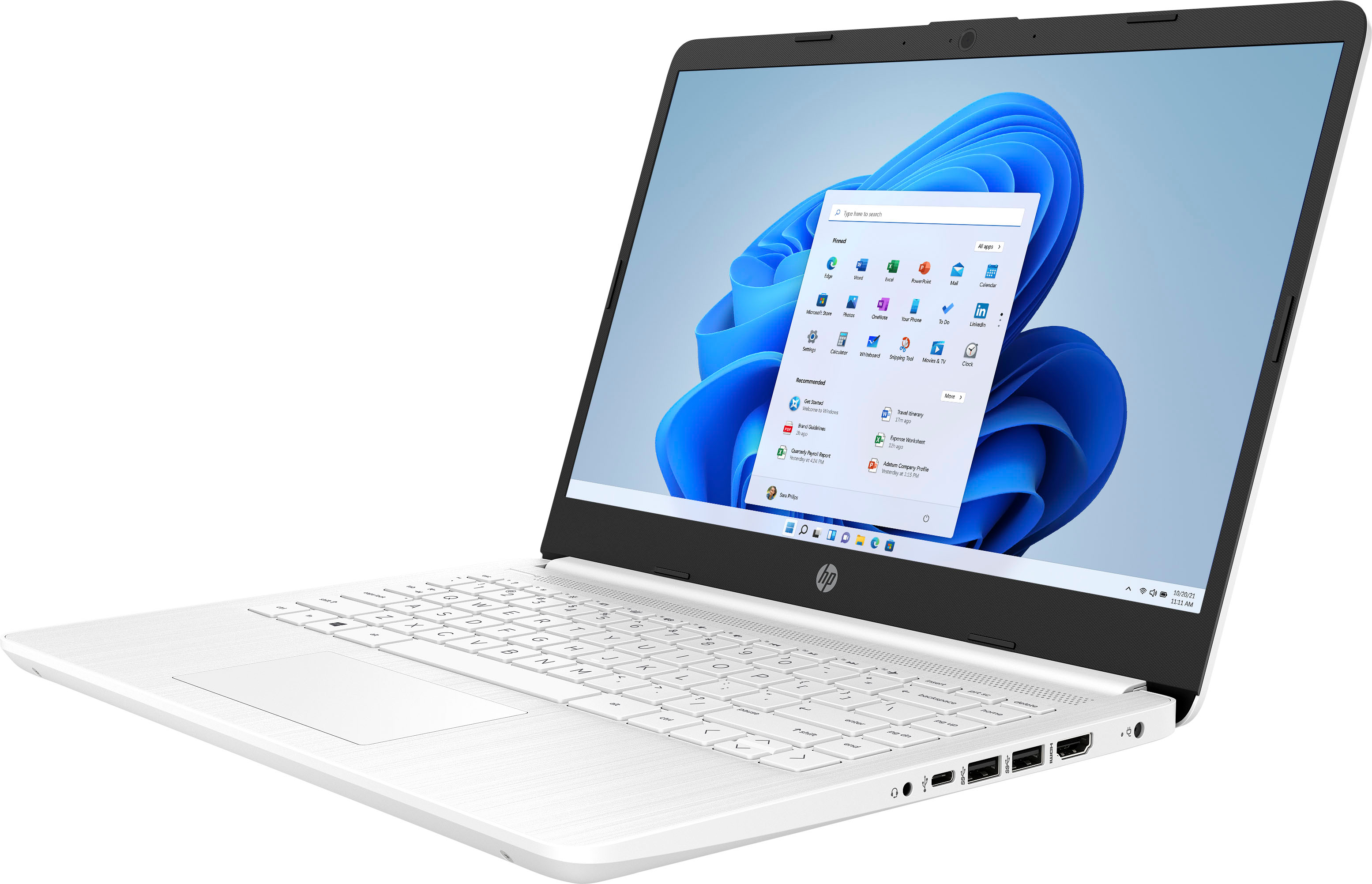
A:AnswerThank you for the question. All HP laptops have the option to dim the screen, but you cannot make it brighter than the maximum for which it was designed. Anti-glare screens can sometimes seem less bright, also. The screen on the HP 14-dq0052dx is Brightview (not anti-glare), 220 nits. That's the maximum brightness, and you can dim the display by using the F buttons at the top of the keyboard.
A:AnswerThank you for the question. You'd need to check the specifications for your Munbyn model number to verify that it's compatible with Windows 11.
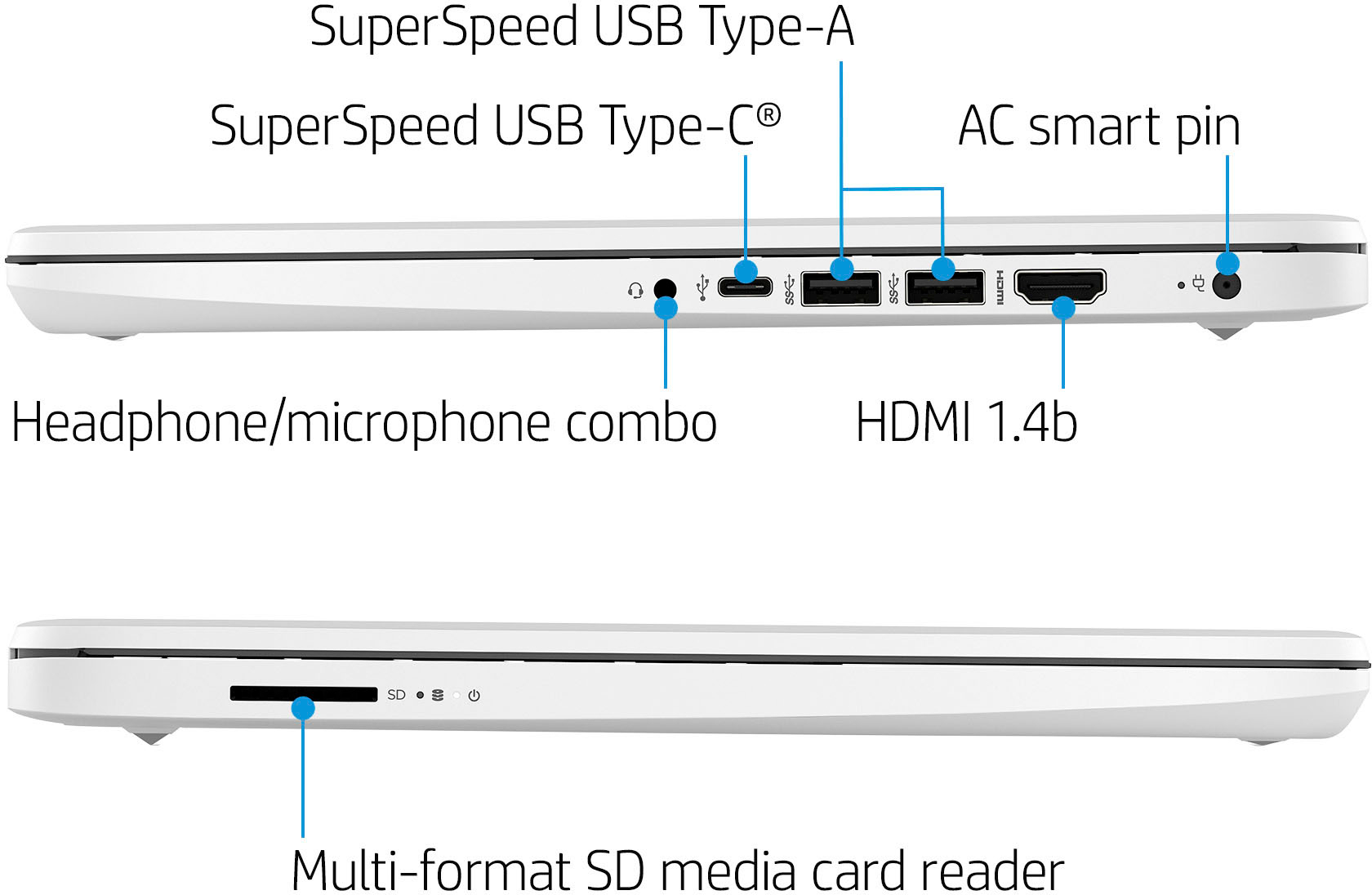
A:AnswerThank you for the question. Yes, but you'll probably need to download to a flash drive or SD card since the installed storage on this laptop is just 64GB.
A:AnswerThank you for the question. Yes, but the slots are not user accessible due to the location of the battery. We recommend that the upgrade be done by a professional technician.
A:Answerthe windows icon next to the search click and open, once it's open on the bottom where your name is click and all your icons should be there. now for the Wi-Fi next to the battery icon click on the volume icon and you should open it and see where you can see the Wi-Fi