A:AnswerBecause this computer is running Windows in "S Mode" it can only download and run apps that are in the Windows Store. It looks like at least some of the Silhouette software is available in the Windows Store, so you'll need to see if the particular software you need is available.
A:AnswerHello, Cam. Thanks for your question. This HP laptop comes with Windows 11 in S Mode. That means you can only download apps from the Microsoft Store and use the Microsoft Edge browser. You can switch out of the S Mode. It is free and easy to do. Here are some instructions: https://bit.ly/3okv4Mj Then, you will be able to download Cisco Webex.
A:AnswerS mode is a version of Windows 11 that is streamlined for security and performance. To increase security, it allows only apps from Microsoft Store, and requires Microsoft Edge for safe browsing.
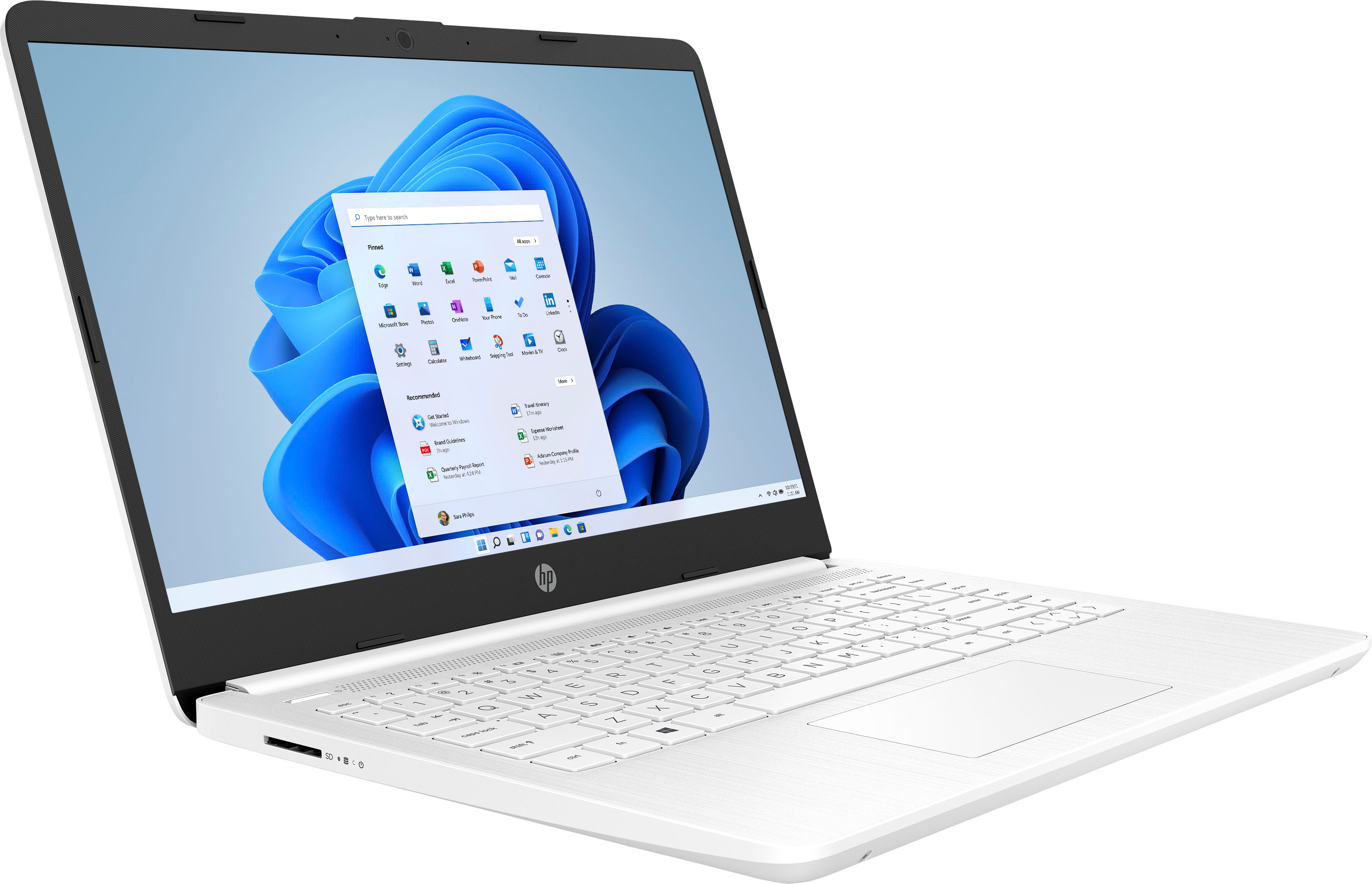
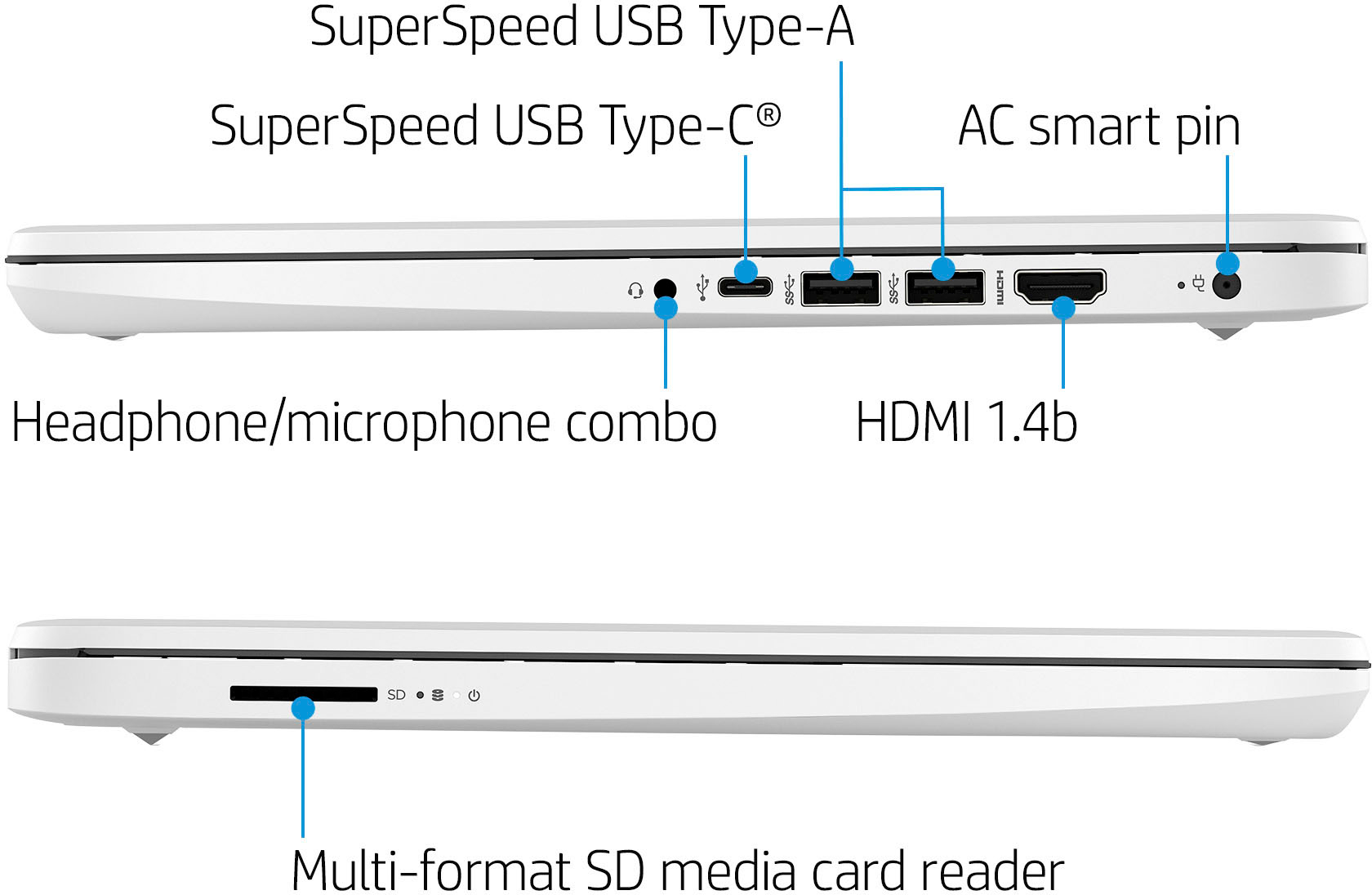
A:AnswerThe SD card will not be flush when placed in the SD card slot. It sticks out a little bit so it can be pressed to get it to pop out and removed from the slot.
A:AnswerYes, by following these steps: On your PC running Windows 11 in S mode, open Settings > System > Activation. In the Switch to Windows 11 Home section, select Go to the Store. On the Switch out of S mode (or similar) page that appears in the Microsoft Store, select the Get button.
A:AnswerWhile you could certainly play lightweight games on this computer, we would recommend referencing the developers recommended specifications to ensure the computer will meet your needs.
A:AnswerThe power supply for this laptop is not "dual voltage", so you'll need to get a converter to step down the voltage from the 230 volts in the mains power to the 120 that the computer expects. You'll also need an adapter to fit the outlet, which has different pins than a North American outlet.