A:AnswerS Mode is preloaded and blocks you from downloading non Microsoft apps like Chrome. You can turn it off, but you can't turn it back on, but that's not necessarily a bad thing.
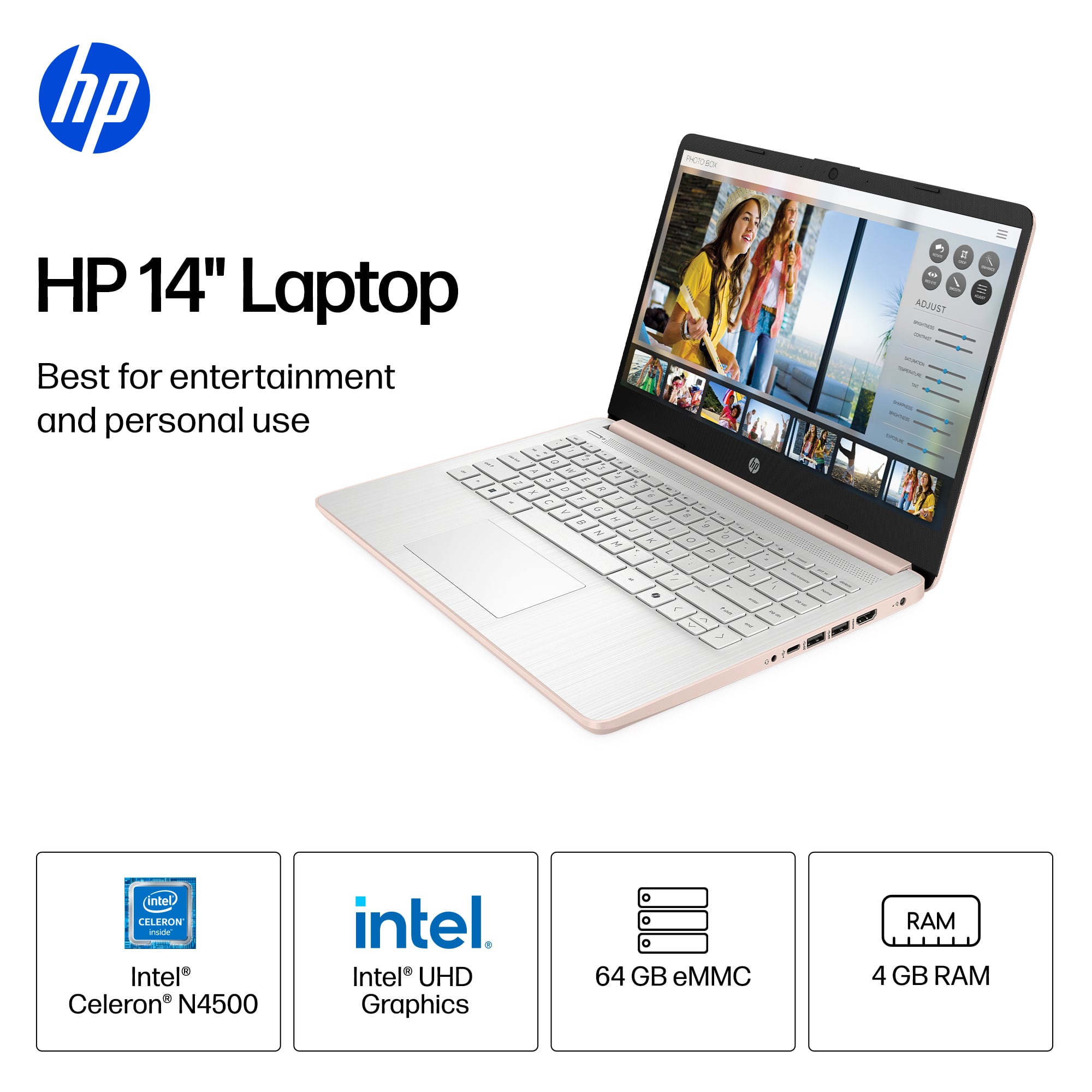
A:AnswerThank you for choosing HP! According to the official Krita website, it would still run on this laptop. Although it is probable that you would experience slow response times from the laptop. This is due to the small amount of RAM it is installed.
A:AnswerThank you for the question. For any software you will want to look at the system requirements from the developer's website and make sure this meets the specifications for the settings you would like to use. Updates can change those requirements and that can affect what settings you use or impact if you can run it at all.
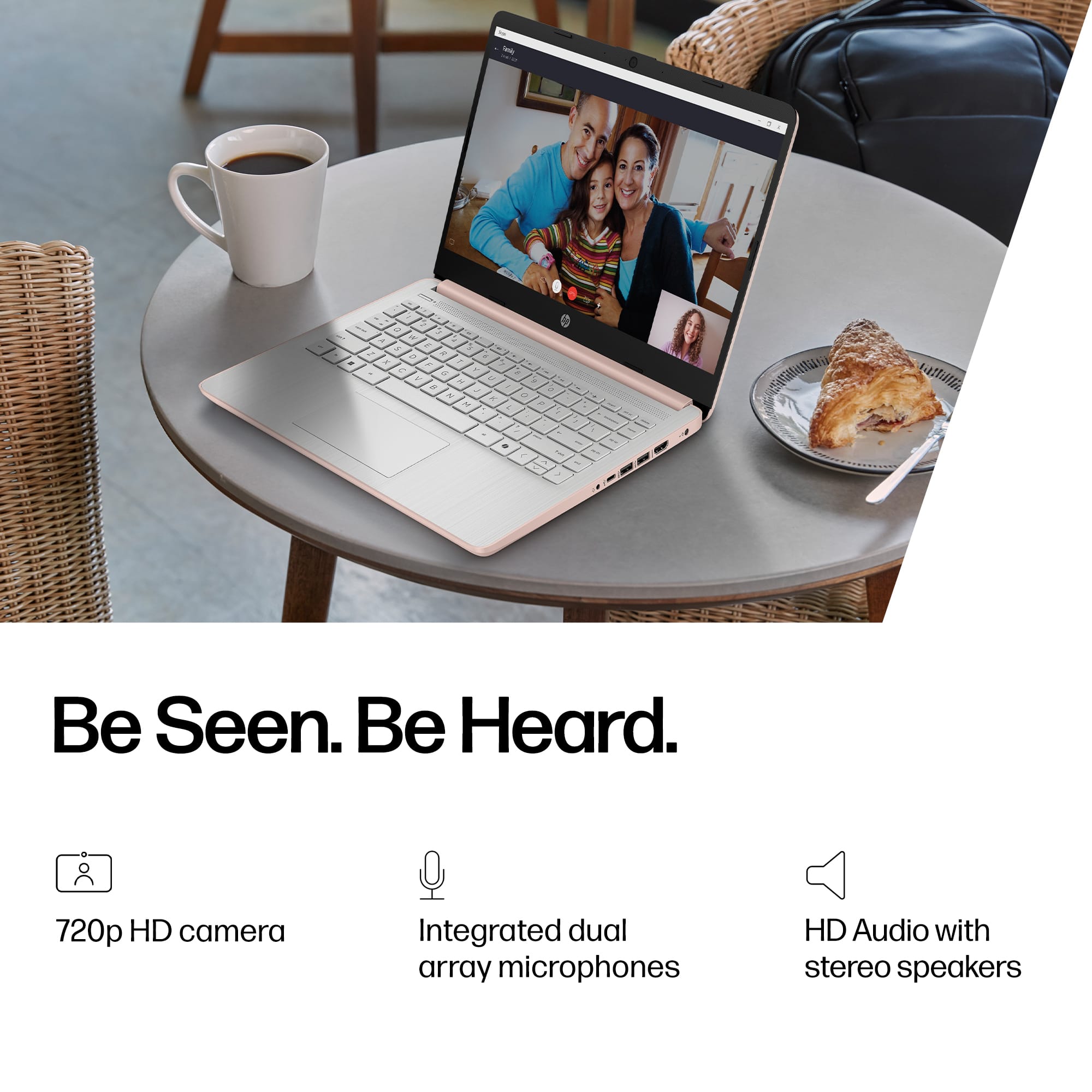
A:AnswerThank you for asking the question, Elle! The sound quality is good, but one thing you need to be aware of is that because it's running Windows tin "S Mode", you can only install software that's available in the Windows Store. That may be more of a problem for you than the sound quality.
A:AnswerFor any software, you will want to check the system requirements from the publisher's website. Updates can change the system requirements which can impact what settings you can run the software on or if you can run it at all. This unit currently meets the requirements for Examplify 3.3, but you may have to turn off S Mode on this device in order to download the software. S Mode adds an extra layer of security to the device but puts restrictions on downloading third-party applications. You cannot turn S Mode back on once you turn it off.
A:AnswerThis will depend on your system and account settings. If you are using a Microsoft account set to back up your information, it may include some information, such as your bookmarks, but as to whether it would have things like photos, programs, or documents would depend on whether you set those to backup to an external program tied to your Microsoft account, such as OneDrive.
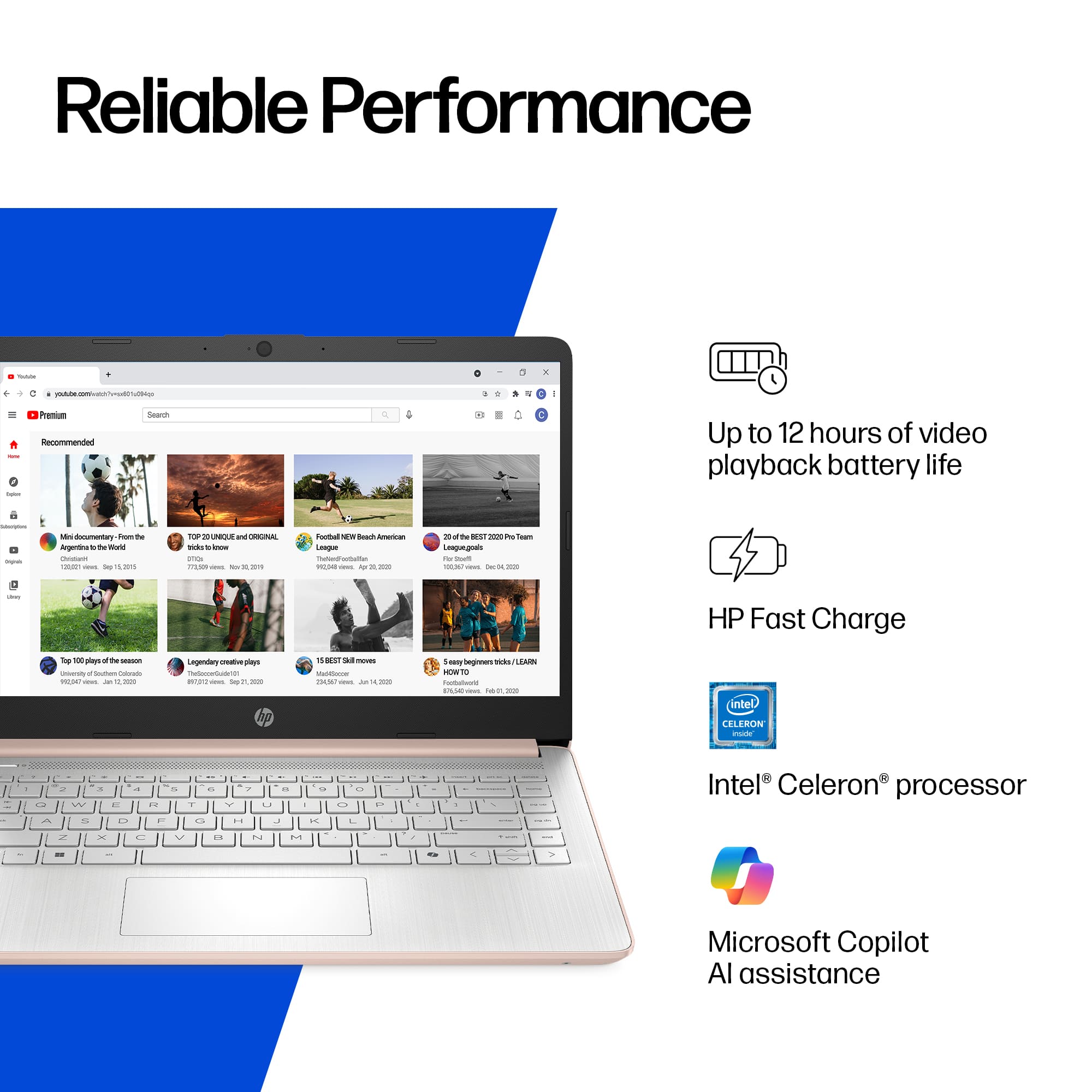
A:AnswerThis a very slow computer. If I have 2 windows open and 1 is streaming I have to close the non-streaming window. Spend a little more and get something better. Geek Squad guy told me that.