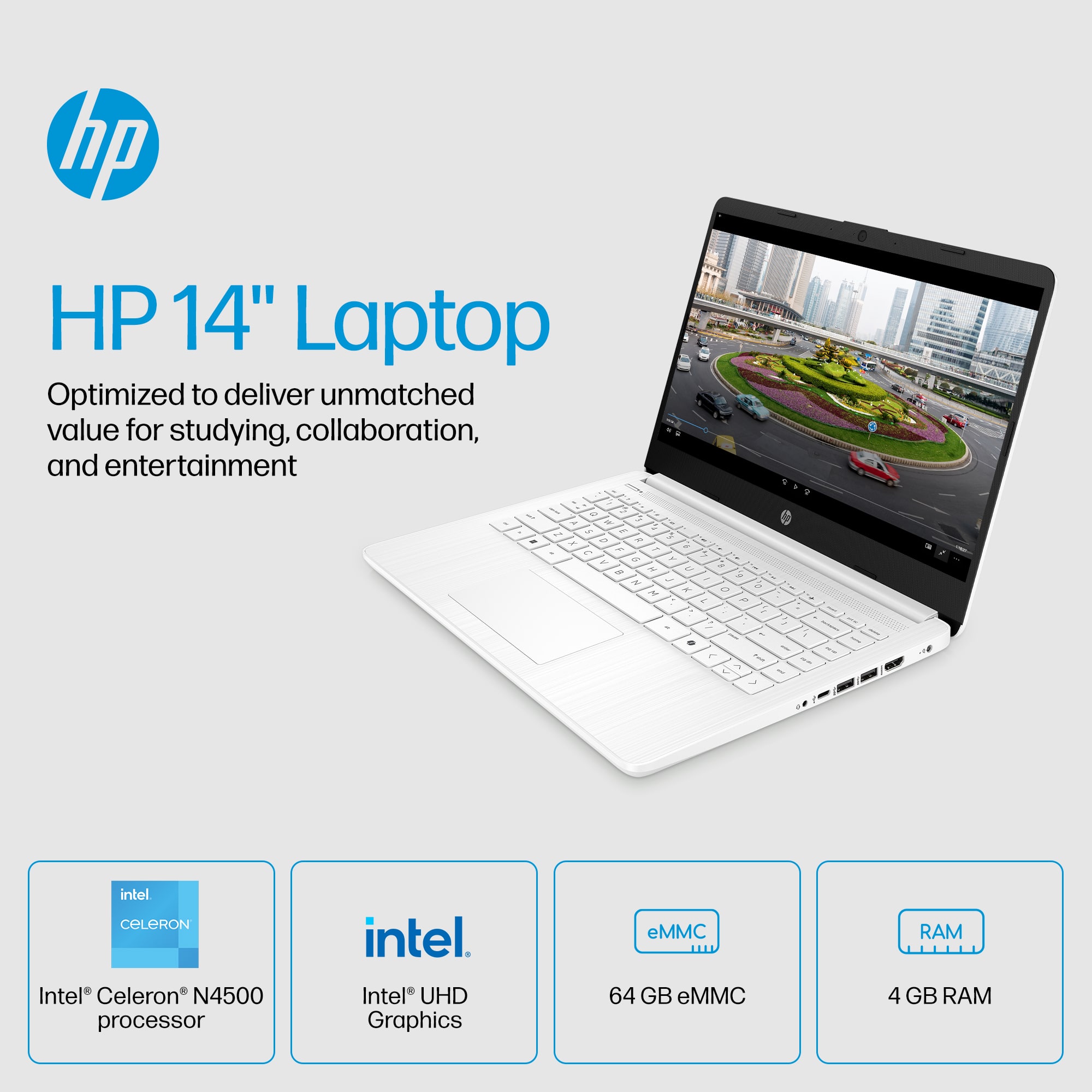
A:AnswerThank you for choosing HP! According to the official Krita website, it would still run on this laptop. Although it is probable that you would experience slow response times from the laptop. This is due to the small amount of RAM it is installed.
A:AnswerTo turn off S Mode on a Windows 10 or 11 PC, click the Start button and go to Settings > Update & Security > Activation. Select Go to the Store and click Get under the Switch out of S Mode panel. Then click Install and wait for the process to finish. Can’t reverse it but that’s fine because it sucks lol
A:AnswerIt is possible to turn off S Mode, but you cannot turn it back on once you do. It is highly recommended that you look at the system requirements from the publisher's site of any software you are trying to download and make sure that the device you want to install it on meets the minimum requirements. Updates can change the requirements which can impact what settings you can run it on or if you can run it at all.
A:AnswerThank you for the question. For any software you will want to look at the system requirements from the developer's website and make sure this meets the specifications for the settings you would like to use. Updates can change those requirements and that can affect what settings you use or impact if you can run it at all.
A:AnswerFor any software you will want to check the publisher's website for the system requirements. Updates can change the requirements which can impact what settings you can run it on or if you can run it at all. You would have to turn off S Mode which will reduce the security of this device, but then you would be able to run and use it on low settings. You cannot turn S Mode back on after turning it off.
A:AnswerThank you for asking the question, Elle! The sound quality is good, but one thing you need to be aware of is that because it's running Windows tin "S Mode", you can only install software that's available in the Windows Store. That may be more of a problem for you than the sound quality.
A:AnswerFor any software, you will want to check the system requirements from the publisher's website. Updates can change the system requirements which can impact what settings you can run the software on or if you can run it at all. This unit currently meets the requirements for Examplify 3.3, but you may have to turn off S Mode on this device in order to download the software. S Mode adds an extra layer of security to the device but puts restrictions on downloading third-party applications. You cannot turn S Mode back on once you turn it off.
A:AnswerThank you for your question. There are no monthly charges associated with owning this laptop, unless you're speaking about internet which Is a monthly fee charged by your internet provider. If you are asking about financing this laptop, please reach out to your local Best Buy for financing options.