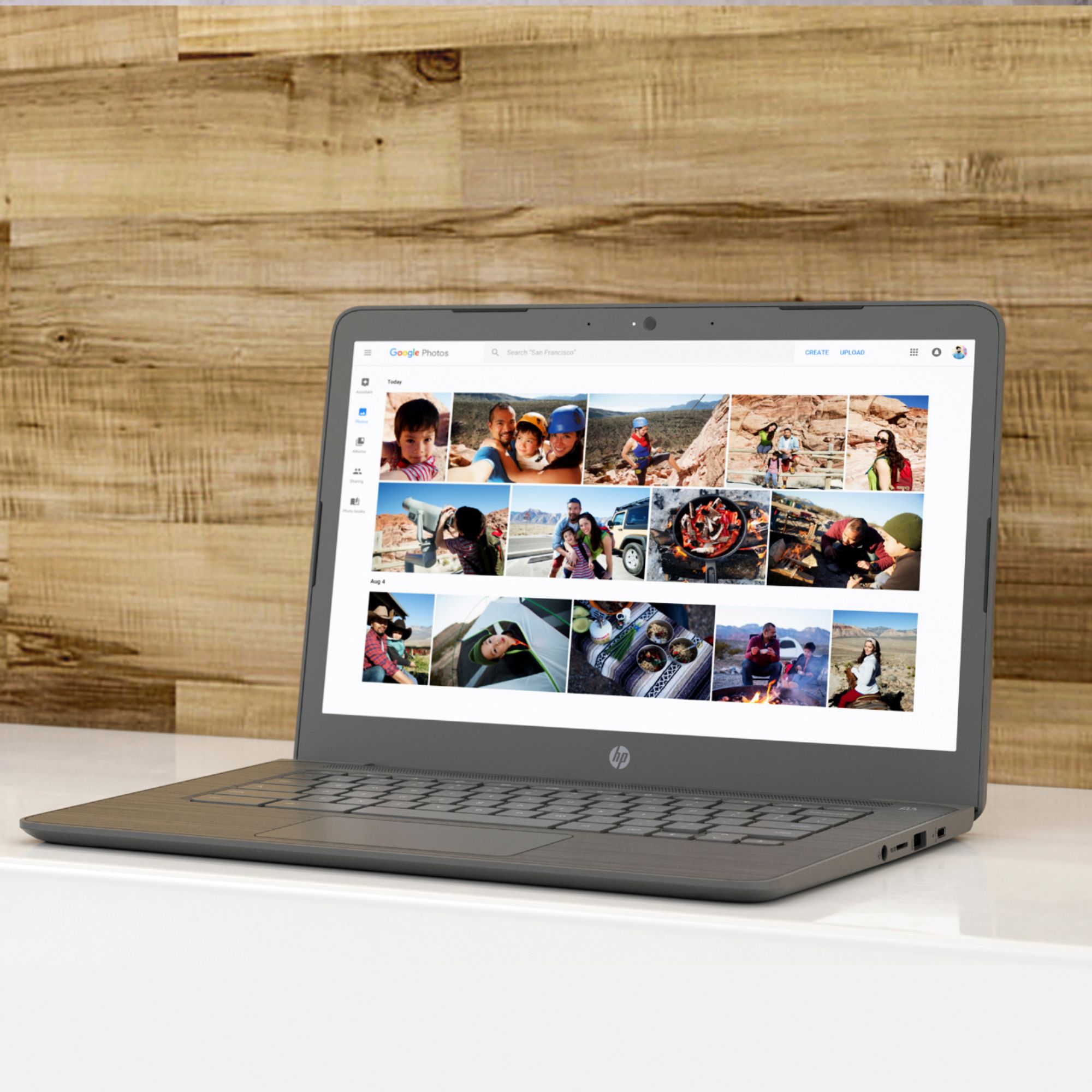
A:AnswerThank you for the question. With 32GB if storage, there is not a lot of room for photos, but you can avail yourself of 100GB of Google Drive Storage (a 2-year subscription is included). You can also use an external drive if you prefer not to save to the cloud. With 4GB of RAM, the 14-CA061DX laptop should be adequate for Zoom provided it is the sole task. Multi-tasking may slow the performance of your laptop if one task demands a majority of the RAM.
A:AnswerYou can play the Android version of Roblox with a Chromebook. It is downloadable from the Google Play store. Chromebooks do not support Windows versions of those games, but you can use any apps from the Google Play store, including Minecraft and Roblox (but not currently SIMS).
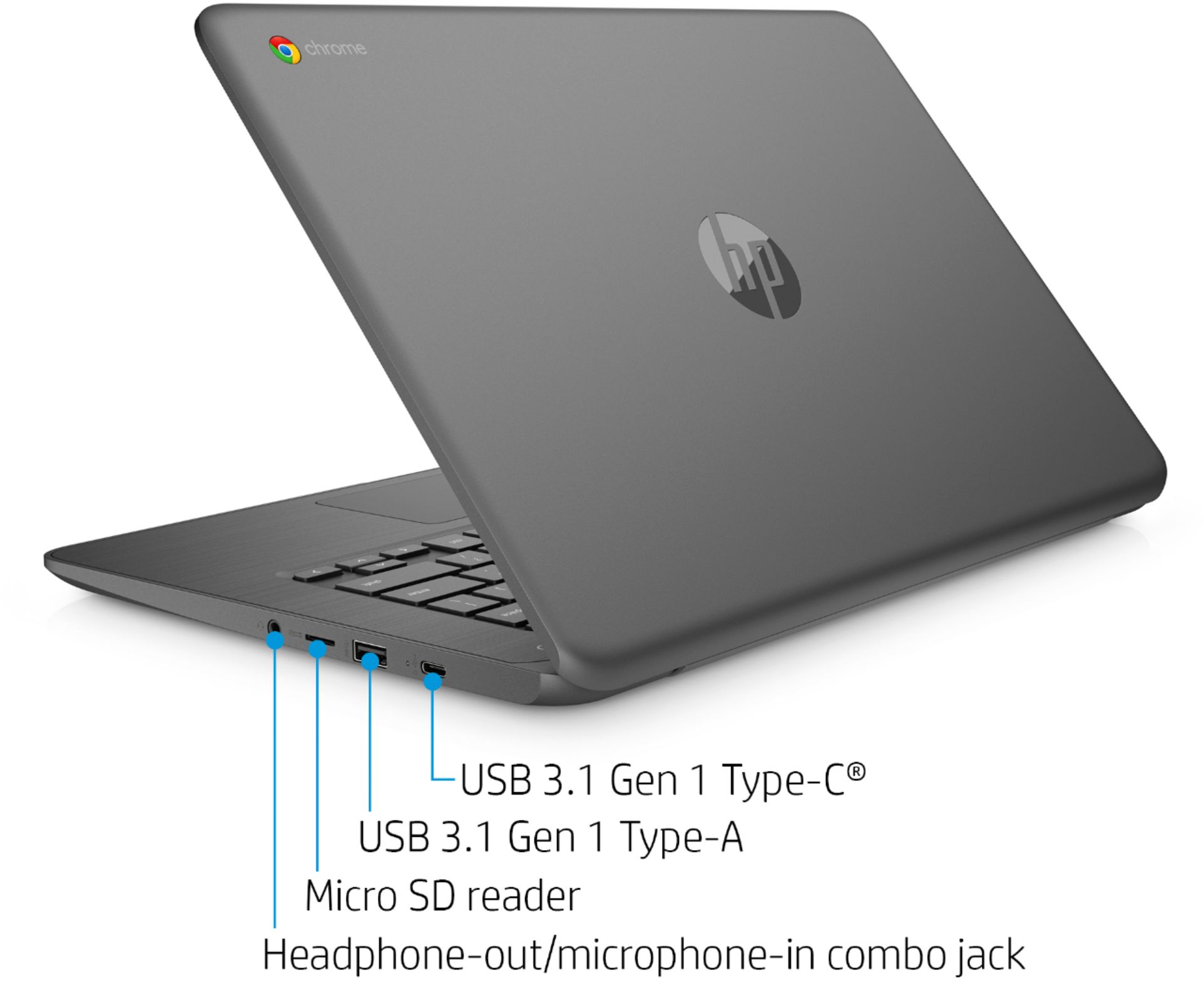
A:AnswerNot physically due to lack of HDMI/VGA and etc. However, with Google’s Chromecast you can mirror any browser tab or your entire desktop–wirelessly–in just a few clicks.
This feature is now built into Google Chrome, so unlike the early days of the Chromecast, you don’t need the Google Cast extension to do this anymore. However, you do still have to use Google Chrome. You can’t use another browser like Mozilla Firefox or Microsoft Edge.
https://www.howtogeek.com/199565/mirror-anything-from-your-computer-to-your-tv-using-google-chromecast/
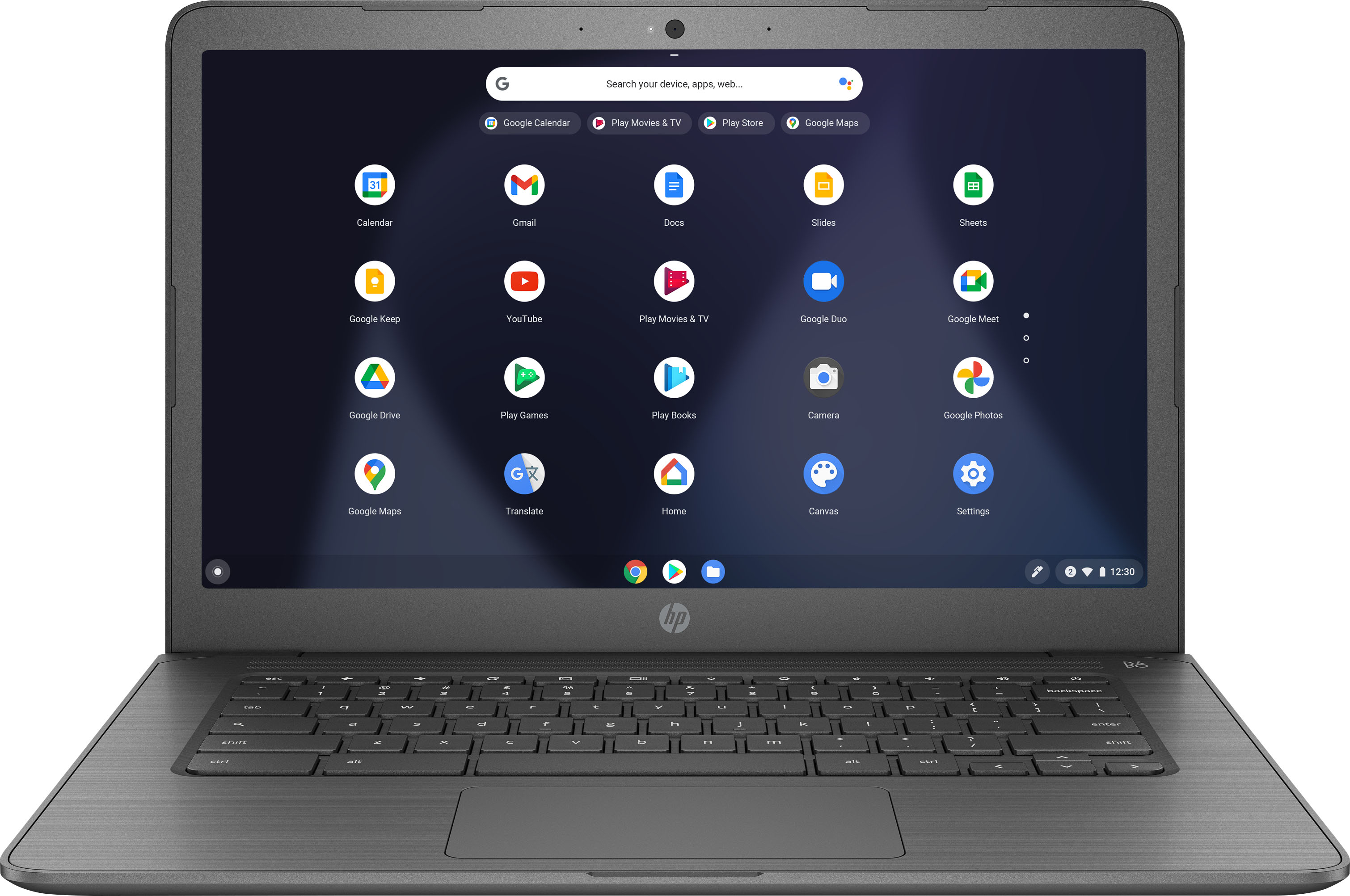
A:AnswerYou can play the Android version of Roblox with a Chromebook. It is downloadable from the Google Play store. Chromebooks do not support Windows versions of those games, but you can use any apps from the Google Play store, including Minecraft and Roblox (but not currently SIMS).
A:AnswerHi Clipson1003, Fortnite is not officially supported by Epic Games. To run on a windows based computer the minimum system requirements on a windows pc is an Intel Core i3 processor and the recommended system requirements from Epic Games is at least an Intel Core i5 processor with a dedicated graphics card which will allow you to get faster frame rates at higher resolution.
Thank you for choosing Intel.