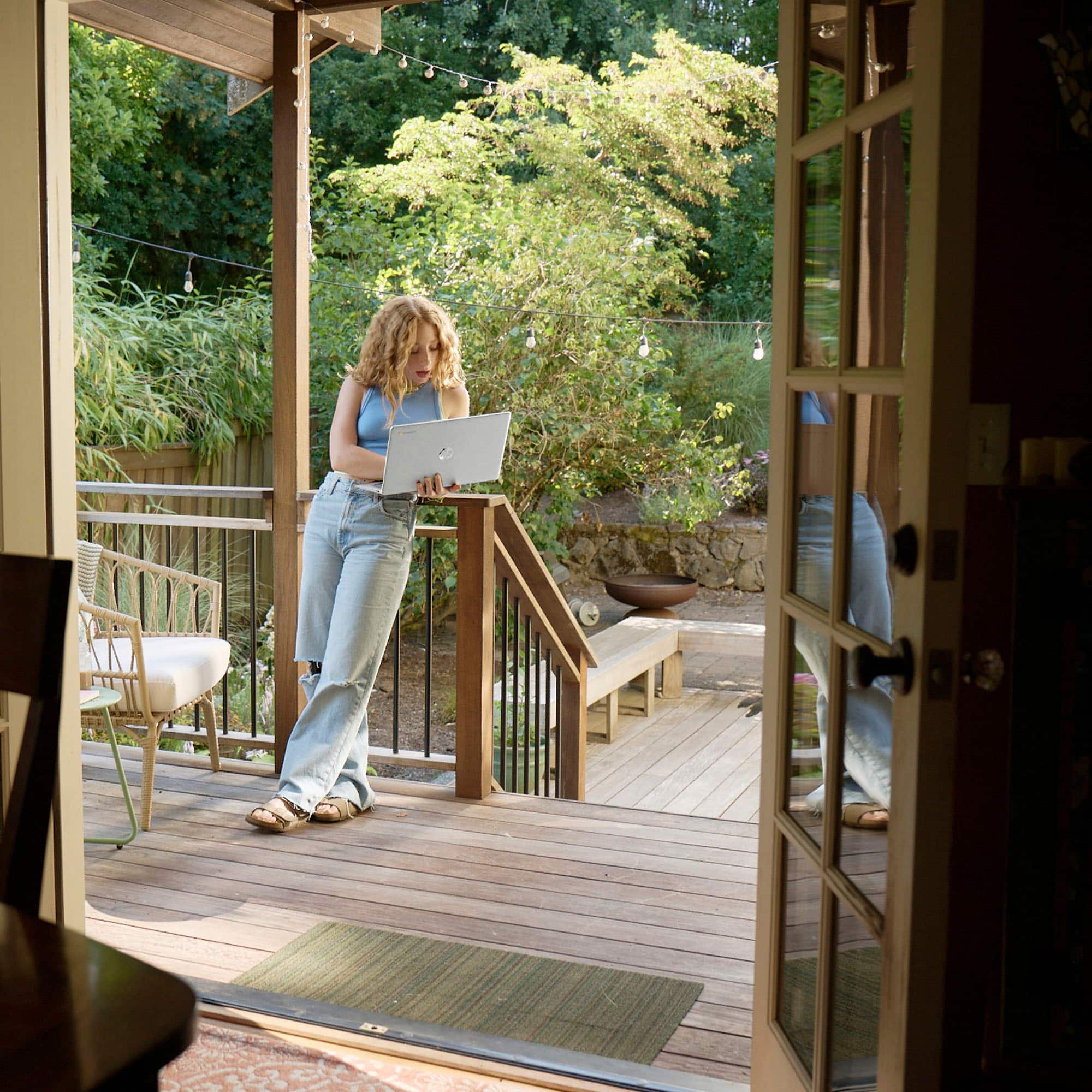
A:AnswerThanks for your question. This HP Chromebook is not really designed for games. You will want to look at the HP OMEN or HP Victus gaming laptops.
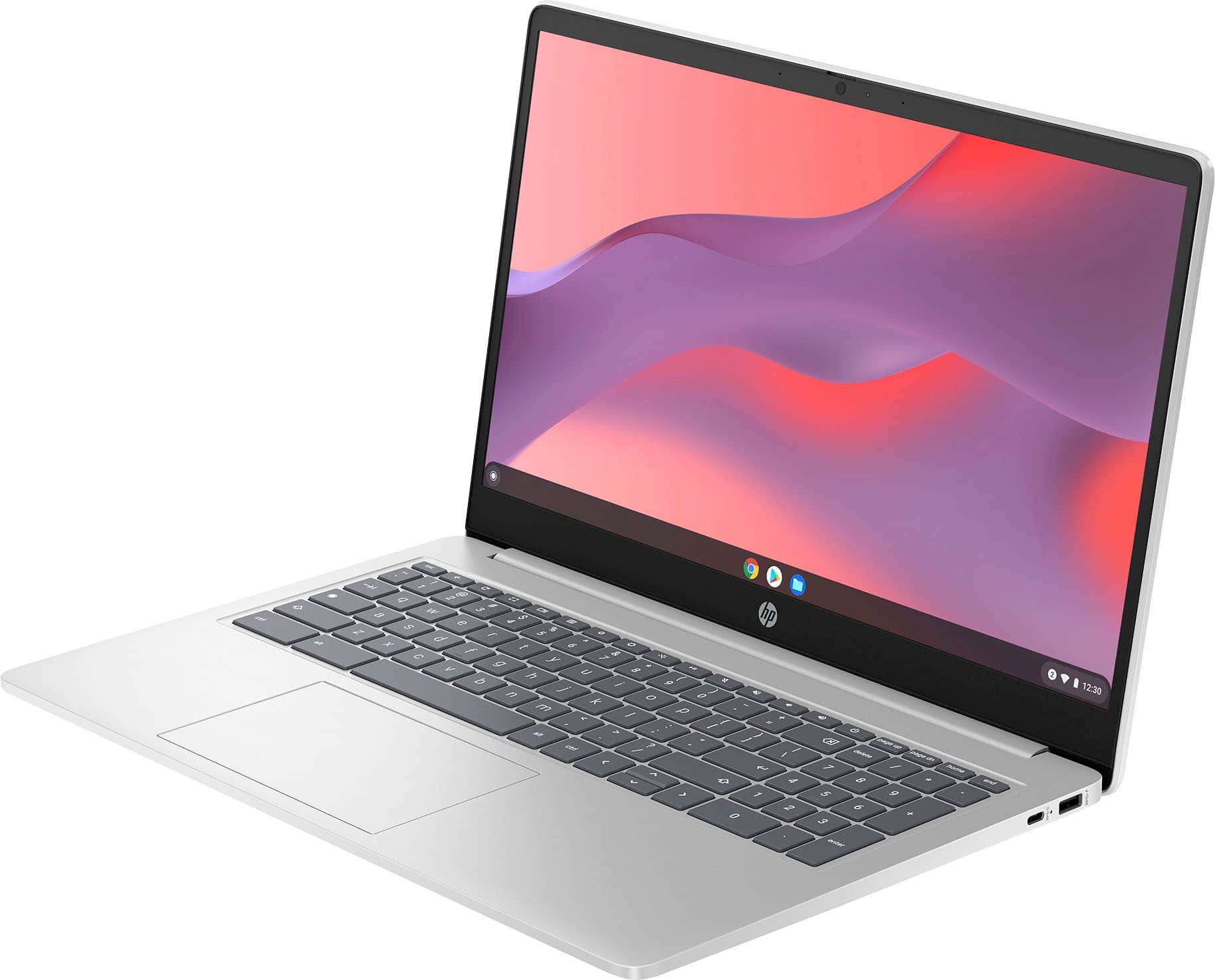
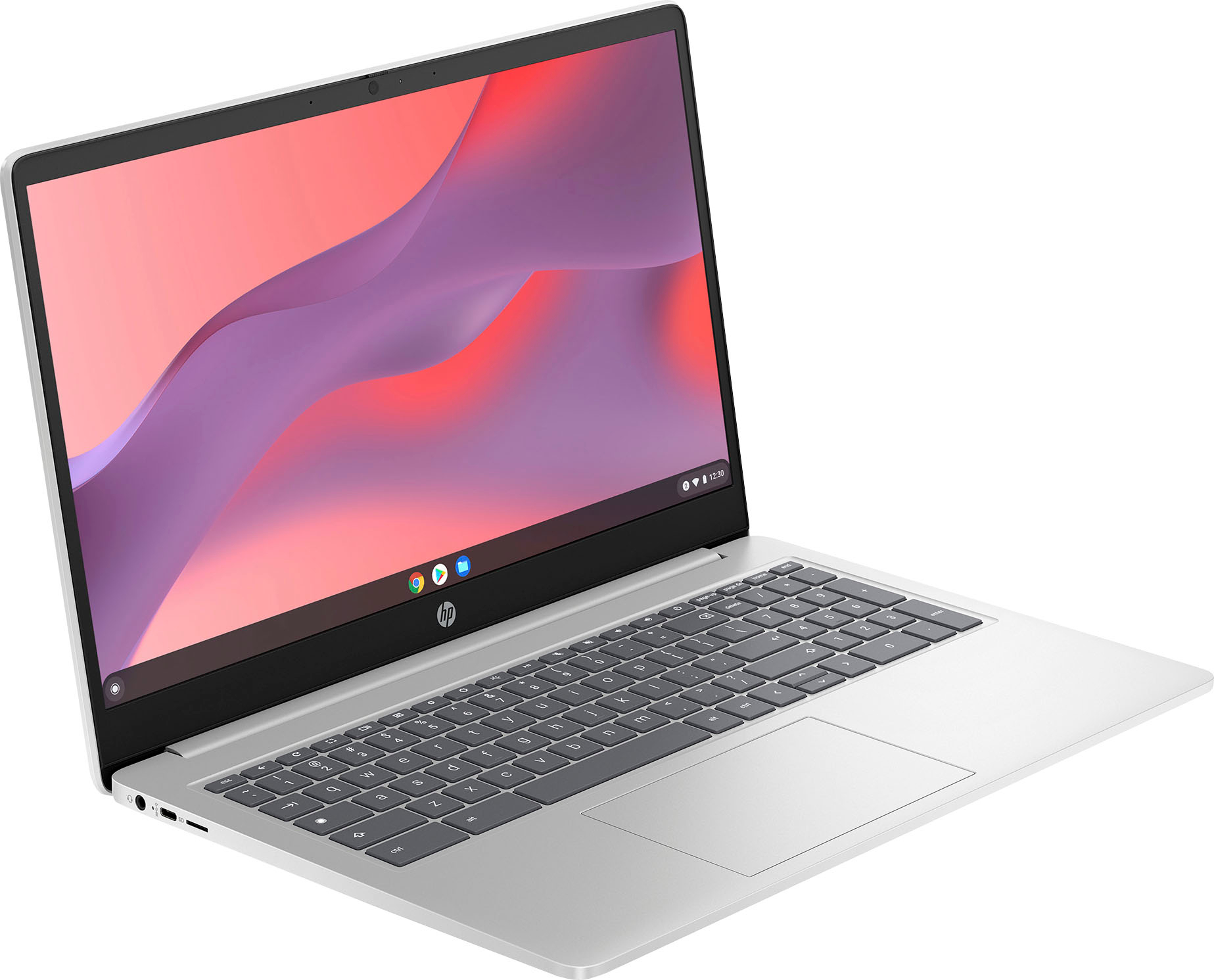
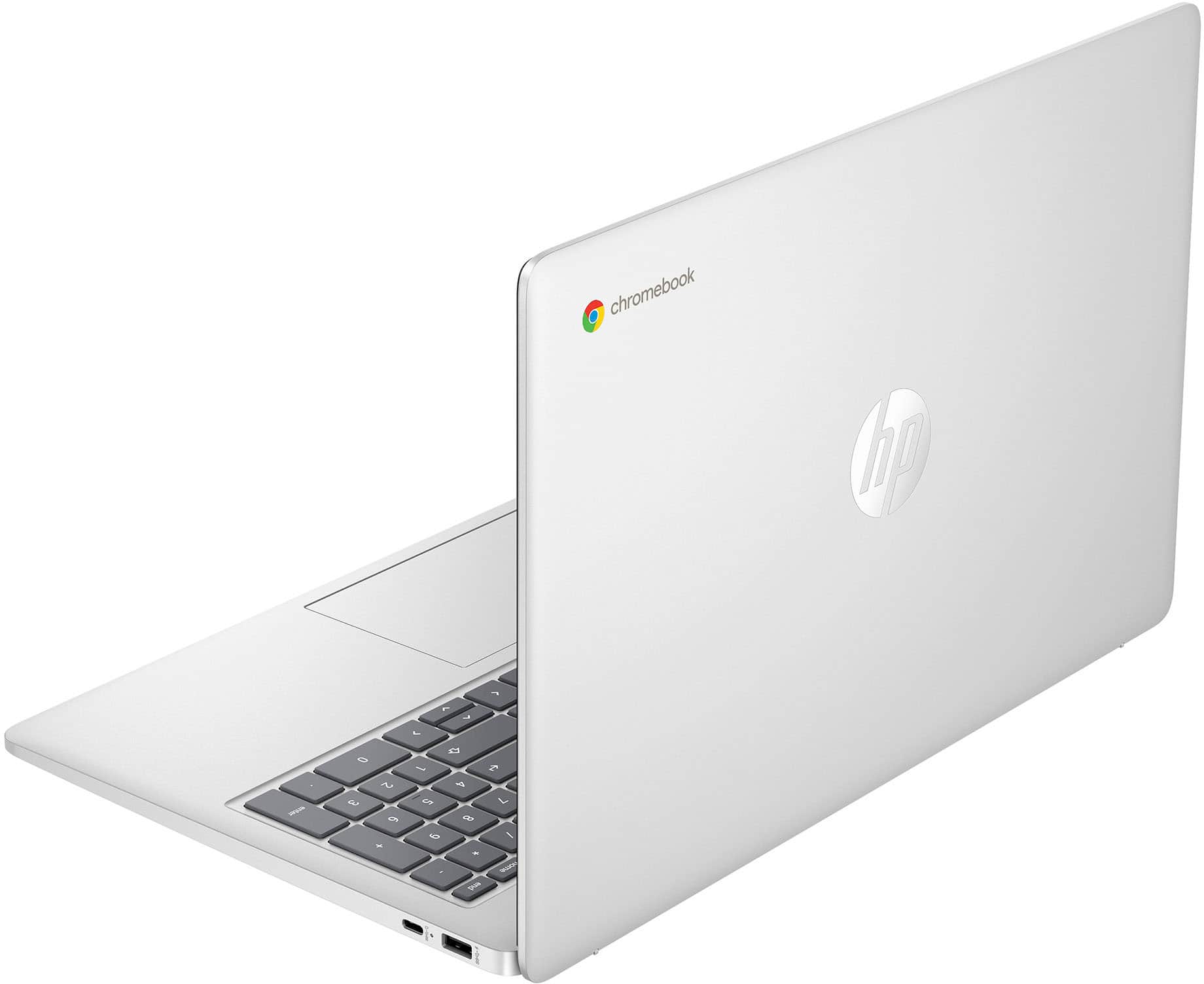
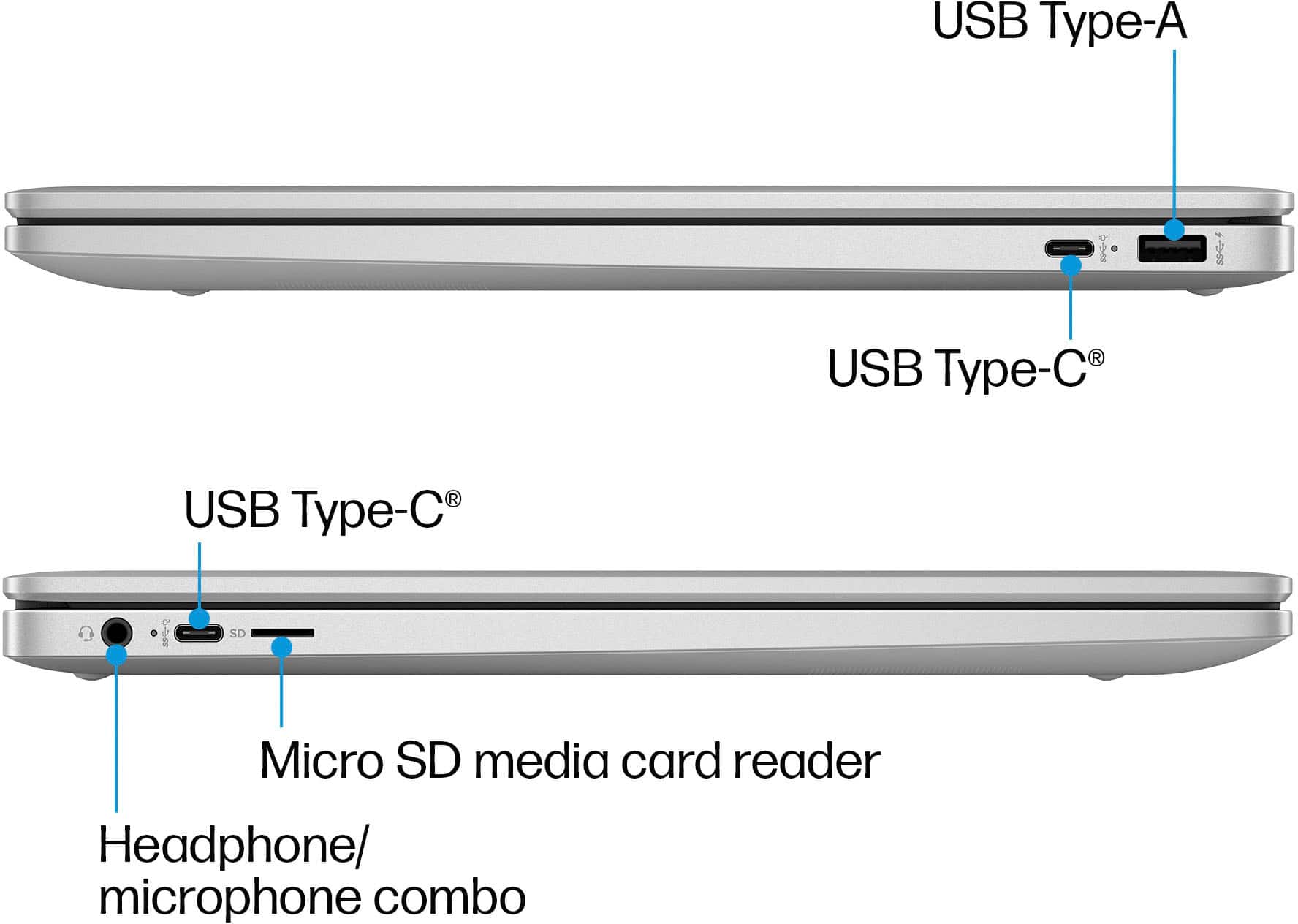
A:AnswerHello there! This HP 1.6" Chromebook Laptop (15a-nb0013dx) has 1x USB-A 3.1, 2x USB-C 3.1, a headphone/microphone combo 3.5mm port, and a Micro SD media card reader. Thank you for your question!
A:AnswerHello, Derek! Thank you for the question on the HP 15.6" Chromebook Laptop (model 15a-nb0013dx). You can check the requirements for the software you would like to use by looking up the system requirements for it from the publisher's website. You will want to make sure that the device you want to use it on meets the minimum requirements. Updates and modifications to the game can impact what settings you can run the software on or if you can use the software at all.
A:AnswerThank you for the question. Your Cricut software may not be compatible with the Chrome OS. Please review the software manufacturer's minimum system requirements to check compatibility with Chromebooks.
A:AnswerThank you for the question. Generally, a Chromebook can handle college workloads, especially if most work is done online. It depends on the coursework. Engineering and art curriculum is better suited to Windows laptops with dedicated graphics processors, and many will benefit from AI capabilities with Copilot.
A:AnswerHello AJ and thank you for your question. We do not recommend this for iTunes because Chromebooks are not compatible with iTunes. We do recommend getting an HP laptop with Windows 11 Home on it as the operating system.
A:AnswerNo - well, not the actual software. The Apps on the google play store are all that will work on this big smart phone pretending to be a computer.
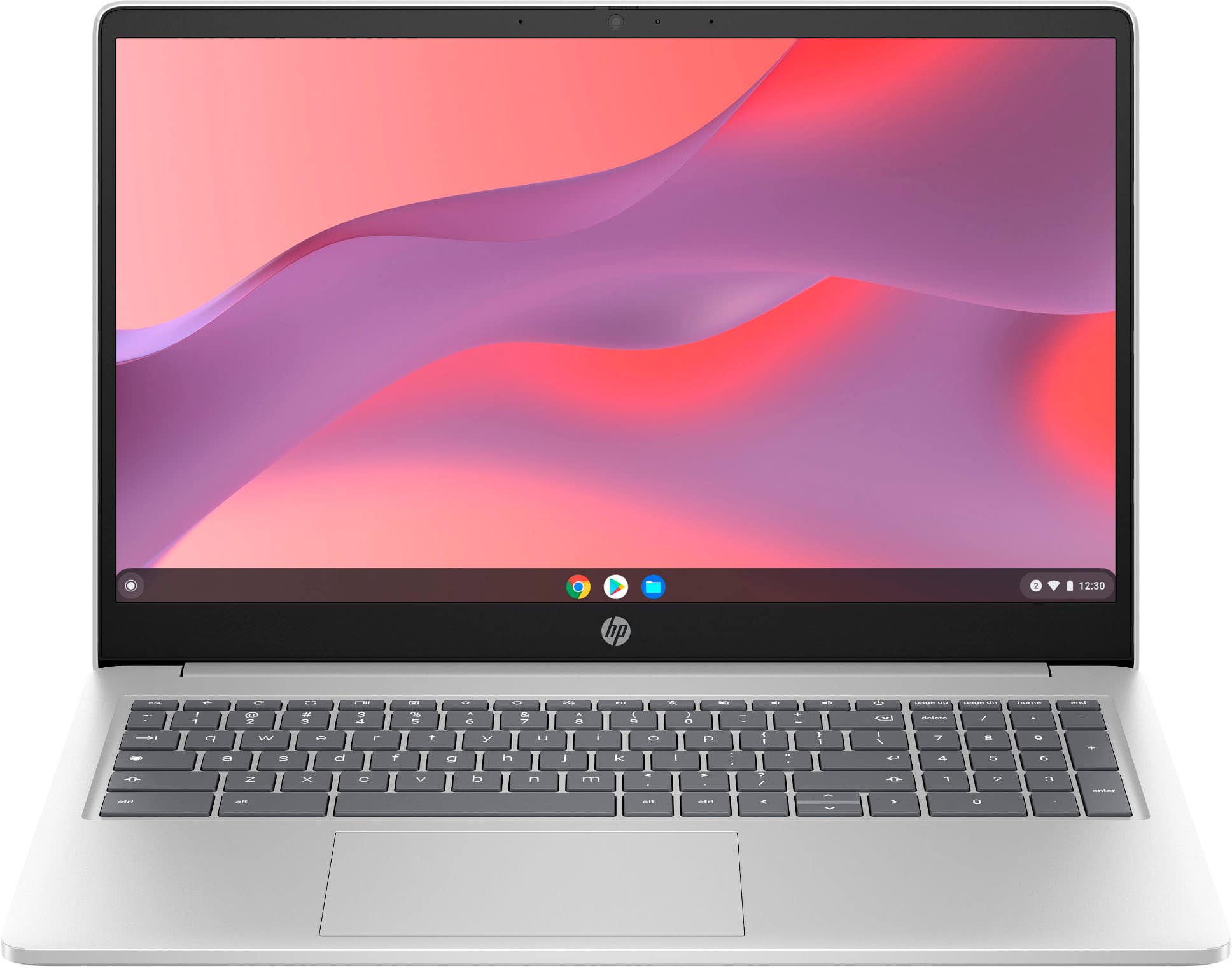
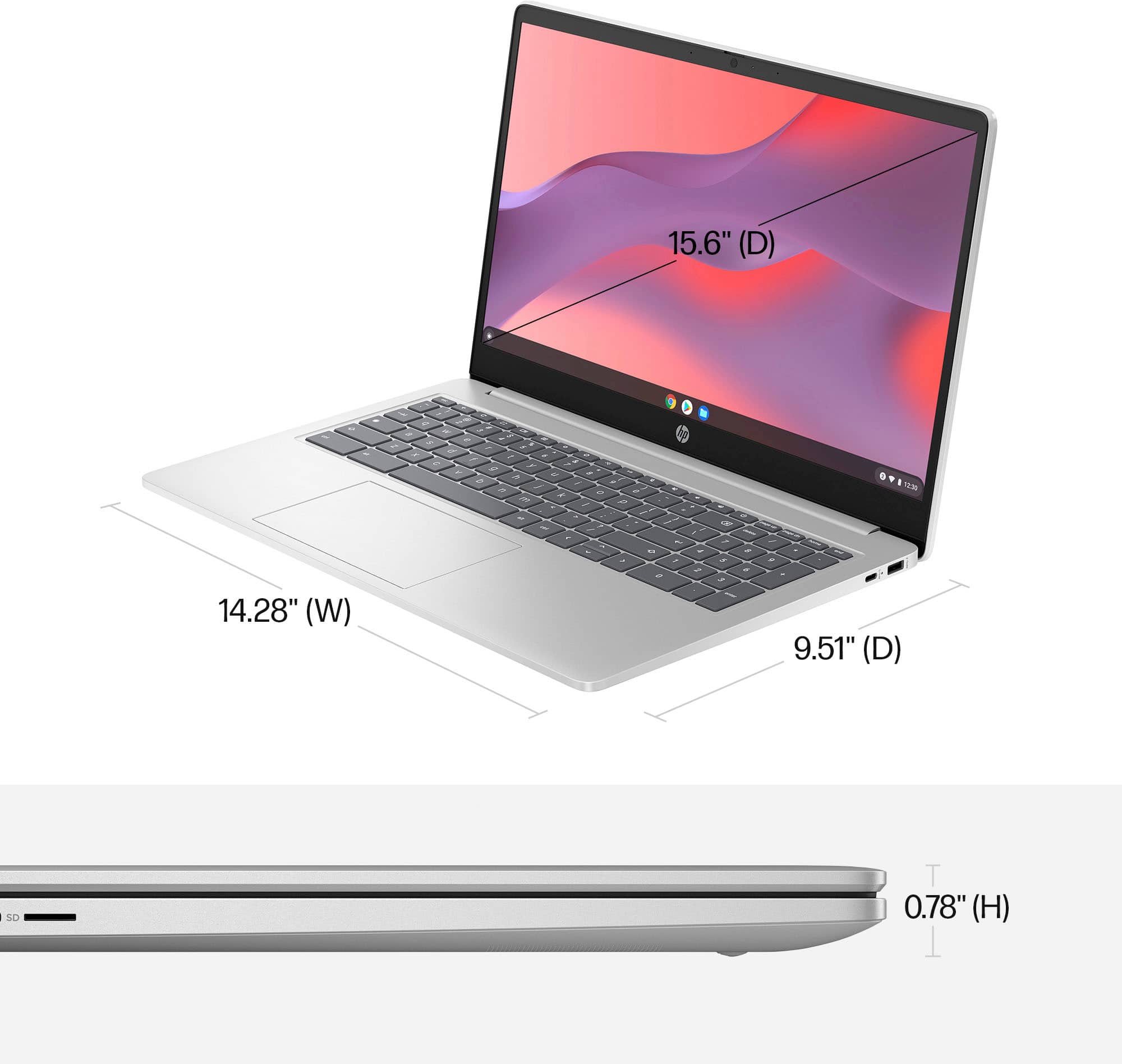
A:AnswerHi, and thank you for asking about if this Chrombook has a camera built in. Yes, it does have a camera built it. It's right in the middle of the bezel at the top of the screen.