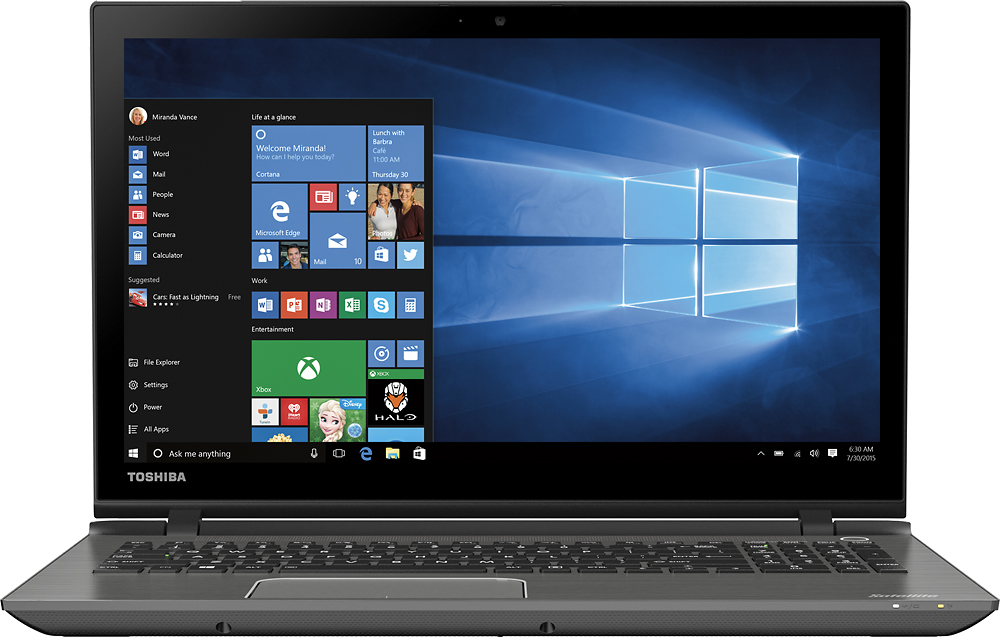
A:AnswerIt is an AMD processor not Intel.
It is a K6.
Pretty fast foe most operations.
Although it won't handle modern high end games. But for Office and productivity apps as well as surfing and watching videos - works great.
A:AnswerI wouldn't buy this PC for video / video editing. It would need a major memory upgrade and the LCD screen is not great. Also the processor is a basic 4 core AMD processor. You should probably be looking at mid to high end laptops for to do video / video editing.
A:AnswerGood question. You can upgrade the hard drive, however, you will need to make recovery discs of the drive that is already in the computer and install it into the new hard drive.
I hope this helps.
A:AnswerGood question. Yes, you will be able to download iTunes or any program you wish to download as long as it fits the system requirements for the laptop's specifications. iTunes should run with no problem.
I hope this helps.
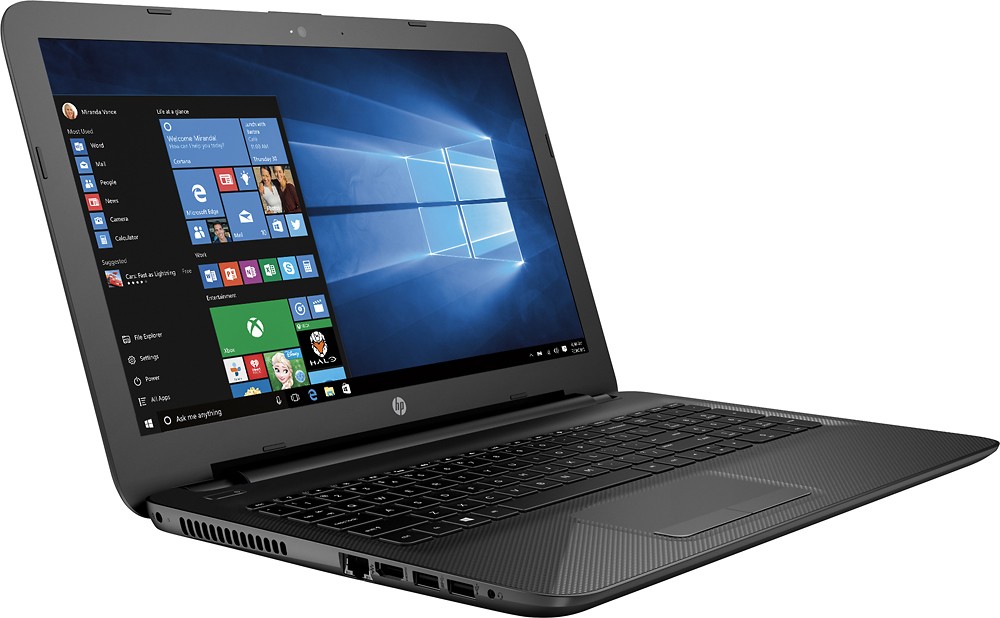
A:AnswerGood question. The touchpad on this laptop has many gestures for scrolling. You can scroll up and down on this laptop by placing two fingers on it and moving them up and down the touchpad.
I hope this helps.
A:AnswerThis laptop is unuseable unless u upgrade the ram to at least 8 gb and do a clean win 10 install with an upgraded ssd. Mechanical HD are too slow. 5400 rpm is a joke.
A:AnswerObviously this is not a gaming laptop, but yes it can run minecraft very easily. I have even played call of duty on this laptop with no lag whatsoever.
A:AnswerTo access the BIOS Setup, turn on the computer and repeatedly press the esc key to enter the Startup Menu, and then press the F10 key to enter the BIOS setup utility. The BIOS Setup window consists of options for Security, System Configuration, and Diagnostics.
A:AnswerThat task actually requires very little processing power so sure, it will work just fine, but frankly, I would not rely on the built-in optical drive for that. First, it's not likely to be best available as far as speed and accuracy are concerned, and second, and perhaps more importantly, using it that heavily on a more or less continuous basis is likely to age it prematurely. Personally, I would buy an external USB drive as well. Do note, however, that a 500GB hard drive isn't all that big in the modern scheme of things (especially if you're planning to save full WAV, FLAC or high bit-rate MP3 versions of your CDs, so I would also not plan on using the laptop's drive it as the primary repository for the music files after ripping.
A:AnswerYes, this new HP laptop would be an excellent choice for any college student! It's remarkable, lightweight, well-designed, and easy to use. I paid under $300 bucks for mine and it performs very well. I believe that you will be satisfied to have such a HP laptop in your possession for college or anything else.