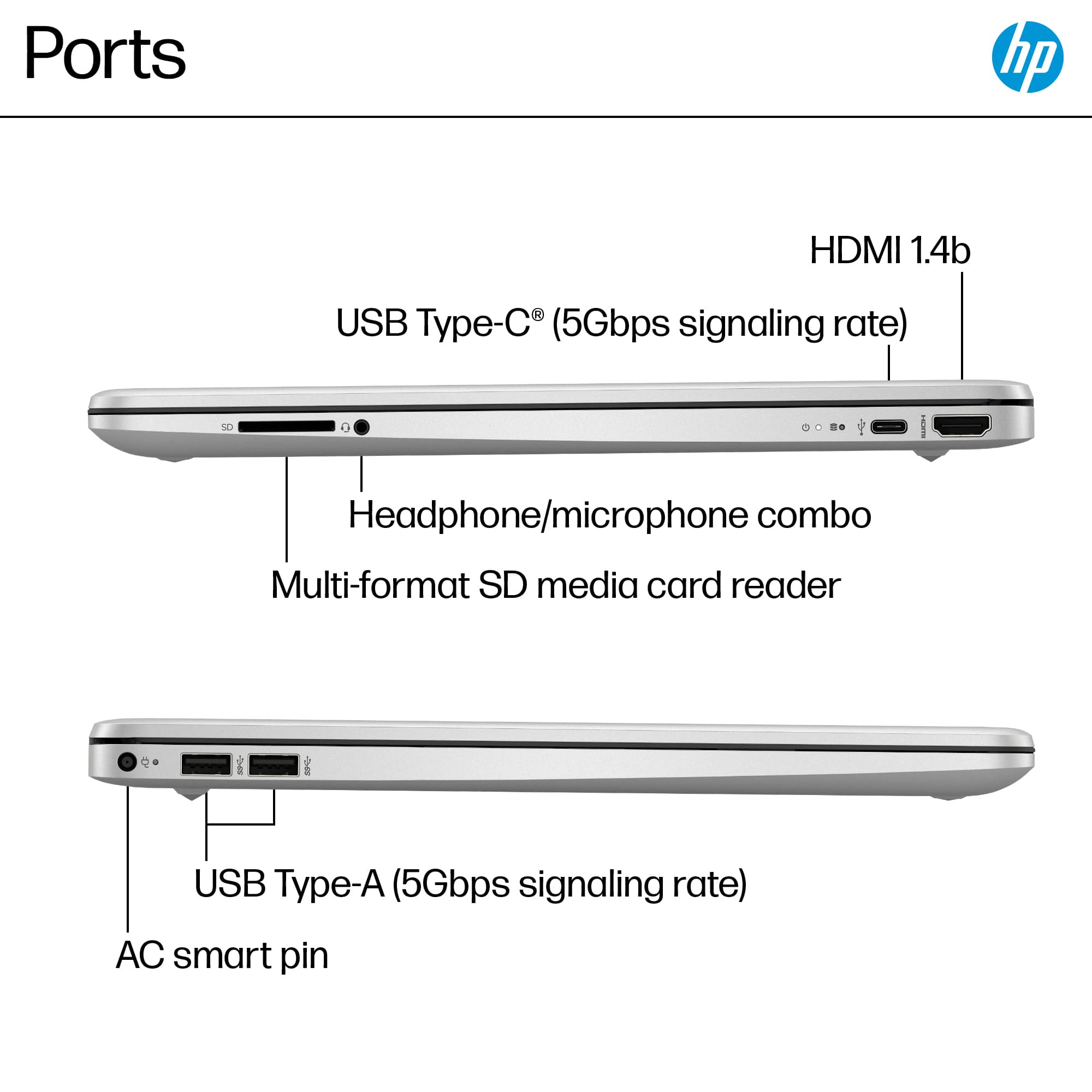
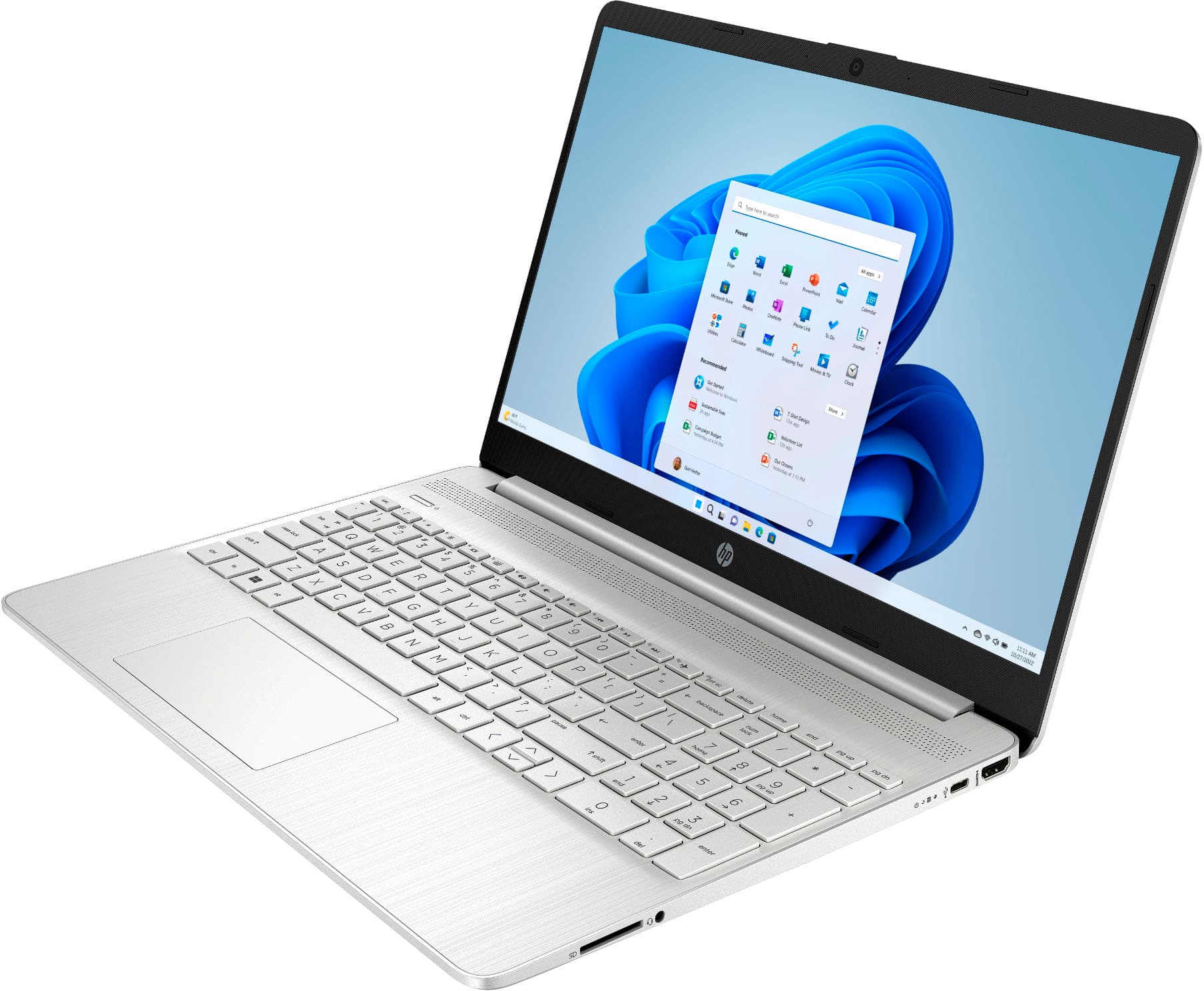
A:AnswerHello there! That's a good question. All you will need is an ethernet adapter that can adapt one of the built in USB ports on the side of the laptop. Thank you for your question!
A:AnswerThank you for the question. You can transfer files, but software/programs will need to be reinstalled from the source. You can transfer files by using a cable running from the old computer to the new one, or by uploading files to the cloud (One Drive or Google Drive) and downloading them to the new computer. You can also use an external hard drive or flash drive to transfer files. Generally, the best method depends on the size of the files you're transferring.
A:AnswerThank you for the question. You can transfer files, but software/programs will need to be reinstalled from the source. You can transfer files by using a cable running from the old computer to the new one, or by uploading files to the cloud (One Drive or Google Drive) and downloading them to the new computer. You can also use an external hard drive or flash drive to transfer files. Generally, the best method depends on the size of the files you're transferring.
A:AnswerThank you for the question. The HP 15-DY5073DX was released in the United States in June, 2023. Please reach out to a local dealer in India for pricing and availability.
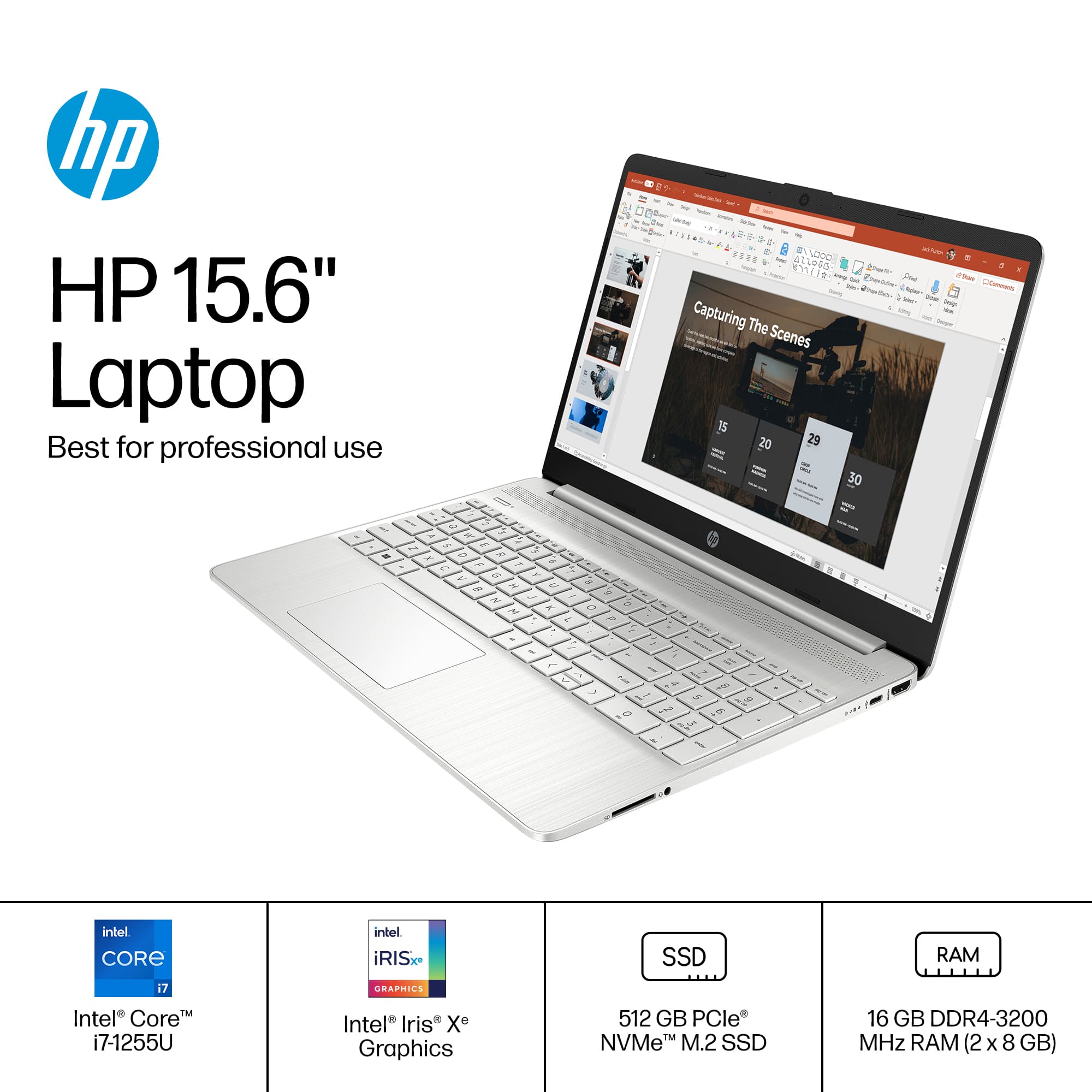
A:AnswerHi dachlmir, and thank you for asking the question. I'm not sure where on the Intel website you saw that the processor in this computer runs at 1.7 GHz, because I looked up the specs for the processor on Intel's website, and it says that it runs at 2.8 GHz.
A:AnswerThank you for your question, Robert! McAfee LiveSafe is pre-installed, but not activated. You have a 30-day free trial of McAfee LiveSafe with your purchase of this laptop, then you can subscribe to it or use another internet security software package when the period is finished.
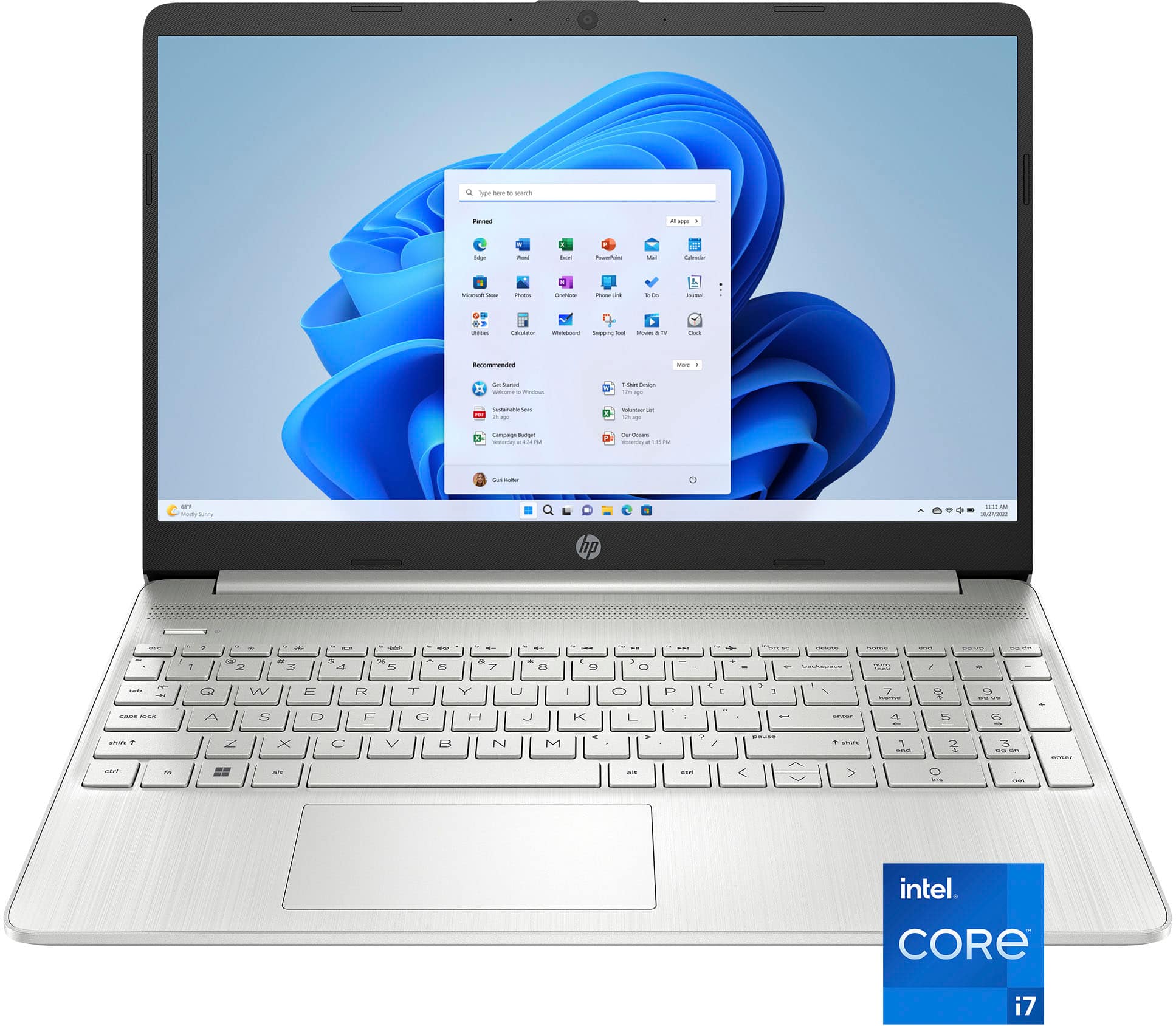
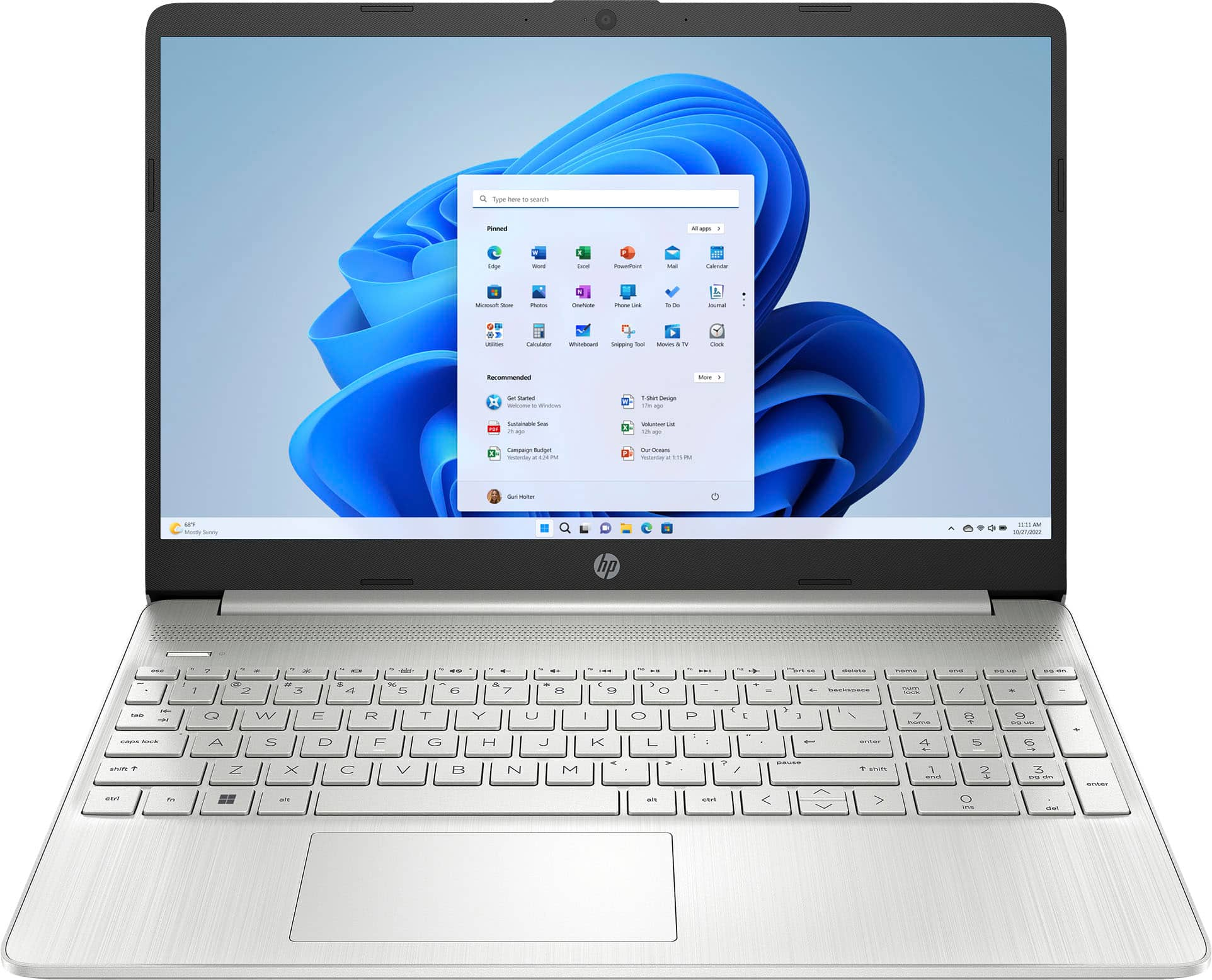
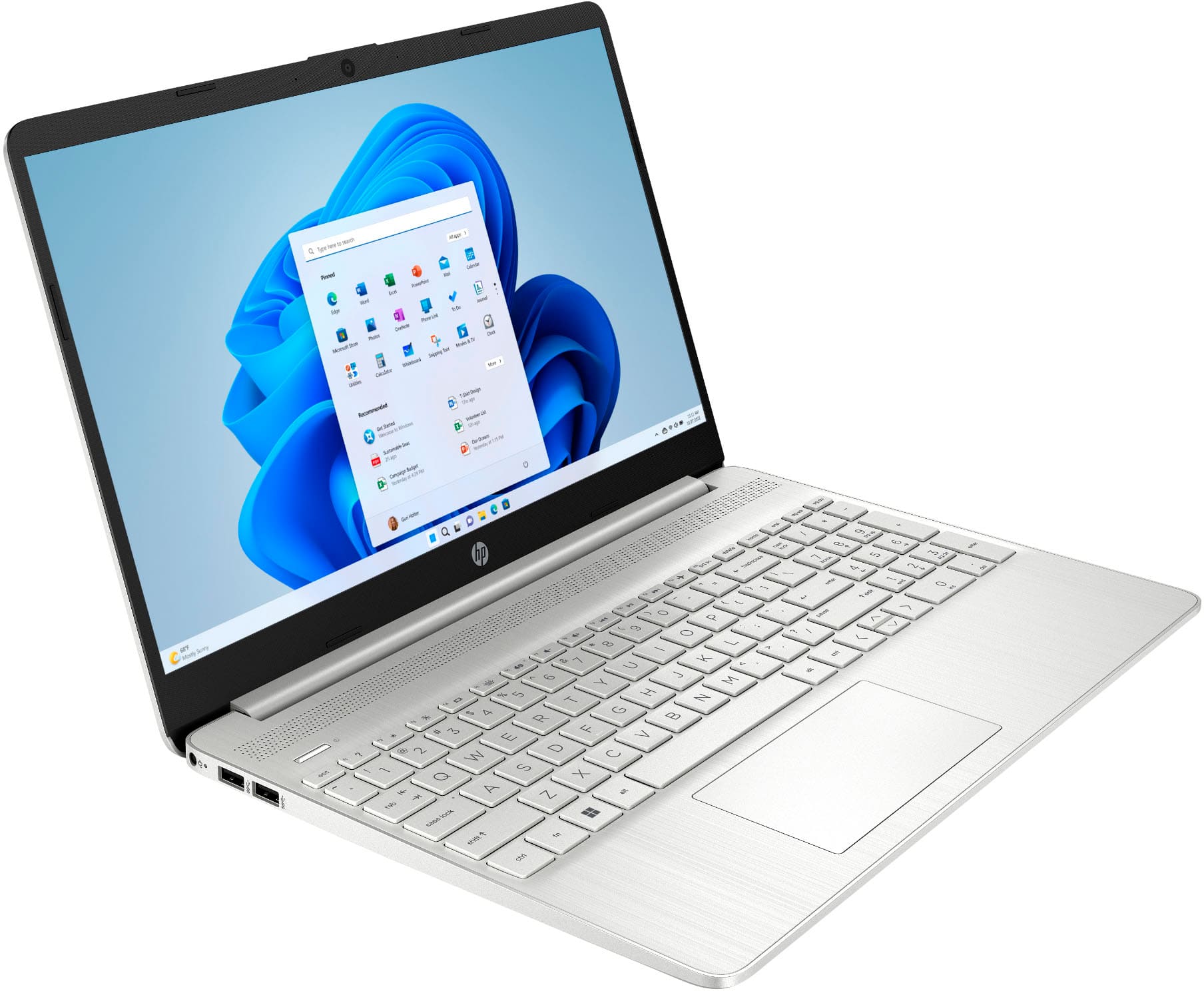
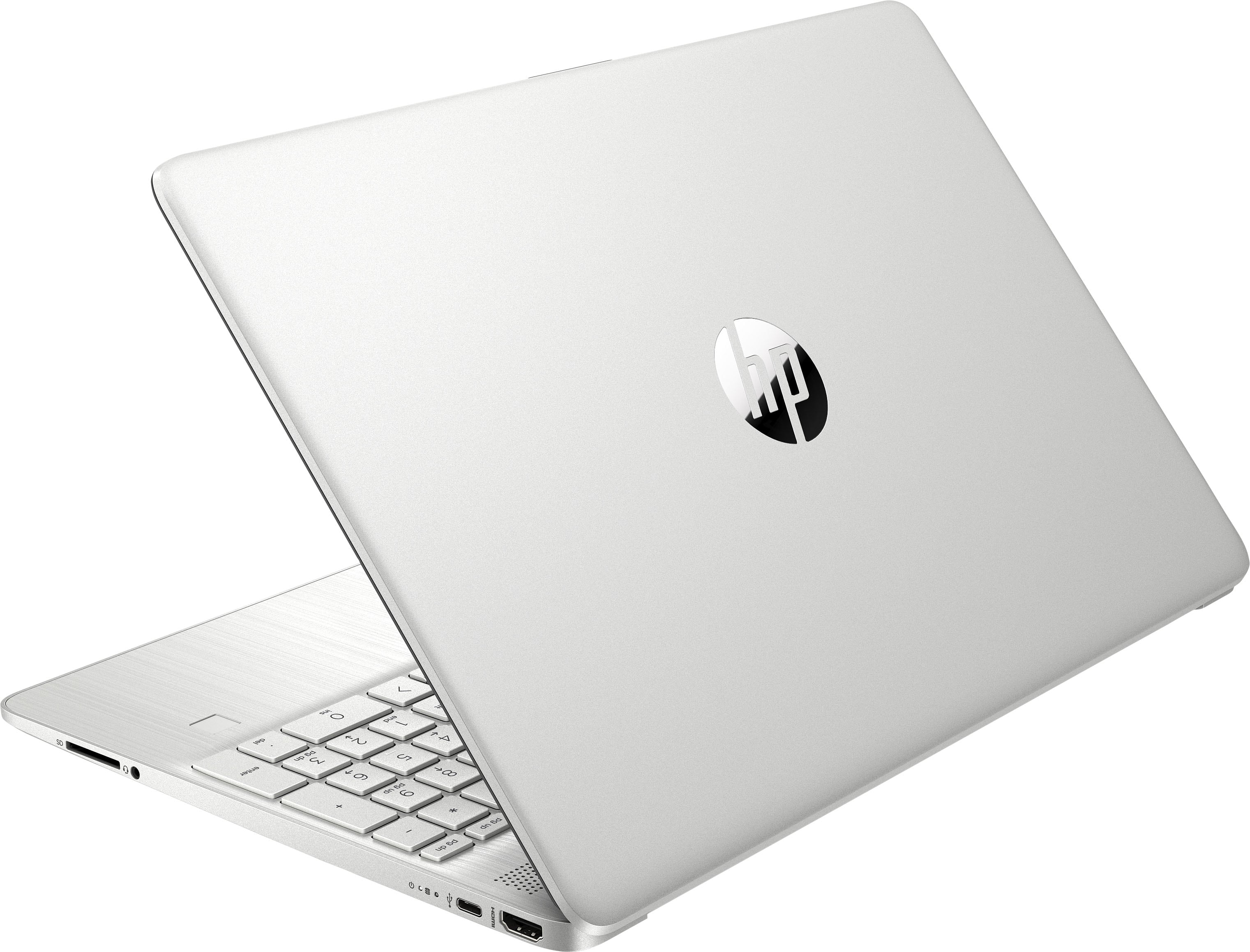
A:AnswerHello and thank you for asking. The HP 15-DY5073DX laptop is part of HP's budget friendly line of laptop computers. It runs Windows 11 in S Mode. The top cover, keyboard deck cover, and back cover are plastic. It does not have a fingerprint reader or IR camera, which are needed to support fingerprint or face login with Windows Hello. The keyboard is not backlit.
A:AnswerThank you for the question. You can connect using a USB 3.0 graphics adapter. These typically have more than one port for connecting multiple monitors.
A:AnswerHello and thank you for the question! The HP 15.6" Laptop Model 15-DY5073DX has 2 M.2 Slots, one in use for the WLAN card, and the other in use for the 512 GB SSD. There is an open hard drive bay that supports 2.5" SATA drives, and you also have the option to adapt to install an additional M.2 NVMe. While you can adapt this yourself, we would suggest speaking with an IT specialist at your local Best Buy's Geek squad to avoid installation complications.