A:AnswerExiting S mode is usually accomplished using a link in the Microsoft Store. Be sure your device is updated before trying to do this.
Also, HP is INCORRECT when they say you can't return to S Mode. If you reset the laptop to its original state, this will bring S Mode back. The process does, however, wipes the drive, so back up anything you may need before this procedure. There is also another procedure that requires alterations to the Registry, which you can find by searching the internet. This method should only be used by someone who is comfortable making the adjustments, as incorrect steps may render your computer unusable (at least until a reset).
A:AnswerThank you for your question on this HP laptop! I am sorry to hear about your experience. The USB device to repair it is one that has a recovery installer for Windows 11 that is user-created. That is created through the Windows Recover Media creator tool.
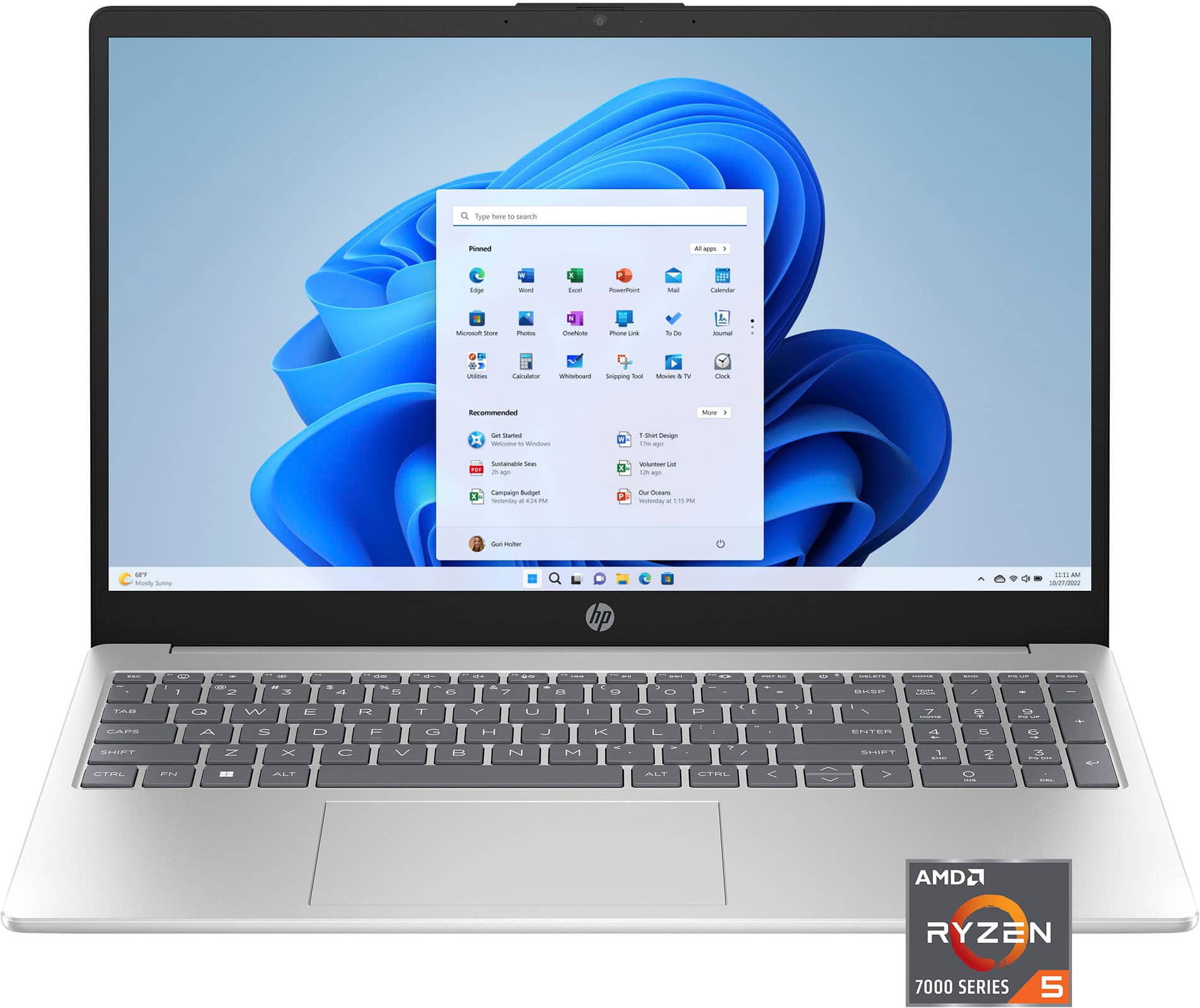
A:AnswerHello Brenda, thank you for your question. The AMD Ryzen 5 7520U processor is part of the Ryzen 7000 series, AMD's latest generation of processors, not the 14th generation Intel processors.
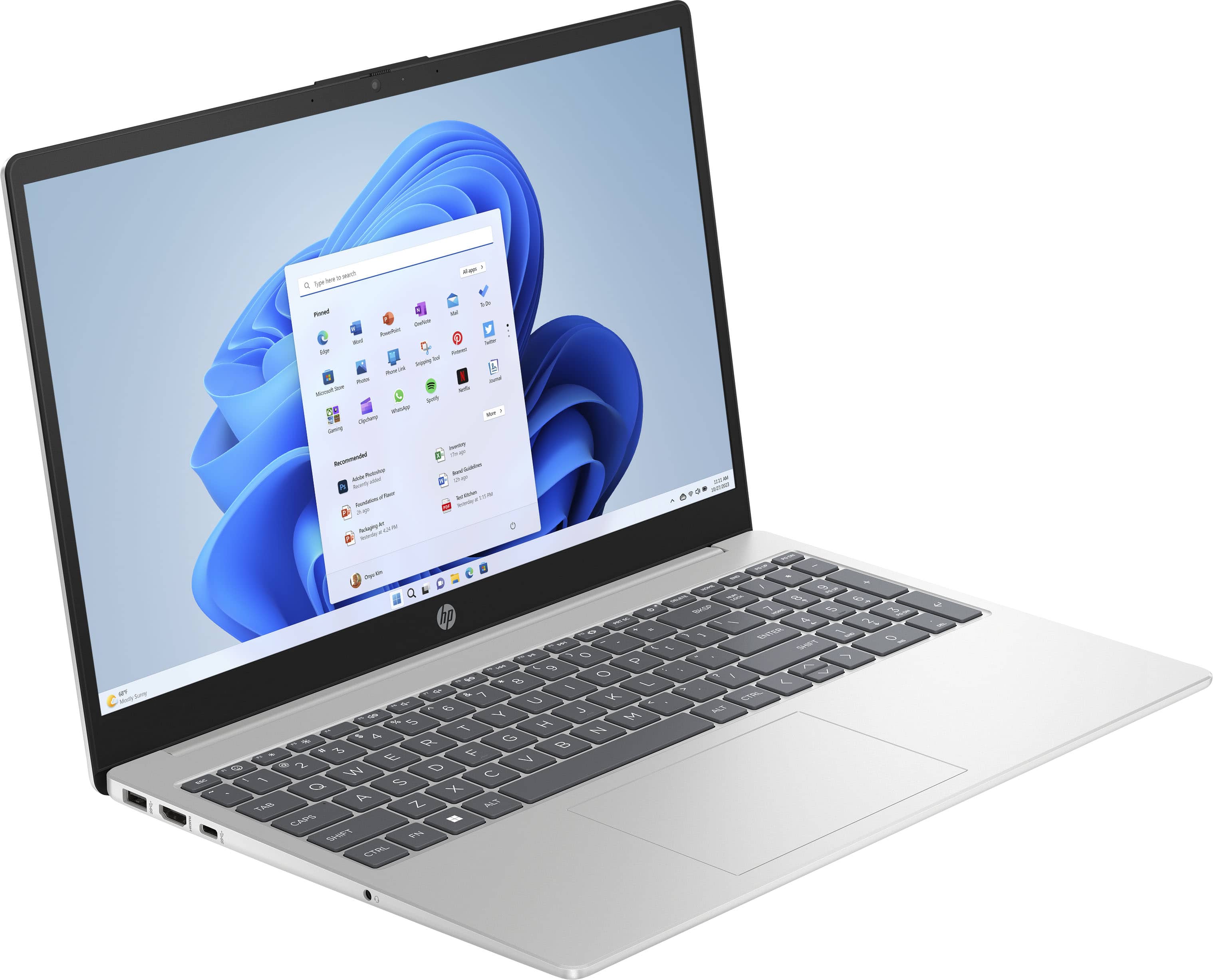
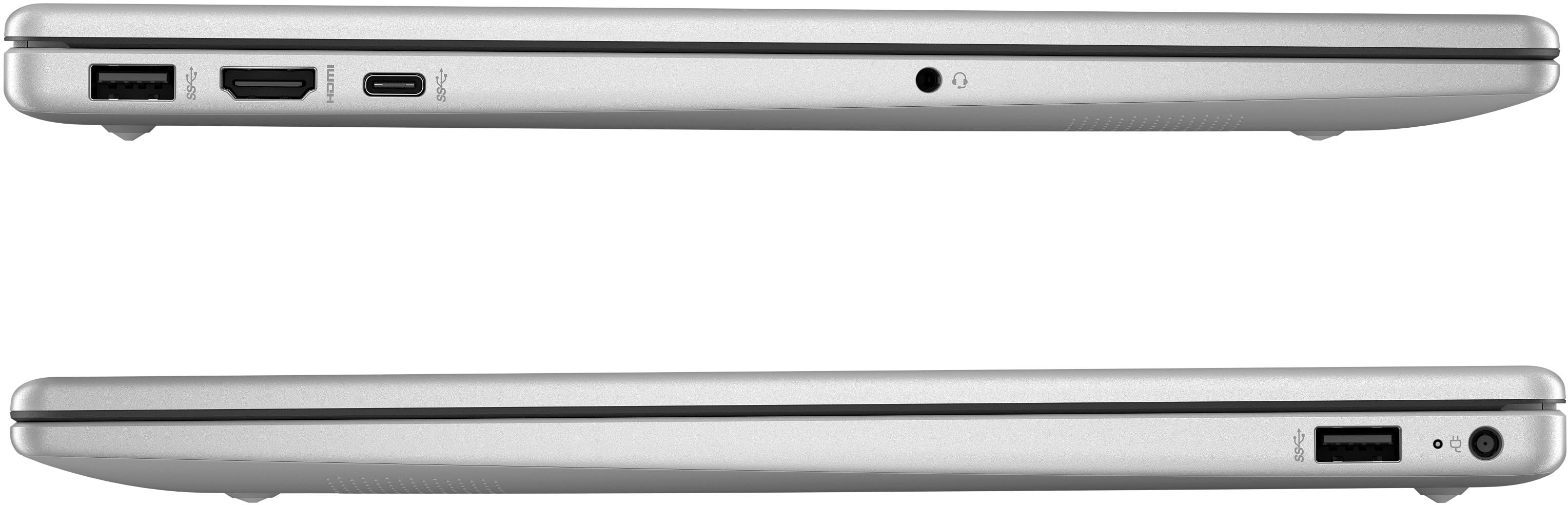
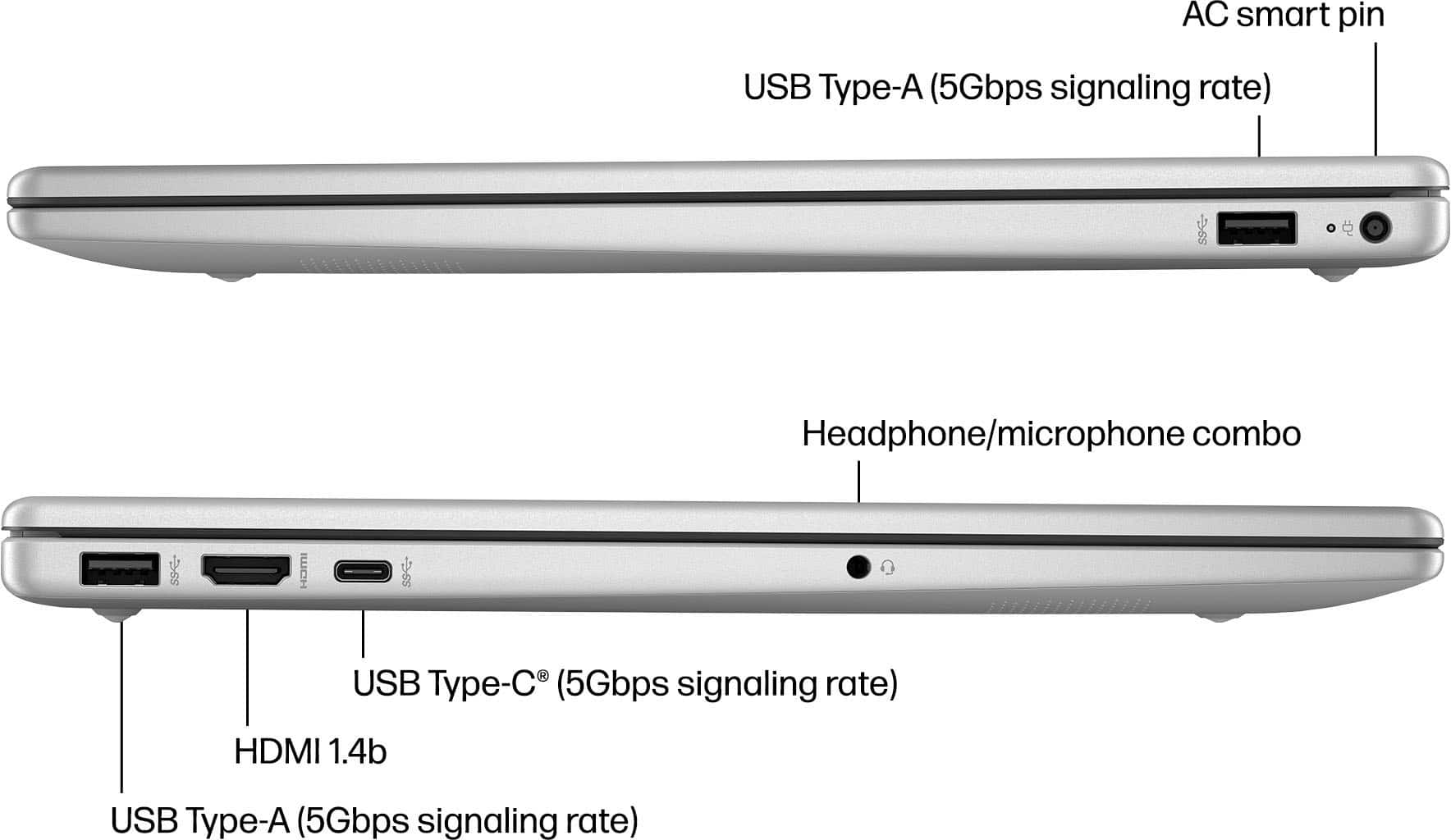
A:AnswerRob, thank you for your question on this HP laptop! The memory on this is not expandable. Additionally, this is not equipped with an SD card slot. You can use an external USB SD card reader.
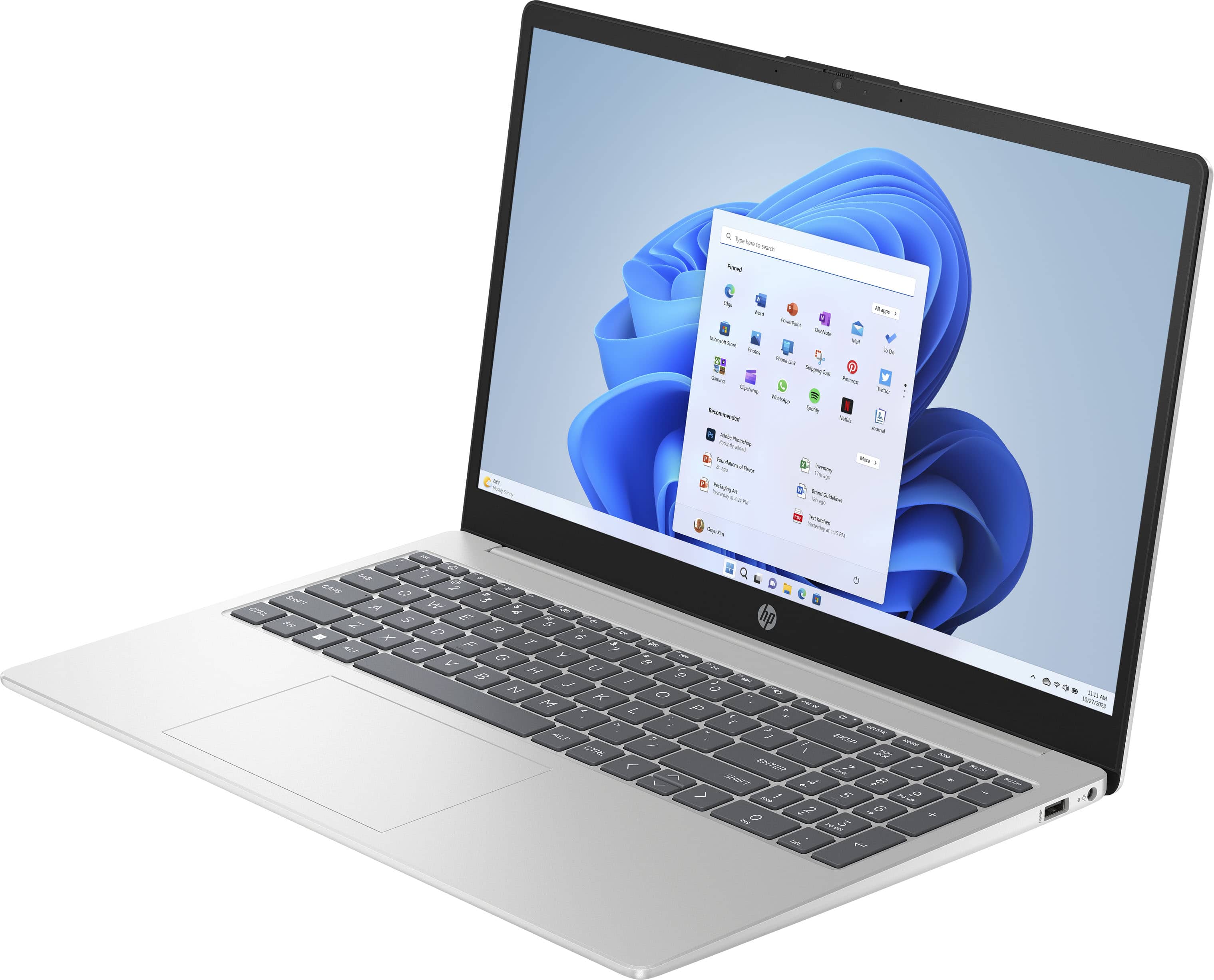
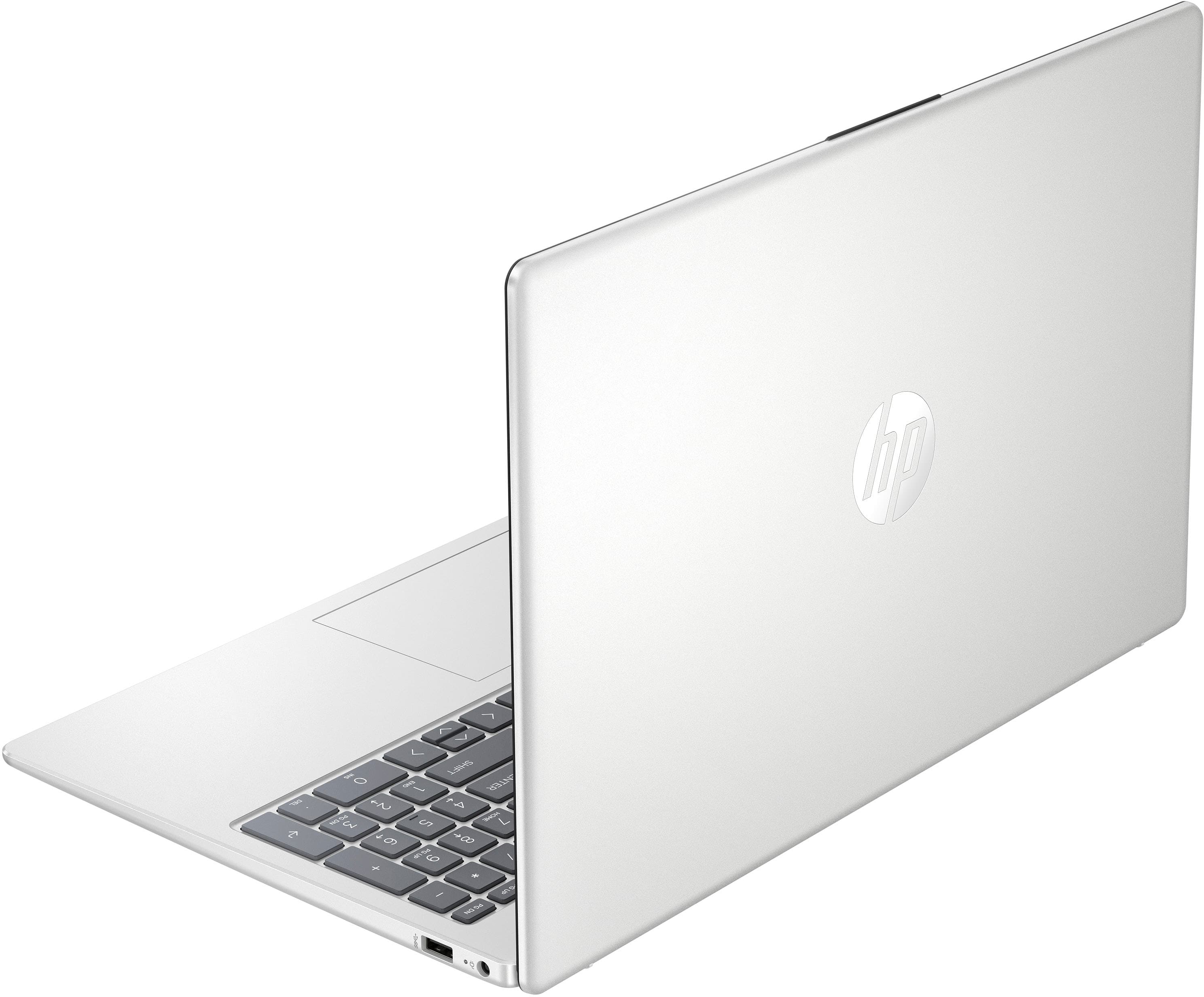
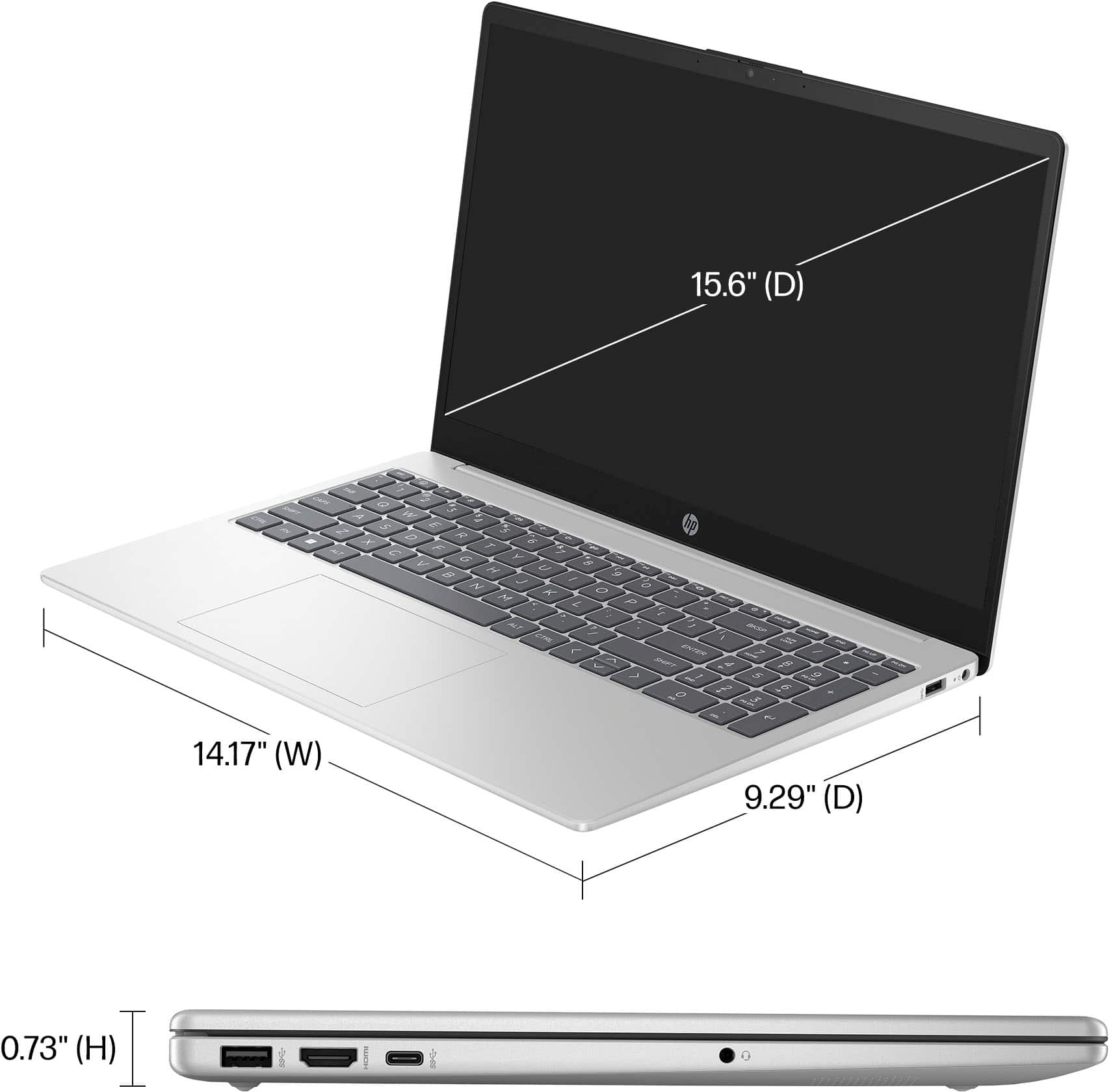
A:AnswerHello and thank you for your question. The HP 15-fc0025dx laptop is not a 2-in-1 model and does not have a flip into tablet design. It is a standard laptop, though it does feature a touchscreen.
A:AnswerHello and thank you for your question! As system requirements for software constantly change, we are unable to answer questions about software compatibility or performance. What is compatible today may not be in the future. Please check the software manufacturer's website for the most current minimum and recommended requirements.
A:AnswerHi, Joel, thanks for your question on this 15.6" Touch-Screen laptop! You can check the requirements for the software you would like to use by looking up the system requirements for it from the publisher's website. You will want to make sure that the device you want to use it on meets the minimum requirements. Updates and modifications can impact what settings you can run the software on or if you can use the software at all. However, keep in mind that even if Steam can be downloaded, the requirements for the games you can play will vary and need to be checked individually.
A:AnswerHi Jimm. Thank you for your question! You will be able to pinch to zoom using the touchpad on this HP 15-fc0025dx laptop in apps that support this feature, (such as a web browser).
A:AnswerHi Claudia. Thank you for your question! The HP 15-fc0025dx laptop comes with a keyboard built-in and if you wanted to connect an external keyboard, you would be able to connect it via USB or Bluetooth.
A:AnswerThank you for your question about internet security on this HP laptop! Yes, you can install and use Norton 360 as it's available in the Microsoft Store.
A:AnswerThanks for your question. This HP laptop will work great for a college student and to run Microsoft Office Programs. The laptop will be fast and nice to use.
A:AnswerThank you for your question on this laptop! You can use a printer as long as it is on the same wi-fi network as this laptop. Make sure that the printer is set up to run with the laptop first and you can use them if they are in different rooms!
A:AnswerHi Kim, thanks for your question. This HP laptop model should work great for most programming software. You can check the recommended hardware list for the software you are using on the software manufacturer's website.
A:AnswerThank you for the question. You can use a capacitive stylus, similar to using your finger to navigate. A capacitive stylus doesn't have touch sensitivity or electronic components and doesn't need to be paired with the laptop.