A:AnswerUnfortunately, the Nimbus controller is only compatible with Apple devices. It will not work with this computer. You can choose a different brand of controller that is Windows compatible.
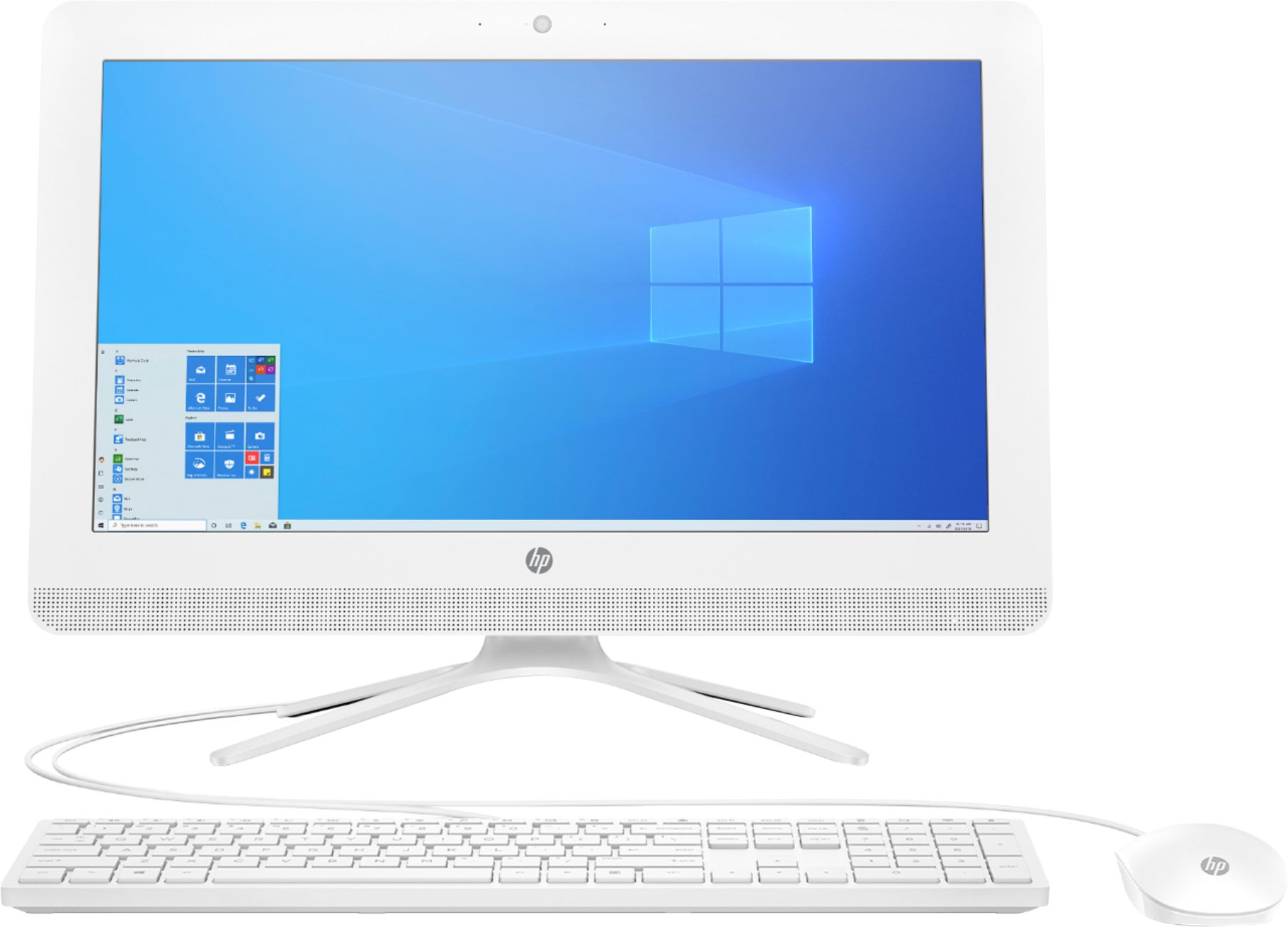
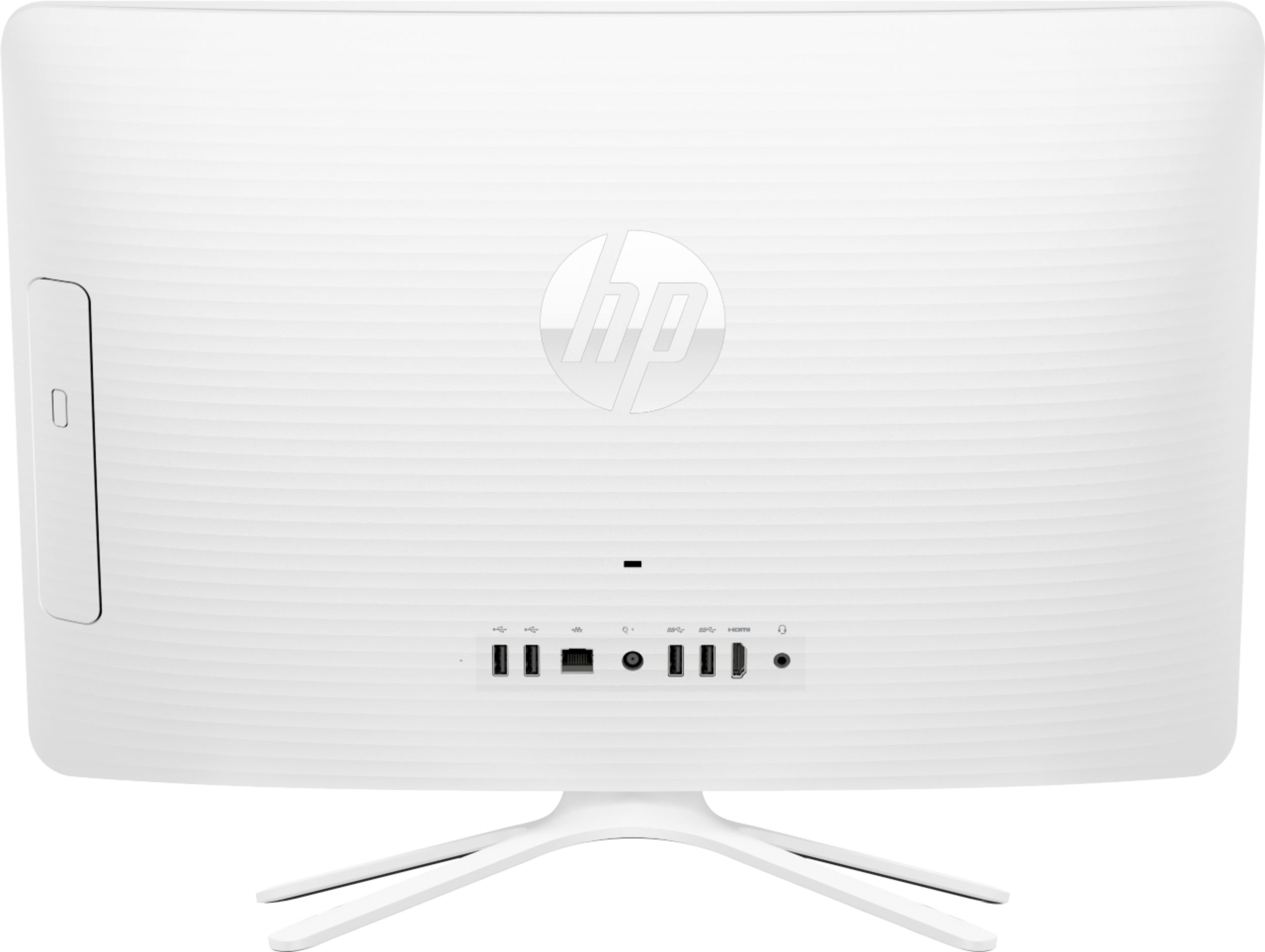
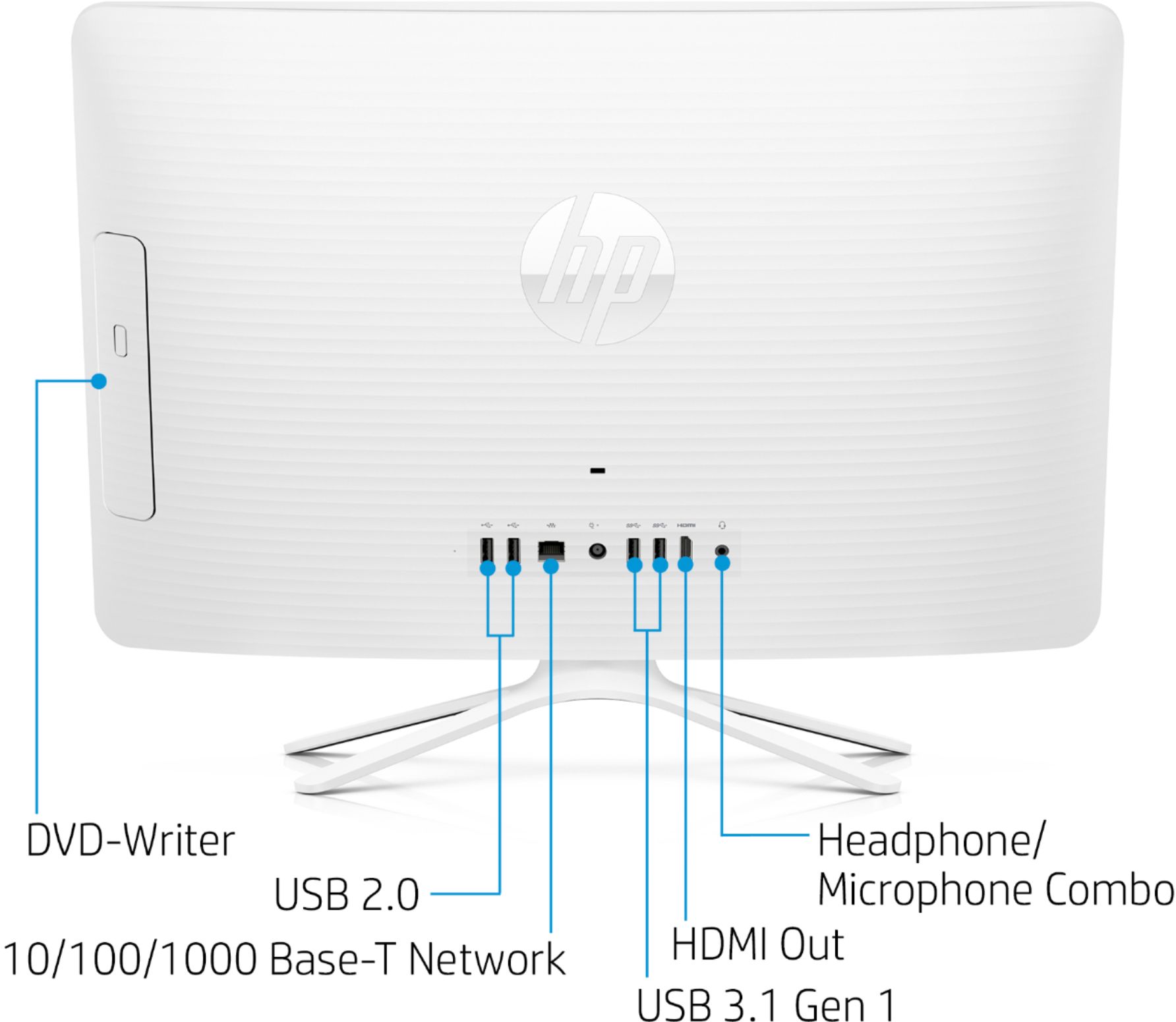
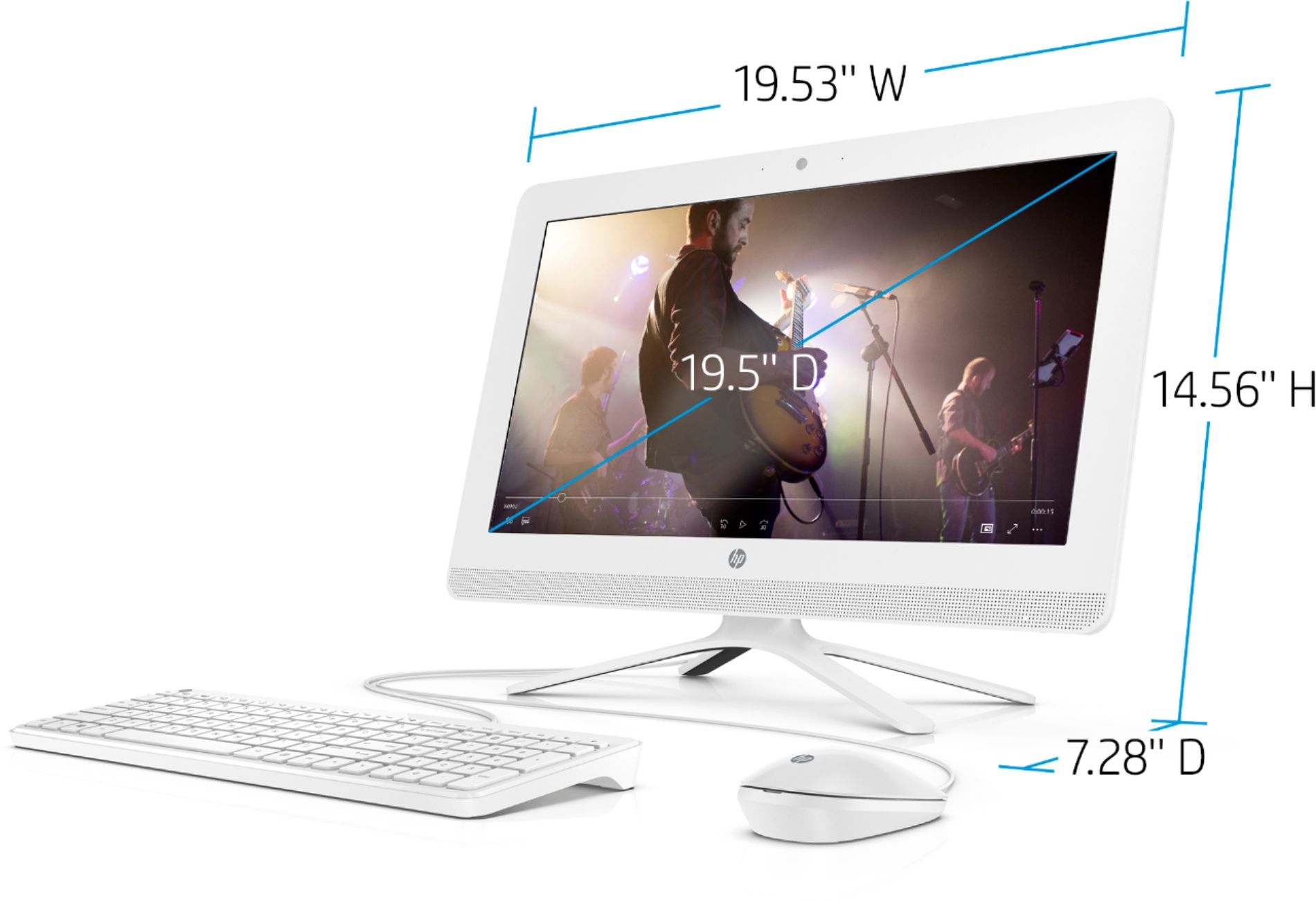
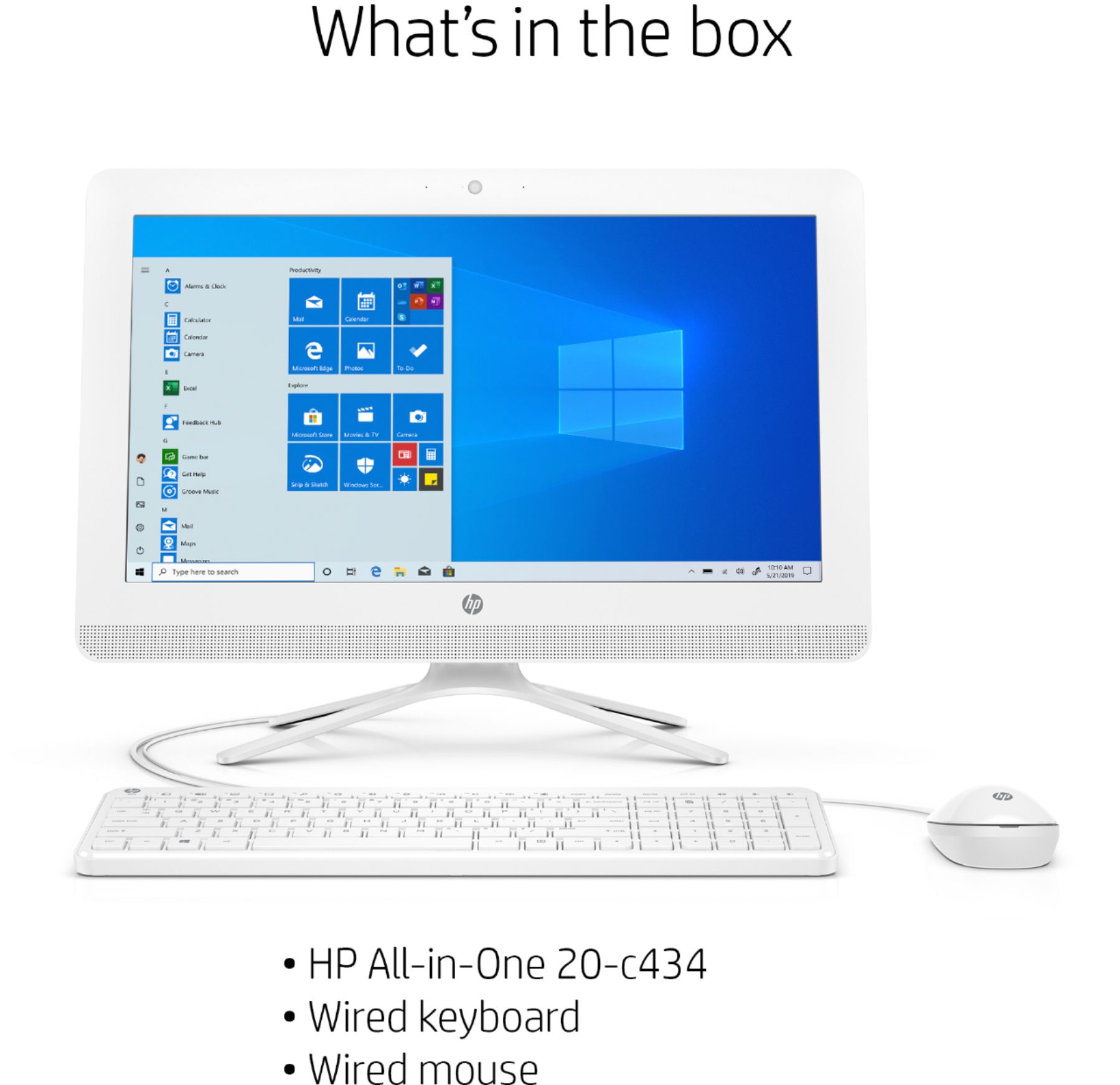
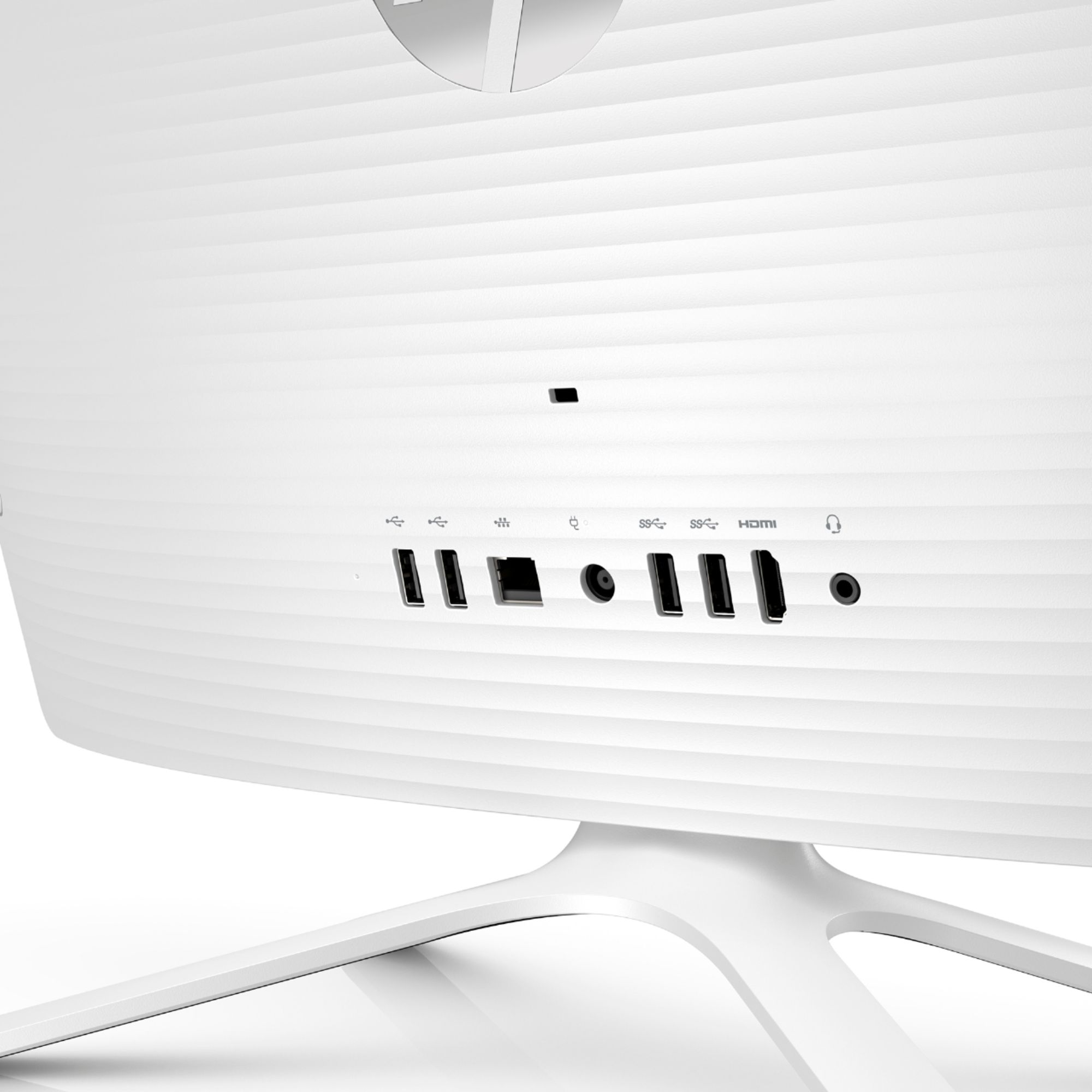
A:AnswerNo, you can't use them in that way. The All-in-One does have an HDMI out port, so you could choose a 19.5 in monitor with one of these to have a dual monitor setup.
A:AnswerYes, you can hardwire the computer to your router with a standard Ethernet cable, and it will work very well running things like meetings with Zoom.
A:AnswerIf you click the Windows Start menu button, the windows icon on the bottom left of the desktop, a group of icons will pop up. The very first icon will be the power button, once you click that icon, you will see an option to restart or shut down the computer. If you set up Windows to use a PIN number instead of a password to login, you will need your PIN to login.
A:AnswerPhotoshop recommends having higher end graphics cards - Graphics card nVidia GeForce GTX 1050 or equivalent; nVidia GeForce GTX 1660 or Quadro T1000 is recommended
Here is a link to the photoshop requirements:
https://helpx.adobe.com/photoshop/system-requirements.html
A:AnswerThe memory storage is there, but I would not recommend this for a task such as digitalizing your VHS. It’s a great computer to surf the net and do basic task. The computer starts to huff and puff while my daughter is playing Roblox and listening to Spotify. My recommendation is finding another desktop with more memory to be your workhorse for doing that.