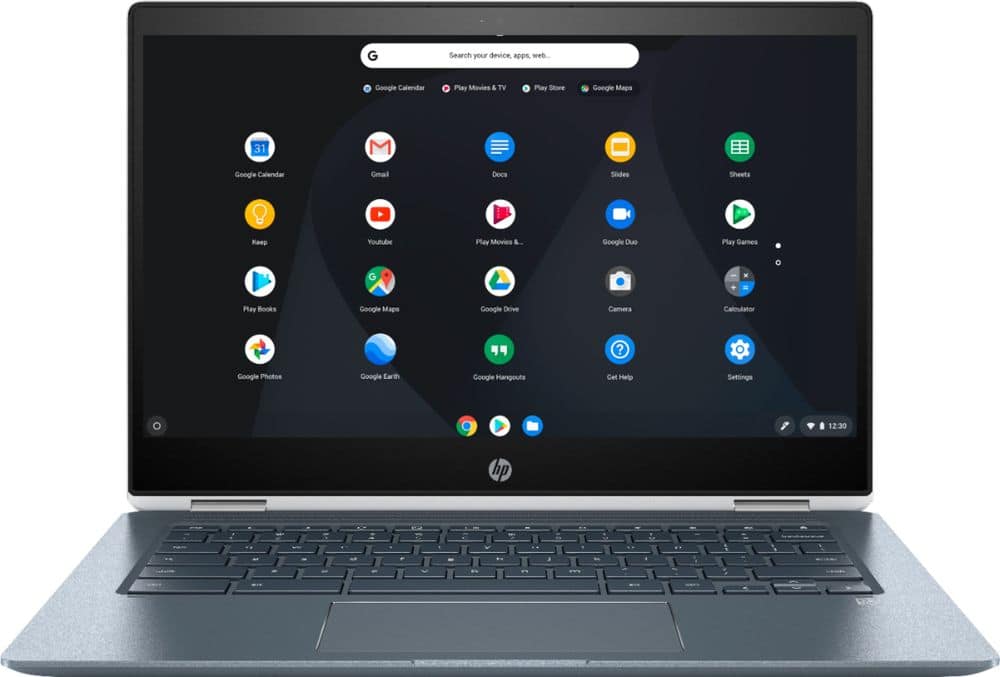
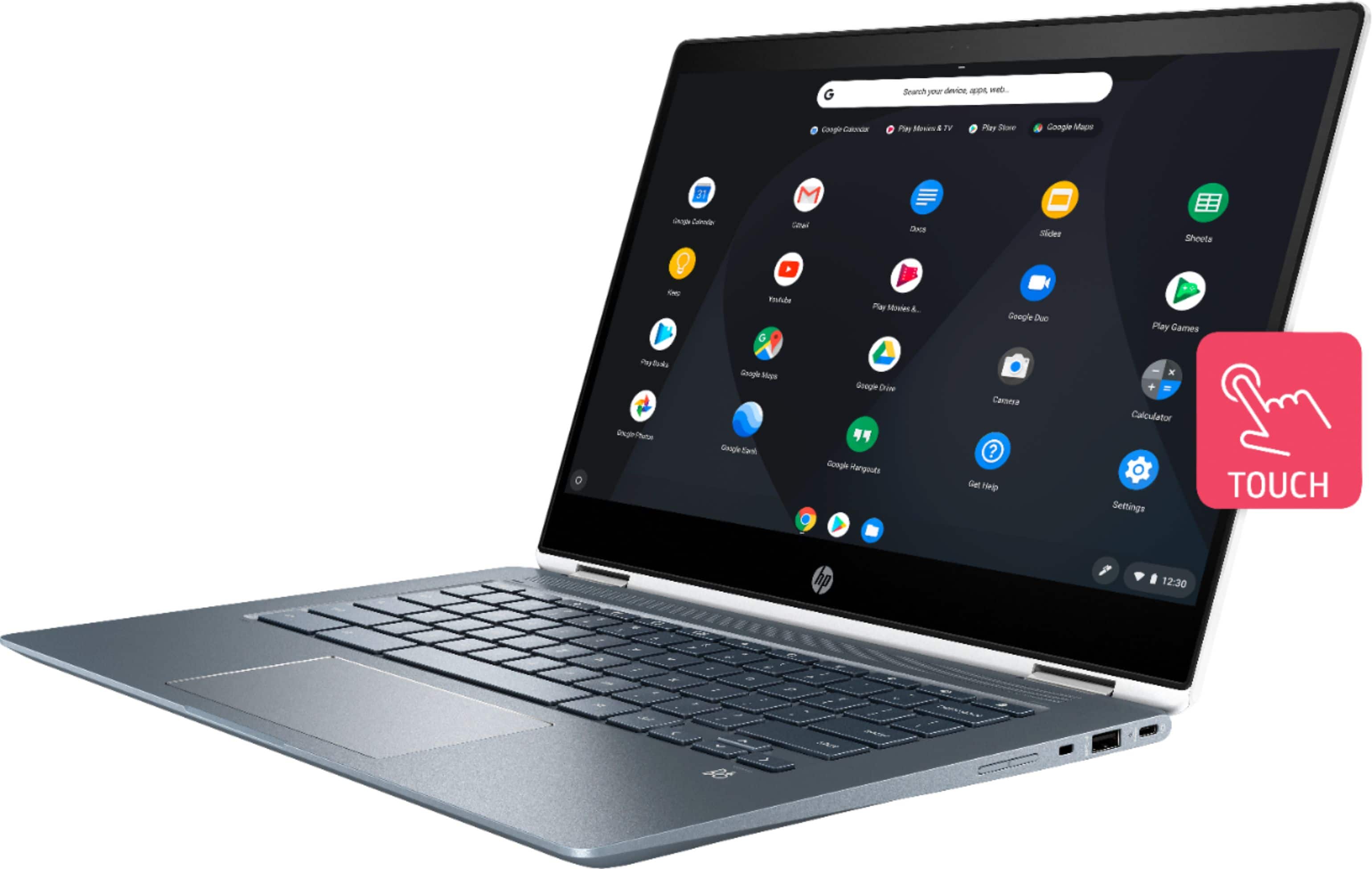
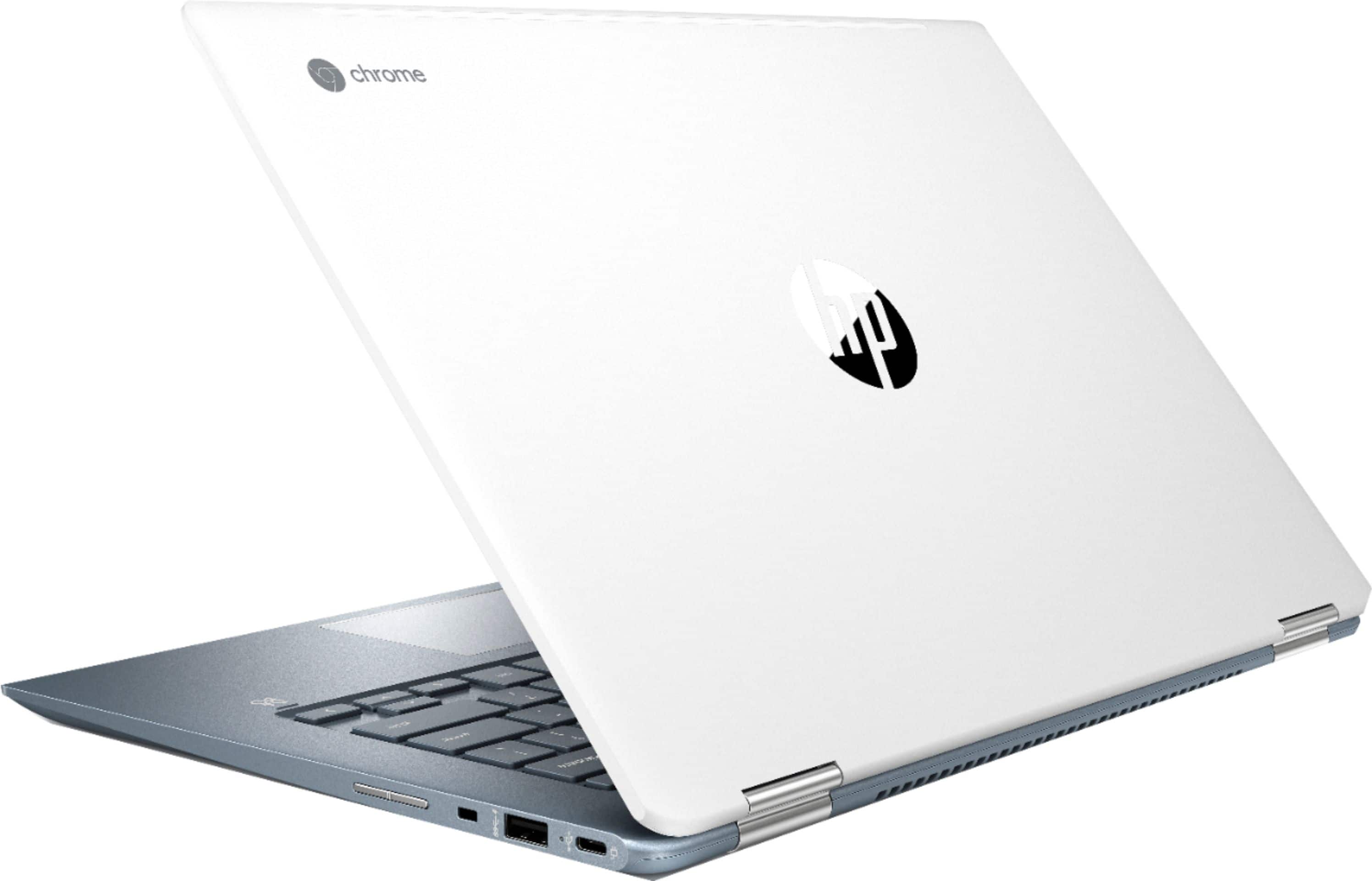
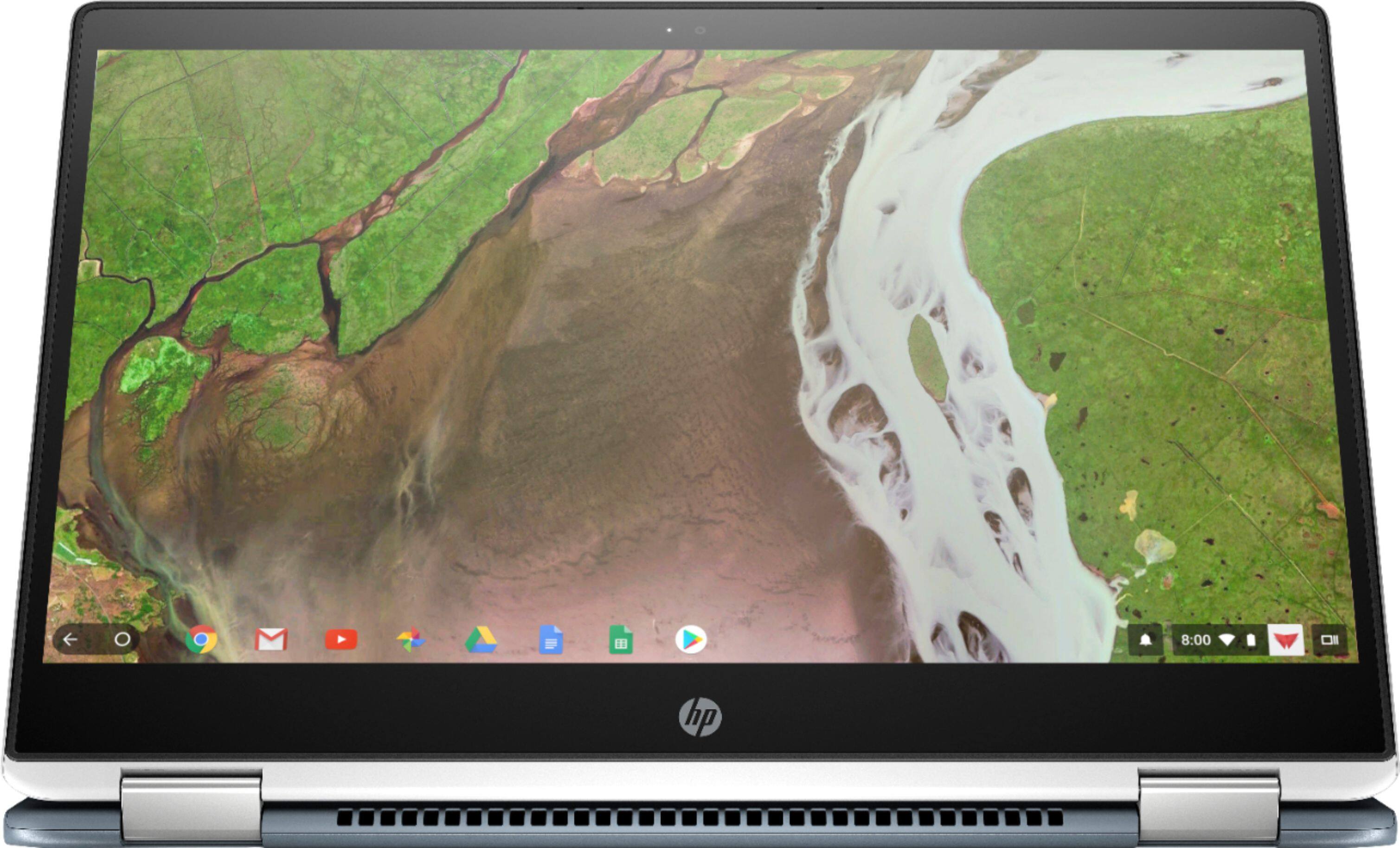
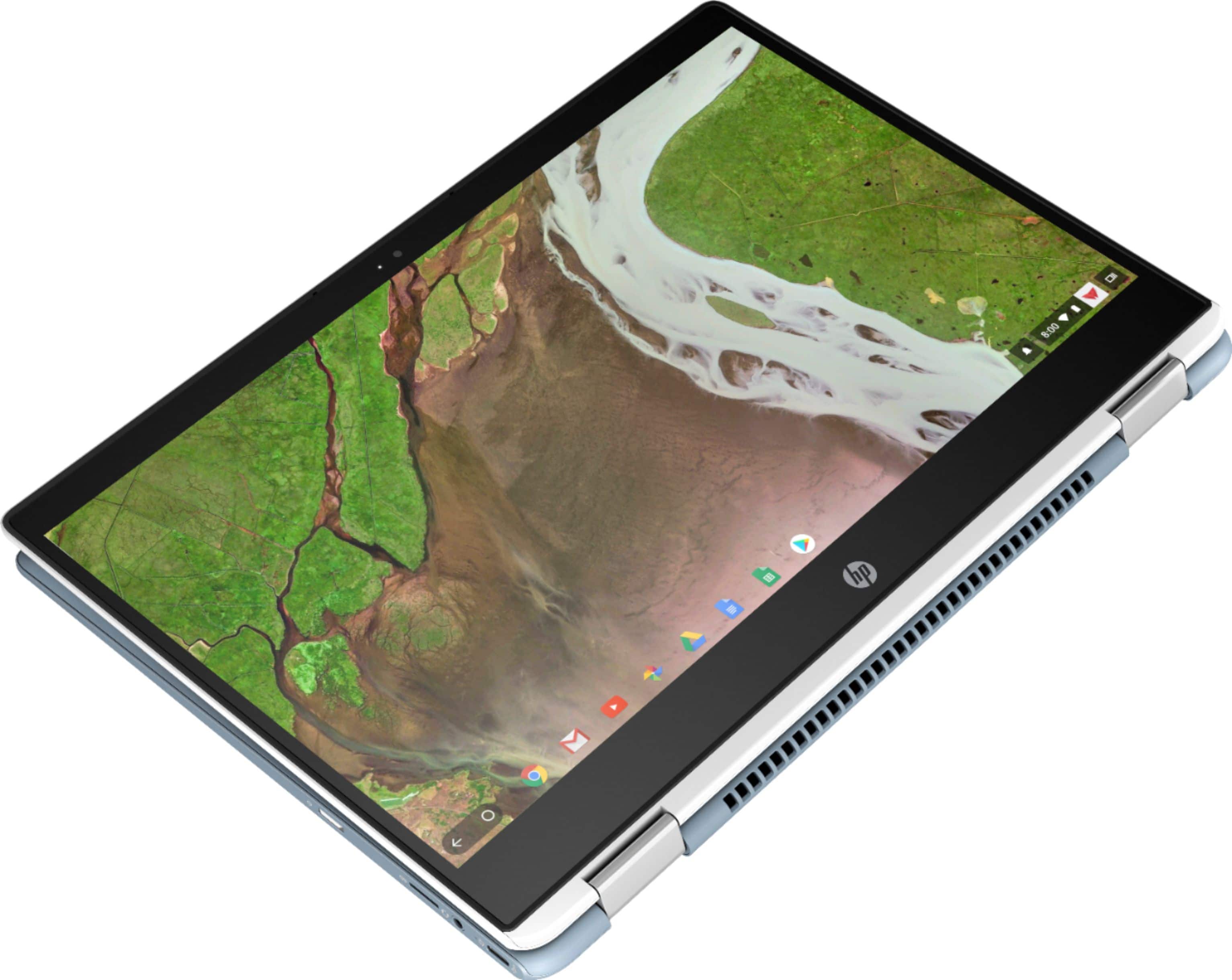
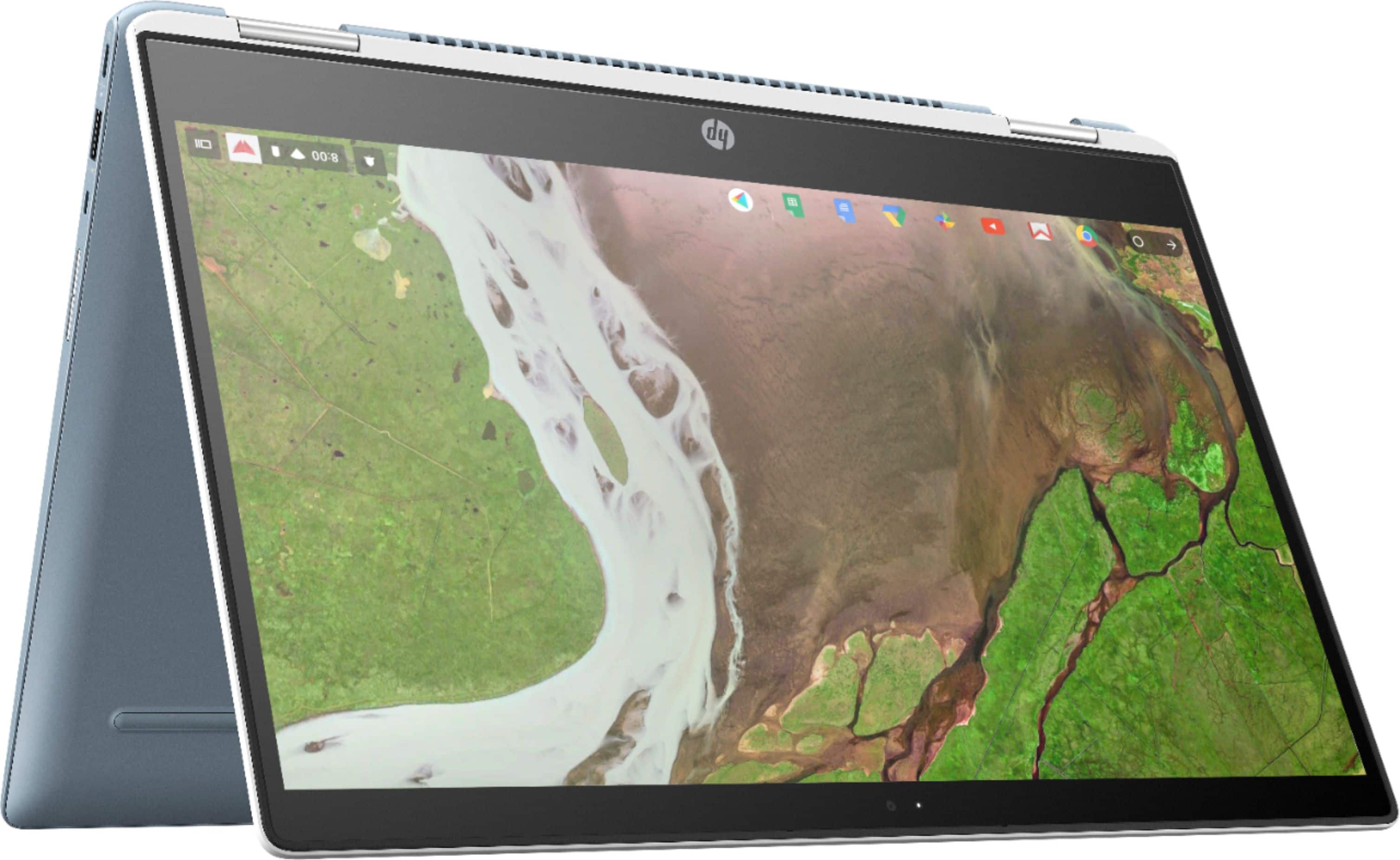
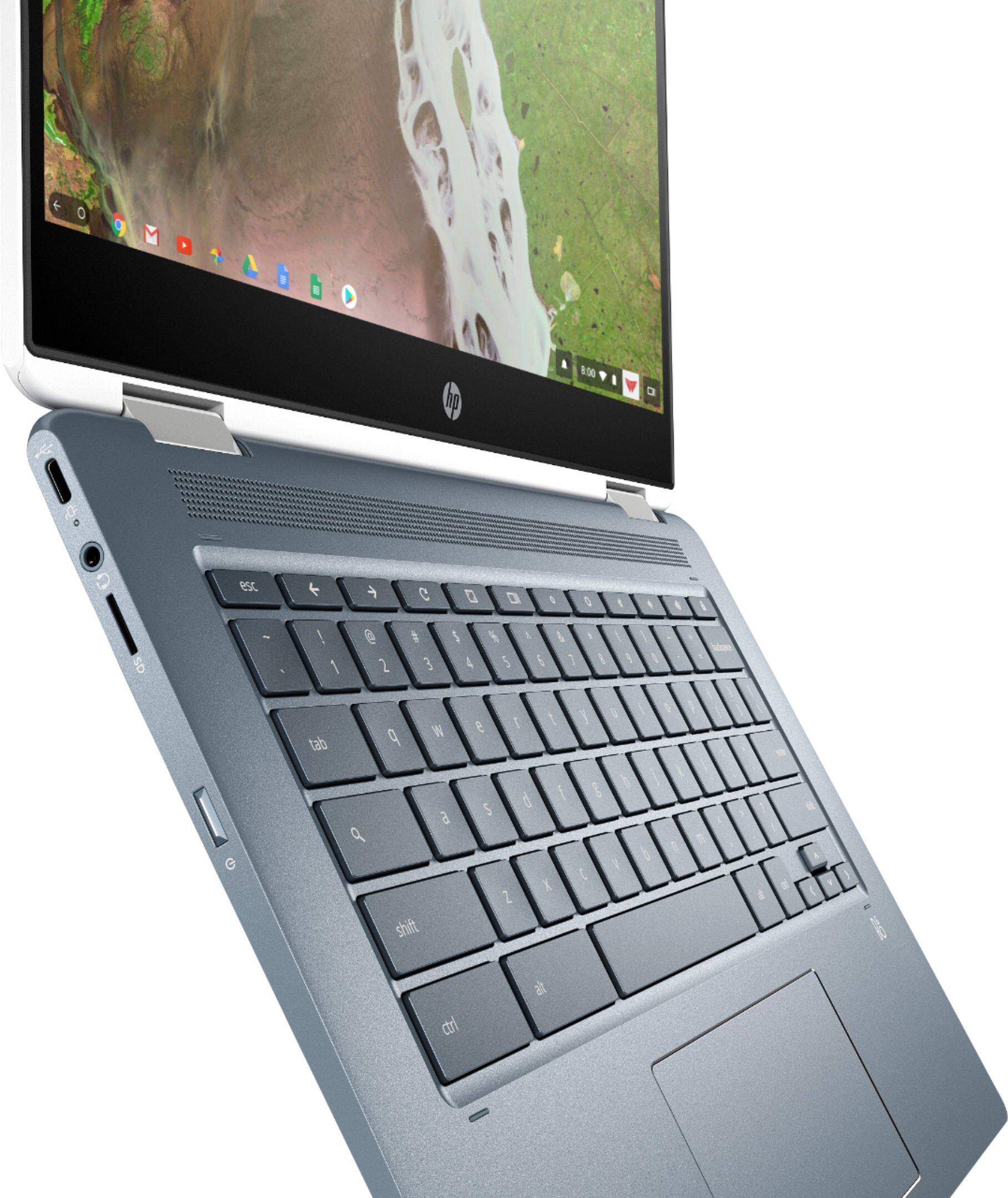
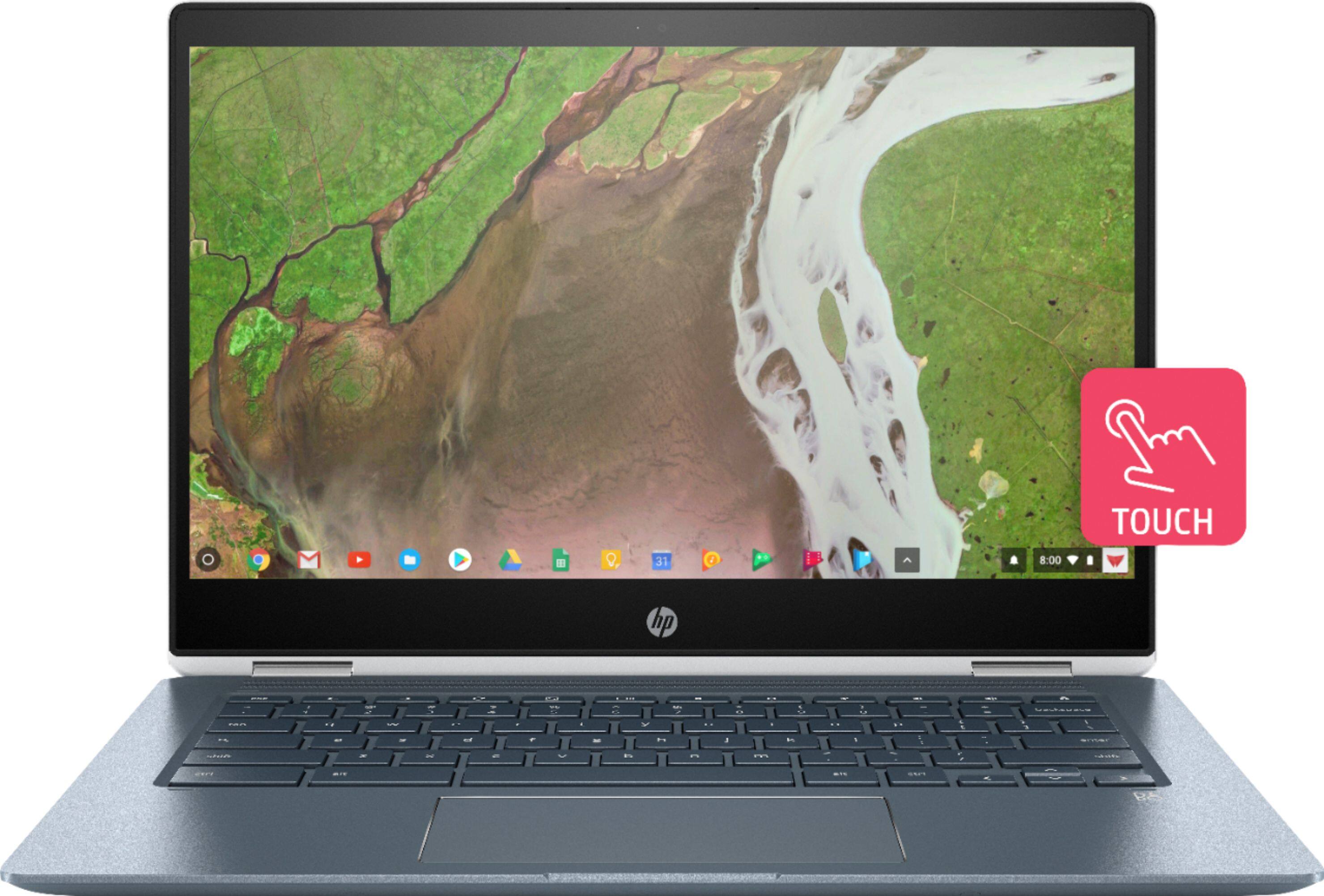
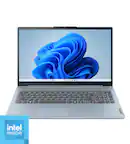
A:AnswerA case or sleeve for a 14" laptop is always a good choice to protect it while you're going from place to place. If you're more comfortable using a mouse than the trackpad, a wireless mouse is always a good choice.
A:AnswerBecause this Chromebook was introduced in 2020, it should run any app that's available in the Google Play Store. You can also check the Chromebook store to see if it's available there.
A:AnswerTo view a Word document on Google Docs, you must first upload the file to your Google Drive. Open Google Drive, click “New,” and then click “File Upload” to get started. Navigate to your file(s) and then click “Open.” ... Google then converts your Word document into a Google Docs file