Questions & Answers
- Model:
- 14-DA0011DX
- |
- SKU:
- 6301869
Highly rated by customers for: Touch Screen, Ease of use, Speed
Page Showing 521-529 of 529 questions
Q: Questionwhat connectors do I need to connect this Chromebook to a monitor?
Asked by meme.
- A:Answer USB-C to HDMI cable will work.
Answered by CRK1953
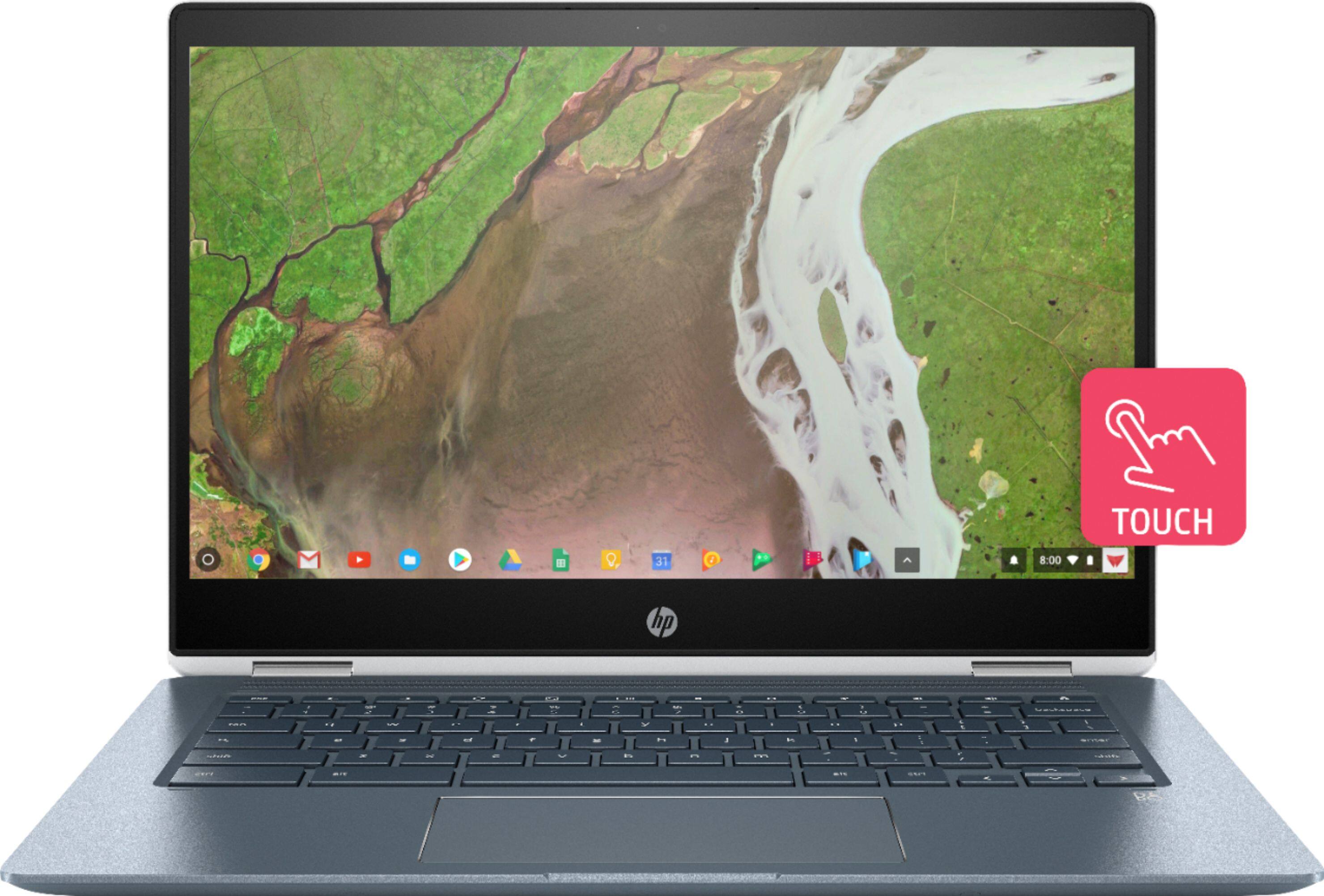
Q: QuestionWhat type of glass is the touchscreen made of, Gorilla glass 3?
Asked by Fireball455.
- A:Answer This Chromebook is not made of gorilla glass.
Answered by HP Team

Q: QuestionWhat gen is this model if I was to but a dust cover for the keyboard? What info is needed?
Asked by Edyche.
- A:Answer You will look for a cover that fits the 14" HP Chromebook x360.
Answered by HP Team

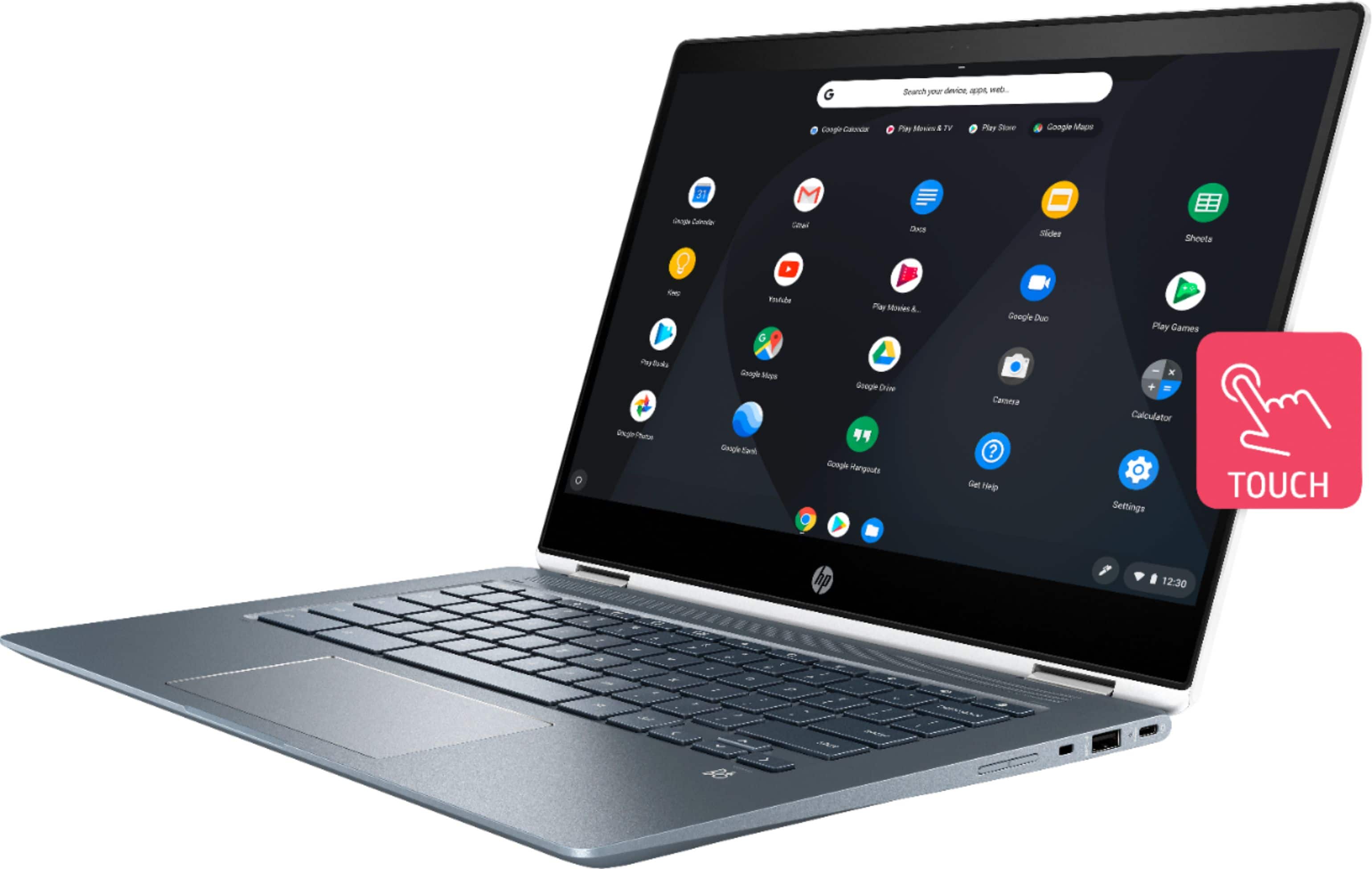
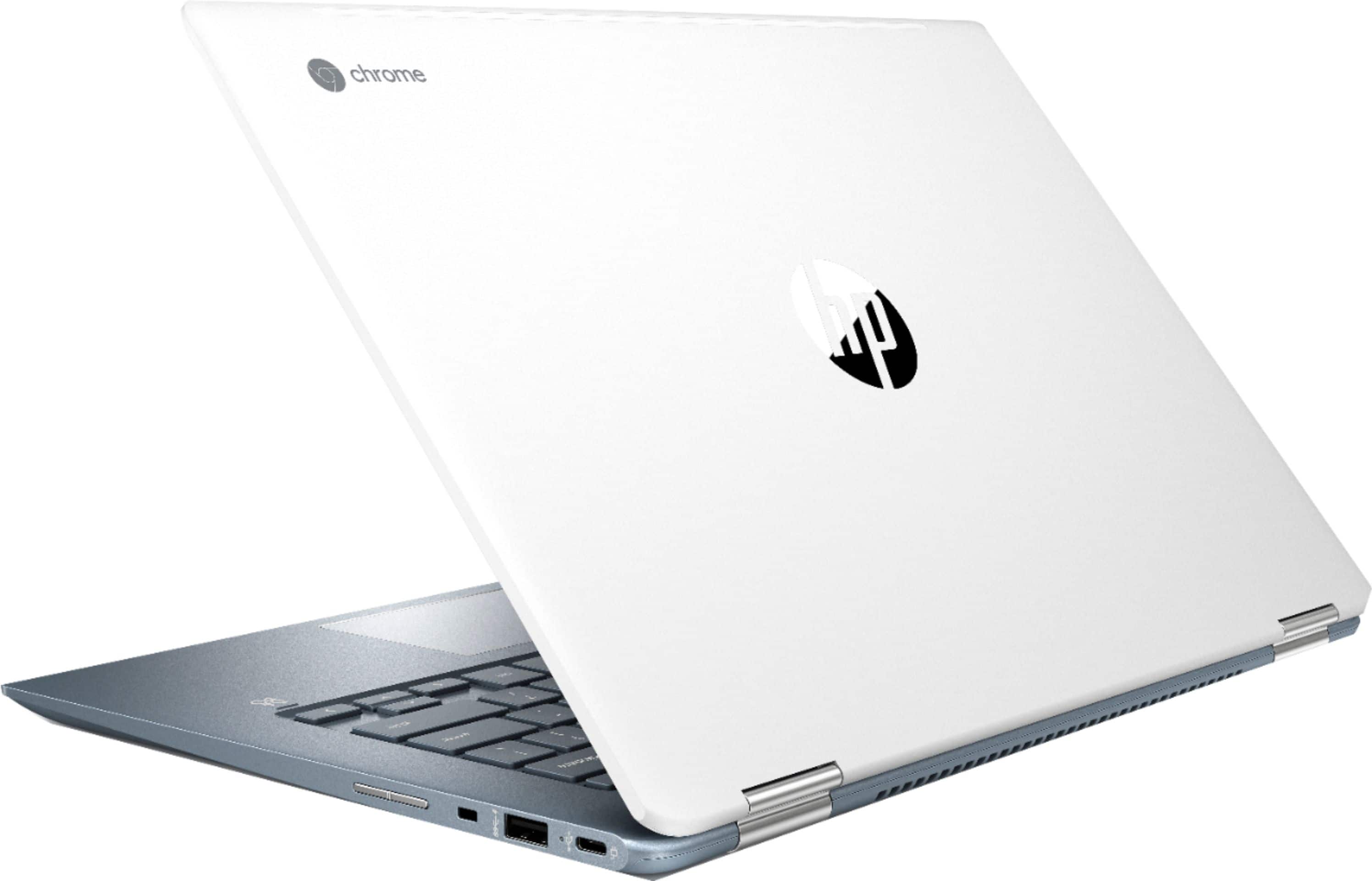
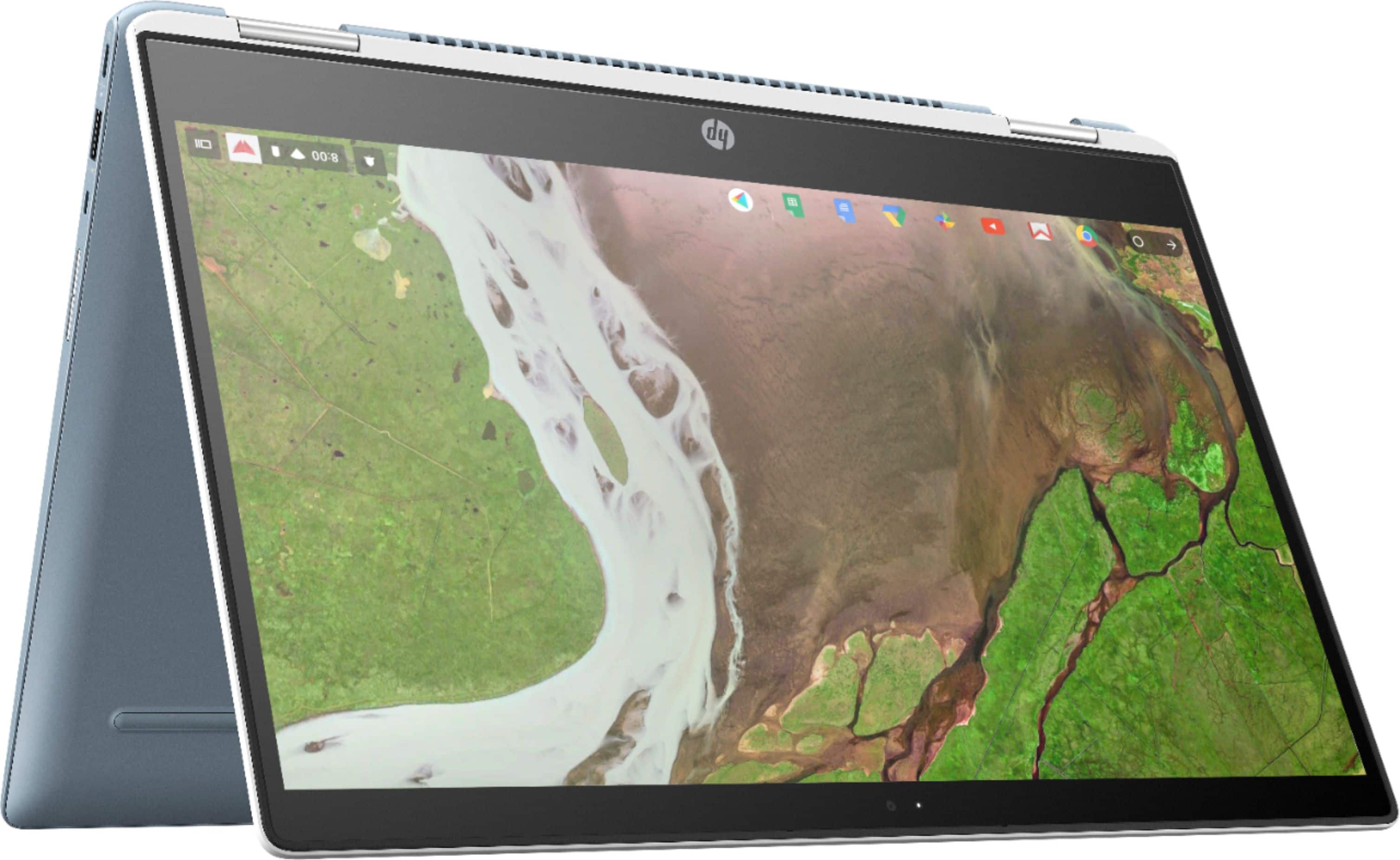
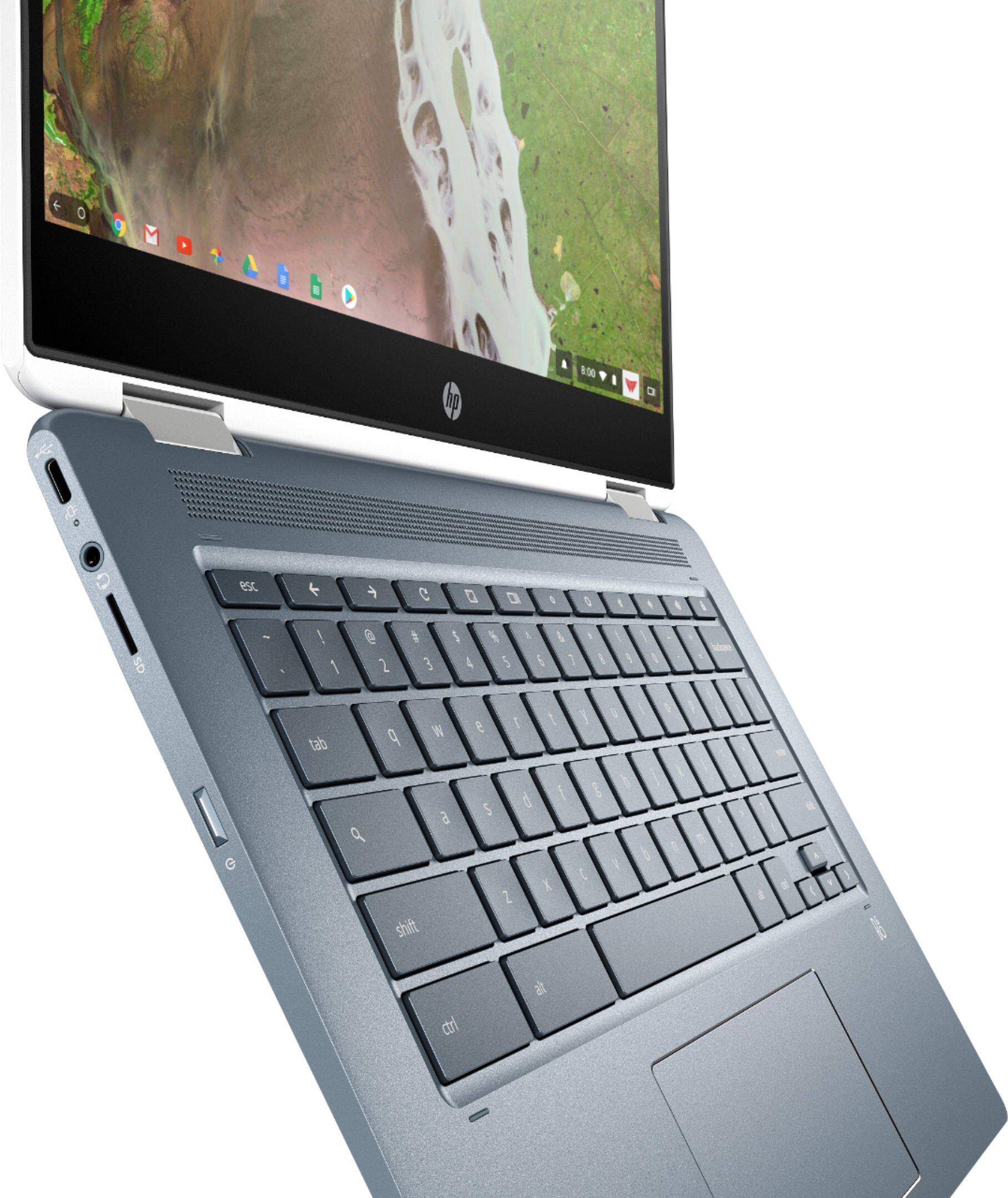
Q: QuestionThere is no HDMI connector to use a second monitor. Will this accept a USB-C to HDMI adapter? If yes, are there any restrictions on the type of adapter?
Asked by GlueGuy.
- A:Answer Yes, this works. I can confirm that you can connect your TV to this Chromebook using a Cable Matters USB-C to HDMI adapter. It works great. When you connect the cable, it sets up an extended desktop on the TV screen - same as with a dedicated HDMI connection. You can watch videos (full HD) or drag a Chrome browser tab over to the TV to display. The HP Chromebook uses the DisplayPort Alternate Mode of USB-C to send video over USB-C. This is stated in the HP Chromebook manual. The Cable Matters USB-C to HDMI adapter converts a DisplayPort signal to HDMI. I can't confirm if other adapters will work, but any adapter that converts a USB-C DisplayPort video signal to HDMI should work just fine. I don't understand why HP doesn't provide this information in the specs for this Chromebook since it's not clear if this works. I almost didn't buy this Chromebook because there is no way to determine if it has video over HDMI by reading the specs. Here is info on the DisplayPort spec in USB-C: https://www.displayport.org/displayport-over-usb-c/
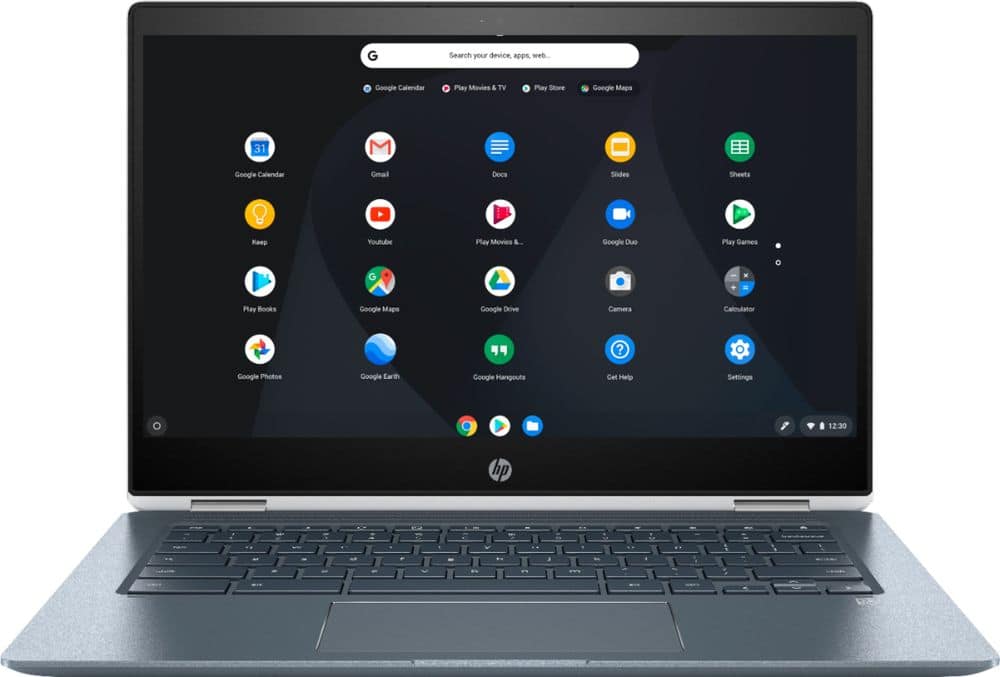
Answered by GregK
Q: QuestionHow many displays can this Chromebook produce at once? Can it output two displays out of one usb-c port via a dual hdmi usb-c dock?
Asked by Doug.
- A:Answer You can use the USB Type C ports to connect a display. This model has two USB Type C ports.
Answered by HP Team

Q: QuestionDoes it come with a built in antivirus system also can I use a stylus?
Asked by Nate.
- A:Answer Yes, it comes with an antivirus.
Answered by CommunityAnswer
Q: QuestionI'm trying to decide whether I get this or HP 15-DB0004DX laptop. Does this work with Roblox? Will I be able to hook my drawing tablet up to it? Can it handle Overwatch?
Asked by Rosertix.
- A:Answer This model is a Chromebook which runs ChromeOS. You would want to check with the developers of those games to see if they are compatible with Chromebooks.
Answered by HP Team

Q: QuestionI need a replacement charger for this computer. One of my children decided to chew on the one it came with. Does anyone know where and what charger I should get? Thanks!
Asked by MeganB.
This question was asked about the related product: HP - 2-in-1 14" Touch-Screen Chromebook - Intel Core i3 - 8GB Memory - 64GB eMMC Flash Memory
- A:Answer It looks like Best Buy does not carry the specific charger for this Chromebook. However, you can get and use a universal charger.
Answered by HP Team

Q: QuestionWhy does the white light on the power button start blinking when I close the laptop? It's pretty annoying at night because the blinking light is pretty bright.
Asked by rbadgett1.
- A:Answer Why is the white light come while am try charging my chrome laptop
Answered by Anonymous
Best-selling Best Buy
- $299.99$299.99The price was $349.99
- $59.99$59.99The price was $99.00
- $14.99$14.99The price was $19.00
- $24.99$24.99The price was $29.99
- $199.99$199.99The price was $349.99
- $149.00$149.00The price was $399.00
- $139.99$139.99The price was $149.99