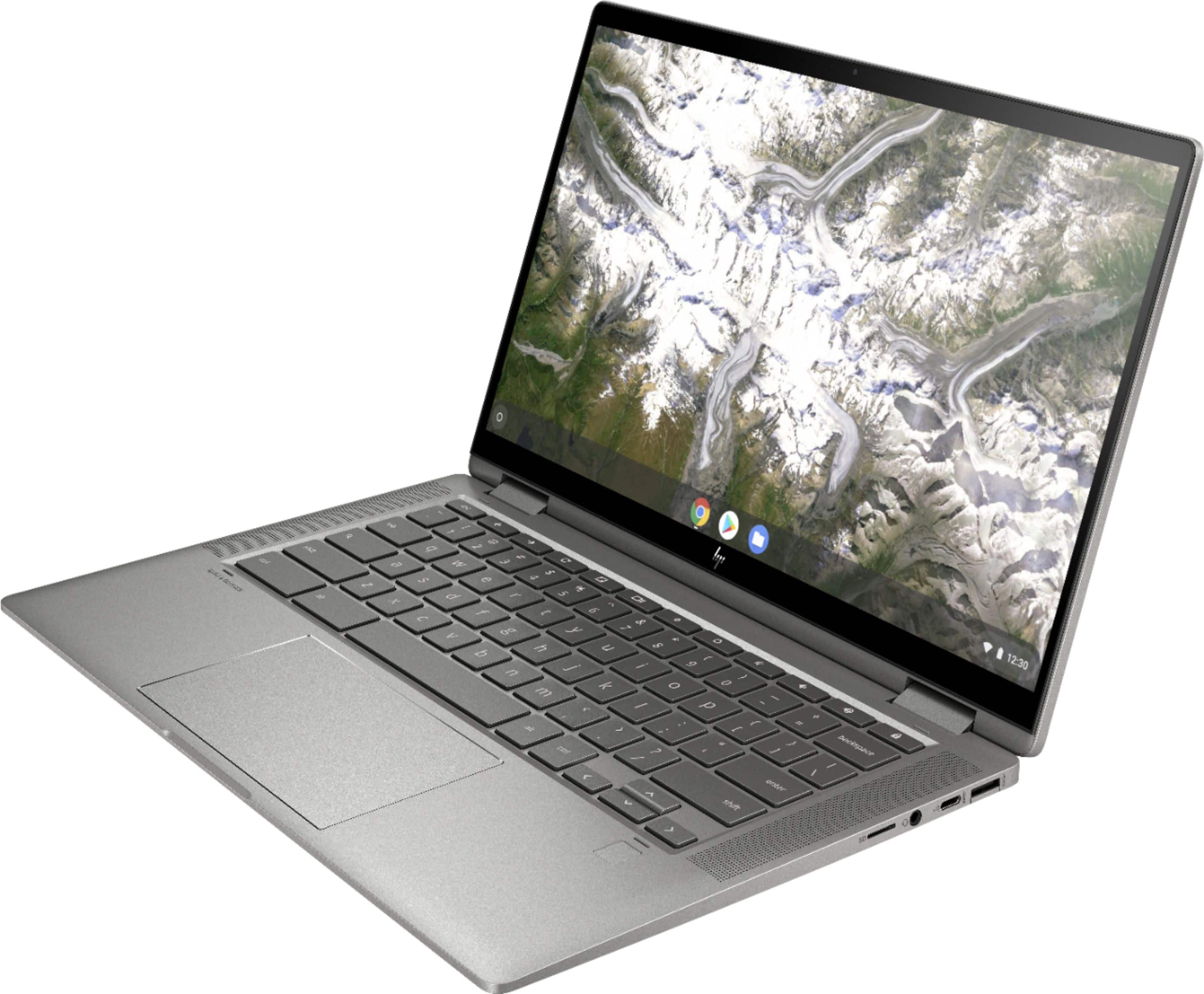
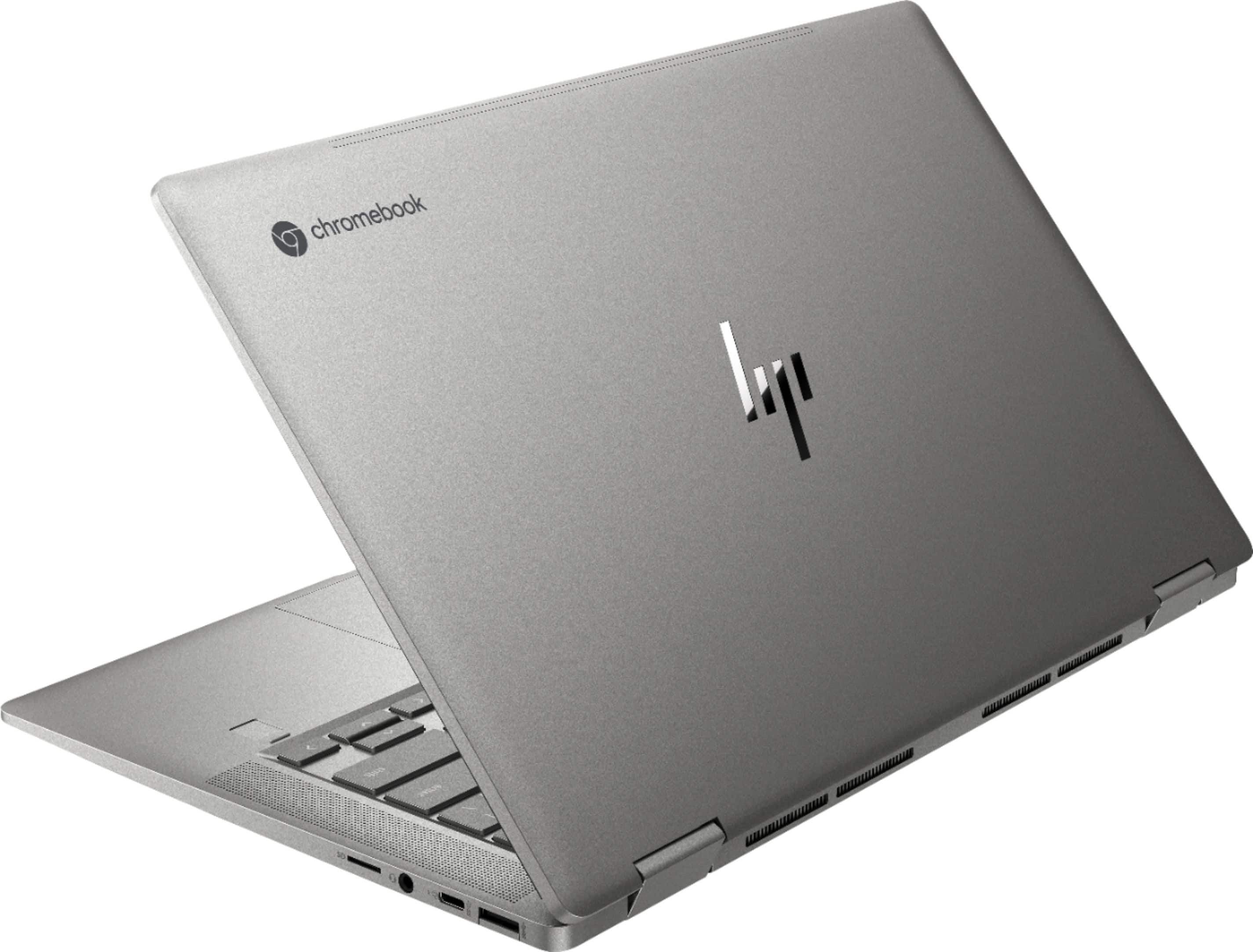
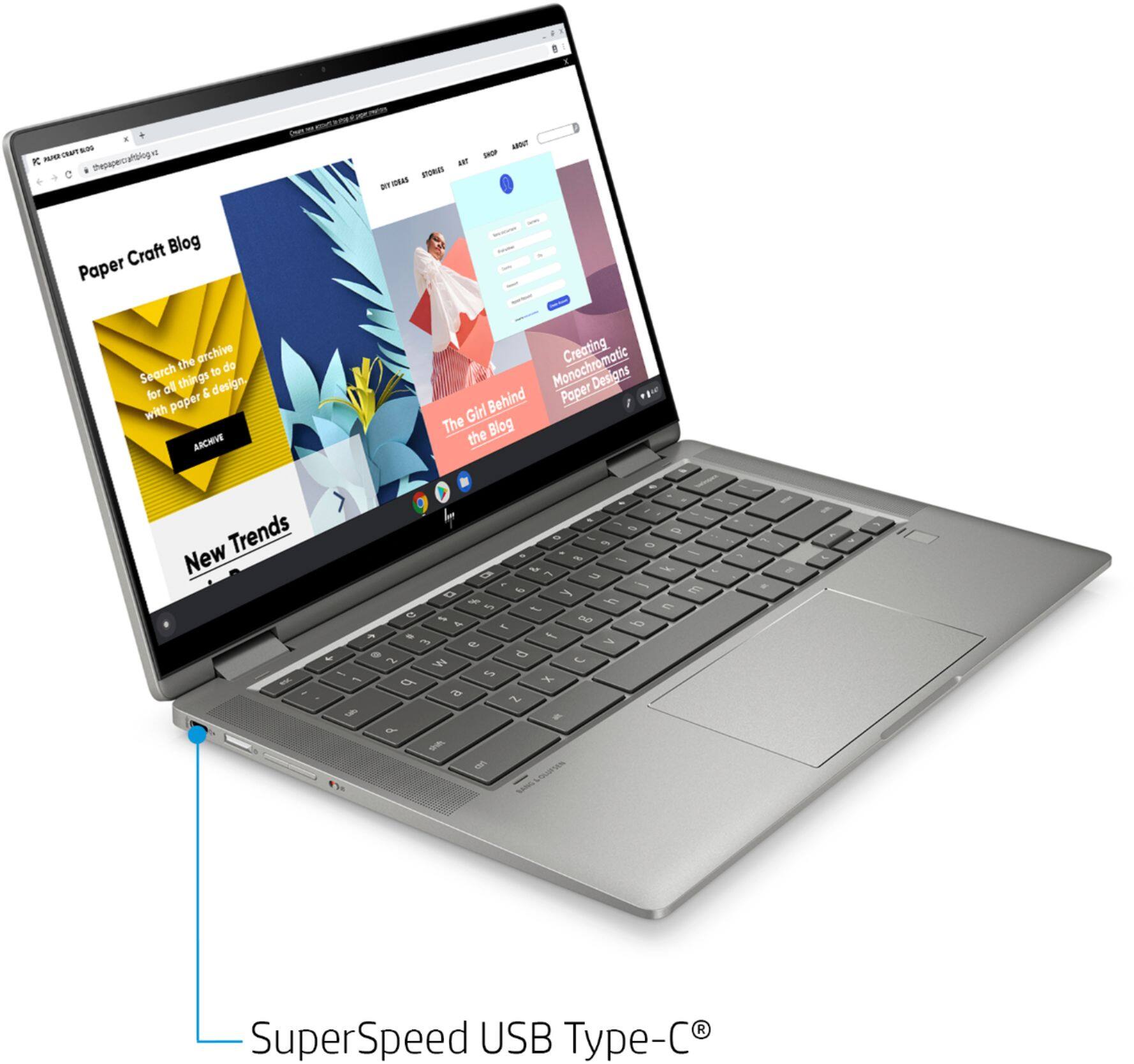
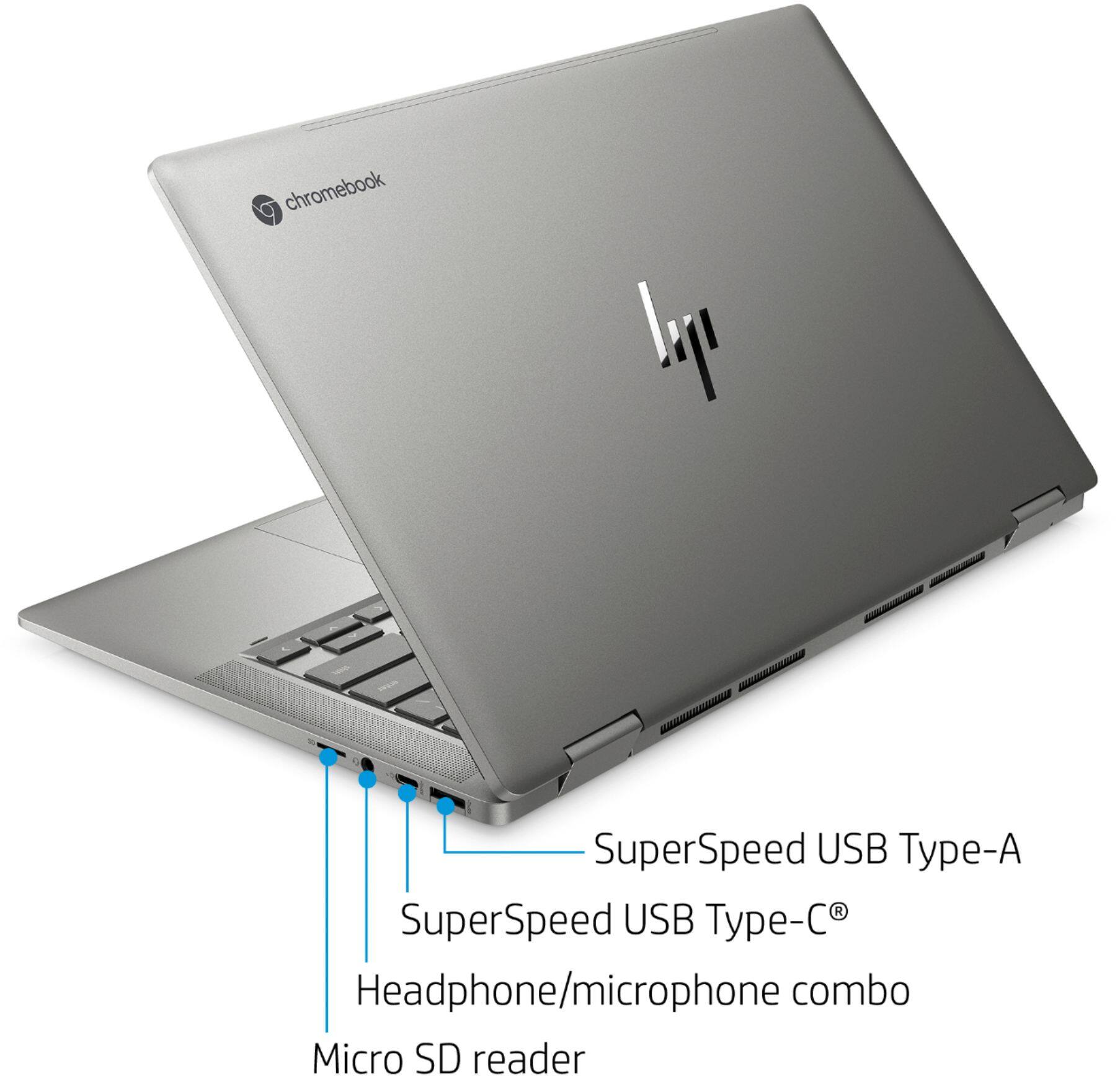
A:AnswerYes, you'll be able to connect an external CD/DVD drive through the computer's USB port. If the external drive has a USB-C cable, he'll be able to both read and write disks, because the Type C port can provide enough power. If the drive has a conventional "Type A" cable, it will be able to read, but probably not write the disks
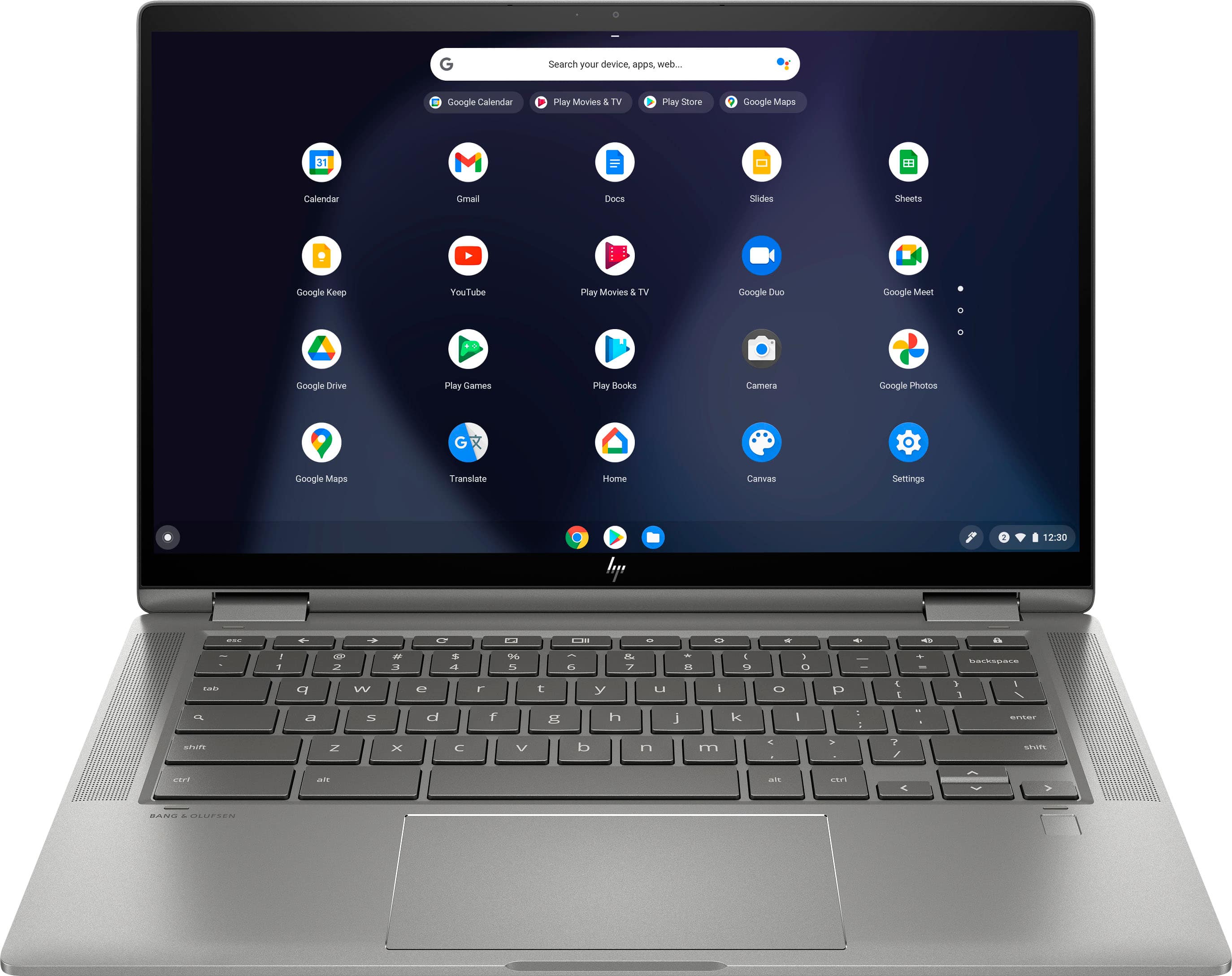
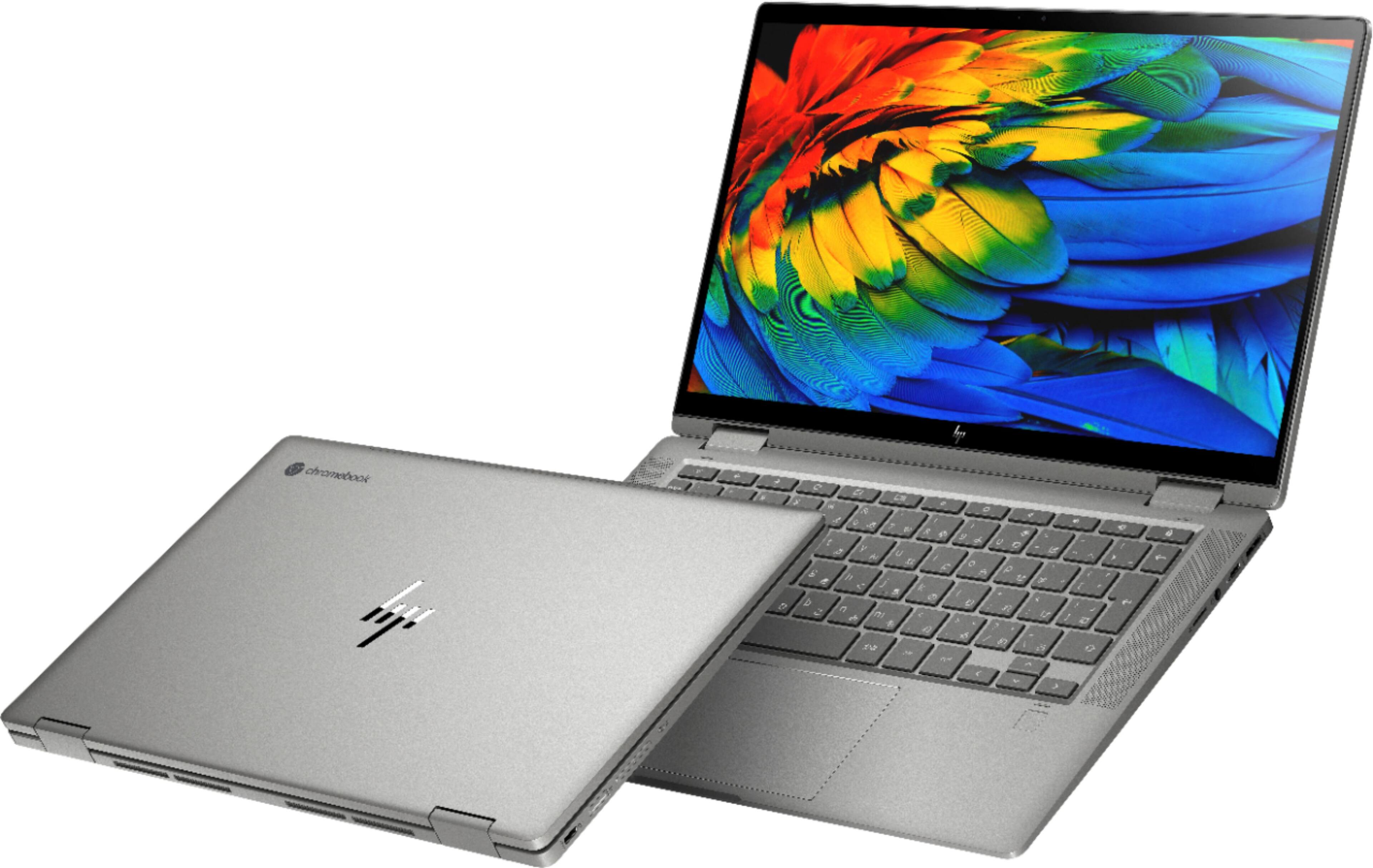
A:AnswerThe graphics are decent. Major improvement from the older chrome books. Colors look vibrant. This is the best one yet. Very small PC so I wouldn’t look at the screen all day. I would use a MacBook Pro for work.
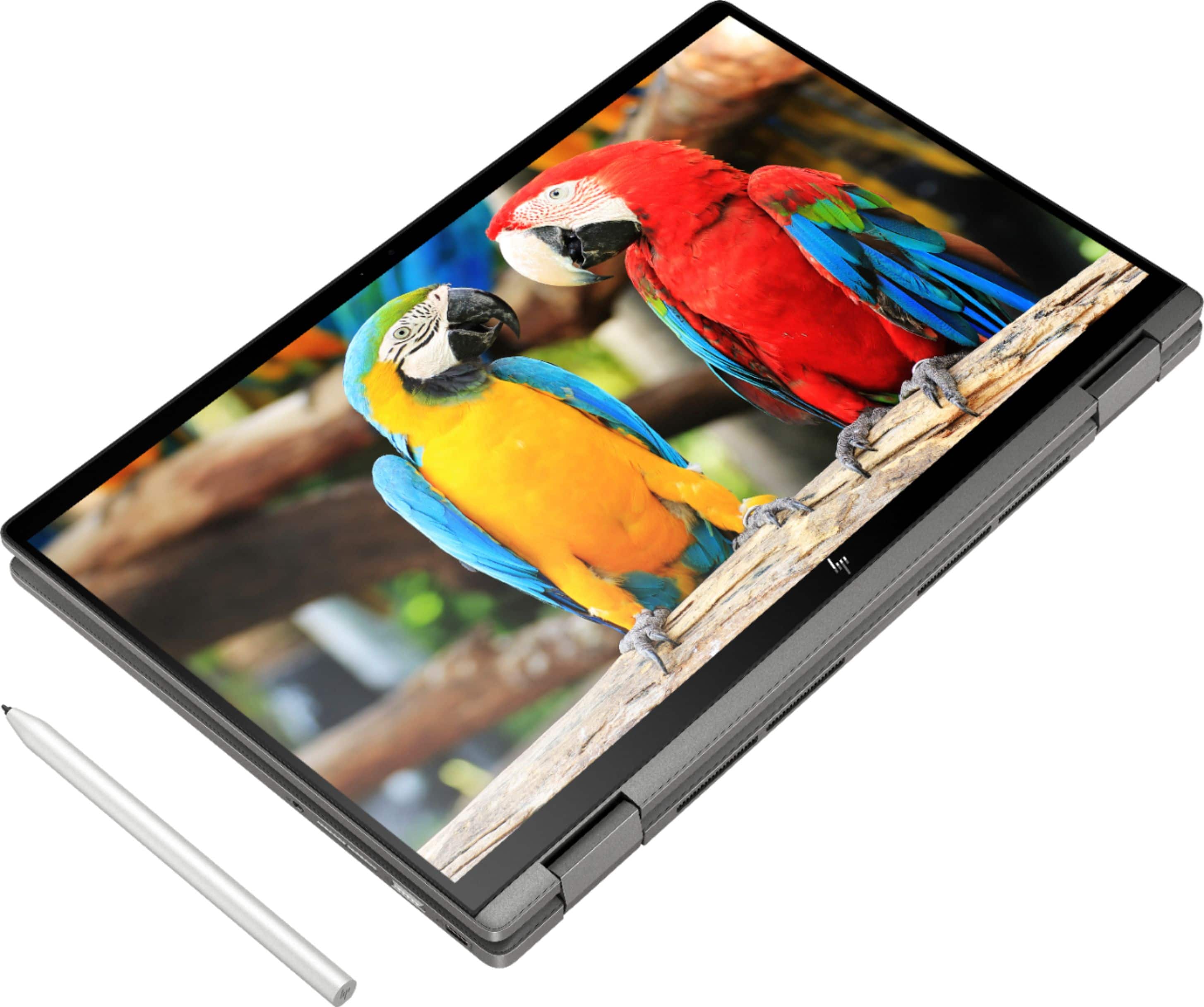
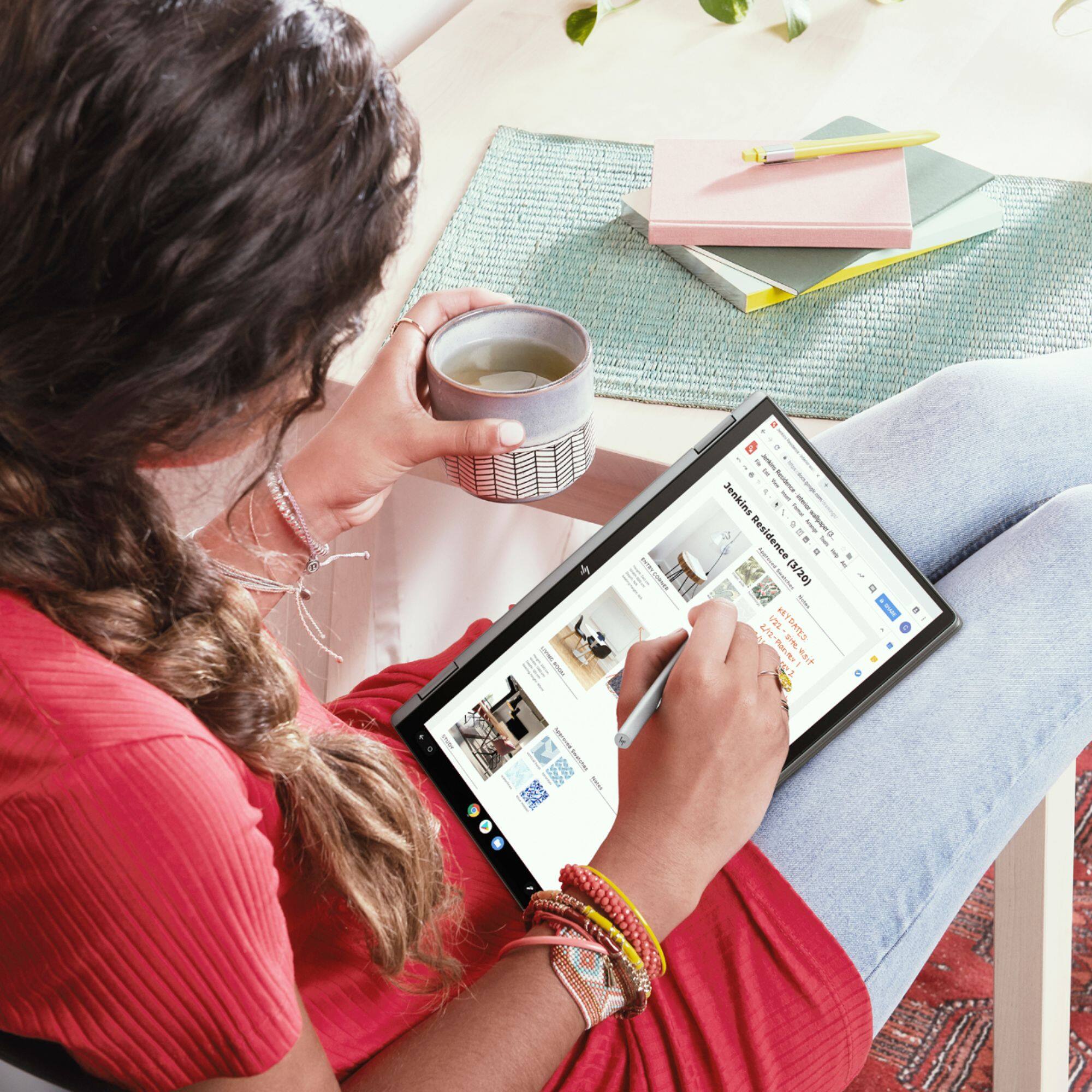
A:AnswerThe display in this Chromebook is designed to be used with the forthcoming USI active stylus. Although several companies are supposed to manufacture and sell them, none has done so yet except for HP and HP recently removed their USI stylus from their website. I think Chrome OS needs some tweeking before USI pens will work and become available. For now, you cannot purchase a USI stylus. It could be good to check each week or month. You could use a capacitive stylus that works on all touch screen devices, though some people do not find them any better than a finger. I regularly search on google and the hp website for a USI stylus and will be happy to buy one if/when one or more become available.


A:AnswerA Q/A forum like this isn't the best way to get your problem addressed. You'll need to contact the HP support team so they can troubleshoot the issue in real time.
A:AnswerThis HP Chromebook x360 - 14c-ca0053dx uses the USI stylus. That means you can use any stylus with USI with this Chromebook. We recommend using the HP Rechargeable USI Pen, 8NN78AA.