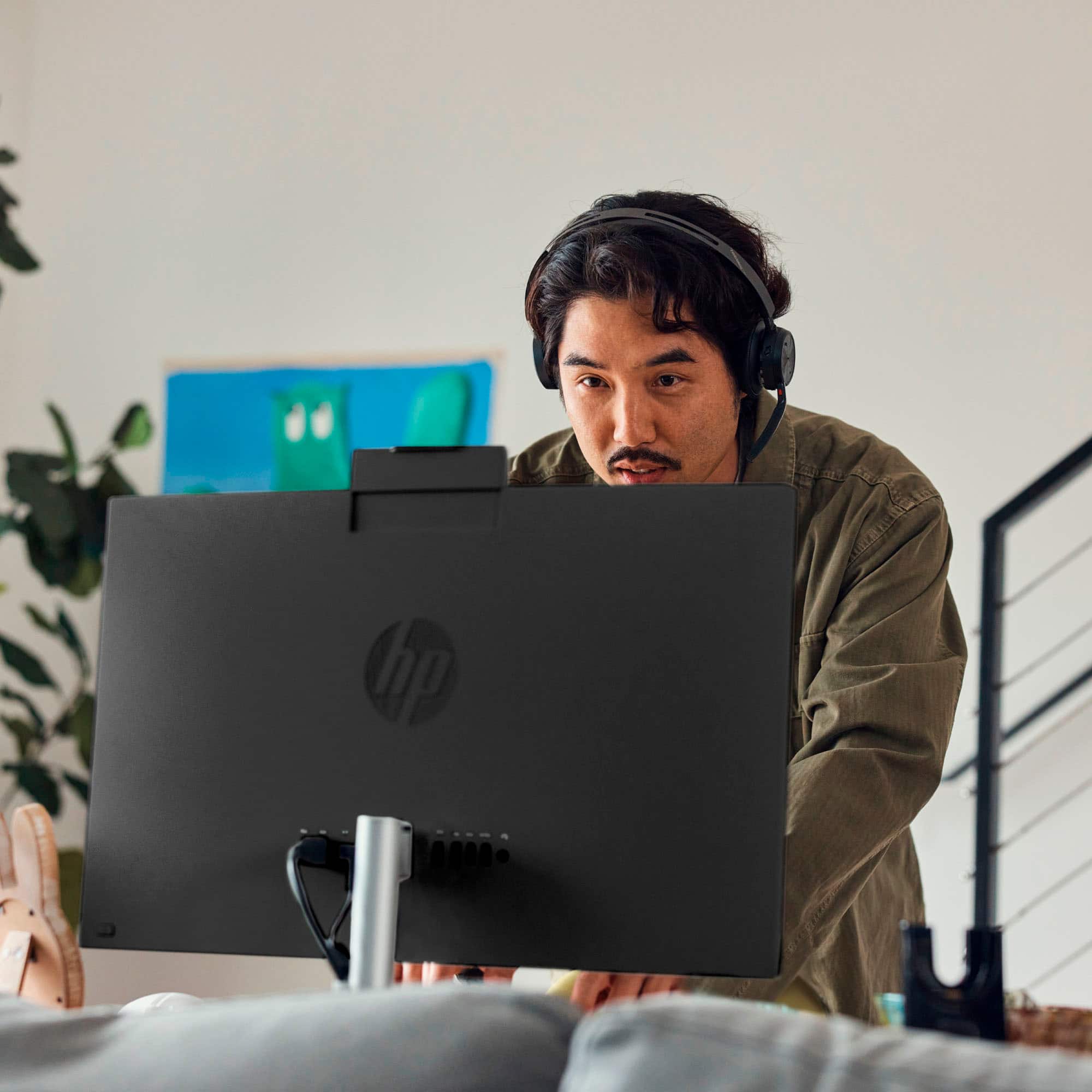
A:AnswerThanks for asking about this HP All-in-One. You can use your Epson Workforch printer with this HP desktop. You will want to use the most up-to-date drivers for the printer from the manufacturer's website.
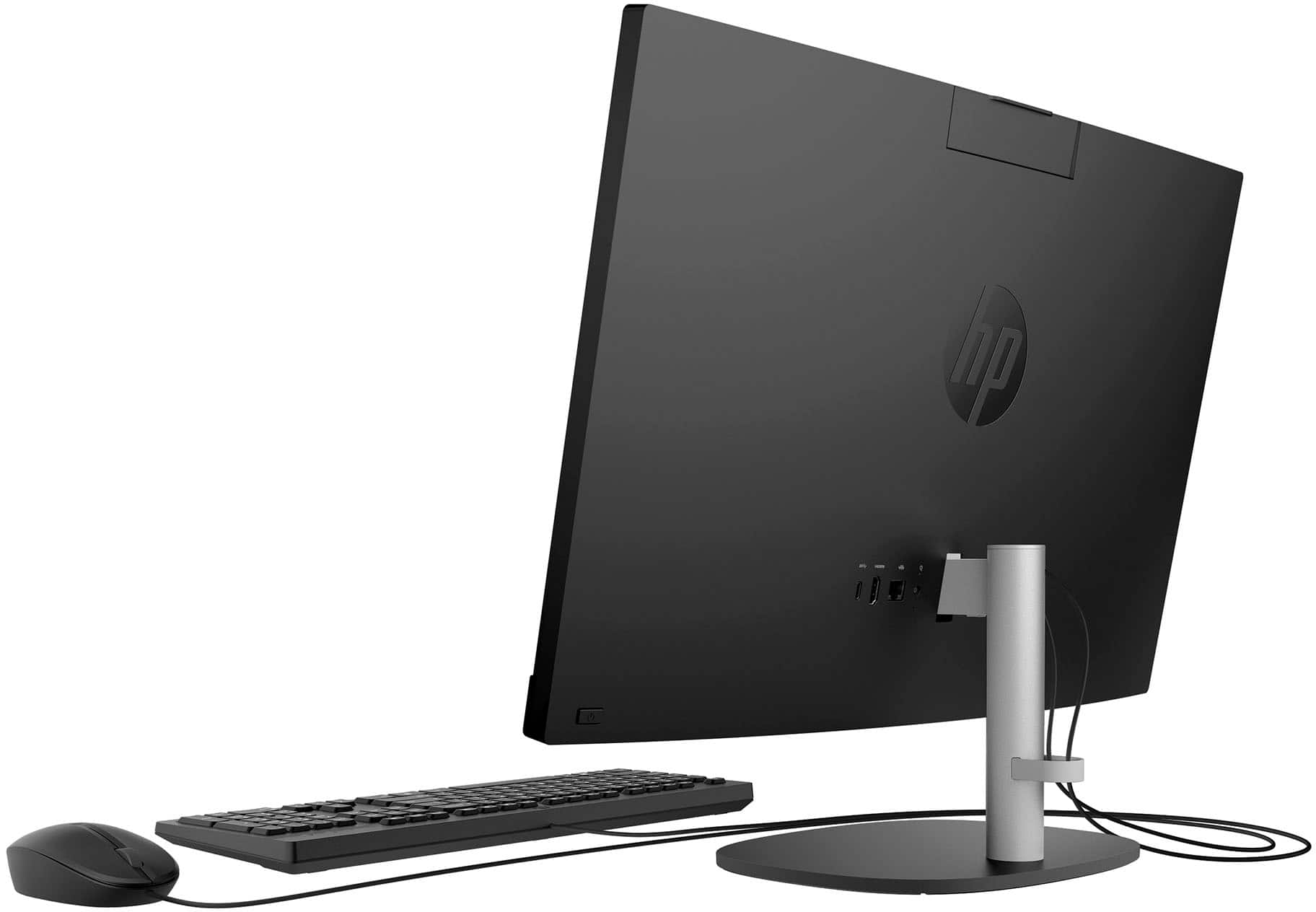
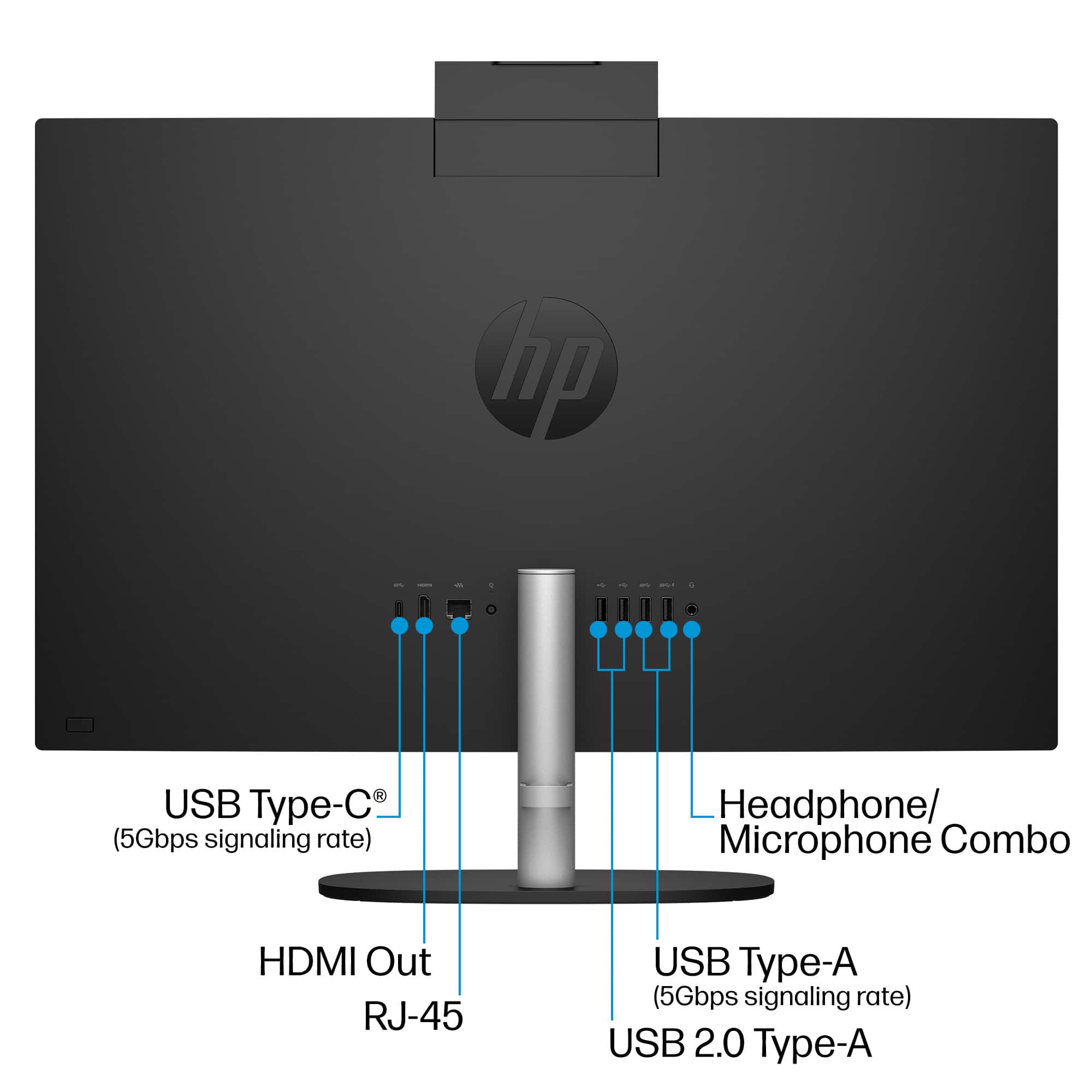
A:AnswerThere isn't a way to play a CD but your printer should easily just plug into the back of the monitor. I didn't have any problem connecting my printer.
A:AnswerHi. thank you for the question. This 24-cr0114 All-in-One desktop has internal AMD Radeon Graphics. Depending on the software you're using for graphics and editing, a desktop with a discrete graphics card might be a better choice. You can review the system specifications for the software you intend to use to confirm the graphics requirements. Using your old computer as a monitor will only work if it has an HDMI-in port, like you'd find on a monitor. Most all-in-ones like the HP 24-cr0114 all in one computer has an HDMI-out only, enabling connection to a monitor.
A:AnswerHello and thank you for asking. The HP 24-cr0114 all-in-one computer has Windows 11 Home pre-installed. The HP Envy 4520 printer is compatible with Windows 11.
A:AnswerThank you for the question. The HP 24-cr0114 All-in-One desktop PC does not have a DVD drive, however, you can connect an external DVD player via USB.
A:AnswerThank you for your question! Yes, you can transfer your files from your old computer to this one. Best Buy's Geek Squad services also offers that to you.
A:AnswerHi Ann, thank you for asking. The HP 24-cr0114 All-in-One computer does not have a CD player. You can use an external USB CD/DVD drive with this HP all in one computer.
A:AnswerHello and thank you for asking. The HP 24-cr0114 All-In-One PC does not have an internal optical CD/DVD read/write drive. If you need that ability, we suggest you purchase an external USB CD/DVD drive. They are available at Best Buy.