A:AnswerPage 10 of the service manual shows you how to remove to take the computer apart to access the motherboard: http://h10032.www1.hp.com/ctg/Manual/c06615724 Or you can have the Geek Squad at Best Buy do the upgrade for you.
A:AnswerIf you want to be able to use the function that is on the function keys (also referred to as Action keys) such as volume up (+) or down (-), you can simply press that key to lower or raise the volume. If you want to use the function keys, you only need to press the fn than the key. There are a variety of different shortcuts available with Windows 10, here are some: https://www.computerhope.com/shortcut/windows.htm Page 21 of the user guide will show what the different Action Keys do: https://www.computerhope.com/shortcut/windows.htm
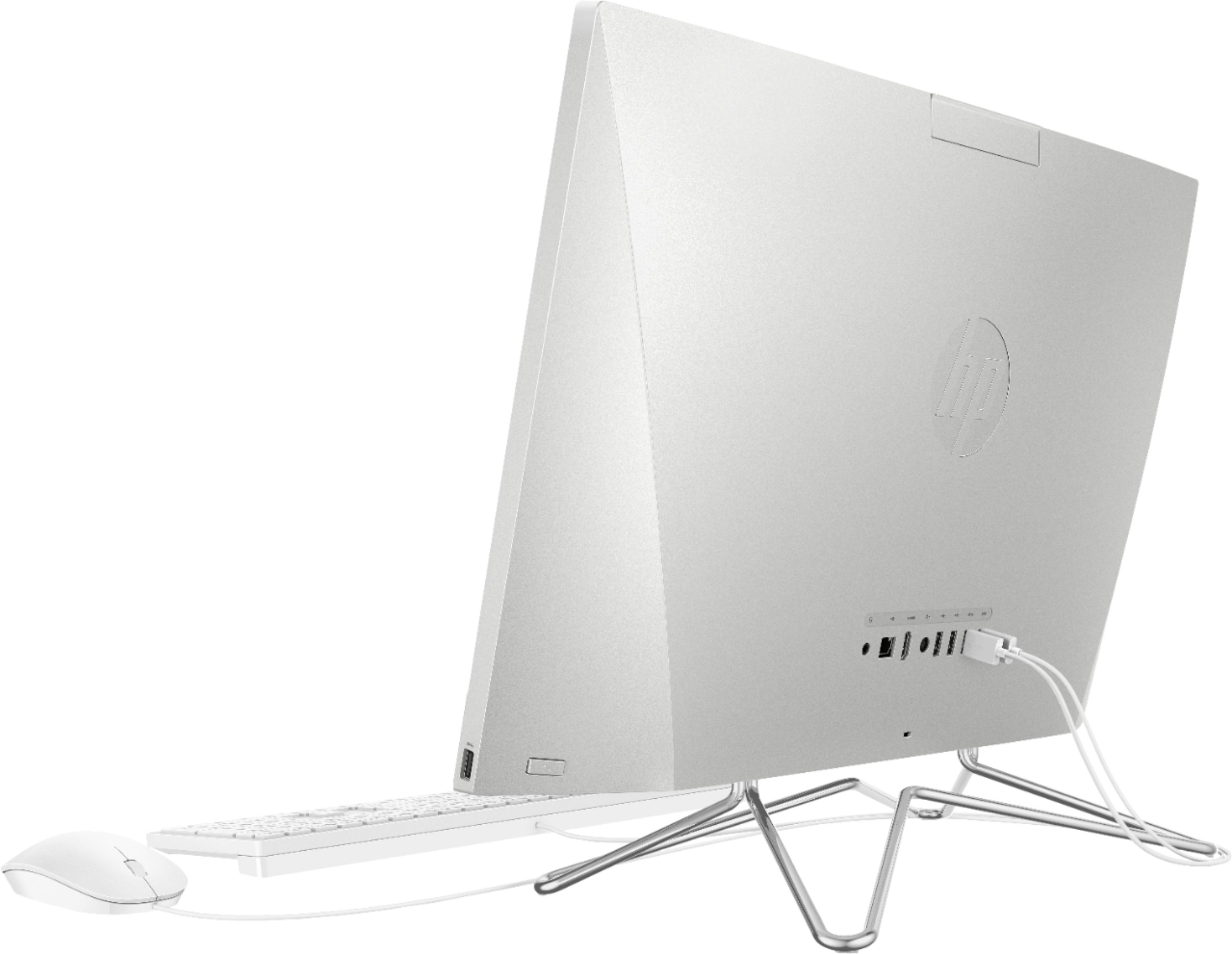
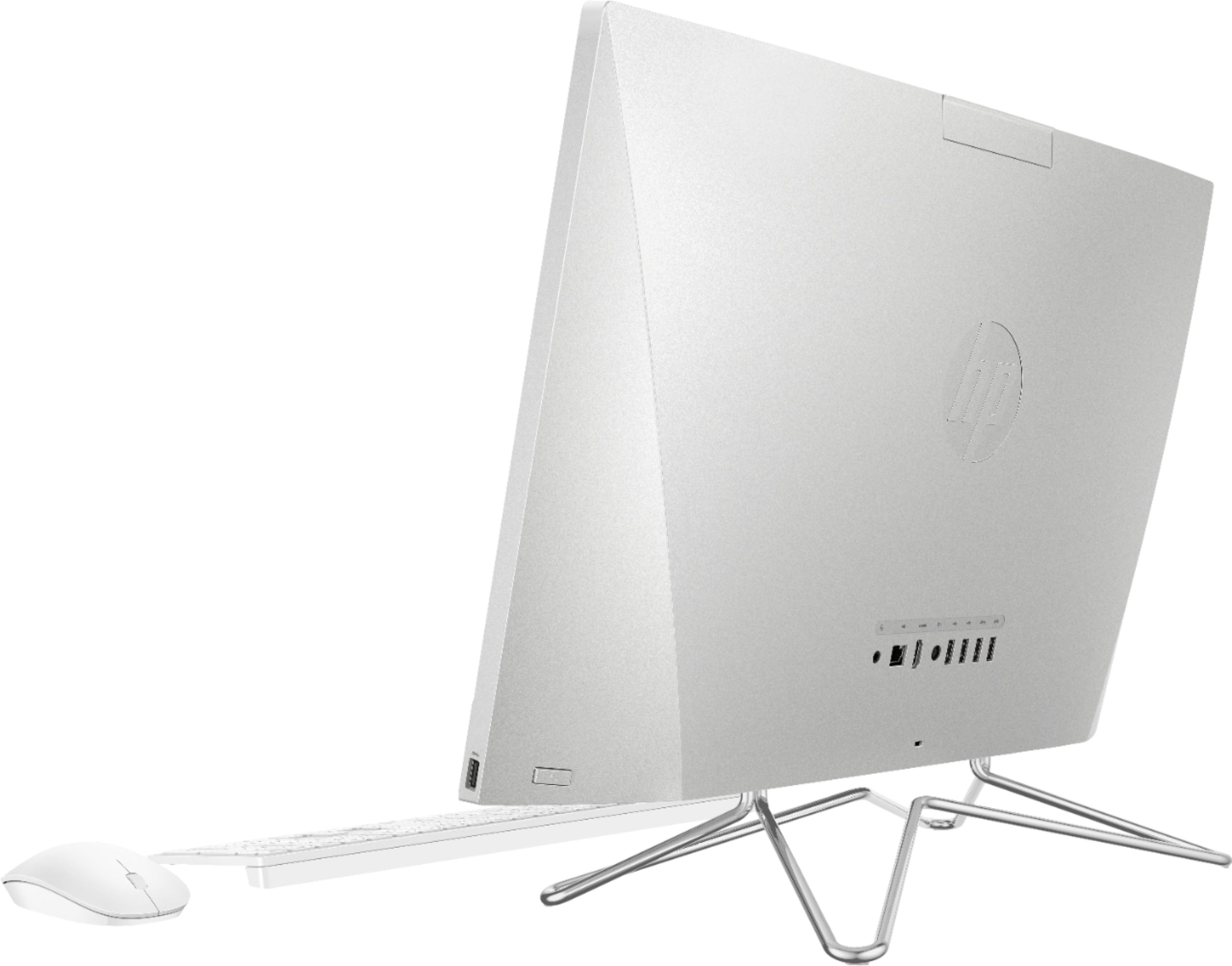
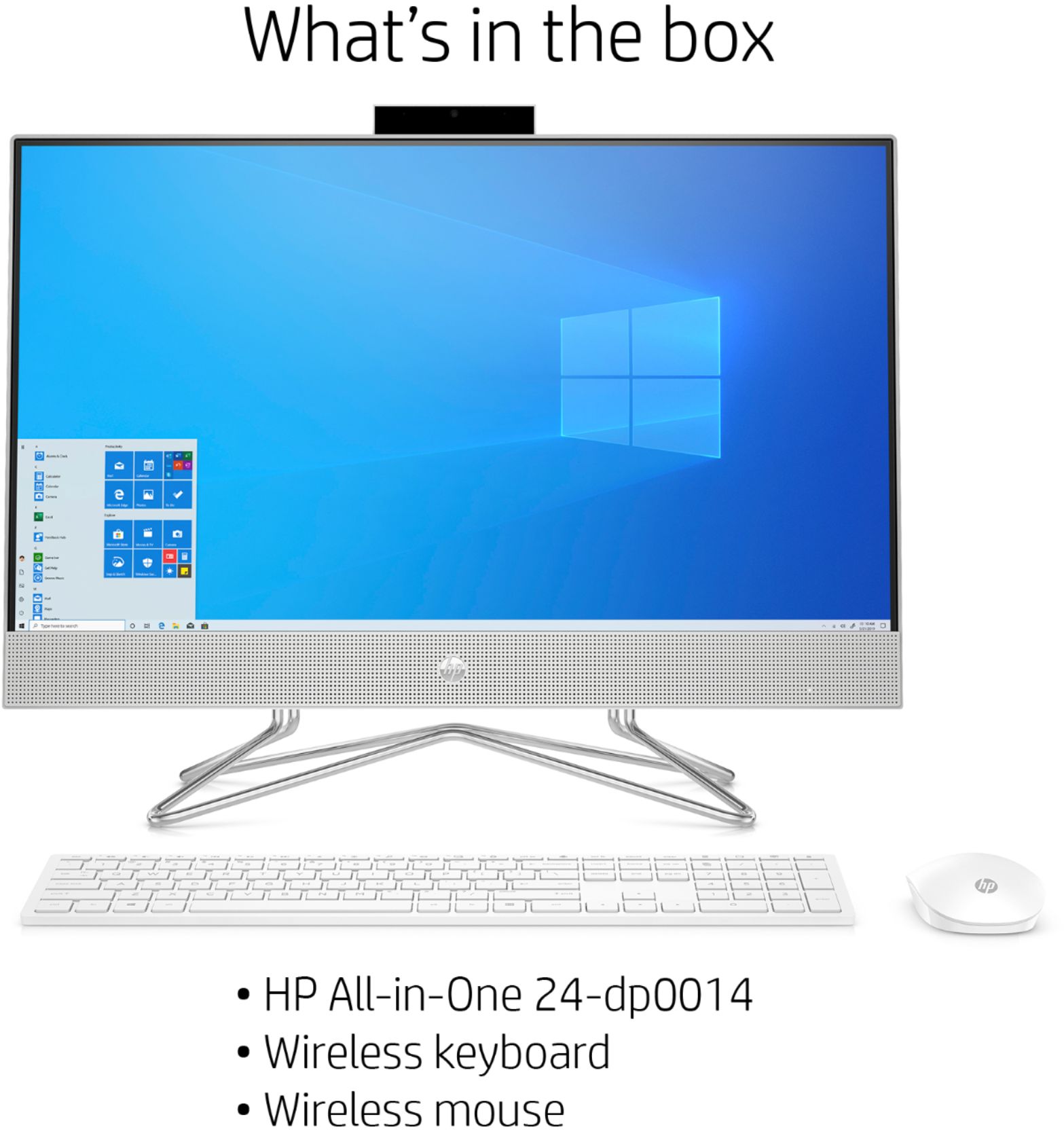
A:AnswerYes, the included mouse and keyboard use a standard USB wireless receiver so you can switch them out by simply unplugging the receiver and plugging in your new mouse and keyboard.