A:AnswerThank you for the question. Go to settings and indicate your preference for idle time before the PC goes to sleep. Then go to Device Manager → Keyboards → Power Management to and enable the mouse to wake the PC. For further assistance, please reach out to HP Support.
A:AnswerThank you for the question. Open the HP Support Assistant on your PC. It can automatically detect and install firmware updates. Sometimes, firmware updates are included in Windows Update. Go to Settings → Windows Update and check for updates. If you need more assistance, please reach out to HP Support.
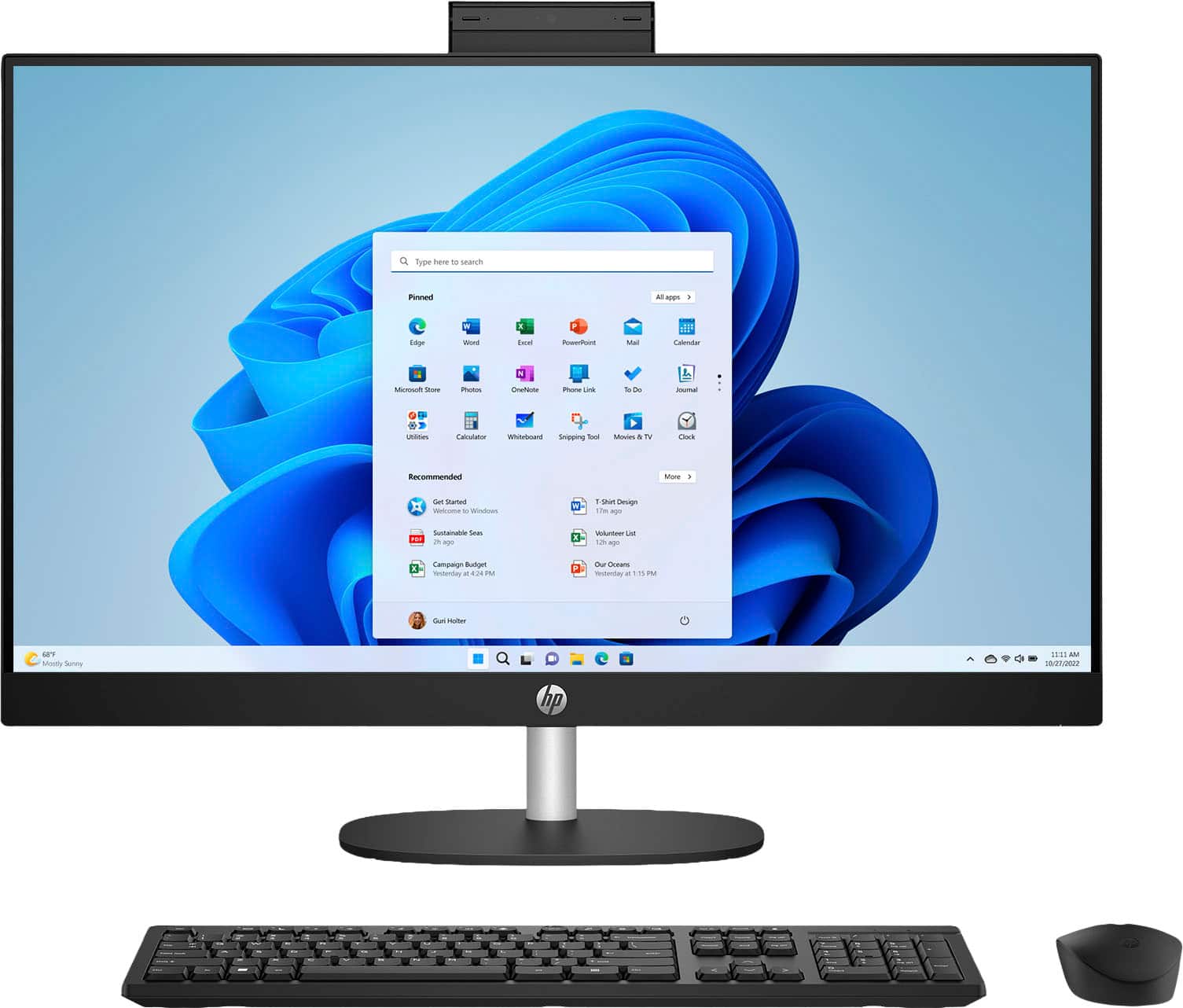
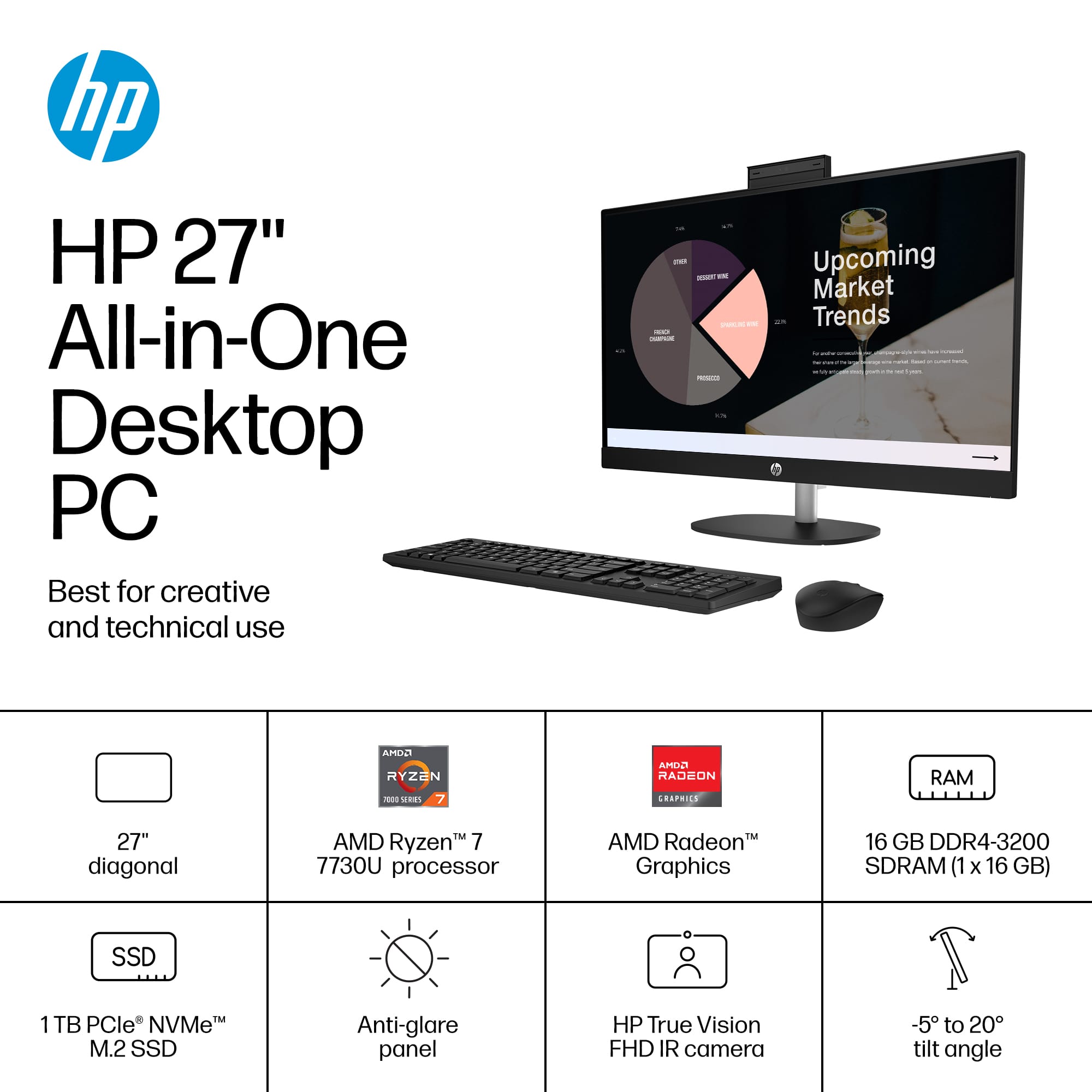
A:AnswerHi, thanks for your question! This HP 27" Touch Screen All in One, model 7G9S2AA comes with Windows 11 Home installed, for the operating system.
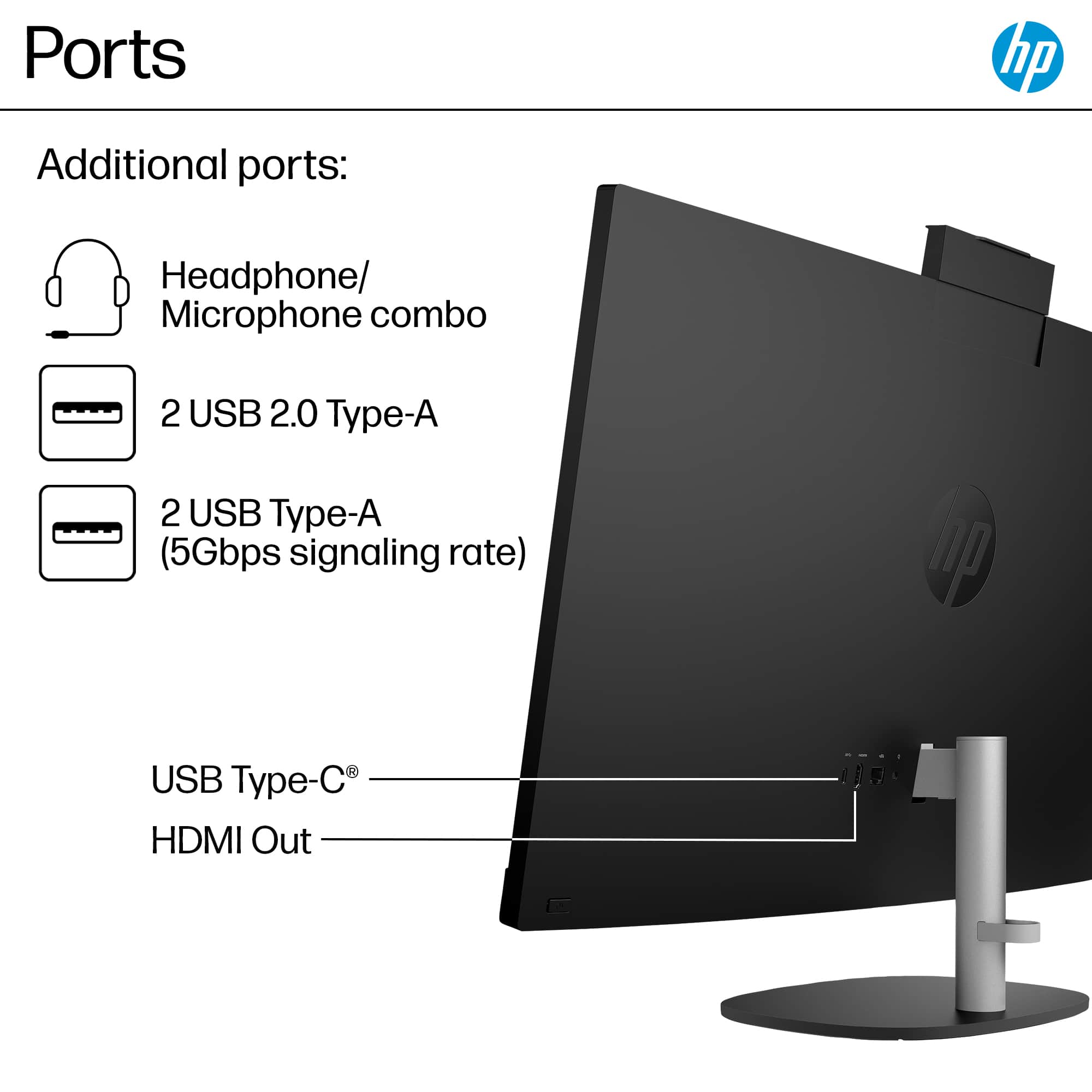
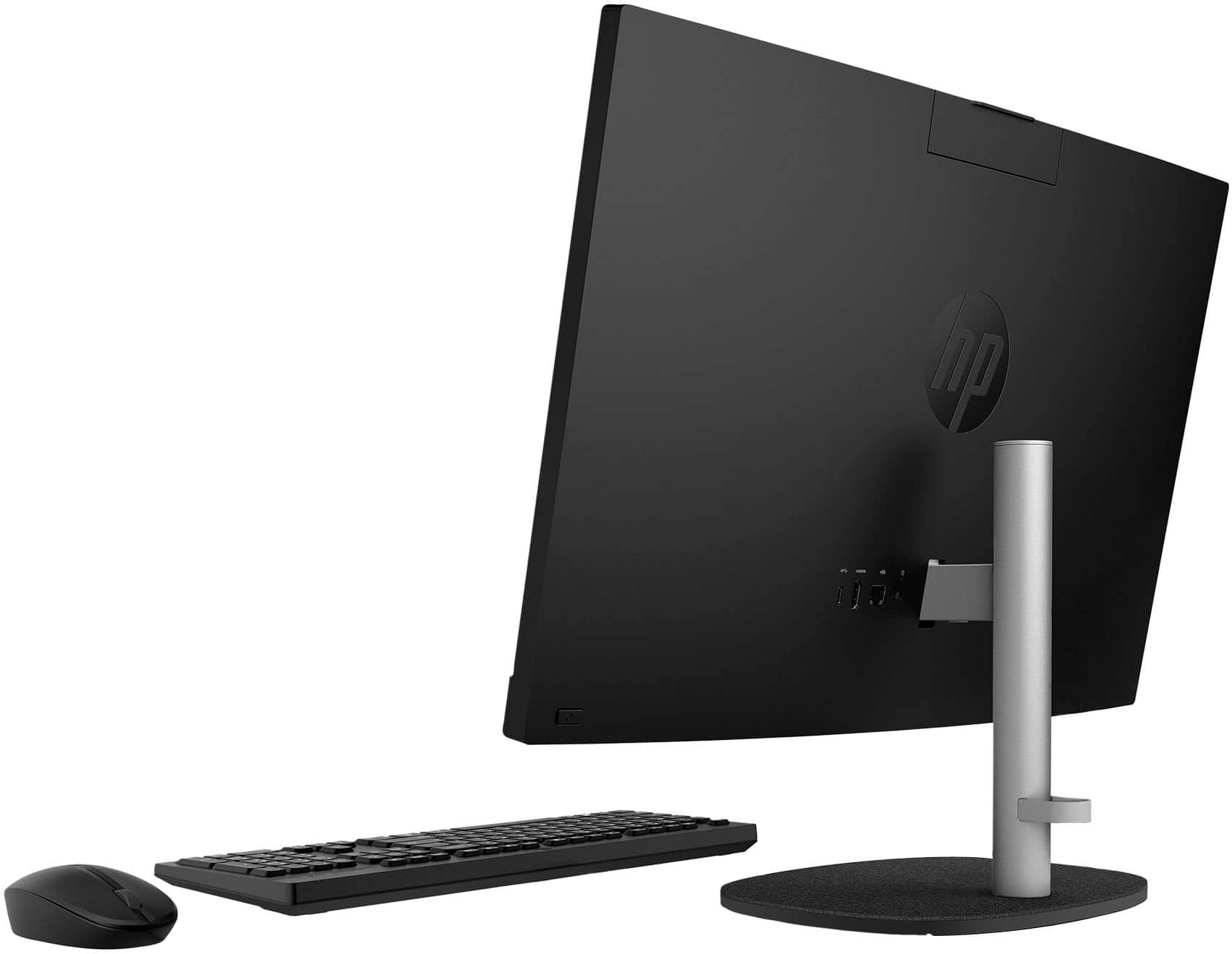
A:AnswerRex, thank you for your question about this HP all-in-one desktop computer! The ethernet card is a part of the system board and it supports up to 1Gbps speed. One of the USB-A ports and both of the USB-C ports have a 5Gbps signaling rate if you need to purchase an adapter that supports the 2Gbps speed.
A:AnswerThank you for your question about this HP all-in-one desktop! Yes it has the HP factory warranty. Check with a Best Buy associate for more details.
A:AnswerThank you for your question about this HP all-in-one desktop! The included keyboard is not backlit. However, Best Buy sells a variety of backlit keyboards in the store.
A:AnswerThank you for the question. If you're referring specifically to the HP 27-cr0054 All-in-One desktop PC, it has Microsoft Defender built into Windows 11, no charge, no expiration date. McAfee has included a free 30-day trial of McAfee Online protection, which you can activate when setting up the computer. Pricing for ongoing protection after the trial is available on their website. For any Windows computer, check what virus protection is active on your PC by clicking the start menu and typing "Windows Security" in the search bar.