A:AnswerGo to the website -- support.hp.com -- follow the guides for printer 2600 series general -- put in appropriate search requests -- end up with Guide to Top Printing Issues -- follow several questions it will ask you, to direct you to your printing problem. It's not really that hard to follow. You'll probably find your answer to your printing jams. This is a VERY helpful site for many things. You should also pull up the PDF User Guide File and download it if you haven't already done so.
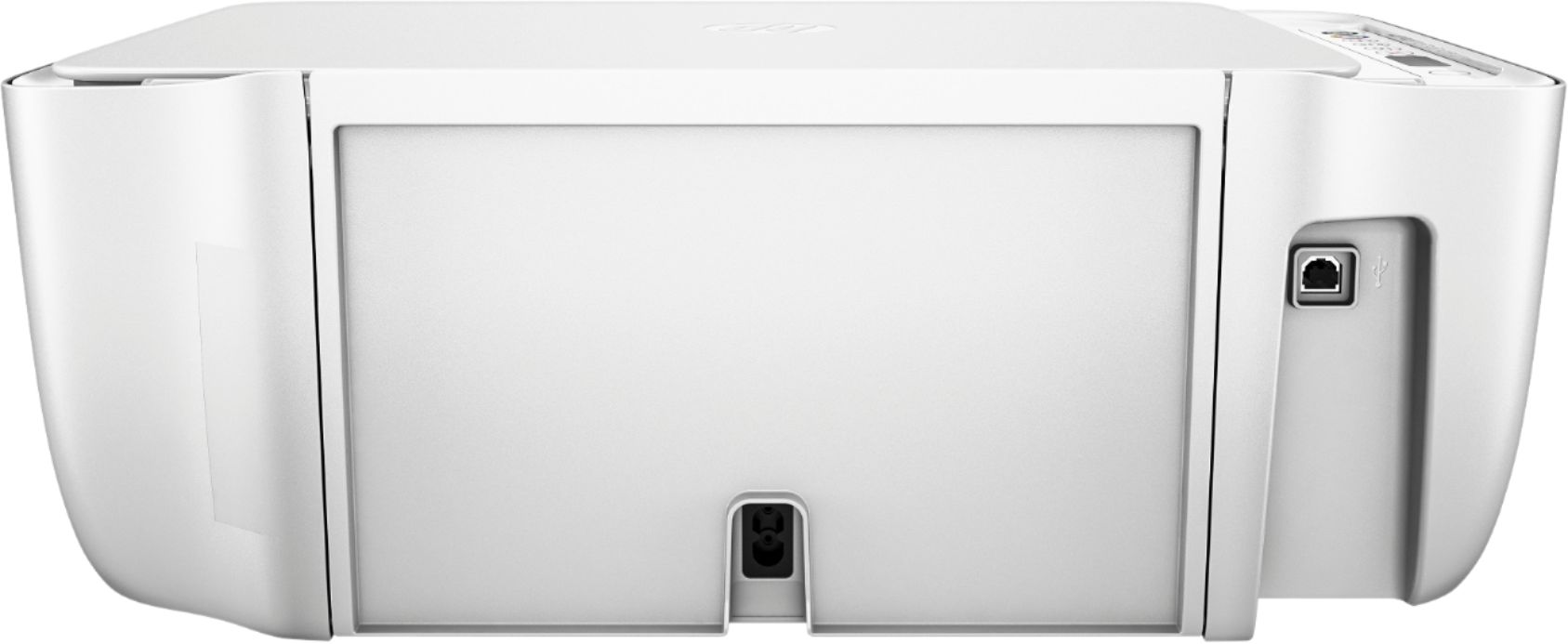
A:AnswerI am not familiar HP g71 but this printer was very easy to set up using the USB cable and according to reviews in amazon and HP most user say it works with a wide variety of systems. I am using an I-Mac with Yosemite 10.10.5 Jack
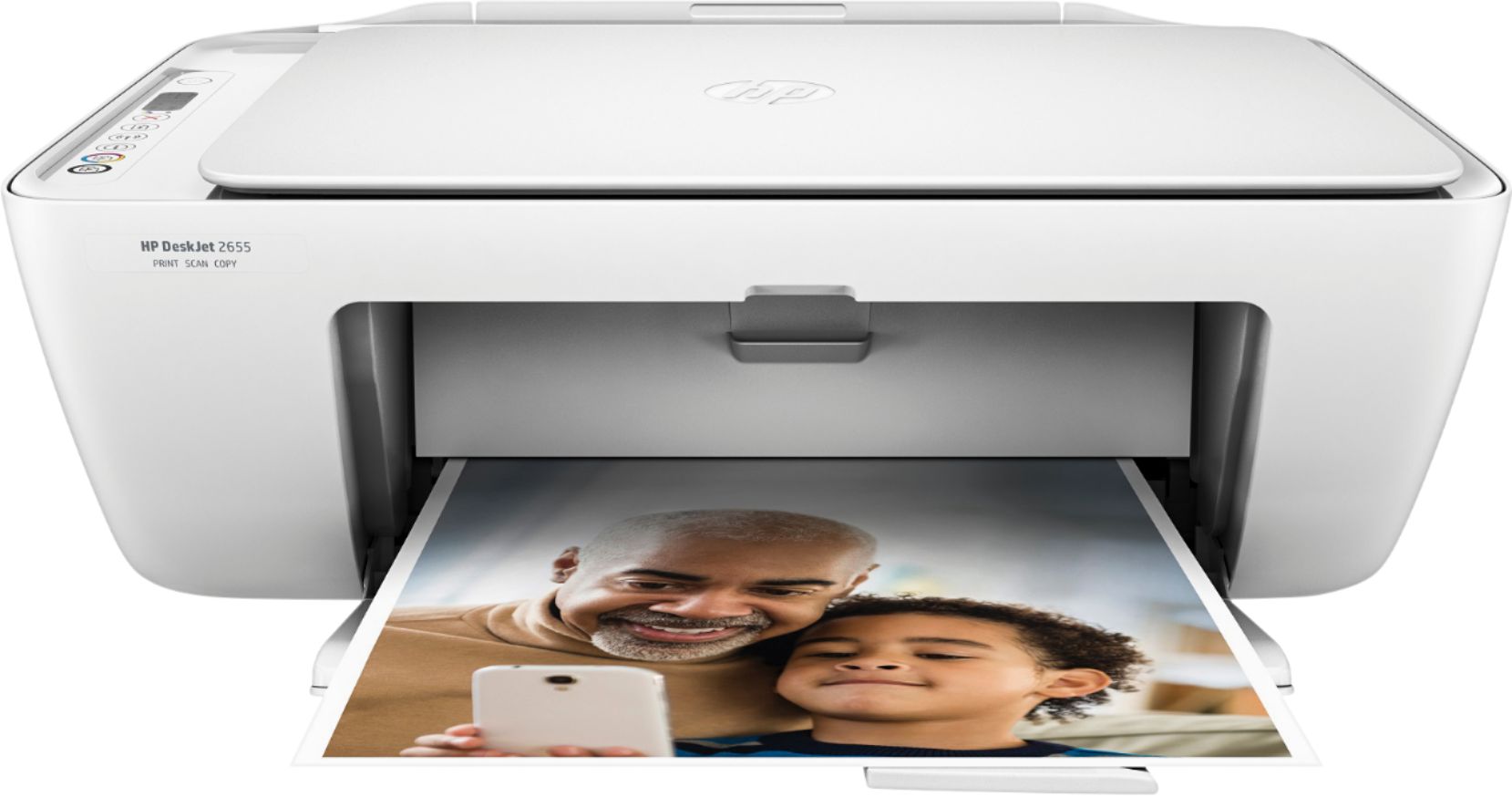
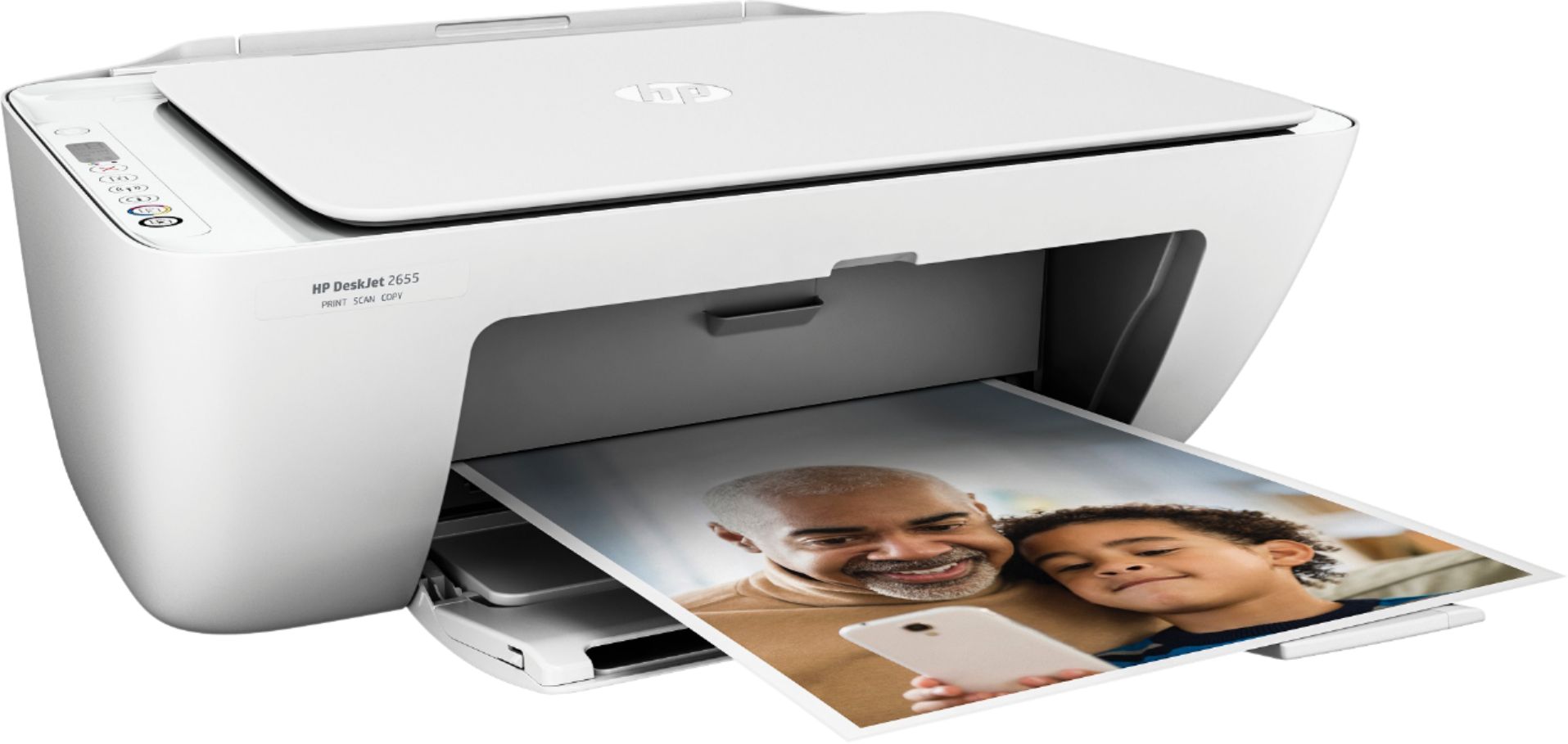
A:AnswerGood luck - I couldn't find a new HP printer that used HP 60 ink anymore either. Bought the HP Desk Jet 2655 printer using HP 65 Ink. Great cheaper, easy to work, printer -- does all I need it to do.
A:AnswerYou can always click the "Save for Later" button to receive notifications when a product comes back in stock, or we have a great selection of comparable models available!
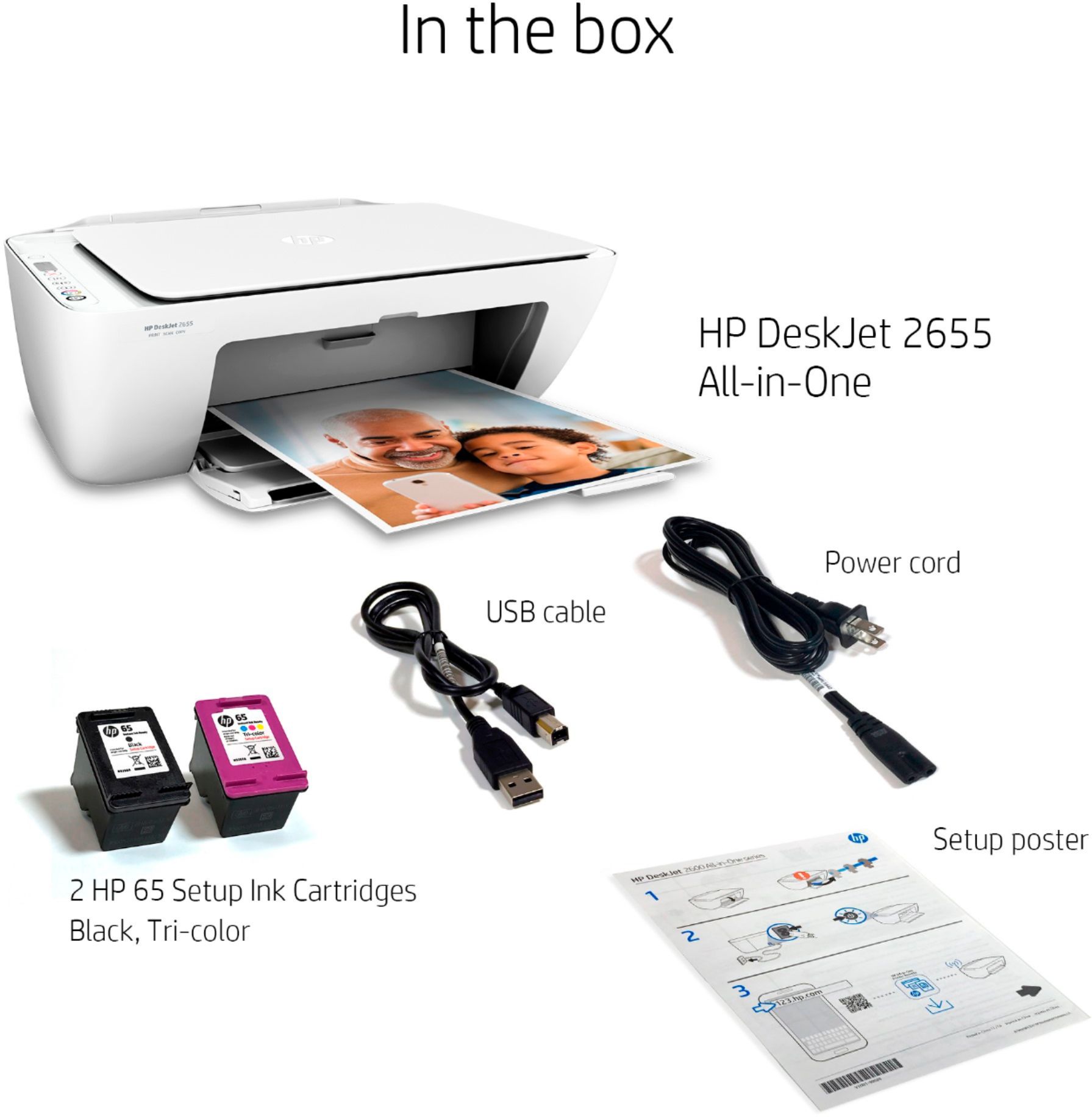
A:AnswerI did not receive a usbcord either I’ve never had such a difficult time connecting this printer to my computer. It recognizes the printer on WiF,i but won’t print. I have to send items to be printed to my phone and print it from there. Ridiculous!