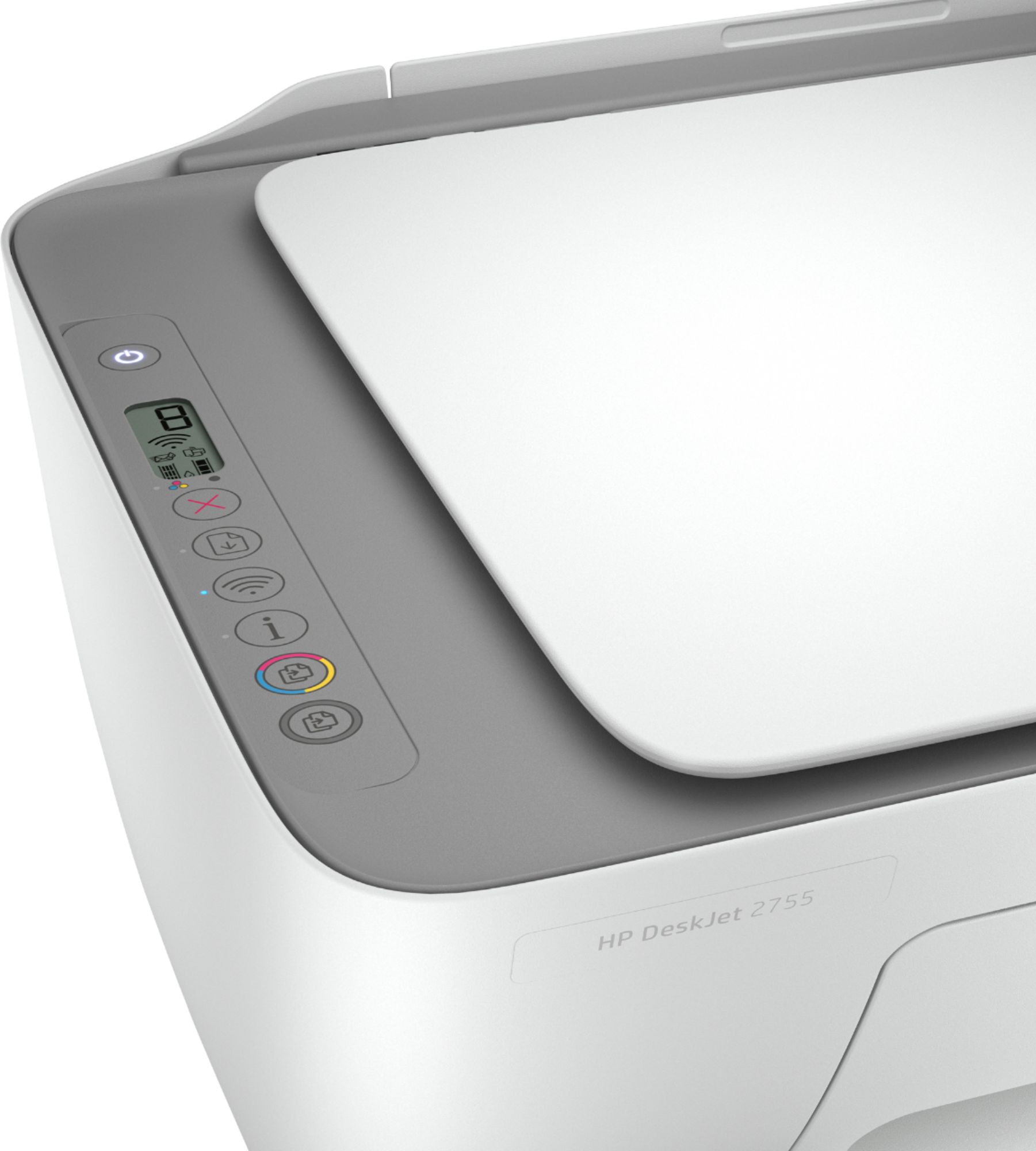
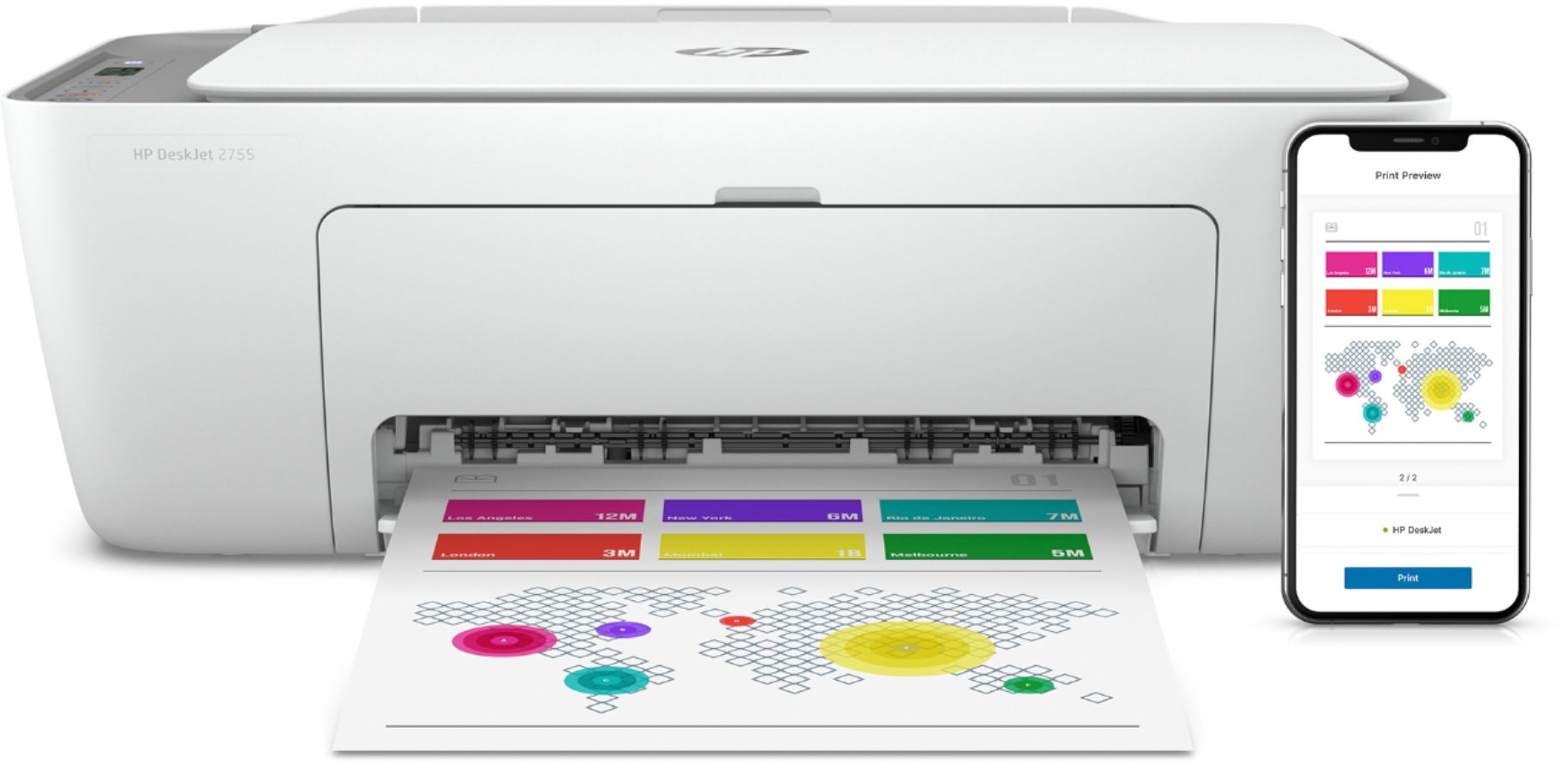
A:AnswerI don’t think so. It’s a very cheap printer with basically no display panel, Hp office jet 5255 is a much better printer that can do these functions.
A:AnswerThe DeskJet 2755e is compatible with the following operating systems: Windows 10, 7; MacOS Sierra v10.12 (previously OS X), macOS High Sierra v10.13, macOS Mojave v10.14, macOS Catalina v10.15
A:AnswerThank you for the question. Yes, the DeskJet 2755e is compatible with Macintosh laptops. Yes, you can use transfer paper. The recommended maximum weight (thickness) for media is as follows: Letter: 16 to 32 lb; HP envelopes: 20 to 24 lb; HP cards: up to 110 lb; HP 4 x 6 inch photo paper: up to 145 lb.
A:AnswerHello, yes all HP printers are equipped to work with the Chromebook Operating System. You can use the HP Smart App or connect to the same network and print directly from the Chromebook laptop. Thank you for being an HP customer!
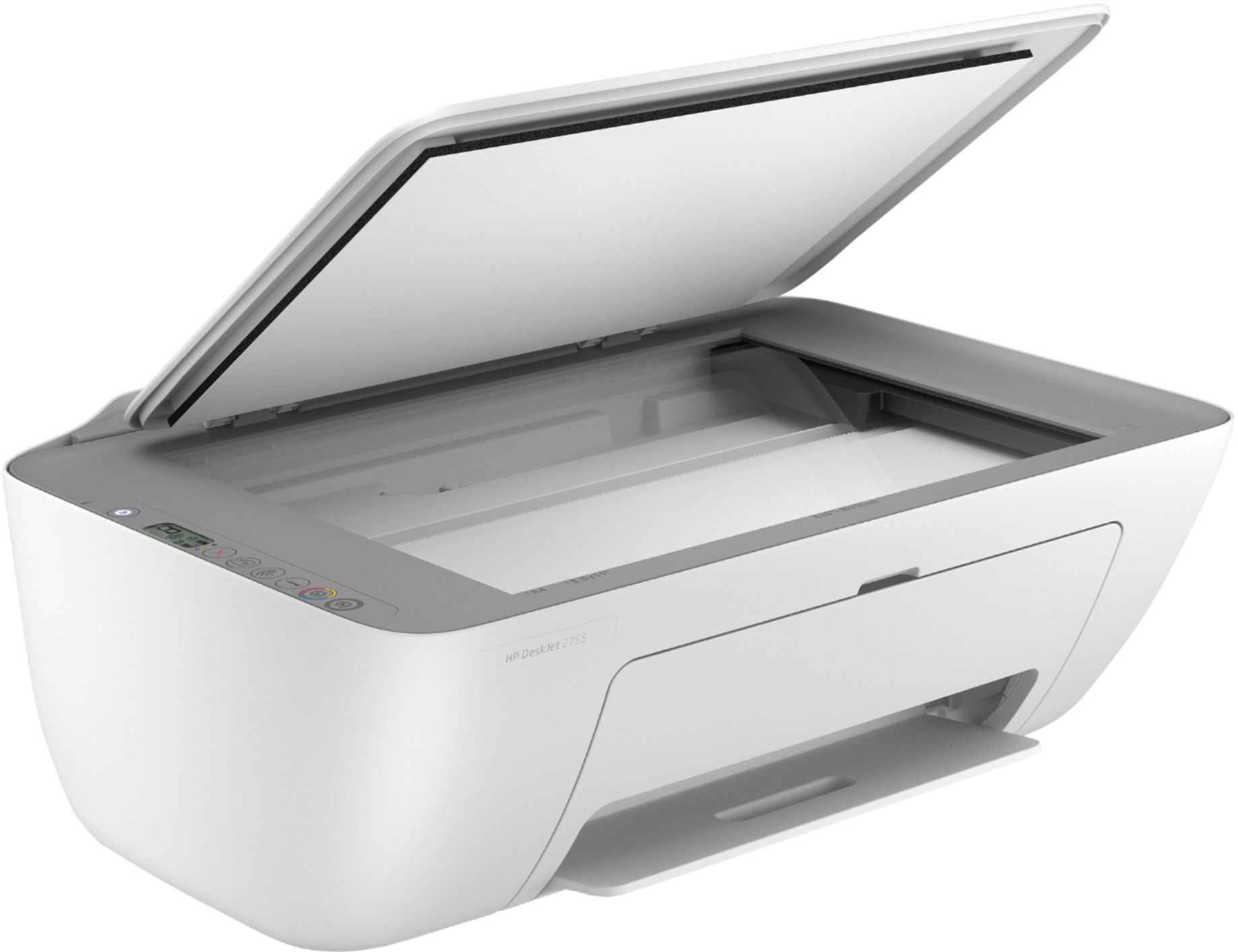
A:AnswerThank you for your question! Yes, this is fully compatible with macOS v10.14 Mojave, v10.15 Catalina, and v11 Big Sur. The maximum dimensions (trays fully extended) are listed as 16.7" W x 21.5" D x 9.8" H and the minimum dimensions are listed as 16.7" W x 12" D x 6.1" H.