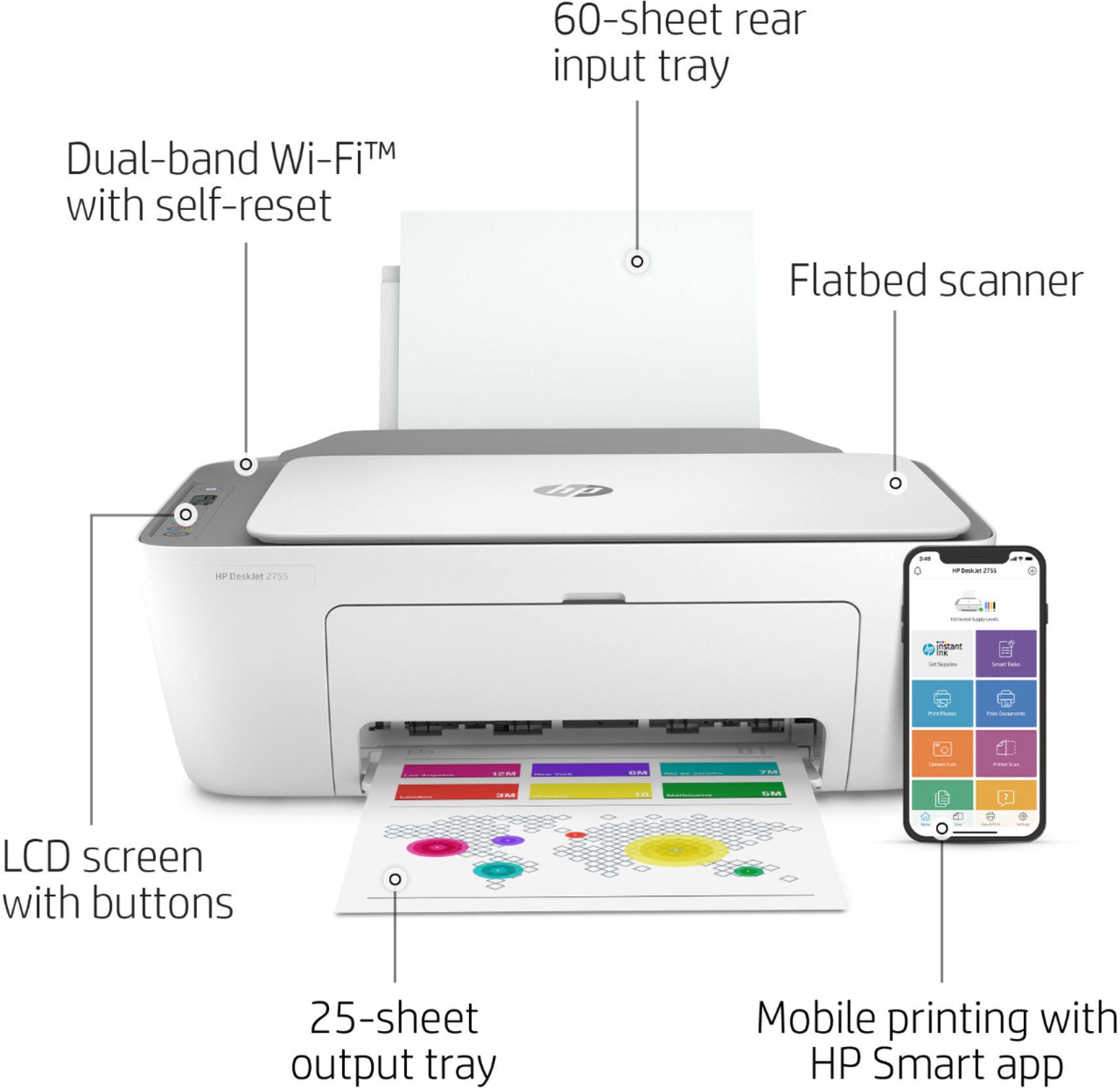
A:AnswerThank you for the question. Yes, you can scale/enlarge print output using either the HP Smart App from your Smartphone or computer, or the HP printer software (available at 123.hp.com).
A:AnswerThank you for your question! You can print without internet access using a feature called Wireless Direct or Wi-Fi Direct, which eliminates the need for a network connection. However, please note that an active internet connection is required for the printer to receive HP+ benefits including the extended warranty and the free six months of Instant Ink.
A:AnswerThank you for your question, Jude! Windows 11 has not yet been released, but when it is, our printers and HP Smart app have been designed to work smoothly with that version!
A:AnswerHi Julie. You can copy using the HP Smart App, or directly from the printer. Please see Chapter 7 in the User Guide, here: http://h10032.www1.hp.com/ctg/Manual/c06611085.pdf
A:AnswerHello. Yes, this HP DeskJet 2755e is compatible with the Apple iPad either through Apple's AirPrint or our HP Smart app. Using our (free) HP Smart app is the best way to connect your iPad to the HP DeskJet 2755e!
A:AnswerThank you for your question! I recommend reaching out to your local Geek Squad team and asking them about their device installation and setup services.
A:AnswerThank you for the question. Recommended minimum system requirements for Macintosh include macOS v10.14 Mojave, macOS v10.15 Catalina, macOS v11 Big Sur. The DeskJet 2755e is also compatible with Apple AirPrint and the HP Smart App for IOS.
A:AnswerHello! Thank you for your question. The HP DeskJet 2755e does not support automatic double-sided printing. It will allow for manual double-sided printing.
A:AnswerThank you for the question. You did not indicate your iPad's operating system. The minimum system requirements for Macintosh are macOS v10.14 Mojave, macOS v10.15 Catalina, macOS v11 Big Sur. The DeskJet 2755e is also compatible with the HP Smart App for IOS and Apple AirPrint.
A:AnswerOther than the ink cartridges, paper, and a USB printer cable (if you want to connect the printer directly to a computer) there really aren't any other accessories.