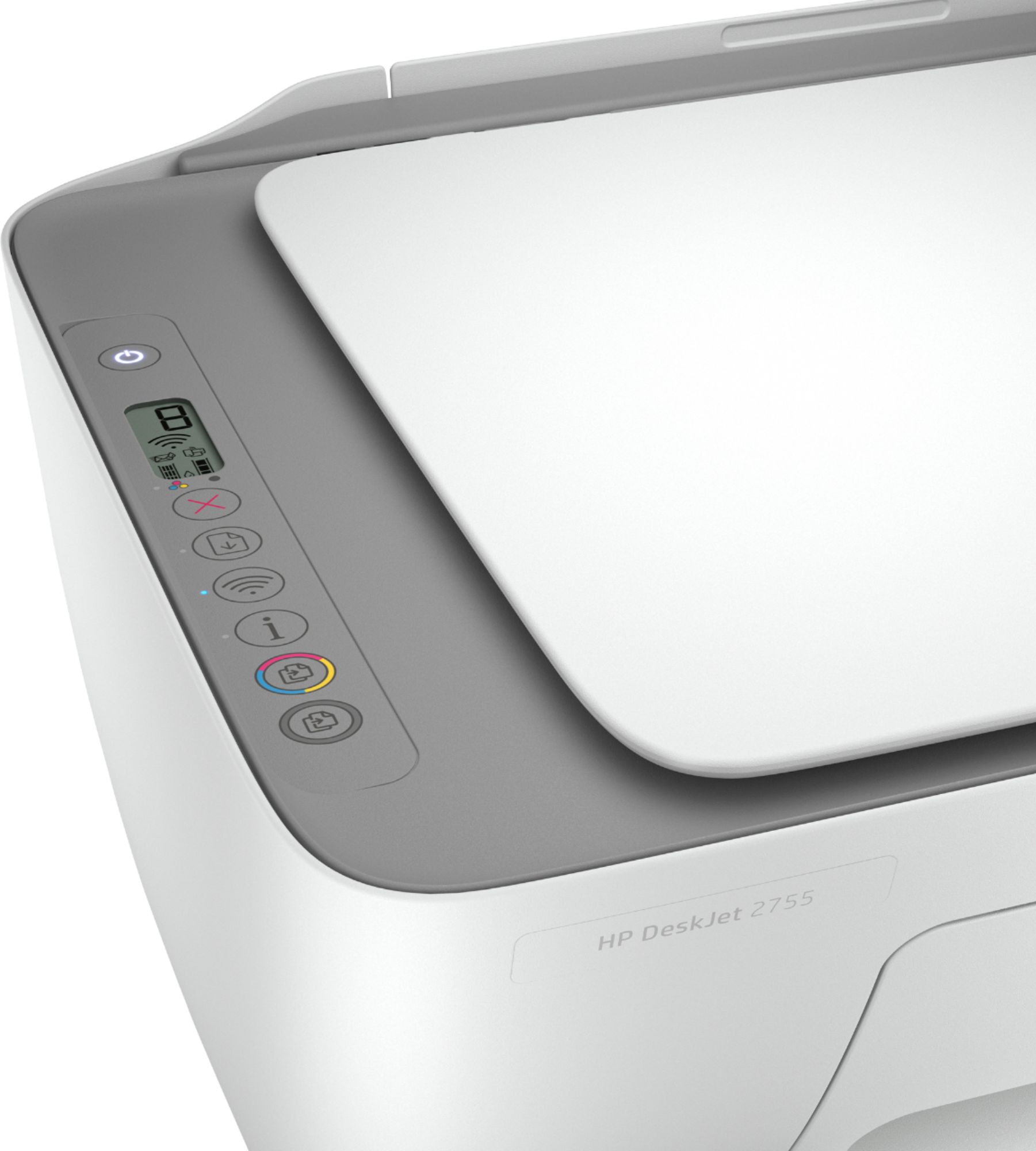
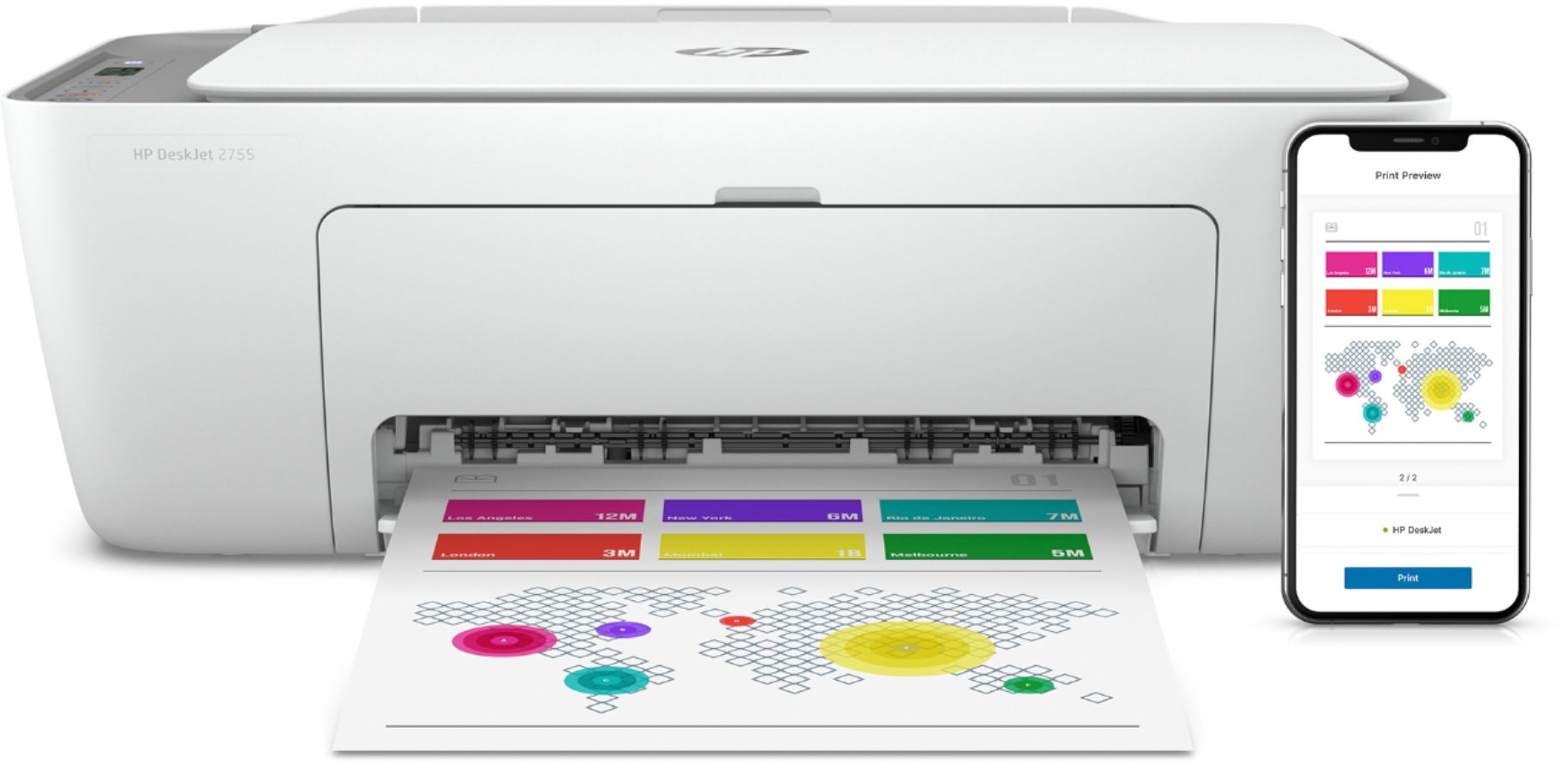
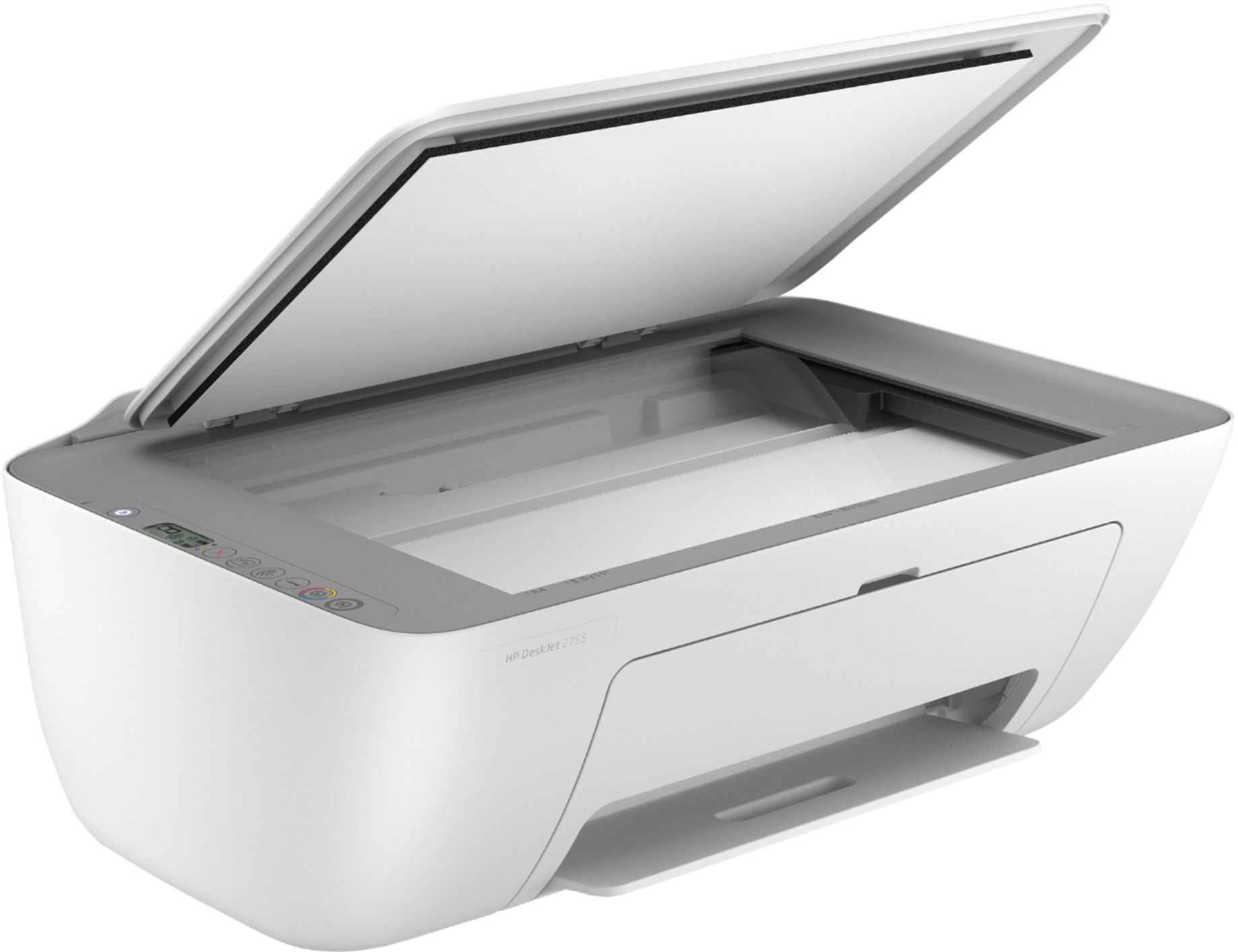
A:AnswerHello, this printer can print two sided but it will be done manually not automatically. There is driver support you will need to download but the printer does have the capability. Thank you for being an HP customer!
A:AnswerThank you for the question. The DeskJet 2755e will be compatible with your Toshiba laptop if it's running Windows 10 (or Windows 7:32-bit or 64-bit).
A:AnswerDear Ron;
Sorry, there is no faxing ability with this machine. You'd need to move up to another HP printer that offers faxing options.
Best of luck,
Consultant Brian
A:AnswerDear Marty;
Good news: this printer does support Windows 7. The specs for this printer is as follows: Windows 10, 7: 32-bit or 64-bit, 2 GB available hard disk space, Internet connection, Internet Explorer. Buy it. Good printer. Simple to use.
Best of luck,
Consultant Brian
A:AnswerHello, this printer is compatible with these media weights and sizes: Media weight supported Letter: 16 to 32 lb; HP envelopes: 20 to 24 lb; HP cards: up to 110 lb; HP 4 x 6 inch photo paper up to 145 lb. Media sizes supported Letter; legal; 4 x 6 in; 5 x 7 in; 8 x 10 in; No. 10 envelopes. Don't forget to sign up for your Instant Ink during the set up of the printer so you don't lose your free ink and your additional 1 year of warranty! Thank you for being an HP customer!
A:AnswerHello, this printer is compatible with AirPrint, as well as Windows, and Android Mopria software. Remember to sign up for your free ink during the set up process and the free additional one year of warranty so you don't miss out on both! Congratulations on your new printer purchase! Thank you for being an HP customer!
A:AnswerThanks for your interest in HP printers! The DeskJet 2755e is wireless and prints in color or black & white. The printer uses HP 67 or HP 67XL ink cartridges. The HP 67 Black ink is $15.99 and the HP 67 Tri-color ink is $16.99.
A:AnswerHi Les! Thanks for asking! None of the the HP printers use Bluetooth, they use WiFi. Yes the DeskJet 2755e is compatible with MacBooks using a USB cable or Wireless.
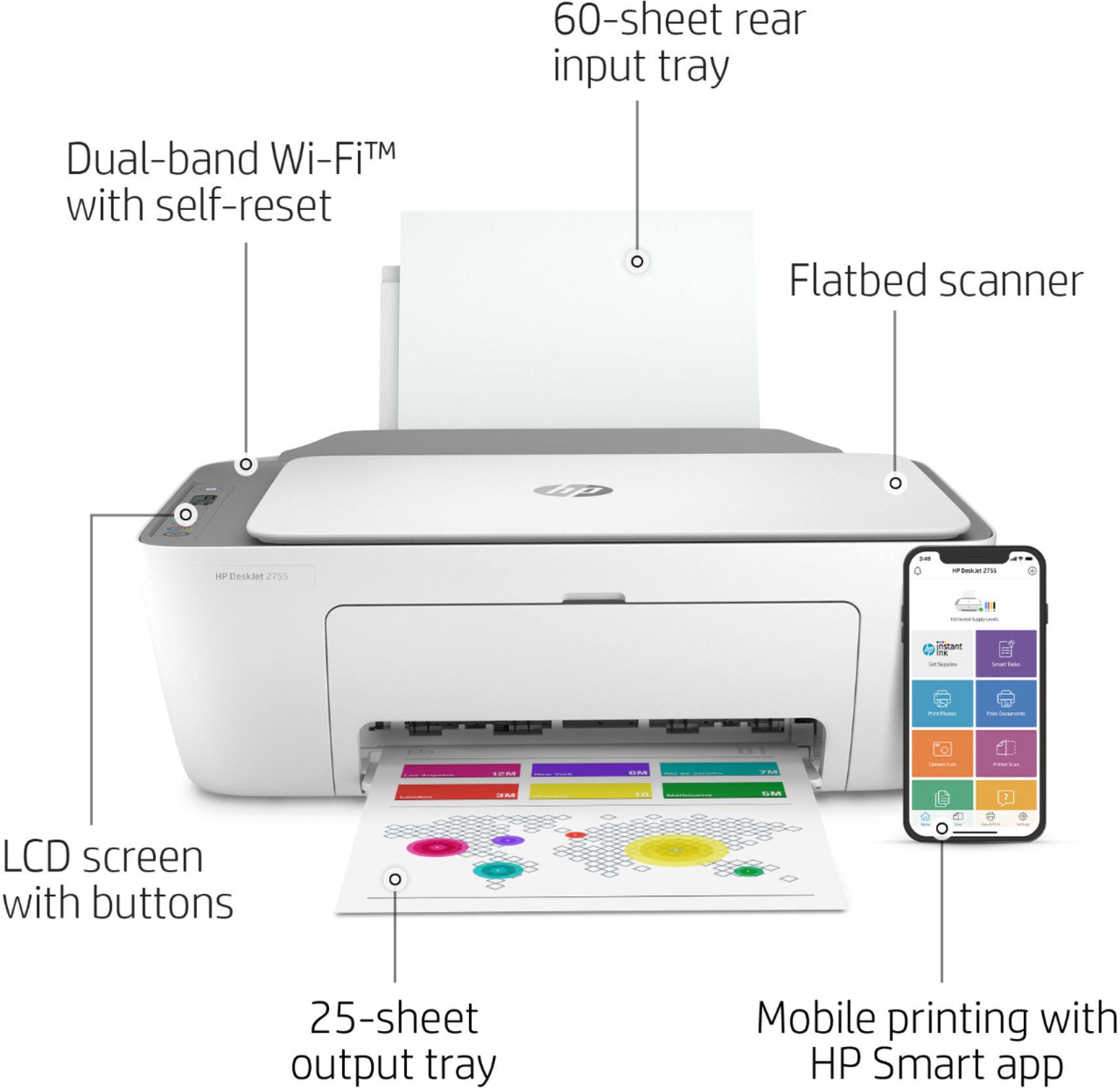
A:AnswerThanks for your question. Yes, the DeskJet 27553 works with Chromebooks. The paper feed which holds up to 60 sheets, is in the rear of the printer.
A:AnswerThank you for the question. There is no cost for HP+. HP+ is a revolutionary new printing solution that comes free with select HP printers (denoted by the "e" suffix in the model name). It delivers an extra year of warranty protection, increased sustainability, free ink for the first 6 months, and low-cost ink and toner at up to 50% off the retail price* for the life of the device. Advanced features vary by model and the HP Smart App opens up a few more features, such as mobile faxing and printing from anywhere. HP printers come with a one year standard warranty, and registering the printer after set up and opting in to HP+ will entitle users to an additional year, free, when committing to using only HP ink.
A:AnswerThank you for the questions. Apologies, the recommended system requirements are Windows 10 and Windows 7 (32-bit or 64-bit) in addition to macOS v10.14 Mojave, macOS v10.15 Catalina, macOS v11 Big Sur.
A:AnswerThanks for asking! Yes, you can print photos wirelessly from your iPhone to the DeskJet 2755e. You can use the HP Smart app (which is free) to control printer features and modify photos before printing!