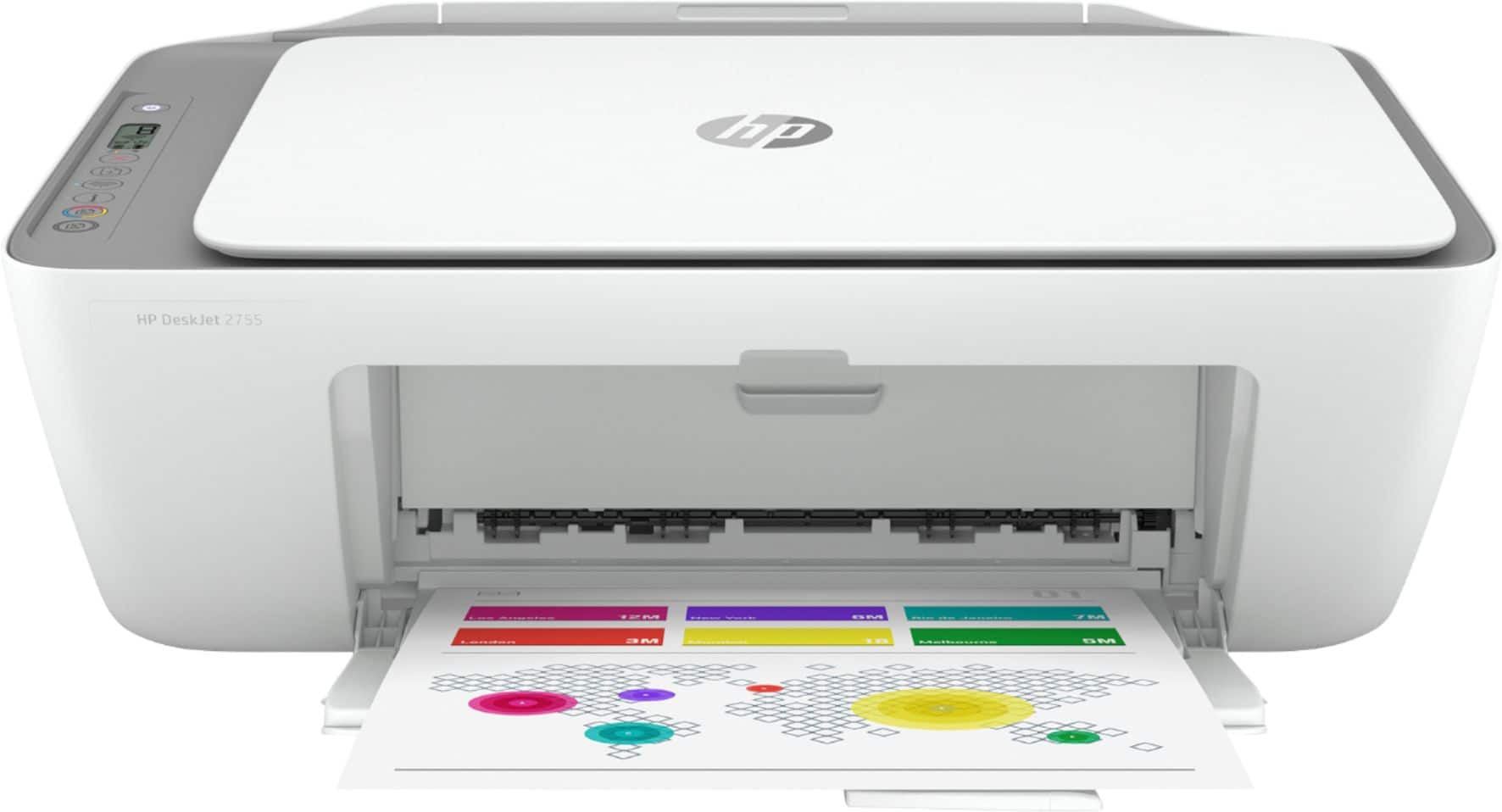
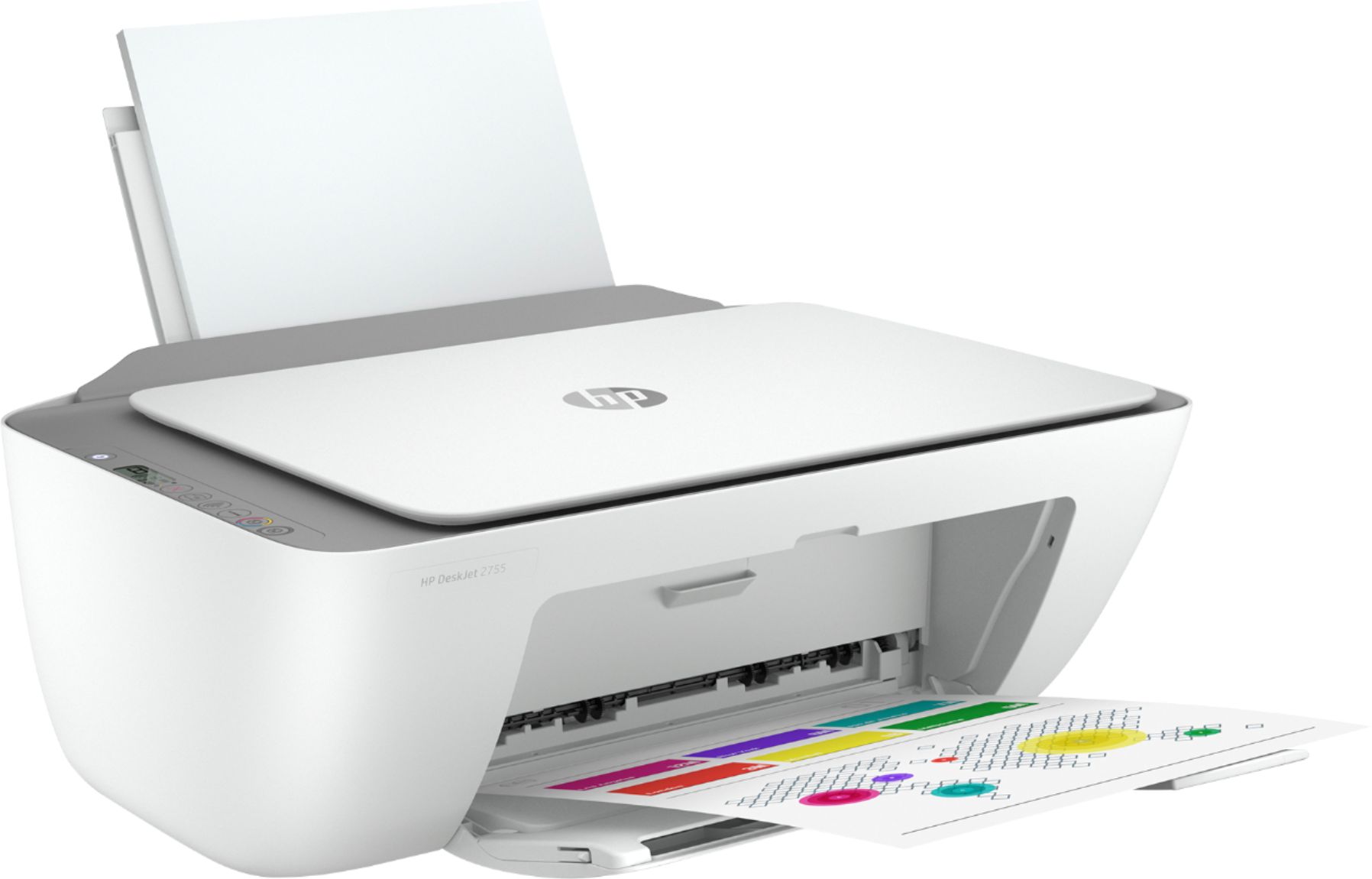
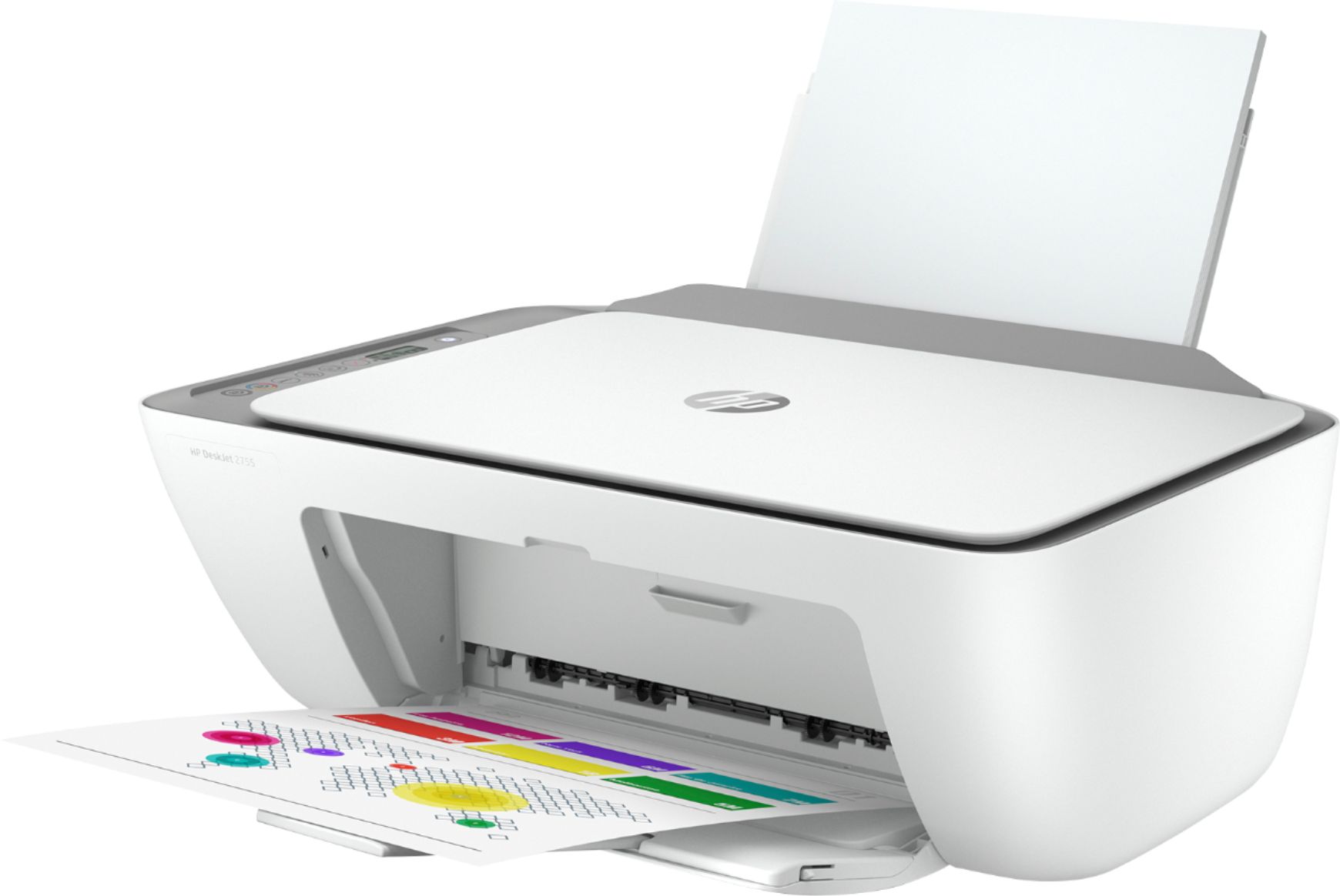
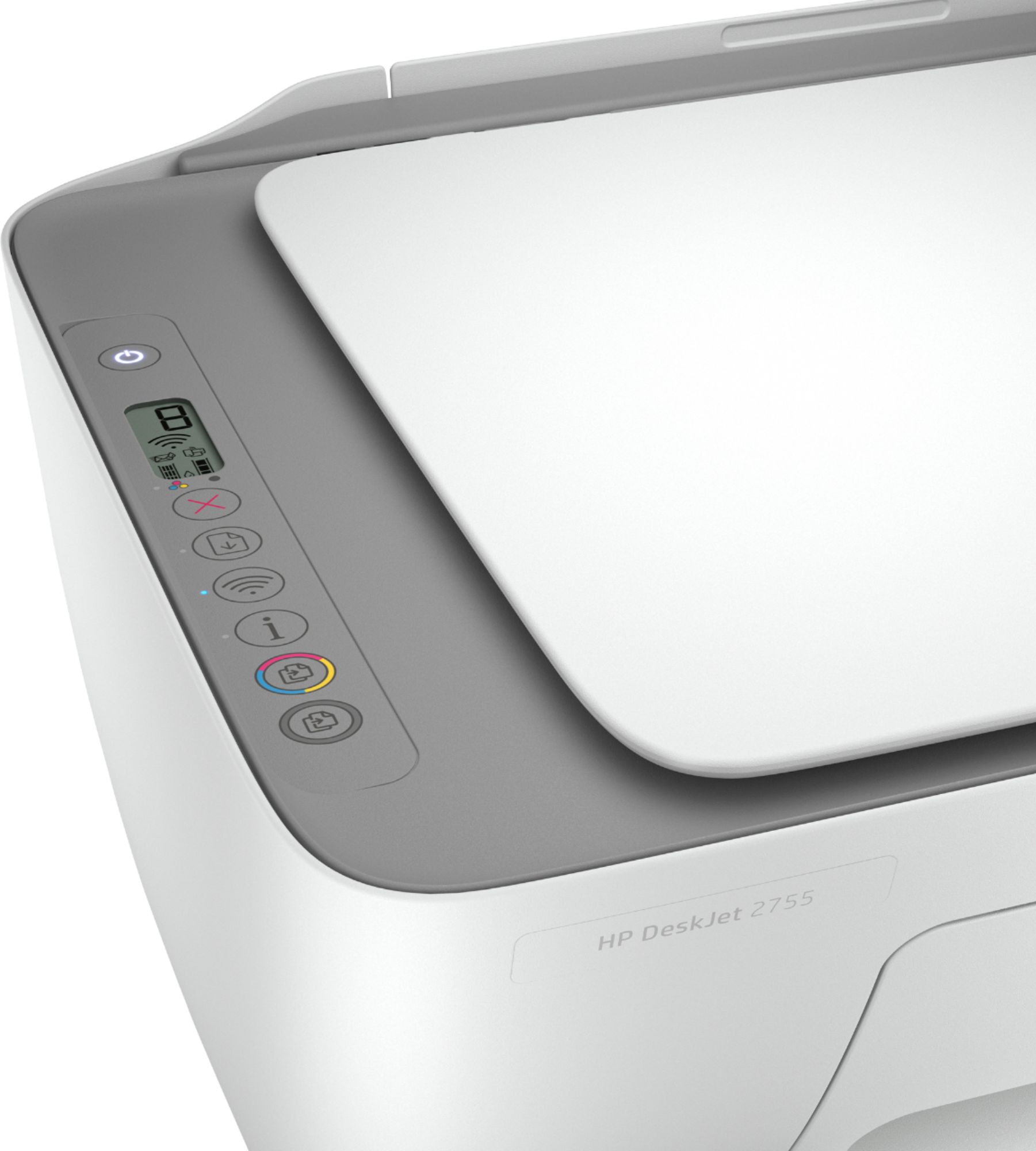
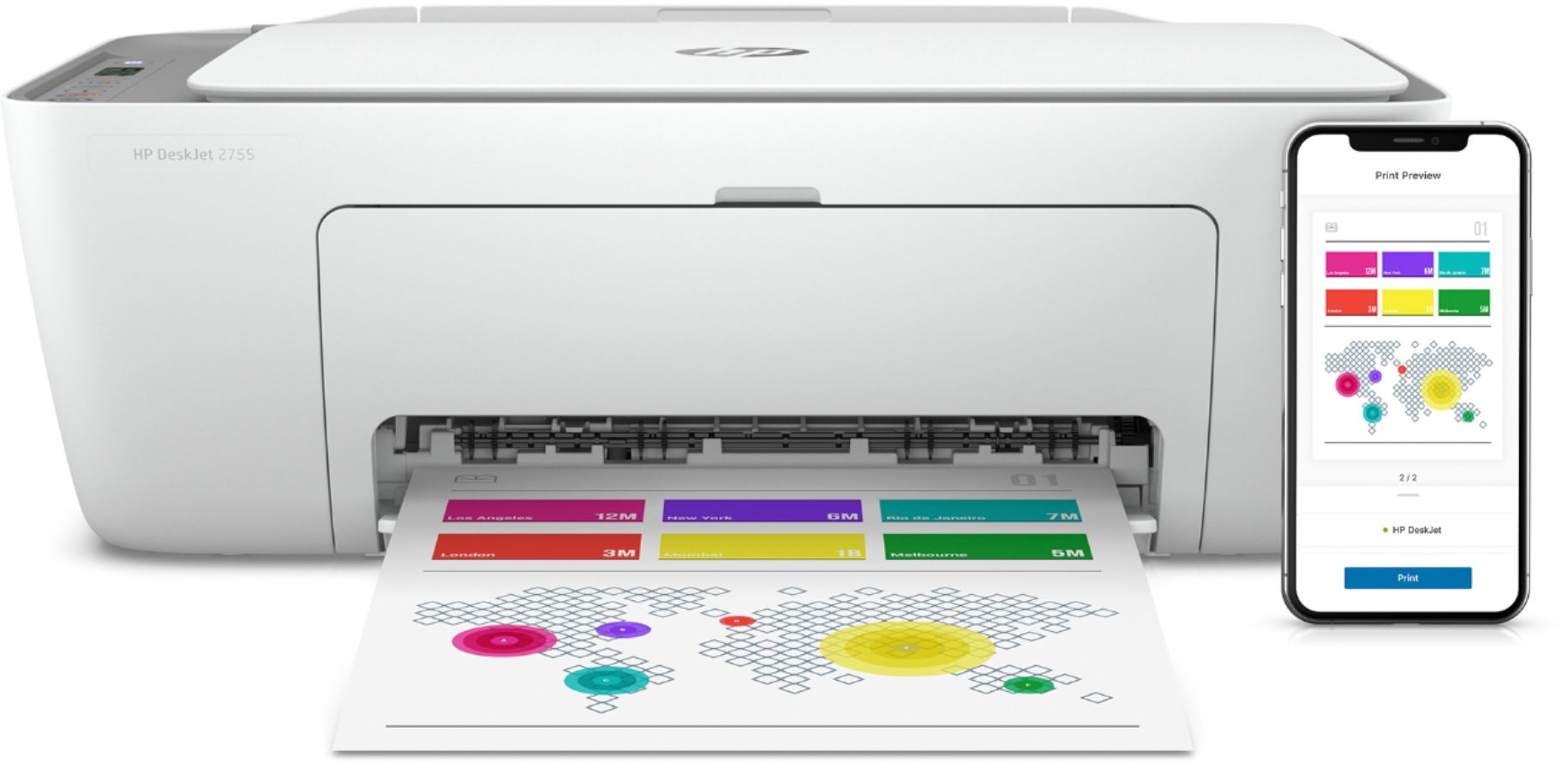
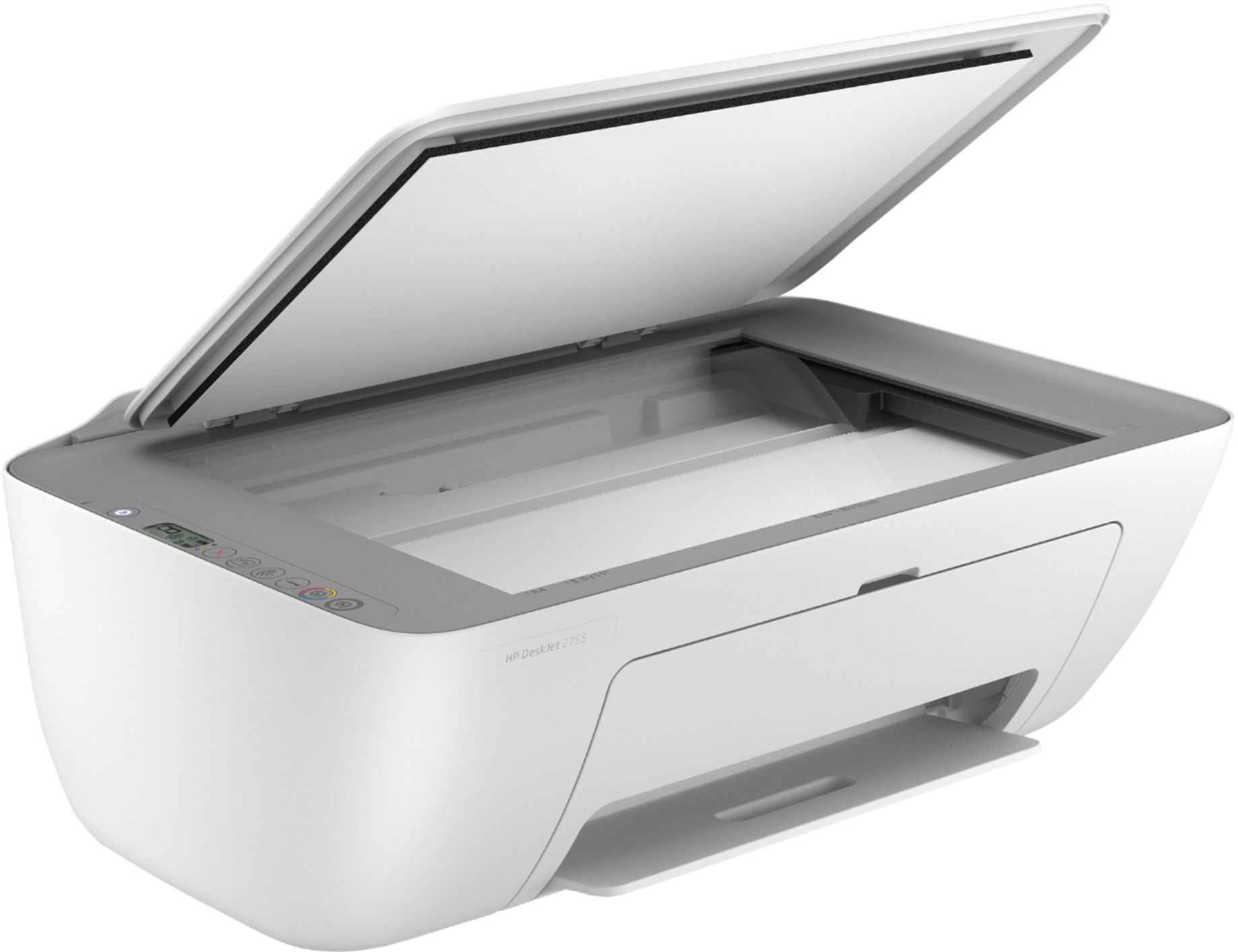
A:AnswerThanks for your question. Here are the dimensions and weight of the DeskJet 2755:
Product dimensions W x d x h: 16.7 x 11.97 x 6.06 in; Maximum: 16.7 x 21.5 x 9.8 inch (Output
Extension fully out)
Product weight 7.55 lb
A:AnswerHi, Thank you for the question. HP DeskJet 2755 is compatible with the universal printing cable. https://www.bestbuy.com/site/insignia-6-usb-2-0-a-male-to-b-male-cable-black/5886035.p?skuId=5886035
A:AnswerHi Snow. Yes, you can connect the DeskJet 2755 to your computer instead of using it on your wireless network. Yes, you can use your old cable, if it's in good condition.
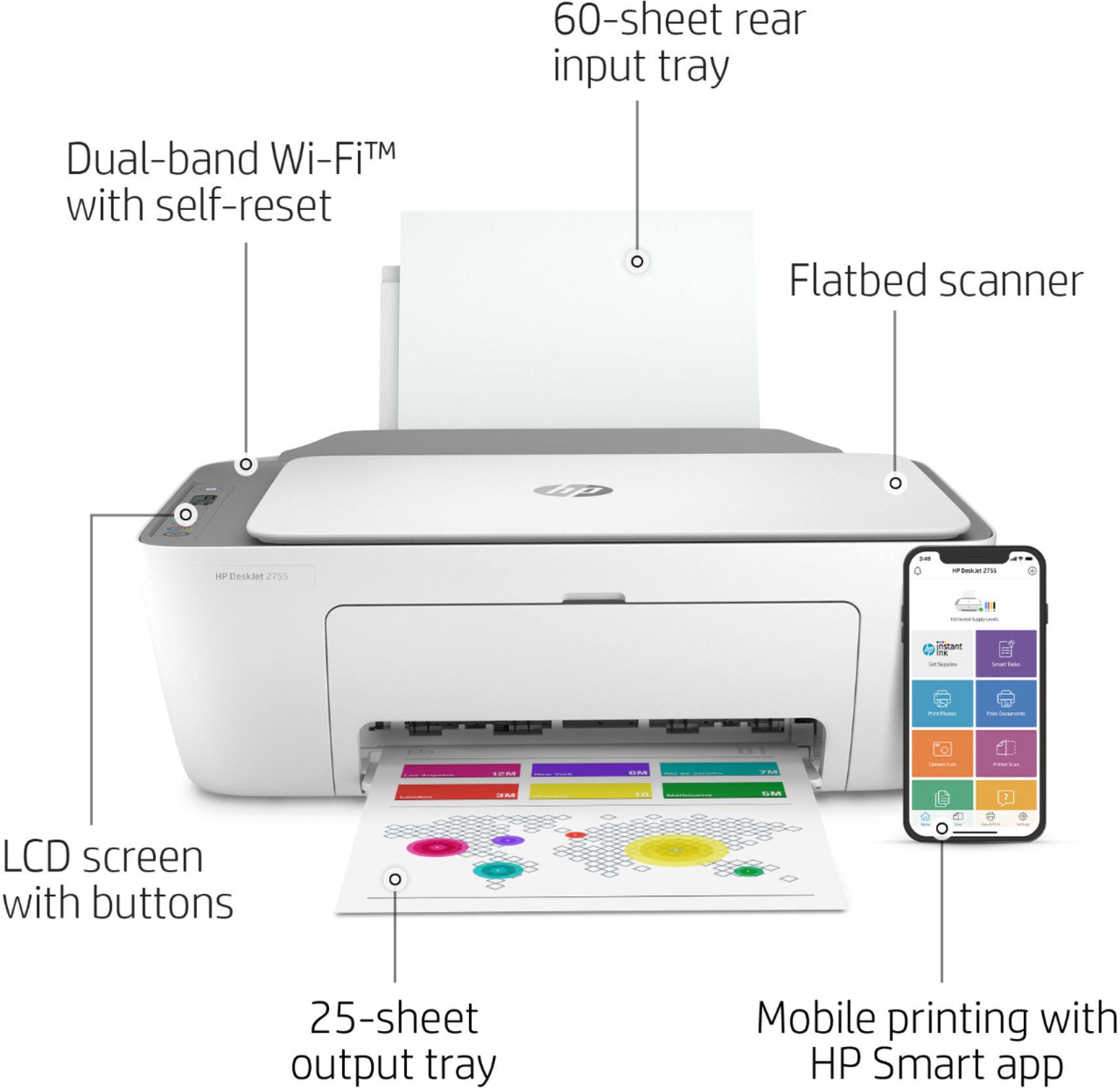
A:AnswerHi Jewel and thanks for your question! The HP DeskJet 2755 is Chromebook compatible! Also just download our free HP SmartApp in order to print from your iPhone and iPad.
A:AnswerHello sissy, when replacing the ink on the Deskjet 2755:
Step 1: Power on the printer
Step 2: Load paper into the input tray.
Step 3: Pull open front paper tray door
Step 4: Open the ink cartridge door.
Step 5: Lightly press down on the ink cartridge and it will release and you can remove it. Hold all cartridges by the sides only.
Step 6: Insert the new cartridges, after removing the colored tab and plastic tap, into the proper cartridge area and push in, then close the ink cartridge access door.
Step 7: The printer will print an alignment page
Step 8: Place it in on the top scanner
Step 9: Press scan and follow the onscreen instructions.
Thank you for being an HP customer!