A:AnswerThis model is not a good option for printing that much at once. You will run out of ink pretty fast if you need to print 90 pages at once. If you only need to print in black and white, I would look at a laser printer. The HP LaserJet Pro MFP M29W would be a good option. https://www.bestbuy.com/site/hp-laserjet-pro-mfp-m29w-wireless-black-and-white-all-in-one-laser-printer-white/6238315.p?skuId=6238315
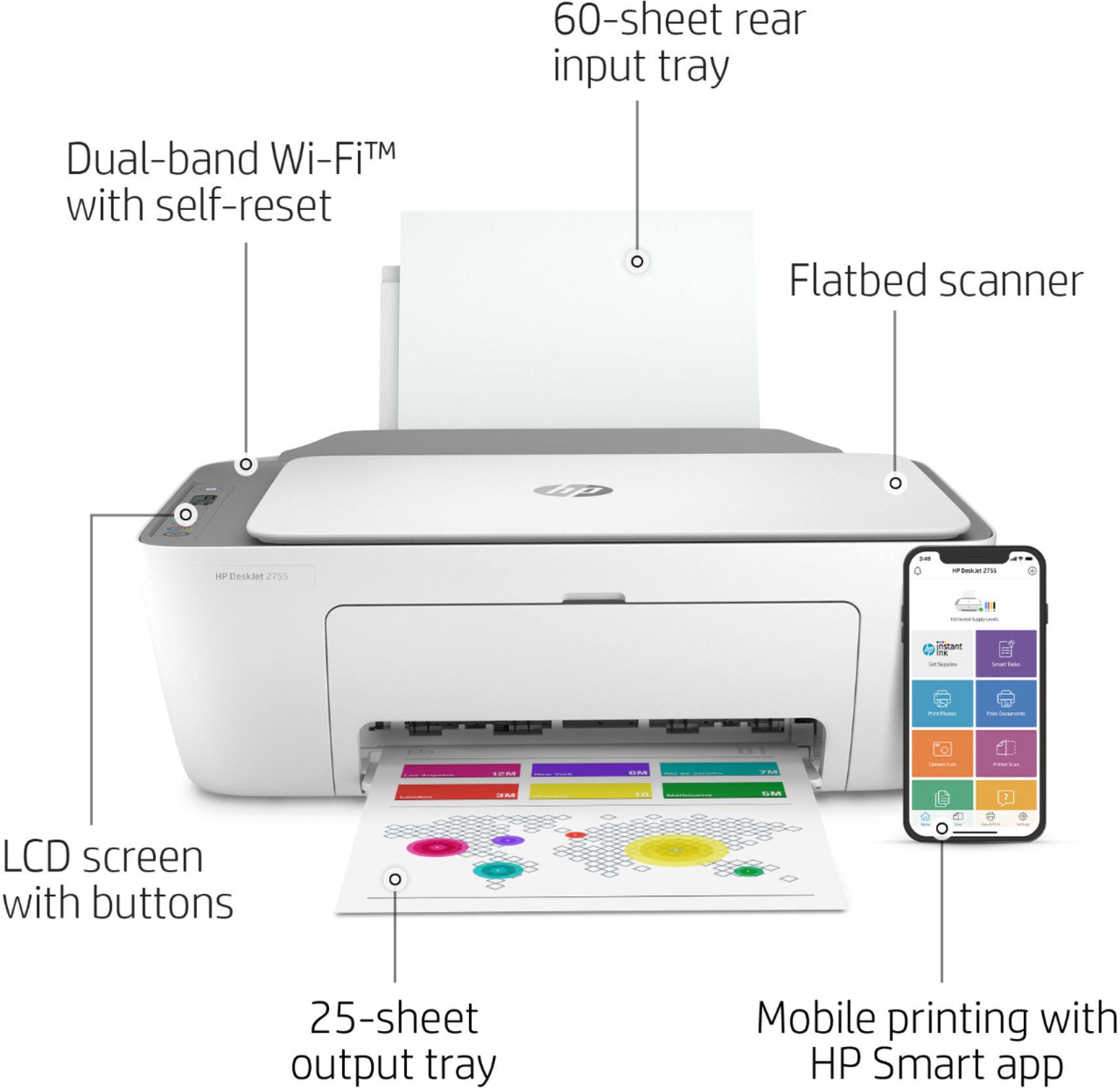
A:AnswerThis printer does not have Bluetooth. You can print with WiFi direct, no internet required. This link has instructions for using WiFi direct. https://support.hp.com/us-en/document/c04577030
A:AnswerHere are some instructions on how to set up the printer on the Chromebook: https://support.hp.com/us-en/document/c04122530 If you need further assistance, visit https://support.hp.com
A:AnswerYes, you can connect via a USB cable to a Acer Chromebook. Here are some instructions on how to set up the printer on the Chromebook: https://support.hp.com/us-en/document/c04122530
A:AnswerIf you need help setting up or troubleshooting your printer I recommend reaching out to HP Support at Support.hp.com or the Best Buy Geek Squad.