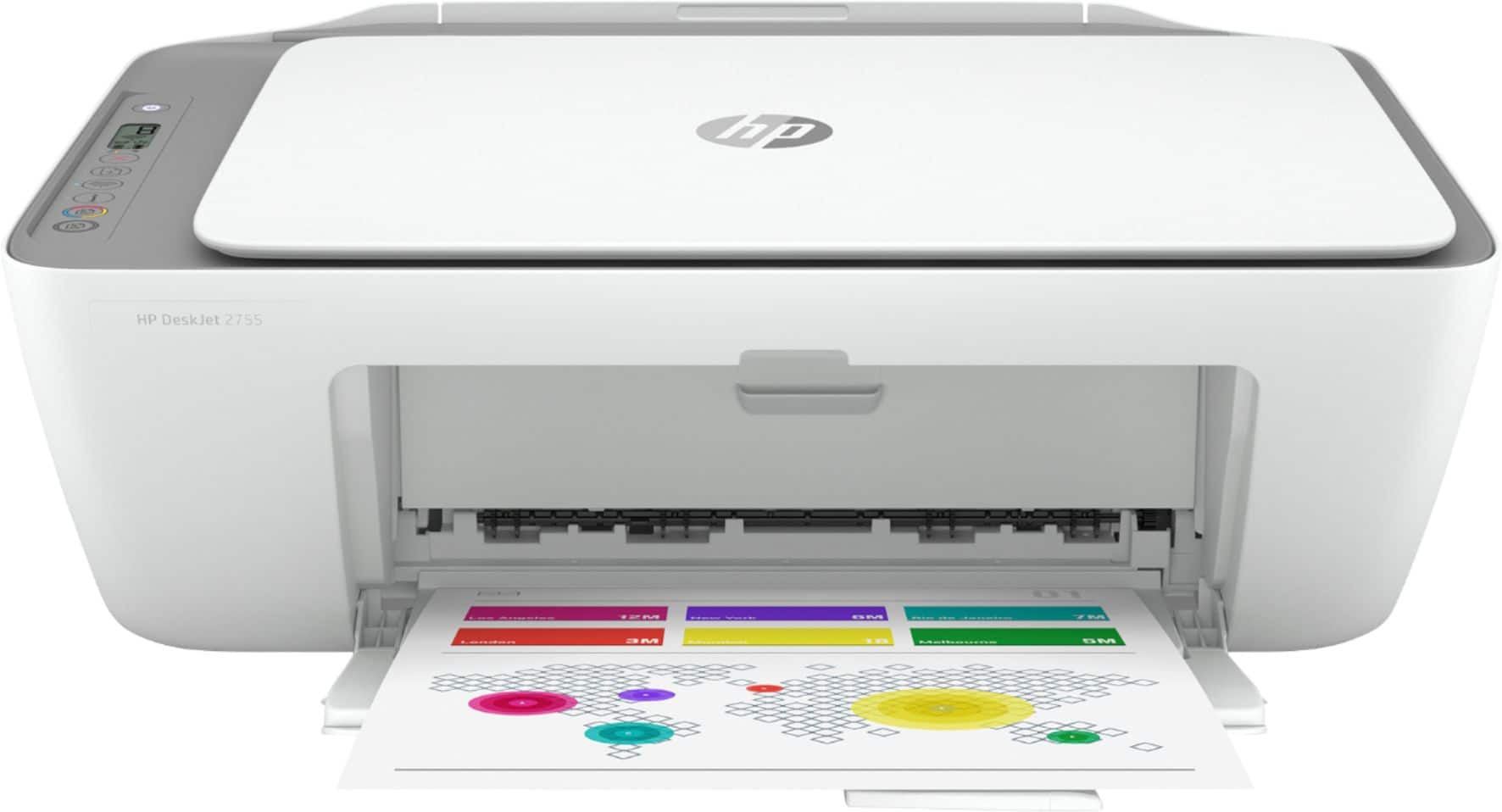
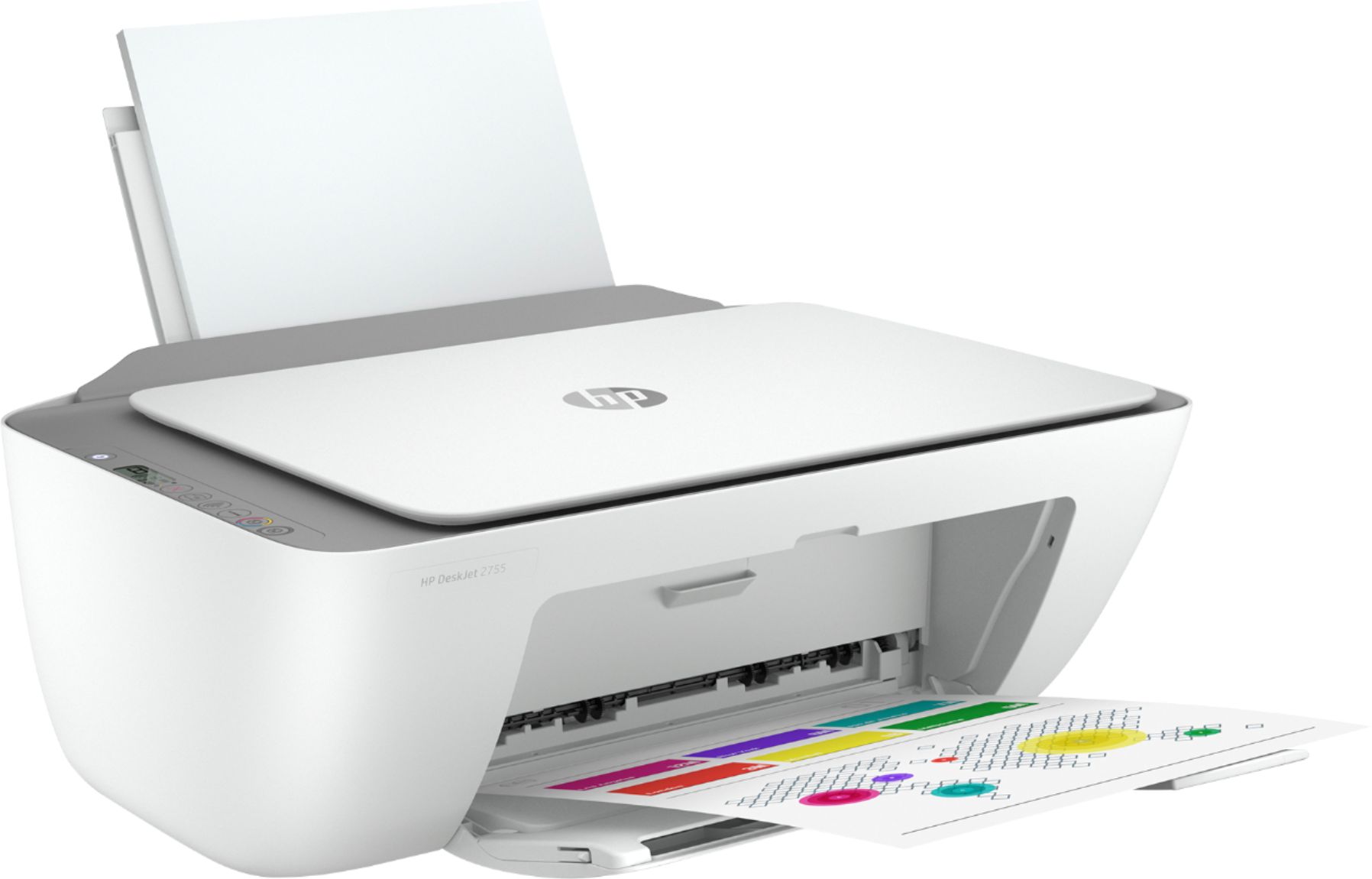
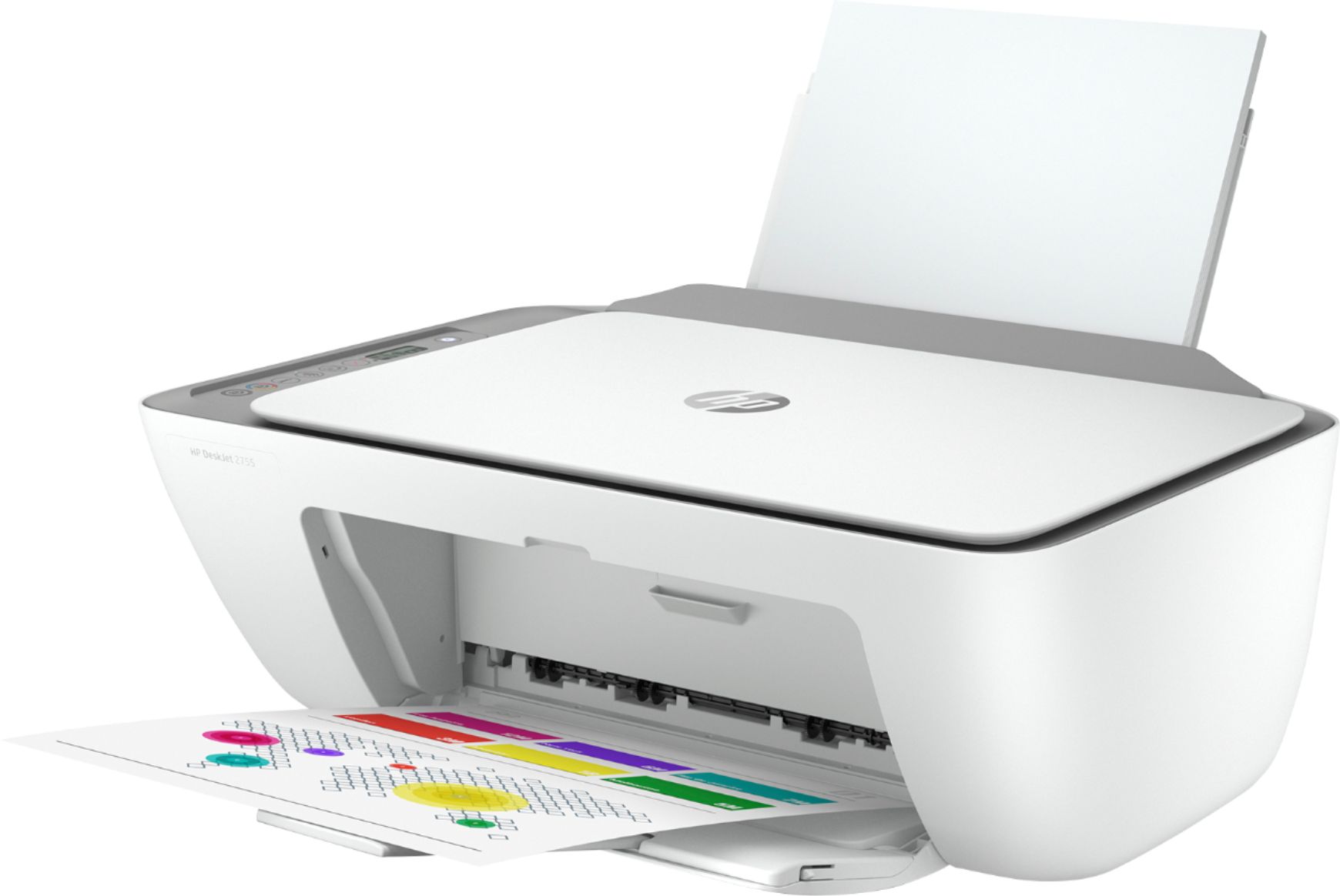
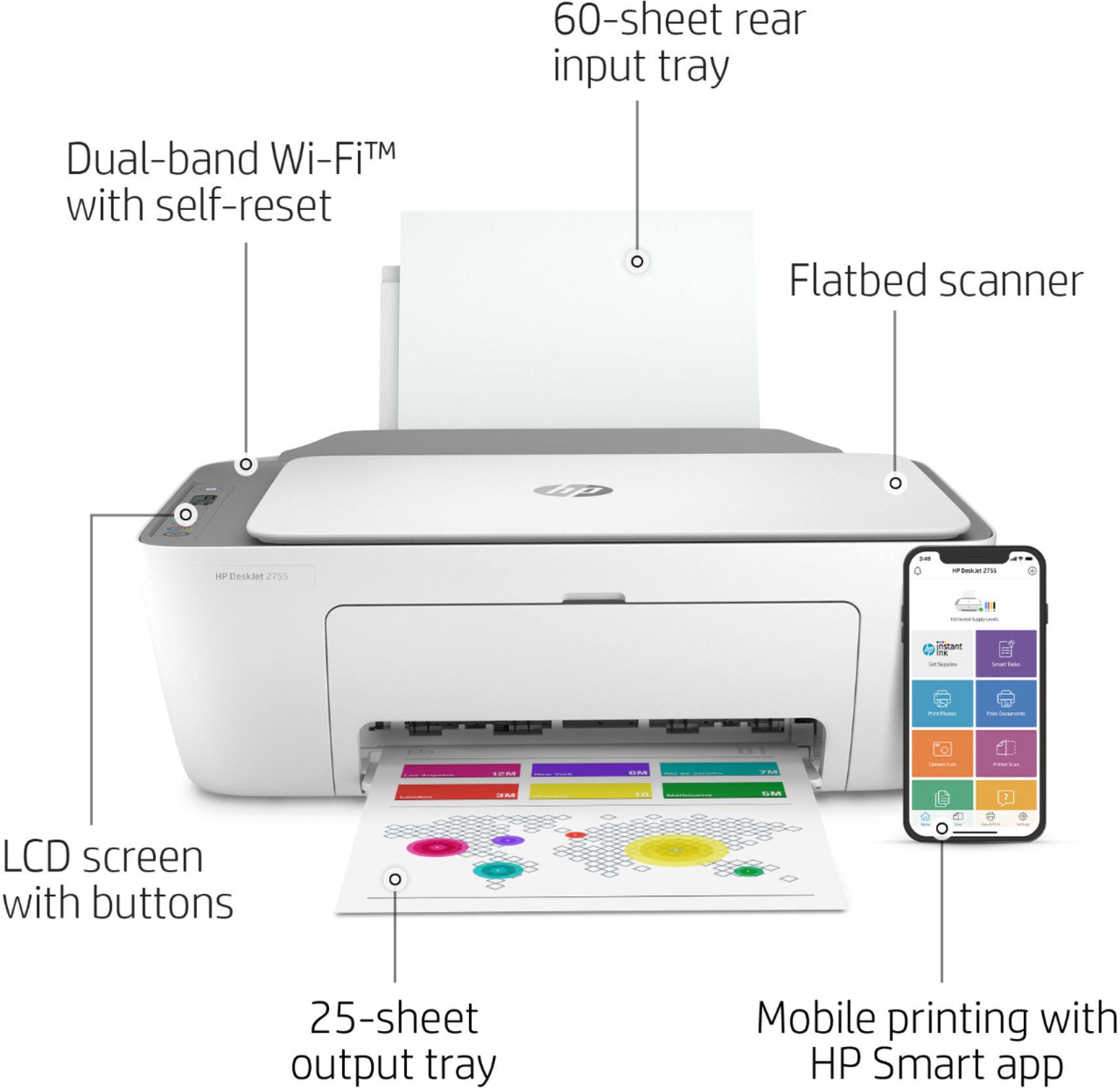
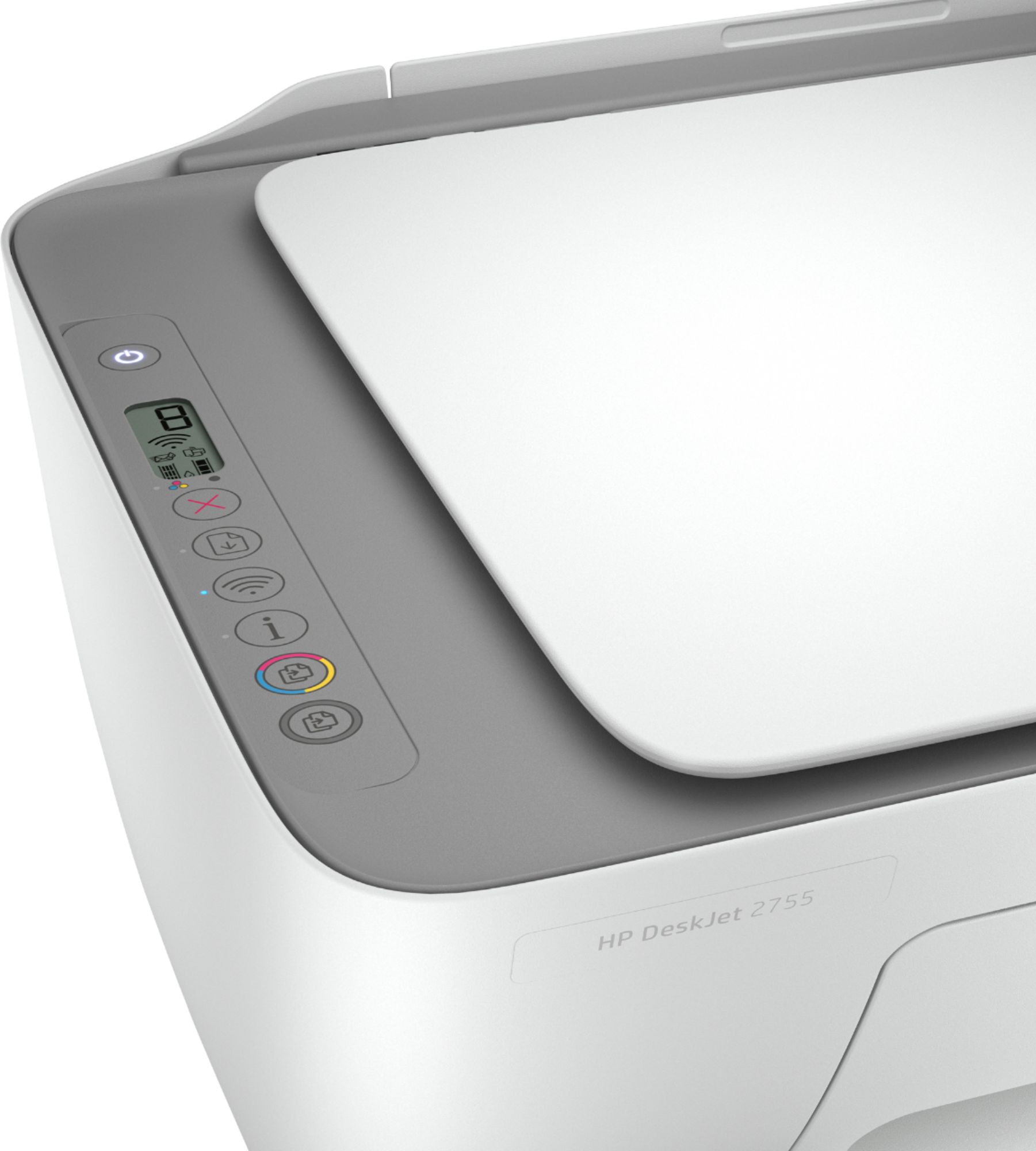
A:AnswerThank you for the question. The buttons on the DeskJet 2755 indicate power on/off, WiFi connection, printer error, and ink alerts. In a ready state with no job printing, the power and WiFi lights are always illuminated.
A:AnswerThank you for the question. The printer's specification does not list Windows XP as a compatible system (Win XP is not supported anymore). However, you may install the printer using Windows built-in driver.
A:AnswerI am pretty sure it does. Just download the app and it will direct you through setup which is also easy and by the way in my opinion this is an excellent printer
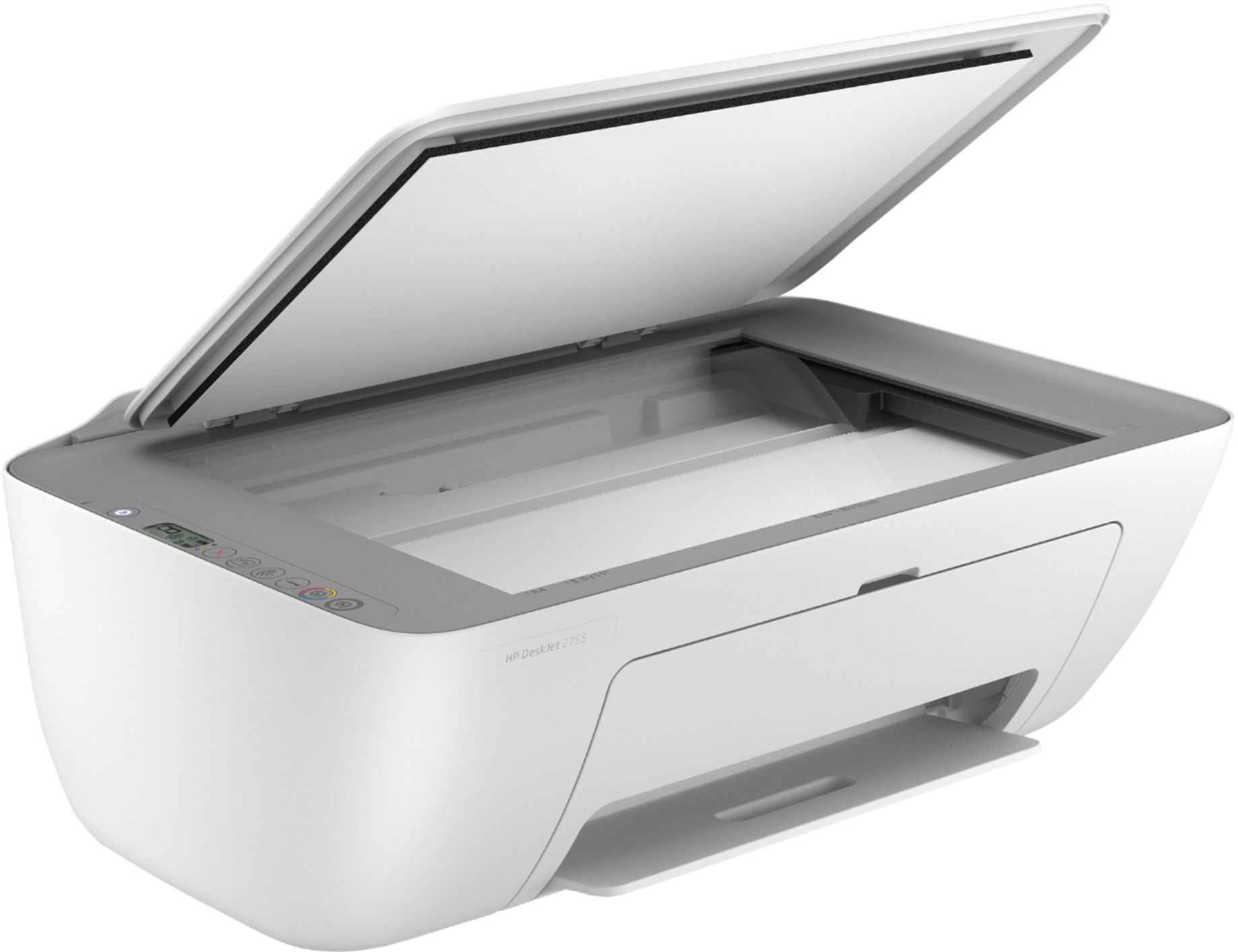
A:AnswerThe HP Deskjet 2755 printer does not allow you print double-sided documents automatically. You would have to manually turn the paper over. You cannot reduce or enlarge copies from the printer.
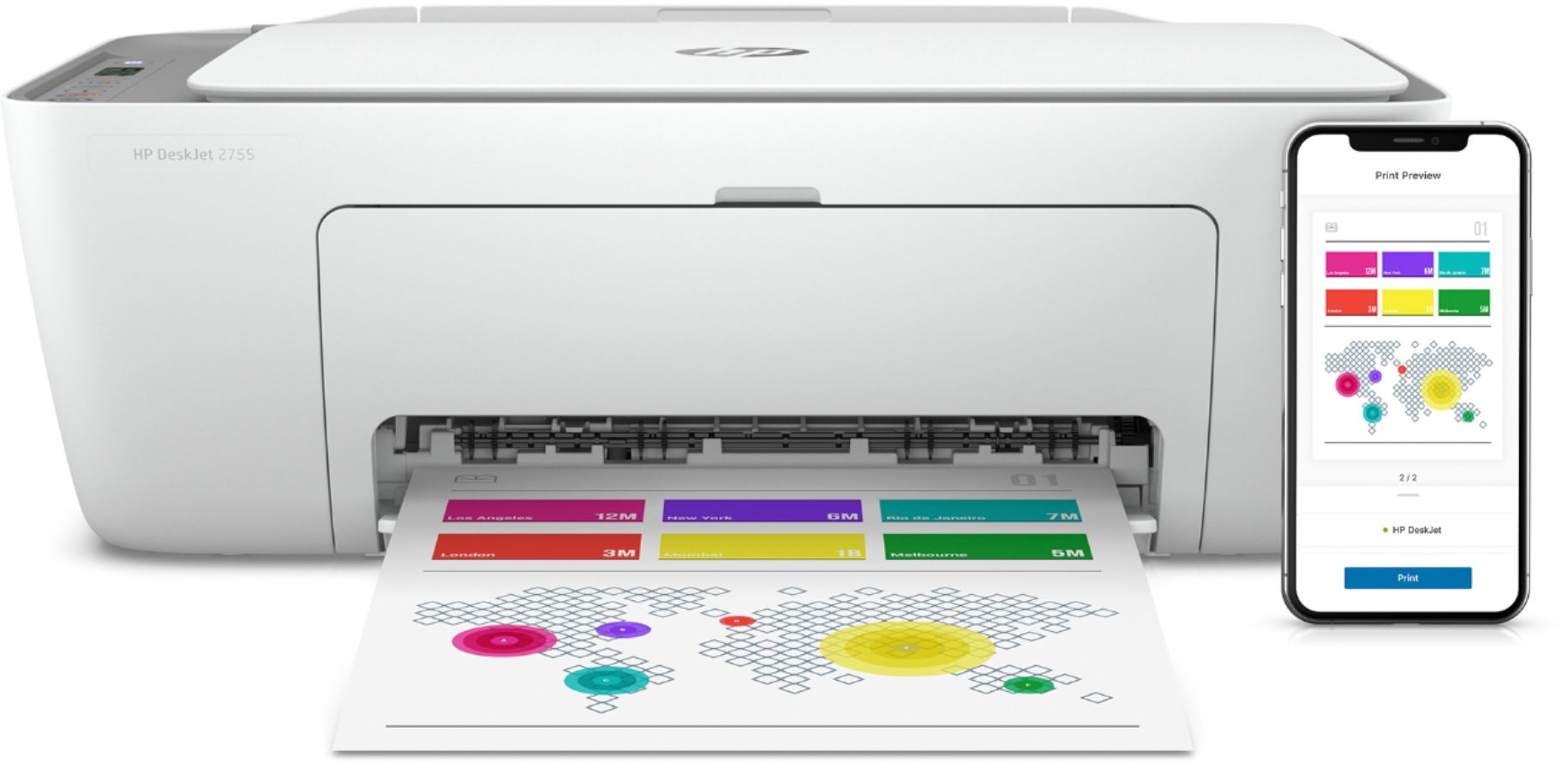
A:AnswerYes, you can setup this printer with your tablet, then you can print from your tablet. We recommend using the HP Smart app: https://support.hp.com/us-en/document/c03561640