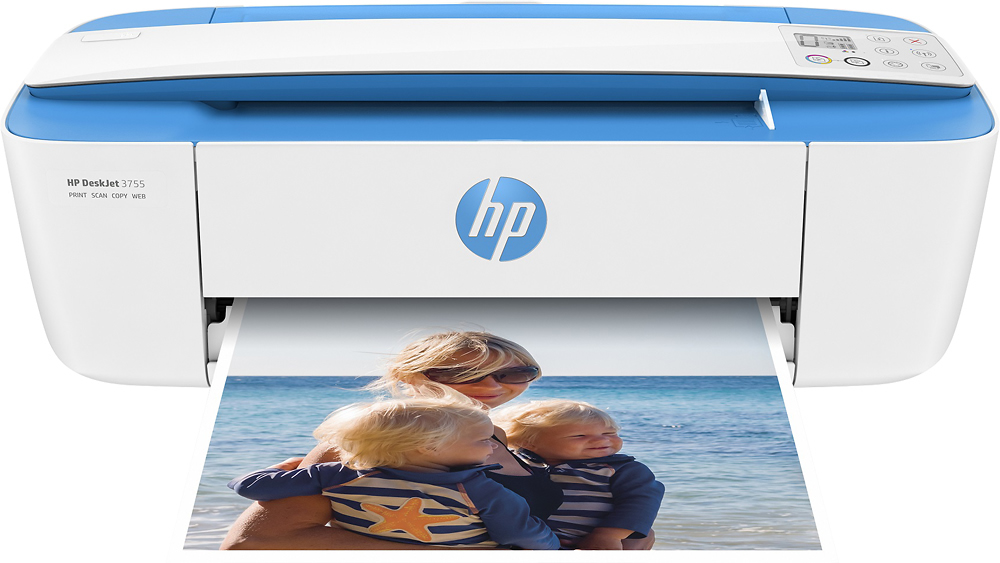
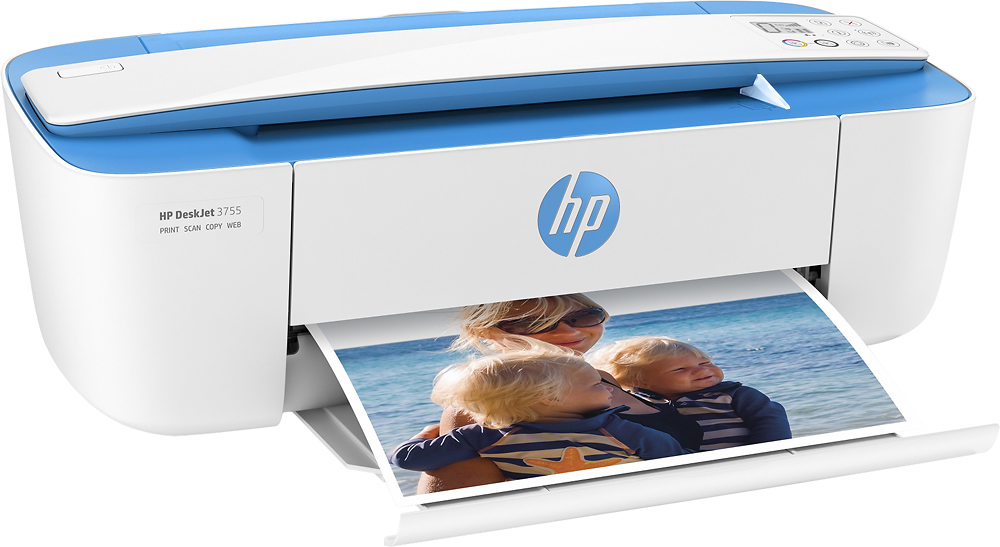
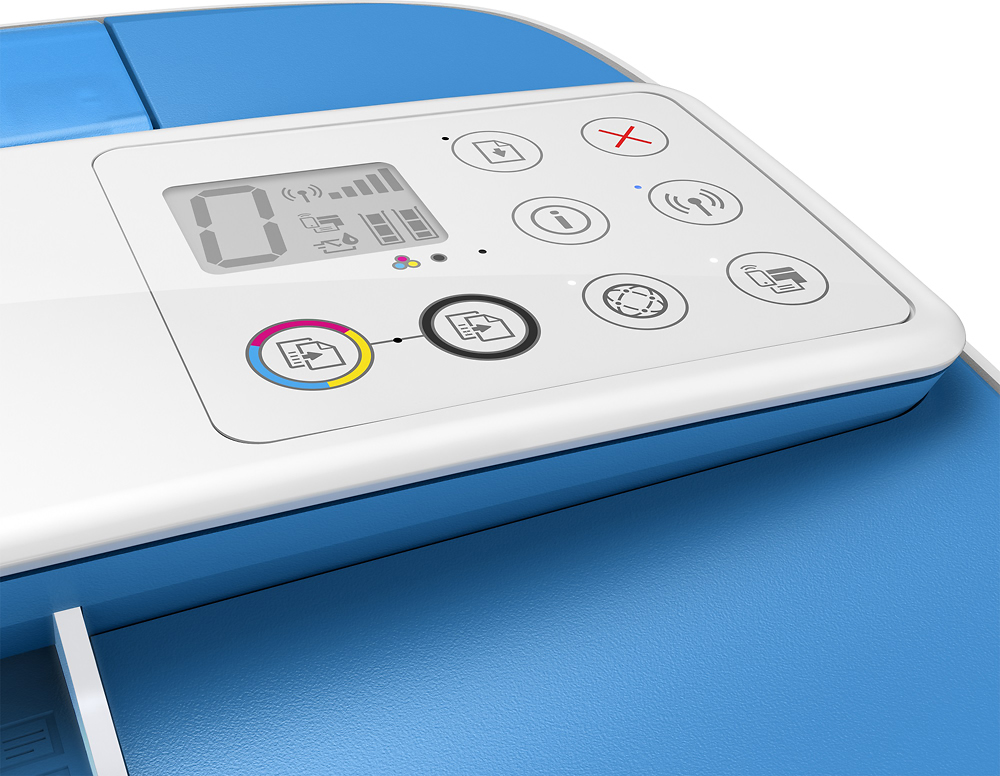
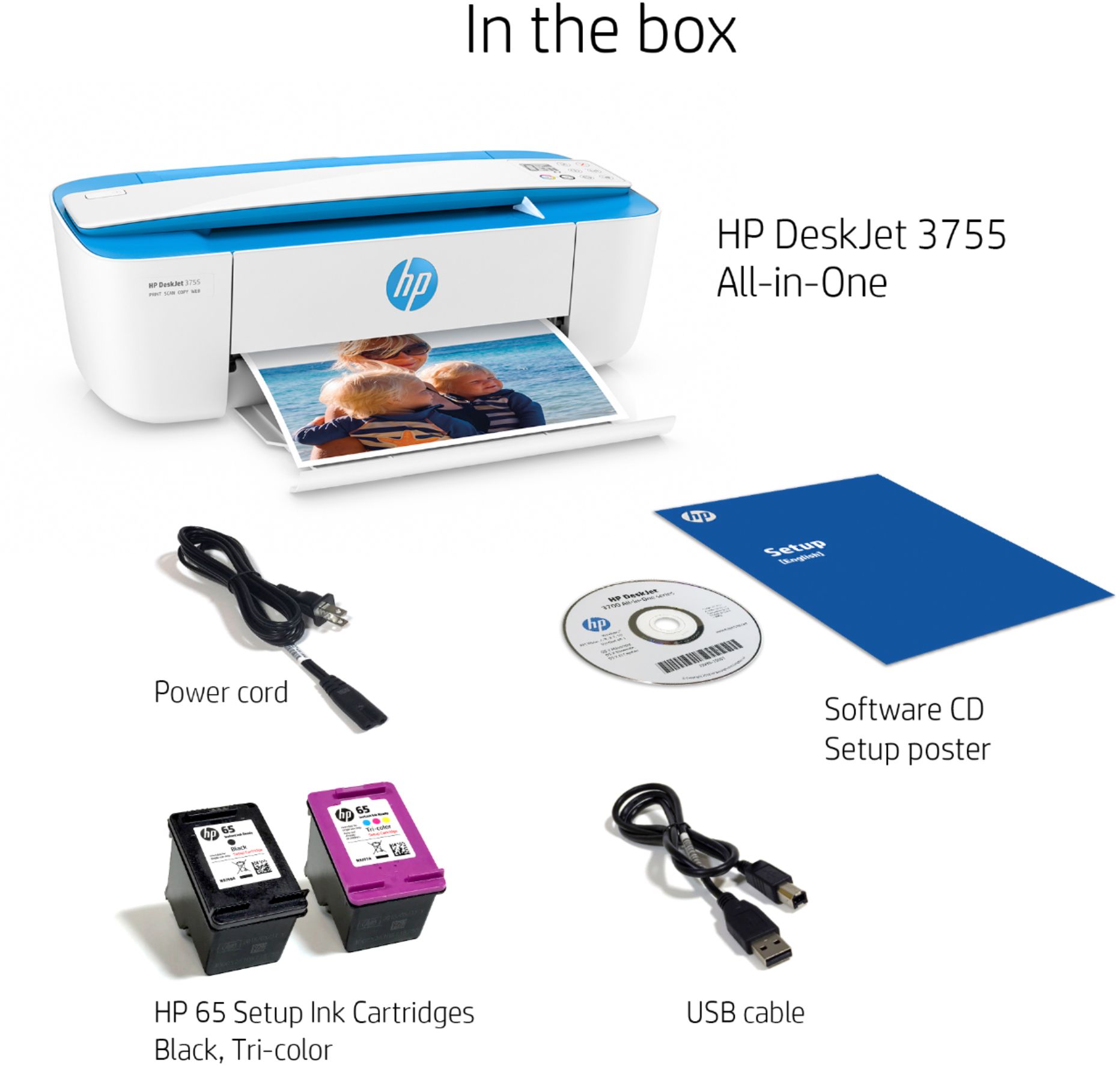
A:AnswerThis printer comes with setup cartridges in the box. The yield of setup cartridges varies by model, but tends to be enough to get the average user through setup and initial printing jobs. You can learn more about Ink and Toner by model at www.hp.com/go/learnaboutsupplies
A:AnswerNot hard at all!! We recommend using the HP Smart app (which you can download for free from the App Store) for the most convenient setup process!
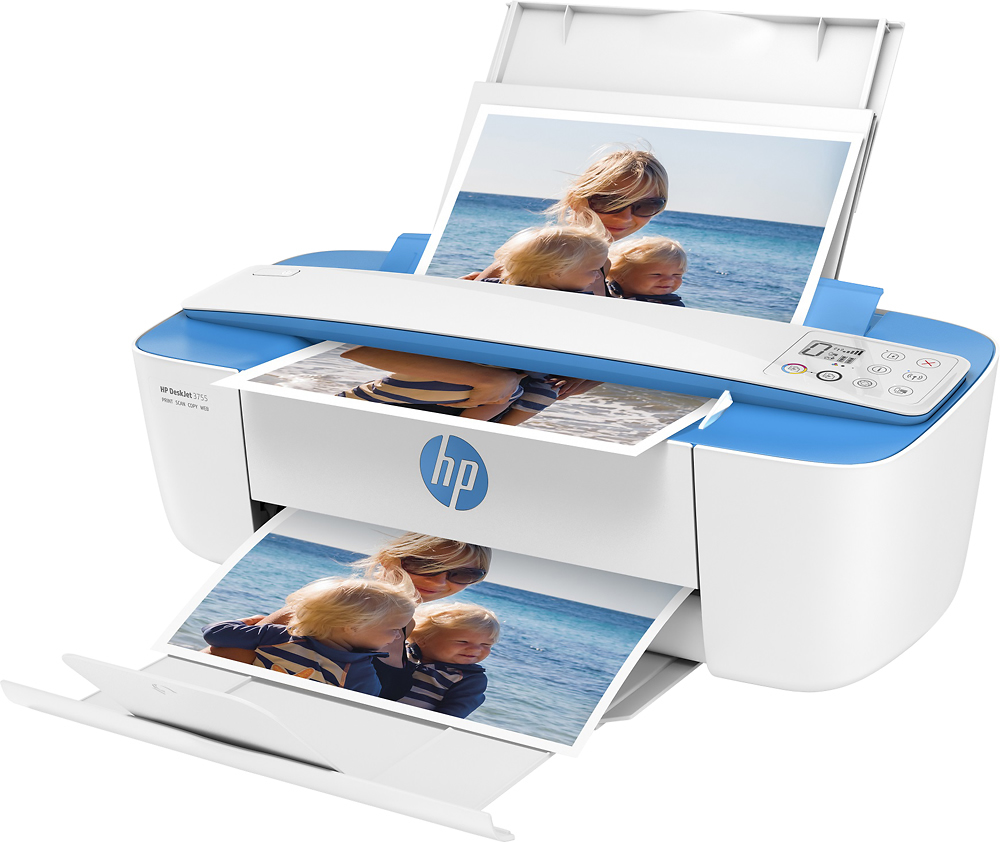
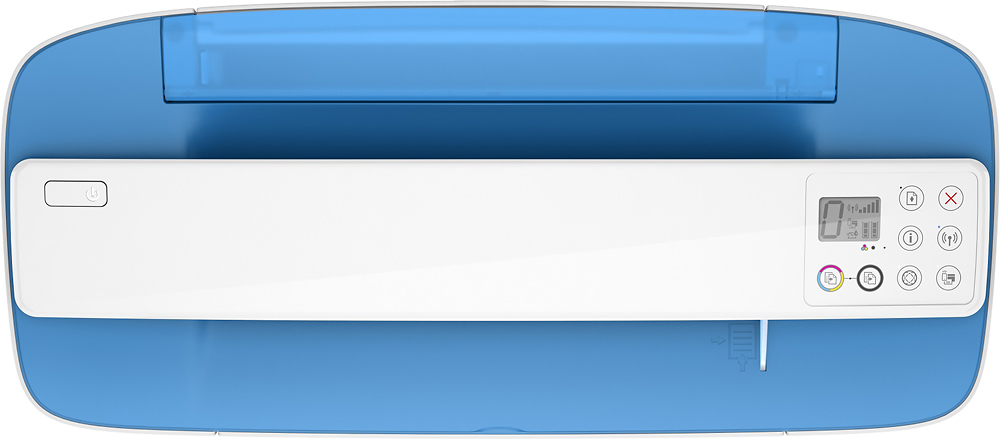
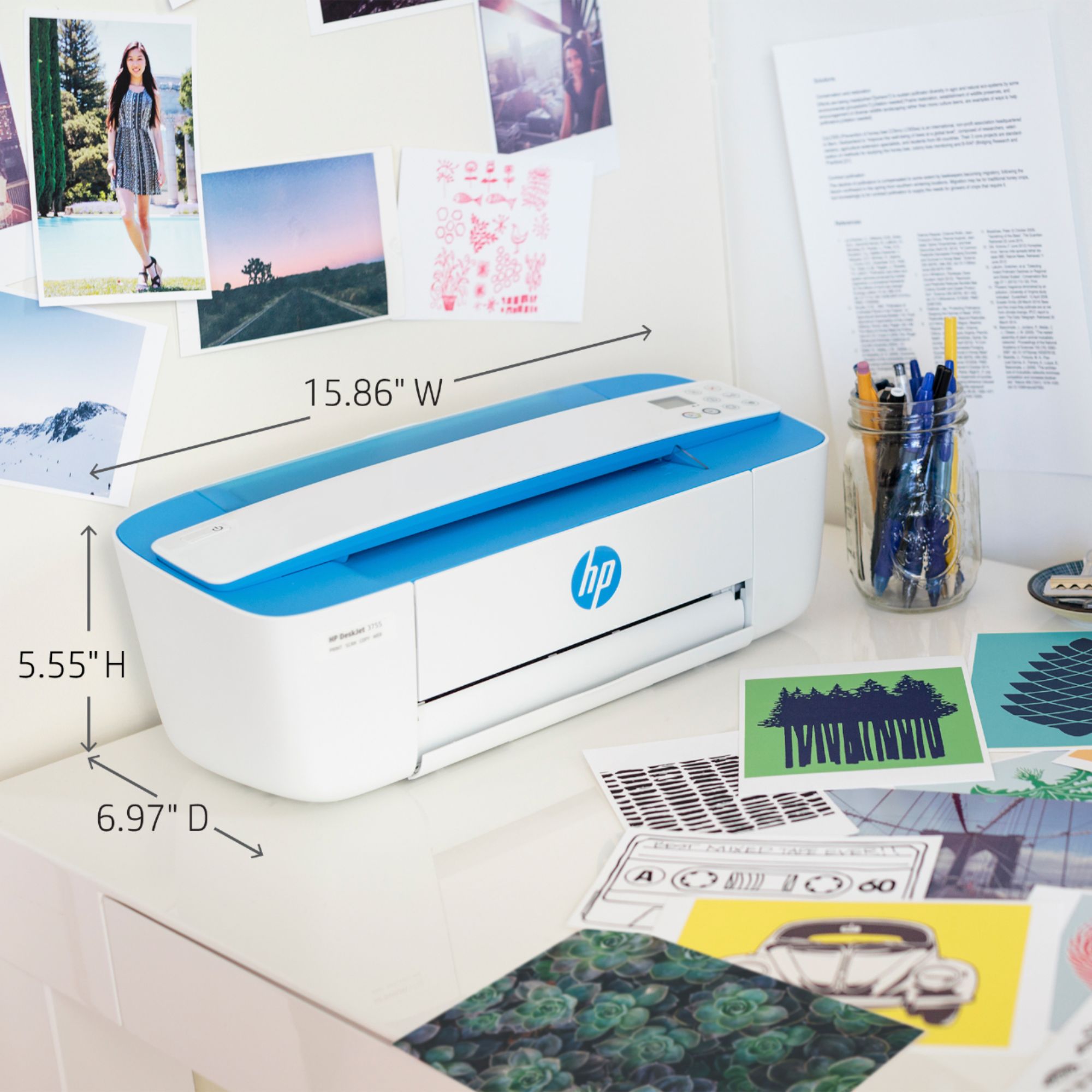
A:AnswerNo, this printer has a scroll bar for scanning or copying. I would recommend looking a HP printer with a flatbed scanner so you can scan books or a passport.