A:AnswerIt prints jpg & other file types directly from print in Word documents, and pdfs directly from the hp smart app but cannot print png or svg files. It will print photos from the phone.
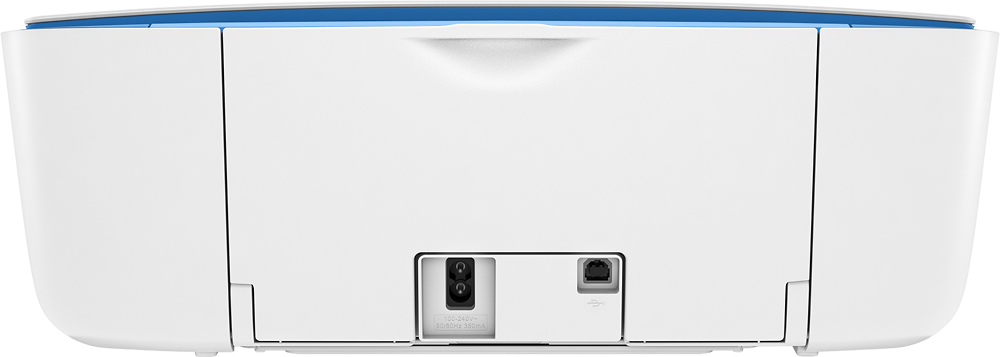
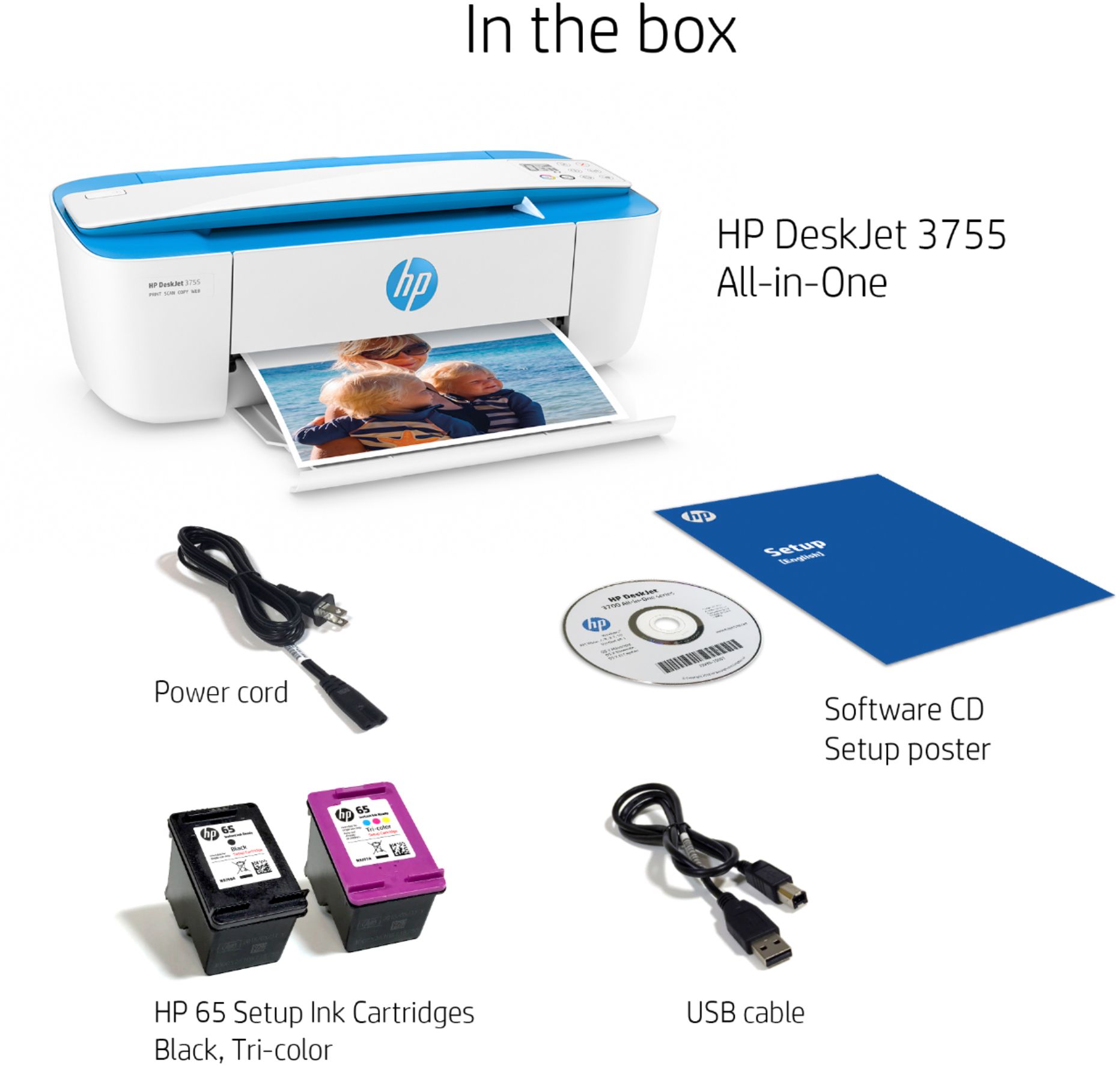
A:AnswerHello. Thanks for your question. Yes, this HP Deskjet 3755 printer is compatible with Windows 11 & 10. You can connect this printer to your computer with the USB A to B 2.0 cable. The USB cable is not included.
A:AnswerOnce you get the printer set up as long as it has a Wi-Fi connection, And your device shares the same qifi it should automatically show available when you go to print. Sometimea it needs a minute to link when you first go to print..
A:AnswerI have a Dell computer/laptop and yes this HP3755 does scan. I would think this works with any brand computer, you have to check your version of Windows. I have the printer set up under my desk and my only complaint about it is that the process of reloading paper is cumbersome, mostly due to my setup and desk space limitation. I would say this printer is really great if you do have space on a desk, not under. I like that it prints very fast, the ink is priced reasonably.
A:AnswerThank you for the question. Firepad is open source text editing software. If it's compatible with your computer's operating system, you'll be able to print. If you are speaking of the Amazon Fire tablets, yes, the printer will be compatible. Use the Hp Smart App to install.