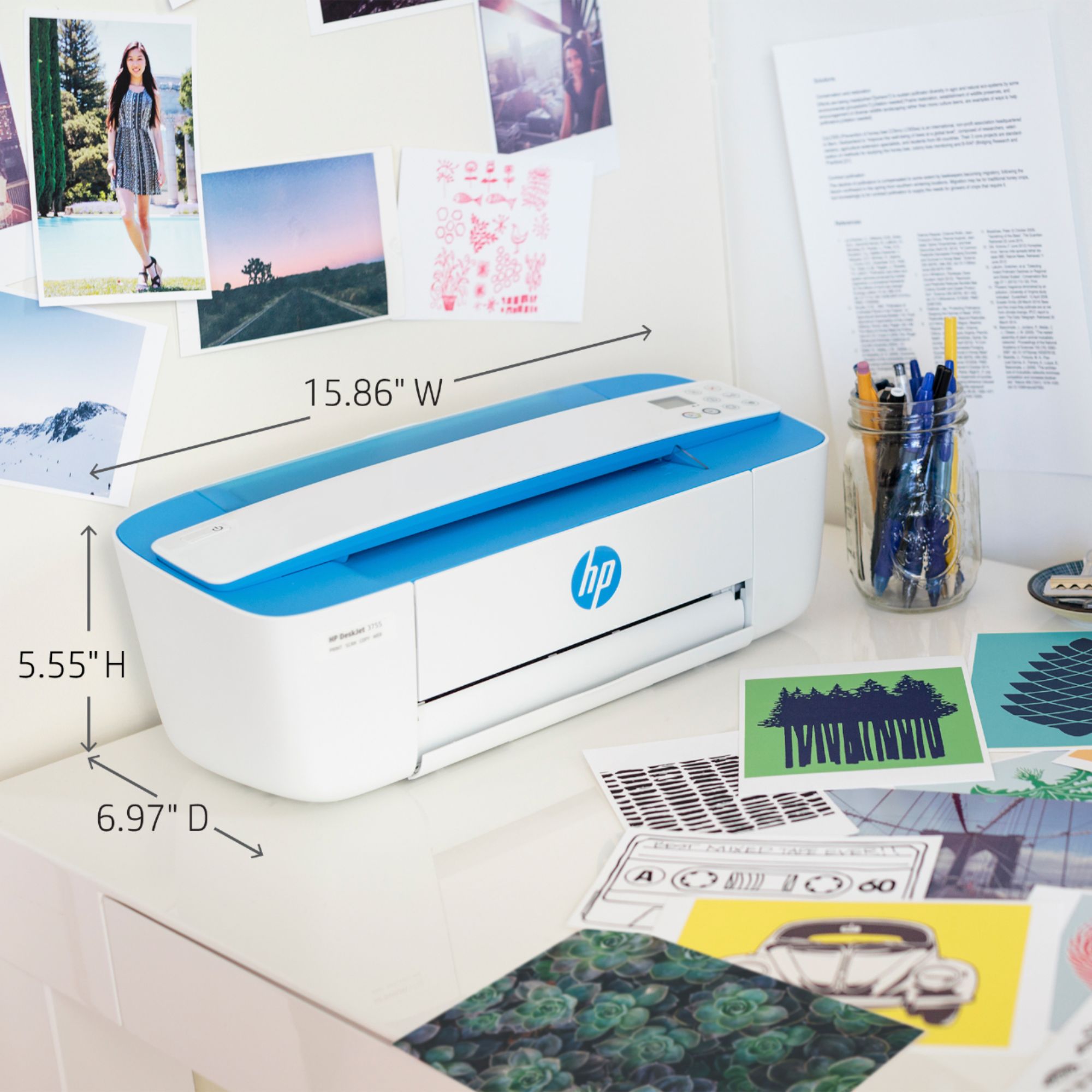
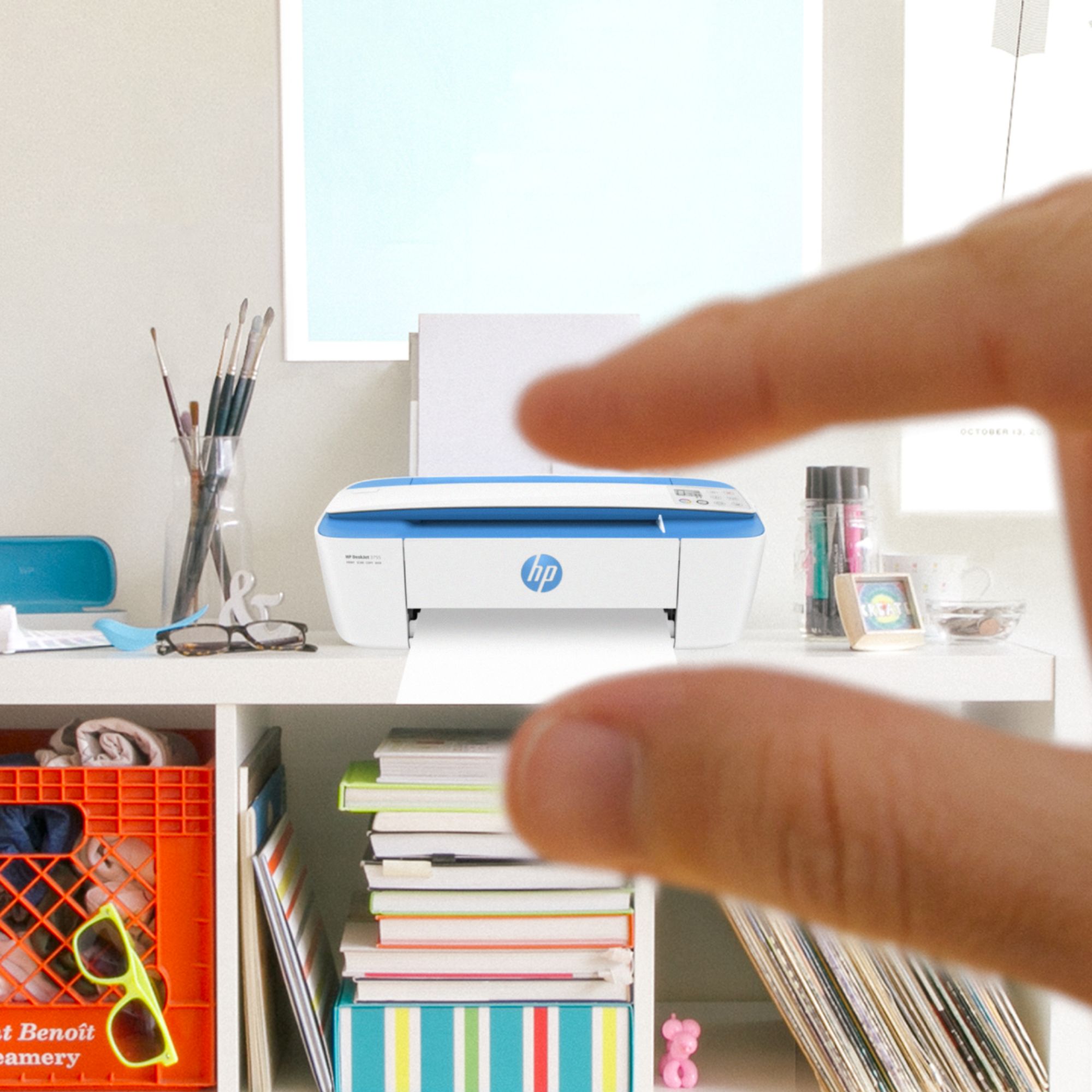
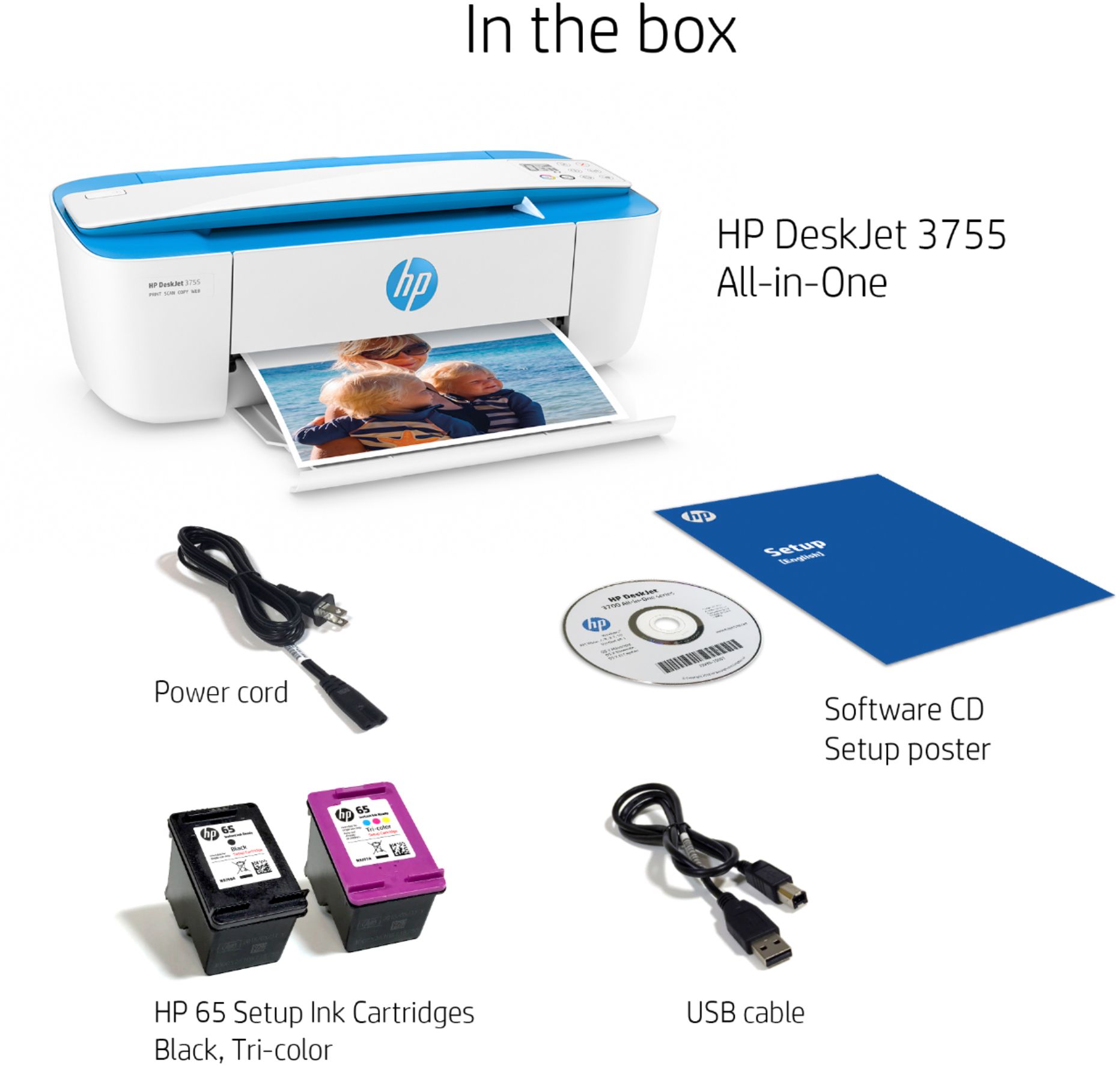
A:AnswerHello! The HP DeskJet 3755 does not need to be turned off after you are done using it. If you leave it on you are also able to print without needing to wait for it to boot up. Thank you for your question and have a great day!
A:AnswerHere is a link to the user manual for this printer. It has the steps for doing both of those tasks. http://h10032.www1.hp.com/ctg/Manual/c05152483
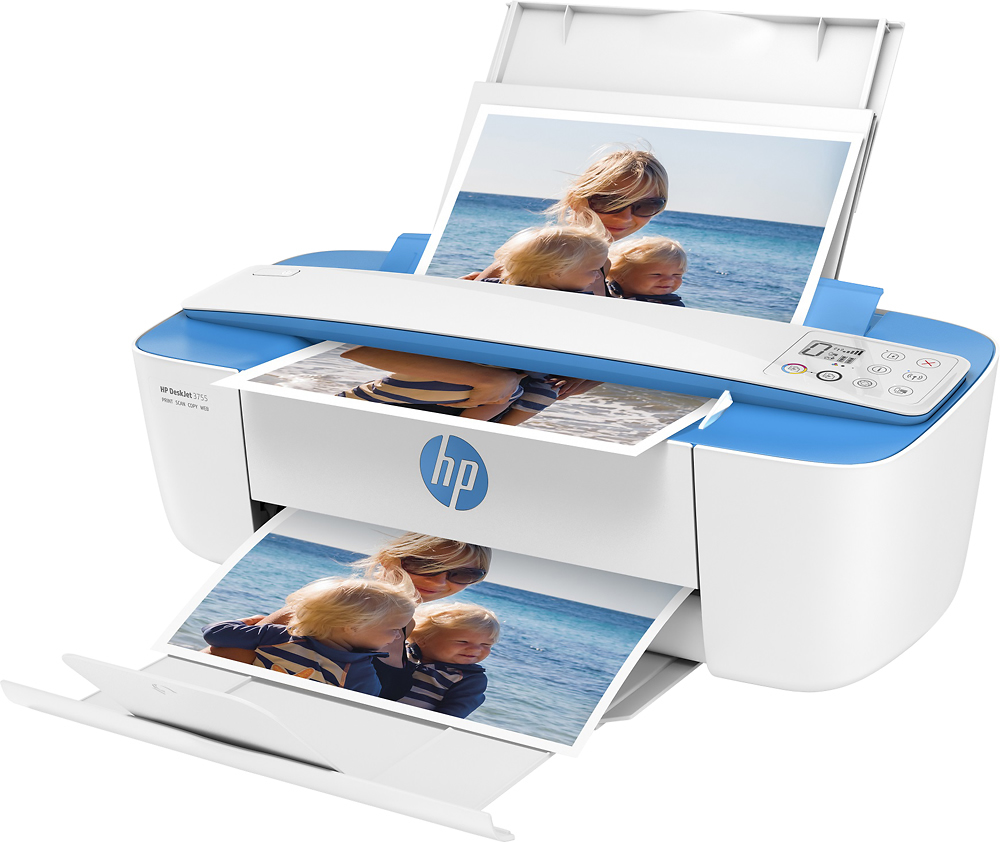
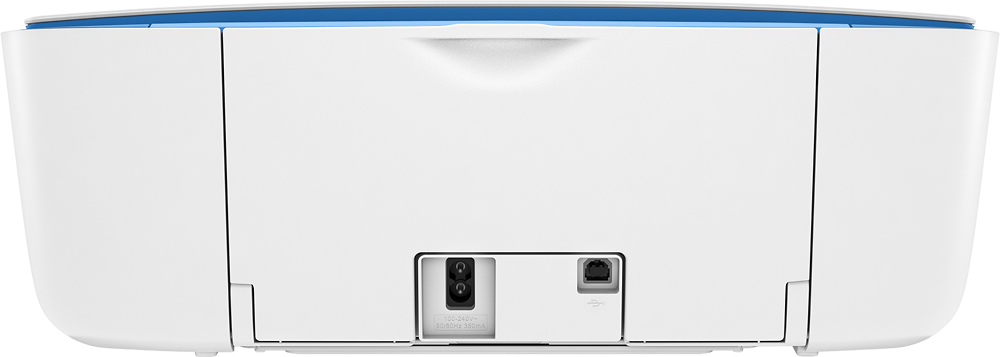
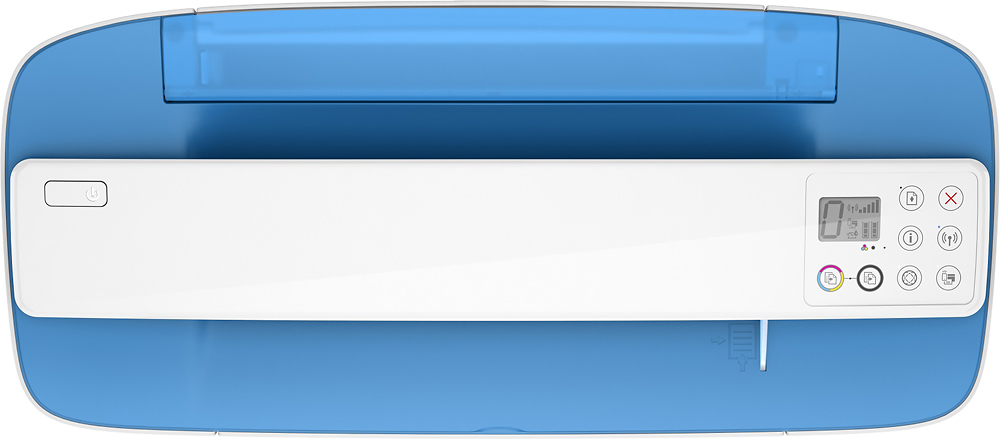
A:AnswerThis printer has a scroll bar for scanning or copying. We recommend using a printer like the HP Envy 6055 printer where there is a flatbed scanner for photos. You can use the HP Smart app and save the photos to your computer or your smartphone. Here are more details about the HP Smart app: https://bit.ly/3cEujqO
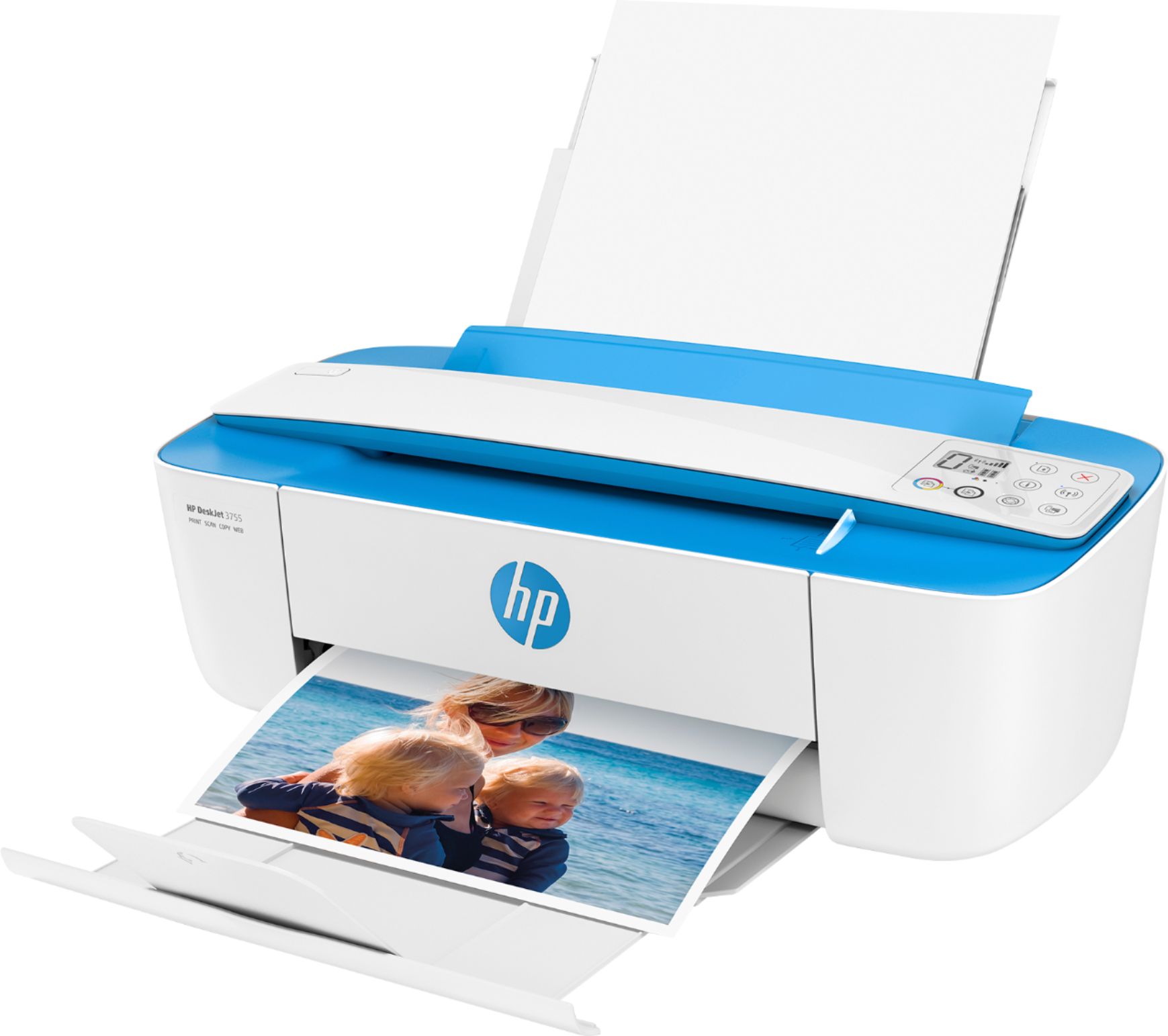
A:AnswerI’m still learning about my printer. But Yes it is wireless so you can print from your iPad, or phone as long as it is loaded in. You should also be able to print from your computer as long as it is hooked up to the internet.
A:AnswerHi, Joey. You would need a power inverter to power the printer in your car. Then, you can can print from your smartphone. We recommend that you use WiFi Direct. Wireless Direct (WiFi Direct) allows you to directly connect to a printer from a mobile device or computer without the need for internet access or a wireless network. You would connect to the printer’s wireless direct signal just like you would connect to a wireless network. The printer would have a unique name in your wireless connections, i.e. Direct-04-Printer. For more information, you can go to https://bit.ly/3jqsGQ8
A:AnswerIf you to print from the Samsung Galaxy Tab A tablet, we recommend that you use WiFi Direct. Wireless Direct (WiFi Direct) allows you to directly connect to a printer from a mobile device or computer without the need for internet access or a wireless network. You would connect to the printer’s wireless direct signal just like you would connect to a wireless network. The printer would have a unique name in your wireless connections, i.e. Direct-04-Printer. For more information, you can go to https://bit.ly/3jqsGQ8
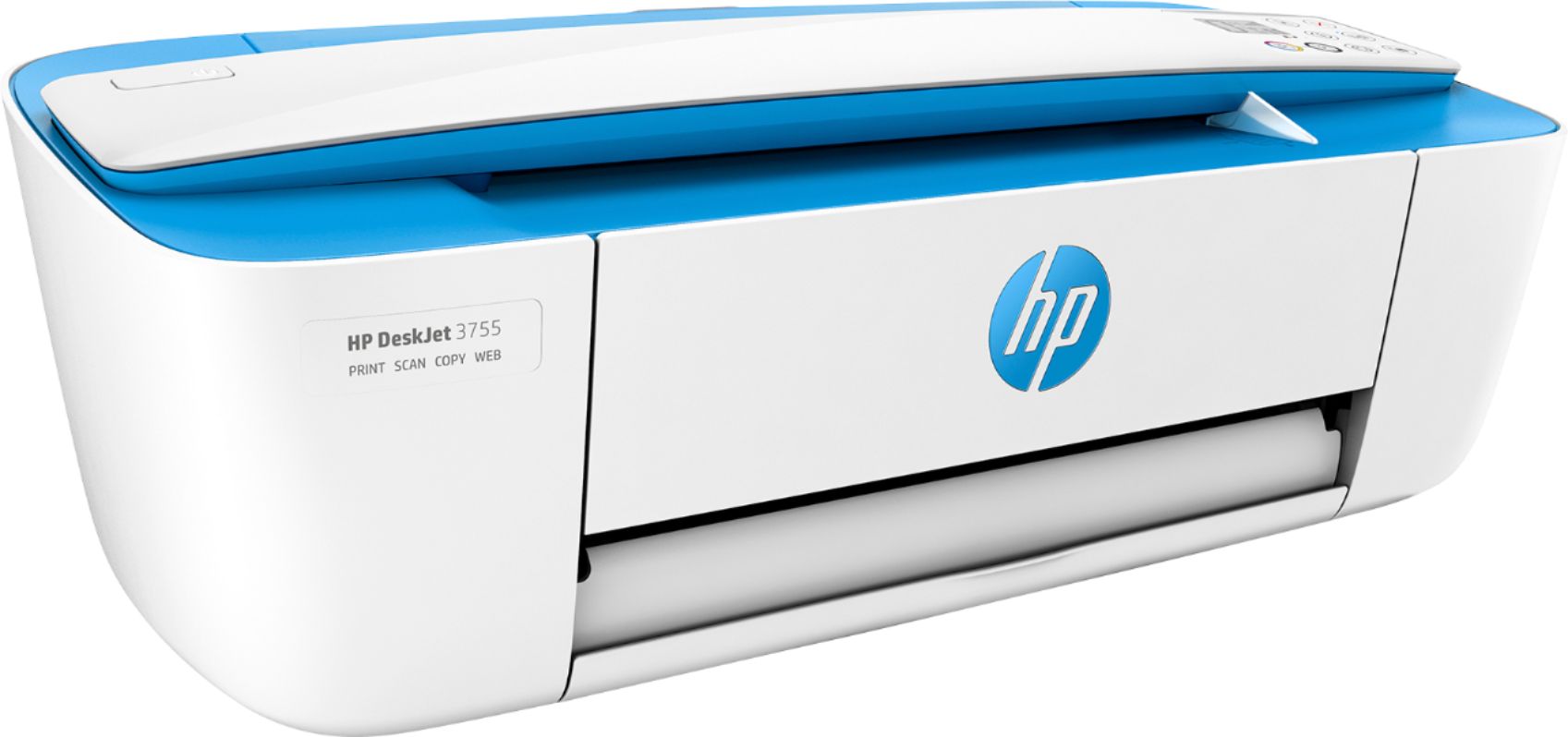
A:AnswerThere is no lid on the HP Deskjet 3755 printer. To make a copy on this printer, you would need to feed a single sheet through the scroll bar. Here is a quick video: https://www.youtube.com/watch?v=h6gYJ-Dkk_U