A:AnswerThe DeskJet 3755 does not support a 110lb card stock. Here is the media which is supported:
Media sizes supported
Letter; legal; 4 x 6 in; 5 x 7 in; 8 x 10 in; No. 10 envelopes (Note: many other media sizes are supported. Anything from 3 x 5 to 8.5 x 14")
Media sizes, custom 3 x 5 to 8.5 x 14 in
Media types
Plain paper, Matte Brochure Papers, Glossy Brochure Papers, Photo papers, Envelopes, Other specialty inkjet papers
Recommended media weight: 20 lb
Supported media weight: Letter: 16 to 32 lb; HP envelopes: 20 to 24 lb; HP cards: up to 110 lb; HP 4 x 6 inch photo paper: up to 145 lb
A:AnswerWe do recommend using a smartphone or tablet to set up this printer to your WiFi network. We recommend using the HP Smart app: https://bit.ly/3cEujqO
A:AnswerThis printer is compatible with both iPads and the iPhone 11 Pro. Just be sure all the devices are on the same wireless network as the devices.
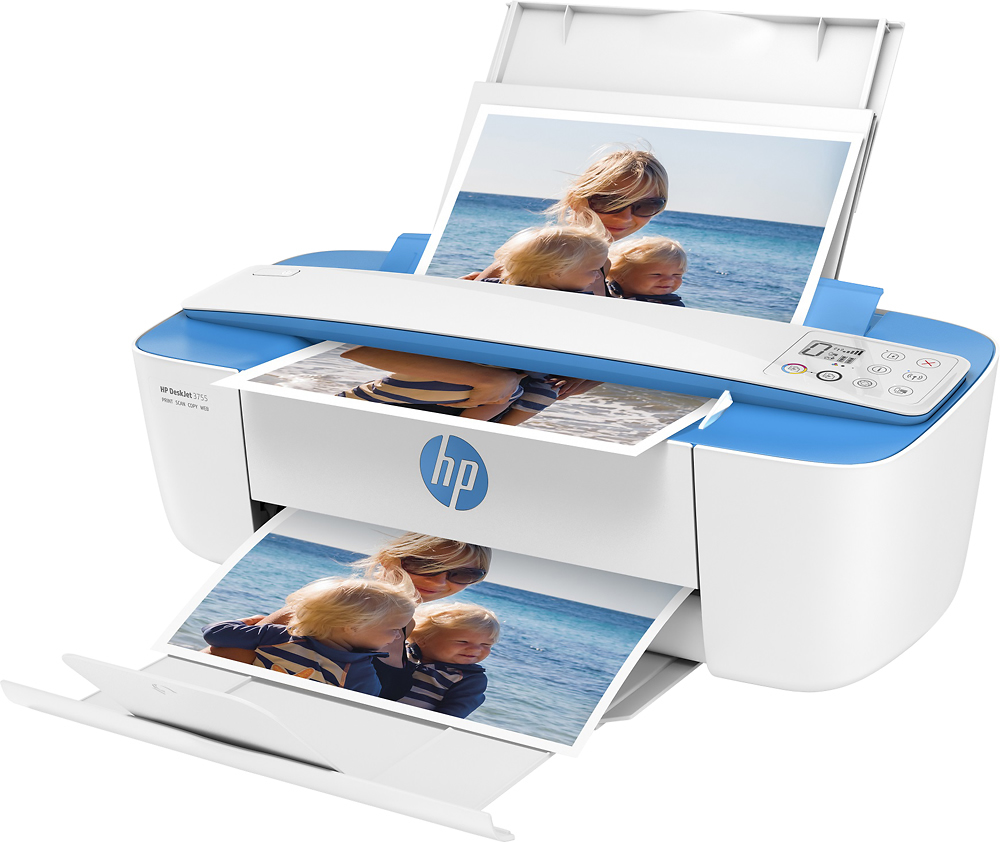
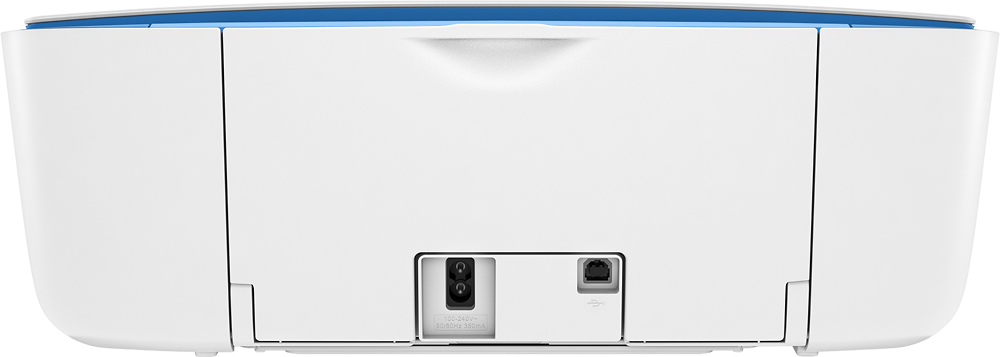
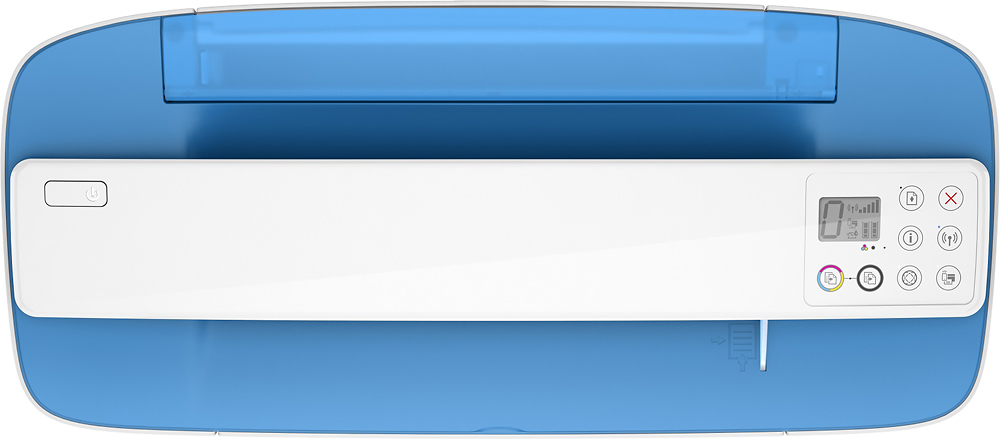
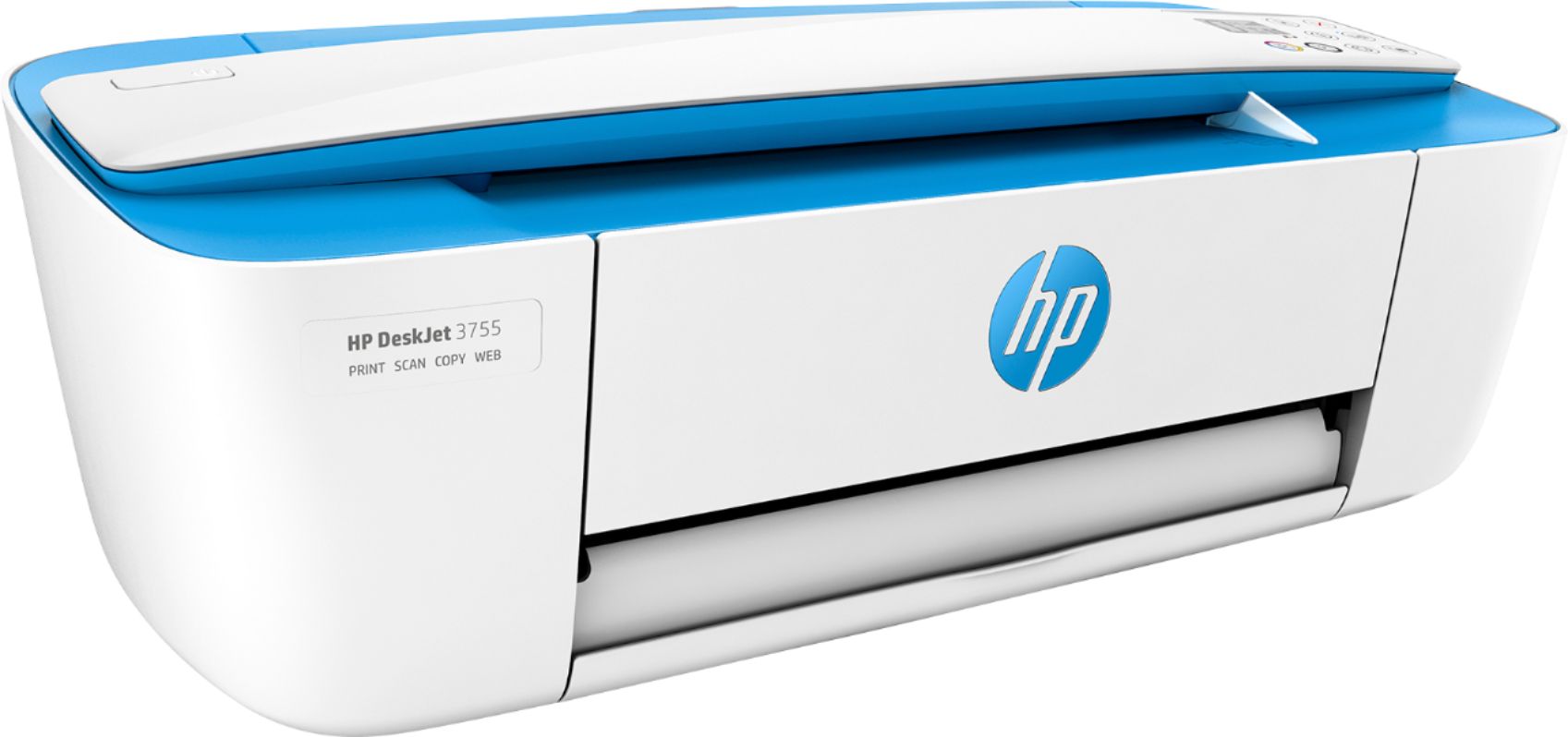
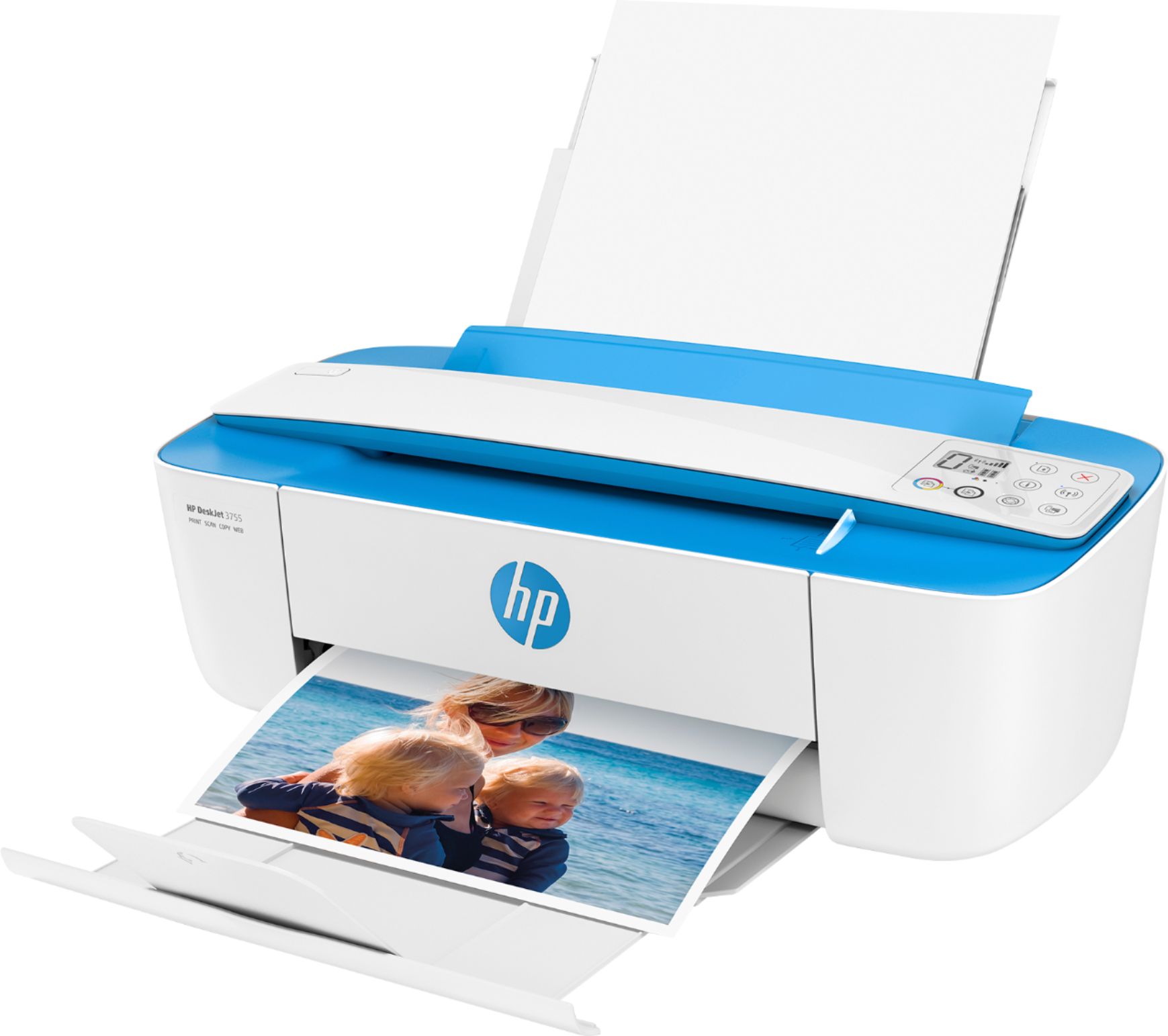
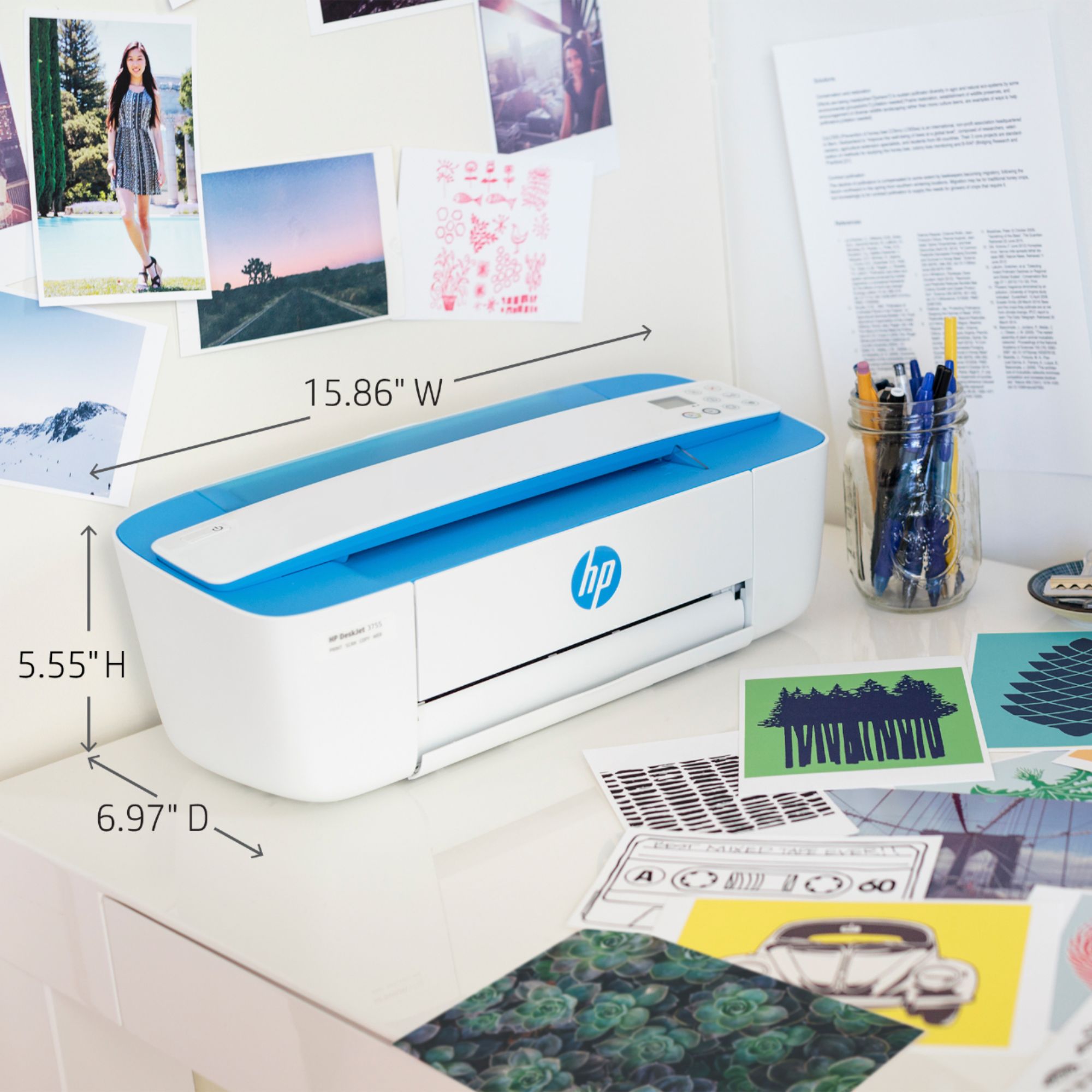
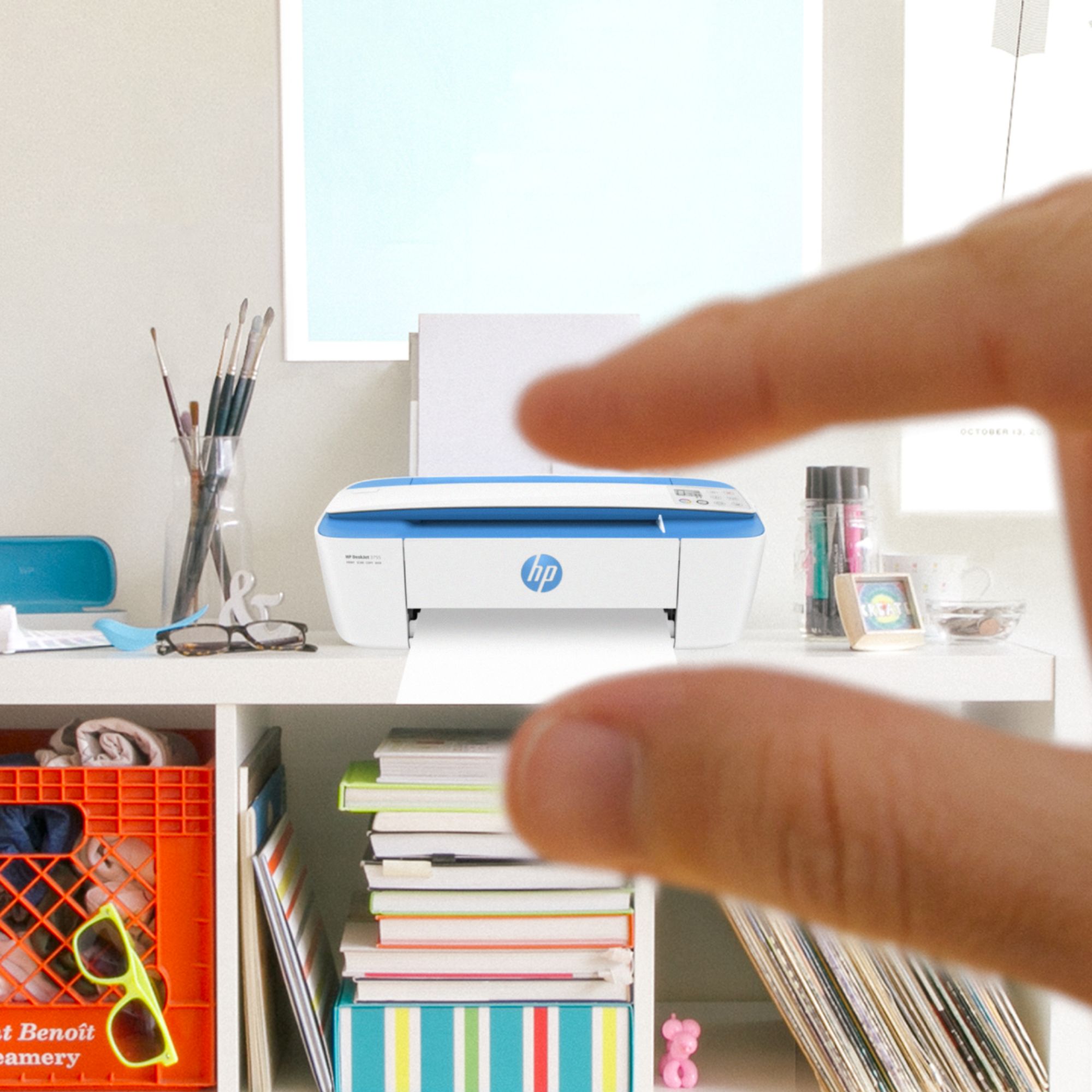
A:AnswerThe dimensions of the HP Deskjet 3755 printer are (W x D x H) 15.86 x 17.75 x 10.39 inches. These are the dimensions without the paper trays extended: (W x D x H) 15.86 x 6.97 x 5.55 inches.
A:AnswerYes, it scans, but only a single page. To scan a page out of a book, for example, you need to take a picture of the page you want to scan with your smartphone, then scan THAT page.