A:AnswerYes. The compatibility and recommended system requirements include OS X v10.8 Mountain Lion, OS X v10.9 Mavericks, OS X v10.10 Yosemite OS X v10.11 El Capitan, OS X v10.10 Yosemite, OS X v10.9 Mavericks, and OS v10.15 Catalina. It is also compatible with Apple AirPrint.
A:AnswerYes, this printer is compatible with the PixelBook. Here are some instructions on how to set up the printer on the Chromebook: https://support.hp.com/us-en/document/c04122530 and a YouTube video: https://youtu.be/Mf6LUKTMw9c
A:AnswerYou would need to connect the printer and the iPad to the same wireless printer than you can print. Or you can use WiFi Direct. Wireless Direct (WiFi Direct) allows you to directly connect to a printer from a mobile device or computer without the need for internet access or a wireless network. You would connect to the printer’s wireless direct signal just like you would connect to a wireless network. The printer would have a unique name in your wireless connections, i.e. Direct-04-Printer. For more information, you can go to https://bit.ly/3jqsGQ8
A:AnswerHi! This is an HP 2-cartridge printer so the printheads are built into the cartridges (black and tricolor). Our exclusive feature, Single Cartridge Mode, allows you to print with only one cartridge -- just don't leave the empty one in. So you never have to buy color if you don't want to.
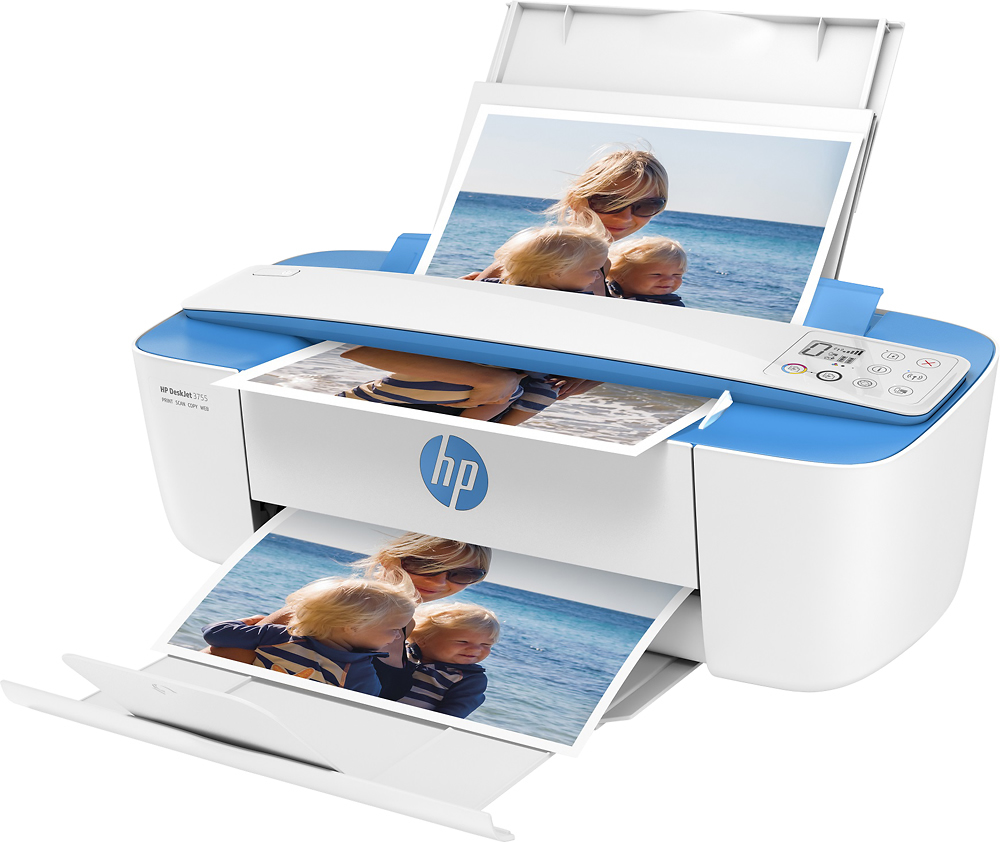
A:AnswerHere are the media handling details:
Media types supported Plain paper, Matte Brochure Papers, Glossy Brochure Papers, Photo papers, Envelopes, Other specialty inkjet papers
Media weight supported Letter: 16 to 32 lb; HP envelopes: 20 to 24 lb; HP cards: up to 110 lb; HP 4 x 6 inch photo paper: up to 145 lb
Media sizes supported Letter; legal; 4 x 6 in; 5 x 7 in; 8 x 10 in; No. 10 envelopes (Note: many other media sizes are supported. Anything from 3 x 5 to 8.5 x 14")
Media Sizes Custom 3 x 5 to 8.5 x 14 in