A:AnswerThank you for asking! It appears that 64 bit is not supported. Here the the requirements for using the DeskJet 3755 with Windows Vista:
The following system requirements are for Windows Vista 32-bit operating systems. 64-bit is not supported. NOTE: For Windows Vista Starter Edition, only print drivers and scan drivers are available.
Component
Minimum system requirement
Recommended system requirement
Processor
800 MHz processor
1 GHz processor
RAM
512 MB
2 GB
Free disk space
2 GB
2 GB
Browser
Internet Explorer 8 or higher
Firefox
Chrome
Other
CD-ROM or DVD drive or Internet connection
USB port
Adobe Acrobat Reader 5.0 or later
A:AnswerYes, with this DeskJet 3755 printer, you can print from your Chromebook without instaling Windows. Here's a great help article that walks through the process step by step: bit.ly/33QJLfI
A:AnswerHello, John. Yes, you can make copies with this HP Deskjet 3755 printer. No, you could make copies from a book with printer. This printer does not have flatbed scanner. It has a scroll bar. Here is a quick video to show you the concept: https://www.youtube.com/watch?v=h6gYJ-Dkk_U If you want a flatbed scanner/copier, we recommend looking at the HP Deskjet 4155e, HP Envy 6055e, or HP Envy 6455e/6455 printers.
A:AnswerHi Len, thank you for the question. Instant Ink is not mandatory. When the original, introductory cartridges are empty, you can replace with cartridges you've purchased from a retailer. If you use Instant Ink cartridges, and decide to cancel the subscription, you must remove the cartridges, as they will only work with an active subscription. What people are posting is incorrect - the printer is not disabled, the cartridges are disabled, because the subscription is not valid.
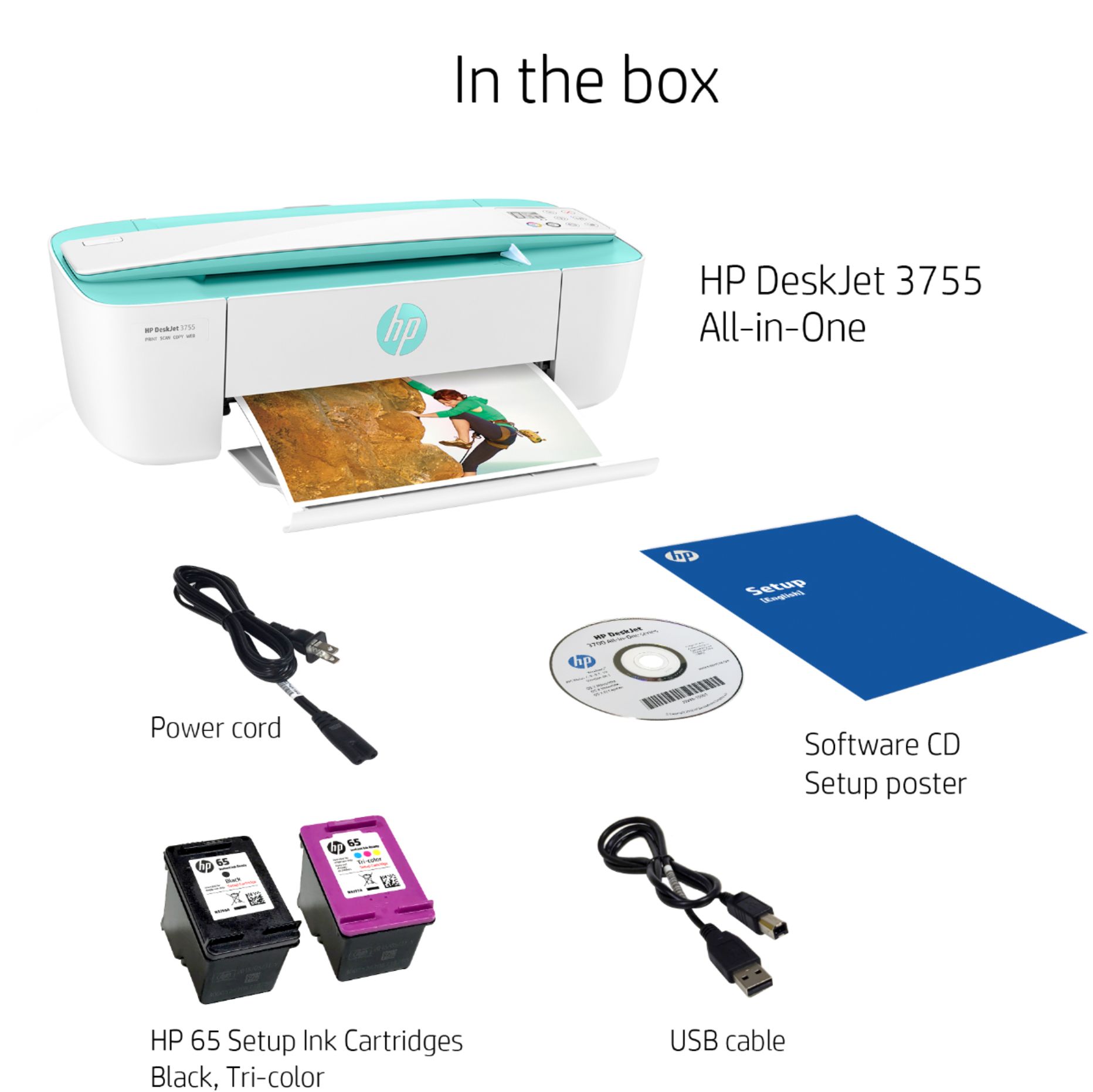
A:AnswerI purchased the HP 65 Tri-Color and the HP 65XL Black.
The nice part of this printer is you can print in only black if you wish. The cartridge refills are very reasonably priced.