A:AnswerHello. Thanks for your question. You can print borderless photos up to 8.5 x 11 inches with this HP Envy 6065e printer. Other sizes you can print are 4x6 inches and 5x7 inches.
A:AnswerThank you for the question. Unless removed, the color cartridge is used to achieve certain gradients of black. There is no default setting to print only with the black cartridge You can define the range of colors printed based on industry color standards and the application from which you are printing. These settings are on the Advanced tab in the print menu.
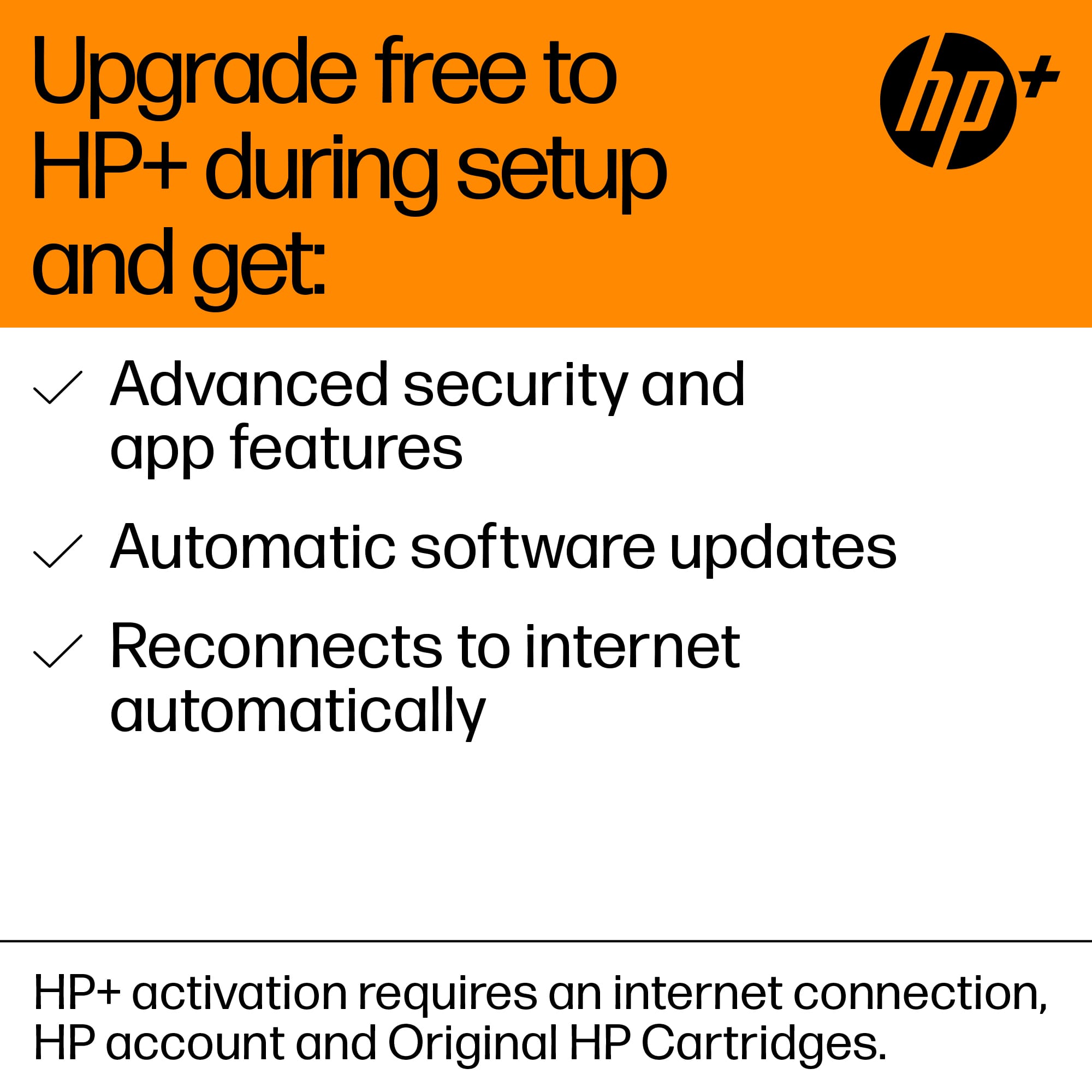
A:AnswerHP printers are designed to work with HP genuine ink - generic ink can face some quality differences, such as over or underfilled cartridges, design differences, and other situations. If you opt in to the free HP+ program, you agree to use genuine HP cartridges for the lifetime of the printer. Additionally, using third-party cartridges will void your HP warranty.
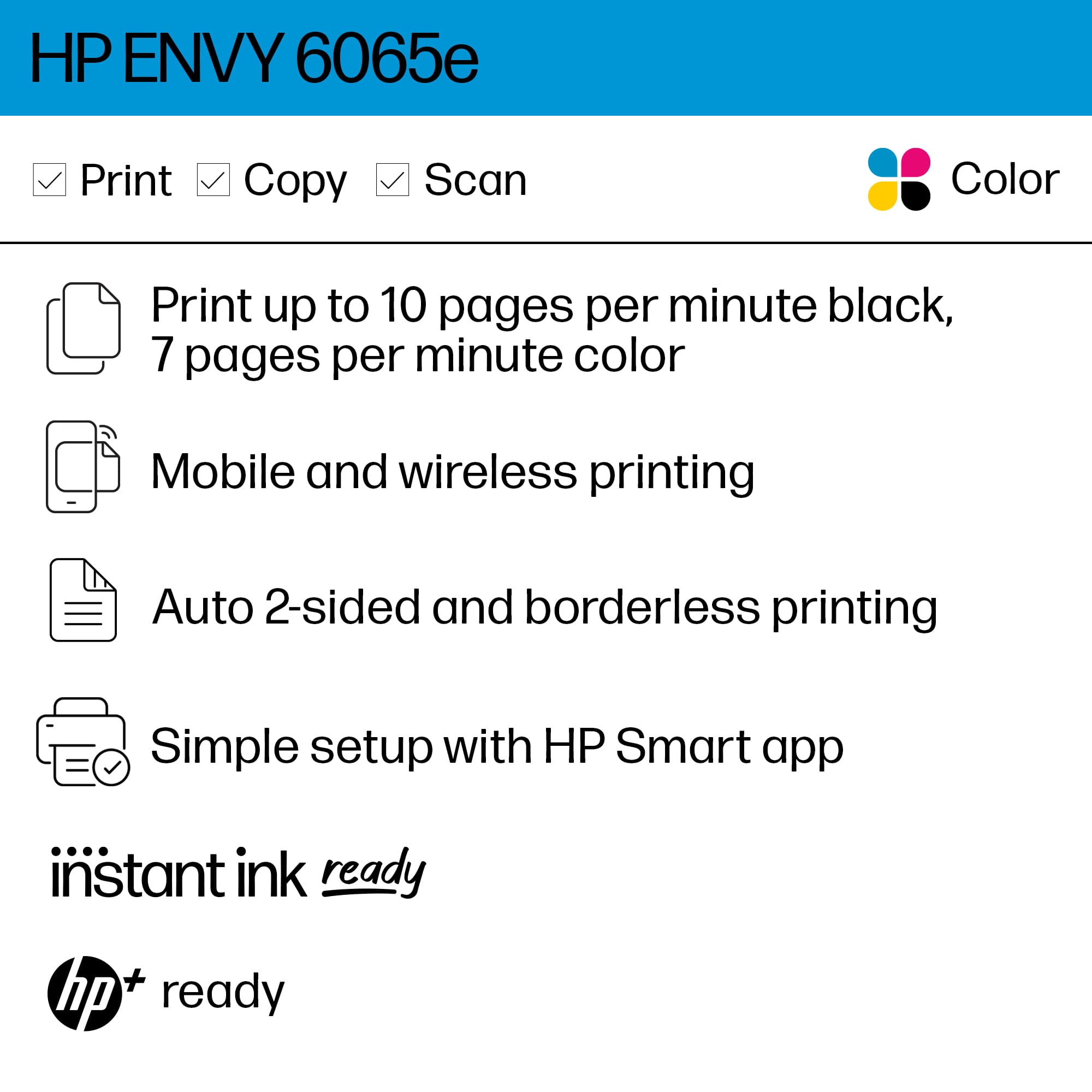
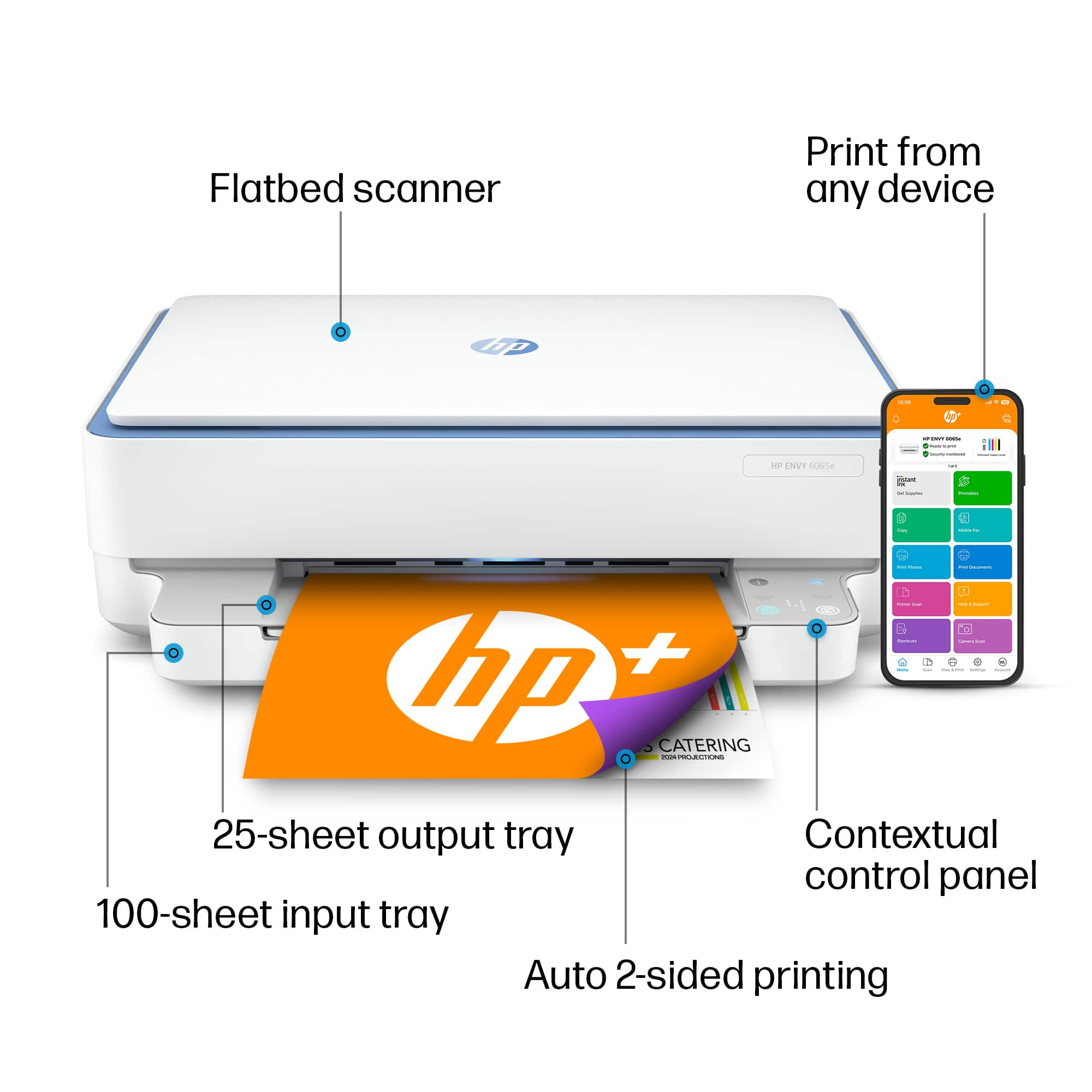
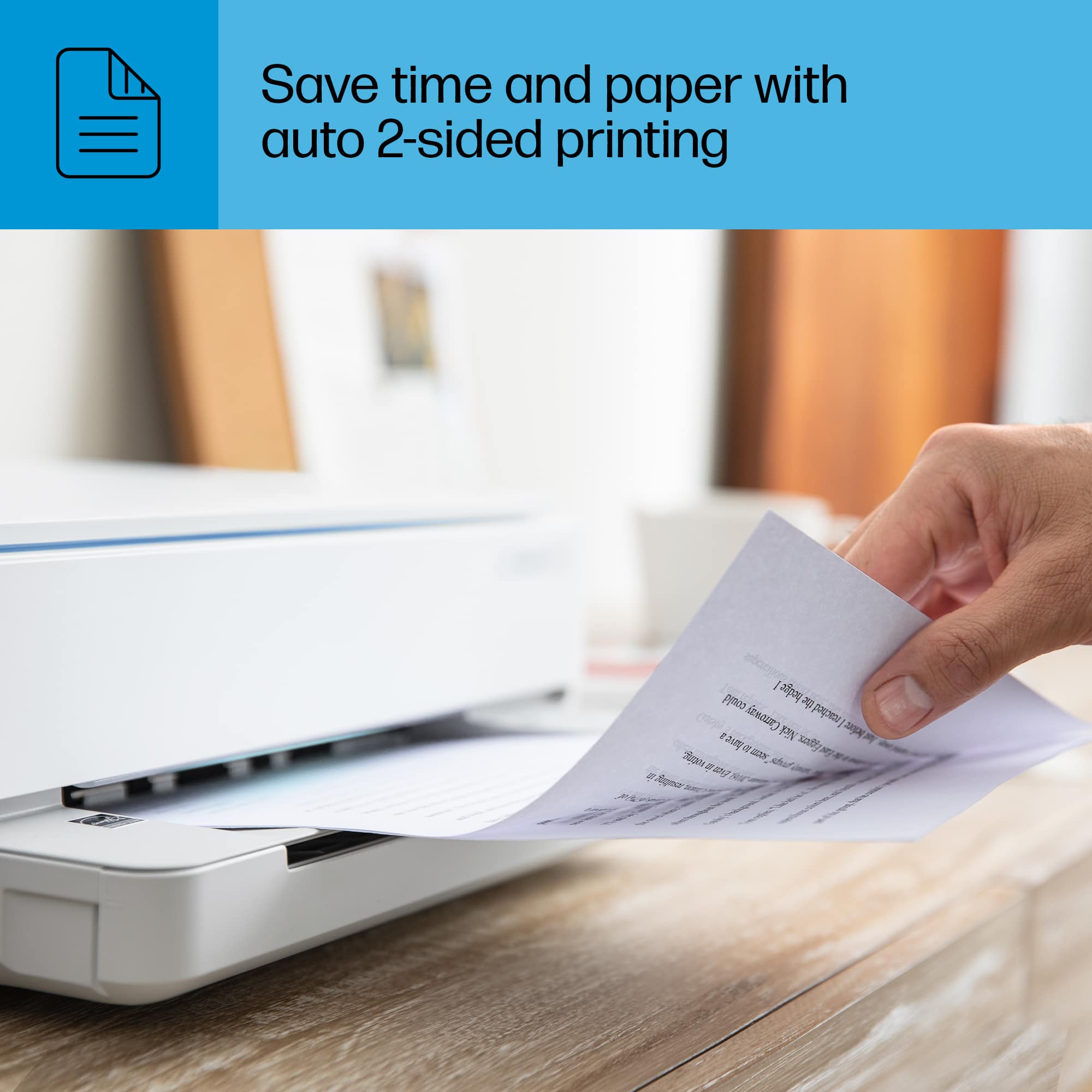
A:AnswerThis model has automatic duplex, which means it can print 2-sided without you needing to turn the page. The monthly duty cycle for this model is 1,000/month, so whether that suits the needs of your small business will depend on your print volume. If you have questions or need help selecting a printer for your small business, please feel more than welcome to reach out to your HP sales team or the Best Buy Geek Squad to help you select the printer best suited to your needs!
A:AnswerThe Envy 6065e printer comes with a standard 1 year manufacturer's warrranty. This printer is an HP+ printer which means if you enroll in the program at the time of set up, (which requires it to be connected to the internet and to use genuine HP ink) you will get a free 2nd year of warranty.
A:AnswerYes, this model is designed to work with Windows or Mac. For Windows, the system requirements are: Windows 10, Windows 7 Service Pack 1 (SP1): 32-bit or 64-bit, 2 GB available hard disk space, Internet connection, and Internet Explorer. For Mac, the system requirements are: macOS v10.14 Mojave, macOS v10.15 Catalina, macOS v11 Big Sur; 2 GB HD; Internet required.
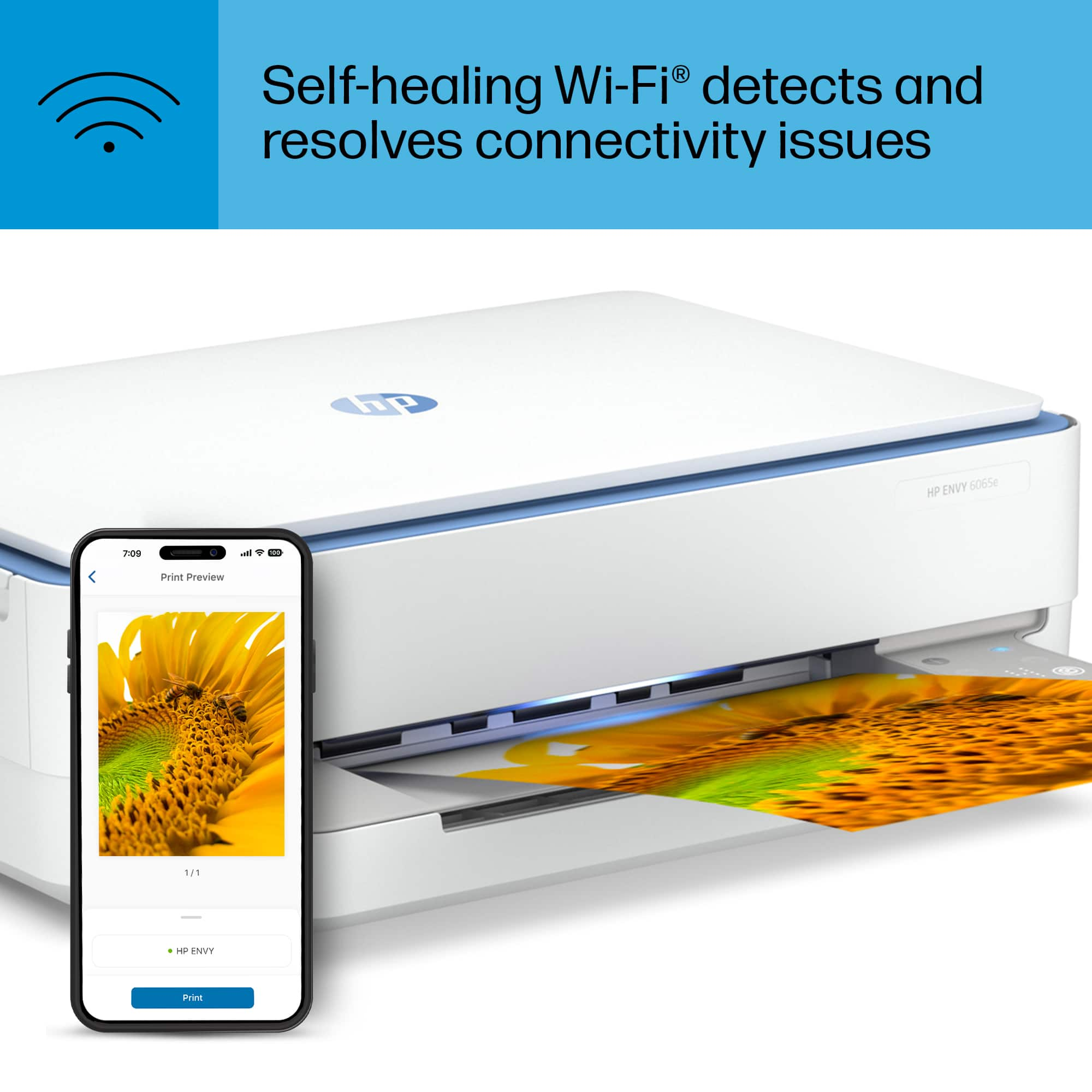
A:AnswerI have not yet been able to use the ink it came with since I have to leave it on and connected to my wi fi in order to keep my 6 month trial of ink that came with printer, but can not get it to function wireless printing properly.
A:AnswerThis printer is not designed to be used with standard cardstock. The supported media types are: Plain Paper; HP Photo Papers; HP Matte Brochure or Professional Paper; HP Matte Presentation Paper; HP Glossy Brochure or Professional Paper; Other Photo Inkjet Papers; Other Matte Inkjet Papers; Other Glossy Inkjet Papers; Plain Paper, Light/Recycled. The following weights are supposed with the appropriate media: Letter (16 to 24 lb); HP envelopes (20 to 24 lb); HP cards (up to 53 lb); HP 4 x 6 inch photo paper (up to 80 lb).
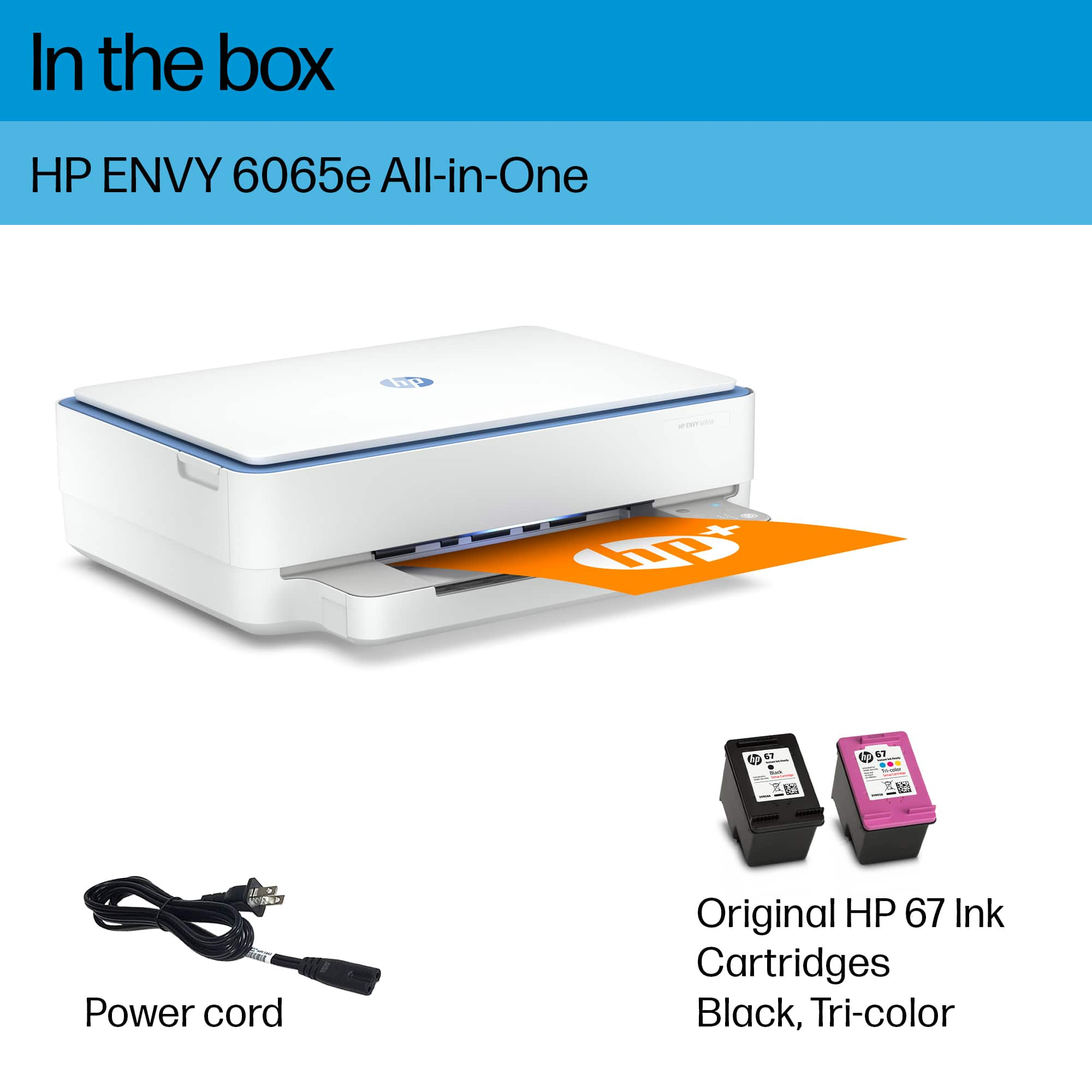
A:AnswerThank you for the question. The Envy 6065e accepts HP 67 and 67XL black and tri-color cartridges. It is not a discontinued printer and it uses only the specified cartridges.
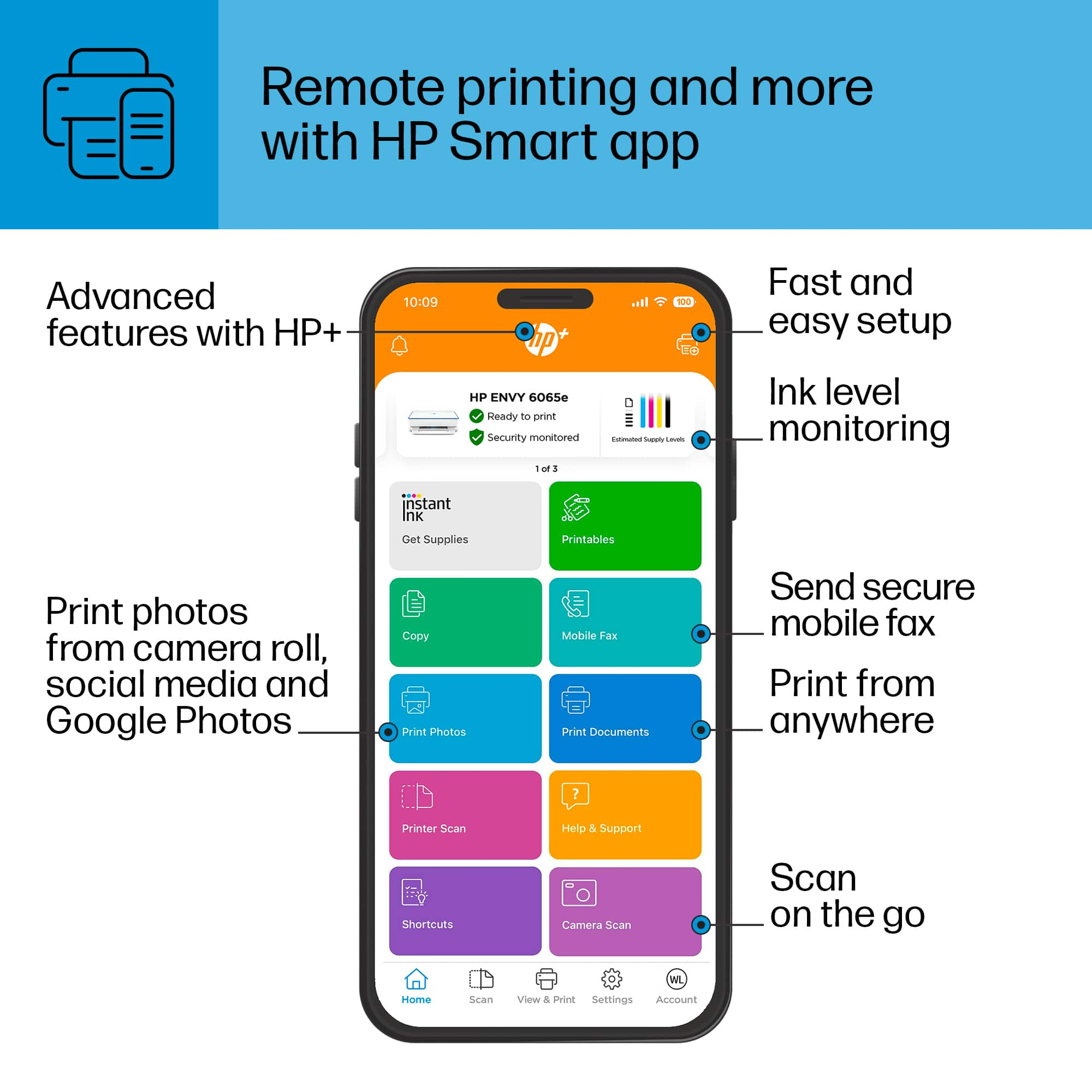
A:AnswerThank you for the question. That's HP Smart Advance, and HP made the decision to not offer a subscription at the end of the trial. Smart Advance and Mobile fax are tied to HP+ printers, and the feature is available as long as you own the printer.