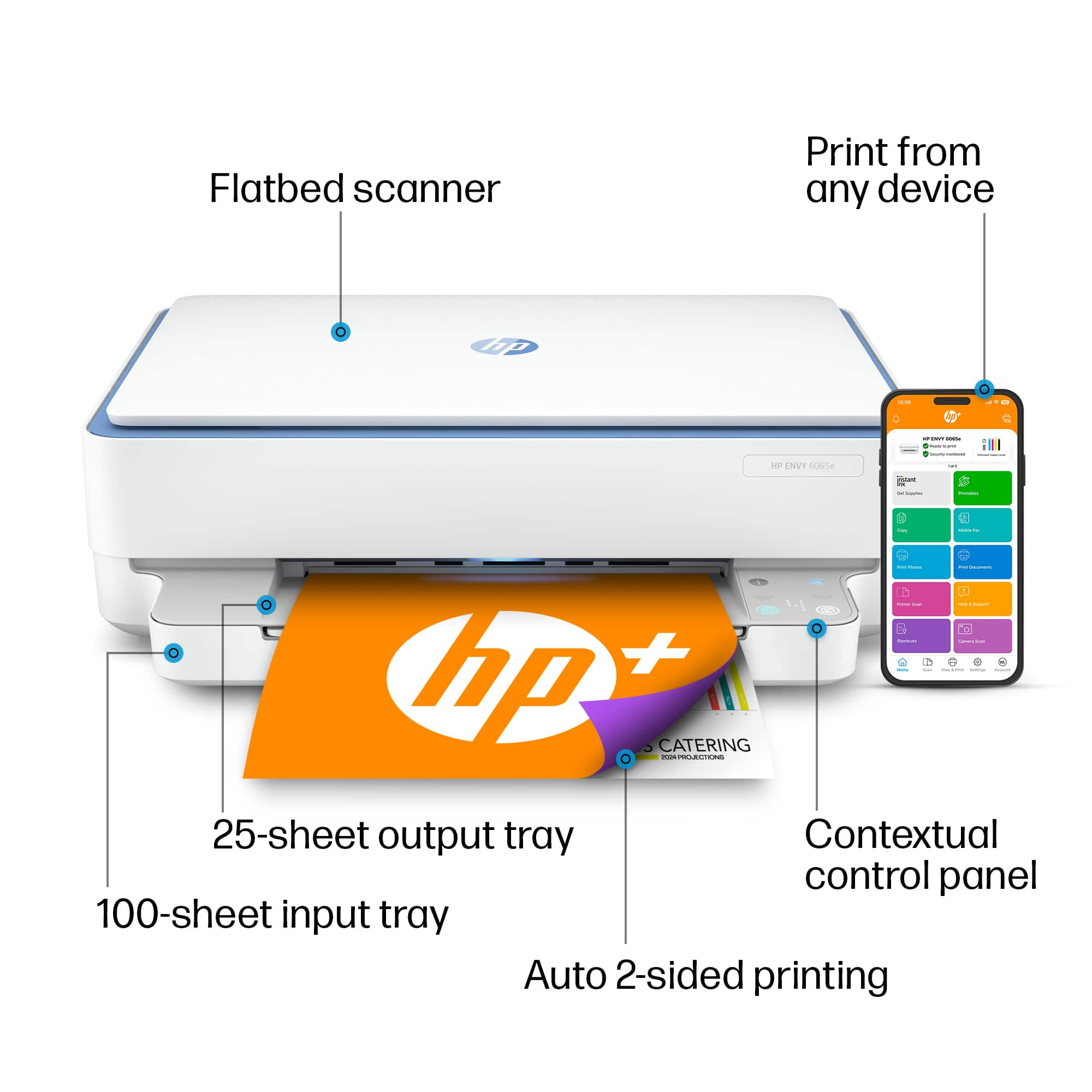
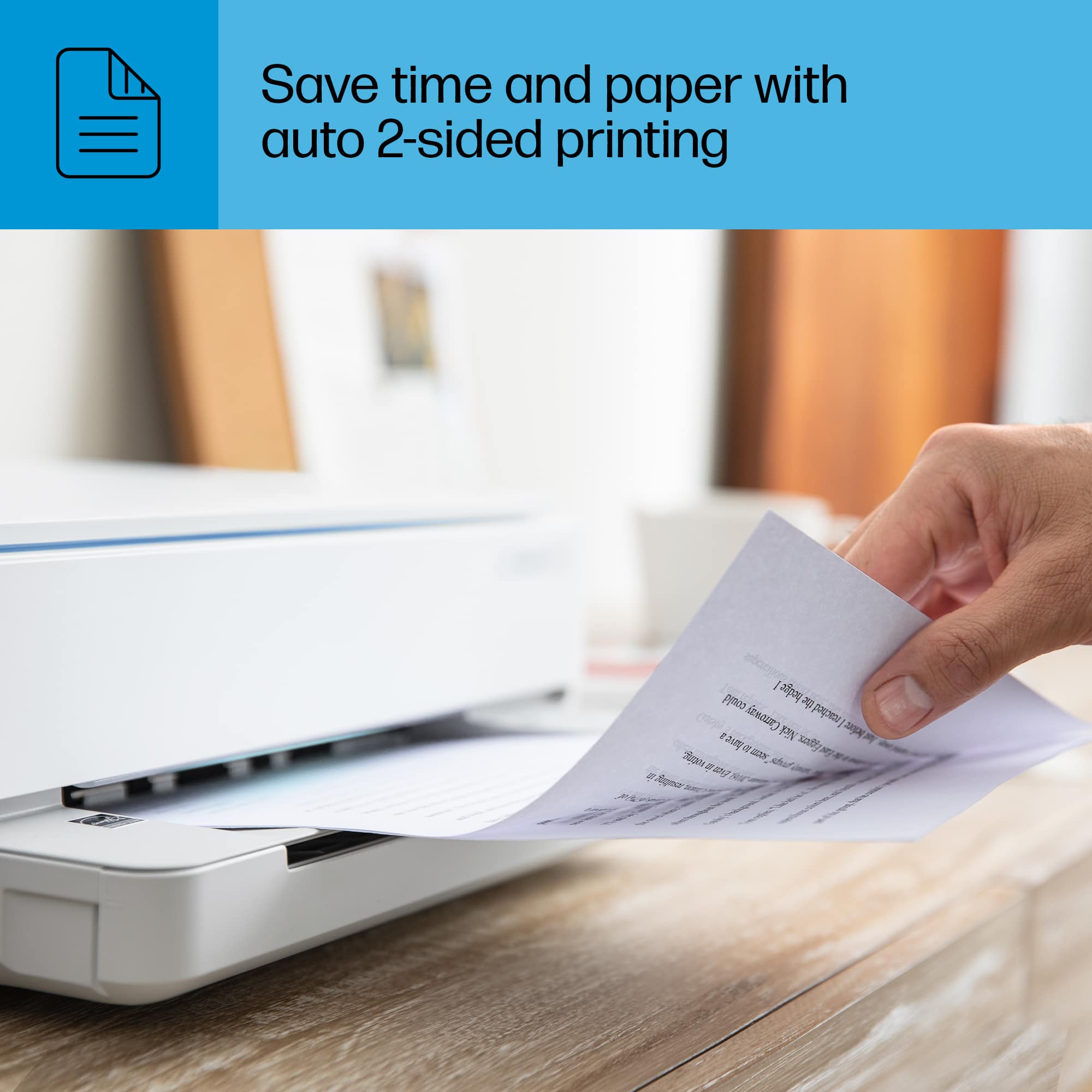
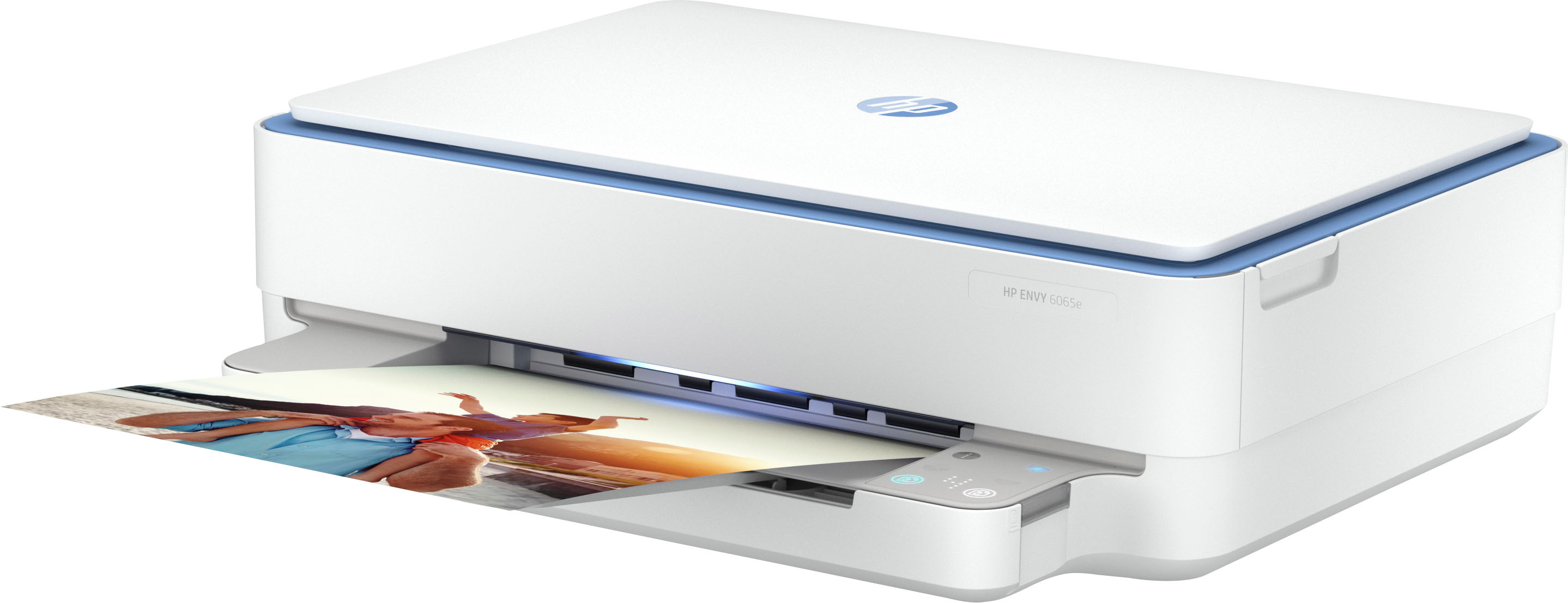
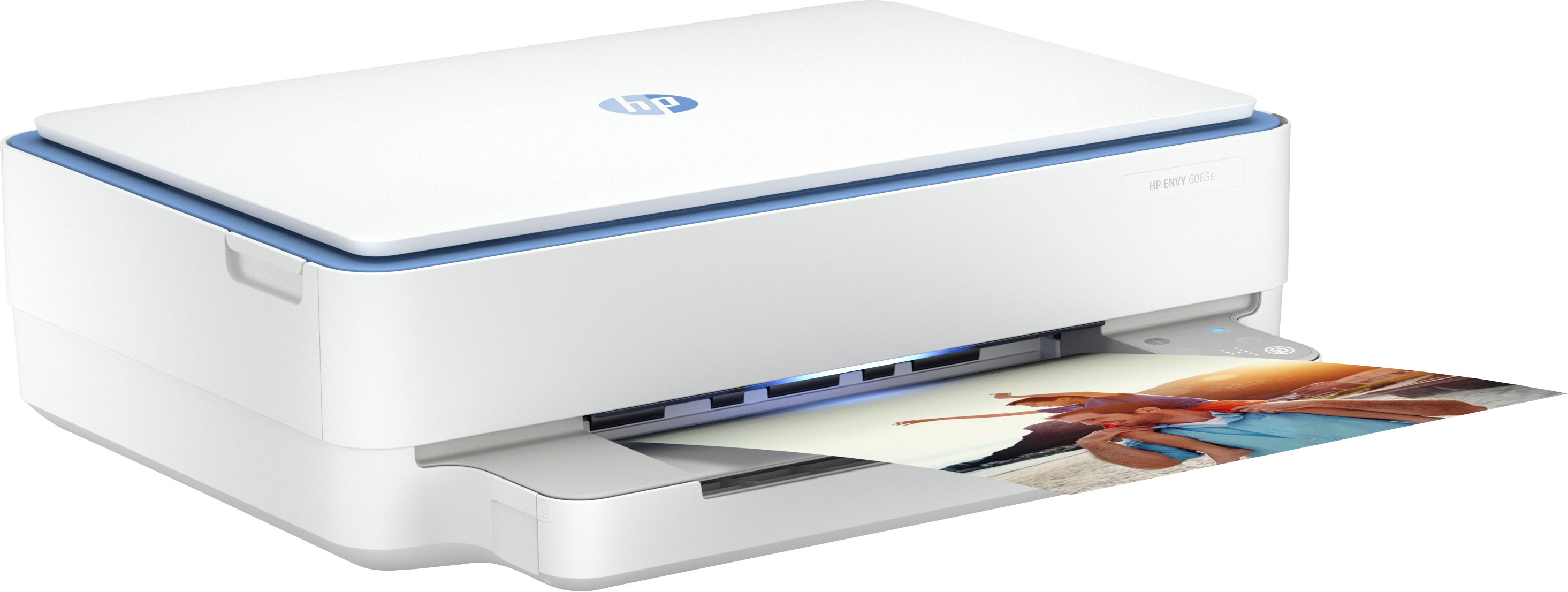
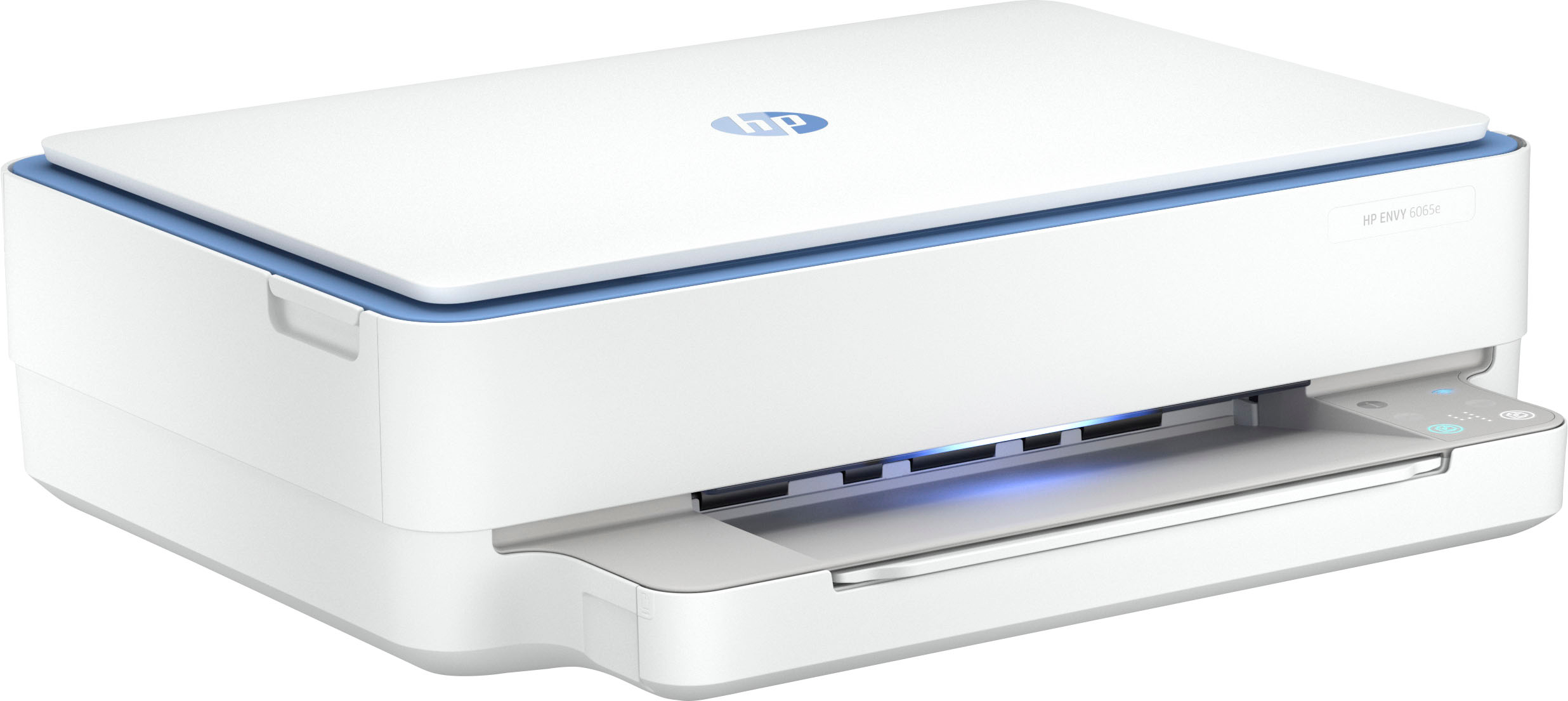
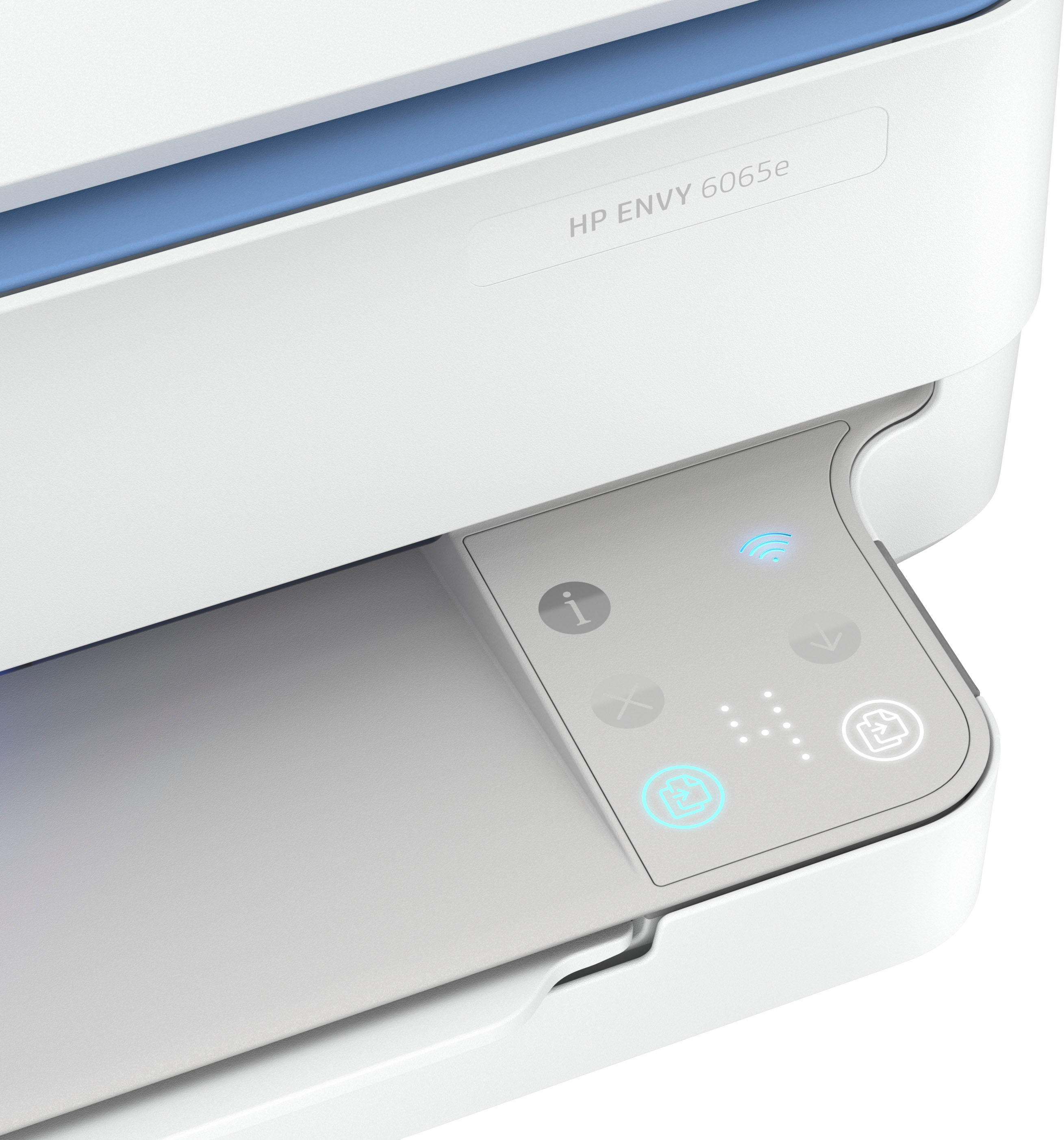
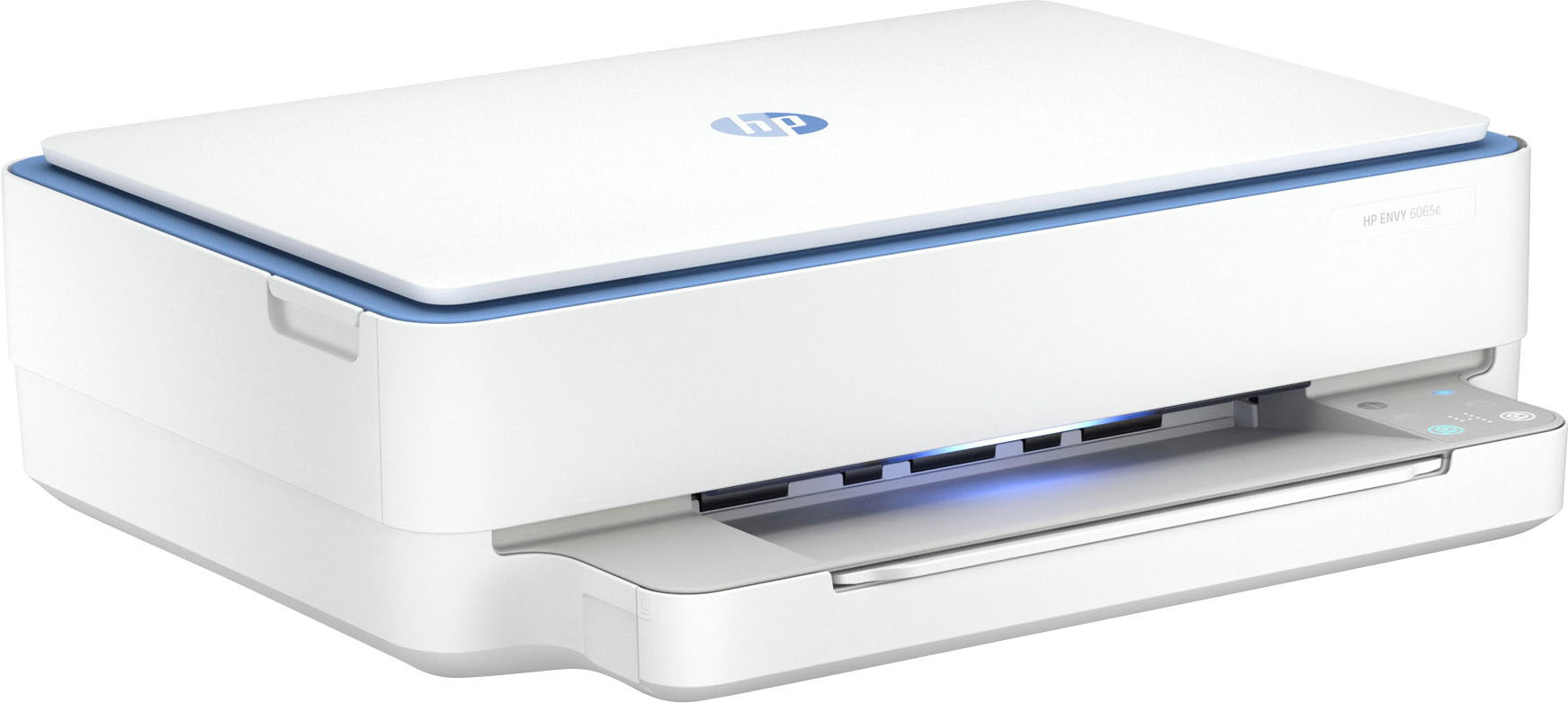
A:AnswerThis printer can take up to 53# paper which is fed through the paper drawer. Specialty papers like for resumes are fine. Resume paper is normally 24# or 32#, so you will be fine.
Always point a sample. Read it from the last sentence to the first. You can catch errors or little bits you would like to rework. It's not a horse race. Take your time; do as many prints as it takes before you are completly satisfied.
Good luck!
A:AnswerThank you for your question. You only need to change the ink cartridge when it is depleted of ink, which will depend on what you are printing. For example, if you are printing color photos, it will deplete the inks much more rapidly than if you're printing black and white text documents.
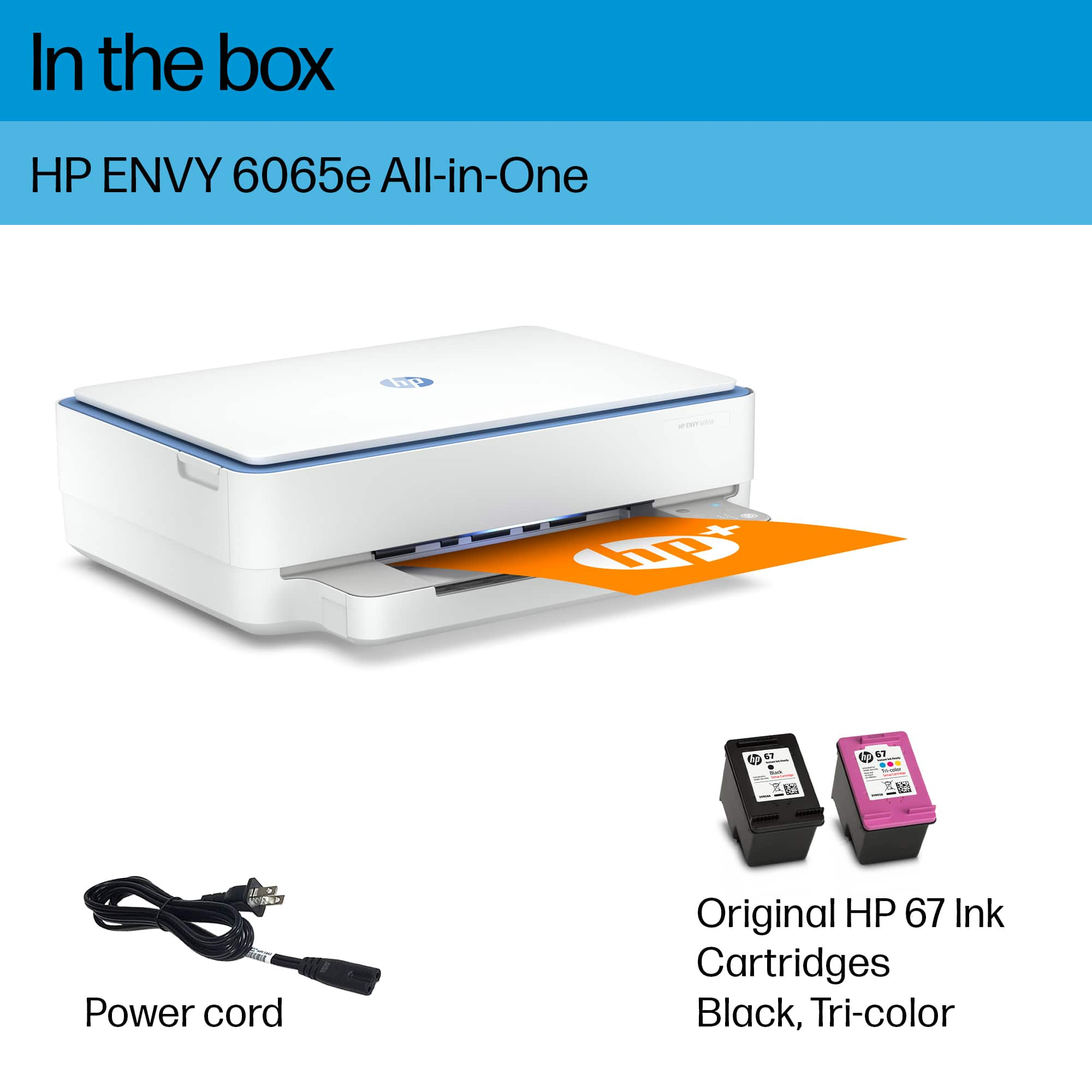
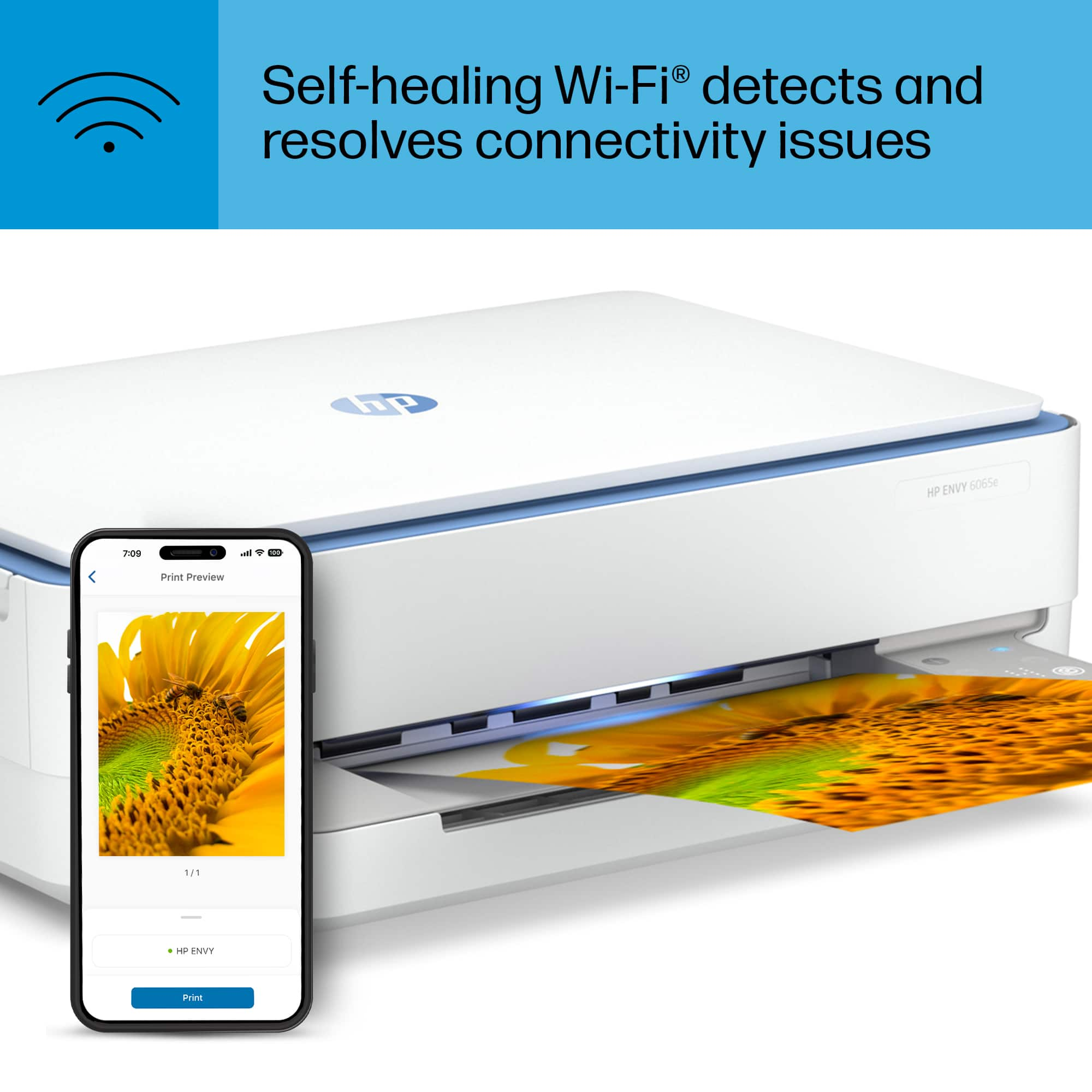
A:AnswerHey Marie, thanks for the question on this HP Envy 6065e printer. This printer comes with setup cartridges in the box. The yield of setup cartridges varies by model but tends to be enough to get the average user through setup and initial printing jobs.
A:AnswerNo, and this printer is not your friend when you do something other than business printing.
I'm not sure that having sublimation prints will give you what you want. When I think of "presses" I think of ink transfer papers designed to be used for transferring images activated by a clothes iron. You get into a series of questions about what you need, how many you will need and so on.
I did a AI Google search for the terms and found a lot of helpful information on this subject.