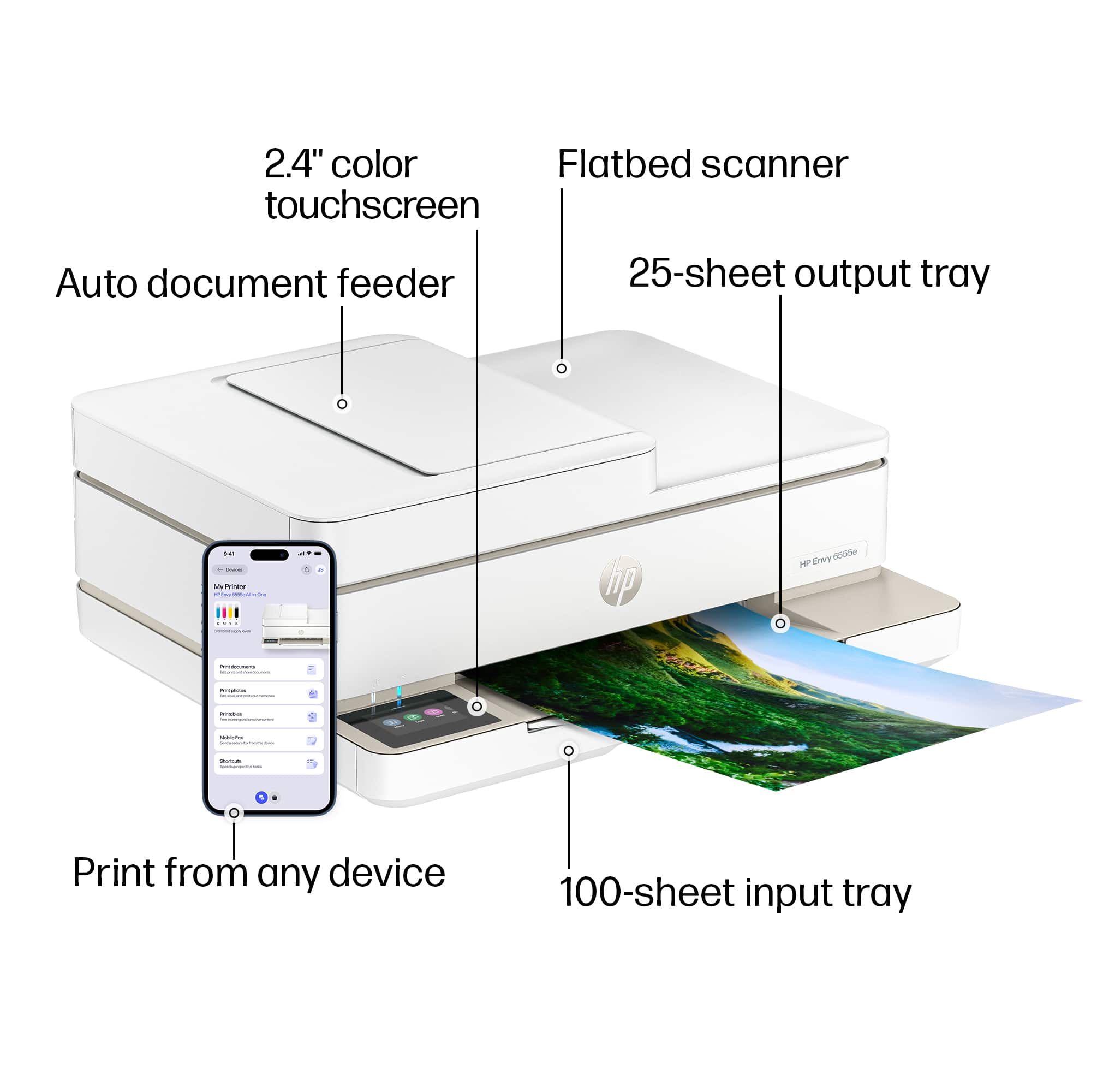
A:AnswerDoes not support card stock any heavier than construction paper. Verified in the specs plus also through attempts to use various card stock weights. Don’t recommend for that and other reasons
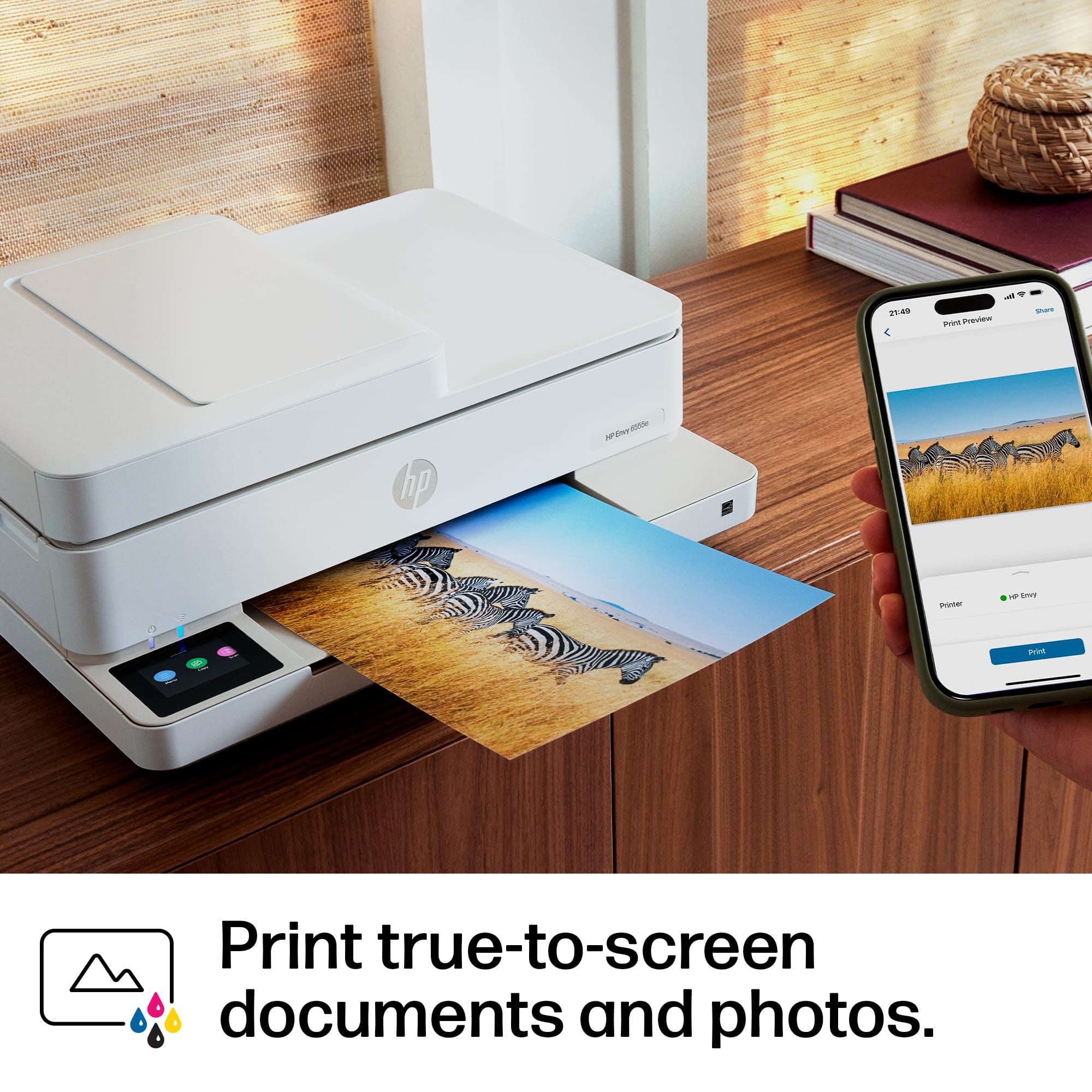
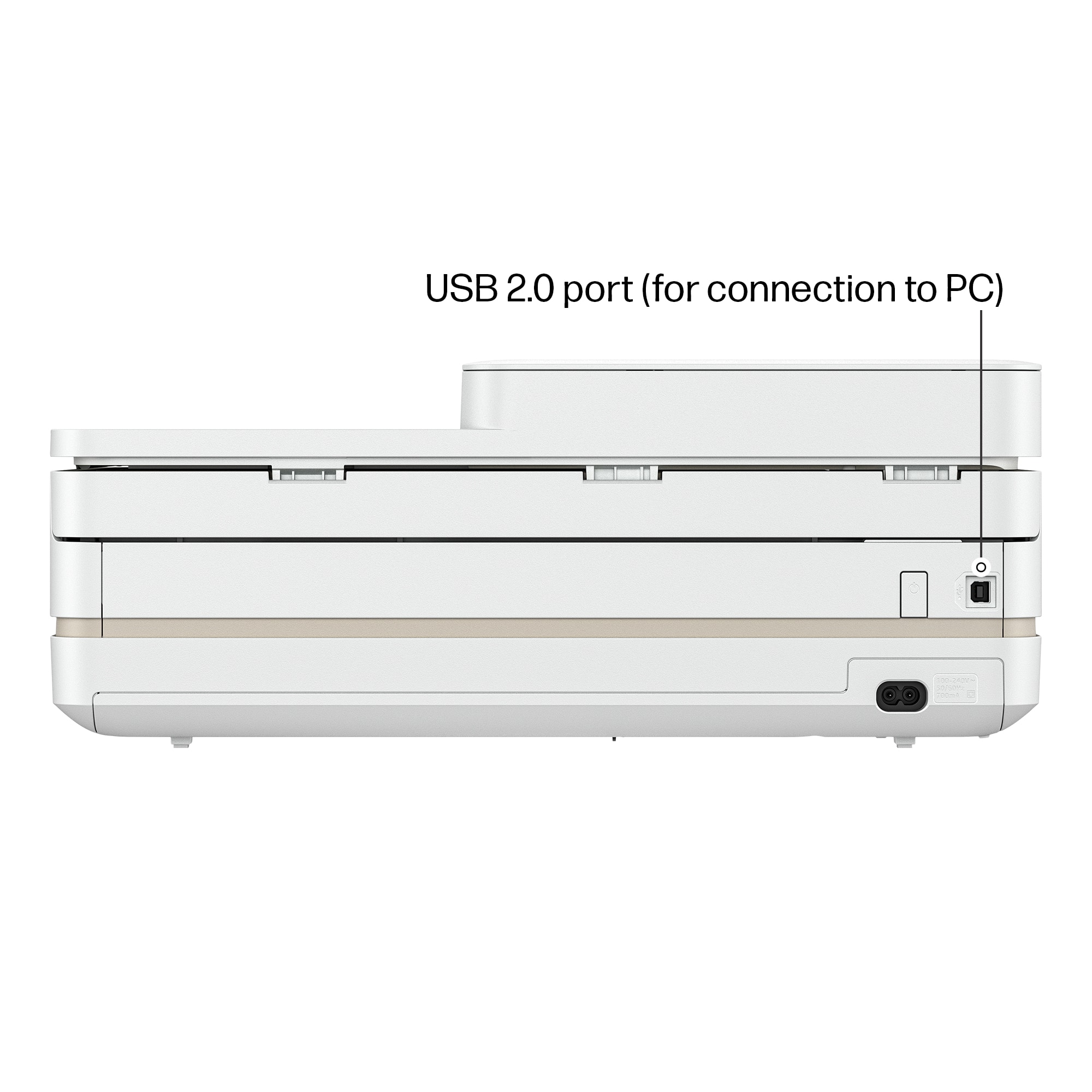
A:AnswerYou can use a USB B cable to connect directly to a computer. You can also use direct print to print to connect wirelessly to a computer or mobile device.
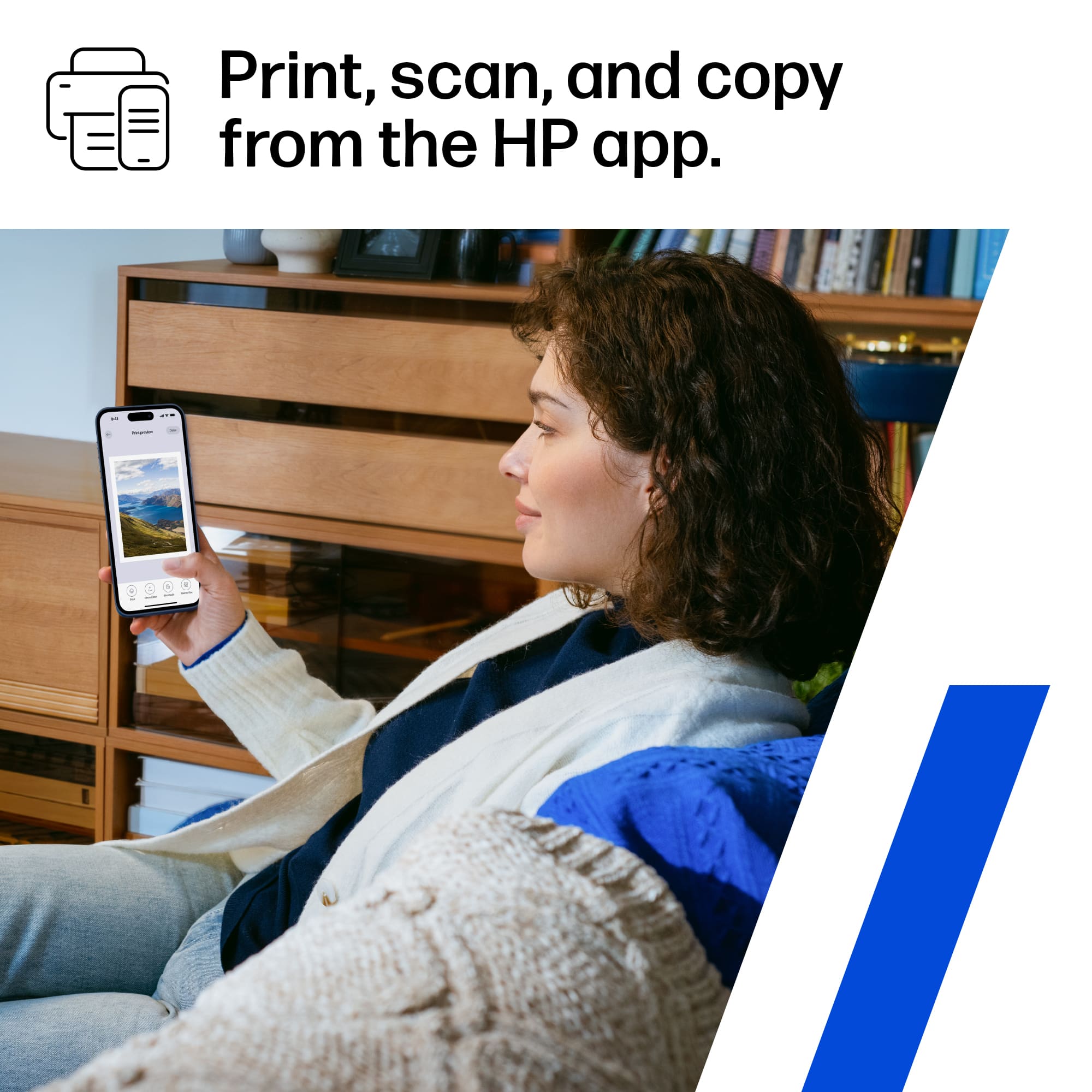
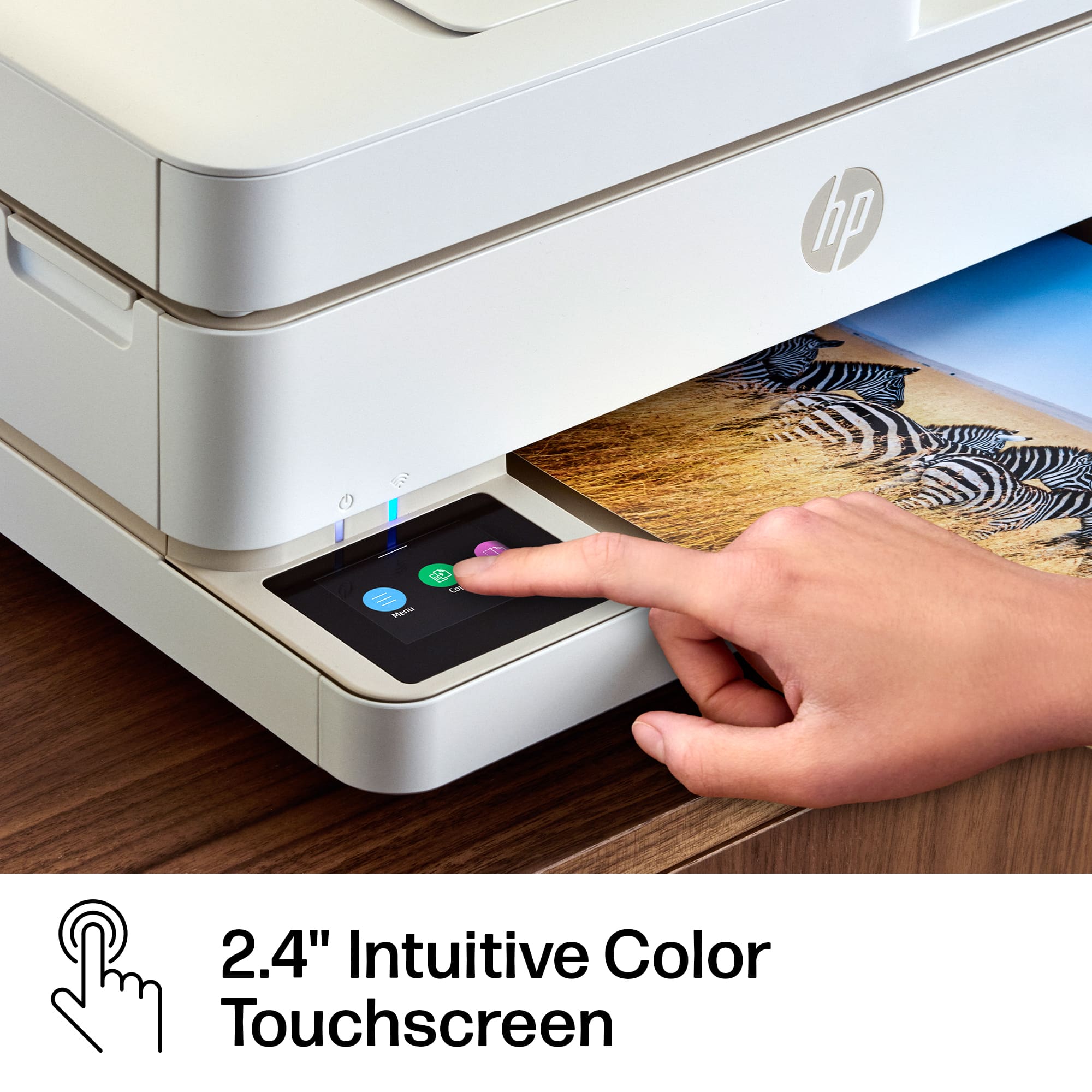
A:AnswerYou don't have that option on the touchscreen. However, you can scan the document using the HP Smart app and edit your scan before printing. This would include resizing, reducing and enlarging.