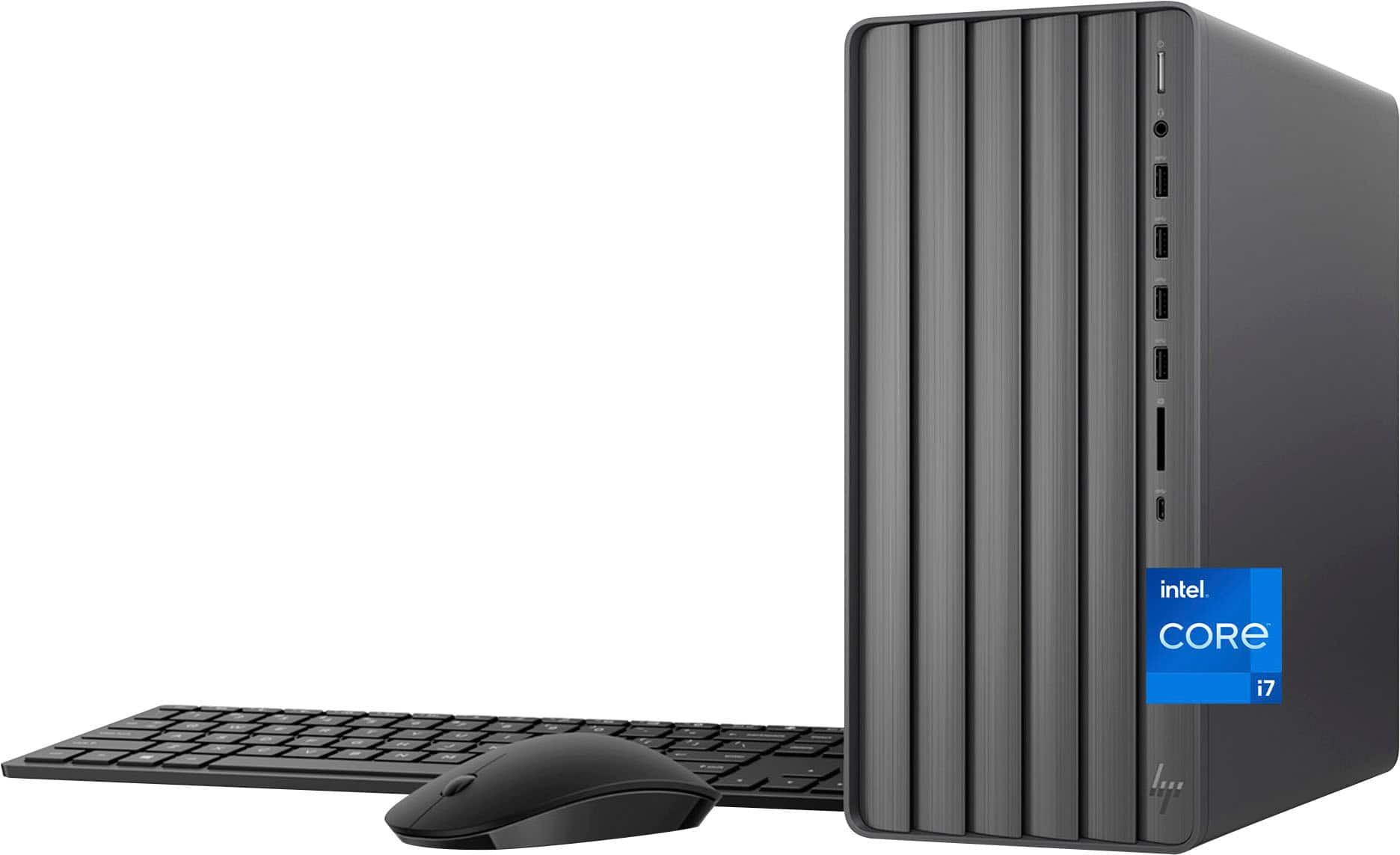
A:AnswerBill, thank you for your question about this HP Envy tower! According to the system board specs, it supports up to 32GB of unbuffered DDR4-3200 memory in a 2x32GB configuration.
A:AnswerHello, thanks for your question about this HP Envy Desktop model TE01-5364. You can use the Windows Pro license on this computer if purchased as a retail license, and not as an OEM license.
A:AnswerThanks for your question about this HP Envy Desktop model TE01-5364! As system requirements for software constantly change, we’re unable to answer questions about software compatibility or performance. What’s compatible today may not be in the future, so please check the software manufacturer's website for the most current minimum and recommended requirements.
A:AnswerThank you for asking. The answer depends on how you intend to use the monitor. Will you be doing light gaming or engineering/design tasks, that will take advantage of the discrete GPU? Or just general home or business computing? Would you prefer a large screen, a curved screen, and/or one with a higher refresh rate? Please visit your local Best Buy for assistance in recommending a monitor that will be perfect for your needs.
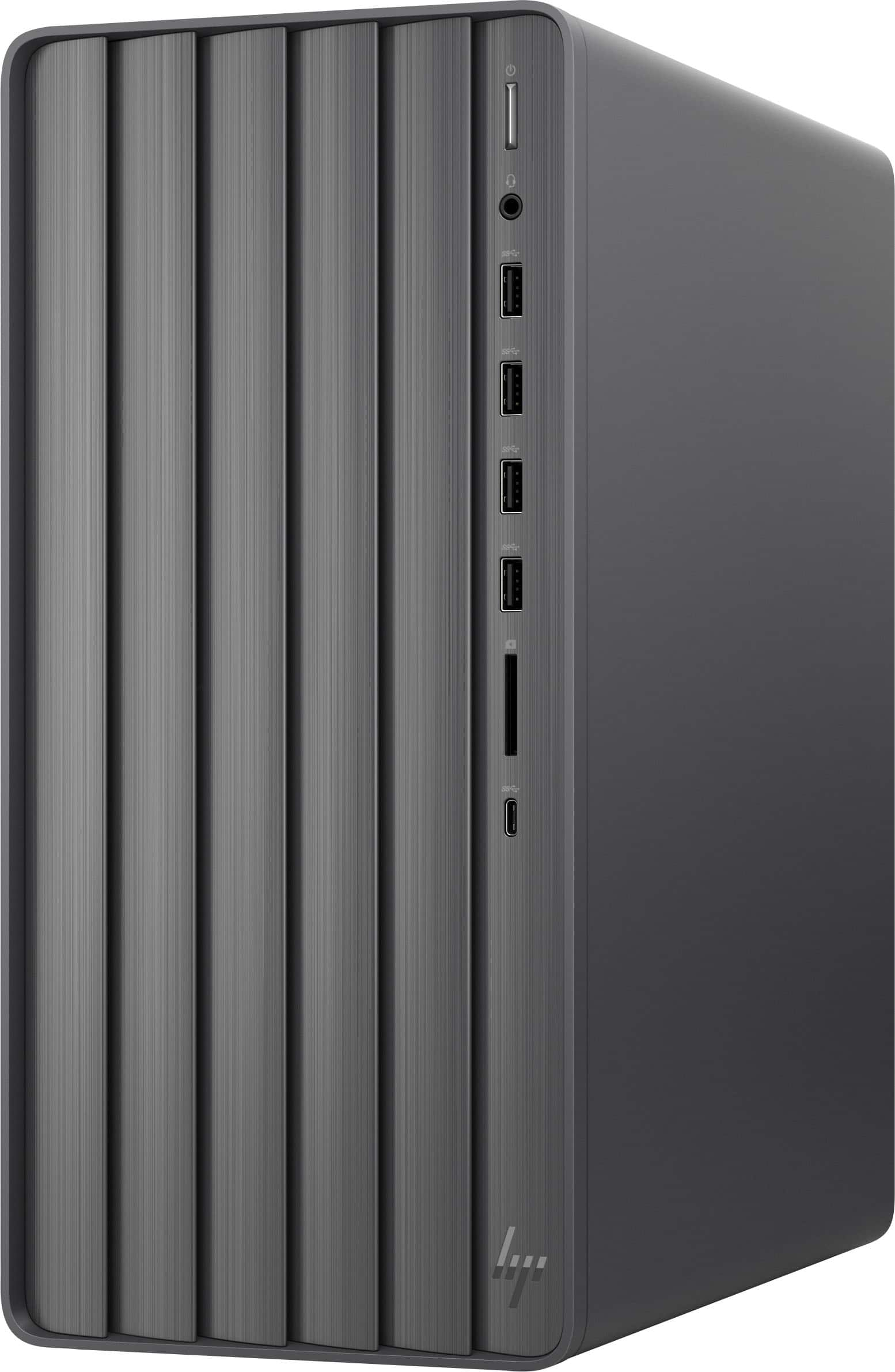
A:AnswerThank you for your question about this HP Envy Desktop! This is equipped with two M.2 slots: One of those slots is equipped with the m.2 2280 solid-state drive while the other M.2 slot contains the Wi-fi interface. It is also a shorter M.2 slot than the one for the solid-state drive.
A:AnswerThis HP Envy Desktop (Model: TE01-5364) uses an Nvidia GeForce RTX 4060 GPU. According to Nvidia, the Nvidia GeForce RTX 4060 can support up to 4 independent displays at 4K 120Hz using DP(DisplayPort) or HDMI, 2 independent displays at 4K 240Hz, or 8K 60Hz with DSC using DP or HDMI. This desktop has 3 DP and 1 HDMI port for connectivity. Thank you for your question!
A:AnswerDon't know, haven't gotten into it that far. I suspect it may have an empty bay. Check the HP website for specs. You could use an external drive.