A:AnswerYes you can do all of that. That is why I wanted this particular printer but it constantly fails and HP doesn't seem to care. I am in constant frustration at the need to restart this printer with every interaction.
A:AnswerHello!
I really appreciate you taking the time to ask us about the HP Envy Pro 6455 printer!
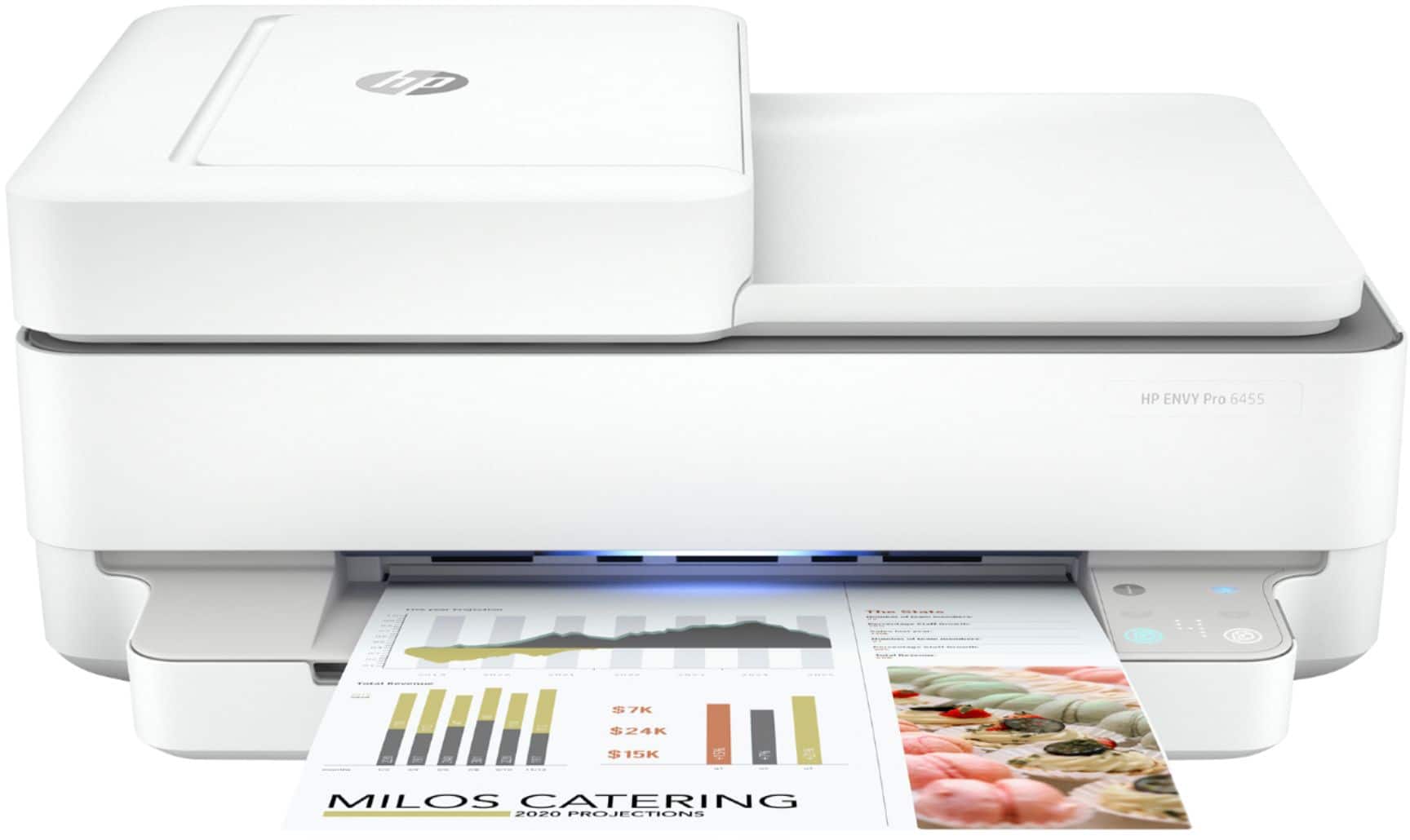
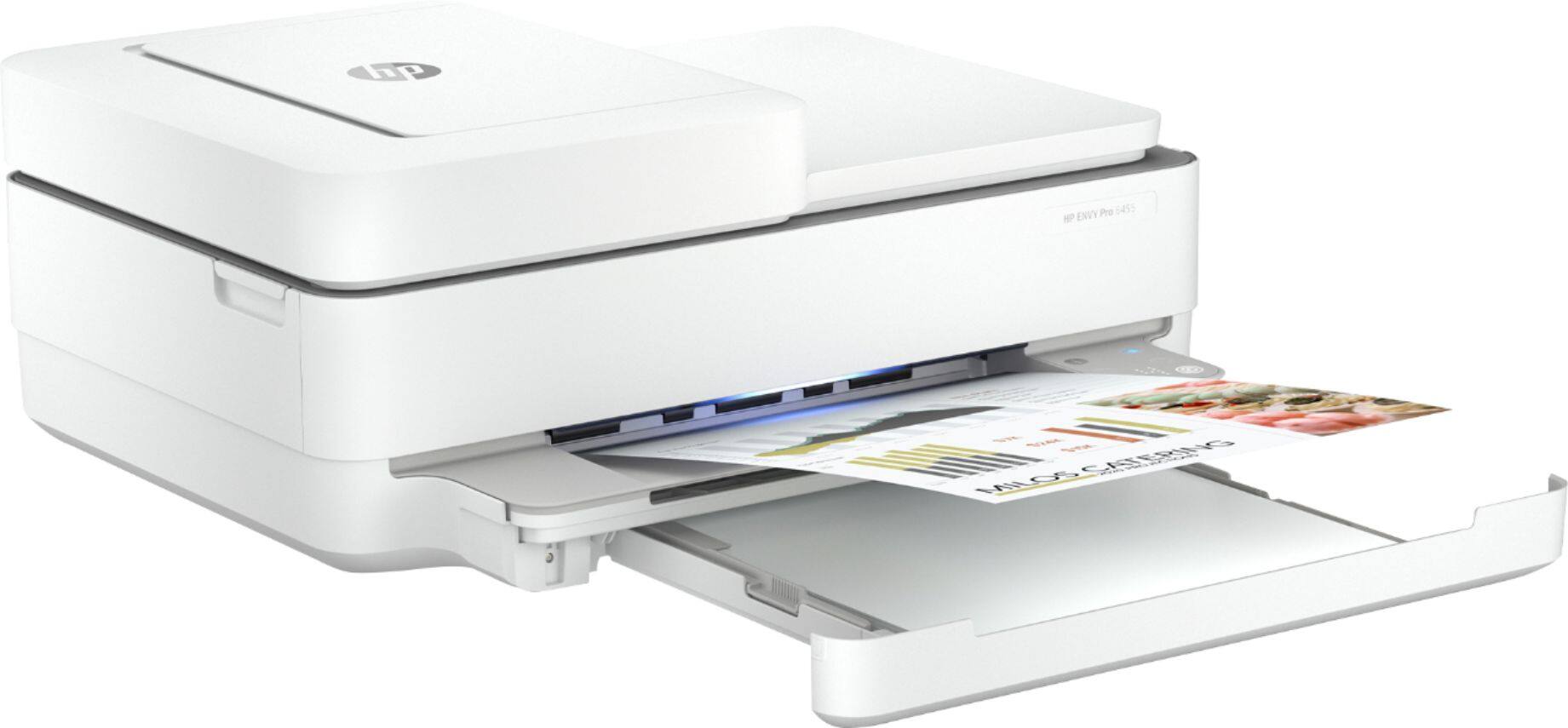
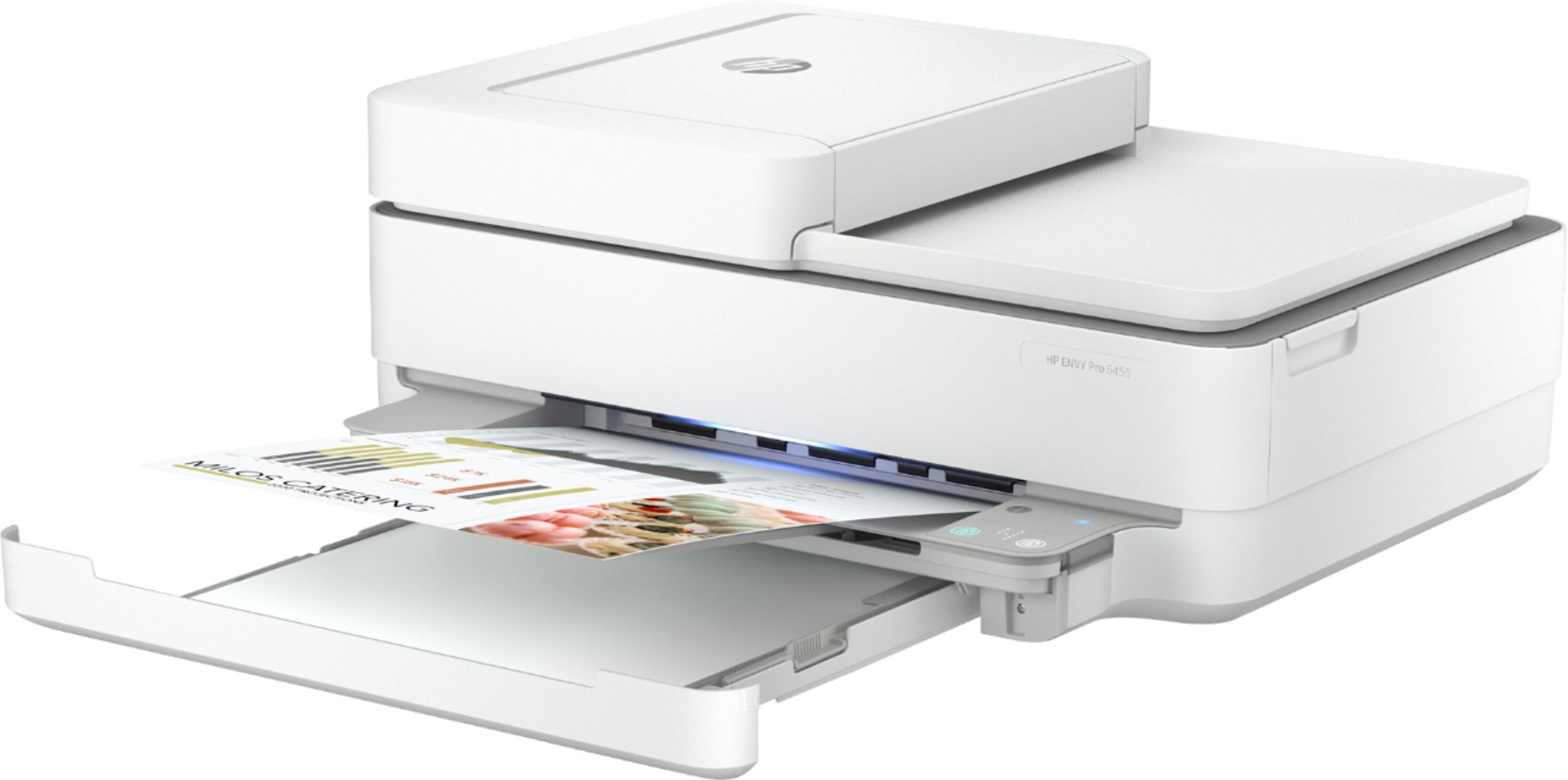
Good news! Yes, it does automatic double-sided printing standard.
A:AnswerYou would need to scan one side at a time with this printer. If you want a printer that can scan both sides automatically, we recommend looking at the HP Officejet Pro 9015 or 9025 printers.
A:AnswerNo, sorry it is not. The HP Envy Photo 7155 will work with an XP computer:
https://www.bestbuy.com/site/hp-envy-photo-7155-wireless-all-in-one-instant-ink-ready-inkjet-printer-black/5962000.p?skuId=5962000