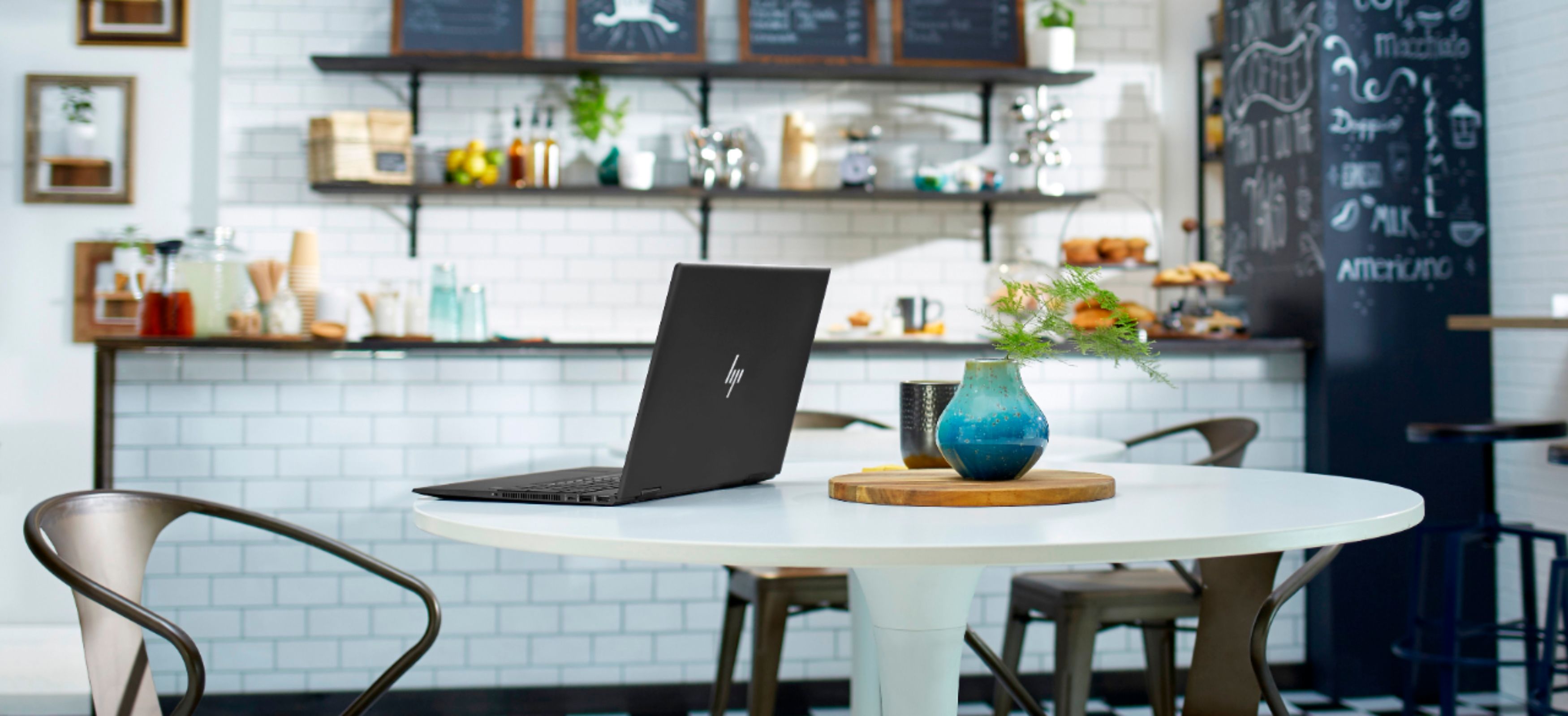
A:AnswerIt’s a thin notebook with smaller heat sinks. It has 8gb of ram so it can get to capacity quickly, which makes the cpu warm up. I find it operates from the base frequency of 2.4ghz to its max 4.0ghz quite frequently. I downloaded Quick CPU to underclock my computer so it runs 1.5ghz-2.0ghz and run comfort mode when doing a lot and it never gets past 50c.
A:AnswerHere is an article that shows you the various ways you can take screenshots on a Windows 10 laptop: https://www.cnet.com/how-to/7-ways-you-can-take-screenshots-in-windows-10/
A:AnswerMine ran super hot when playing fortnite. Was uncomfortable to play, the fan would go bonkers, and the gpu would eventually crash; all of this before I could complete a game. Youtube told me to do some weird hacking stuff and now the the pc no longer overheats. Perhaps there is hope for yours? Good luck!
A:AnswerI recommend this HP pen - 1MR94AA for use with this Envy laptop.
https://www.bestbuy.com/site/searchpage.jsp?st=1mr94aa&_dyncharset=UTF-8&_dynSessConf=&id=pcat17071&type=page&sc=Global&cp=1&nrp=&sp=&qp=&list=n&af=true&iht=y&usc=All+Categories&ks=960&keys=keys
A:AnswerNO. You would need "2x8gb sticks of RAM". . EXPLAINED: According to the "HP-ENVY-x360-Convertible-15m-ds0011dx-Datasheet" this Laptop is supposed to have "Memory: 8 GB DDR4-2400 SDRAM (1 x 8 GB)". That would have been very convenient to increase the RAM from 8GB to 16GB with a single "1x8gb stick of RAM". However, after opening the bottom of this laptop I found that It ACTUALLY has 2x4gb sticks of RAM (Samsung 4GB DDR4 PC4-21300, 2666MHZ, 260 PIN SODIMM, 1.2V, CL 19). This means that in order to get a total of 16gb of RAM you have to REPLACE both 4gb RAM DIMM's with "2x8gb sticks of RAM".
A:AnswerNo, the HP Envy 15m-ee0013dx does not come with a stylus. It does not have a stylus dock.
It is compatible with the HP Stylus Pen 1MR94AA#ABL.
https://www.bestbuy.com/site/hp-stylus-pen/5902029.p?skuId=5902029