A:AnswerThe short but honest answer is "it depends". Here's why it depends: When a laser printer is turned on, and again when you print something and the fuser begins operating, it draws a large amount of current-possibly enough to trip the built in circuit breaker in the power strip. If it doesn't trip, then it's fine. You'll want to make sure that you don't have anything else plugged into that strip, so the breaker doesn't have to deal with whatever else is on plus the printer.
A:AnswerThe printer has a flip down tray which is labeled as tray 1 it has the envelope feeder as well as a paper tray that is designed to handle thicker card stock and paper. As with any color laser printer in order to print on photo type paper you will need to research what paper is supported by the printer.
A:AnswerThe print cartridge set included is a starter set as stated on packaging included inside the box. I purchased additional cartridges to make sure I had them on hand when needed. (Keep a look-out for sales on ink for this printer, it is quite costly.)
A:AnswerYes. In the control panel...devices and printers, select the printer and then click on the color button and change it there to not print in color.
A:AnswerIf 0.08 inch is sufficiently borderless, yes.That's for the current Windows drivers. Generally, print drivers sometimes enforce limits that hardware does not have. I speculate that printing beyond the paper risks toner/ink buildup. If precise size doesn't matter but the border is visually unacceptable, I'd prefer to print to standard paper and trim off the border.
A:AnswerThank you for the question. The Color LaserJet 2600n prints at a rate of 8 pages per minute, the Color LaserJet Enterprise M553dn prints at a rate of 40 pages per minute. First page out is as fast as 20 seconds with the 2600n, faster with the 553dn - 6-7 seconds. Maximum duty cycles are also quite different - 35K pages monthly with the 2600n, and 80K with the 553dn. The 553dn has mobile printing capability. Duplex printing is automatic with the 553dn. The 2600n can use a maximum of 2 paper trays, the 553dn can use up to 5.
A:AnswerTray 1 and 2 on this HP Color LaserJet Enterprise M553dn printer can handle legal size paper. Here are some instructions on how load paper in tray 2: https://support.hp.com/us-en/product/hp-color-laserjet-enterprise-m553-series/7087331/model/7087335/document/c05426810 You can add another tray if you want to. You would need the HP Color LaserJet 550-sheet Media Tray, B5L34 is the part number.
A:AnswerNo, you need a wide-format printer for that, and the wide-format LaserJets start around $3,000. This printer will accommodate up to legal size only.
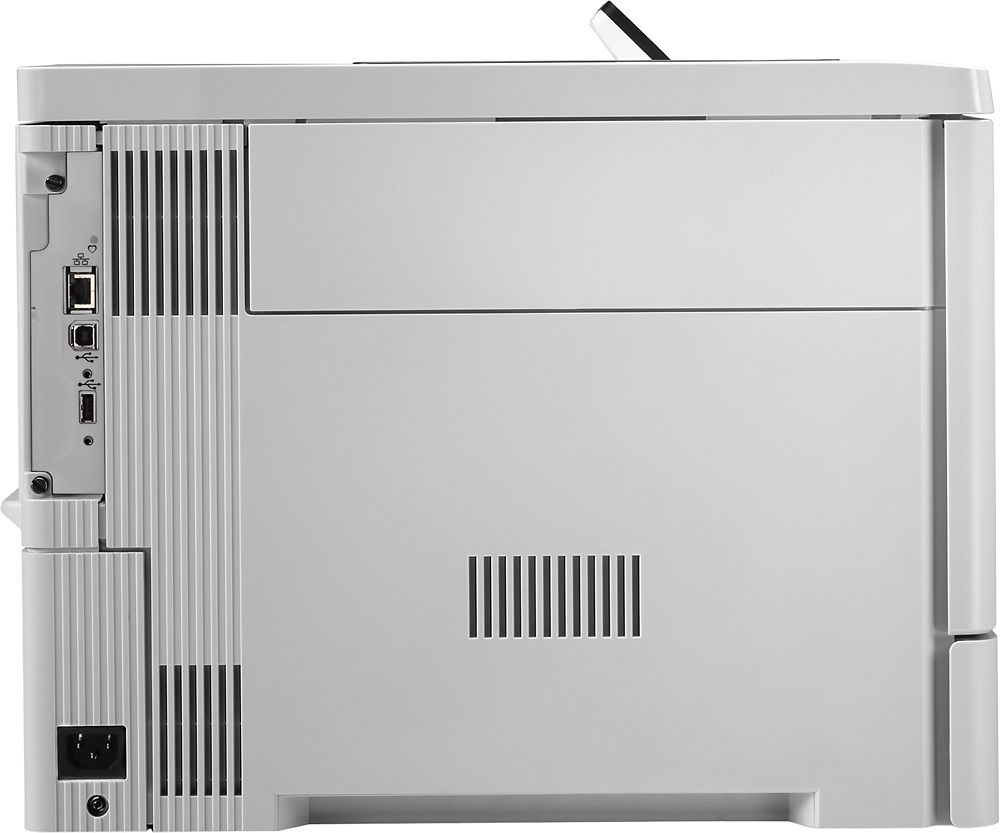
A:AnswerI'm not particularly tech savvy, but, if you click on "Specifications" for this printer, you'll see that it does NOT have a memory card slot, which I presume you need in order to use a memory stick.