A:AnswerHello, yes, if you choose to only print one per week that is sufficient! The price per page is dependent upon the Instant Ink plan you choose to go with! Go to Instant Ink's website and see your plan options which you can change at any time, or cancel at any time! Thank you for being an HP customer!
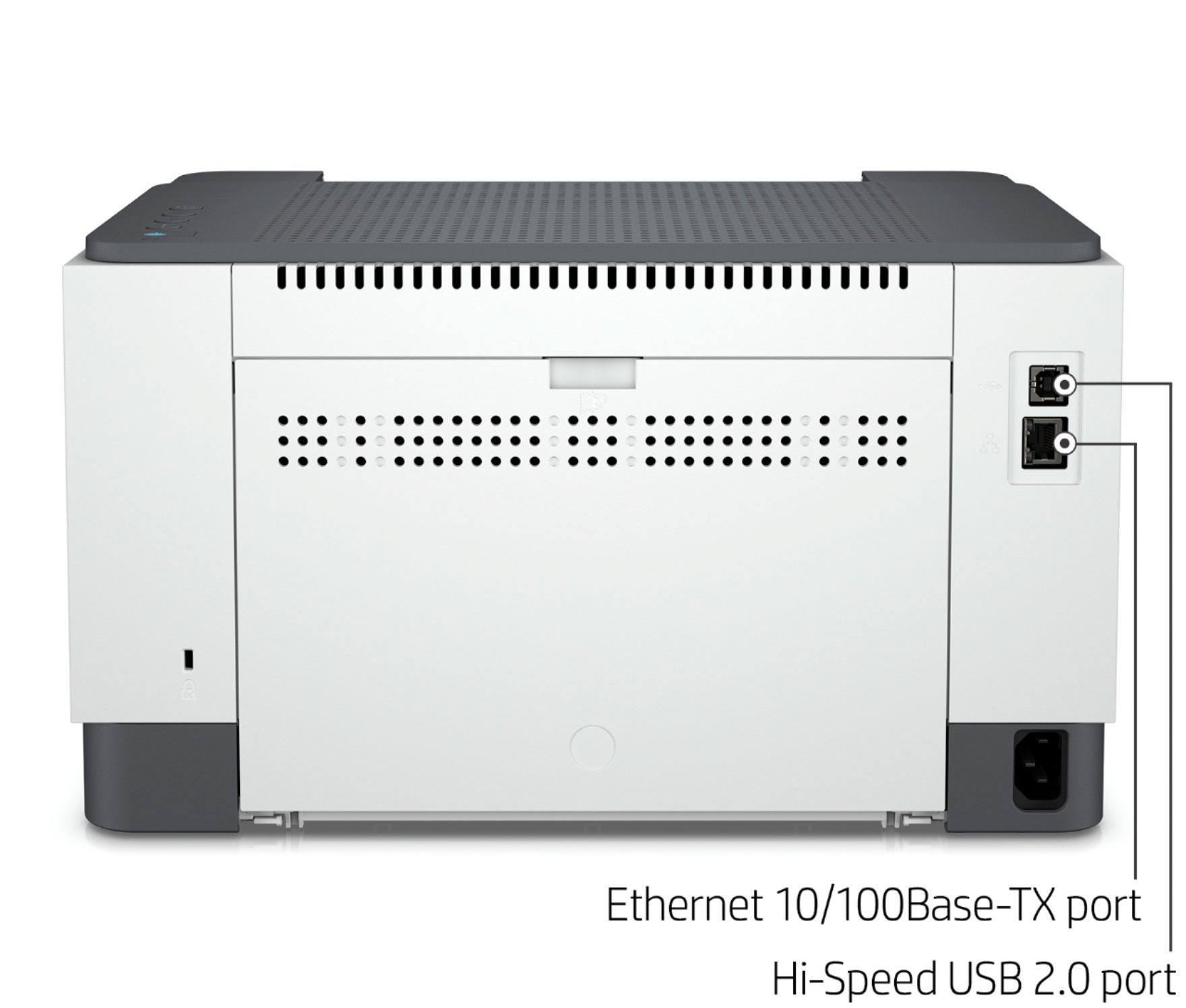
A:AnswerThank you for the question. You can connect the LaserJet M209dwe to your PC via a USB printer cable (it has a high-speed USB port on the rear) or via WiFi direct,from your smartphone.
A:AnswerHello. Thanks for your question. This HP Laserjet m209dwe printer printer uses WiFi technology. If you want a direct connection. We recommend using WiFi Direct. Wireless Direct (WiFi Direct) allows you to directly connect to a printer from a mobile device or computer without the need for internet access or a wireless network. You would connect to the printer’s wireless direct signal just like you would connect to a wireless network. The printer would have a unique name in your wireless connections, i.e. Direct-04-Printer.
A:AnswerHello. Thanks for your question. Yes, this HP Laserjet m209dwe printer is compatible with the Chromebooks. We recommend using the HP Smart app to set up the printer on the Chromebook.
A:AnswerHello. Thanks for your question. Yes, this HP Laserjet m209dwe printer is compatible with the Chromebooks. We recommend using the HP Smart app to set up the printer.
A:AnswerYes, it will. "Custom" just means that it's not a standard paper size, but if you select "custom" you can then specify that size. I'm not aware of a printer that has 5.5x8.5 listed as a standard paper size. If you print that size a lot you can actually save it as a preset and then select it.
A:AnswerYes, this LaserJet M209dwe does have Bluetooth capabilities. You will be able to print directly to this printer from a smartphone or tablet without the need for WiFi.
A:AnswerYes, it is. Most Linux distributions either come with HP printer drivers installed or will automatically download them during setup. If not, you can download the driver from the HPLIP site. The M209dwe is one of the many HP printers with available drivers.
A:AnswerThank you for the question. The LaserJet M209dwe is compatible with Mojave, Catalina and Big Sur as well as Apple AirPrint. On mac OS and OS X, most HP printers work with Apple AirPrint to provide full-quality printing without the need to download or install drivers.