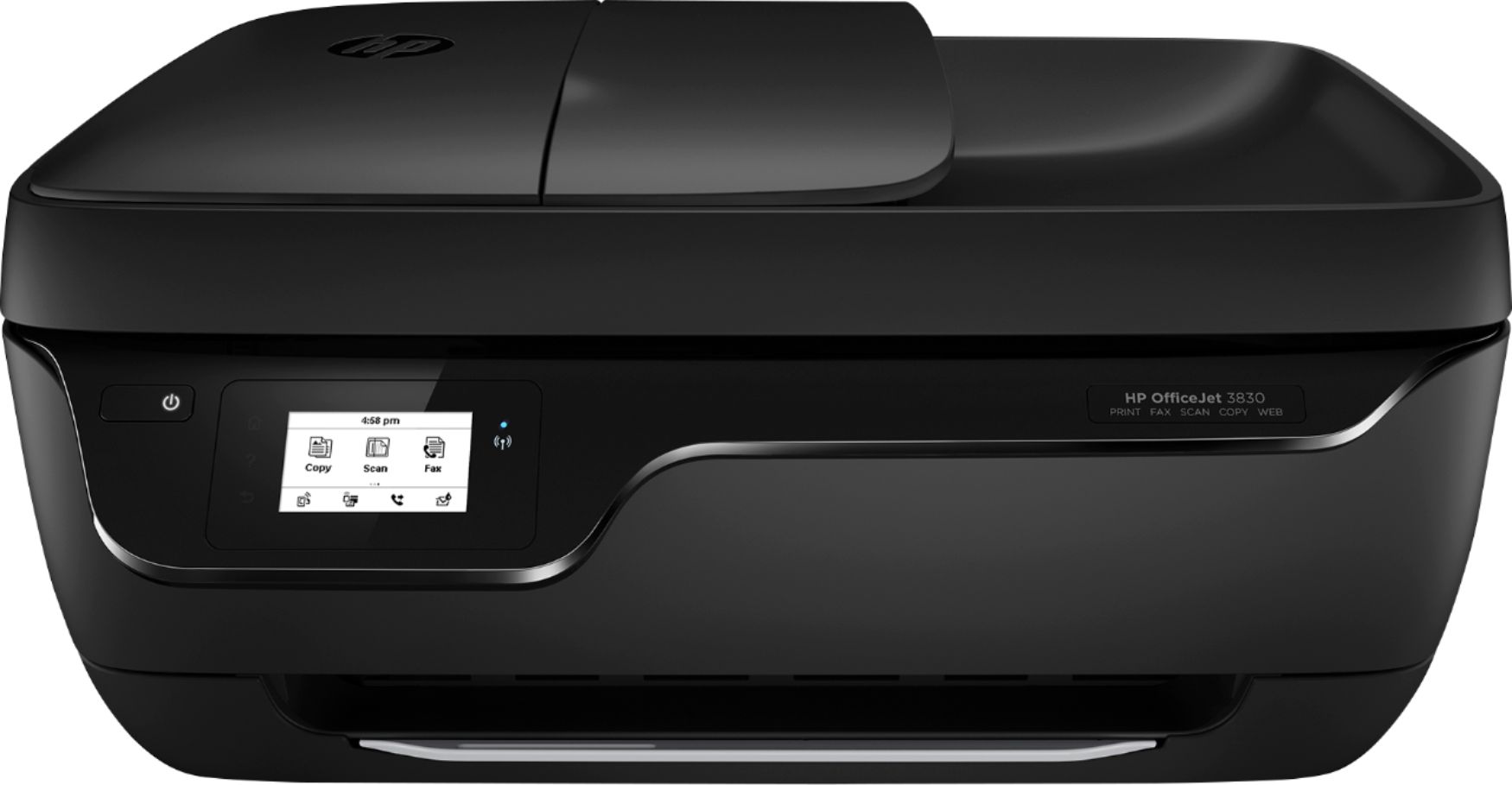
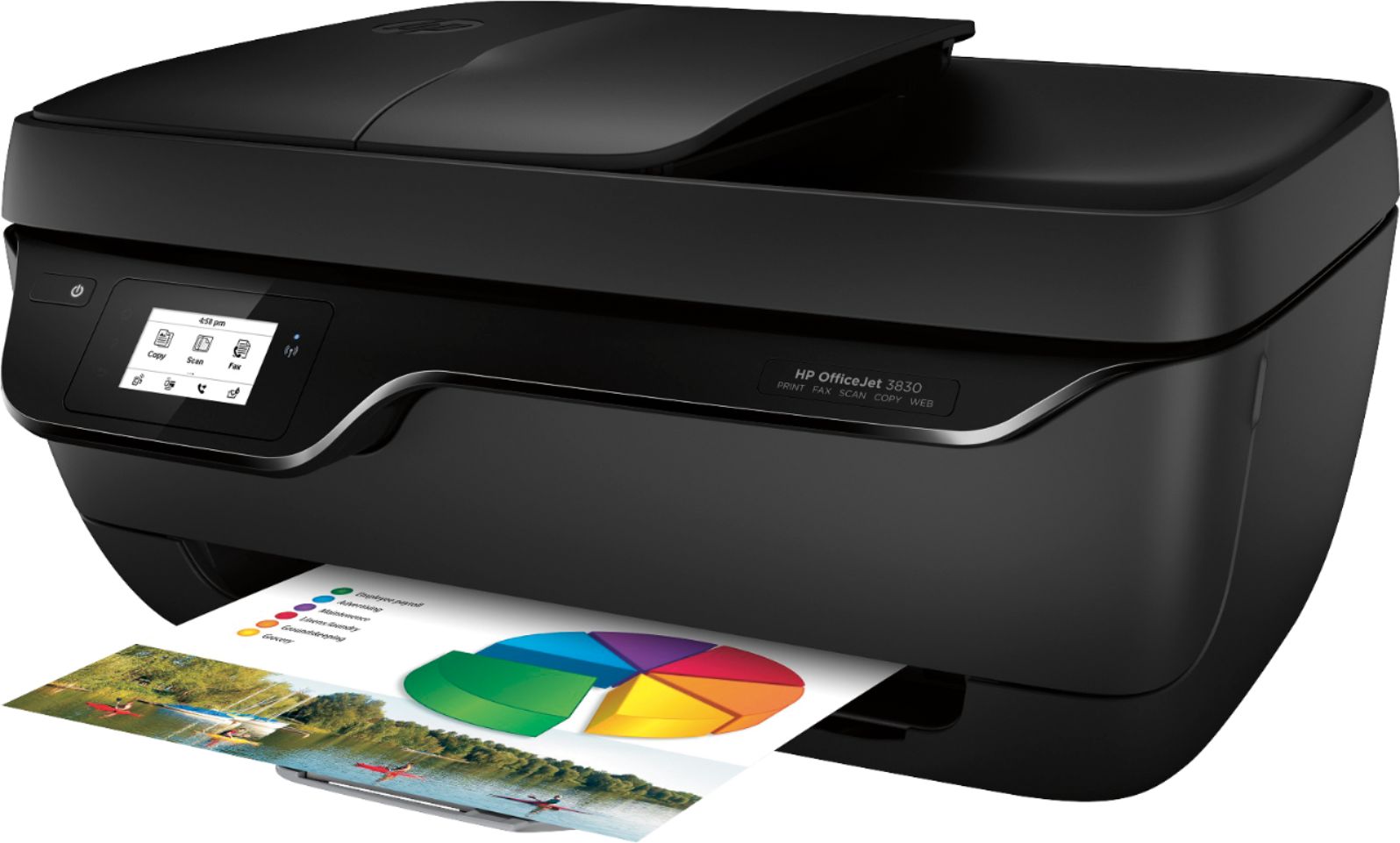
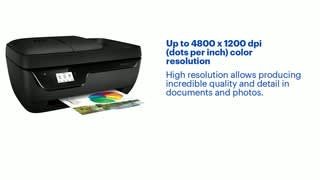
A:AnswerThe resolution on the scanner for this printer is up to 1200 dpi. You more than likely scan a photo at 200 or 300 dpi. The higher dpi is for enlarging photos.
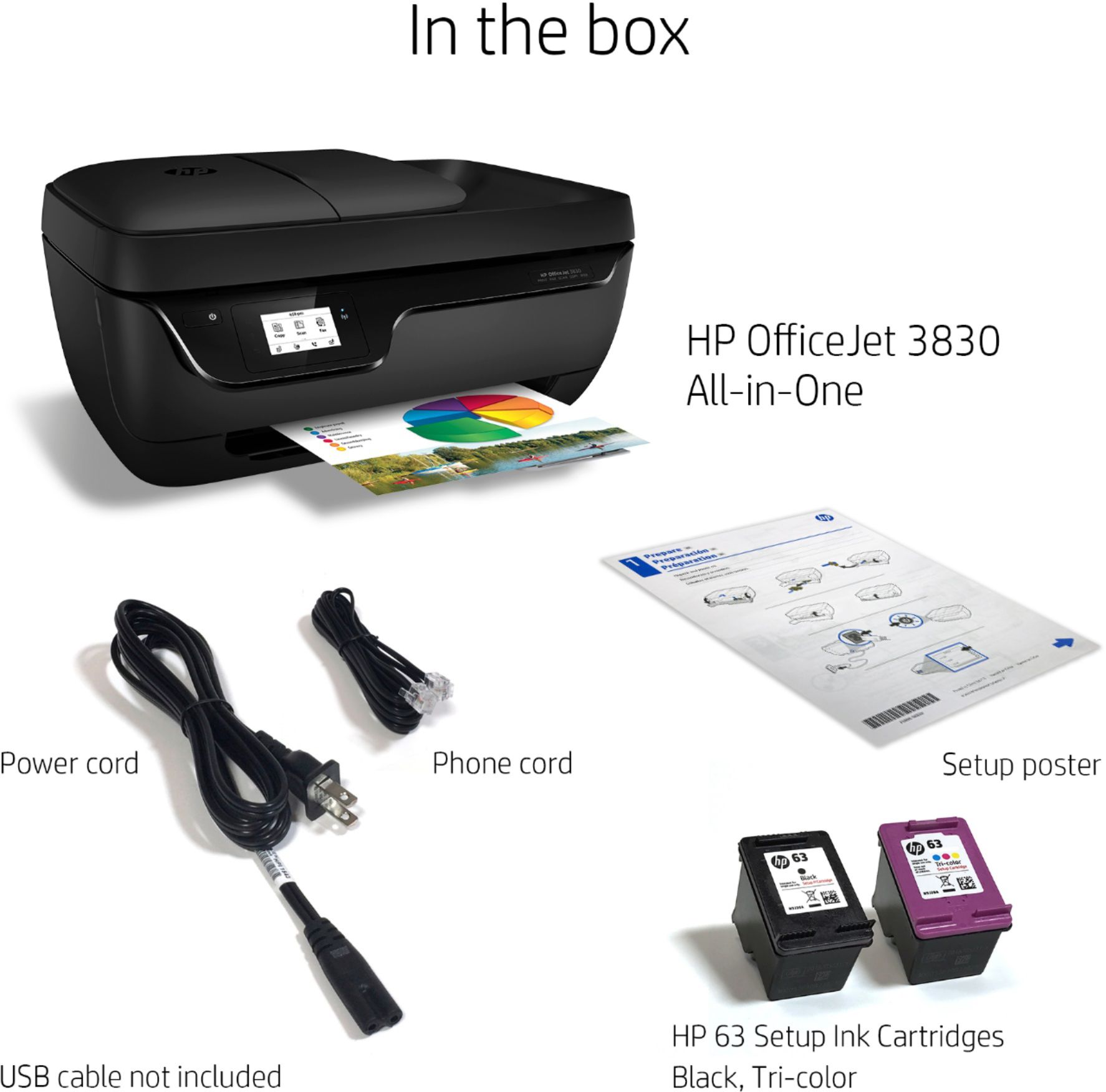
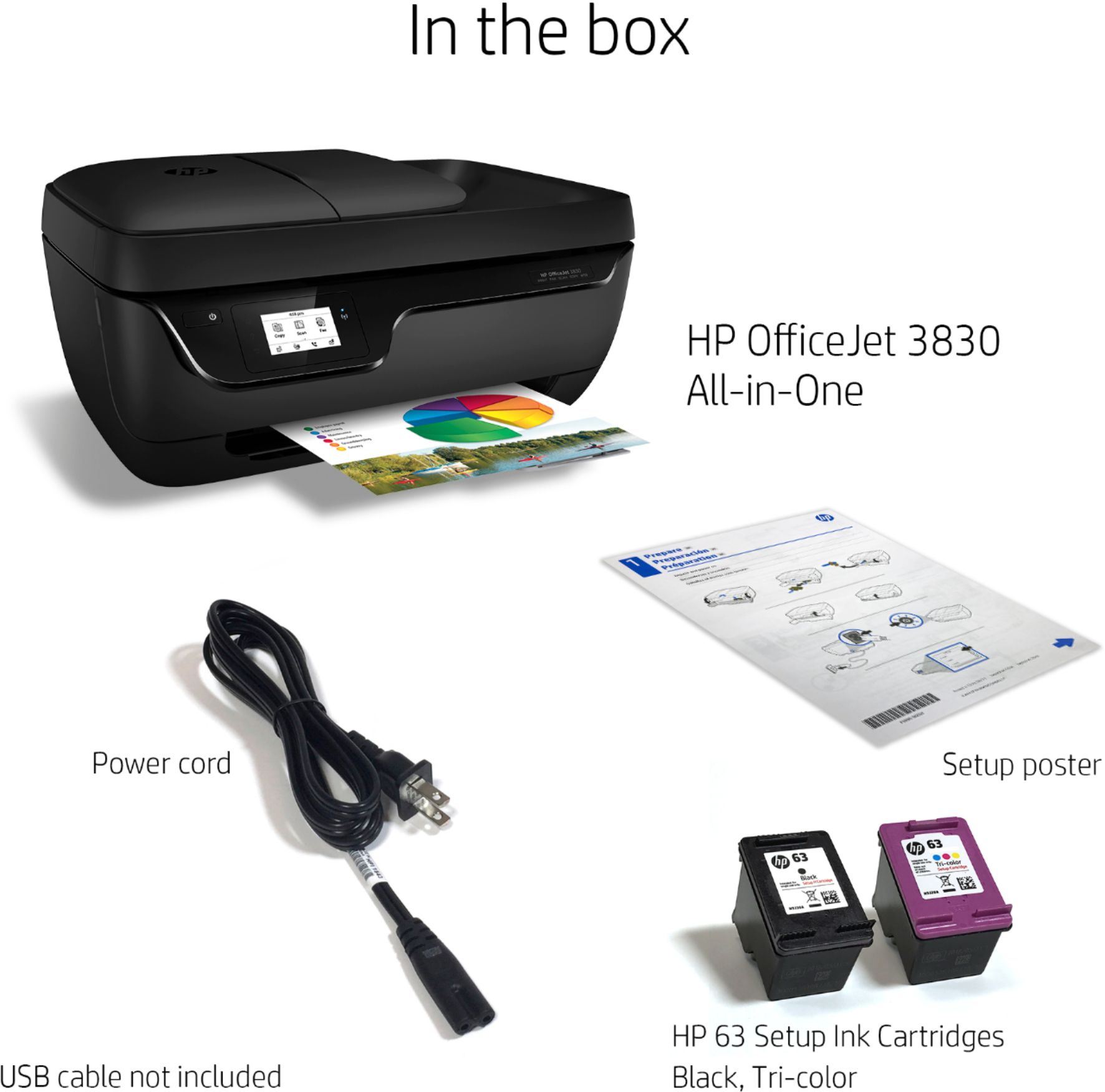
A:AnswerThe HP OfficeJet 3830 is a HP 2-cartridge printer so the print heads are built into the cartridges (black and tricolor). Our exclusive feature, Single Cartridge Mode, allows you to print with only one cartridge -- just don't leave the empty one in.
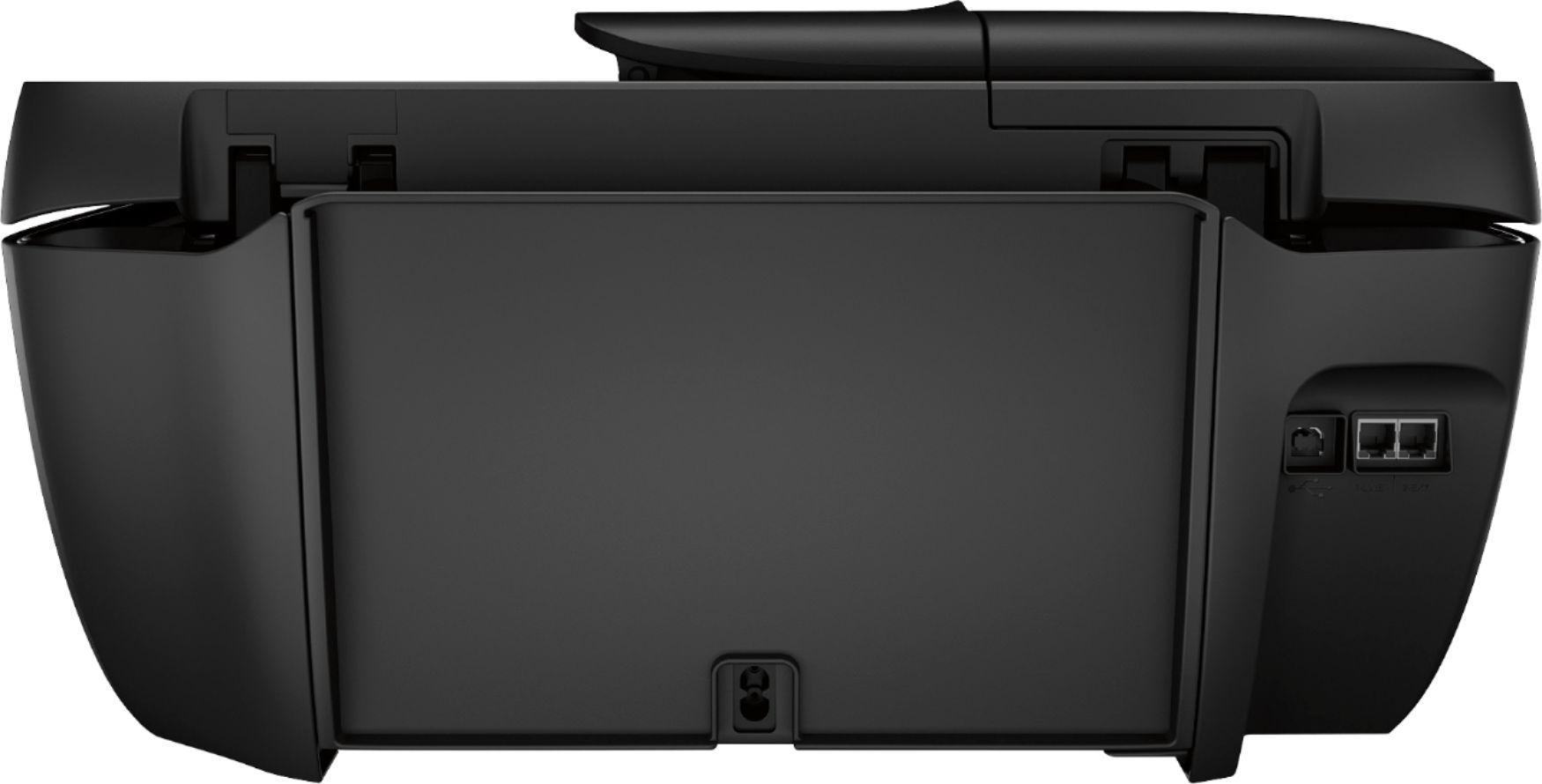
A:AnswerThe hp3830 printer has a phone line in and out receptacle on it's rear. While I have yet to utilize the fax feature, I can assume an active phone line is needed to send/receive a fax.
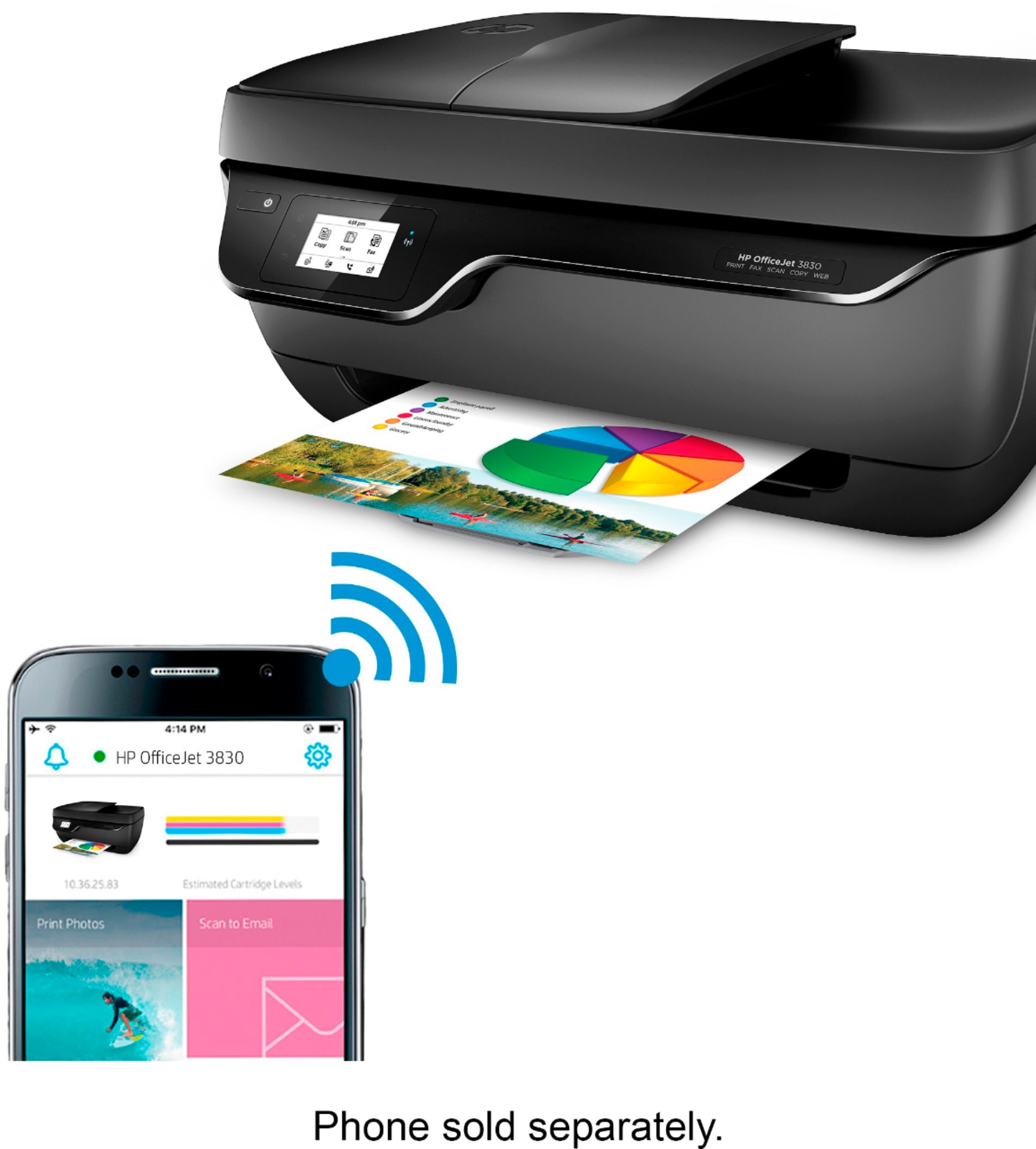
A:AnswerThere is an android app called HP print. I'm sure it's available in the iPhone app store as well. I have downloaded it to my android phone and tablet . It successfully linked with my HP 3830 printer since it was on the same Wi-Fi network at the time. I was going to attempt a test print and the app asked to have permission to access my photos, documents, etc. etc. etc.I abandoned the idea at the time, not willing to agree to such. I'm sure eventually, I will give in to the permission to have print capabilities from my phone and tablet. I assume it will work once I due so.
A:AnswerThere is no bluetooth. You will want to use WiFi Direct. Wi-Fi Direct broadcasts a signal like a router from your printer. It just gives you a direct communication between your printer and your device. You can find your printer name for the Wi-Fi Direct in your Wi-Fi settings. When you open your Wi-Fi settings, you will notice a lot of networks. Your printer will have a name like Direct-05-HP Deskjet 3631. You will select that name and enter the password that you got from your printer.
Here is a link to more information on WiFi Direct: https://www8.hp.com/us/en/printers/mobility/wireless-direct-printing.html
A:AnswerThe OfficeJet can churn out beautiful photos, yes, though if you're wanting to use your printer for photo-printing specifically, we would recommend the Envy Photo series of printers instead!!
A:AnswerYou need to be connected to WiFi to print. However; when you setup the printer you’ll assign it an email, which you can send documents to that will print instantly.
So just an extra step without WiFi.