A:AnswerI haven't had an issue with the ink drying or clogging on the printer cartridge head at all. However, if that happens, usually running a page will get it going again for most printers, or using a small q-tip with a little rubbing alcohol on it. My HP printers have never "gummed" up the way my neighbors Canon does.
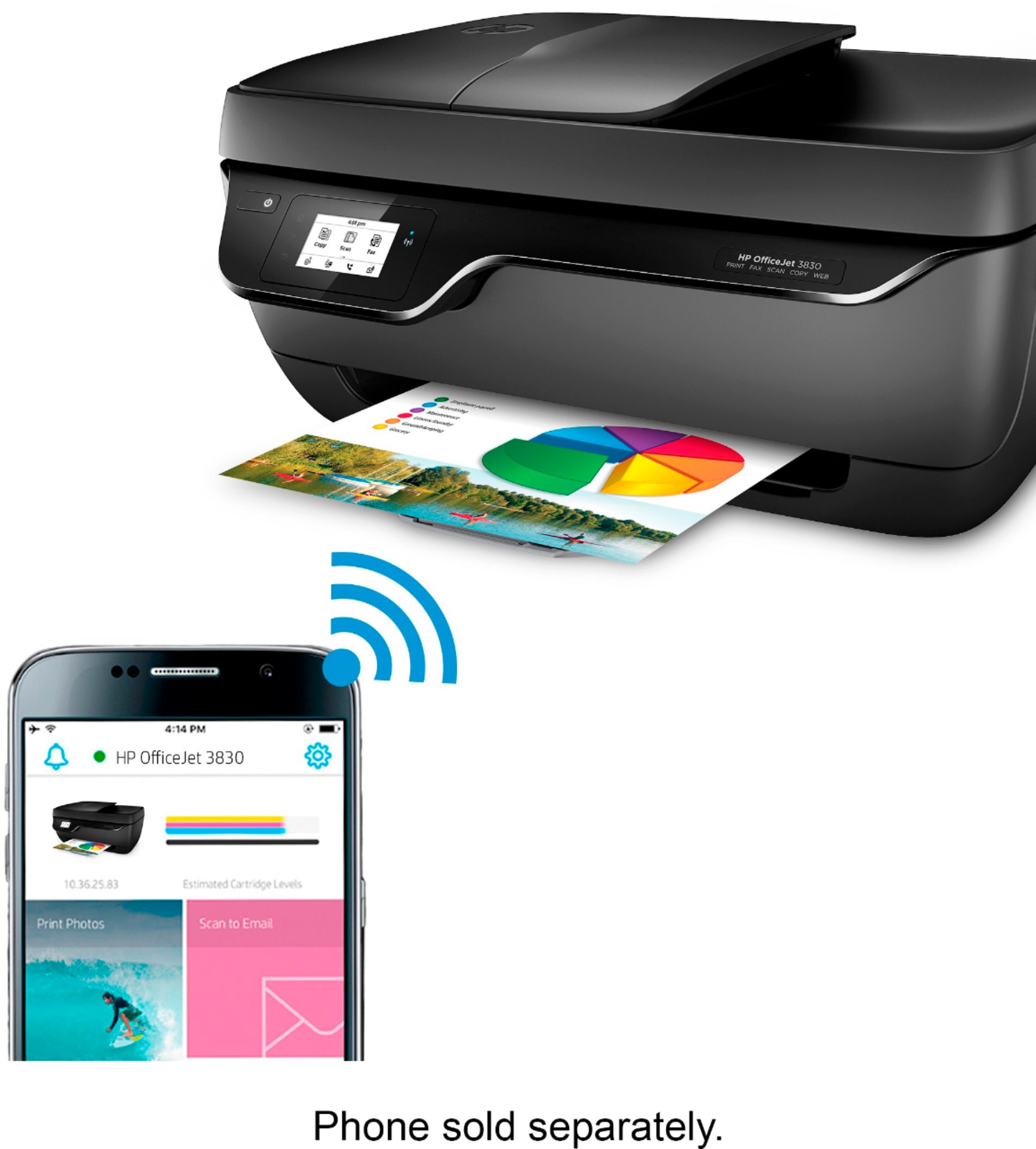
A:AnswerMy daughter runs only Apple phones and MAC laptops, of which she has the most current of both on 1/21/2018. She prints Bluetooth enabled from both her phone and her MAC both without any problems (even from upstairs or in our basement -as the printer is on our main floor in the office).
A:AnswerFor IPhones, I have had a lot of trouble with this.
It will not work directly from most apps, the app can see the printer, but somehow fails to connect to it.
But if you send your desired printout to the HPSmart app that you can get in app stores, then HPSmart app communicates to printer within 2 seconds.
So it sucks to do extra steps to print!
Avoid this printer unless you already have it!
A:AnswerNo as long as everything is set up especially on the wifi it will automatically handle everything but if the wifi on the other side is a poor connection then it will lag to print but other than that if its hooked up and connected there should be no problem that the other person on the other side should receive it but remember both parties must be hooked up to the internet I don't know much if it works without internet connectivity.