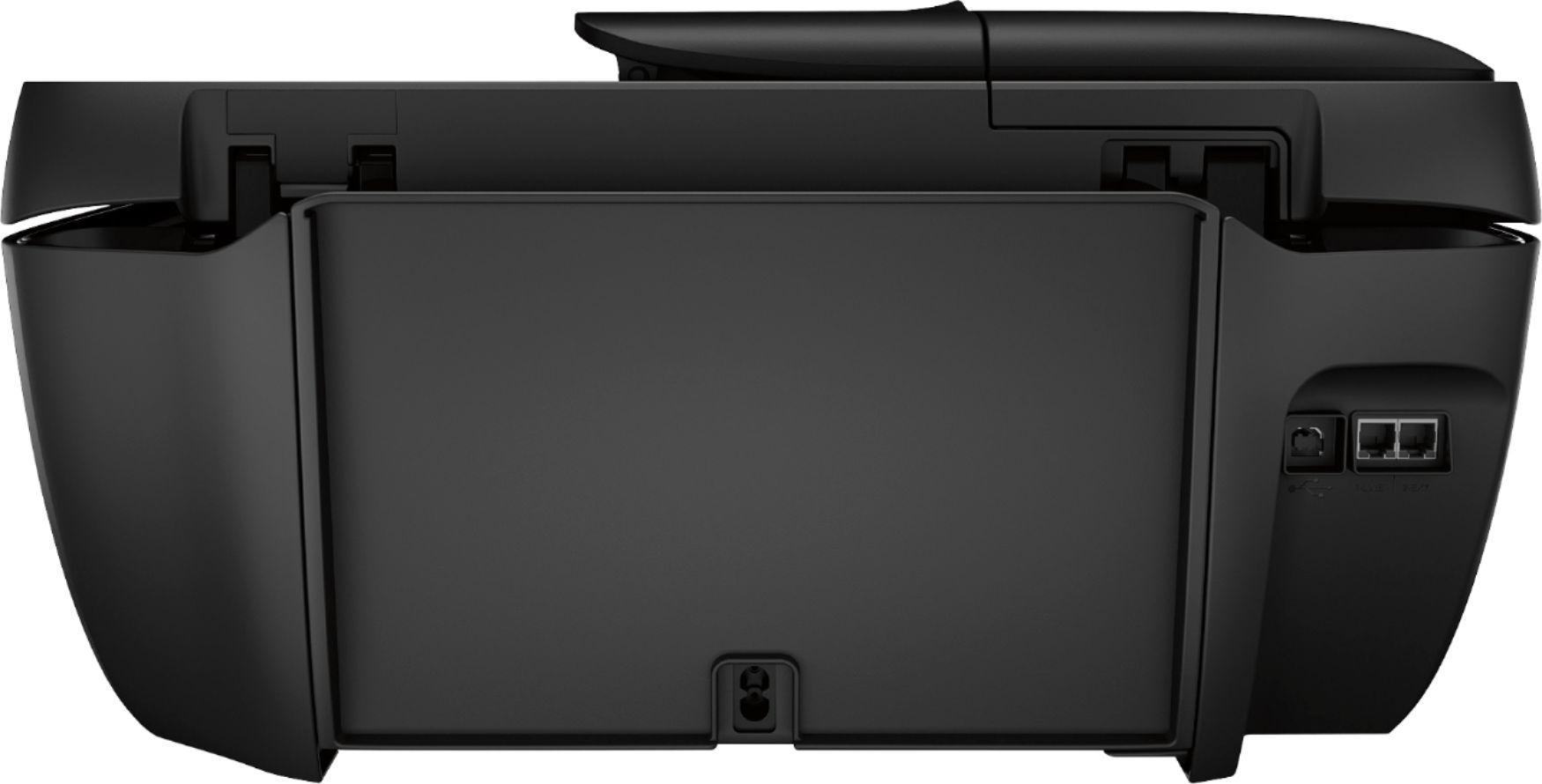
A:AnswerThe printer has 2 connections for phone line in, and the other to connect a phone so you can use both. You can see this in the 5th photo on the product page.
https://www.bestbuy.com/site/hp-officejet-3830-wireless-all-in-one-instant-ink-ready-inkjet-printer-black/4363407.p?skuId=4363407
A:AnswerYes, the HP Officejet Pro 3830 printer is compatible with the Chromebook. Once you connect the printer to your wireless network, then you can set up on the Chromebook. Here are some instructions on how to connect the printer to the Chromebook: https://support.hp.com/us-en/document/c04122530
A:AnswerI am the one who ask can you physically enter your Wi-Fi passcode into this printer whoever gave me the answer is wrong you can physically enter your Wi-Fi password so that you’re able to use this printer wirelessly so the answer is yes so whoever is answering these questions learn the product first then answer the question because whoever answered this question was wrong I set mines up Physically by inputting my Wi-Fi password
A:AnswerThe reverse imaging setting is usually within the software you are using. The setting might be called Flip horizontal, Mirror image, Reverse, or Rotate. Here is more information on reverse imaging or mirror imaging: https://support.hp.com/us-en/document/bpa00482
A:AnswerHP printers are made in a lot of different countries. Same models can be manufactured in different regions. That is stated on the label and also on the model itself. The locations include Asia, Europe, South America, North America.
A:Answerthe printer does about 4 to 10 pages per cartridge set. the program runs in the background and counts the pages you print to estimate when your ink tanks are likely to be low. ONLY GET THIS PRINTER IF YOU GET THE INSTANT INK PLAN. it uses up the ink really quickly and is only worth getting with an ink plan.
A:AnswerI really can't say for sure but it looks to me like mine will print from any device linked with my wifi. This model printer seems to be made for office work and I didn't see any photo ink for it on the hp website. I would recommend the photo paper for pictures. It's been my experience that reg paper soaks up the bubble jet ink making the picture quality less than ideal.
A:AnswerIf you are planning to print in a certain size you will want to insert the paper into the tray and select the on screen option to modify the paper size. You will want to make sure you select the same paper size on your phone or tablet.