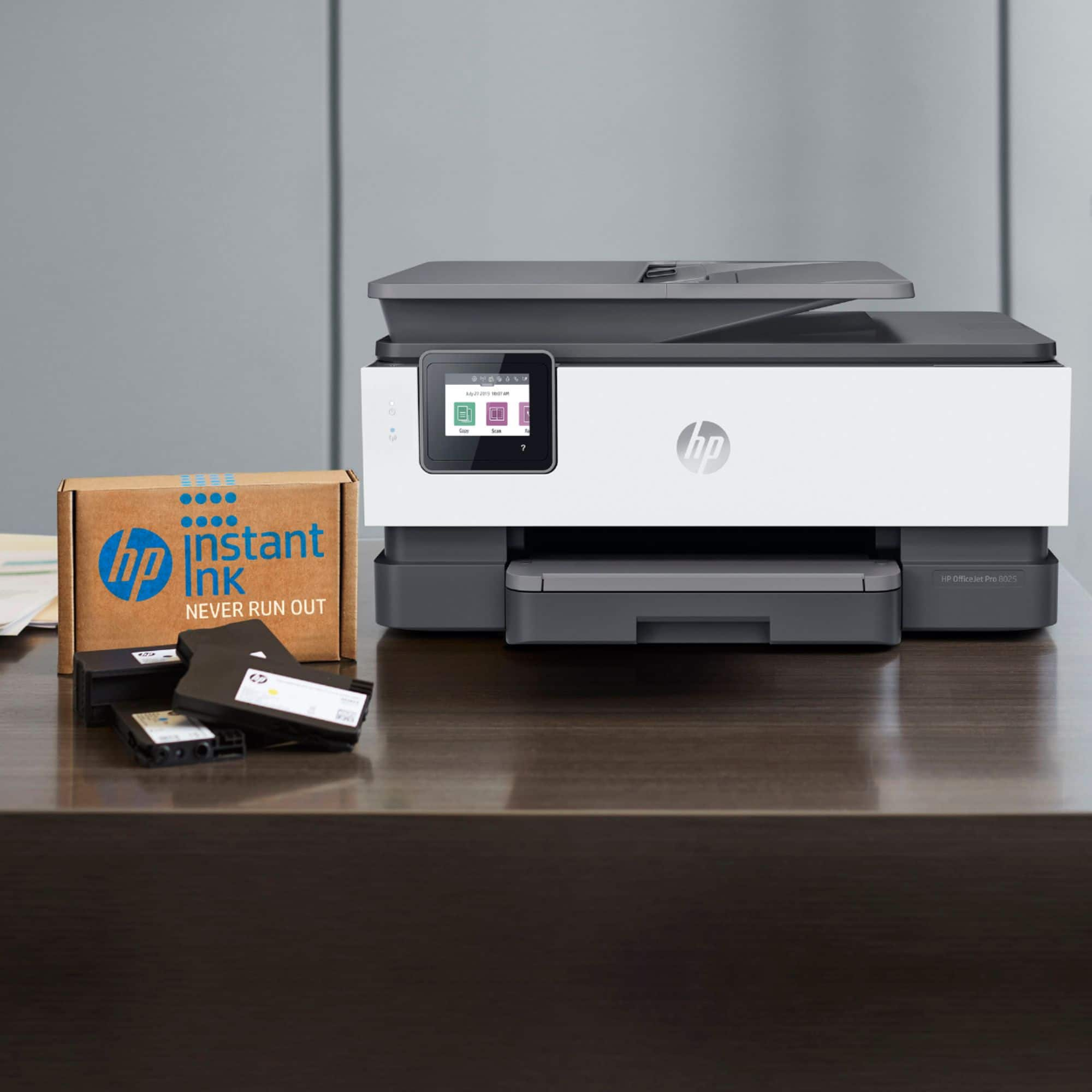
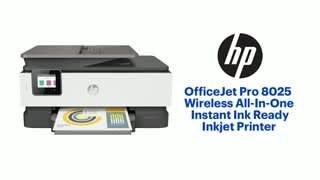
A:AnswerIt does come with ink. They are starter cartridges, so not as full as what you would buy. I would think that it would print on card stock but not sure.
A:AnswerYes, this printer will work with an Acer Chromebook. Here are some instructions on how to set up the printer on the Chromebook: https://support.hp.com/us-en/document/c04122530 and a YouTube video: https://youtu.be/Mf6LUKTMw9c
A:AnswerThis printer is compatible with Windows 10, so it will work with your computer. Be sure to set up the printer by visiting https://123.hp.com/setup
A:AnswerNo, you can not. You can print in black only but as part of the normal cleaning functions, it will use a tiny amount of color when printing black.
A:AnswerYou may need to do a printhead cleaning. Here are some instructions: https://support.hp.com/in-en/document/c06260268 If you need further assistance, visit https://support.hp.com
A:AnswerSorry but the HP 950/951 ink cartridges are older and none of the current printers can use them. The replacement for the HP OfficeJet 8600 plus is the HP OfficeJet Pro 9015, which uses HP 962 inks.