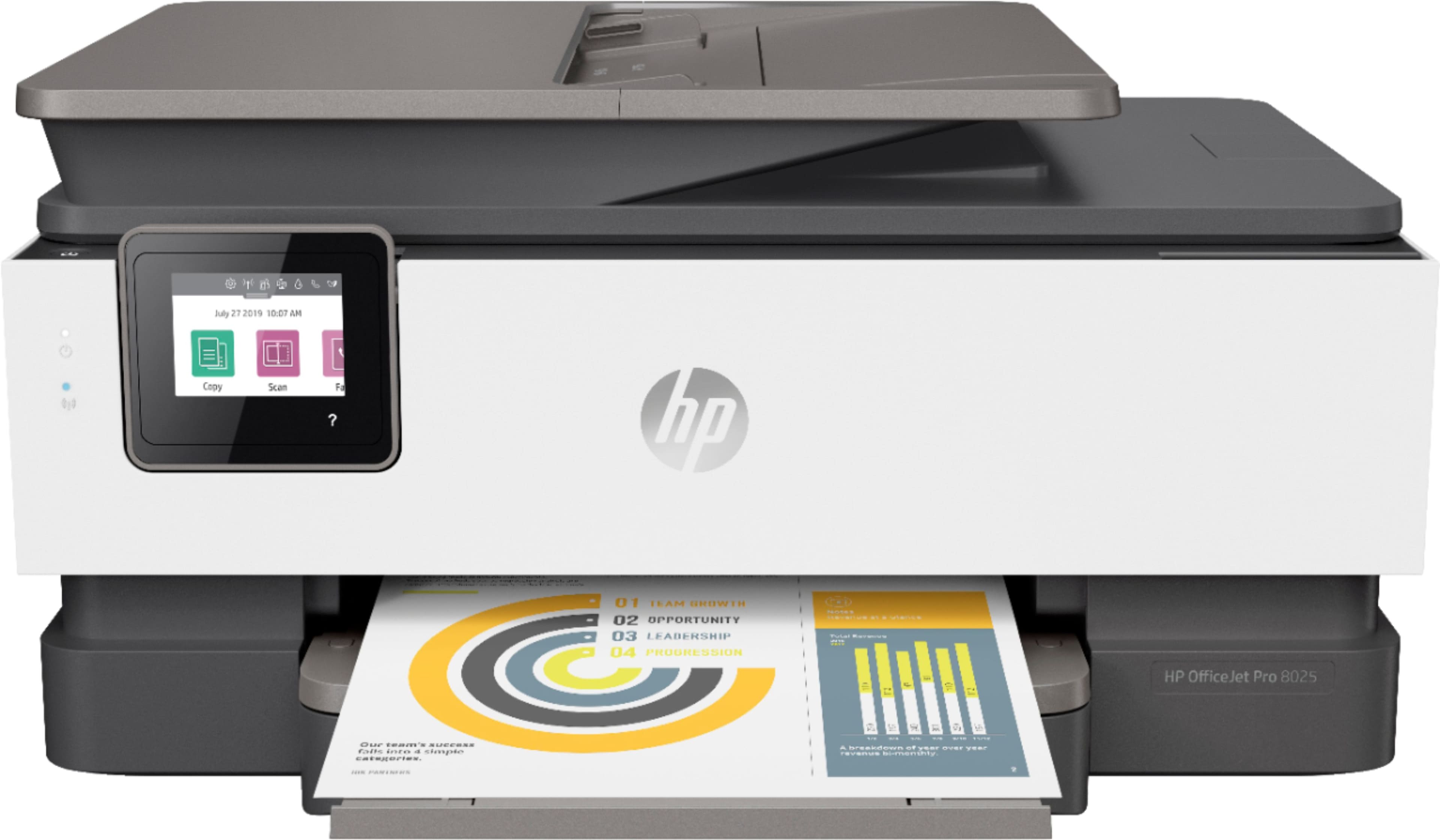
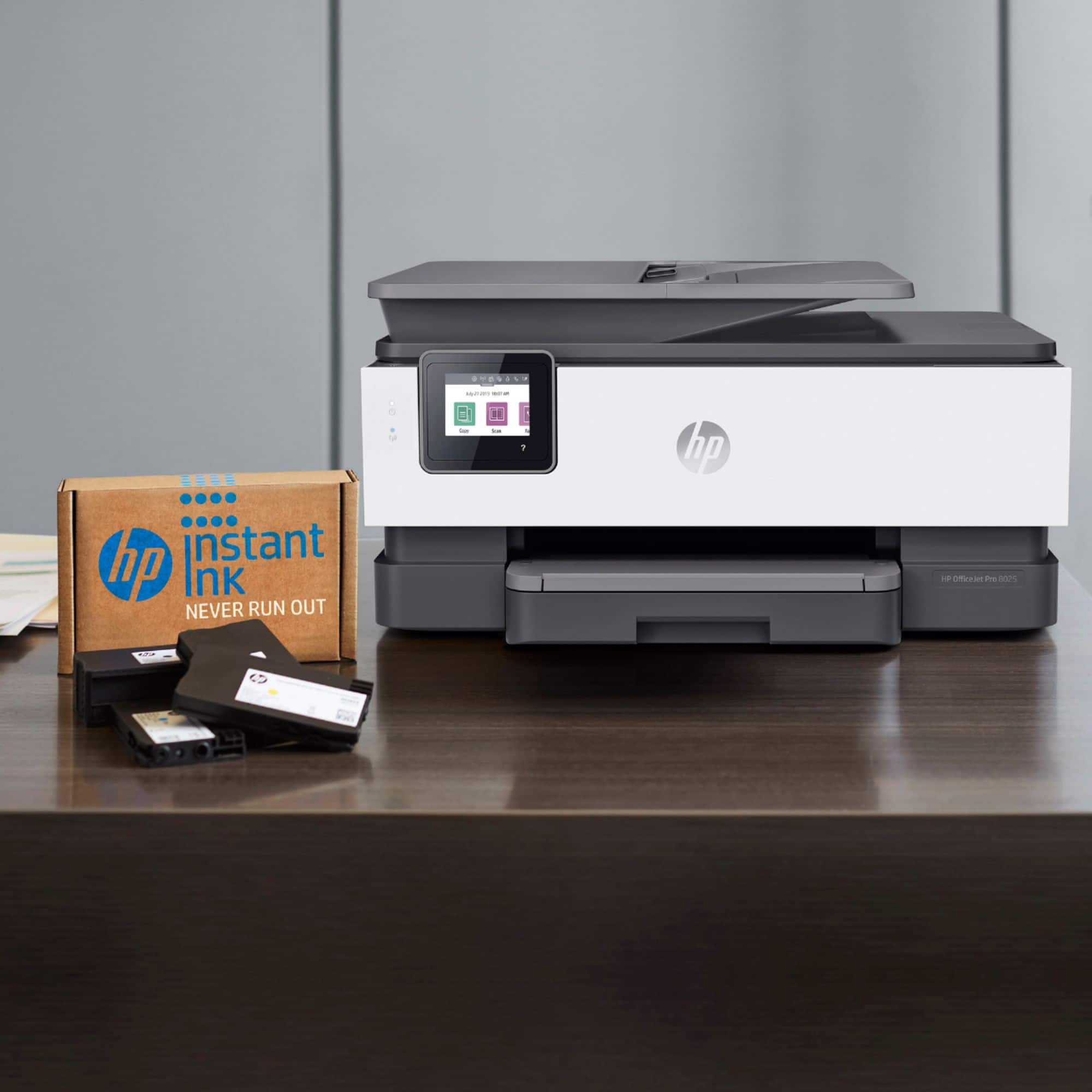
A:AnswerThe Officejet Pro 8035 printer comes with 8 months of HP Instant Ink on the $4.99 plan, which is 100 pages a month. Here is a link to the printer:
https://www.bestbuy.com/site/hp-officejet-pro-8035-wireless-all-in-one-inkjet-printer-with-8-months-of-instant-ink-included-basalt-white/6335313.p?skuId=6335313
A:AnswerBecause the ink also acts as a lubricant for the print head, the colored cartridges need at least some ink to keep from rapidly wearing out the print head.
A:AnswerI do not want to know what the HP people say because they say "automatically" some say that and are manual movement of the paper. Is the process mechanical/automated?? Don't reply with what the HP documentation says I need a real user to anwer.
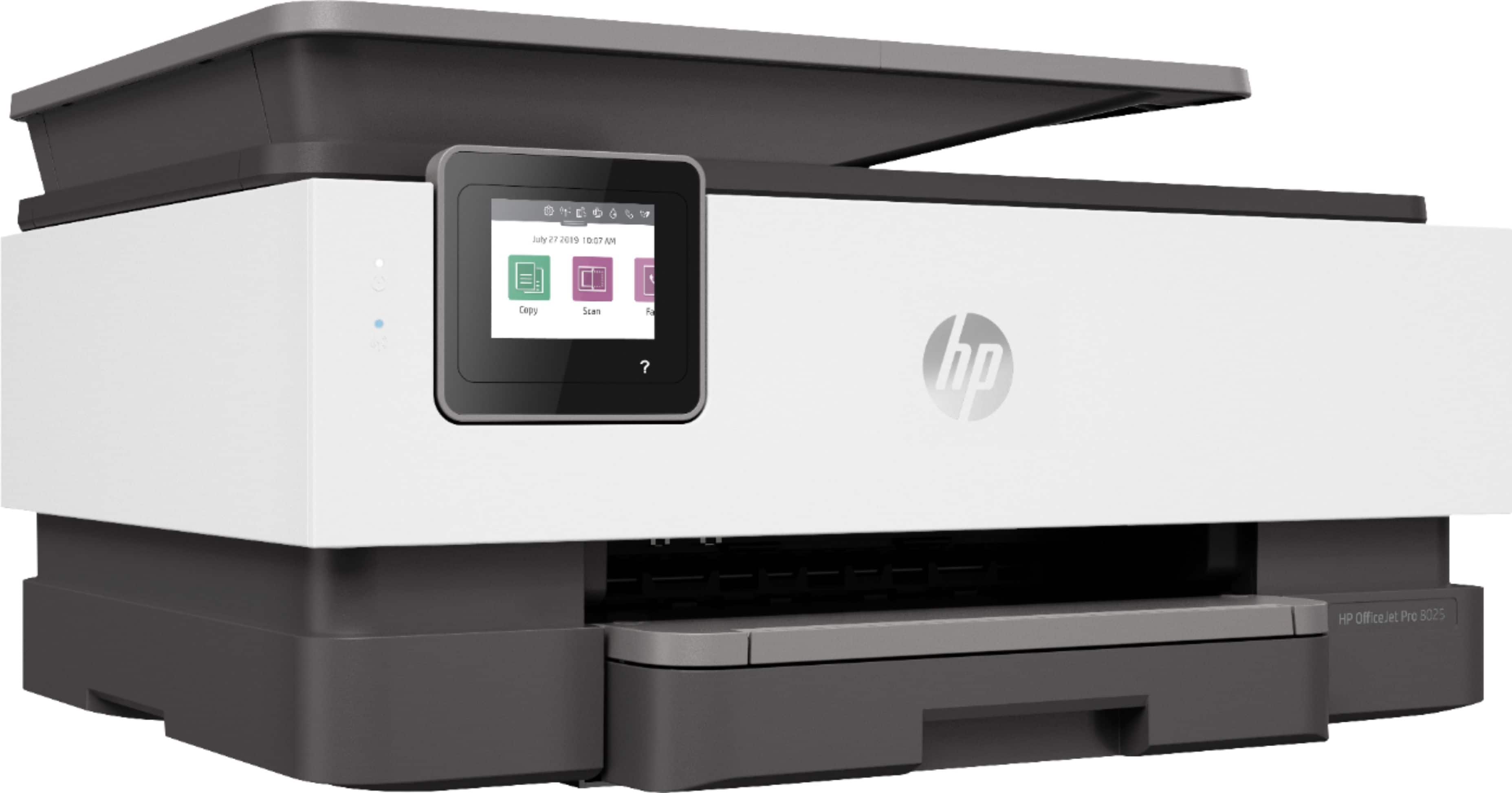
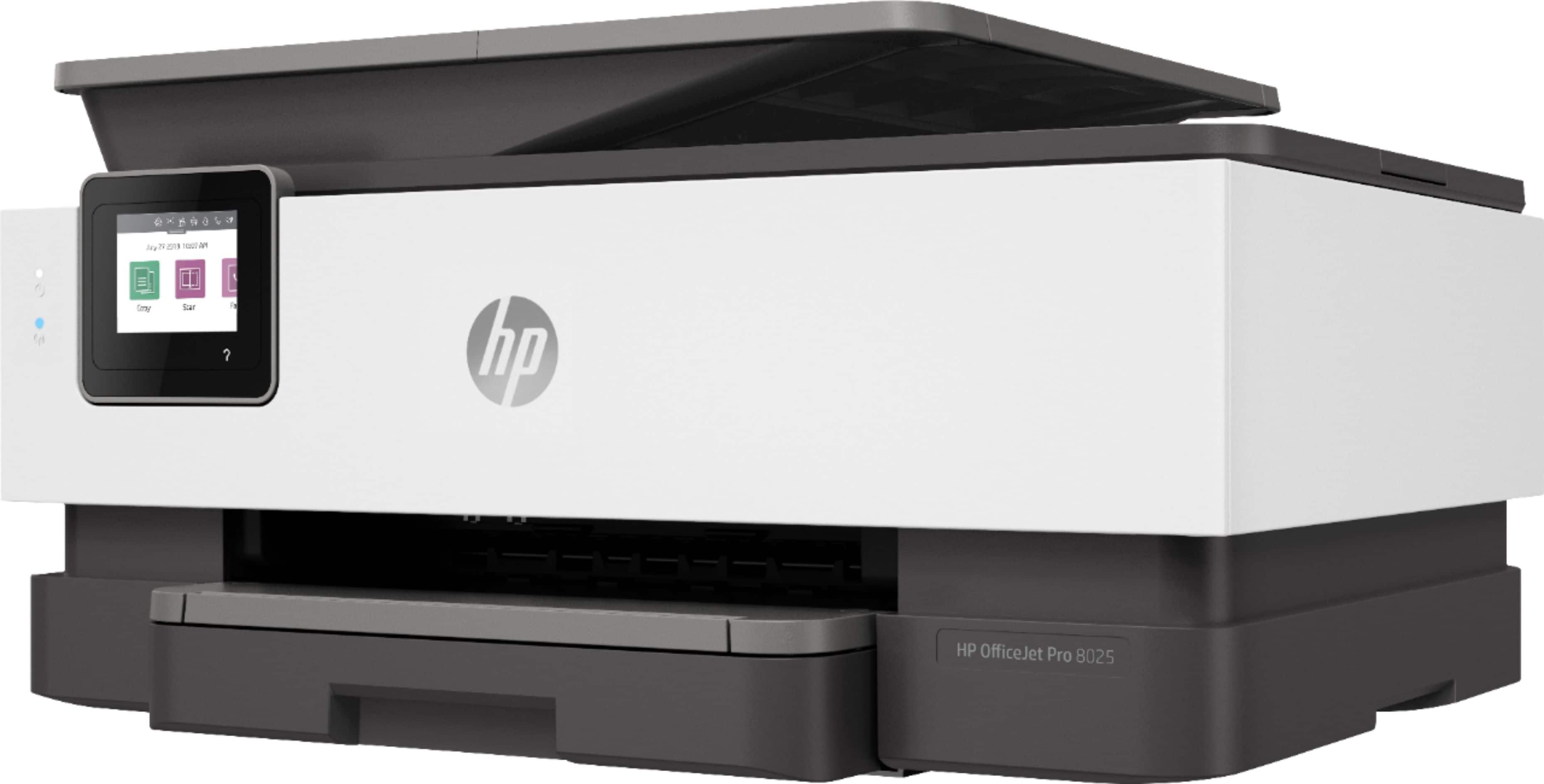
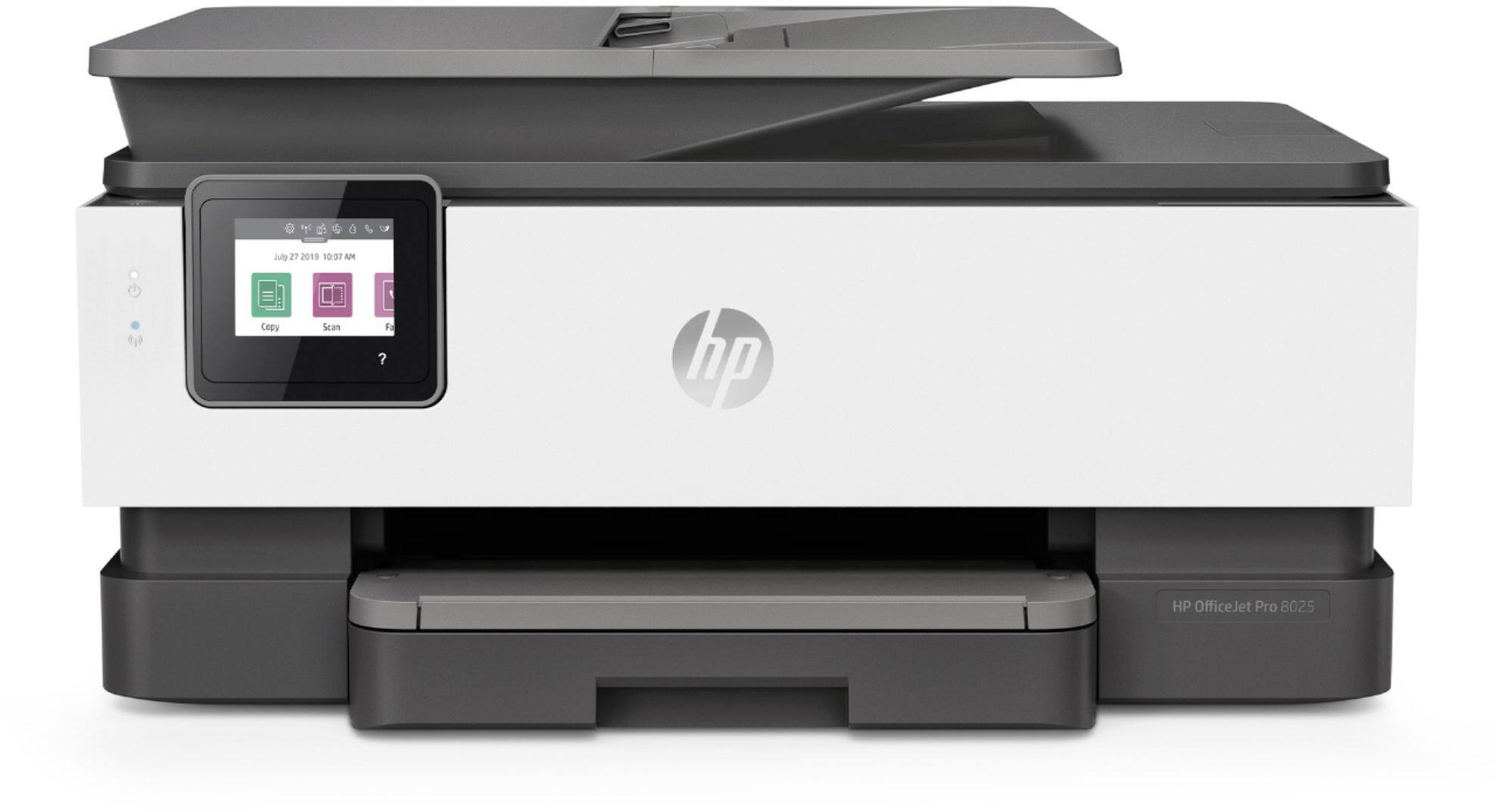
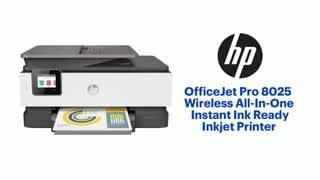
A:AnswerYou cannot print if one of the cartridges runs out of ink with the OfficeJet Pro 8025. This is a protection mechanism because the printhead is built into the printer and printing with an empty cartridge will send air through the printhead, causing printhead failure. (Printheads are built into the printer in all HP 4 cartridge models, in the two cartridge models like the Envy printers the printhead is in the cartridge, so an empty cartridge is no problem.)
A:AnswerBest buy rep confirmed via chat 100% that the cover comes with the printer. I have the full conversation saved. I would like to know what Best Buy is going to do about that.
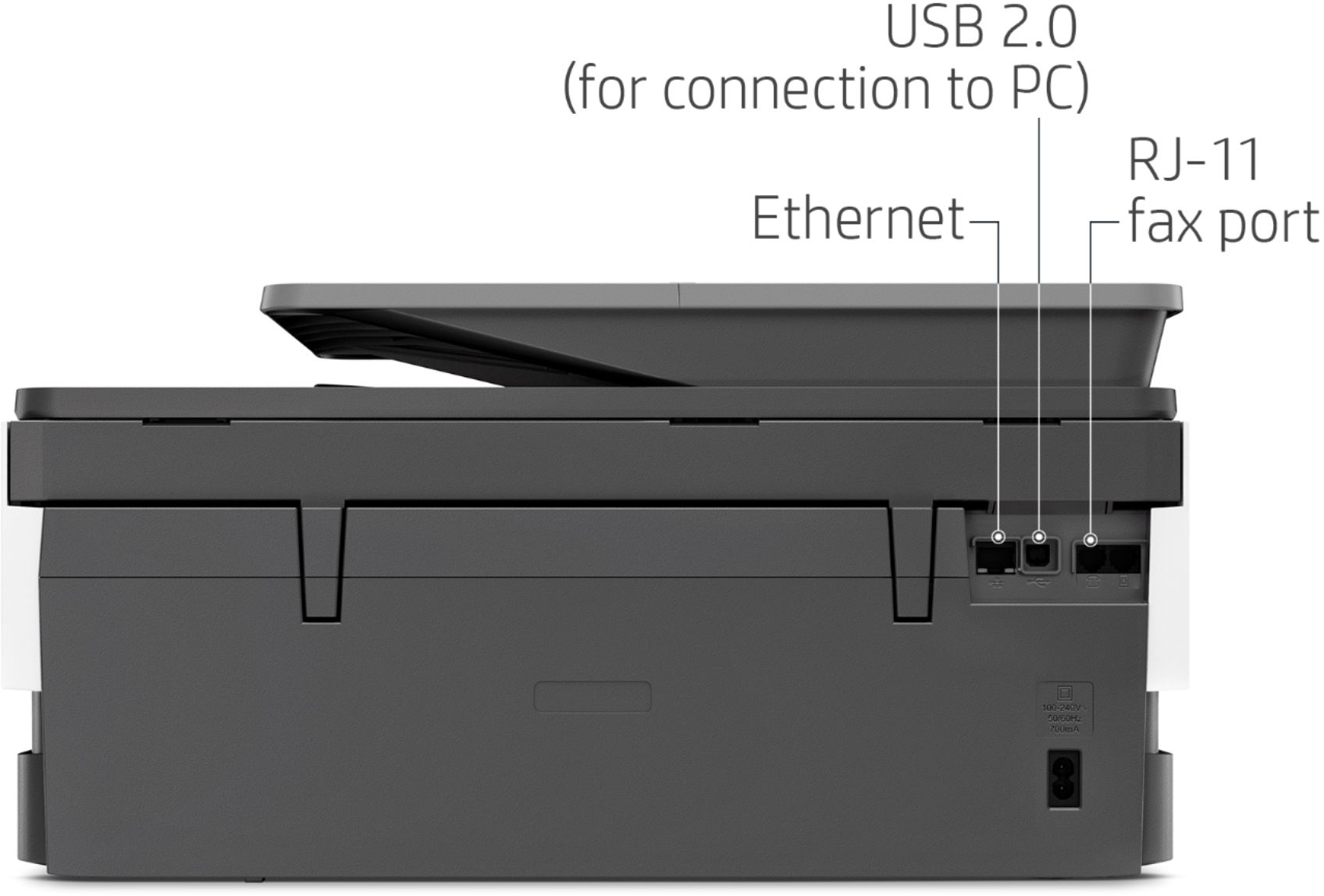
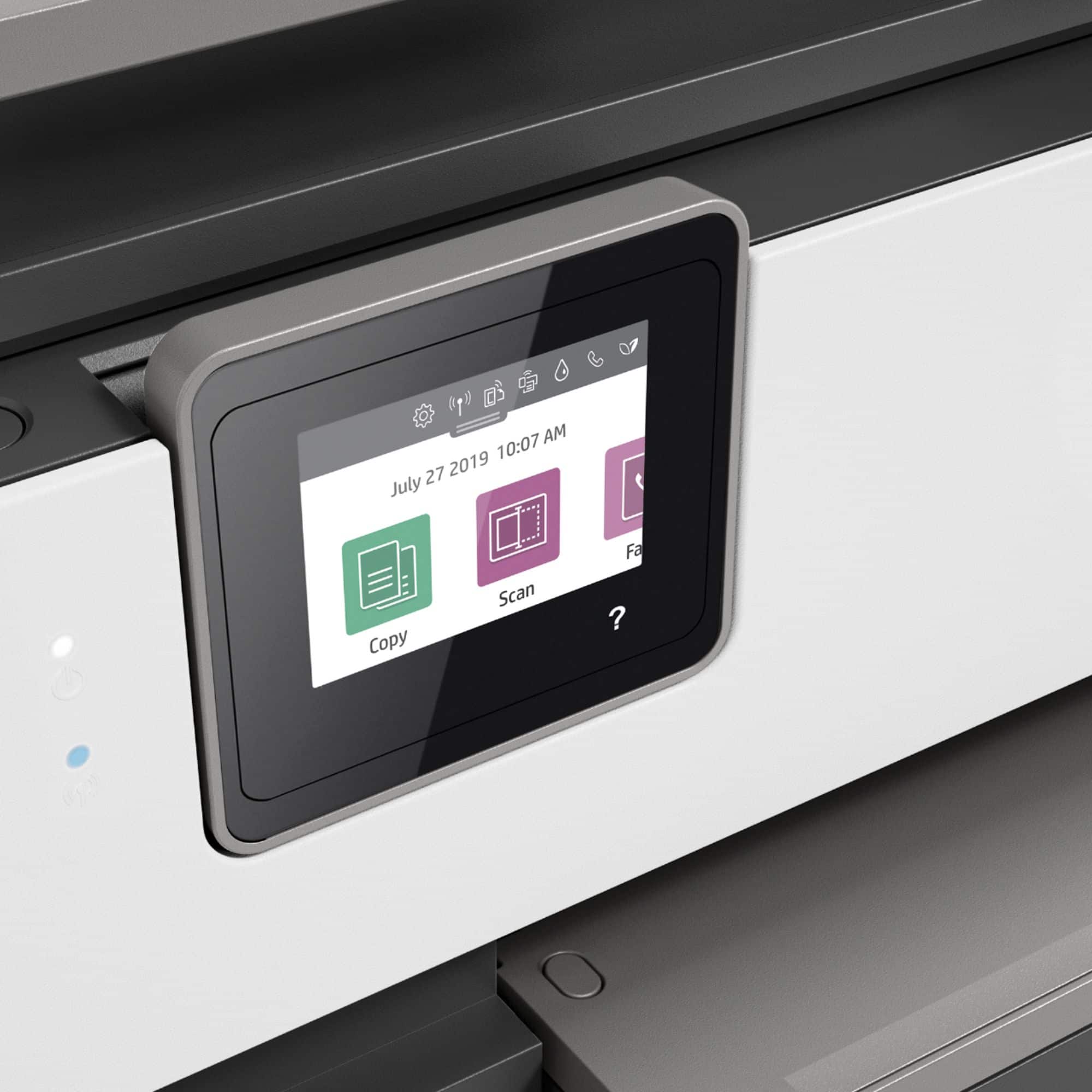
A:AnswerThe OfficeJet Pro 8025 can scan to your computer but not to email. The next level up printer, the OfficeJet Pro 9015 does have the ability to scan to email along with scan to network folder; scan to SharePoint and scan to thumb drive.
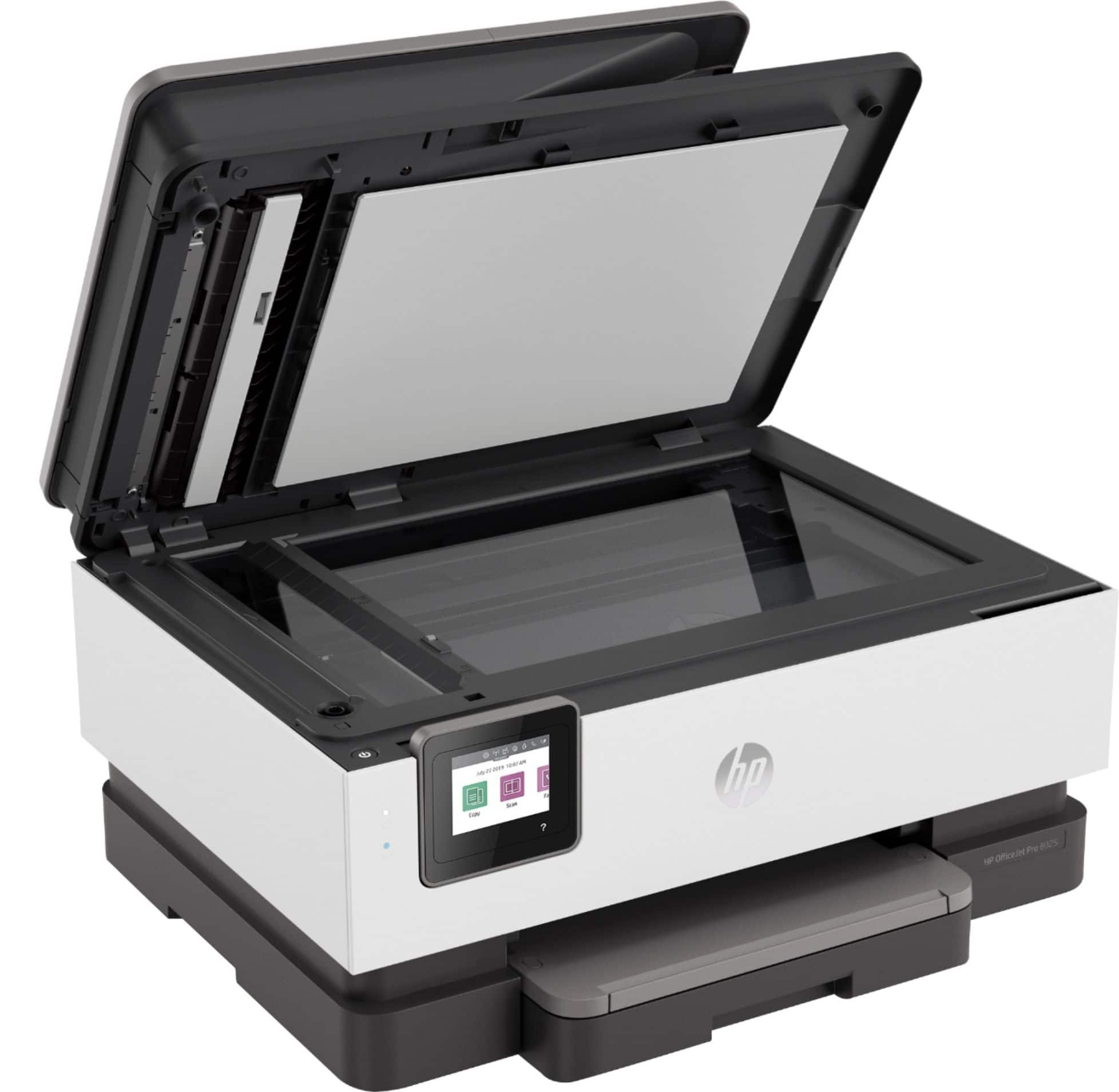
A:AnswerYes, this printer has automatic feeding of paper from the tray for printing as well as an automatic document feeder for scanning multiple pages.