Questions & Answers
- Model:
- 4KJ65A#B1H
- |
- SKU:
- 6335315
Q: QuestionHow is the print quality for promotional materials like brochures?
Asked by chrylr.
- A:Answer Great ink quality, but you might consider the type of paper that you would use for each project.
Answered by Believe11
Q: QuestionWill this printer work with sublimation dye?
Asked by Anonymous.
- A:Answer no it doesn't have the ability to carry it in the tray
Answered by FuzzyW
Q: QuestionHi Does HP - OfficeJet Pro 8035 printer work with windows 7
Asked by Anonymous.
- A:Answer Yes.
Answered by Xsubxwooferx
Q: QuestionCan you print photos from a computer or iPhone? What is the resolution and photo paper size that it will take?
Asked by Ned.
- A:Answer Yes, you can, provided that you have photo paper loaded in the tray! This printer can support up to legal size (8.5x14) paper, and printing resolution yields up to 4800x1200.
Answered by HP Team

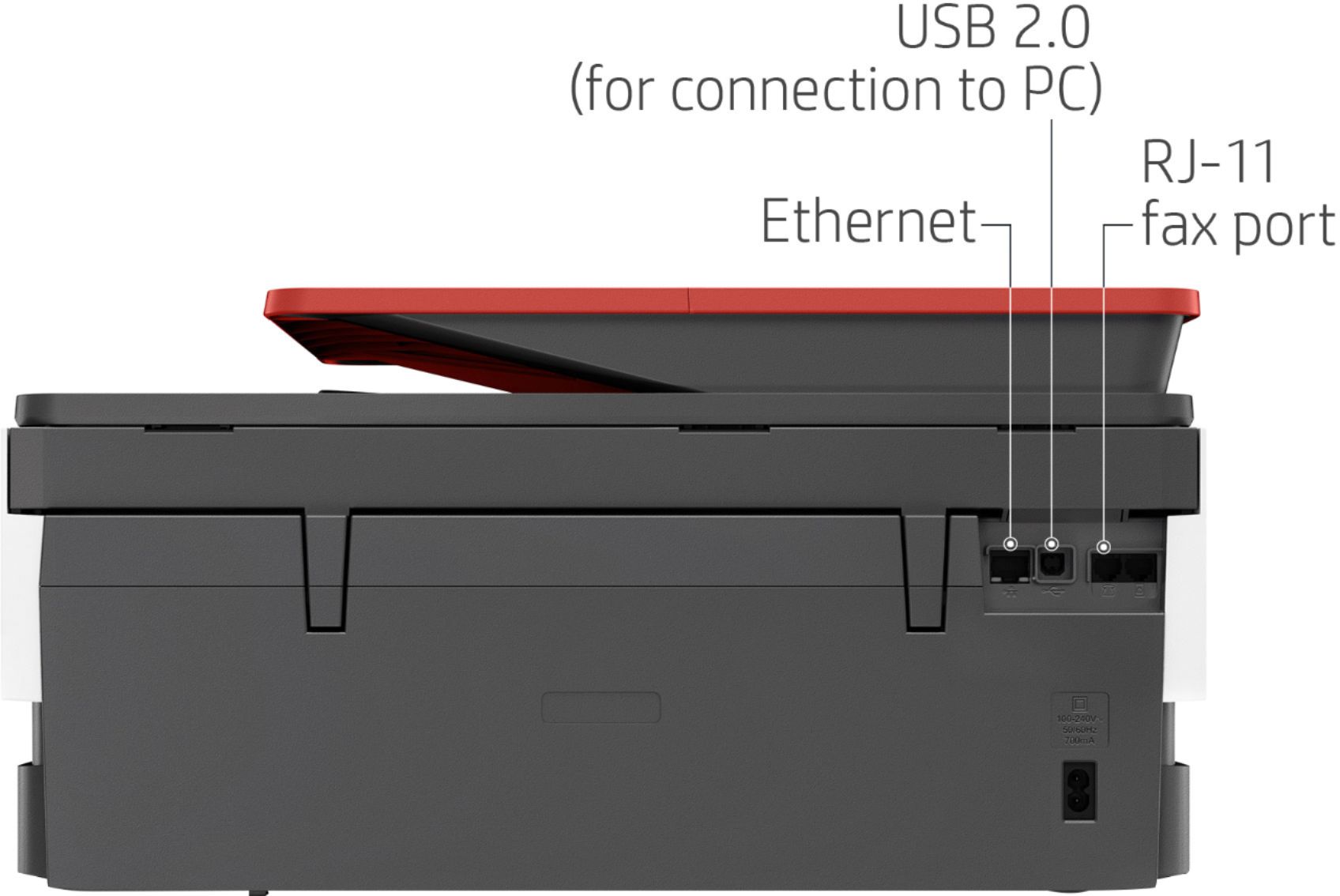
Q: QuestionSystem requirements state that this only works with OS 10.11 or higher. Is that just to use the wireless or could you use an older Mac with OS X Yosemite with a cable (wired)? If so, would you be able to not only print but also scan?
Asked by KDee.
- A:Answer I believe that the printer will work fine with an older Operating System.
Answered by NC1011
Q: QuestionDoes the machine receive faxes
Asked by Jess.
- A:Answer Yes, it has fax capability, both receiving and sending.
Answered by SeeksQuality
Q: QuestionDoes this print 11" x 17" pages?
Asked by Rebeca.
This question was asked about the related product: HP - OfficeJet Pro 8035 Wireless All-In-One Instant Ink Ready Inkjet Printer - Oasis/White/Gray
- A:Answer No, this printer does not support 11 x 17 inches page.
Answered by CommunityAnswer
Q: QuestionHow do you print envelops??
Asked by DR.
This question was asked about the related product: HP - OfficeJet Pro 8035e Wireless All-In-One Inkjet Printer with up to 12 months of Instant Ink Included with HP+ - Basalt
- A:Answer This link will walk you through how to print envelopes on the OfficeJet Pro 8035e printer. https://support.hp.com/in-en/product/hp-officejet-pro-8020-all-in-one-printer-series/24208622/document/ish_2423765-1862132-16
Answered by HP Team

Q: QuestionWhere is the ink cartridge located, and how do I order replacement
Asked by Dian.
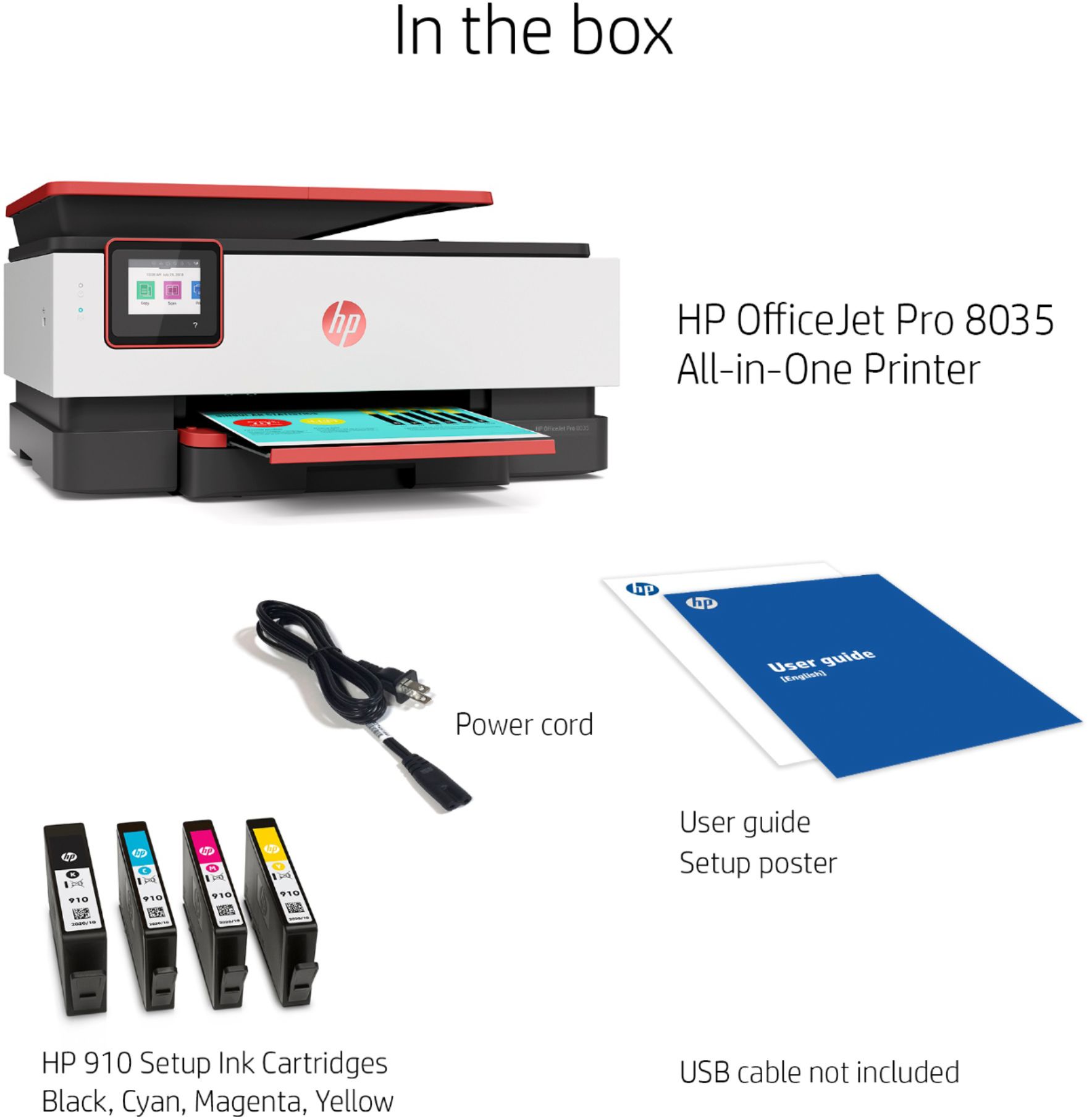
- A:Answer Thank you for the question. Your first set of cartridges is included with the printer. To avail yourself of the free ink coverage offer, register for a print plan after you set up the printer. Replacements will be sent to you before you run out of ink. The OfficeJet Pro 8035 accepts HP 910 ink cartridges, should you opt to purchase replacements at your favorite retailer.
Answered by HP Team

Q: QuestionIs this printer compatible with a 5G WiFi network, or is better suited for a slower speed of 2G?
Asked by Hugh.
This question was asked about the related product: HP - OfficeJet Pro 8035e Wireless All-In-One Inkjet Printer with up to 12 months of Instant Ink Included with HP+ - Basalt
- A:Answer Hi, thank you for the question. The HP OfficeJet Pro 8035e is compatible with a 5GHz wireless network.
Answered by HP Team

Q: QuestionWhat is the paper capacity? Are there printers with deeper trays?
Asked by Anonymous.
This question was asked about the related product: HP - OfficeJet Pro 8035e Wireless All-In-One Inkjet Printer with up to 12 months of Instant Ink Included with HP+ - Basalt
- A:Answer Thank you for your question! This model has a 225-sheet input capacity (one tray). Regarding your second question, also consider the HP OfficeJet Pro 9025e which has a 500-sheet input capacity (two trays) plus single-pass, two-sided scanning: https://www.bestbuy.com/site/hp-officejet-pro-9025e-wireless-all-in-one-inkjet-printer-with-6-months-of-instant-ink-included-with-hp-white/6450665.p?skuId=6450665
Answered by HP Team

Q: Questioncan this printer print on legal paper
Asked by She.
This question was asked about the related product: HP - OfficeJet Pro 8035e Wireless All-In-One Inkjet Printer with up to 12 months of Instant Ink Included with HP+ - Basalt
- A:Answer Absolutely you can!
Answered by Excellent
Q: QuestionDoes it automatically print on both sides of the paper?
Asked by Vicki.
- A:Answer Yes, this printer can print on both sides of the paper automatically.
Answered by HP Team

Q: QuestionCan photo paper be used with this printer?
Asked by Anonymous.
- A:Answer Yes, you can use photo paper with this HP Officejet Pro 8035 printer. We recommend using HP Everyday, HP Advanced, or HP Premium Plus photo paper.
Answered by HP Team

Q: QuestionDoes this printer /all in one scanner, scan duplex?
Asked by Sheena1540.
- A:Answer The printer has auto sided printing. The 8035 will do two-sided scanning, but it is manual not auto 2 sided.
Answered by HP Team

Q: Questionmy printer came with an 8 monthe free intant ink plan- how does that work? what do I need to do to get the ink delivered
Asked by ink.
- A:Answer There are instructions included detailing how you do it. It involves setting up an HP account. I followed the steps and have had one ink delivery with no problem.
Answered by SFpup
Q: Questioncan I print from my Android
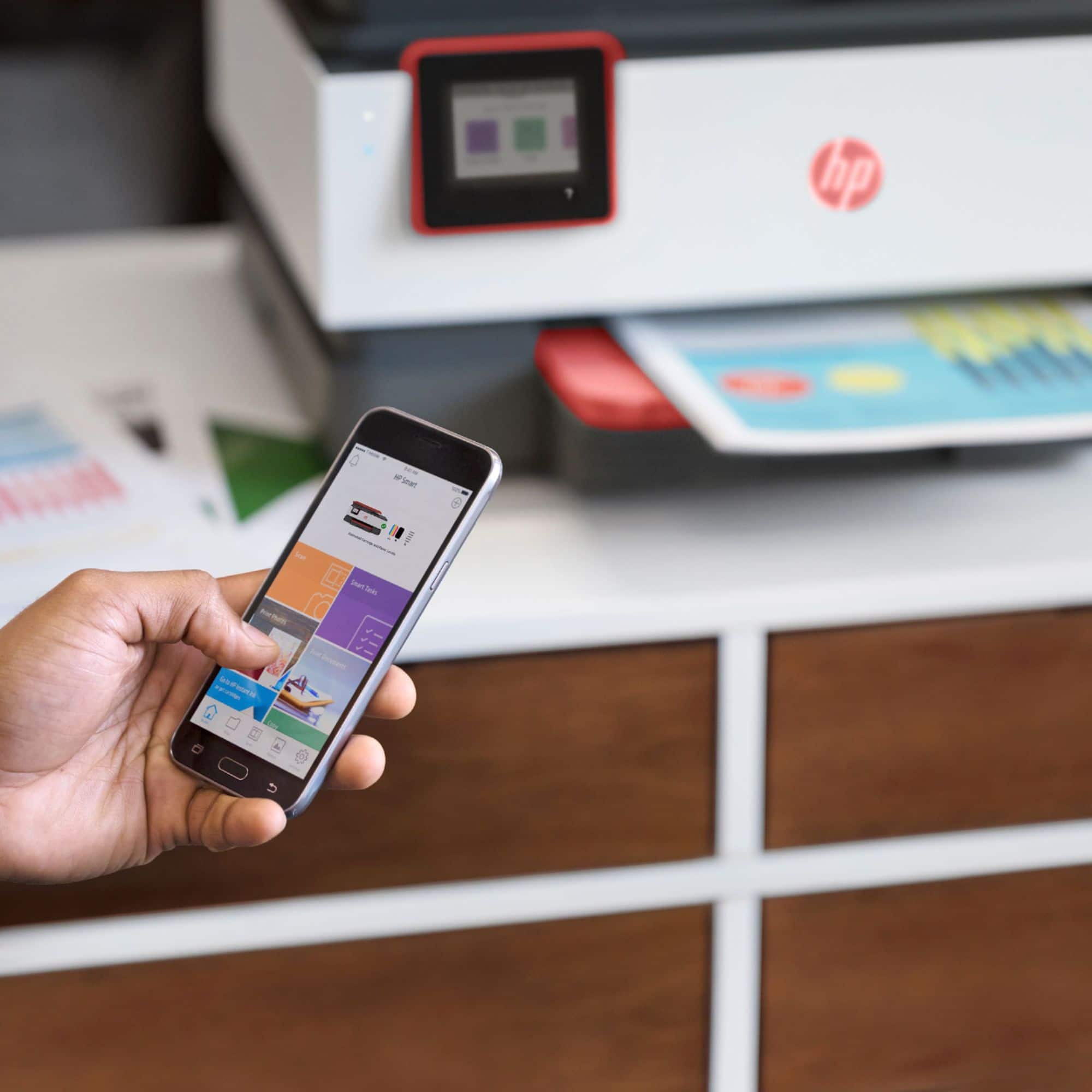
Asked by Cecilia.
- A:Answer Yes if both phone and printer (hp) are on the same netowrk. Just press on three vertical buittons top right corner of the document window and selerct print. your printer model should show up
Answered by StephenD
Q: QuestionHow much are ink refills
Asked by Rich.
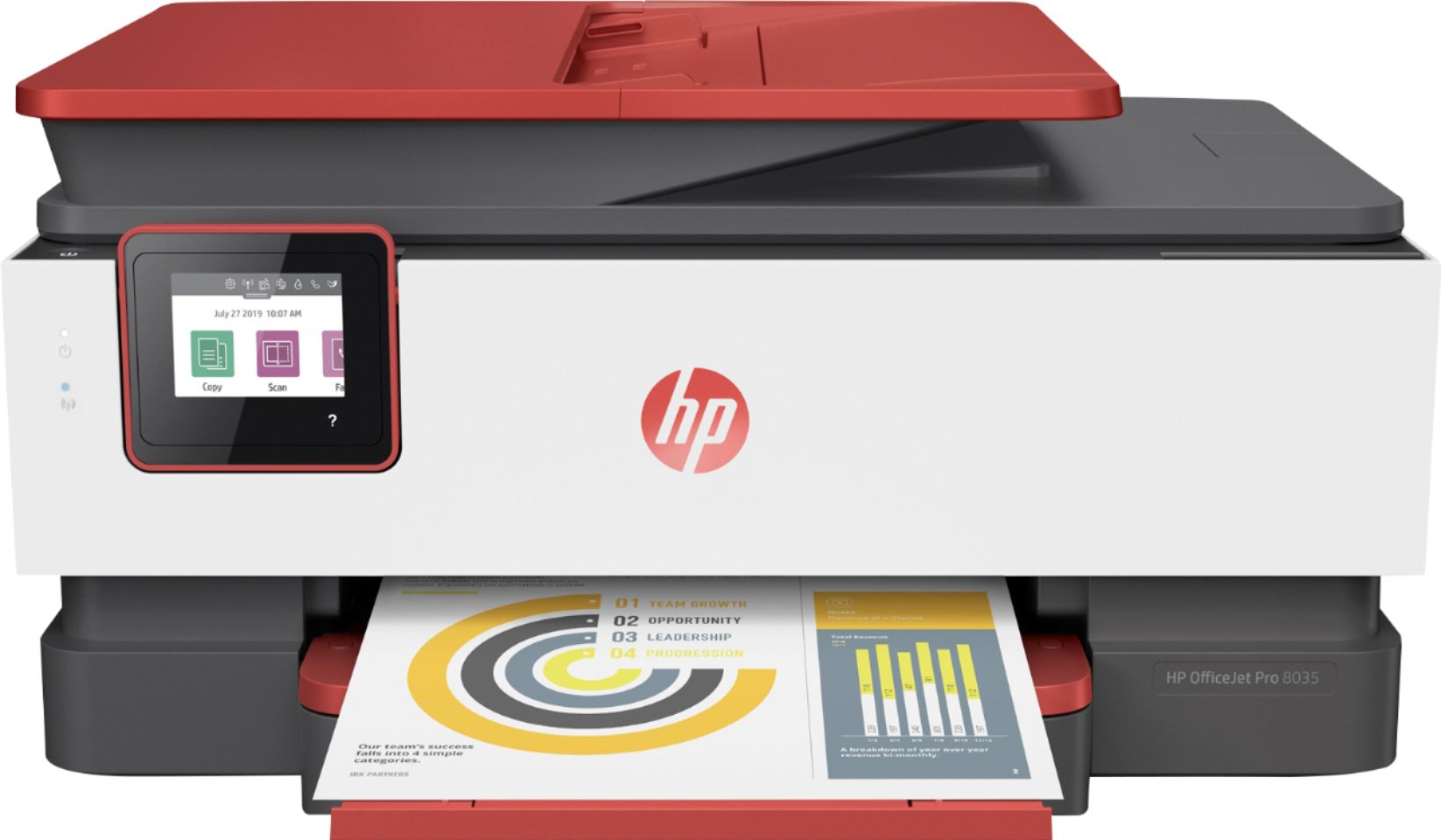
- A:Answer A set of the 910 ink cartridges will last about 300 pages. Because the price of ink changes regularly, check the Best Buy website for current prices.
Answered by HP Team

Q: QuestionDoes this printer have 2 sided printing & scanning?
Asked by KinseyM.
- A:Answer Yes
Answered by Danav
Most-viewed items
- Ultimate Deal$299.00$299.00
- $179.99$179.99The price was $329.99
- Ultimate Deal$299.00$299.00
- $59.99$59.99The price was $149.99
- New Limited Time Deal$1,299.99$1,299.99
- Ultimate Deal$159.99$159.99
- New Limited Time Deal$1,299.99$1,299.99
- Ultimate Deal$299.00$299.00