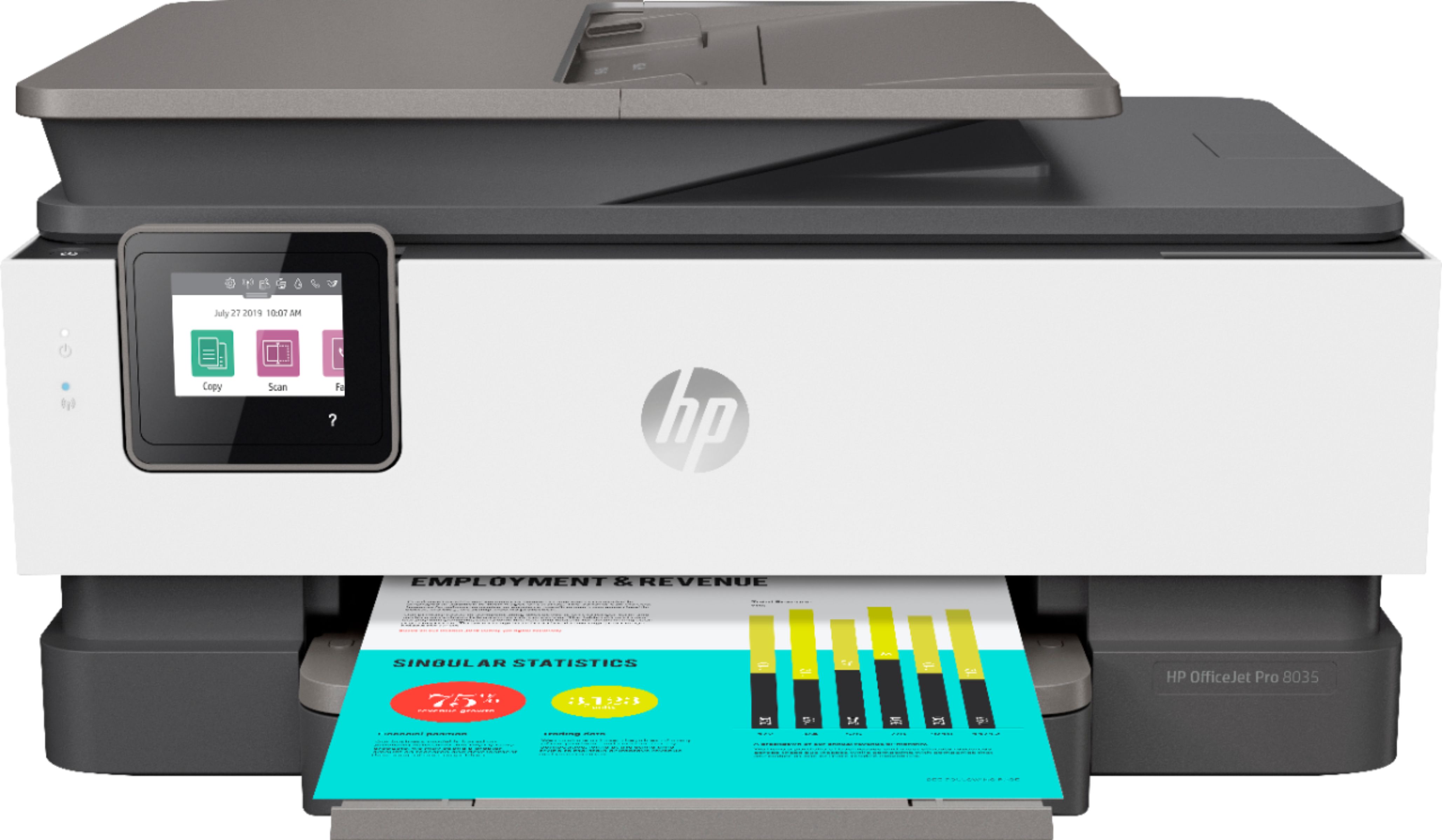
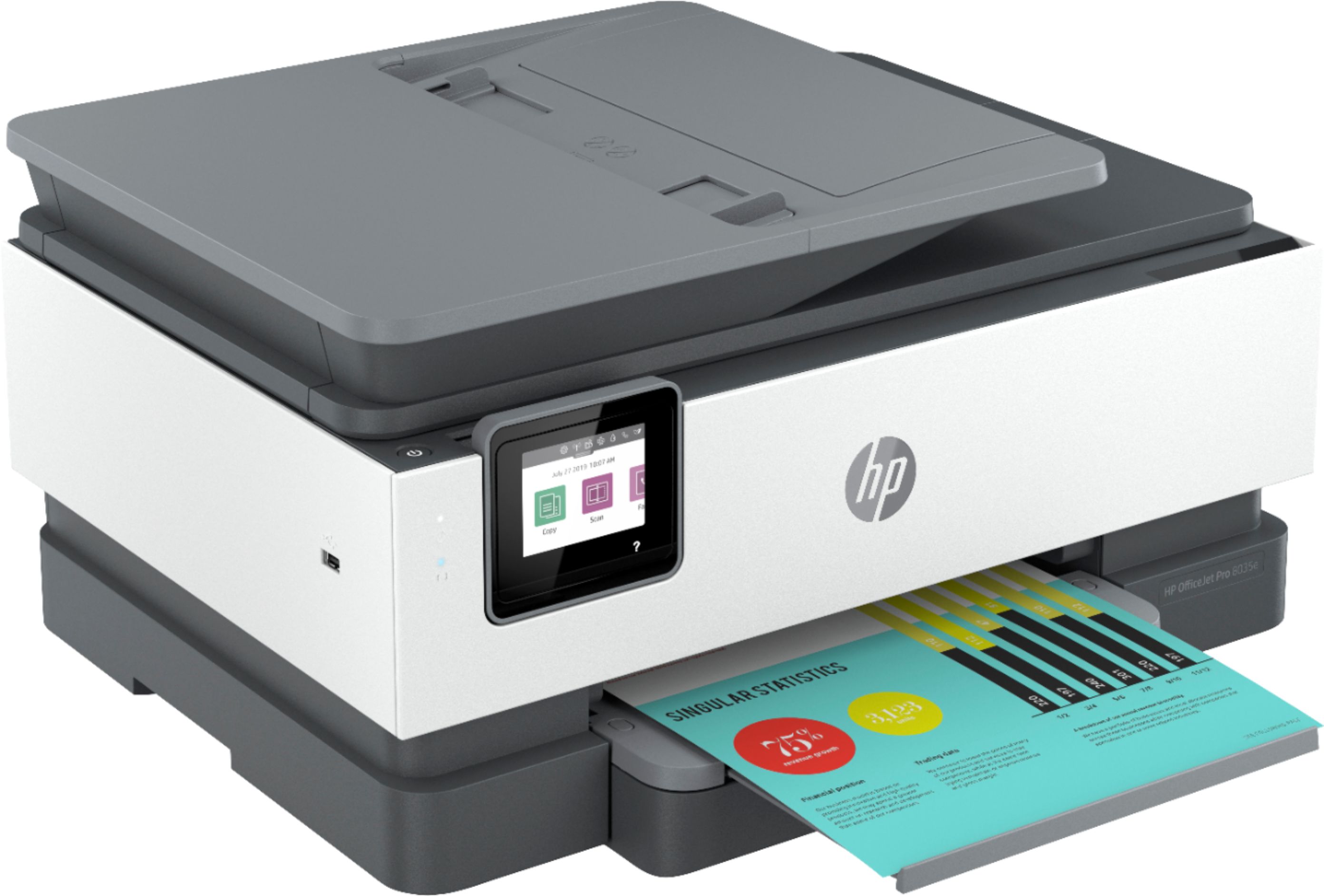
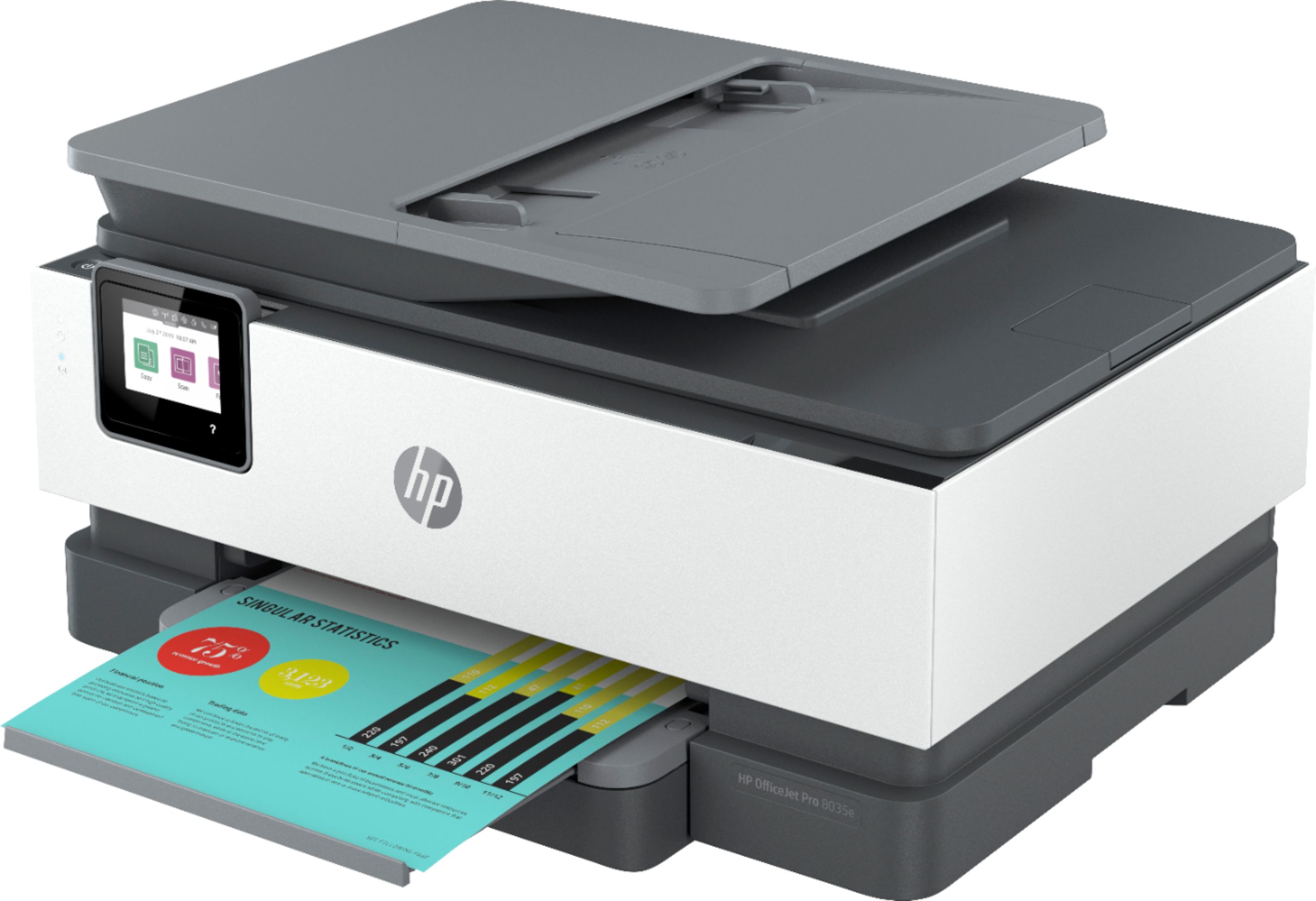
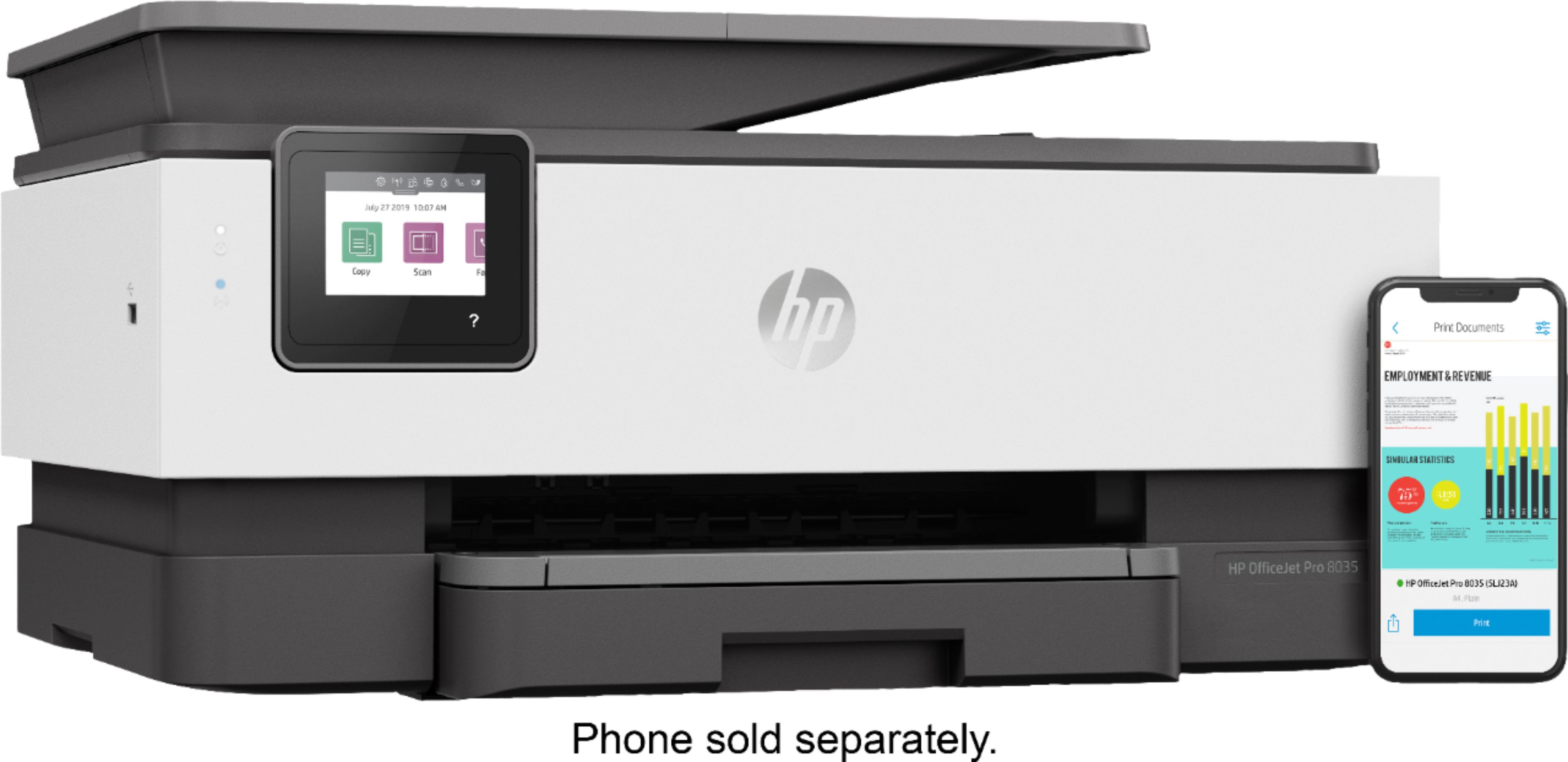
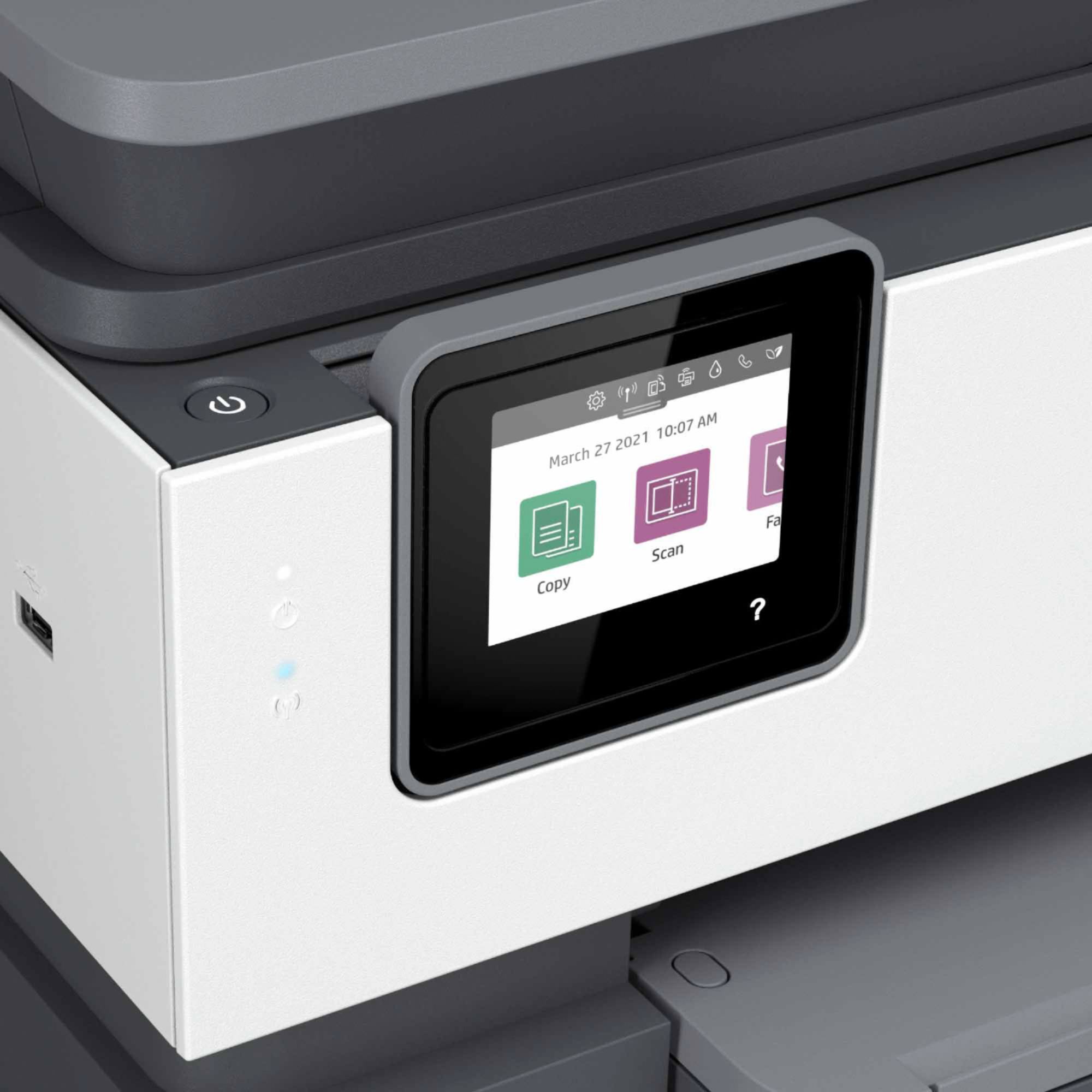
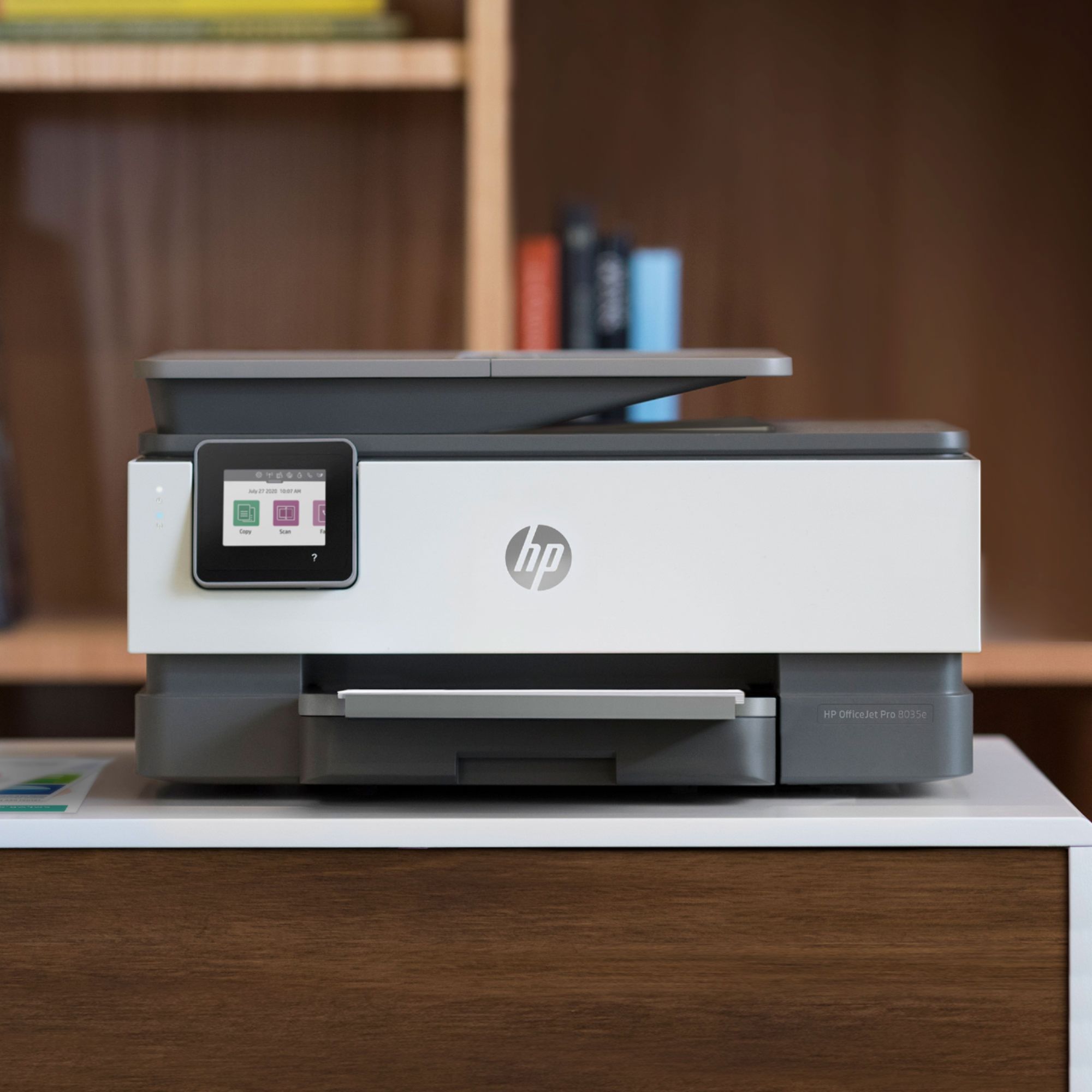
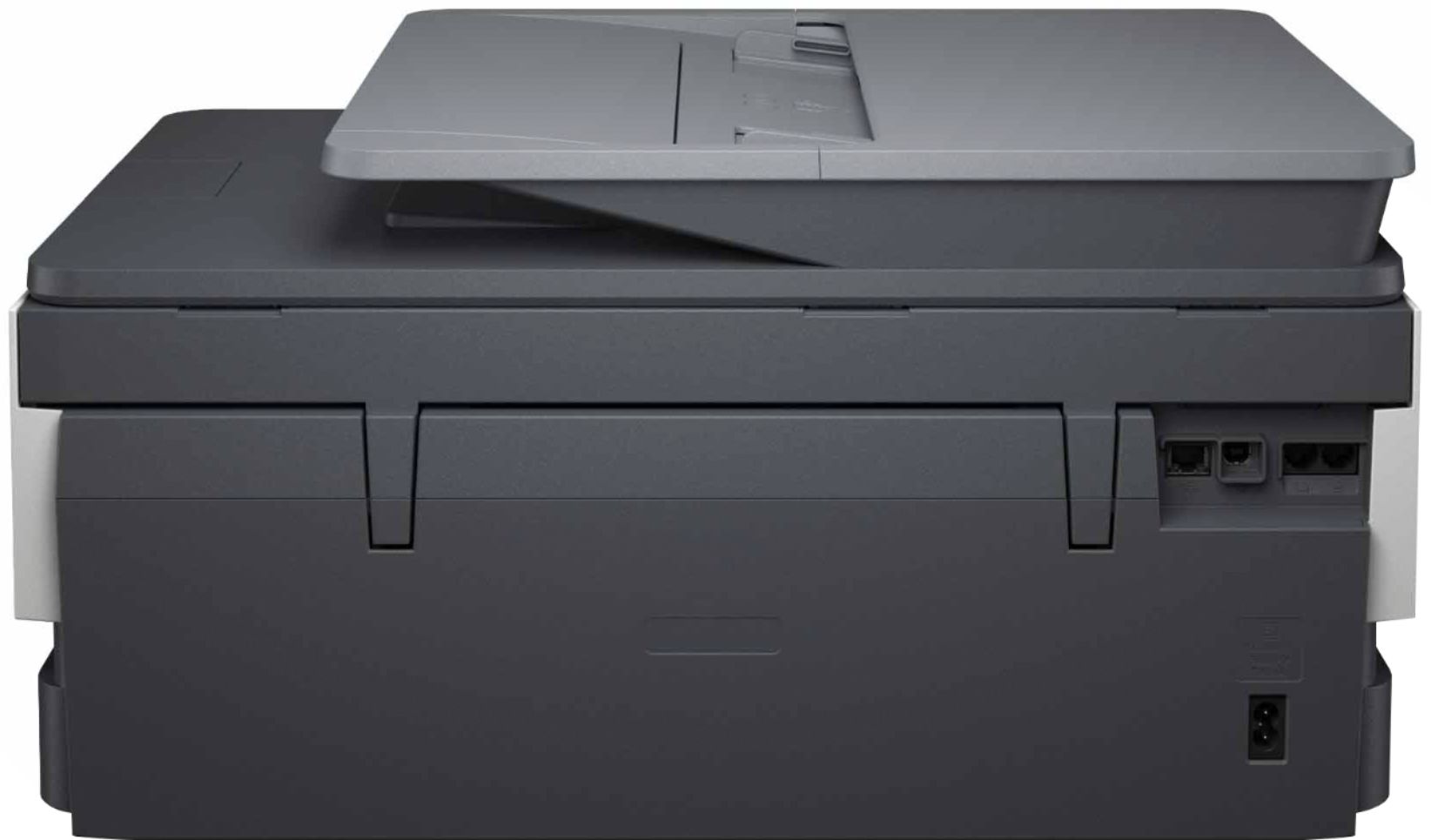
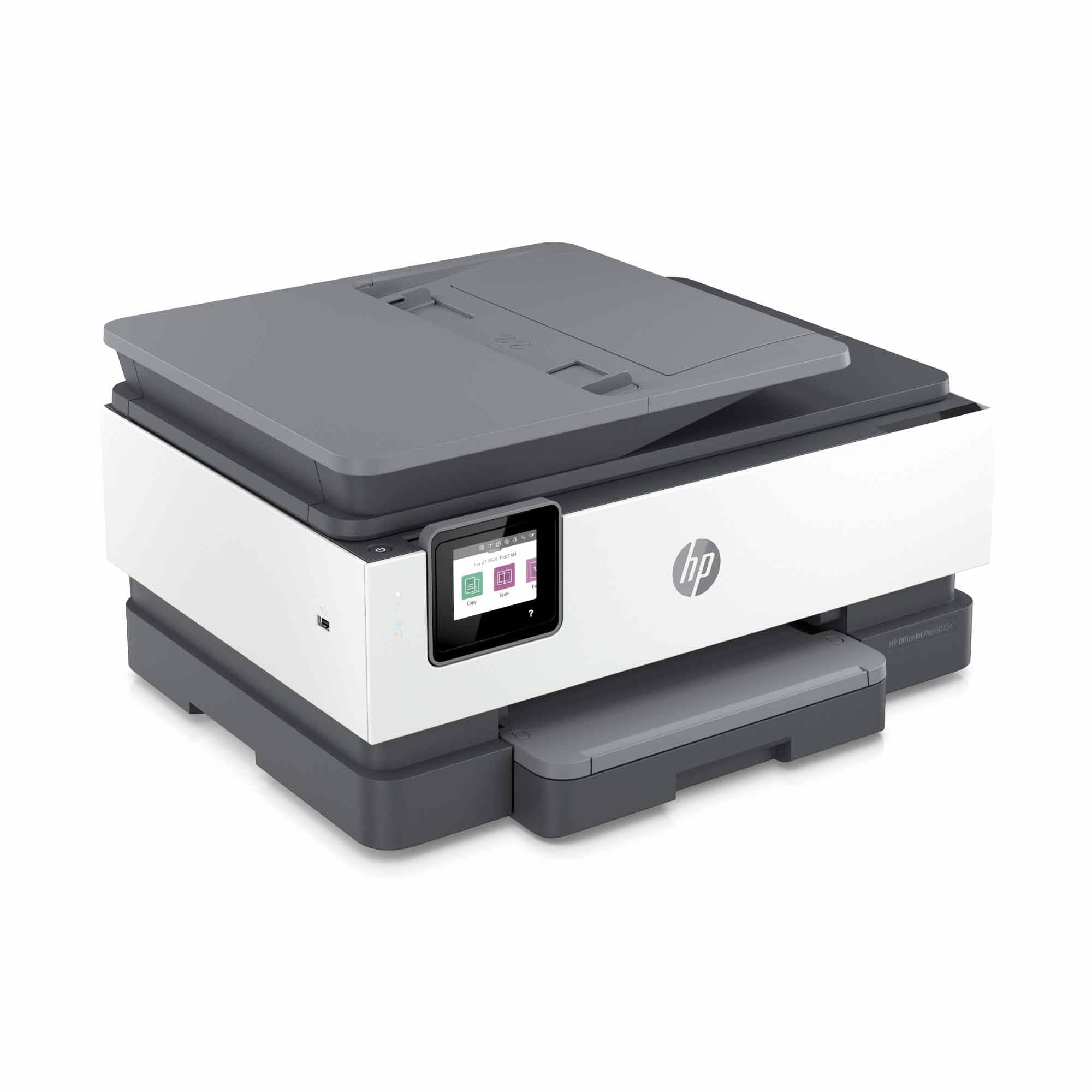
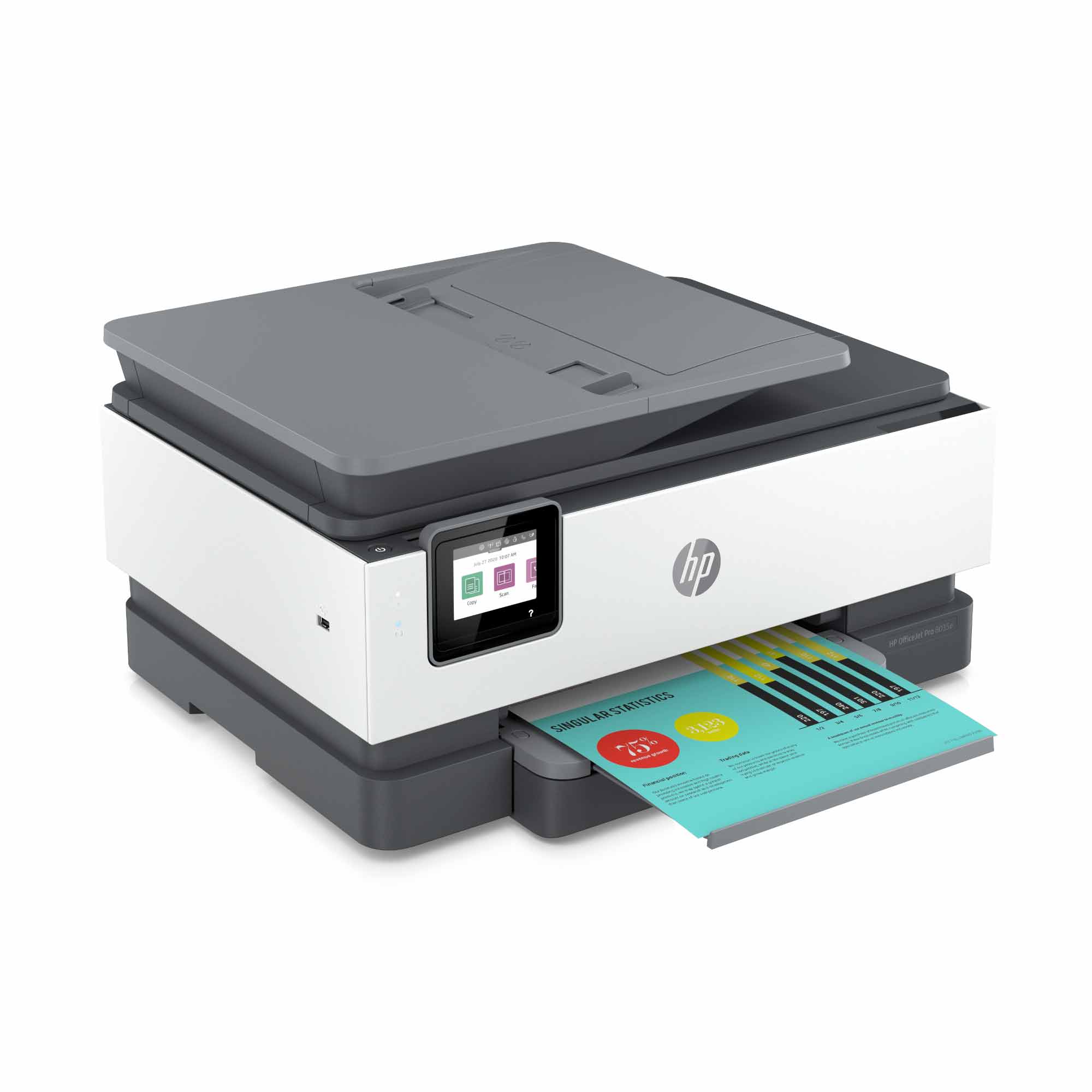
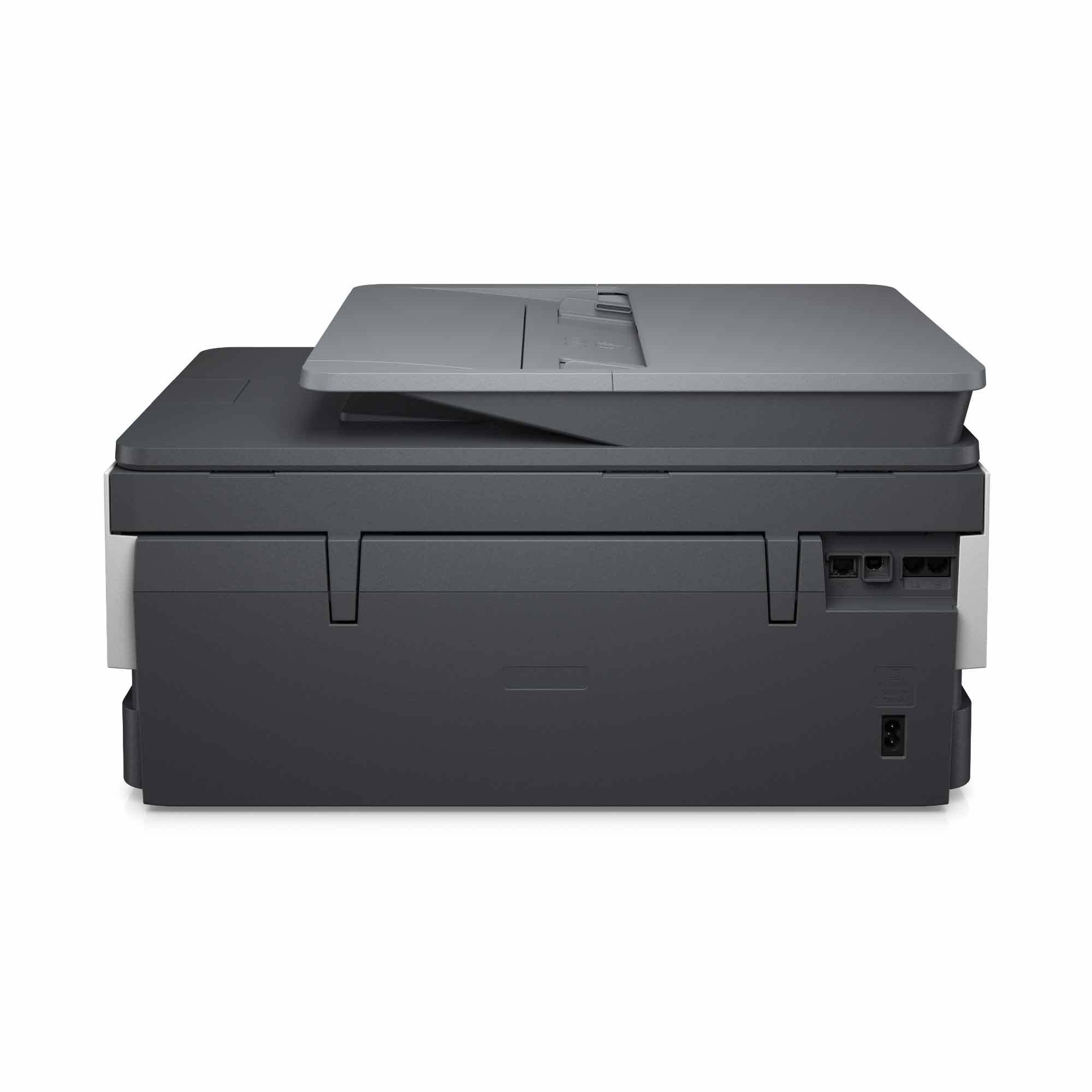
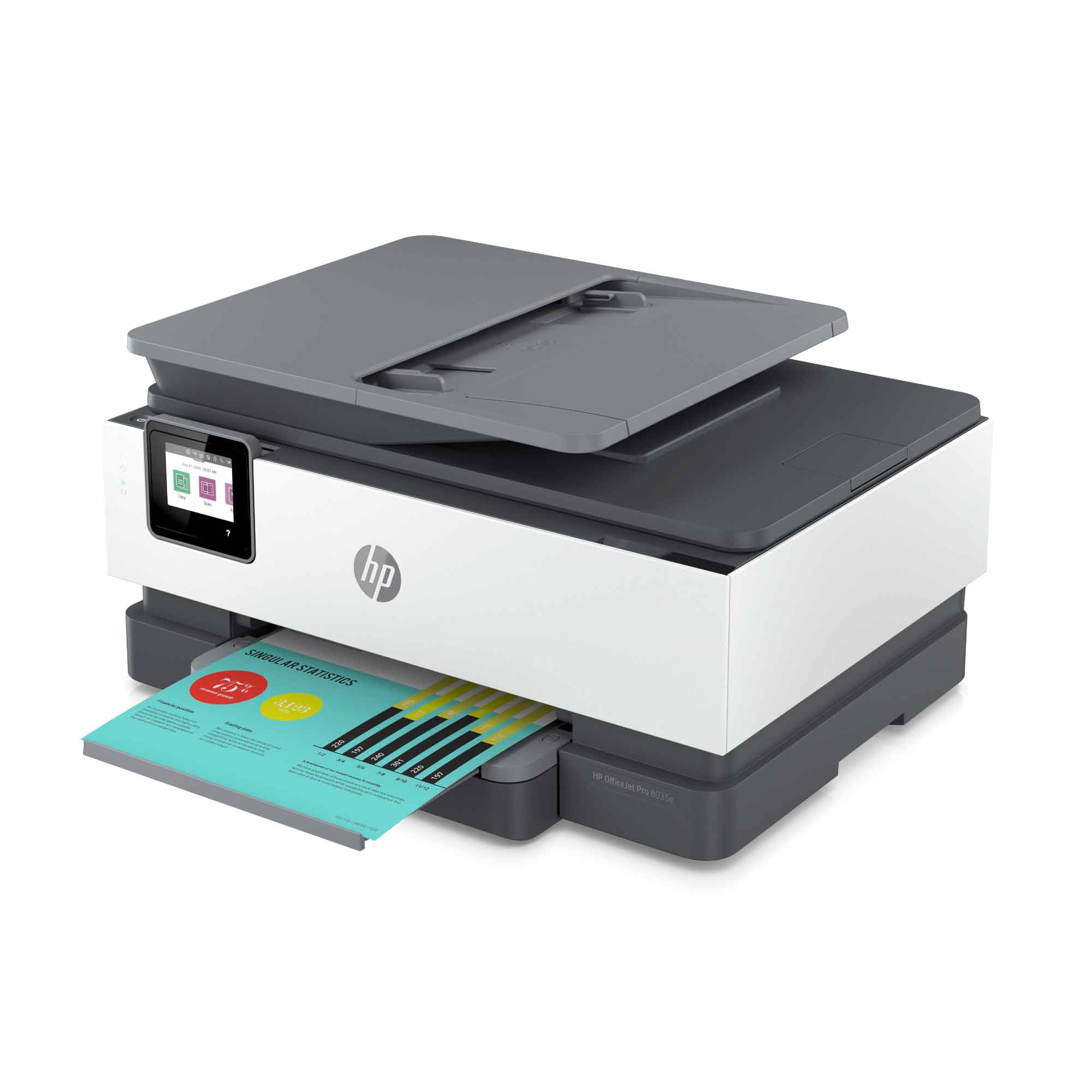
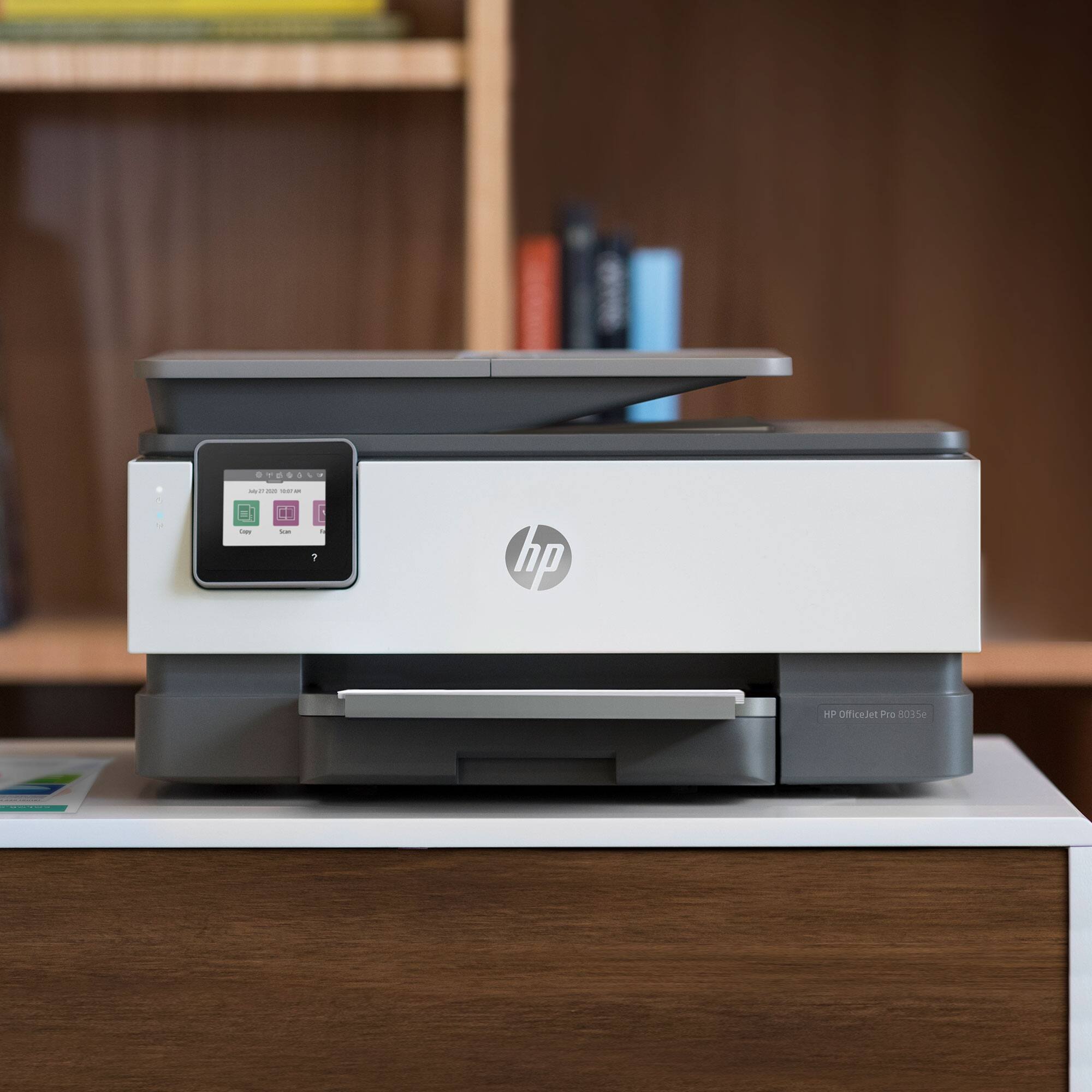
A:Answer With the printer turned on, lift the lid right below the scanning glass. When the print carriage stops, take the ink cartridge, remove any orange plastic "caps" and tilt the cartridge slighty so the back end is down. Slide the cartridge into the slot, then push gently but firmly on the front end of the cartridge so it snaps into place.