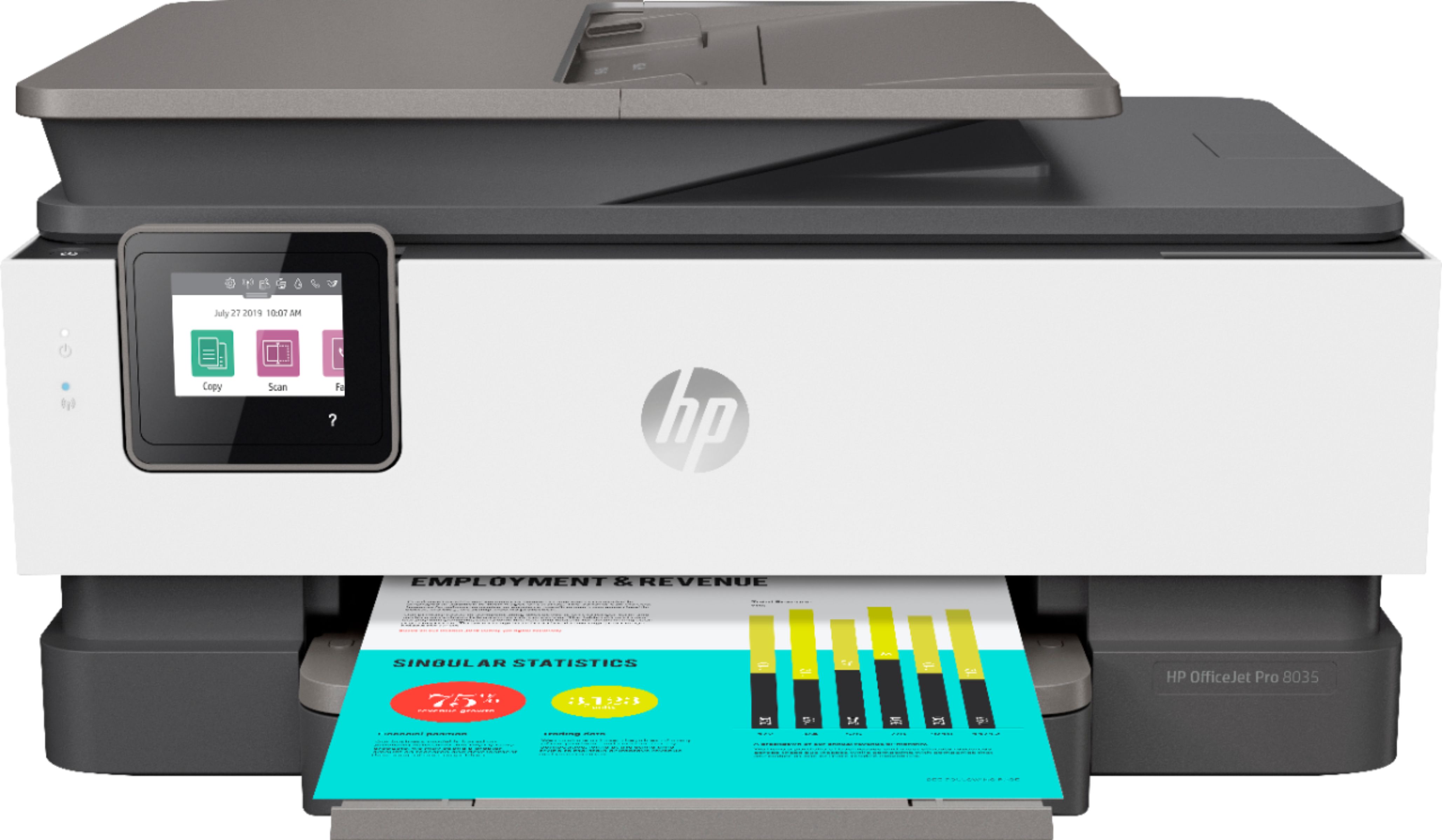
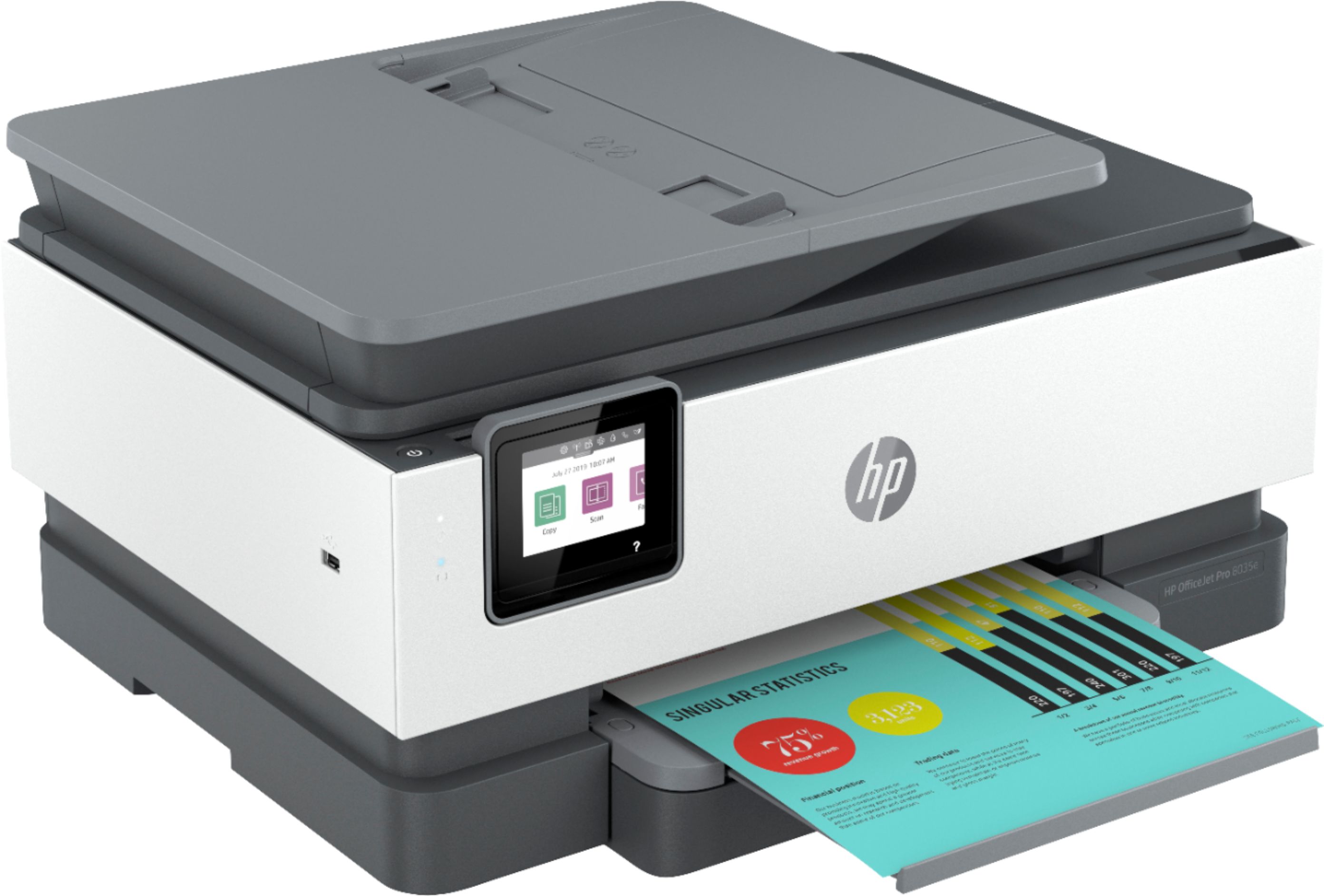
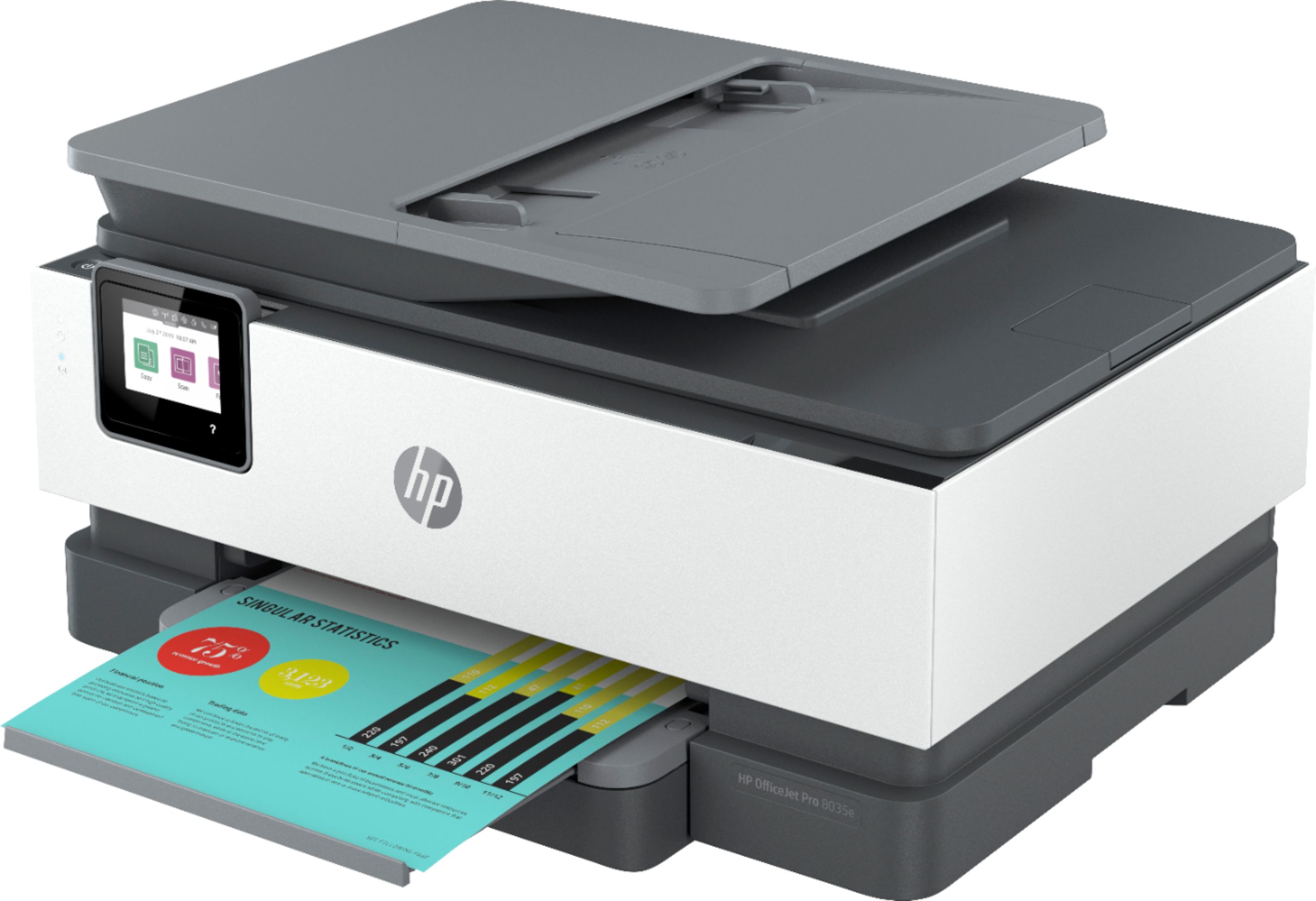
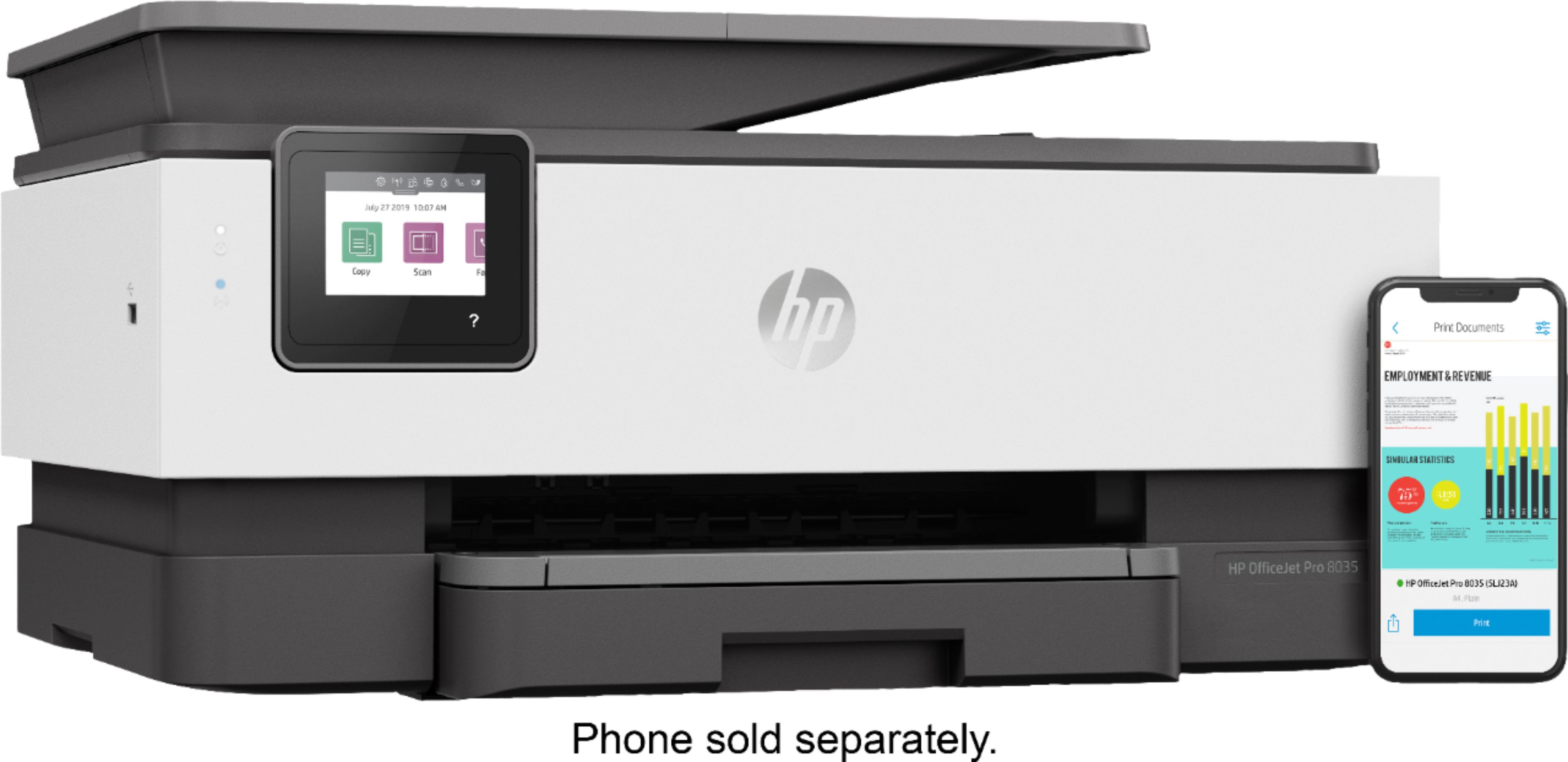
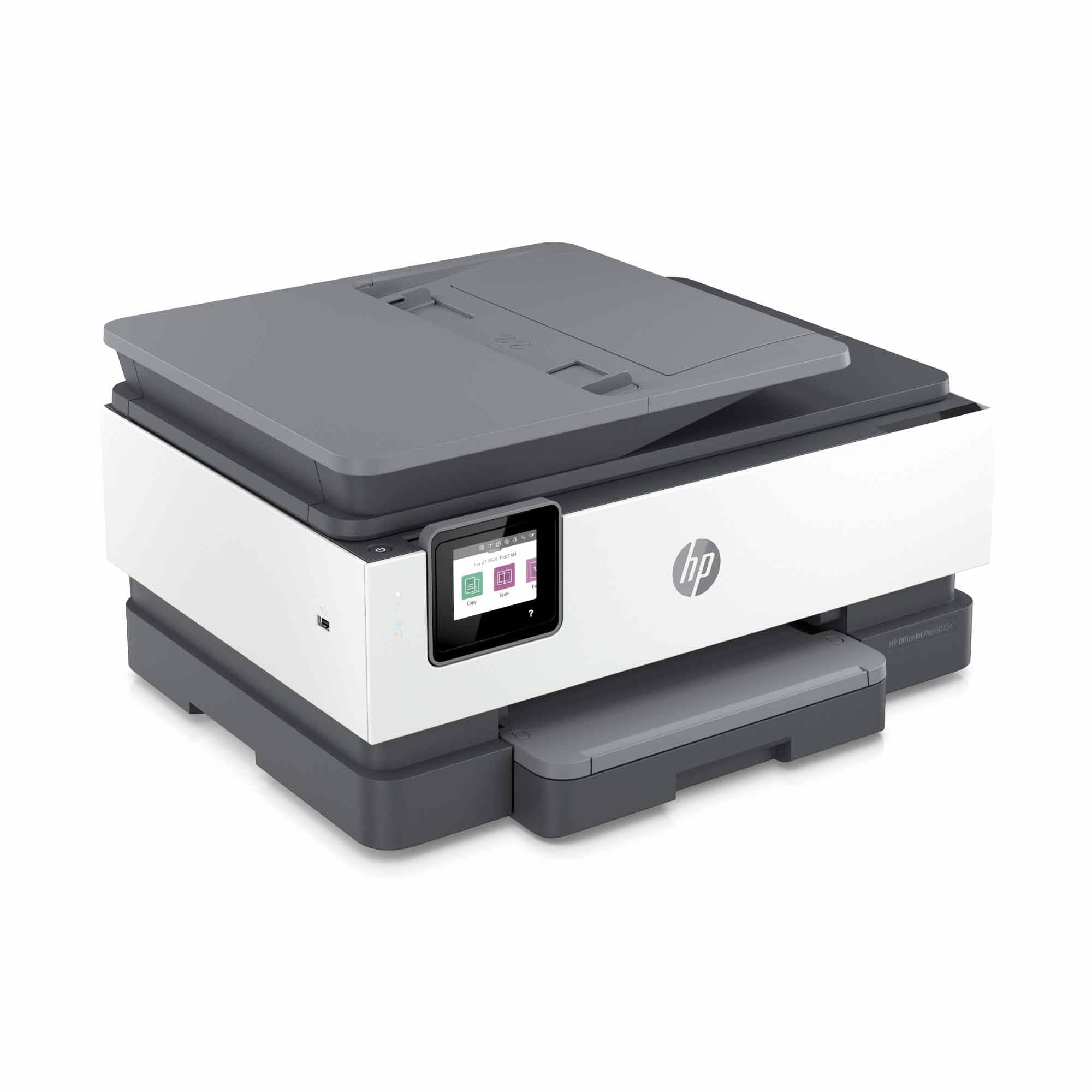
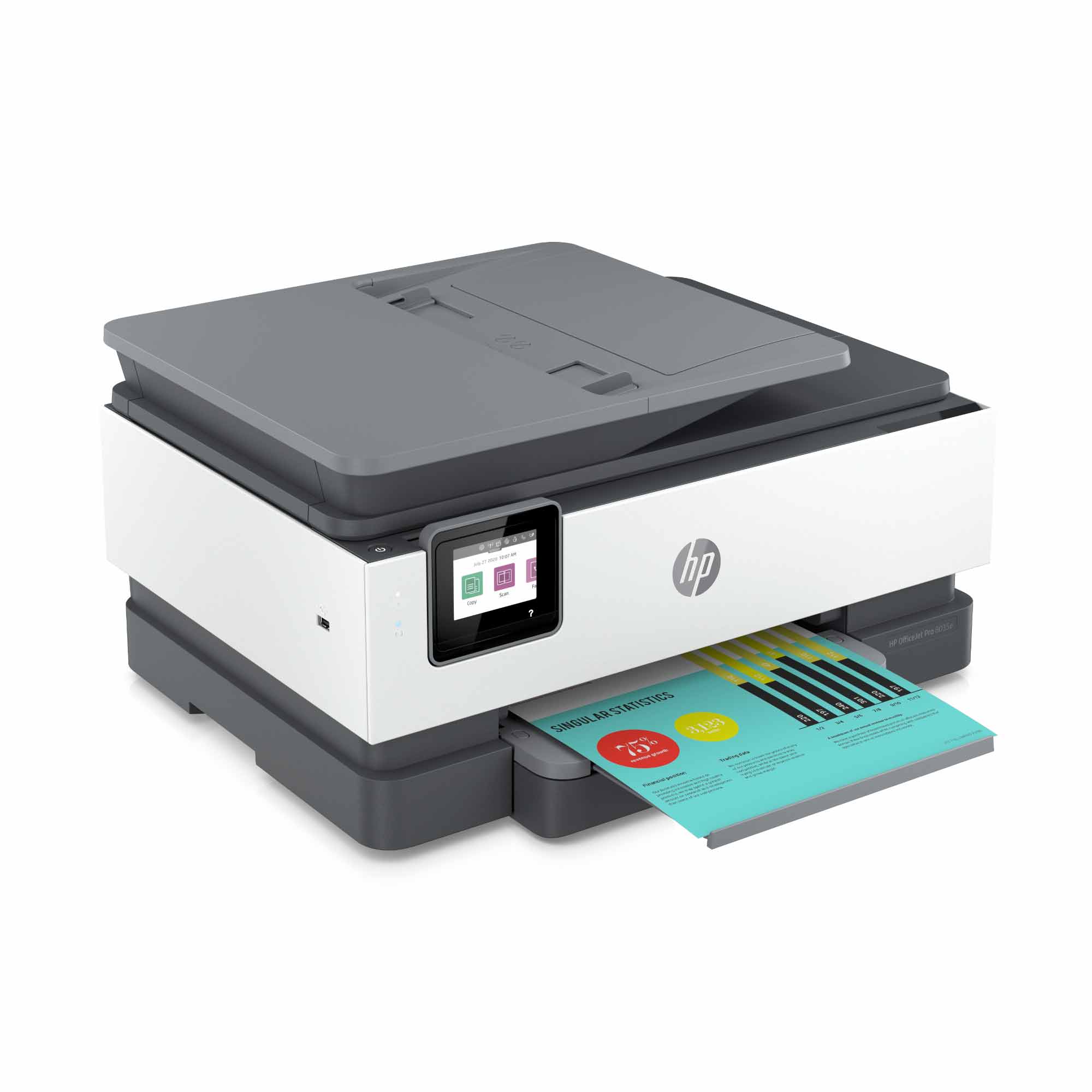
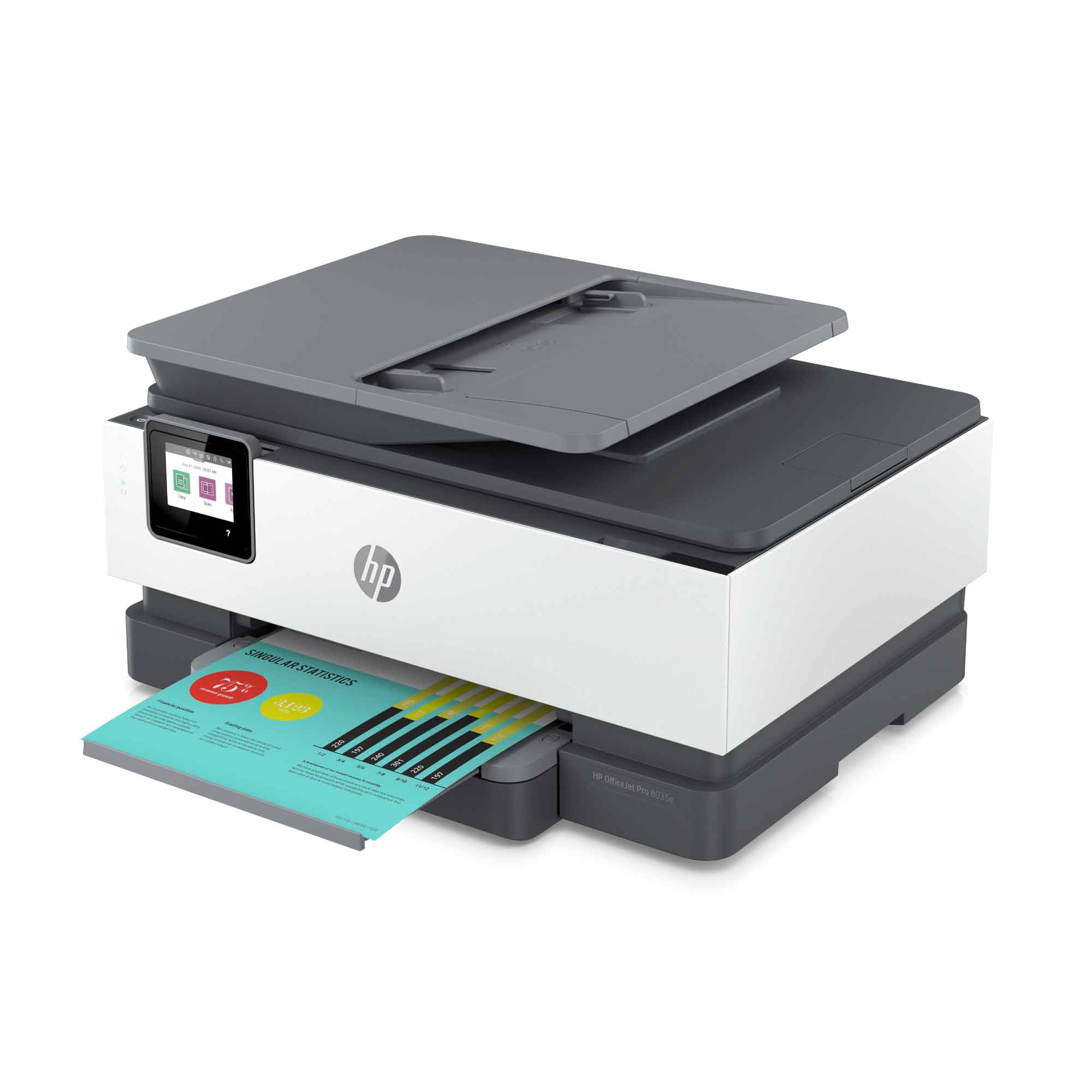
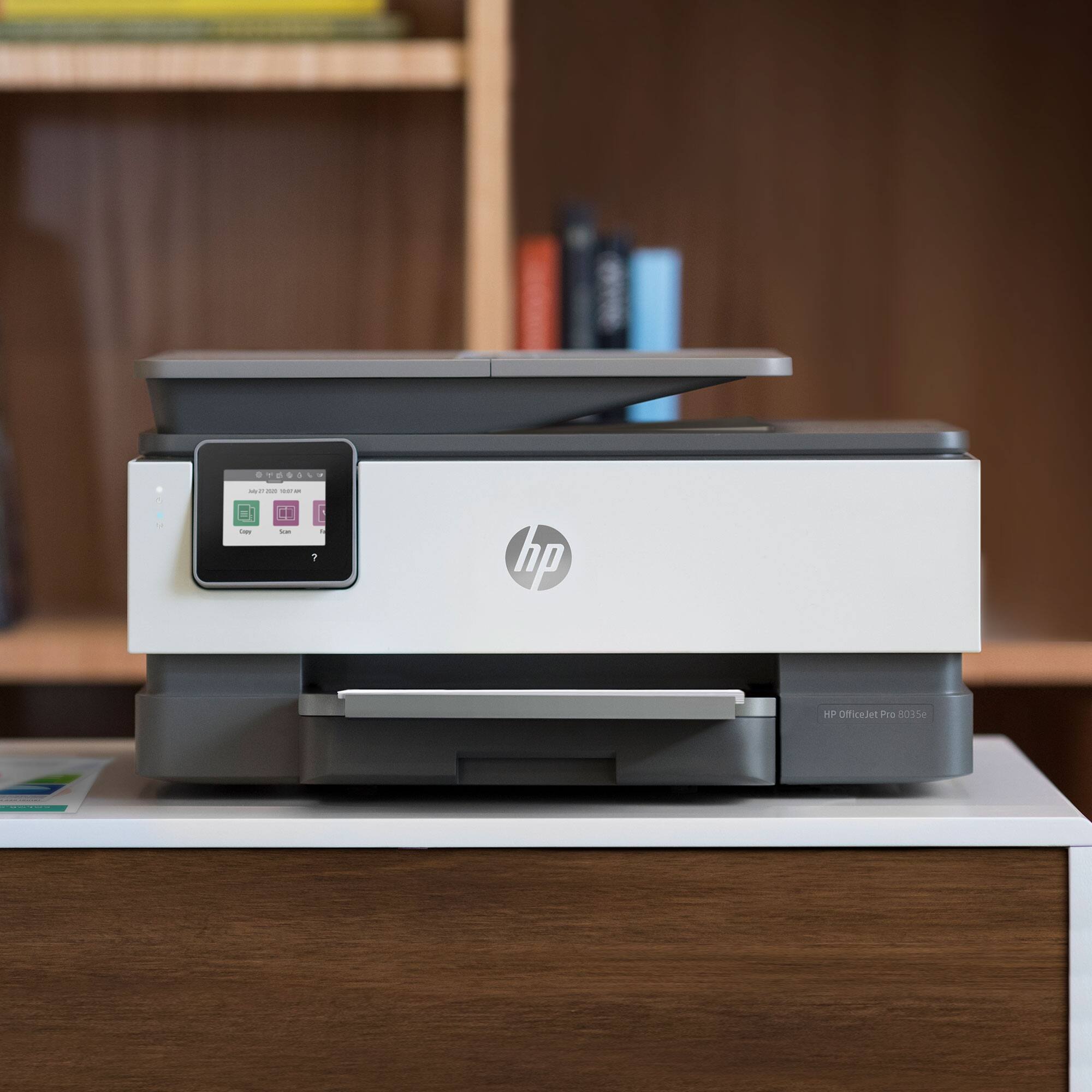
A:AnswerI have only had the HP Officejet Pro 8035 printer a few weeks myself so I'm not sure about this. I have seen demonstrations of doing photos so I would think you could but really don't know for sure.
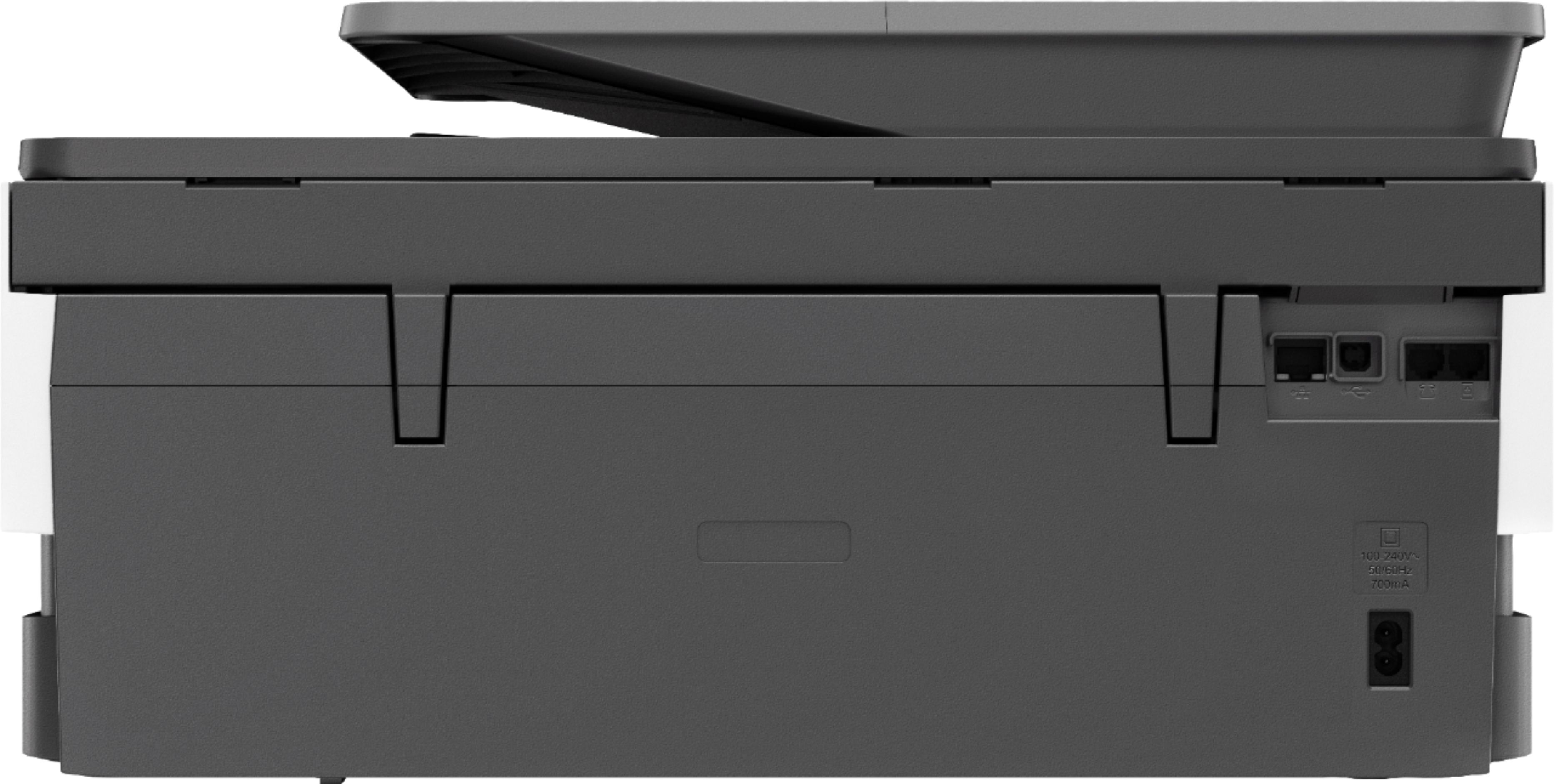
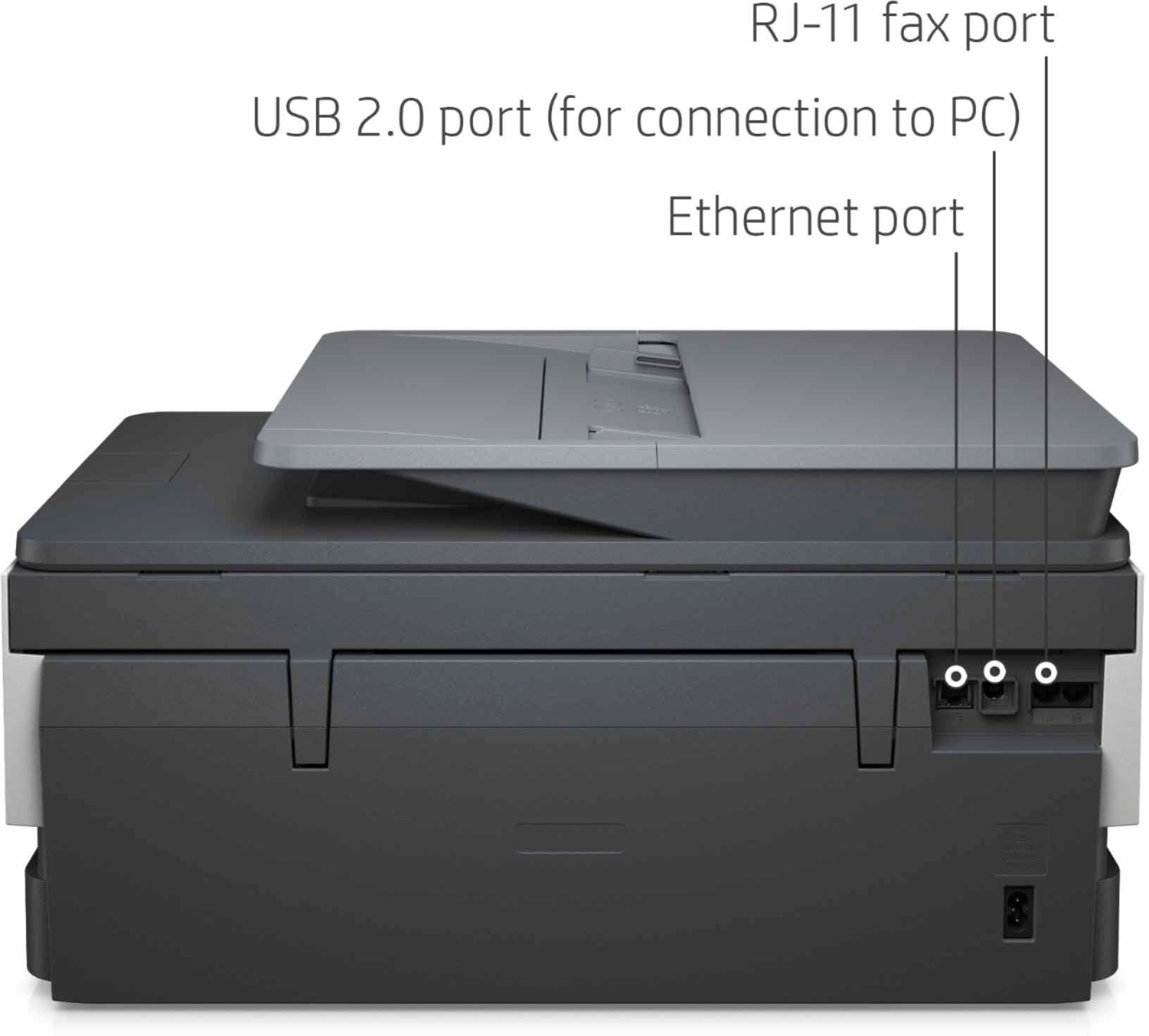
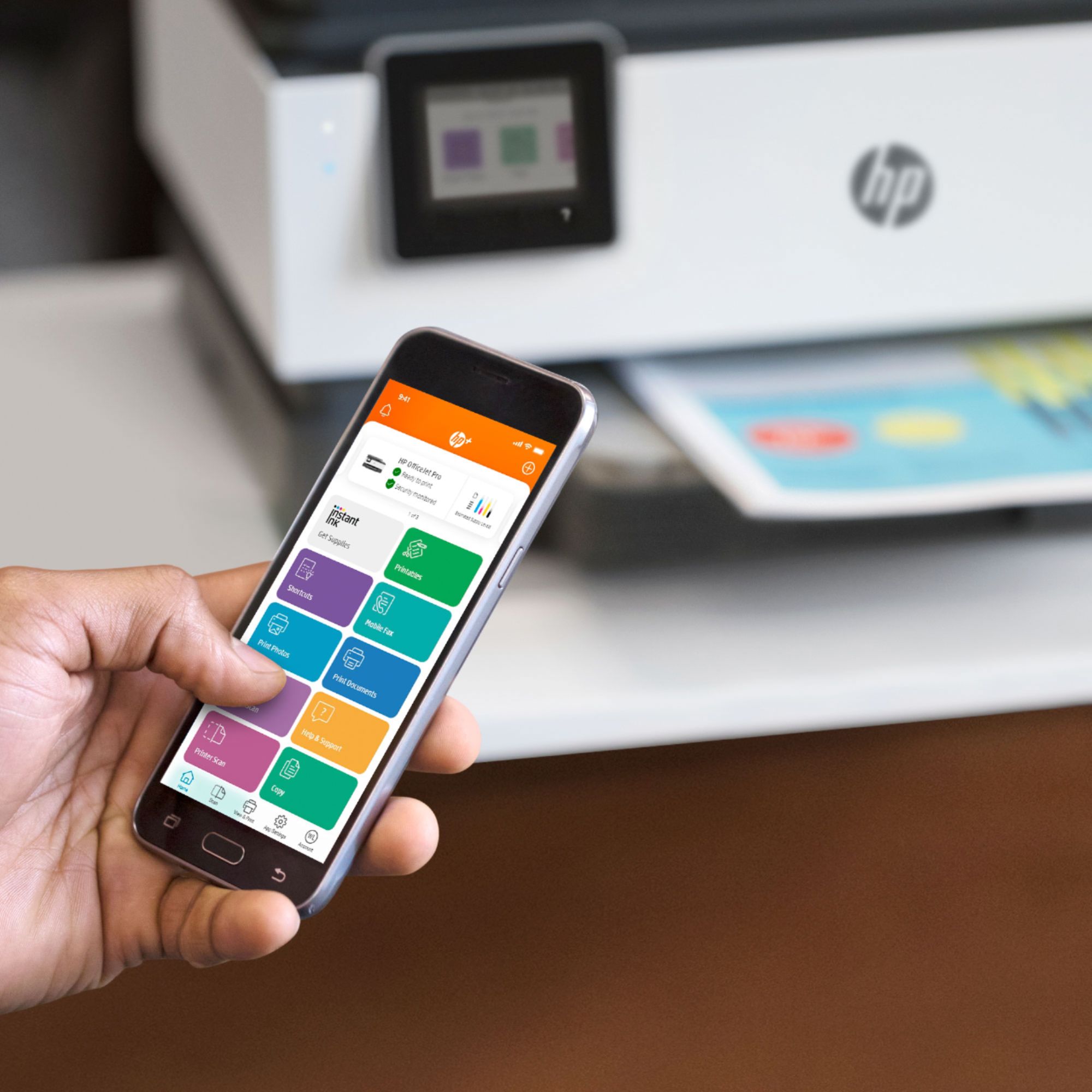
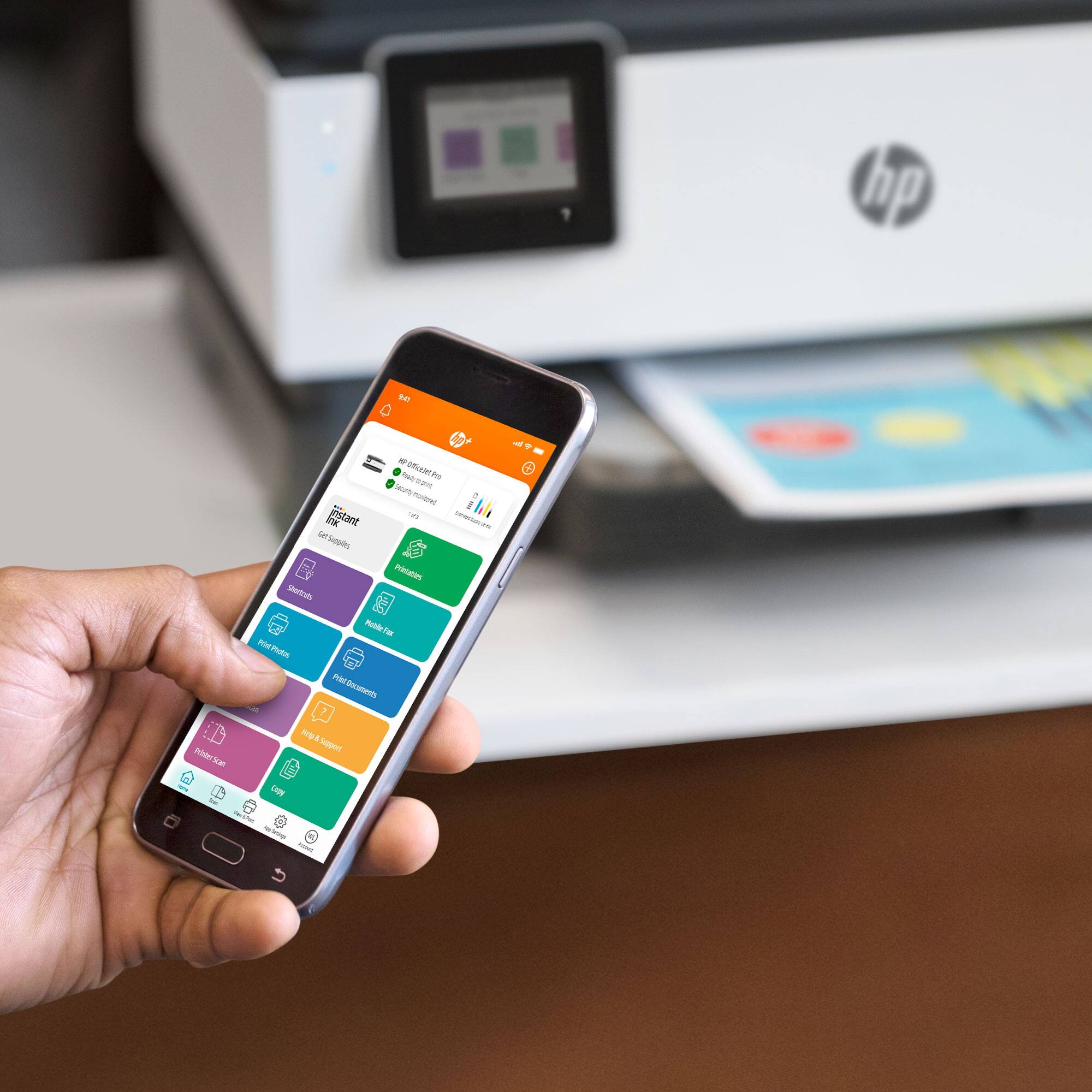
A:AnswerIf you’re thinking in terms of it working with perhaps older models of HP laptops, I would say that it is just because you can connect it to the WiFi and I know there’s also the option to connect through USB in case you’re having issues with the WiFi connection. My laptop is the HP Pavilion x360 and it works well.
A:AnswerYes the HP OfficeJet Pro 8710 does support Windows 10.
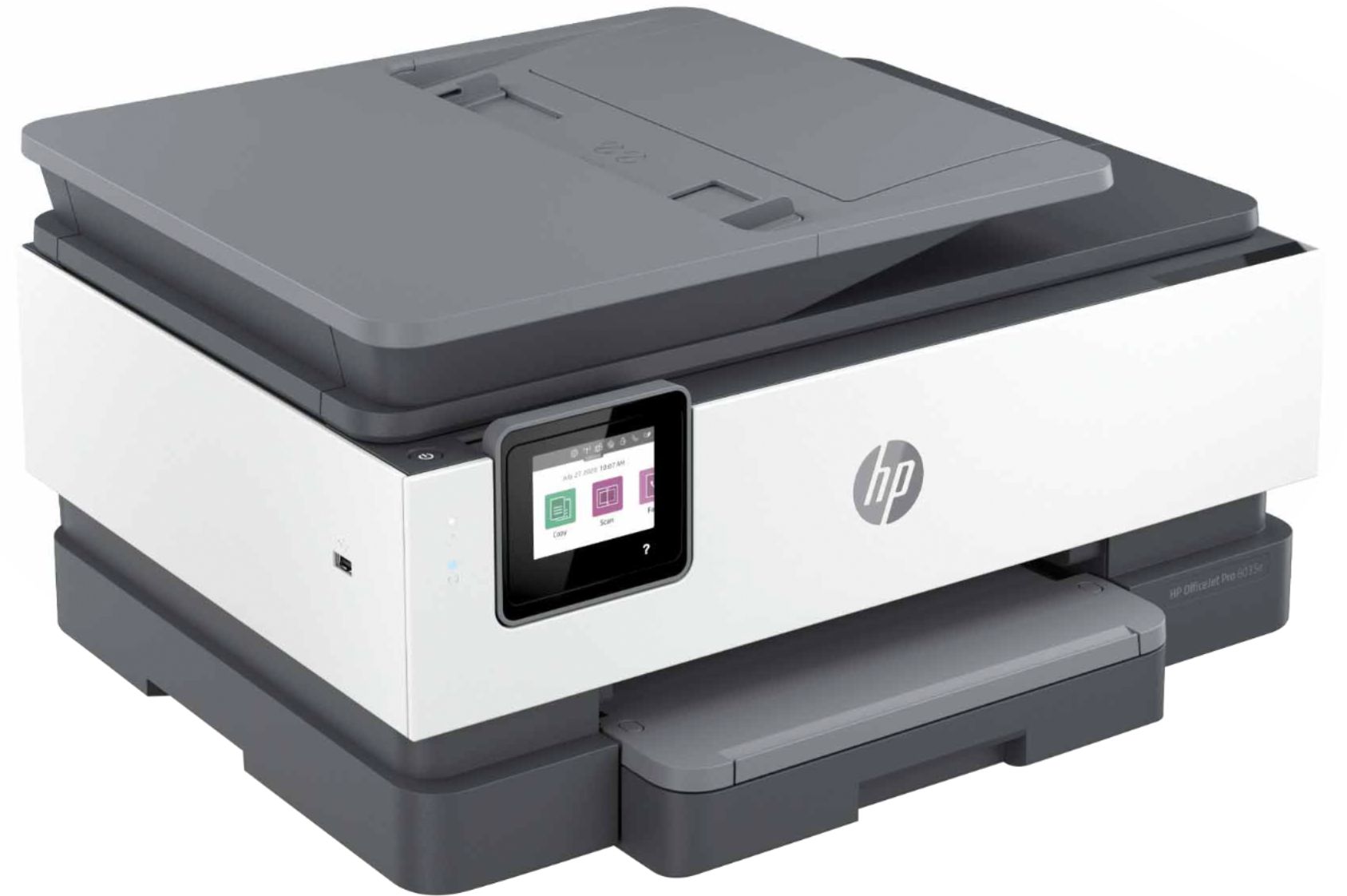
The direct replacement model for the 8710 is the HP OfficeJet Pro 9015.
https://www.bestbuy.com/site/hp-officejet-pro-9015-wireless-all-in-one-instant-ink-ready-printer-gray/6320038.p?skuId=6320038
A:AnswerI am sorry it took so long to answer but I wanted to try it first. It does not have a double sided feature. I tried with two sheets to scan to one sheet, nope and then tried one doubled side sheet and NOPE. It does not even ask a question about double sided.
Hope this helps
Bonnie
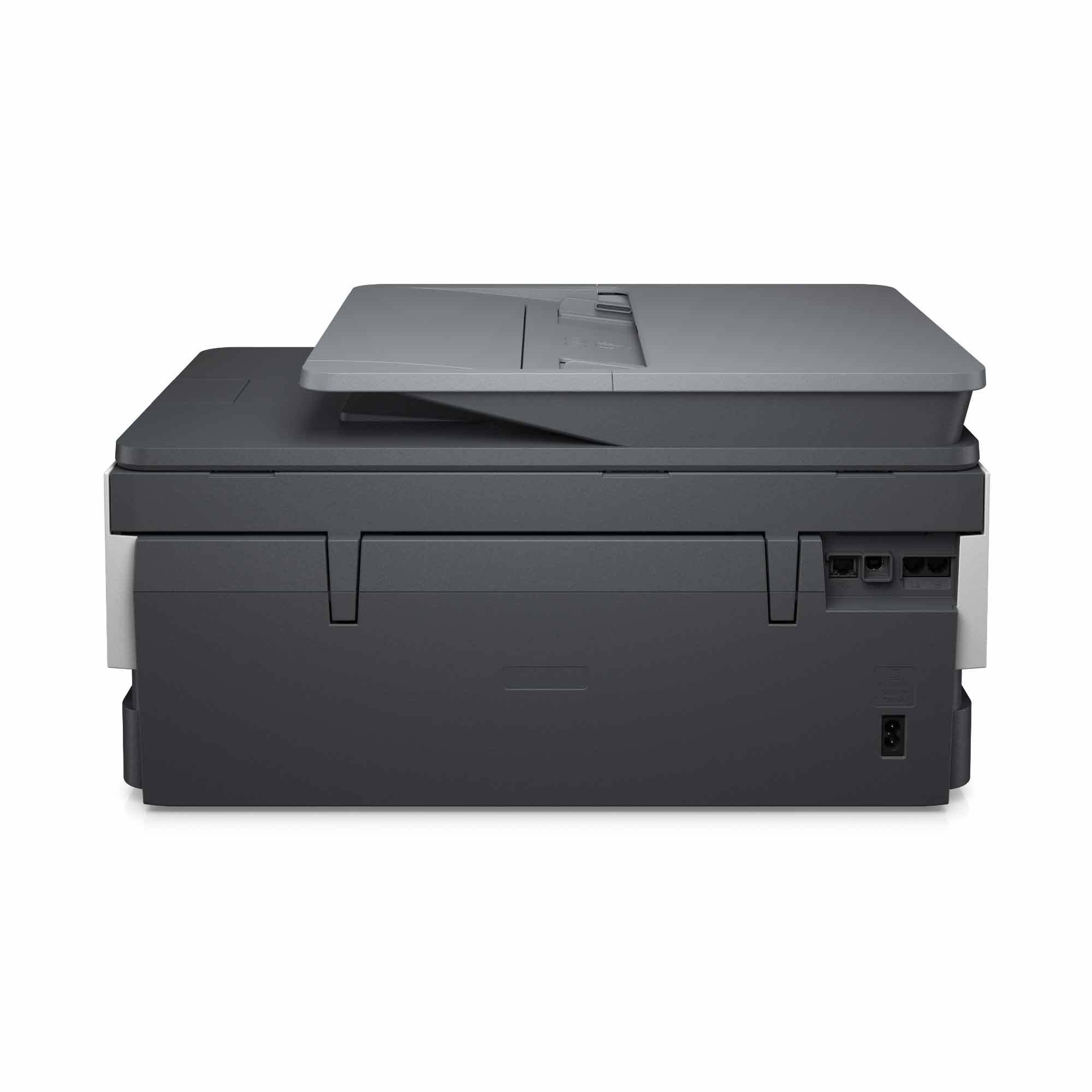
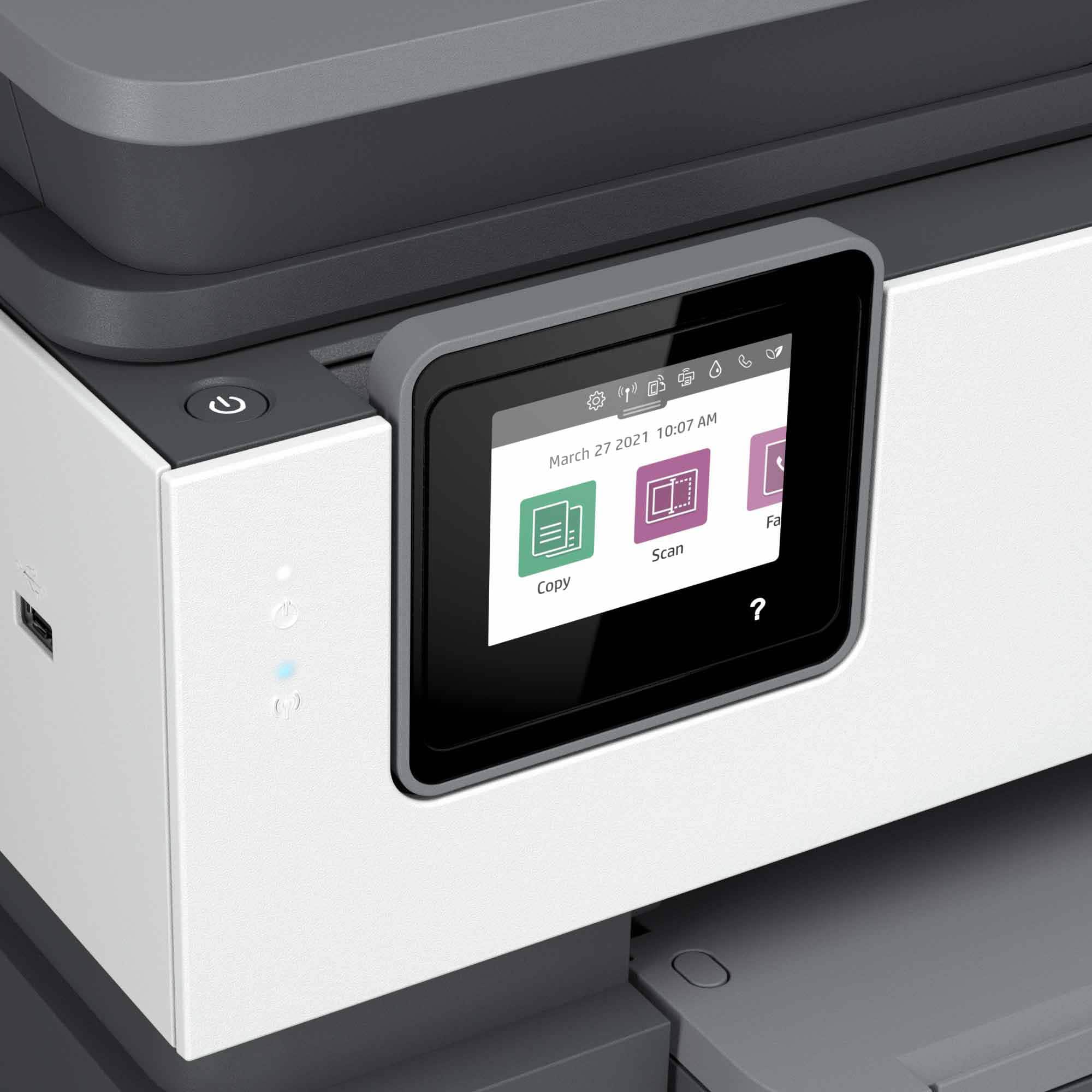
A:AnswerYes it has fax. But I should also let you know it does take a lil longer to turn on than usually printer. But if you don’t mind that than it shouldn’t be an issue.