A:AnswerYou would have to remove the letter size paper before you could install the photo paper. You might look at the HP Envy Photo 7155 or 7855. Those models have a dedicated photo tray. You would be able to have both types of paper installed at the same time on those models.
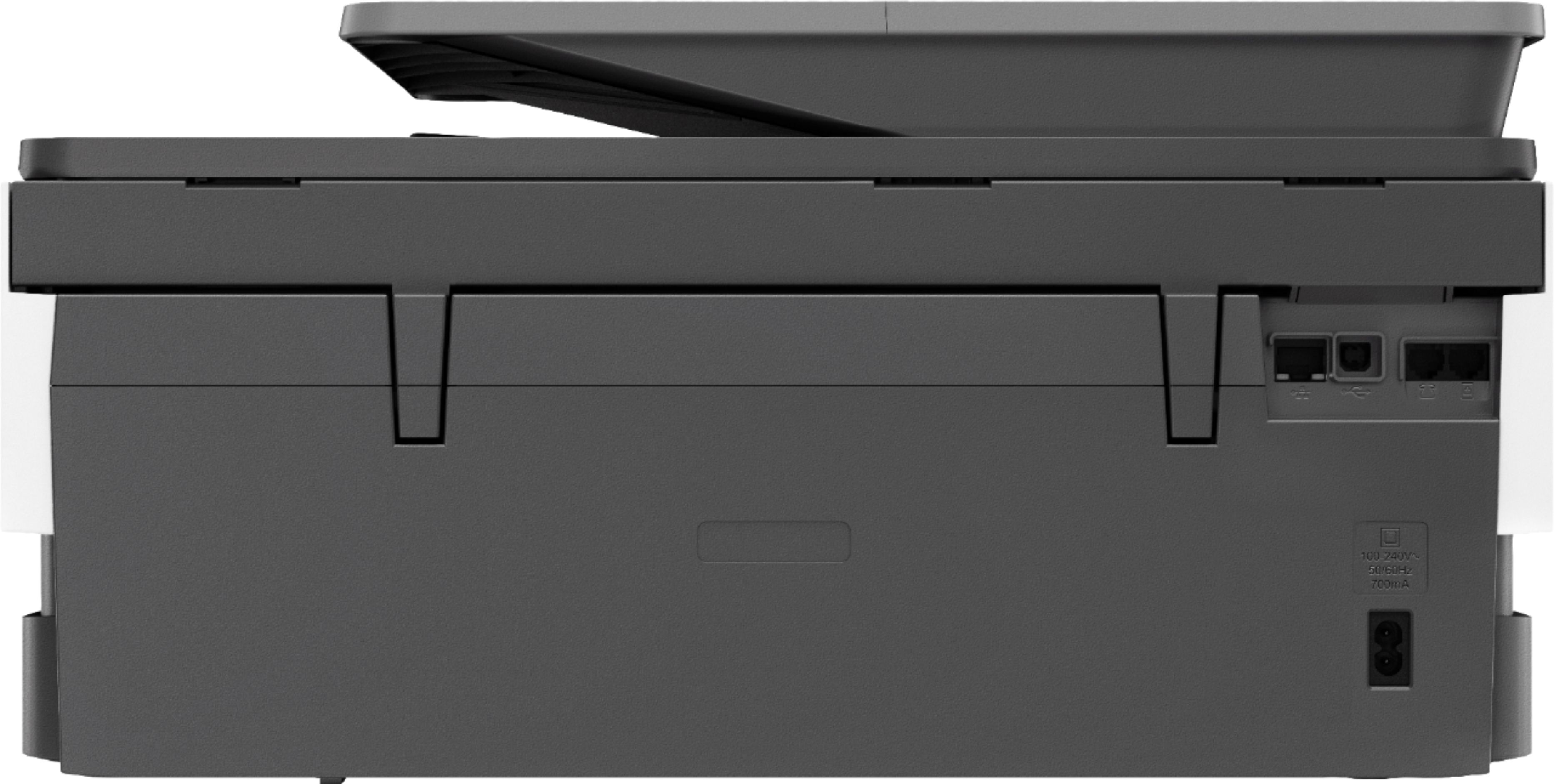
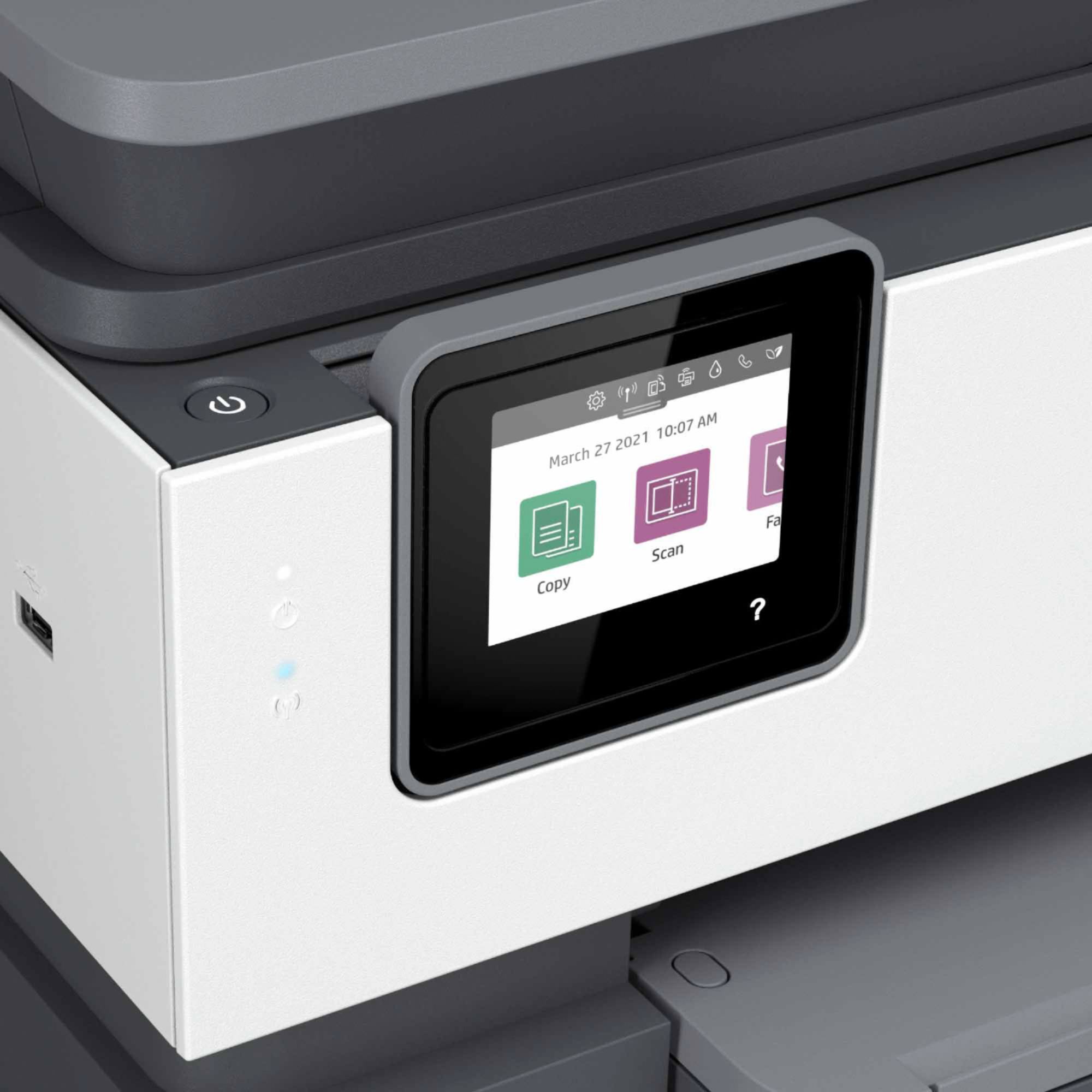
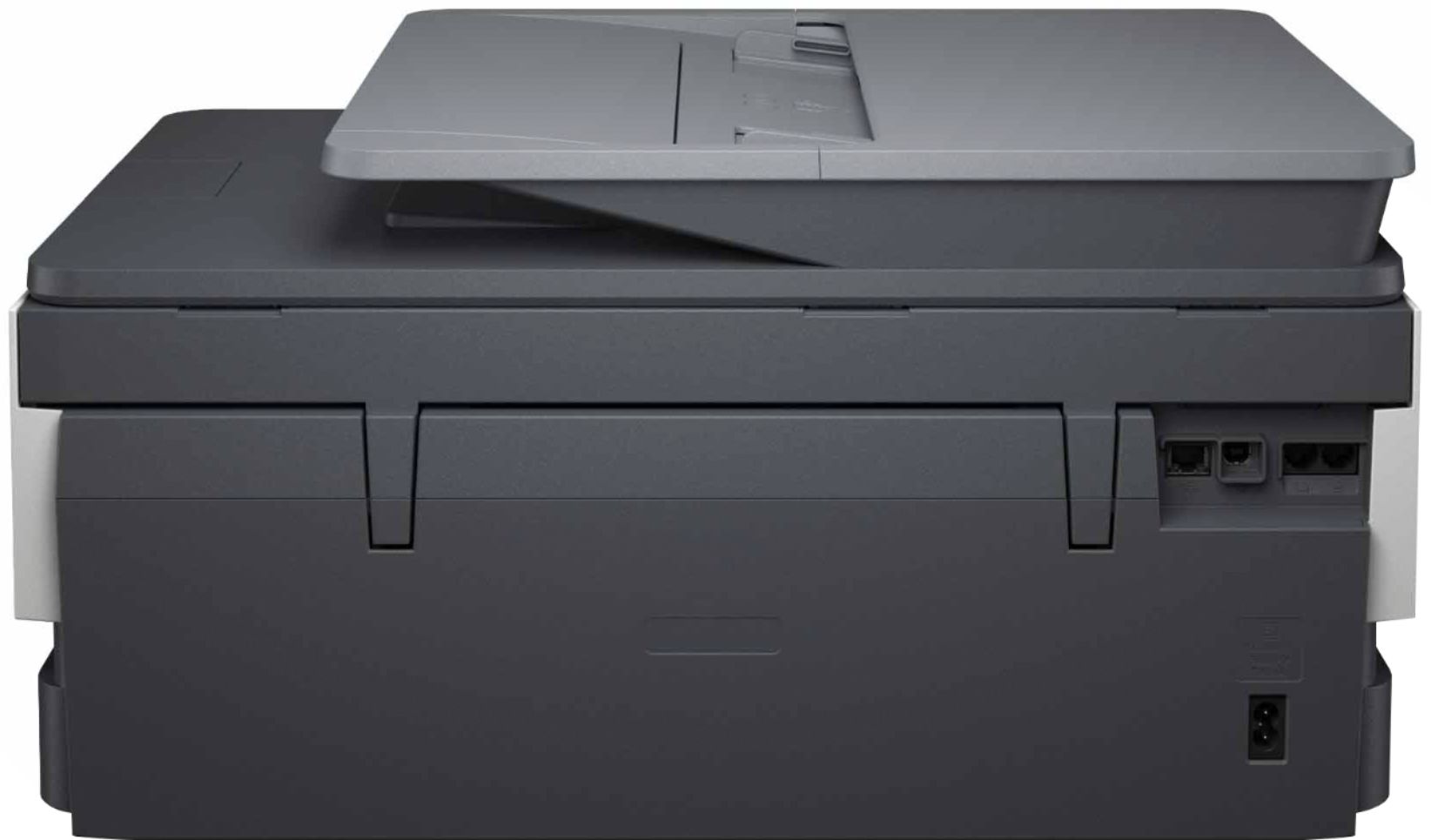
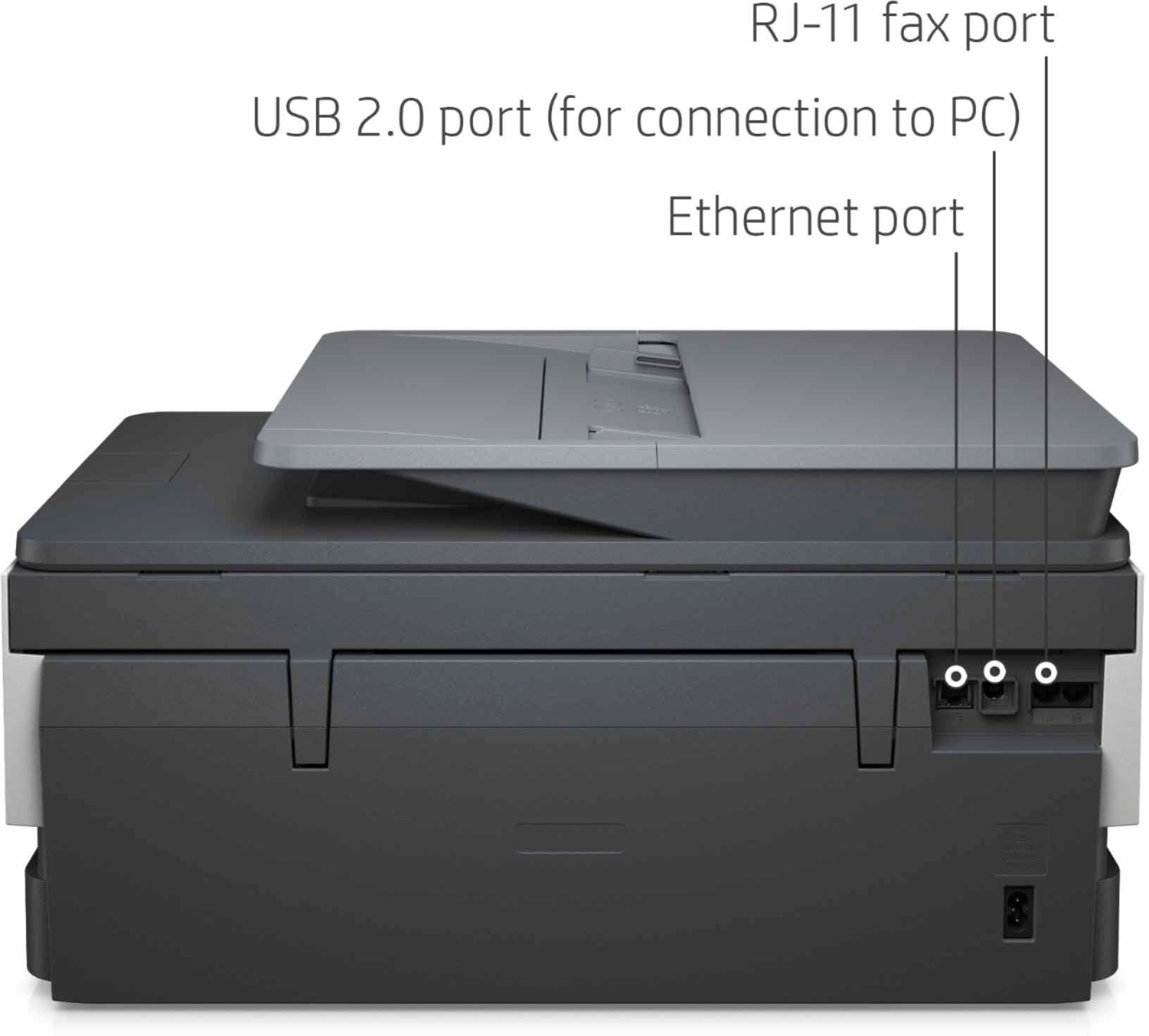
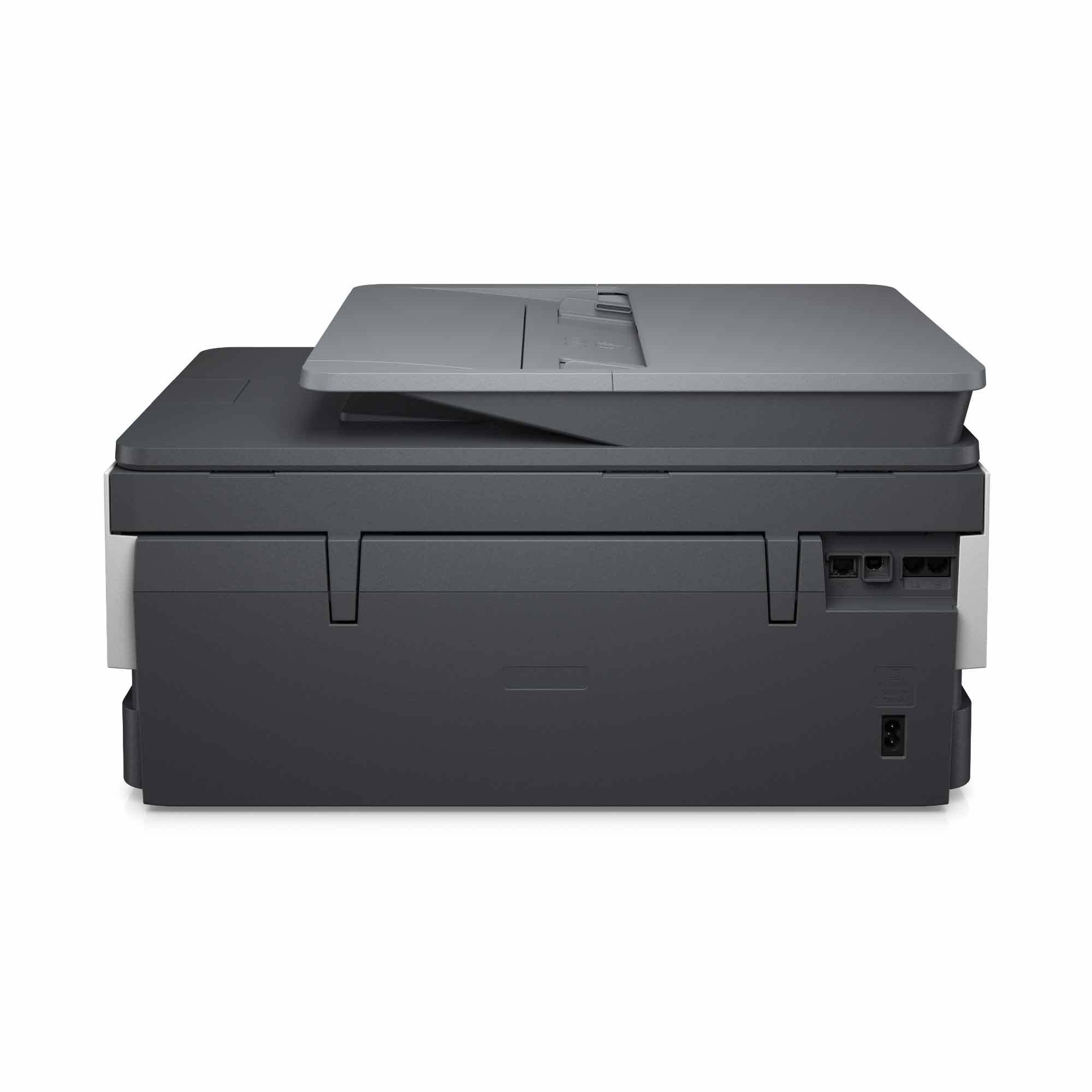
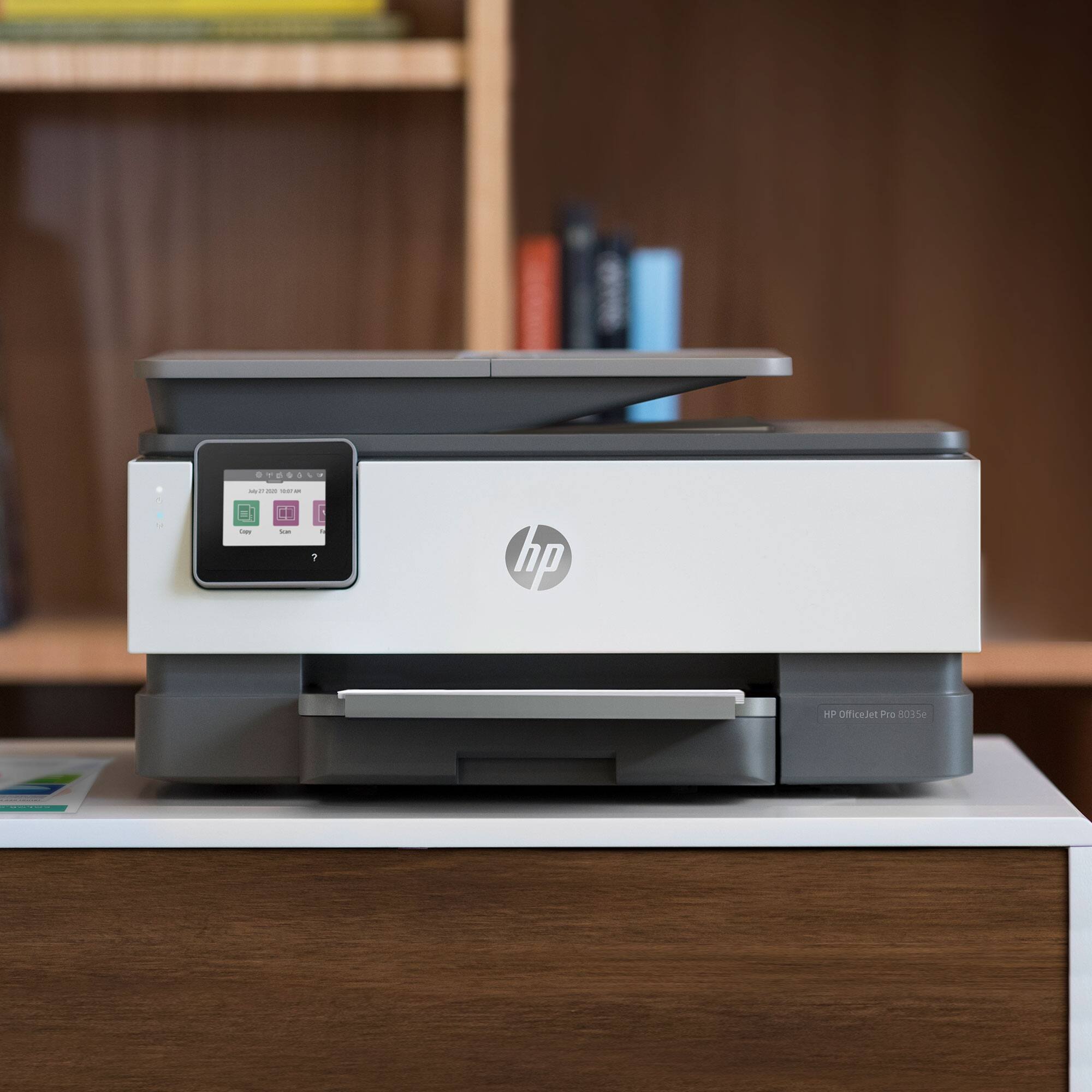
A:AnswerYes, the OfficeJet Pro 8035 has fax capability. Typically, it plugs into a conventional landline, and to send a fax, you enter the phone number of the machine that will receive it, and it will be sent. You'll need to talk to the people who manage your phone system to see if there are any extra steps you'll need to take to work with that hardware setup.
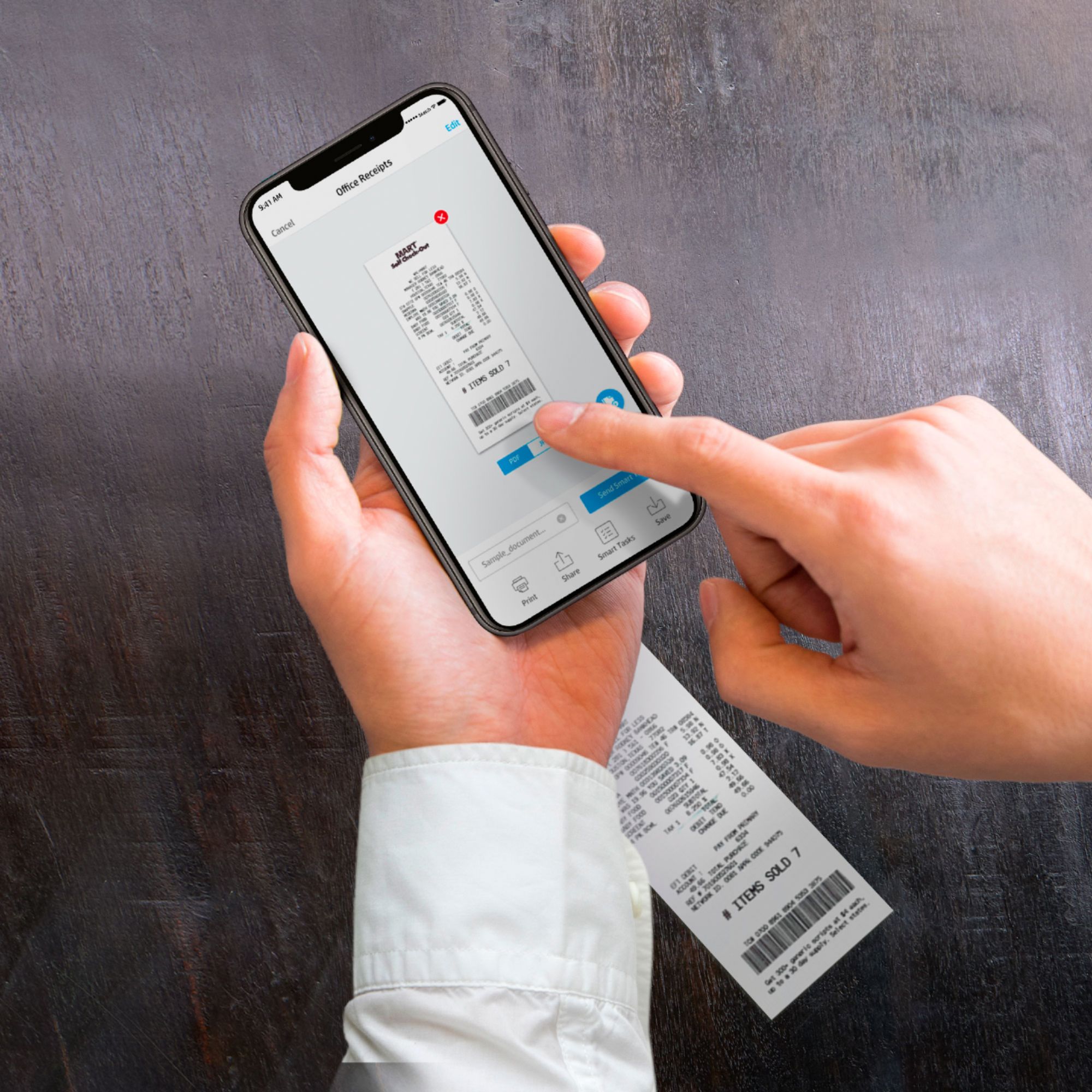
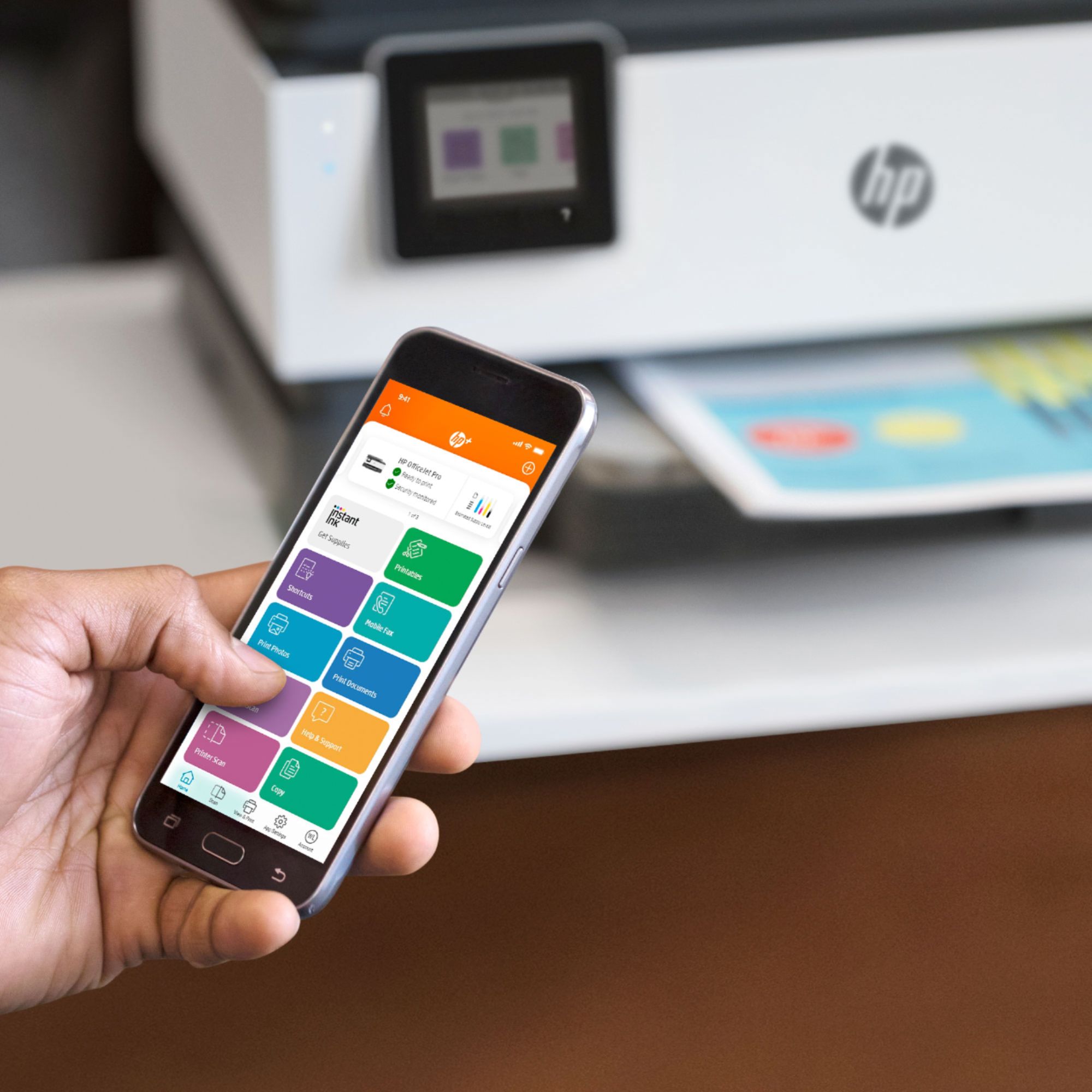
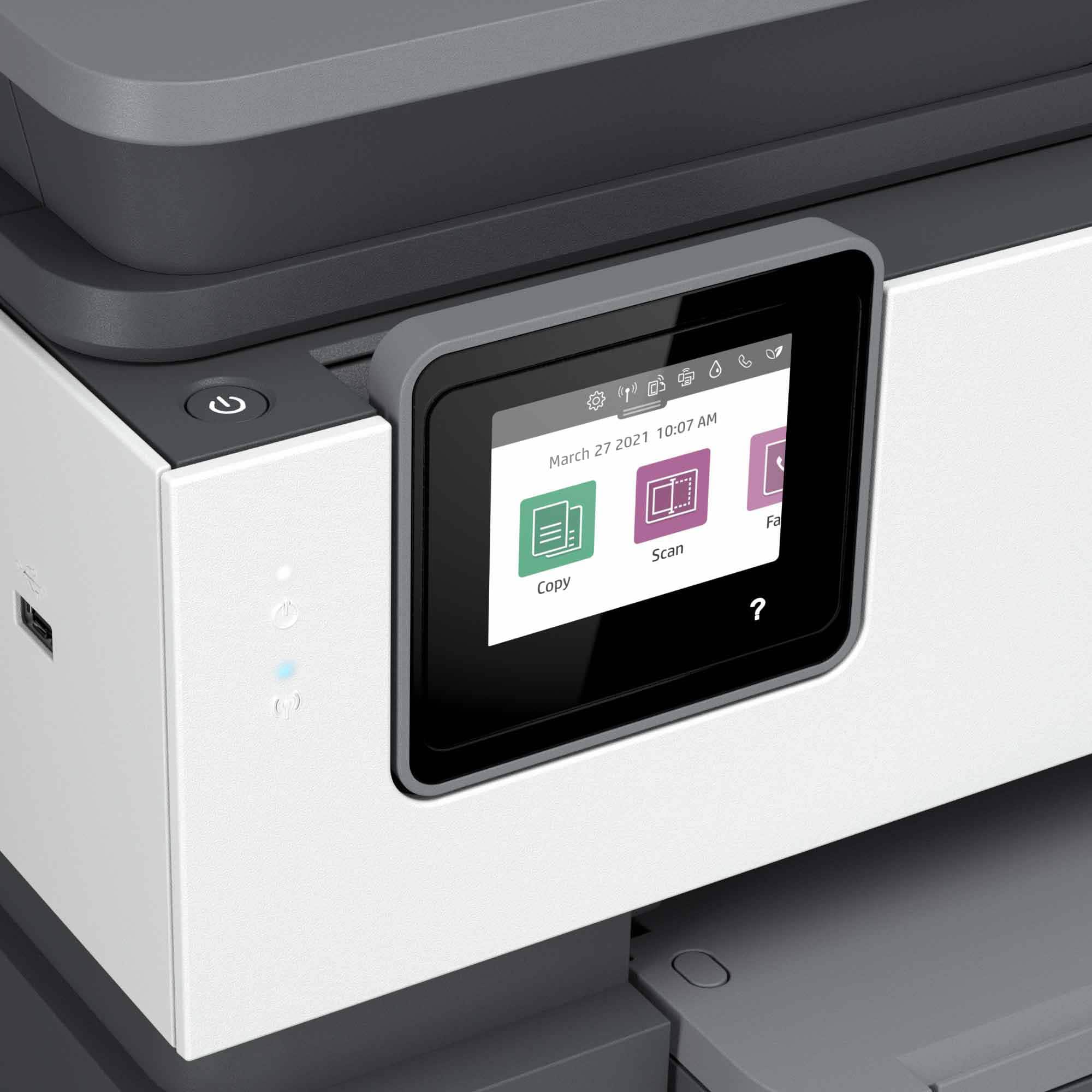
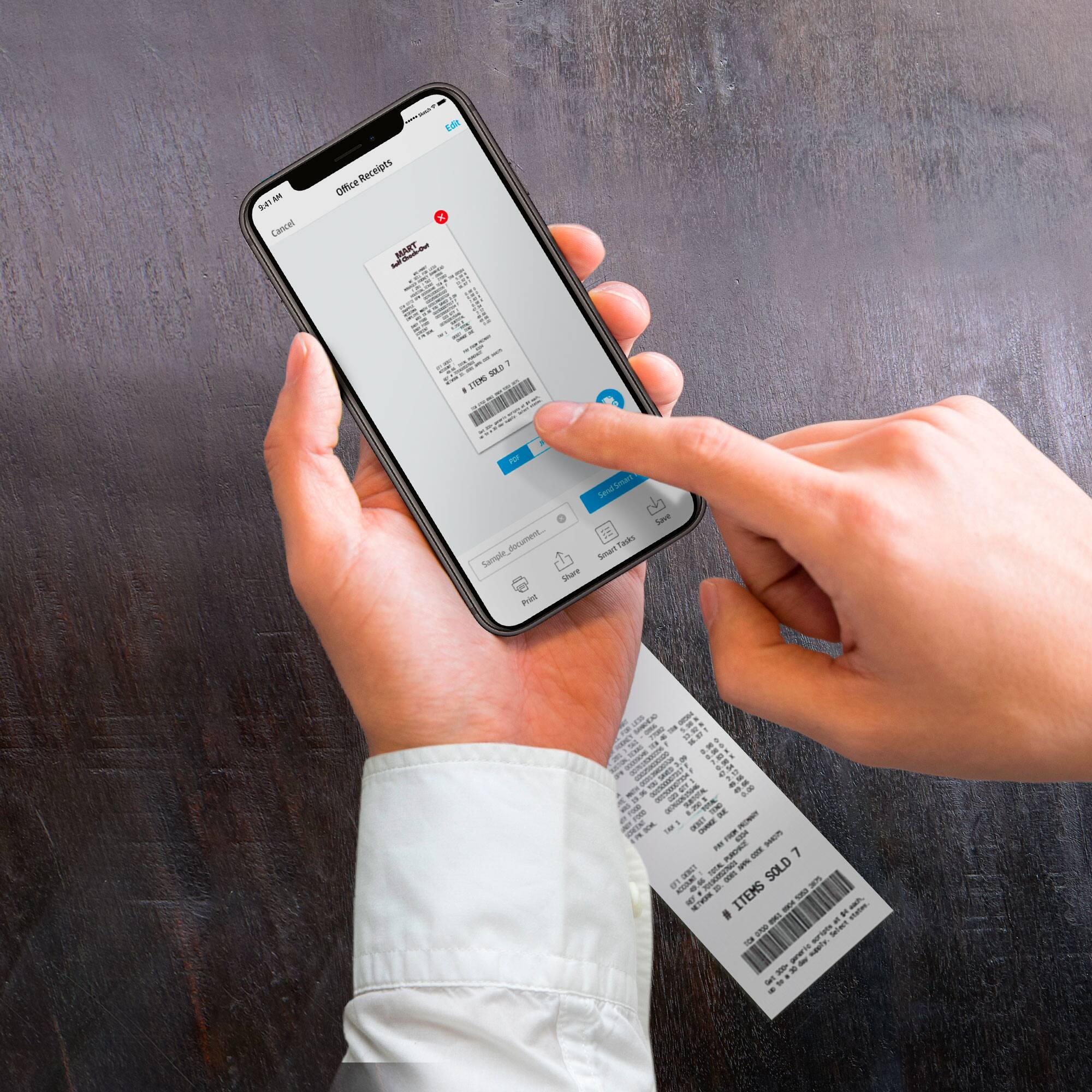
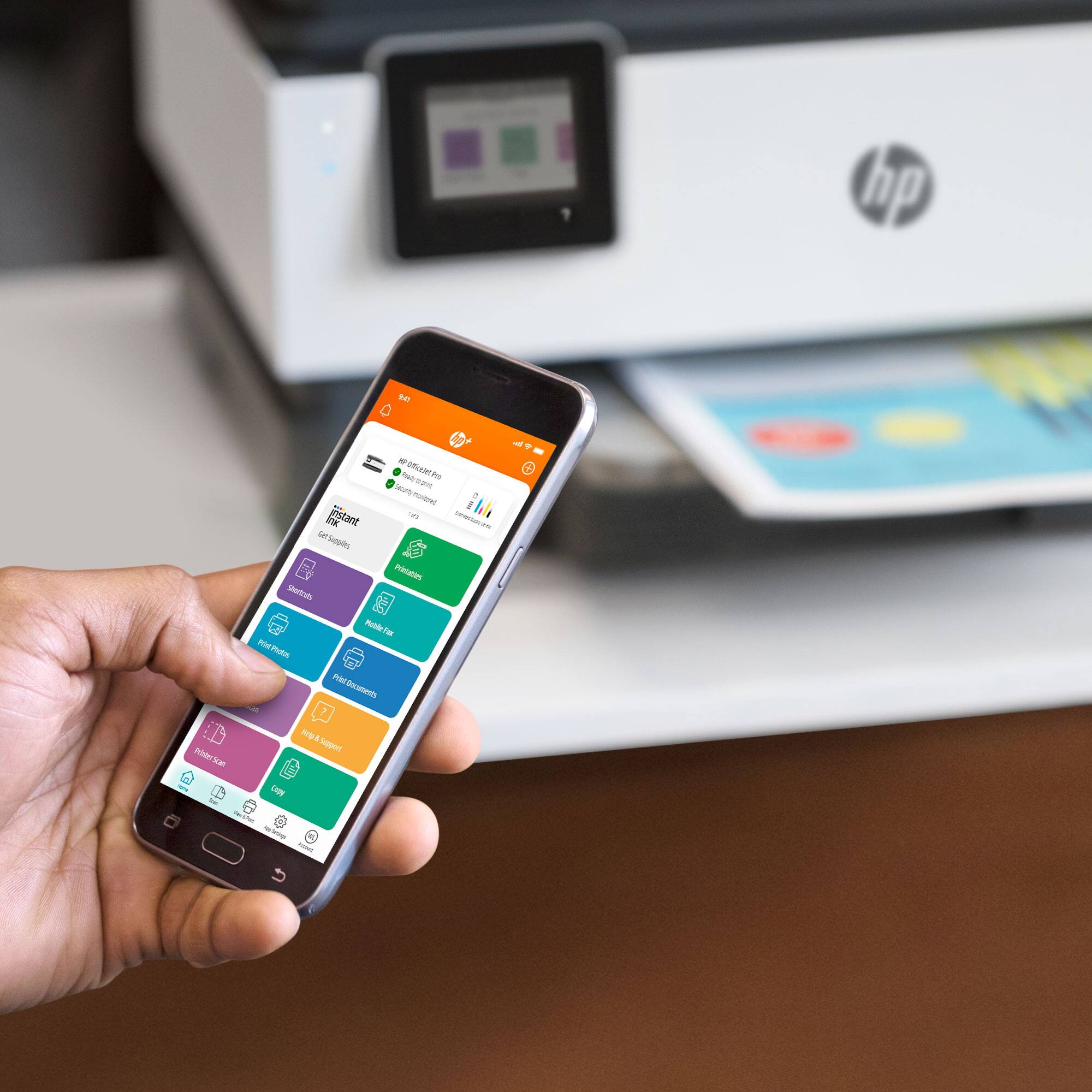
A:AnswerYou can scan to a folder on your PC or the cloud(dropbox, Google drive, one drive etc) with the HP Smart app. You can scan to a thumb drive/PC.
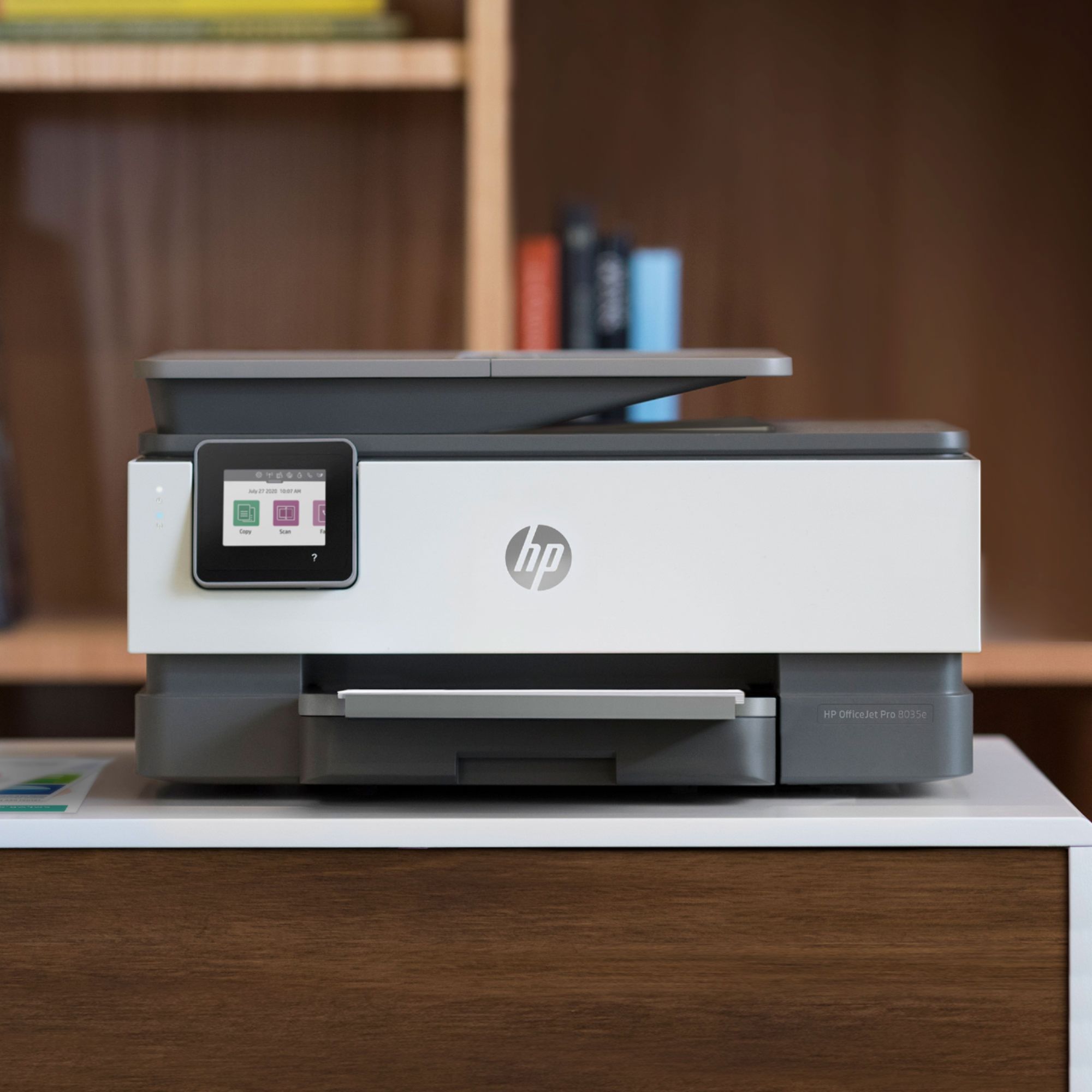
A:AnswerThe 8035 compares to the OfficeJet pro 6978.
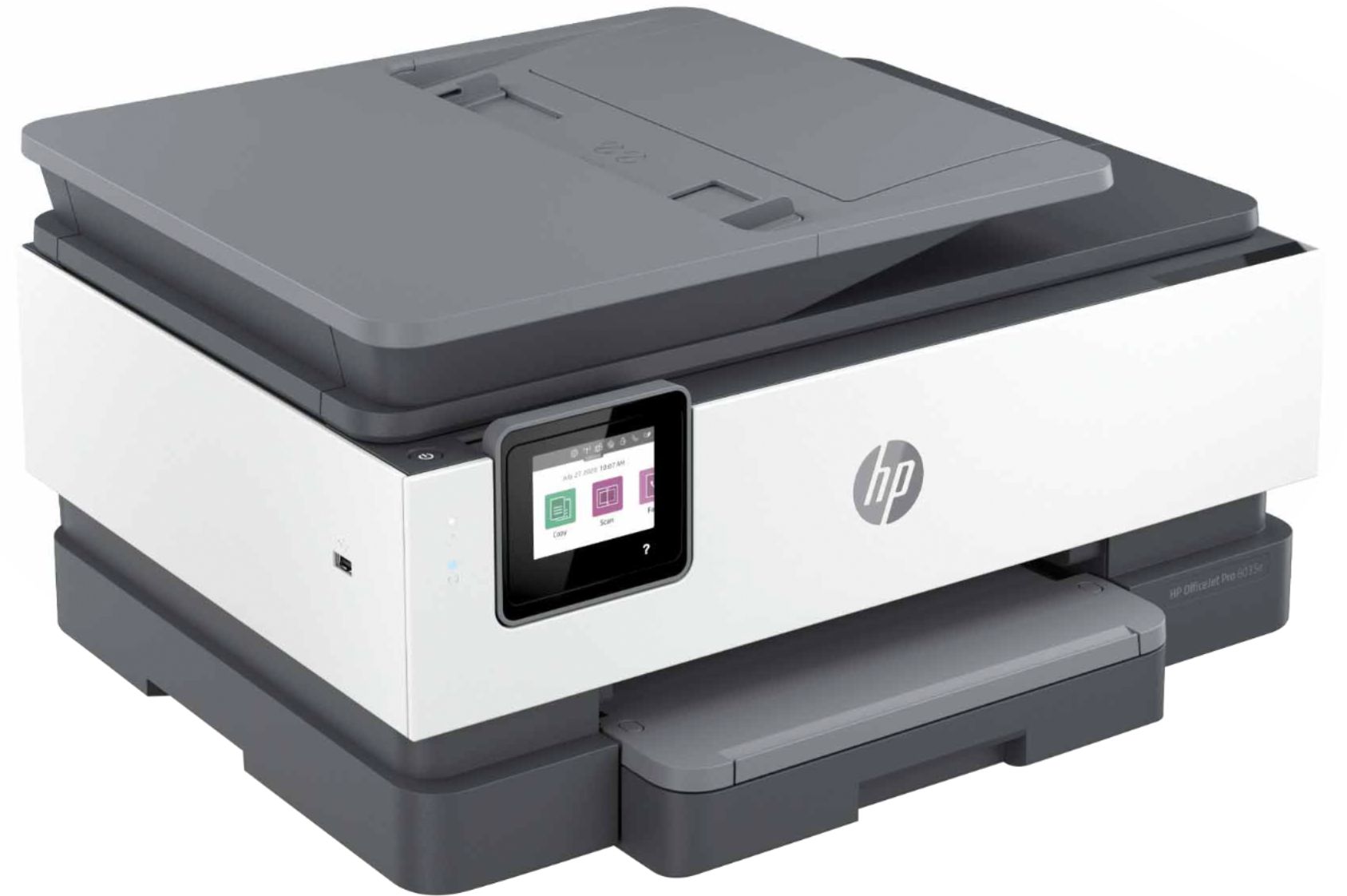
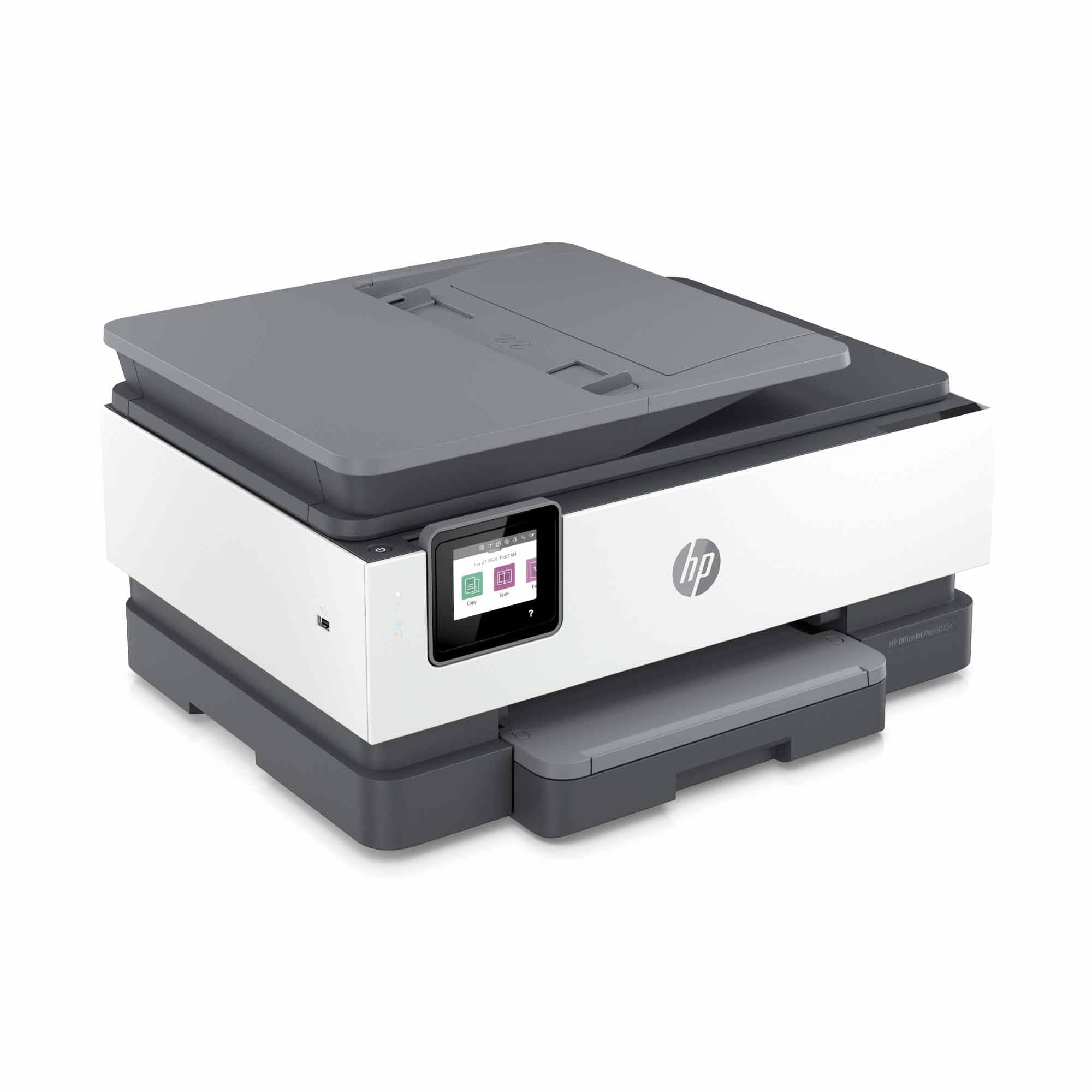
The OfficeJet Pro 9015 is the newest OfficeJet Pro model that is the equivalent replacement for the OfficeJet Pro 8620. It has comparable function, performance, and print speed, with a 40% smaller footprint than the OfficeJet Pro 8720, dual-band wifi, self-healing wifi, and Smart Task integration
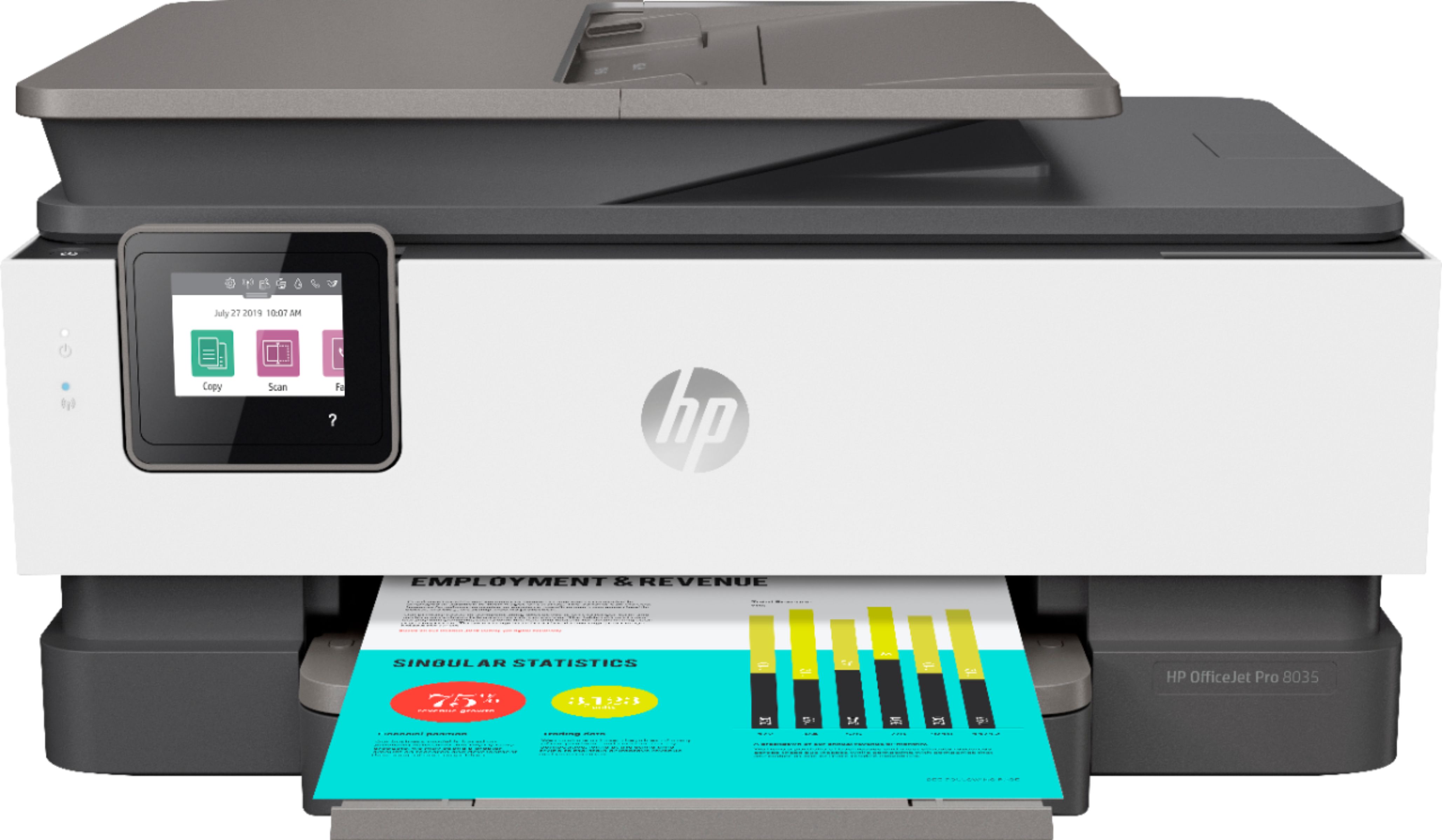
A:AnswerYes, it does print both sides and copy both sides. The quality of the printing is very clear. I'm very happy that I purchase this printer, and I'm 100% satisfied with it..
I would recommend it to any one who is looking for a good and affordable printer.