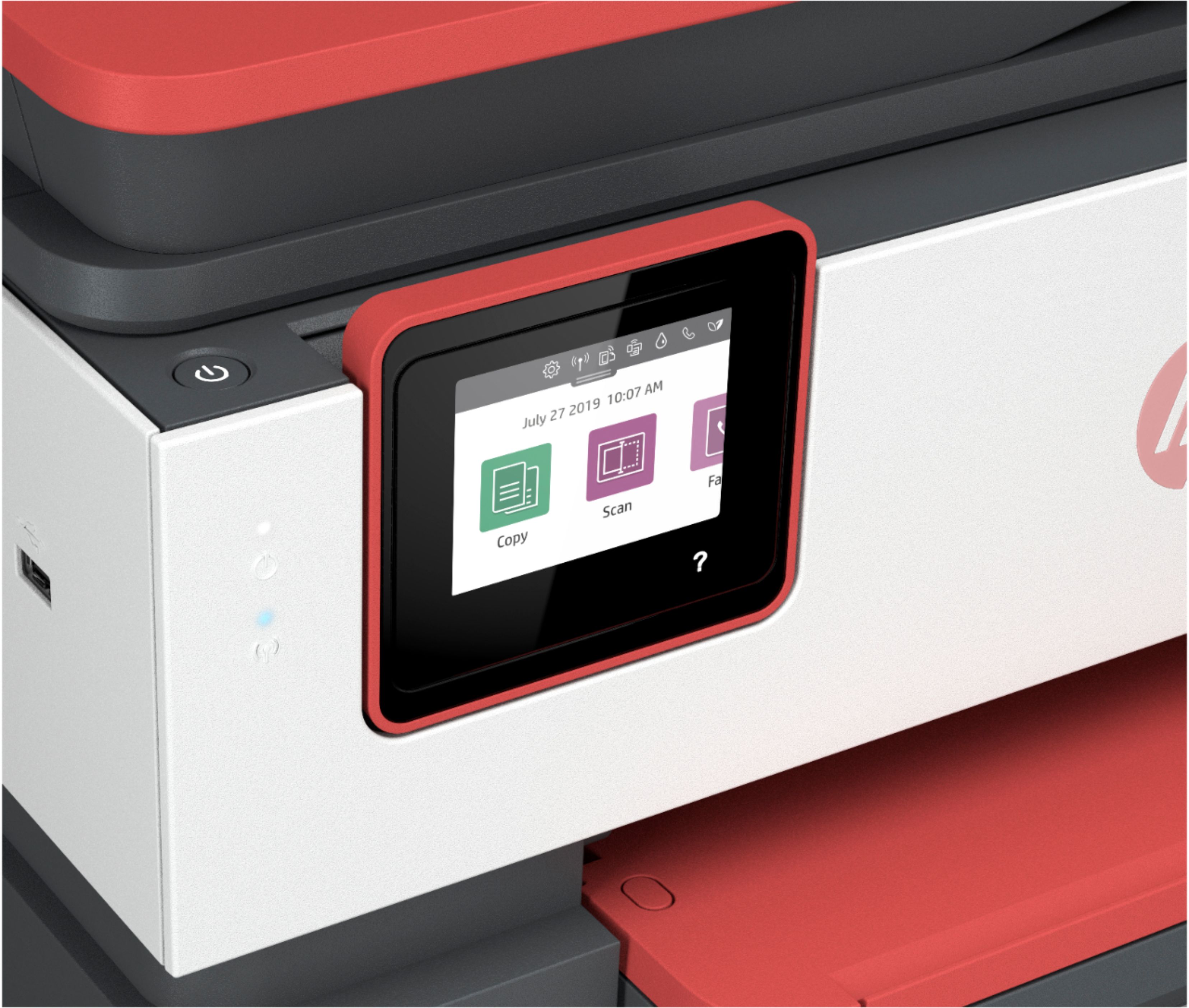
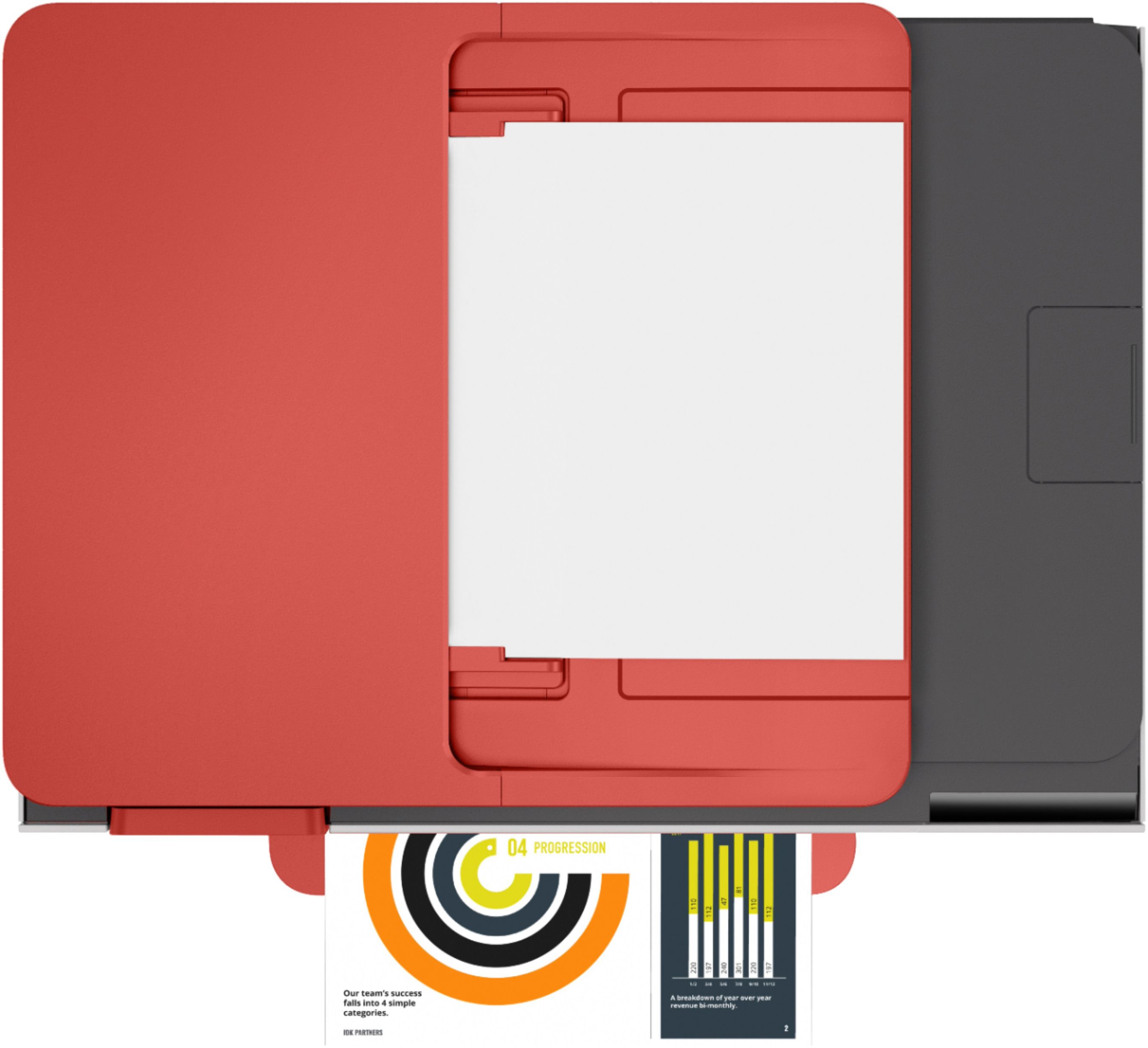
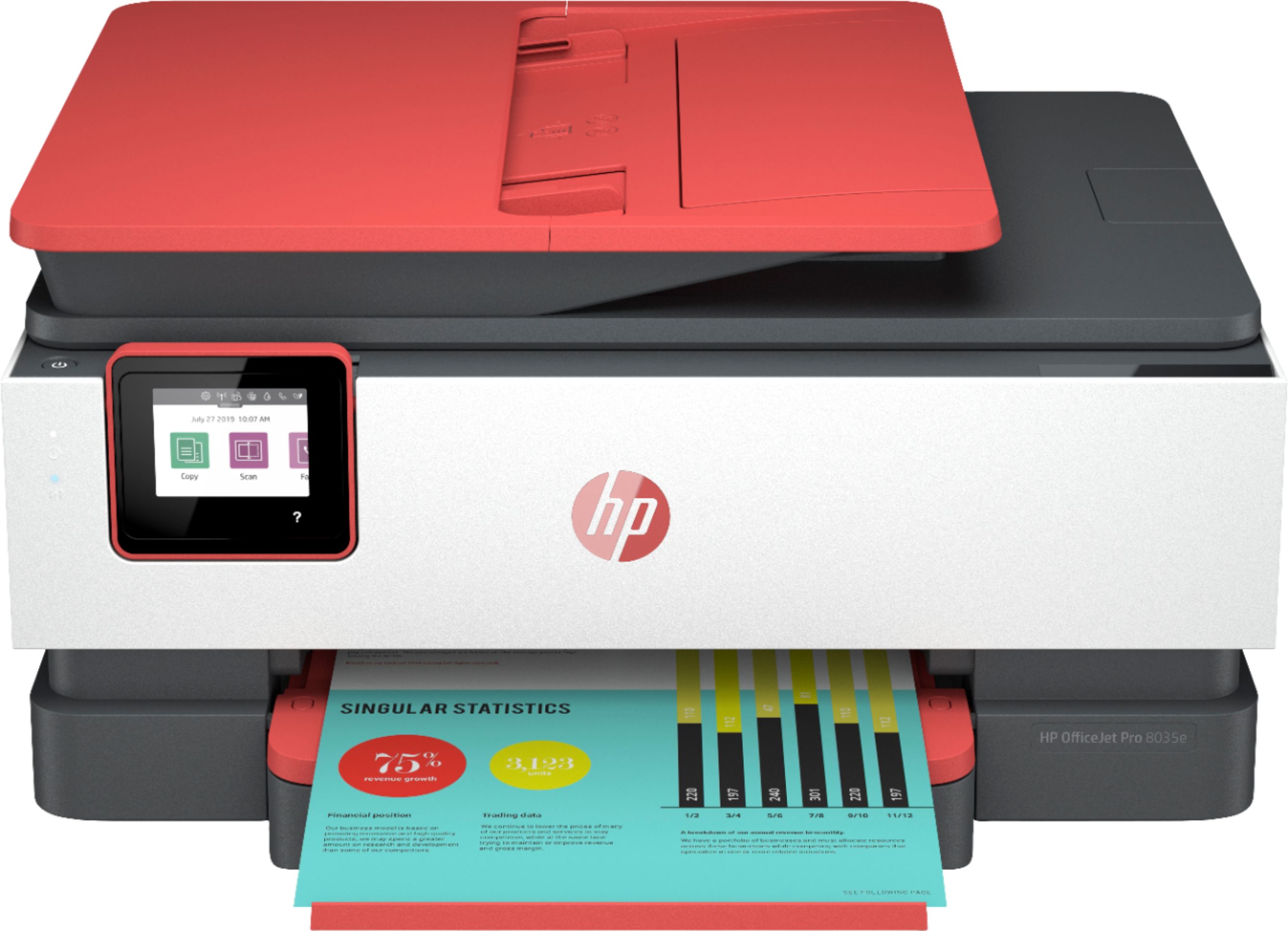
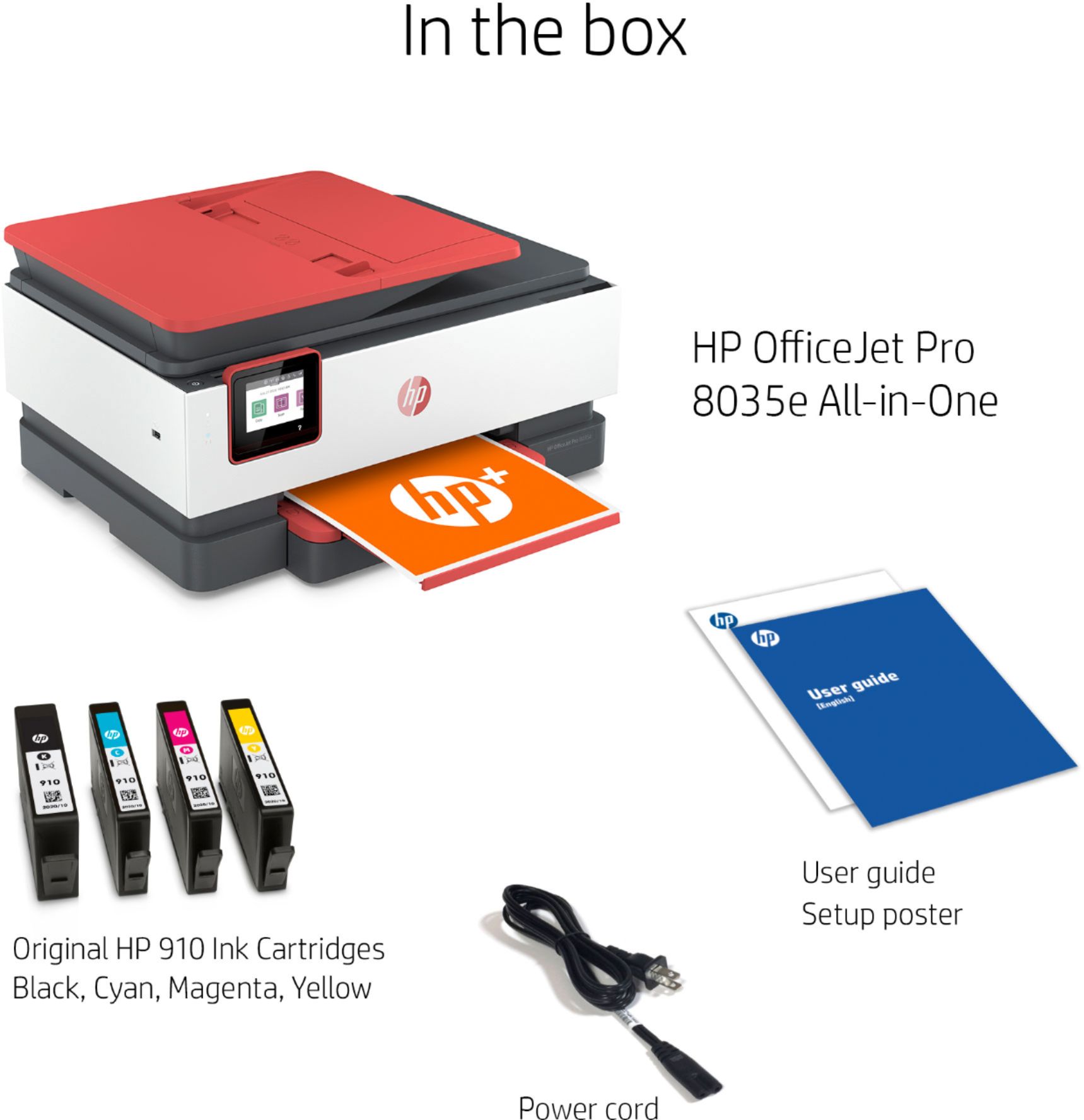
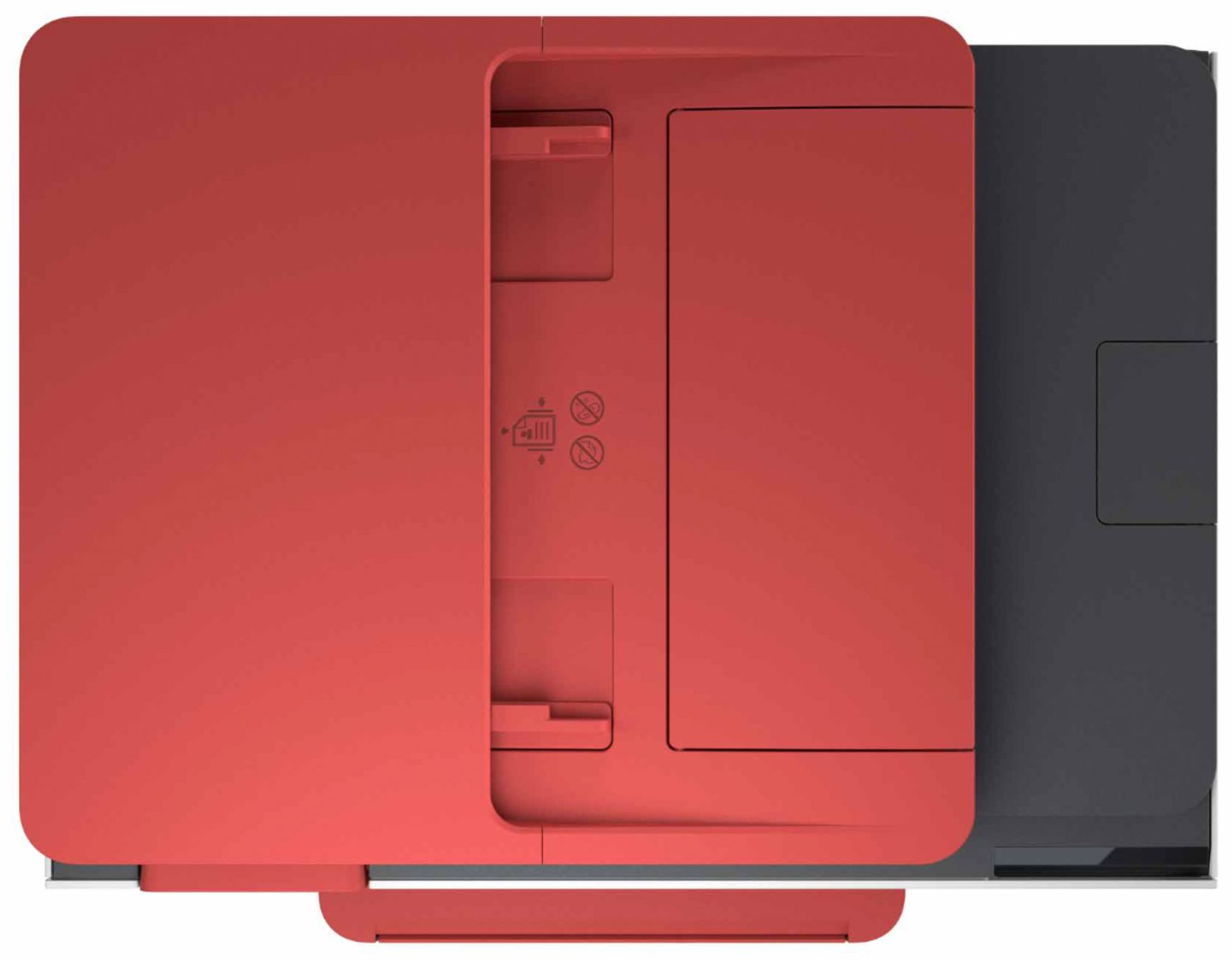
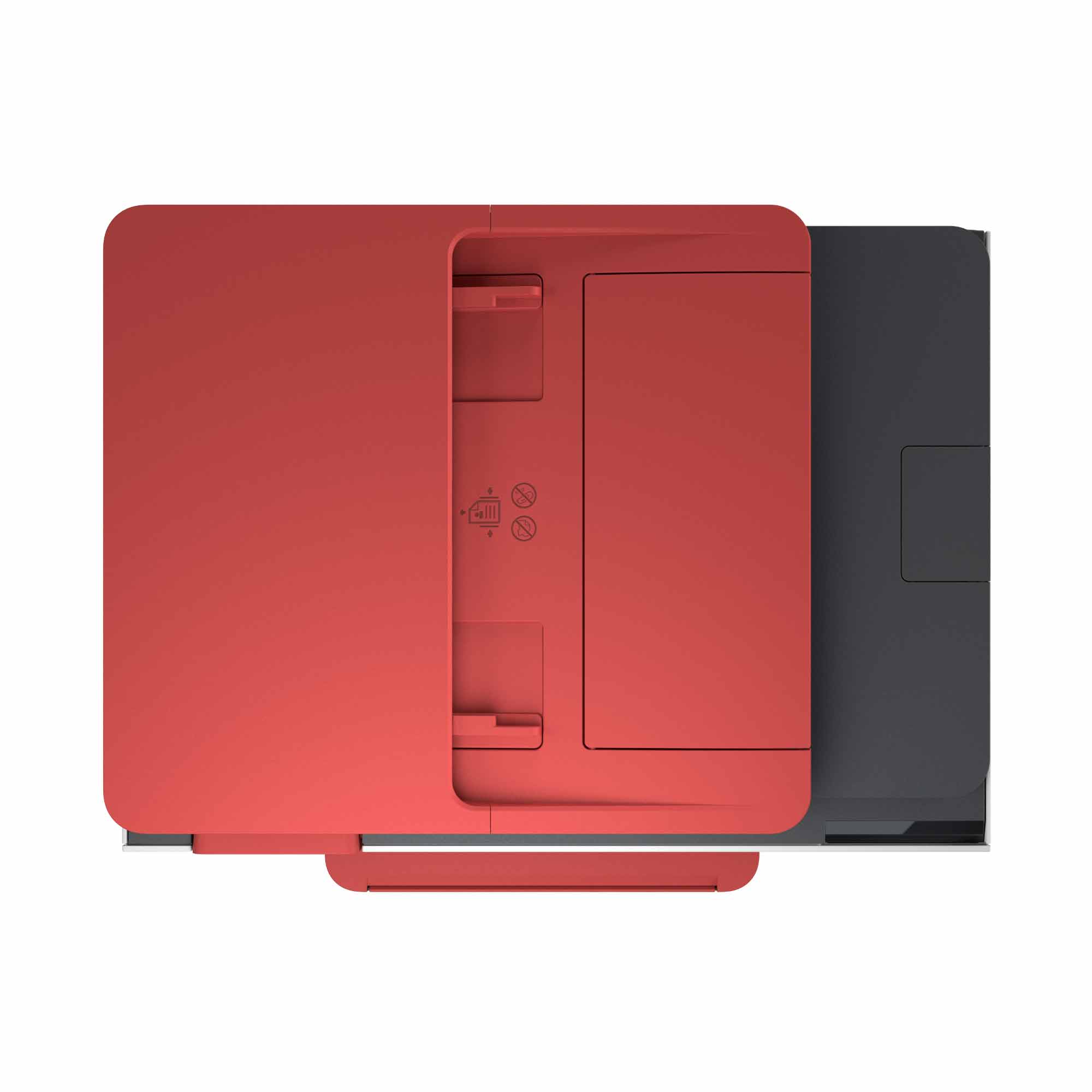
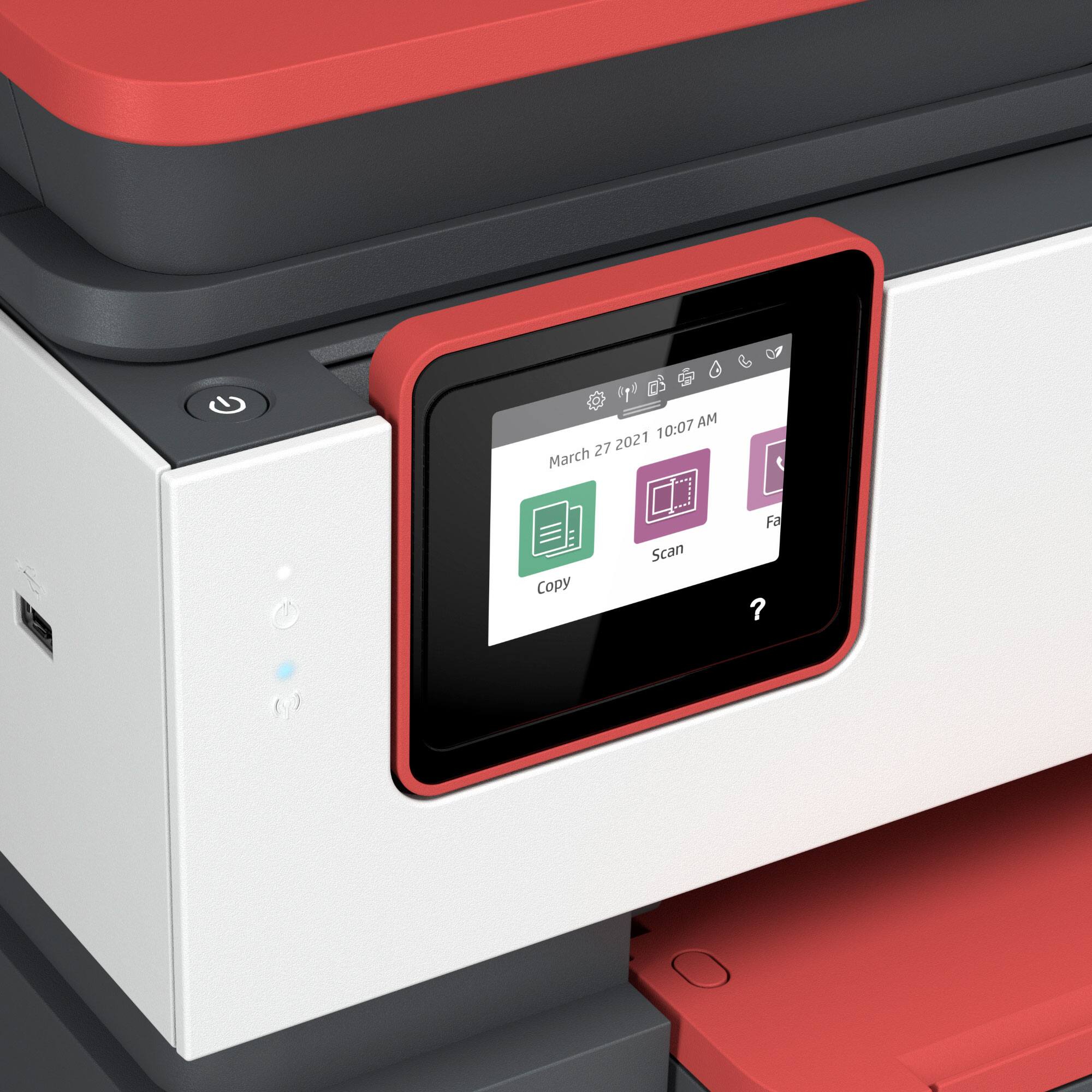
A:AnswerAlthough I have not used this model for faxing, since it has a top loader for scan and copy you shouldbe able to run all pages through the top load for faxing as well. All of my previous HP models did so.
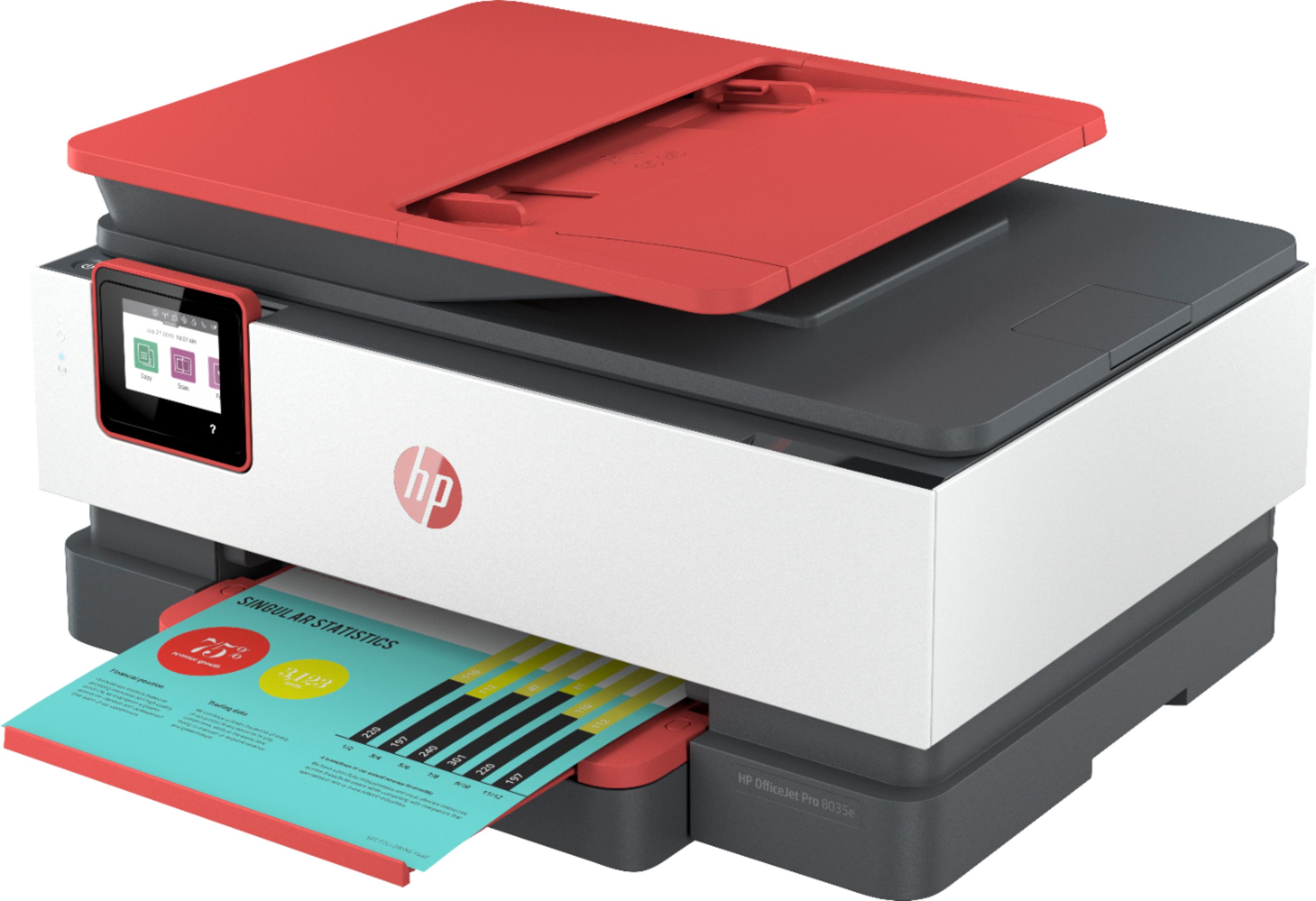
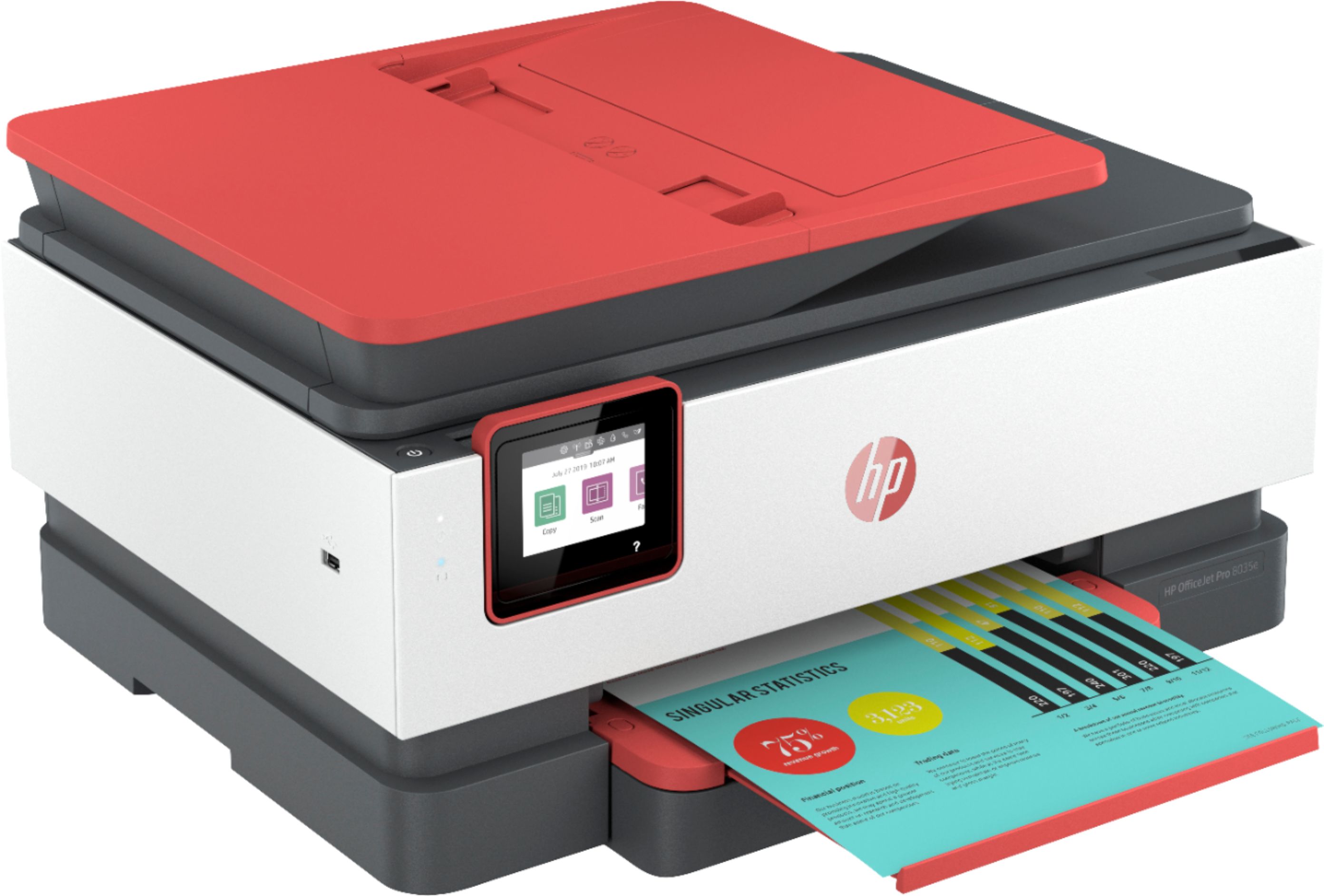
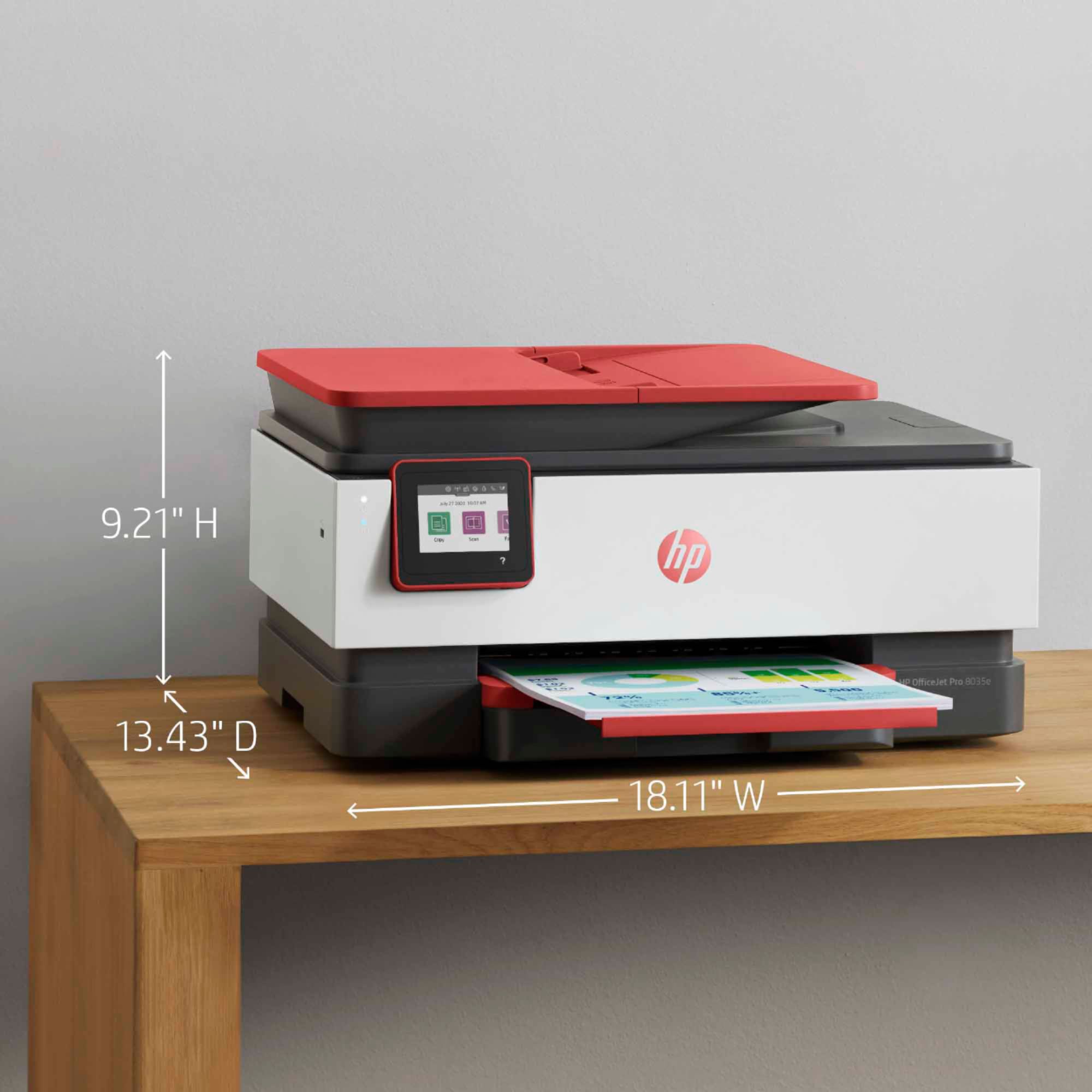
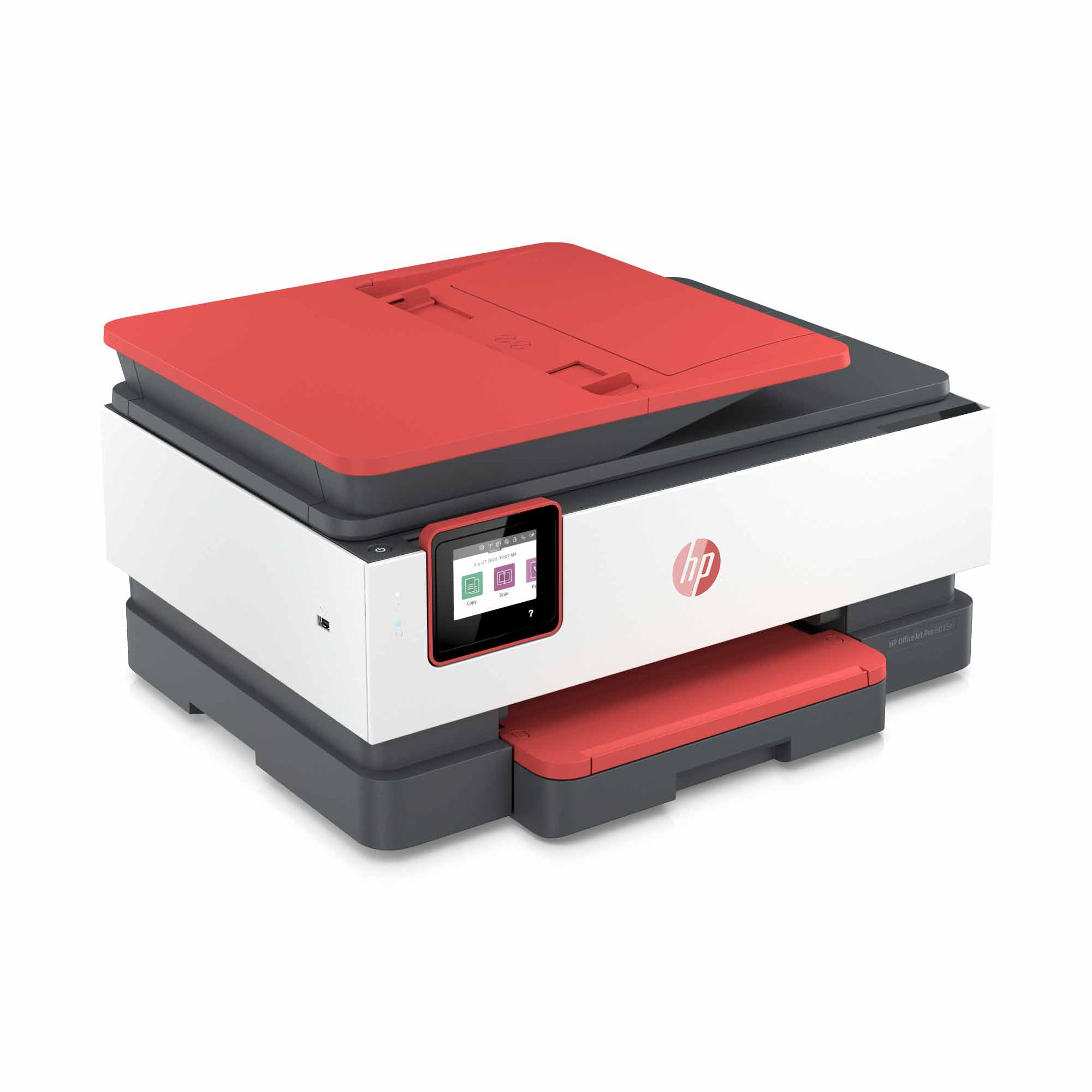
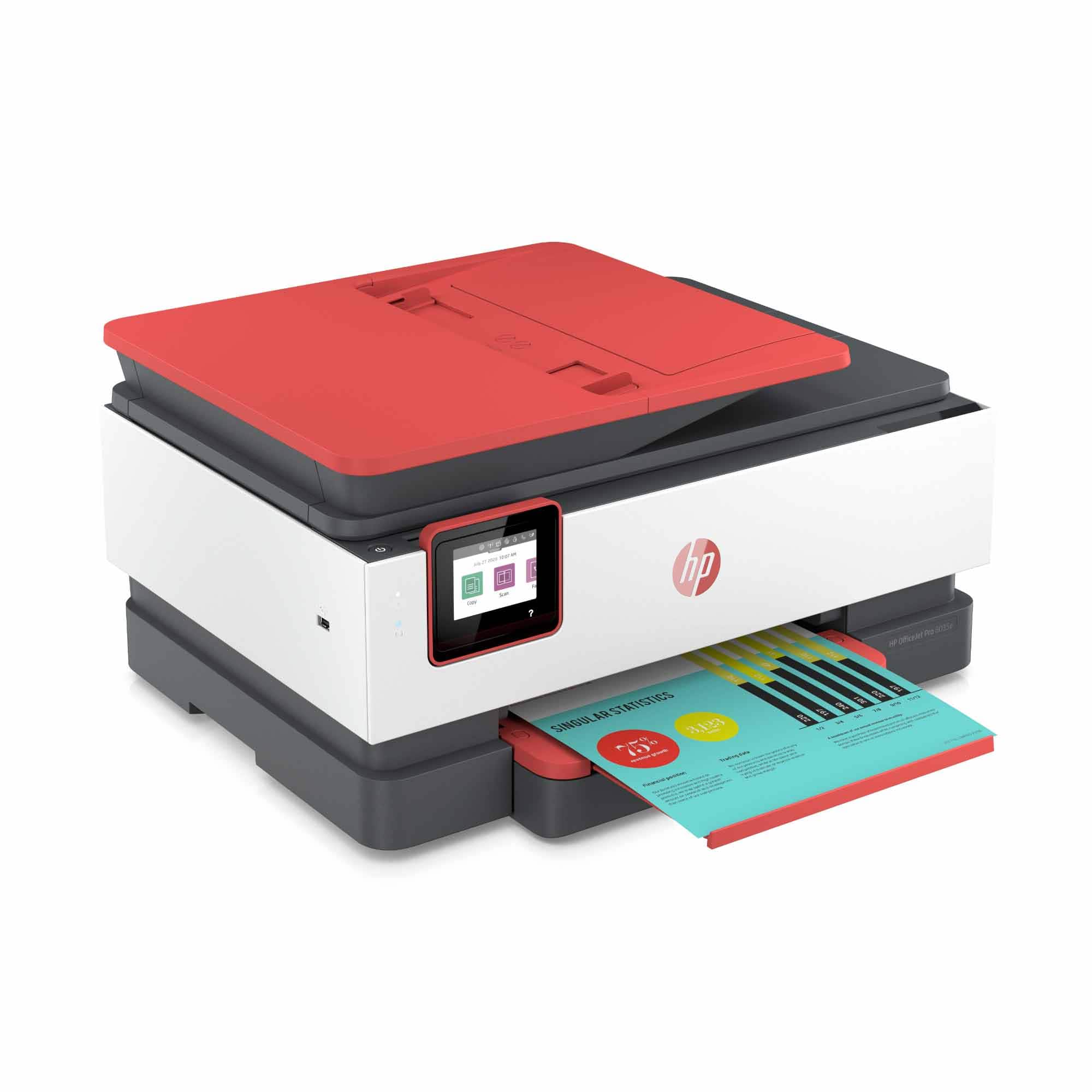
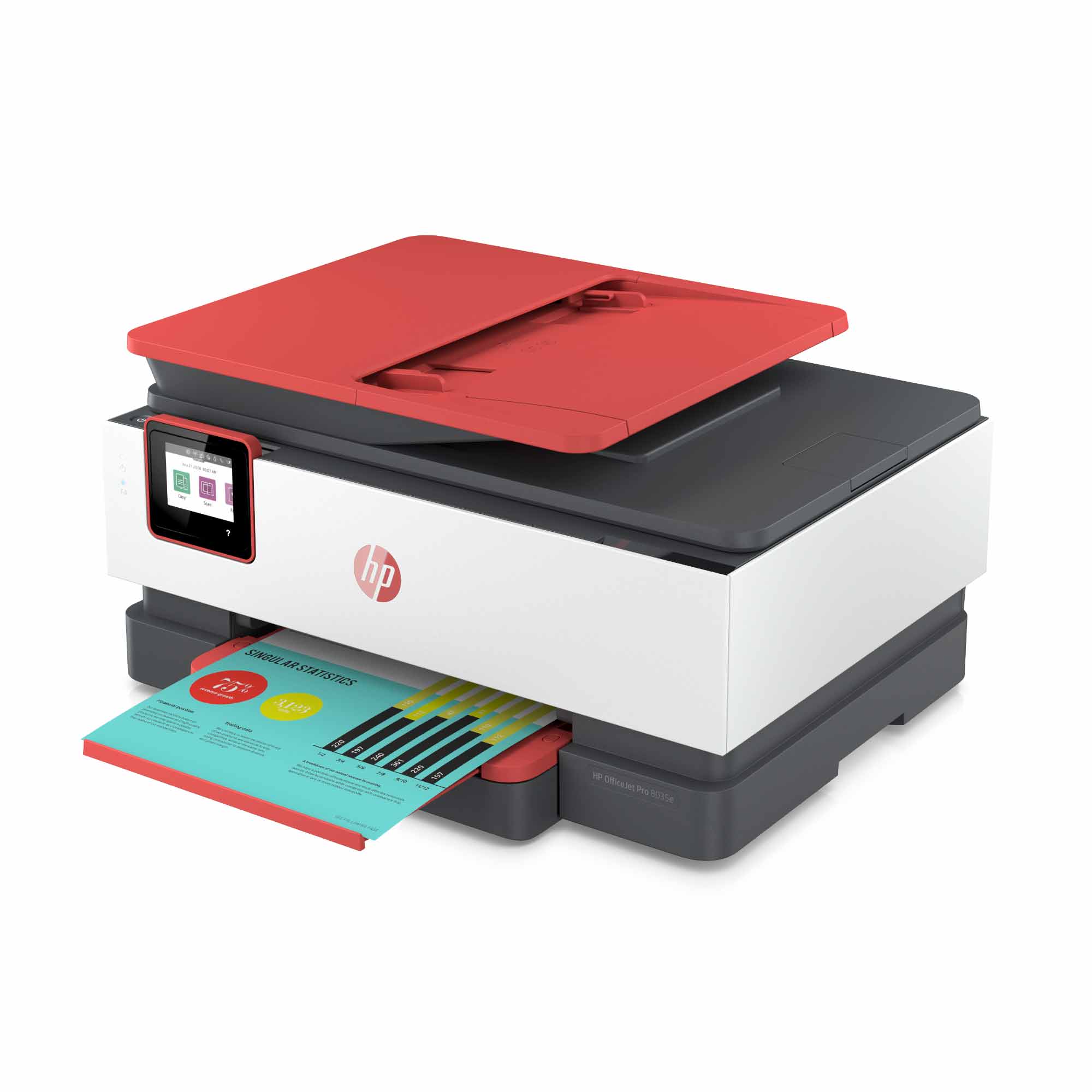
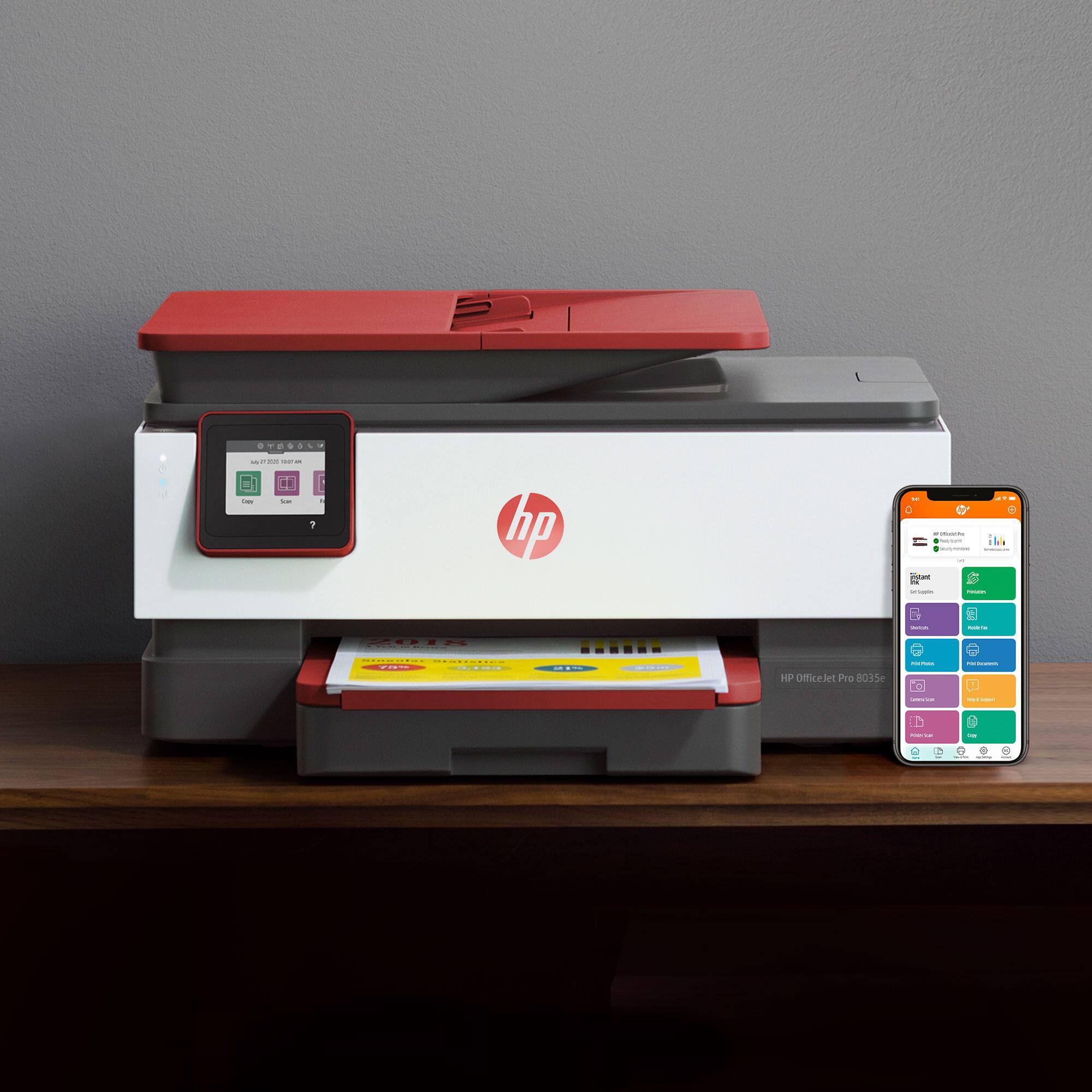
A:AnswerThank you for the question. With trays extended (maximum dimensions) the OfficeJet Pro 8035e measures 18.12" wide, 20.13" deep, and 9.17" high.
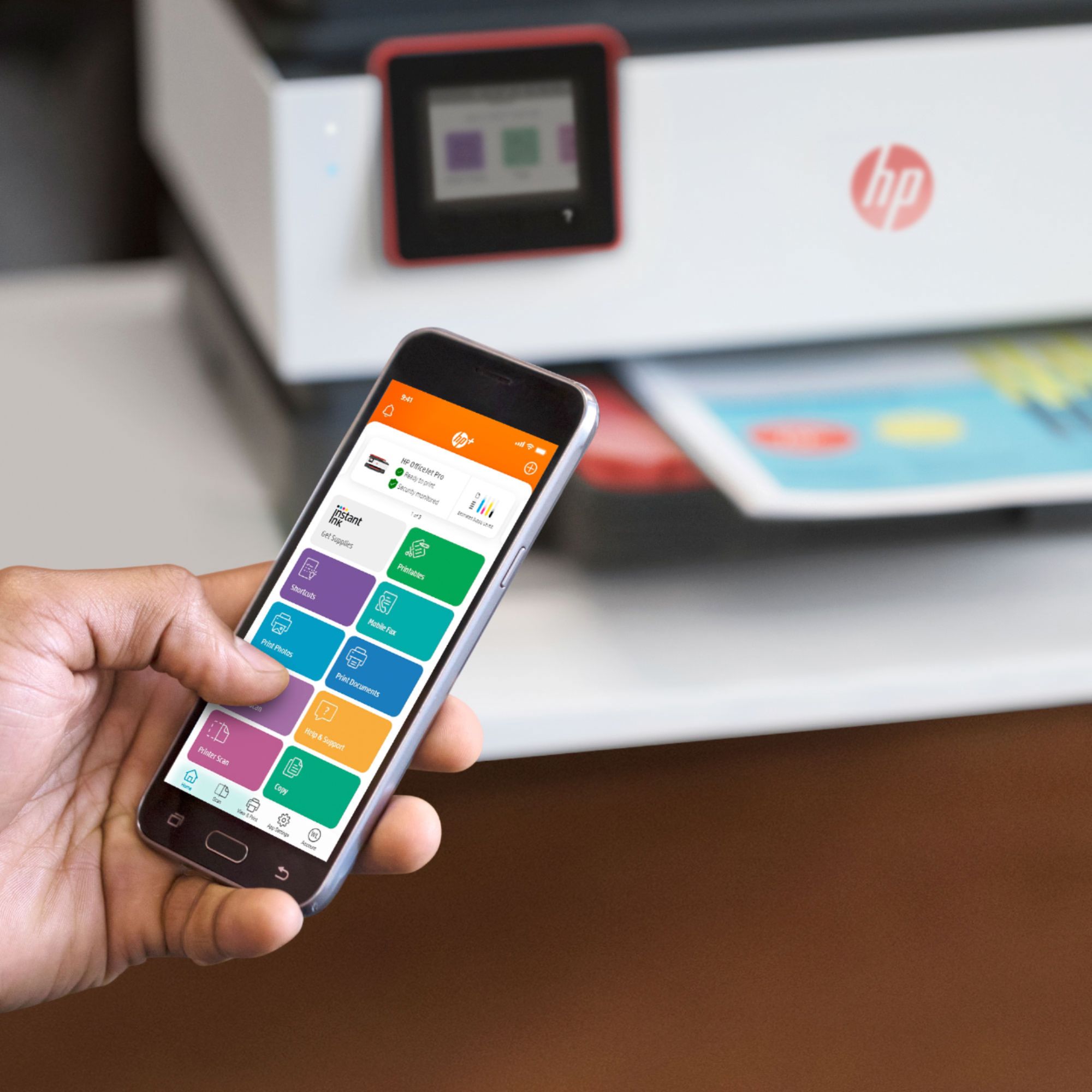
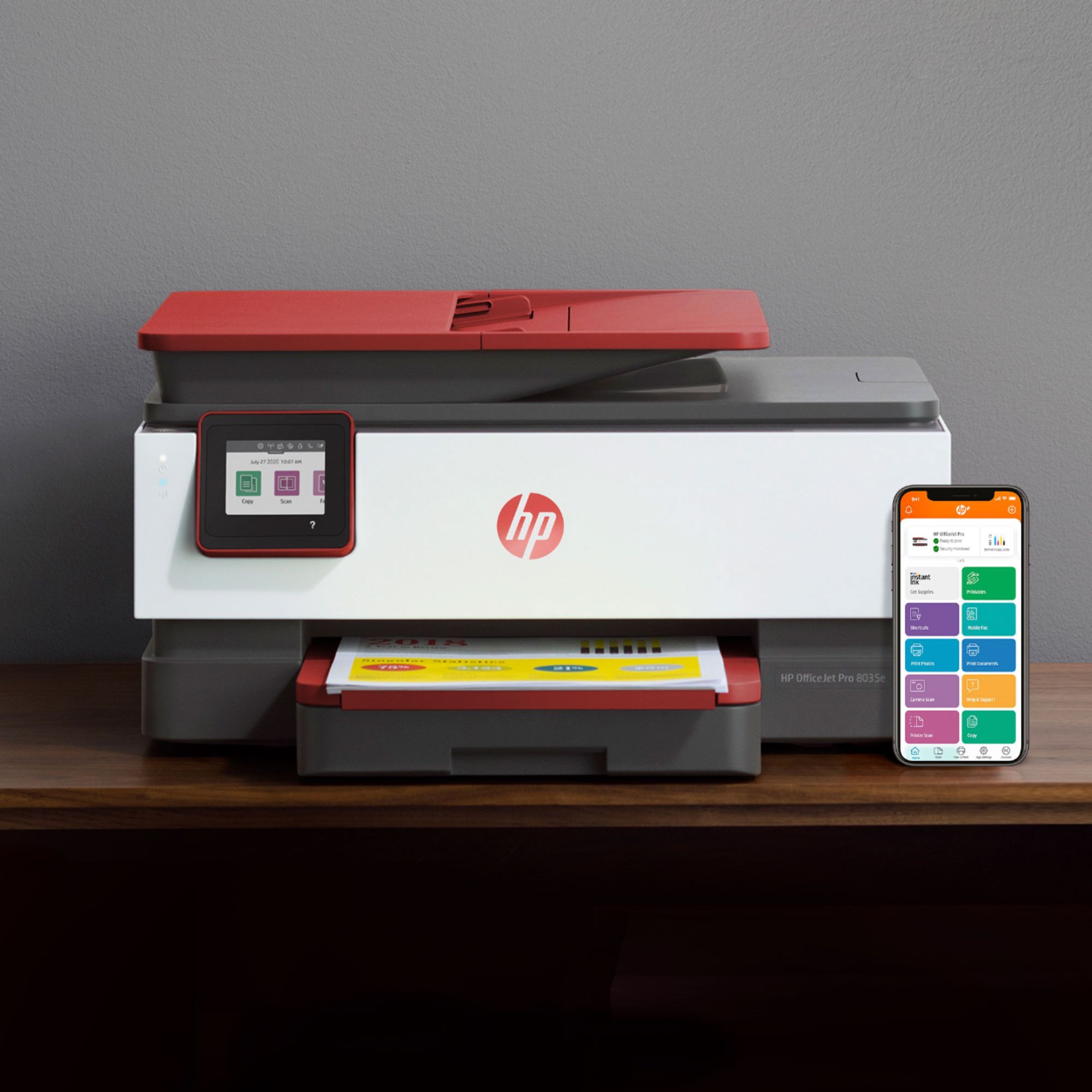
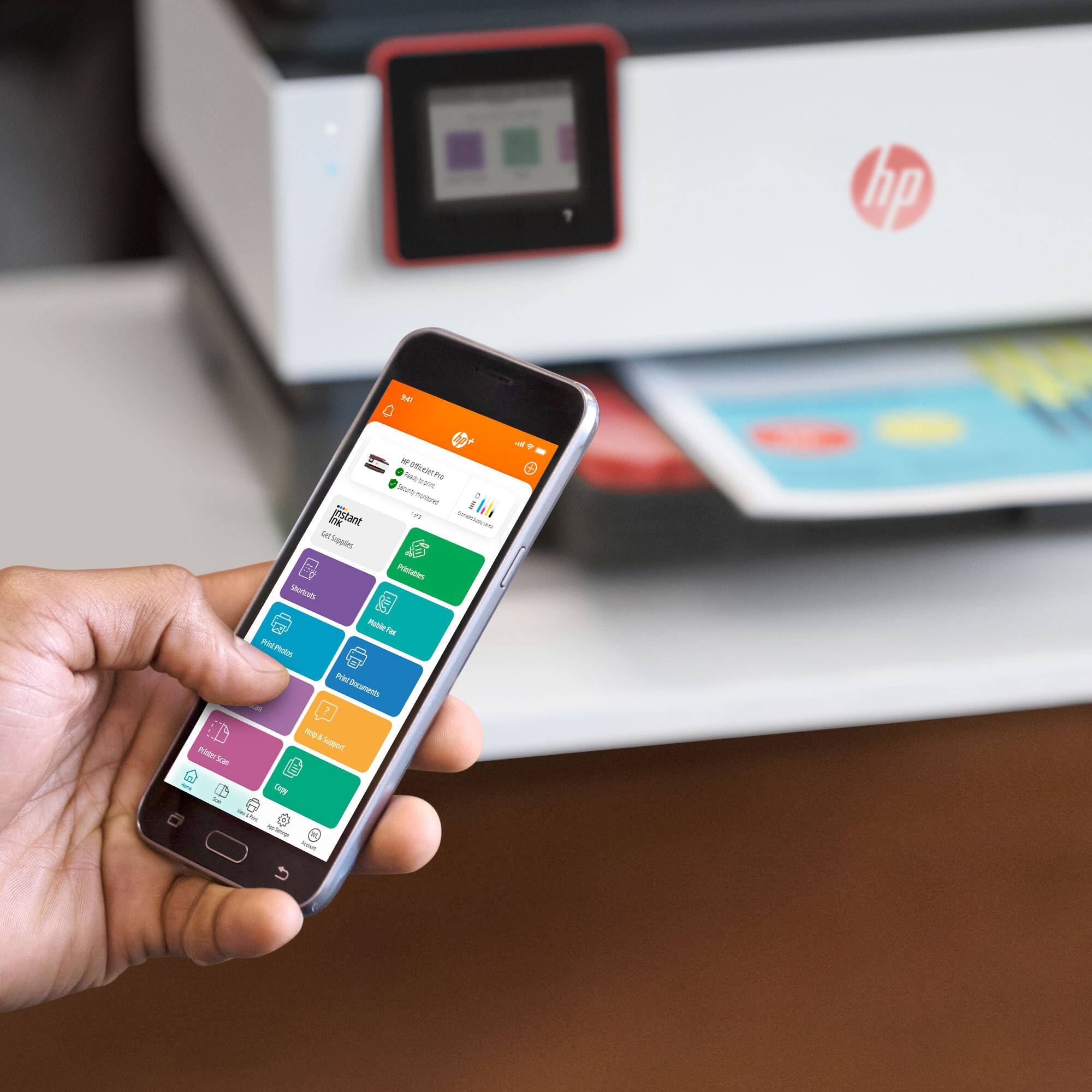
A:AnswerHi Trisha, thank you for asking. HP+ includes free ink coverage (for 12 months with the OfficeJet Pro 8035e) and a free second year of product warranty. Additionally, there are premium scanning features with the HP Smart App, print from anywhere and mobile faxing using your smartphone, and more.
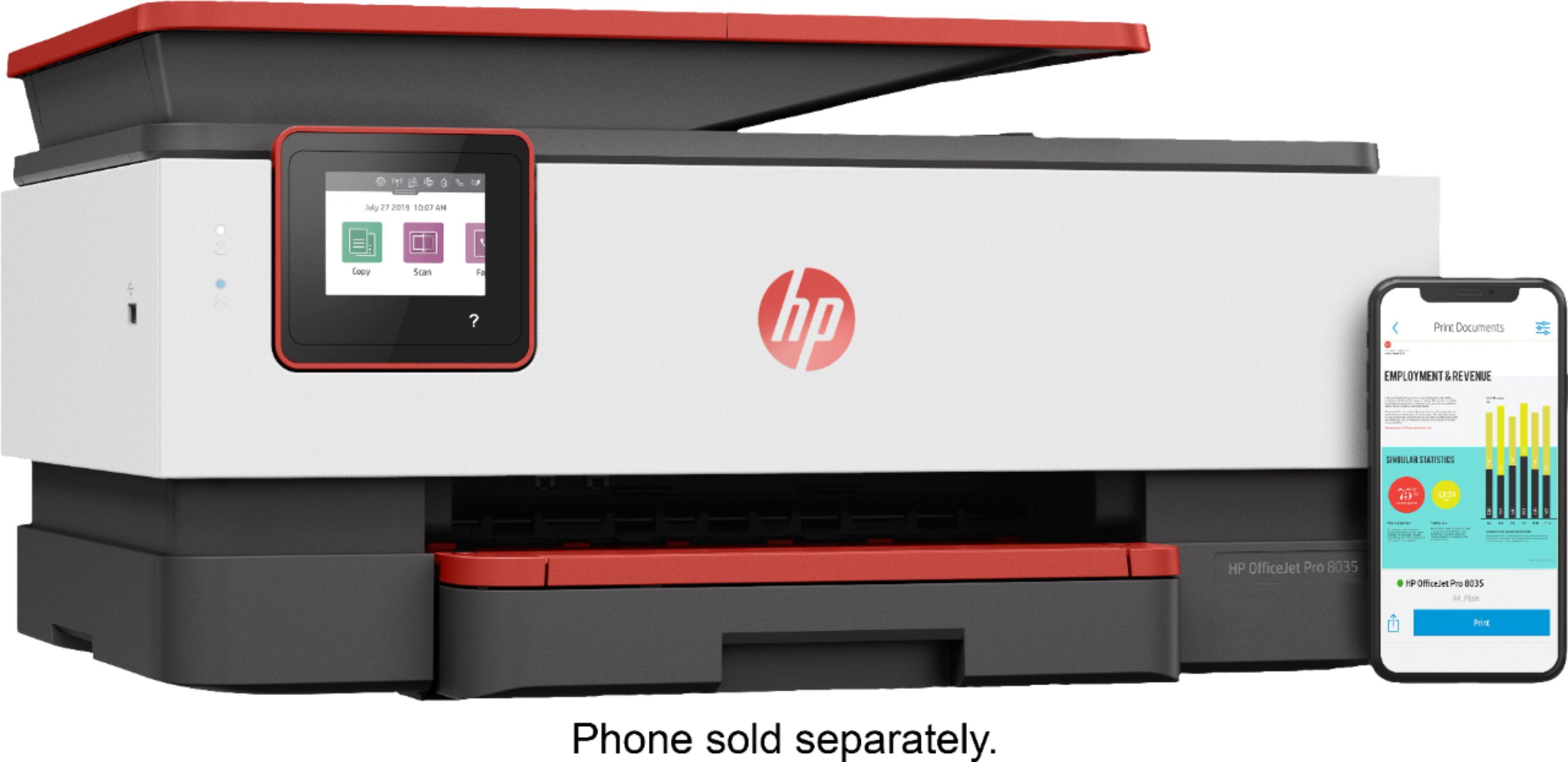
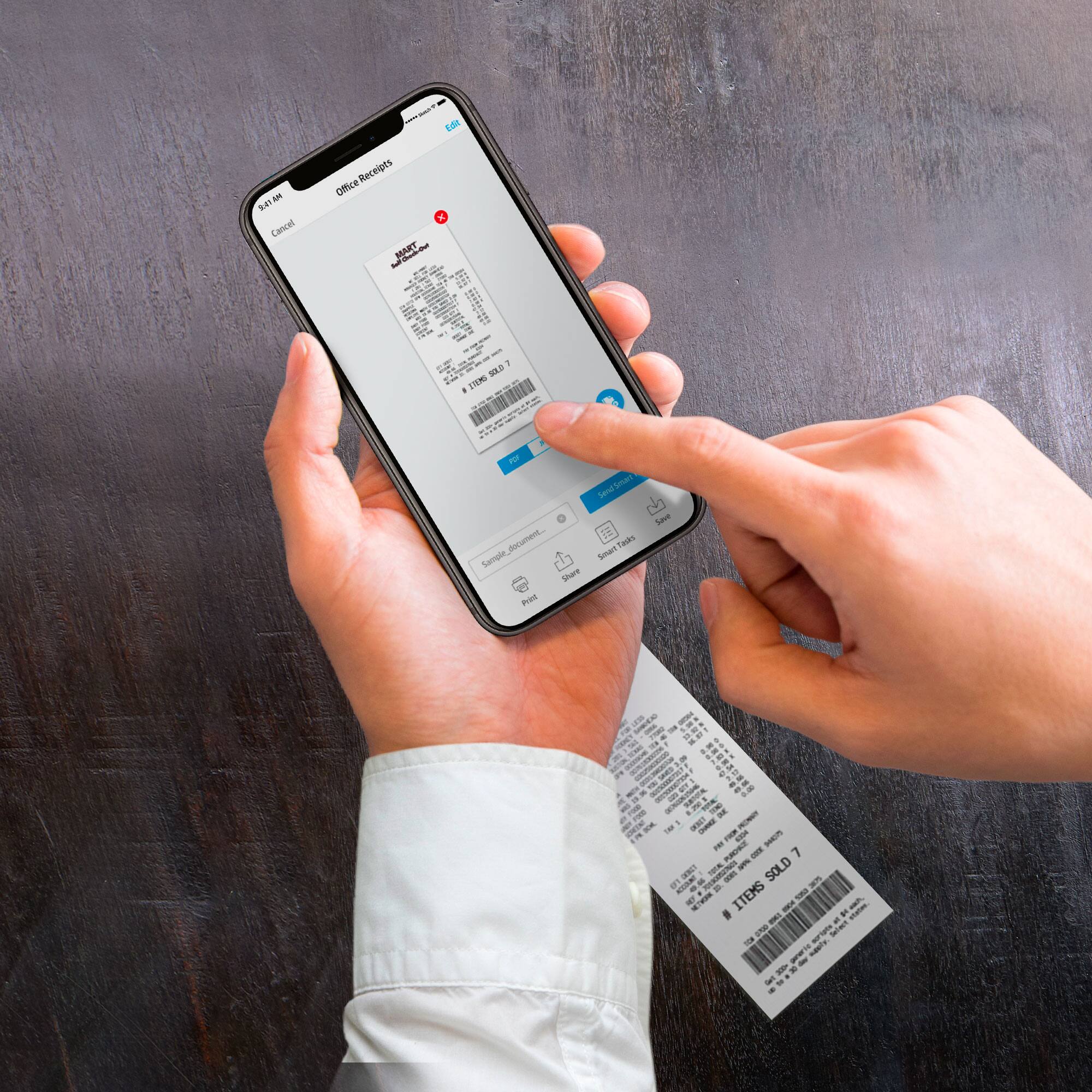
A:AnswerHi Kay, thank you for asking. Advanced App Features of the HP Smart App allows you to do more using your phone, like book scanning, multi-item recognition, auto-heal (removing hole punches or other distracting marks), flattening curved pages, and easy editing, copying and sharing text directly from your scan. You can also customize shortcuts to complete your most repetitive tasks in less time. Program Shortcuts in HP Smart and use them again and again.
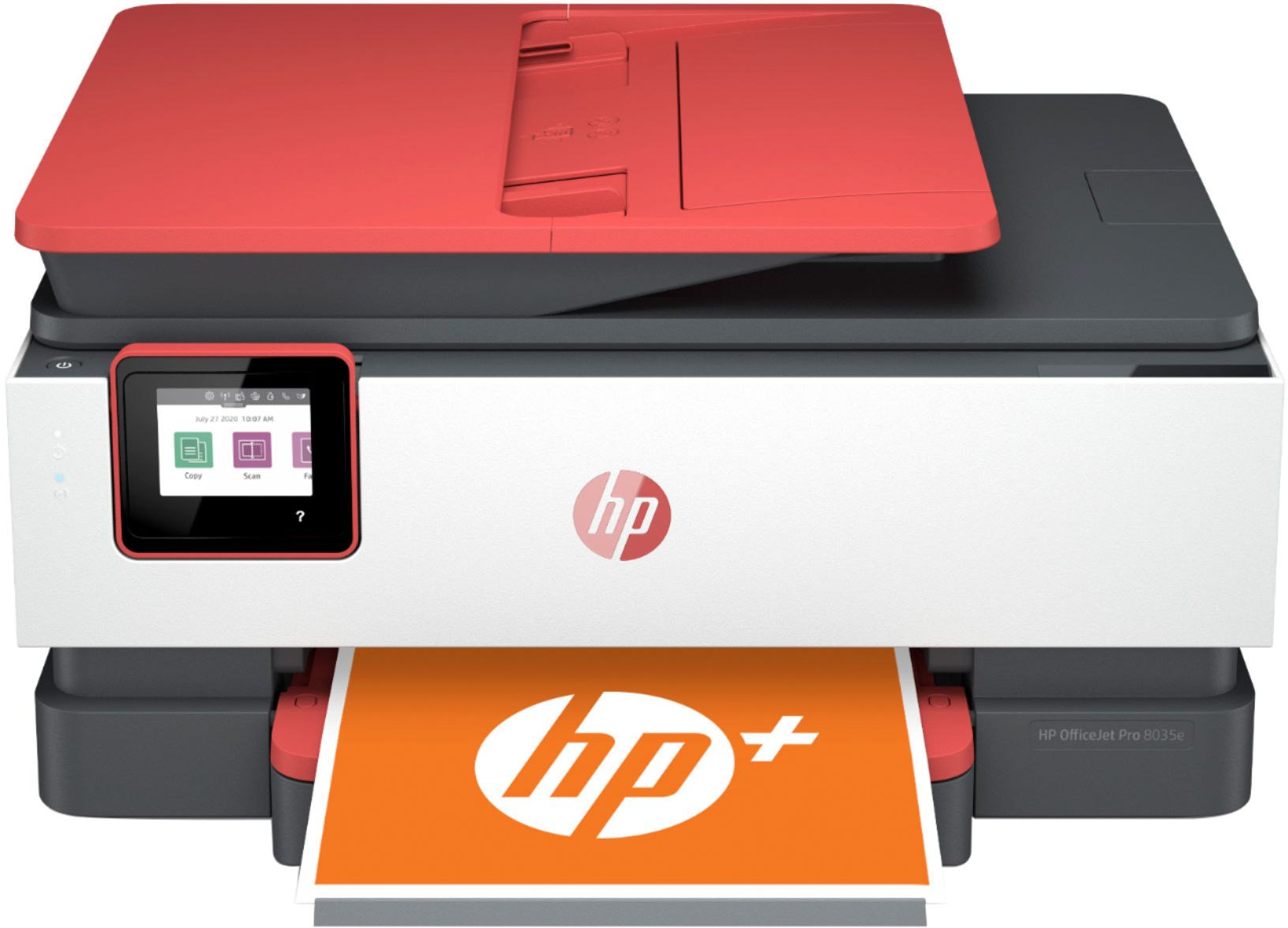
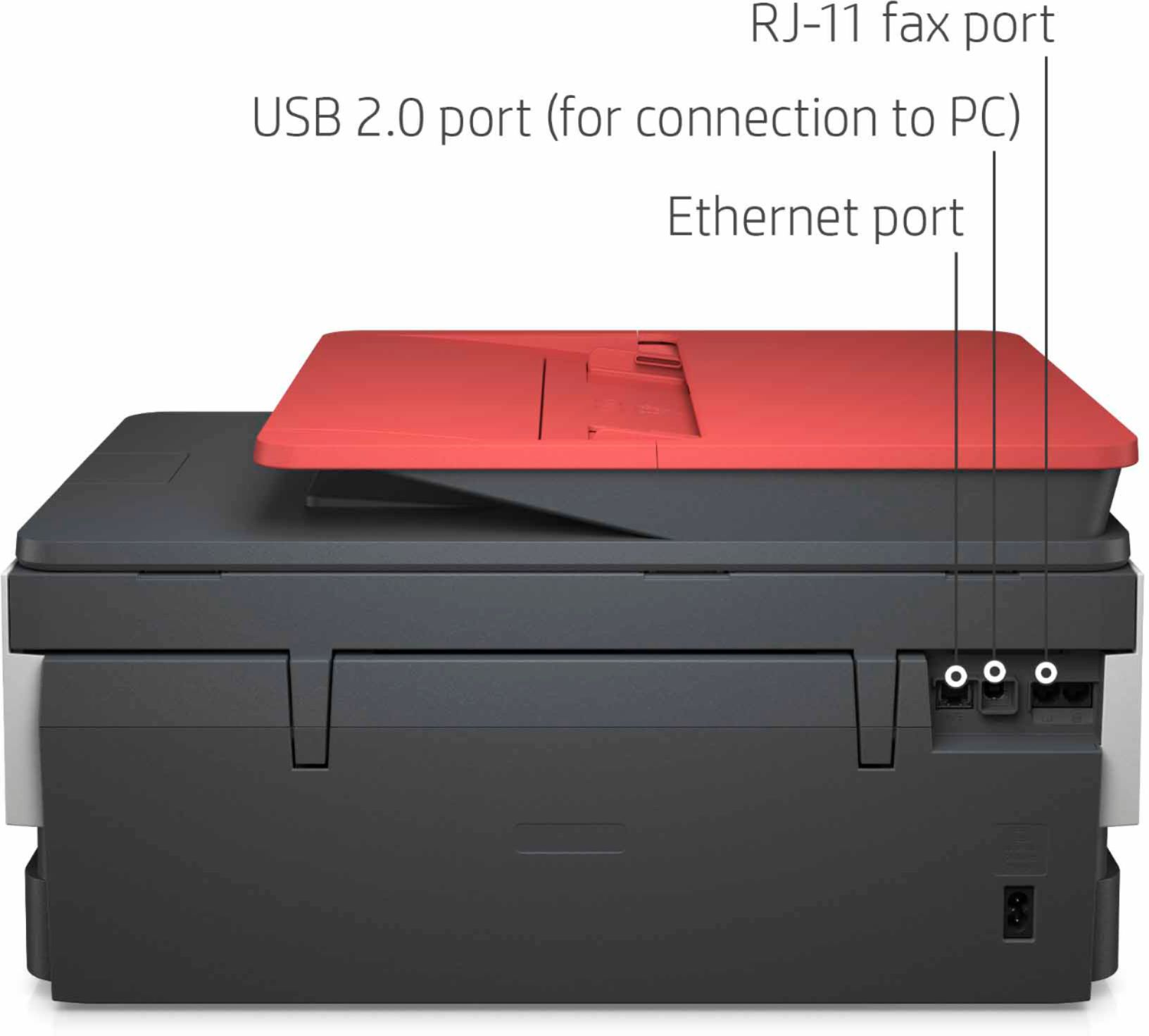
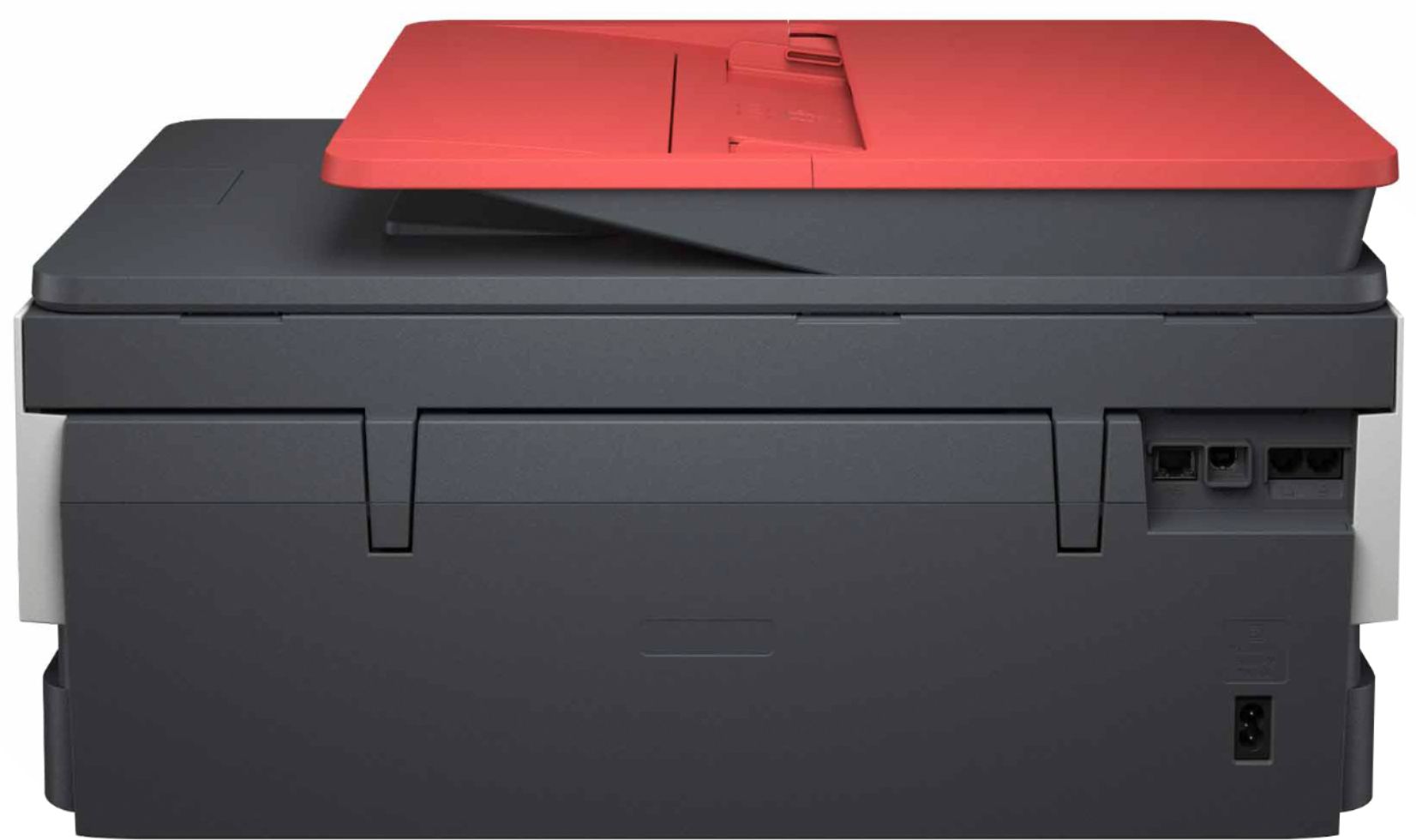
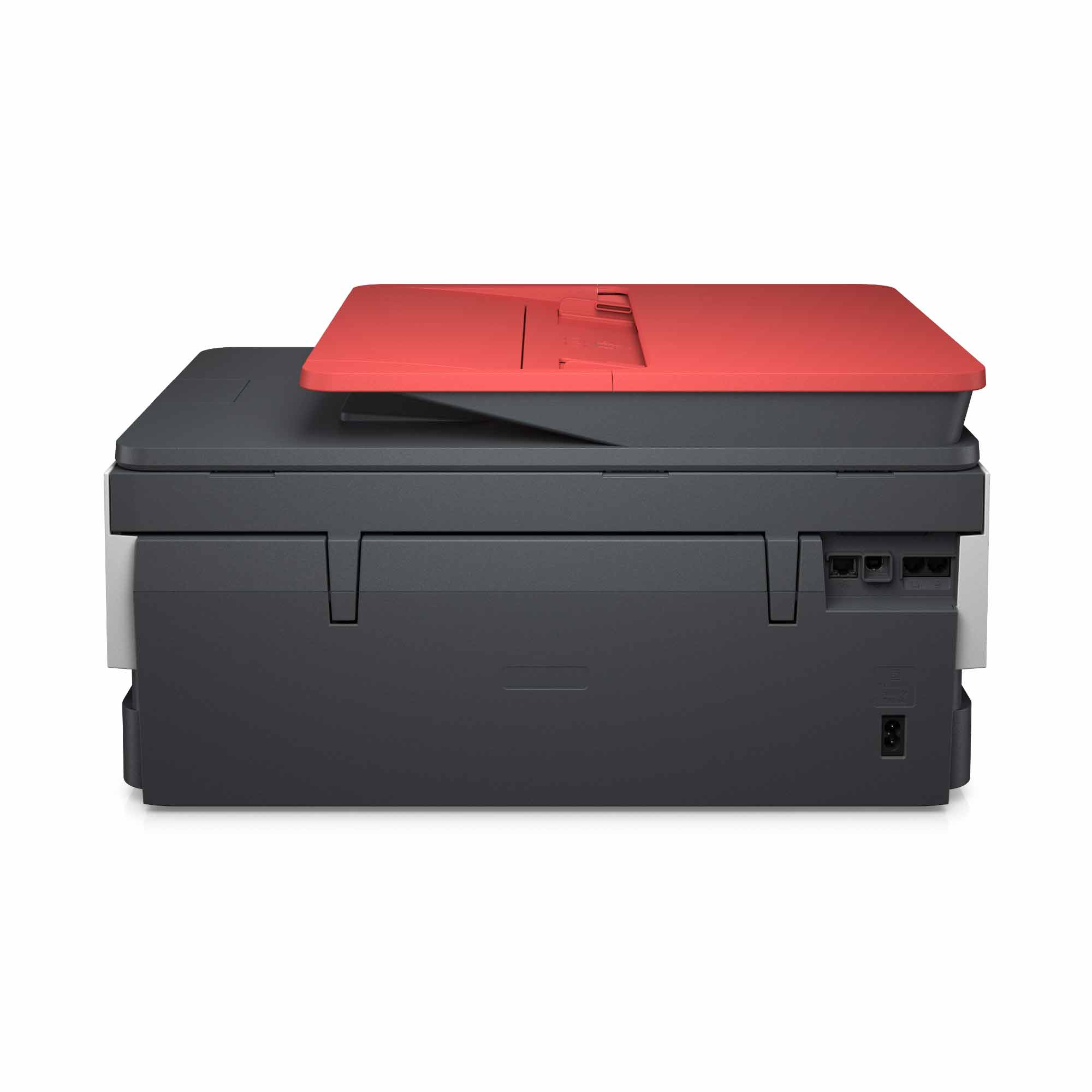
A:AnswerHi Jessie, thank you for the question. The OfficeJet Pro 8035e has a fax modem onboard. There is a telephone cord port on the back of the printer to connect your landline to send and receive faxes.