A:AnswerHello and thank you for asking. I am unable to assist you with this. Please contact HP Support. They can give you expert help with your question.
A:AnswerYes it will however I have not had it scan front and back thru the feeder but I believe it will. I would contact HP and contact a tech to make sure.
A:AnswerI would think so. I already had HP Smart on my old printer and was happy it auto setup and has many new features. I have win 10 so I don't know about win 7. Check HP Support web site for possible answer. Good luck.
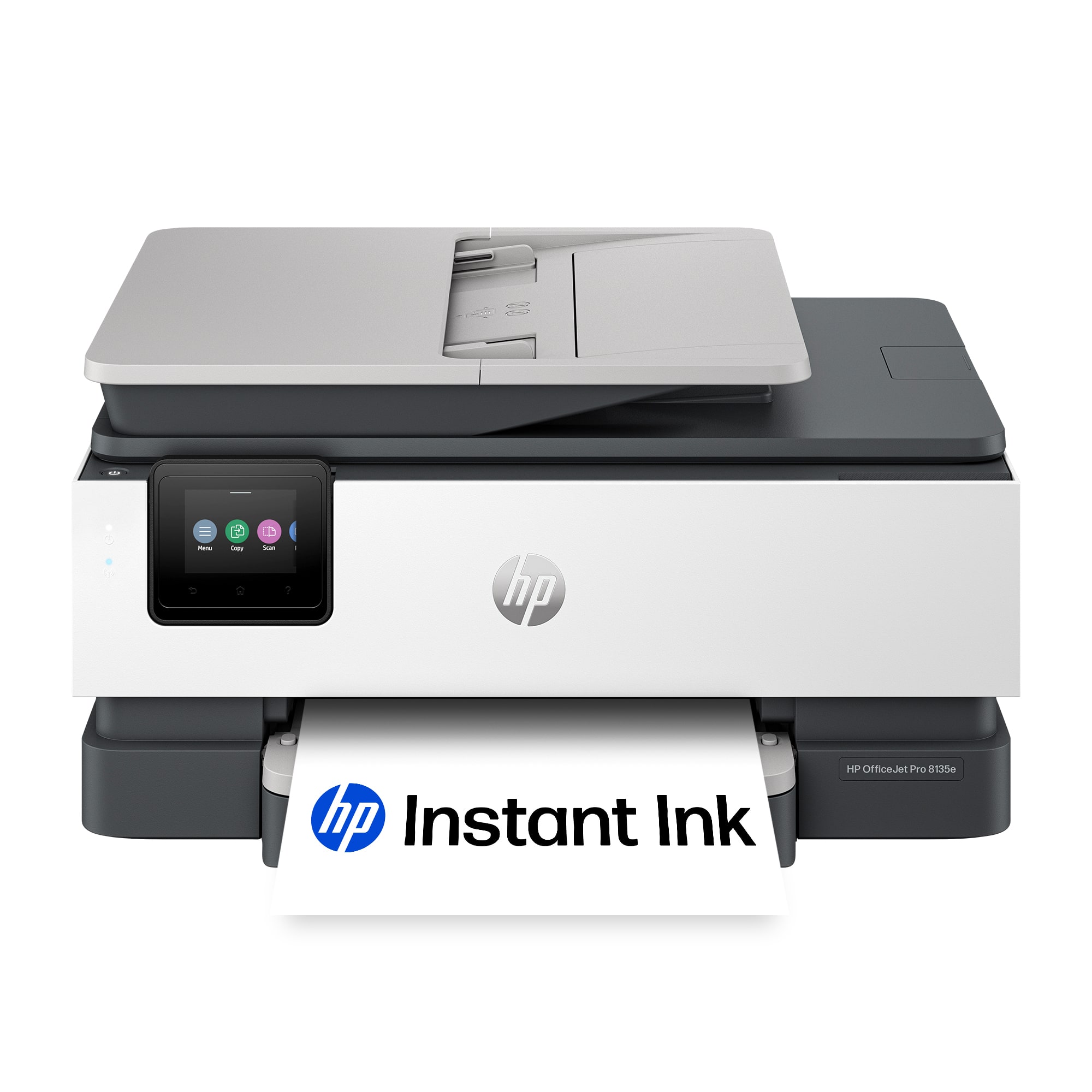
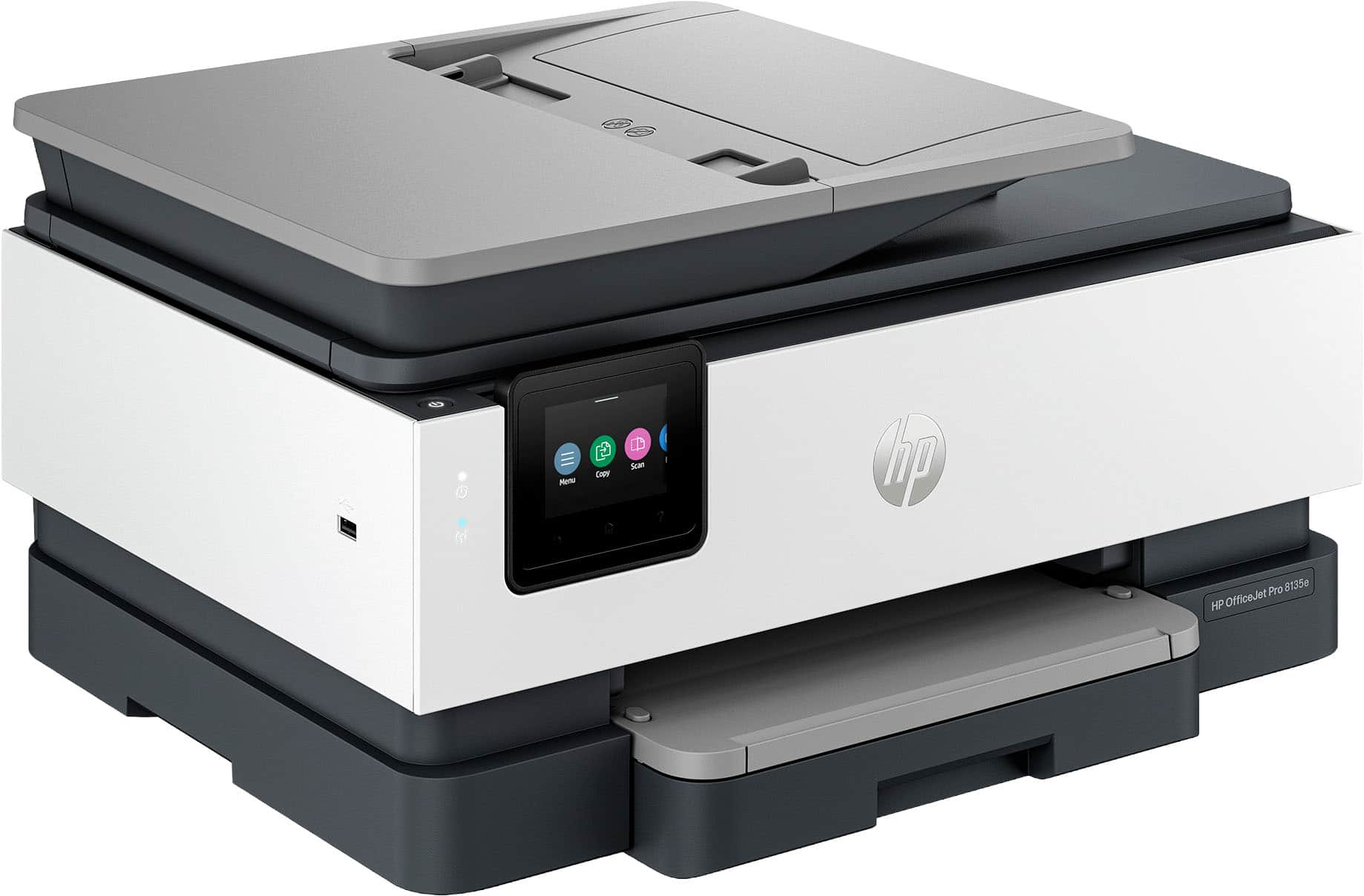
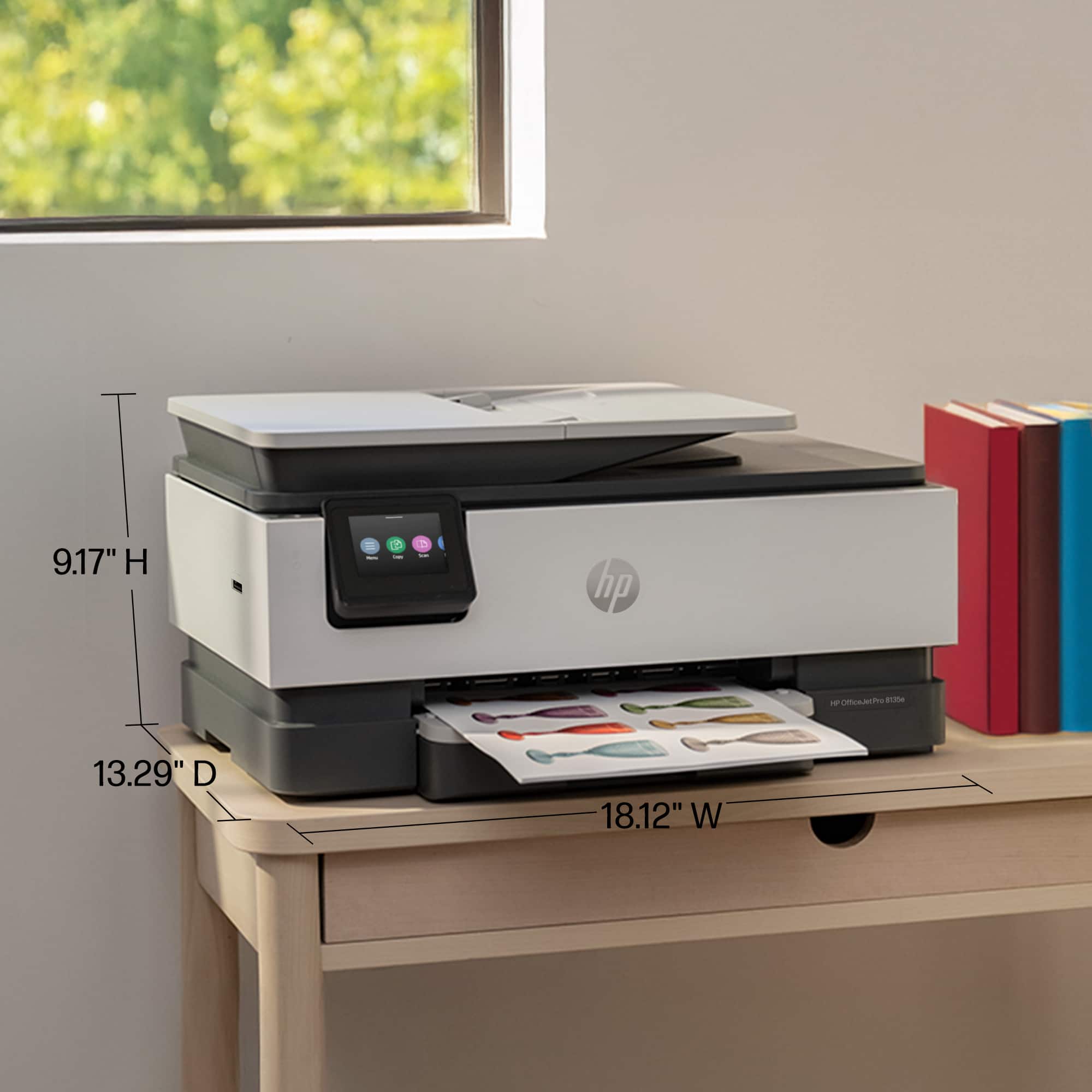
A:AnswerThank you for your question. The OfficeJet Pro 8135e All-in-One Printer has the following dimensions: Width: 18.12 inches, Depth: 13.29 inches and Height: 9.17 inches.
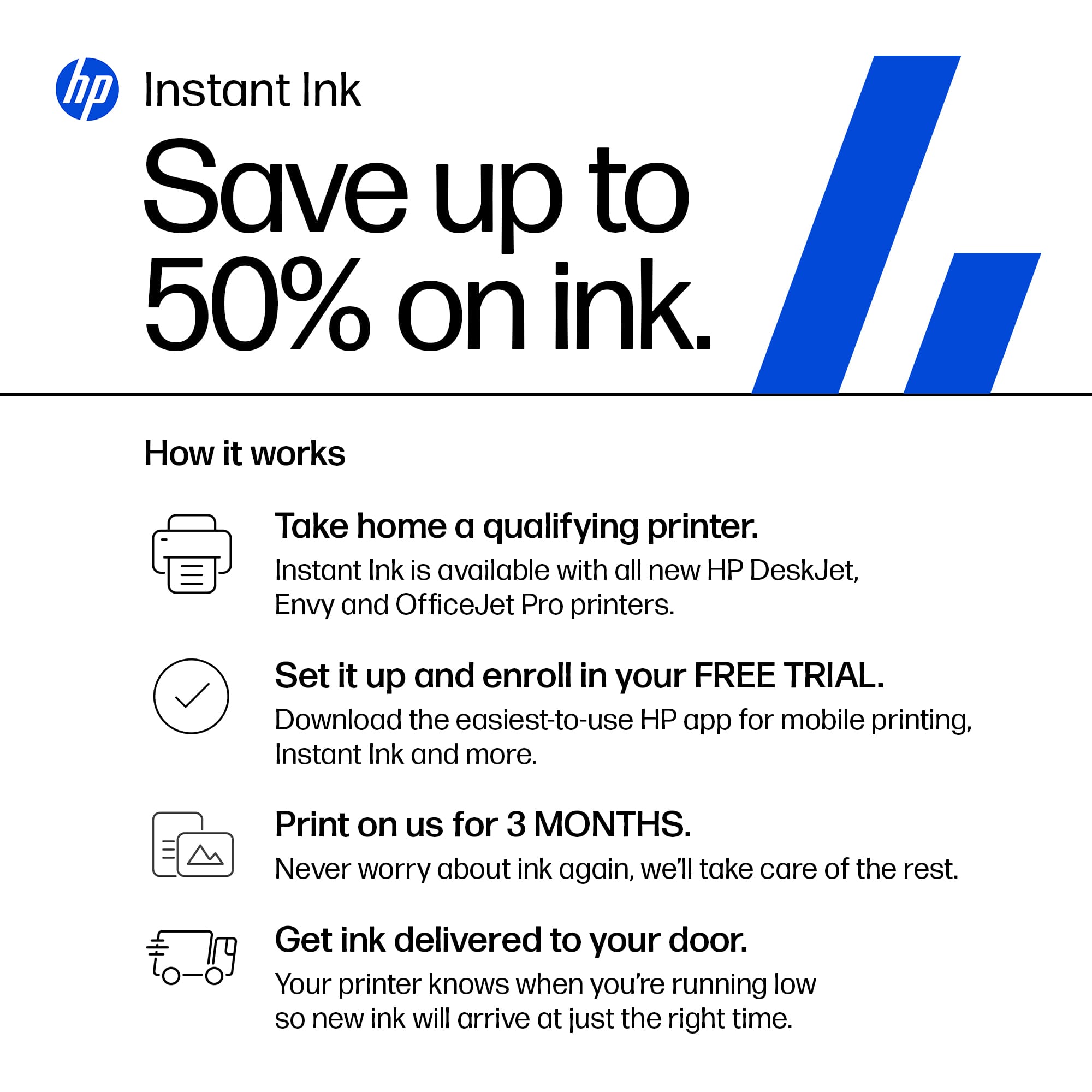
A:AnswerThank you for the question. Instant Ink plans are for cartridges only. Bottled ink used in the Smart Tank printers are not a part of the service.
A:AnswerArt, thank you for your question on the ink program for this printer. To cancel the Instant Ink service, you log onto your HP Instant Ink profile and cancel. Make sure that you have store-bought HP inks ready, as the Instant Ink-provided cartridges will only work while the printer is on the program.
A:AnswerThank you for your interest and your question about this HP OfficeJet Pro printer. It prints pictures very well but does not support borderless 8.5x11 printing. For the best-quality photos and full-page borderless printing, HP offers the Envy Inspire 7255e and Envy Inspire 7955e through Best Buy.
A:AnswerAccording to the Minimum System Requirements printed on the product box for a PC you need either Windows 10 or 11 with 2GB SSD, Microsoft Internet Explorer or Edge, and Internet access.